
Home Electronics Addon (26.x, 1.21) – Craft Working Electronics
 19,569
 2


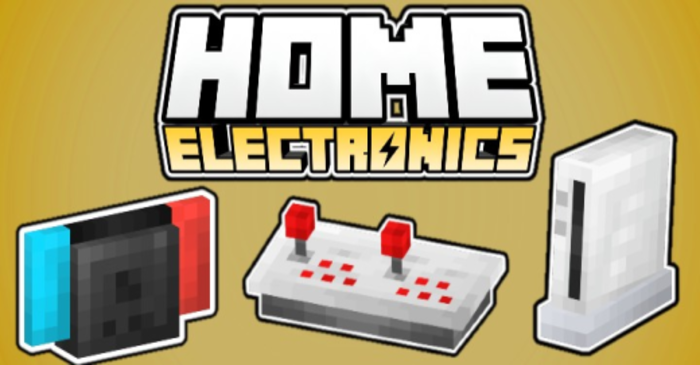
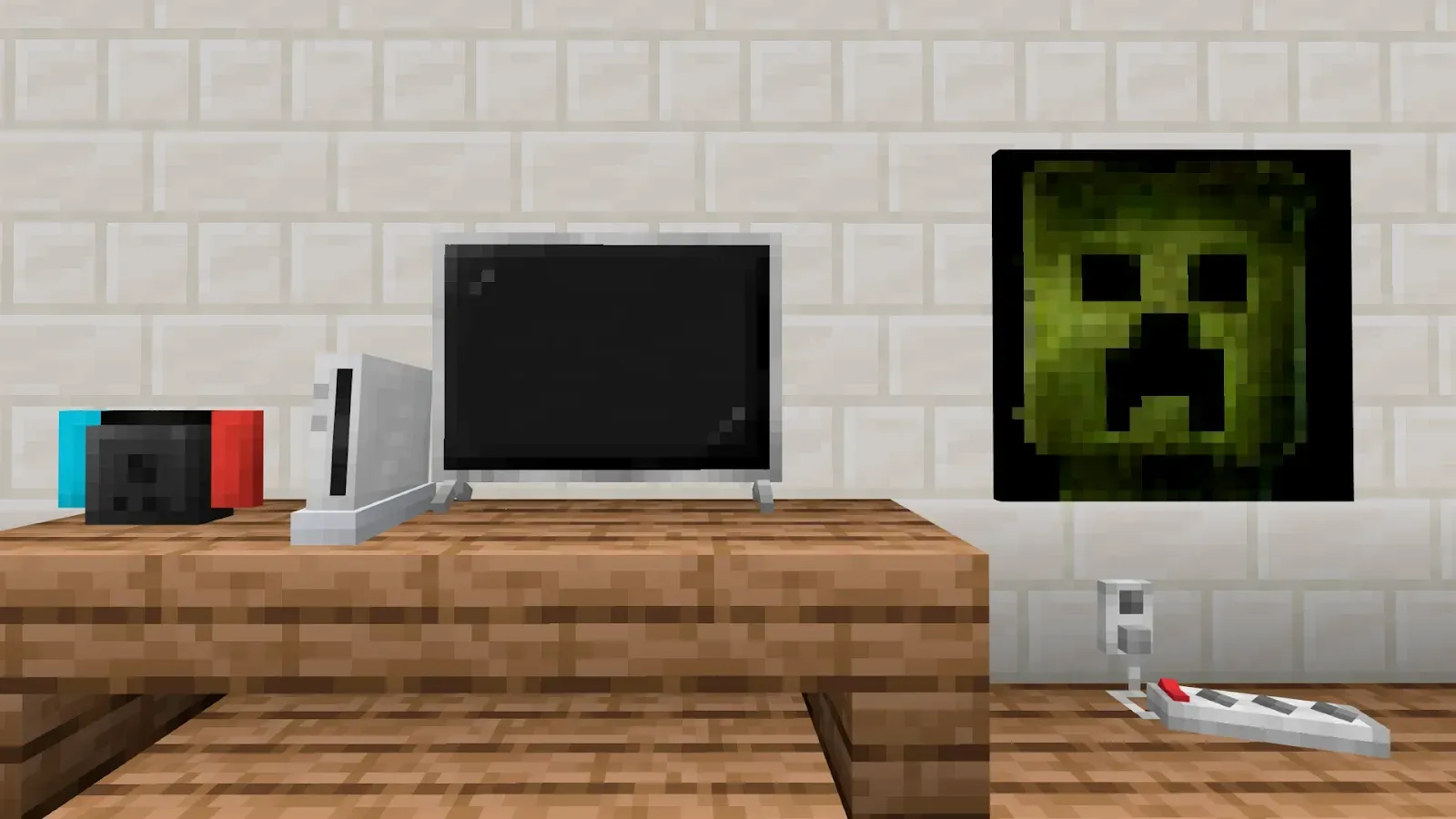
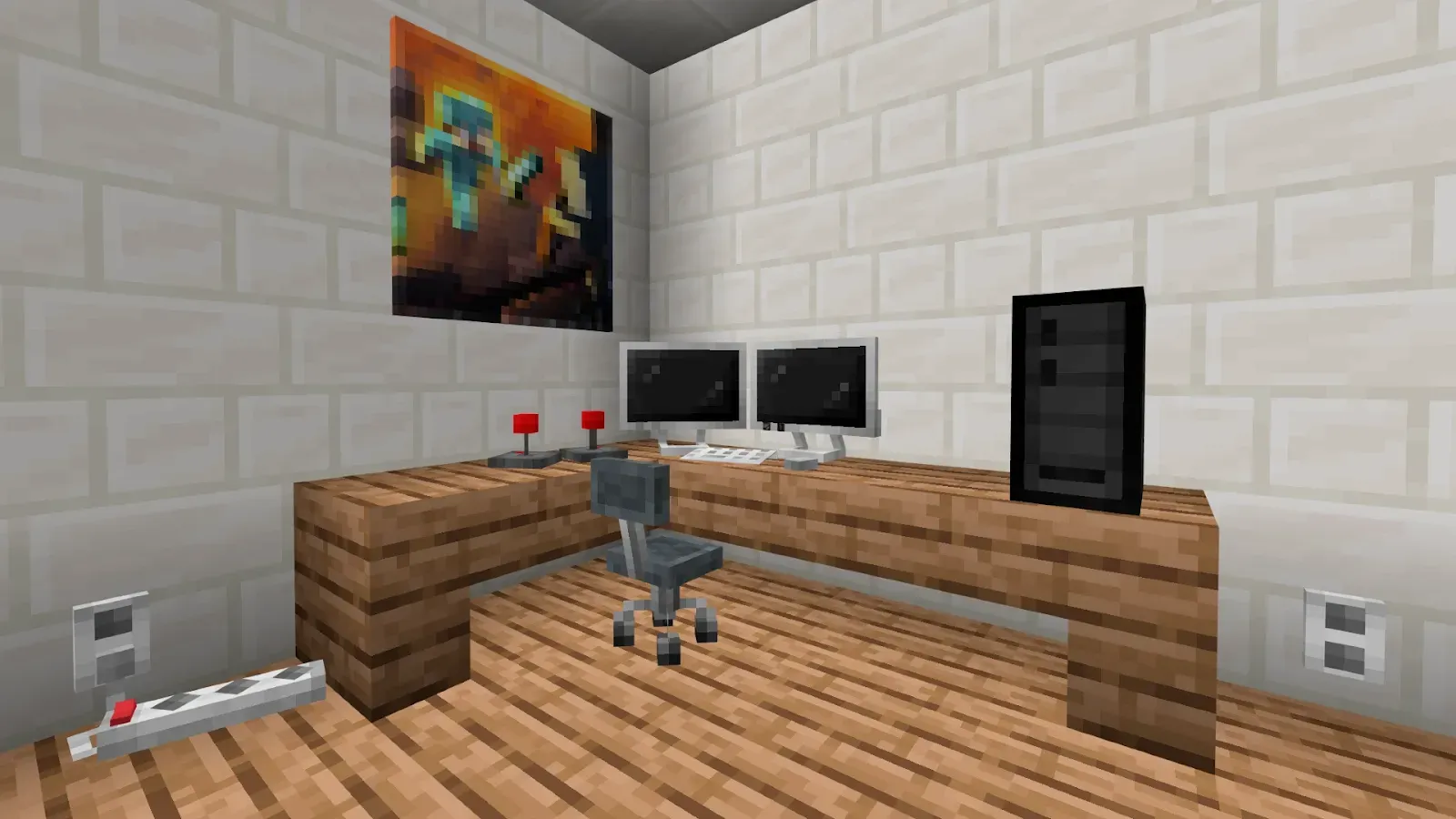
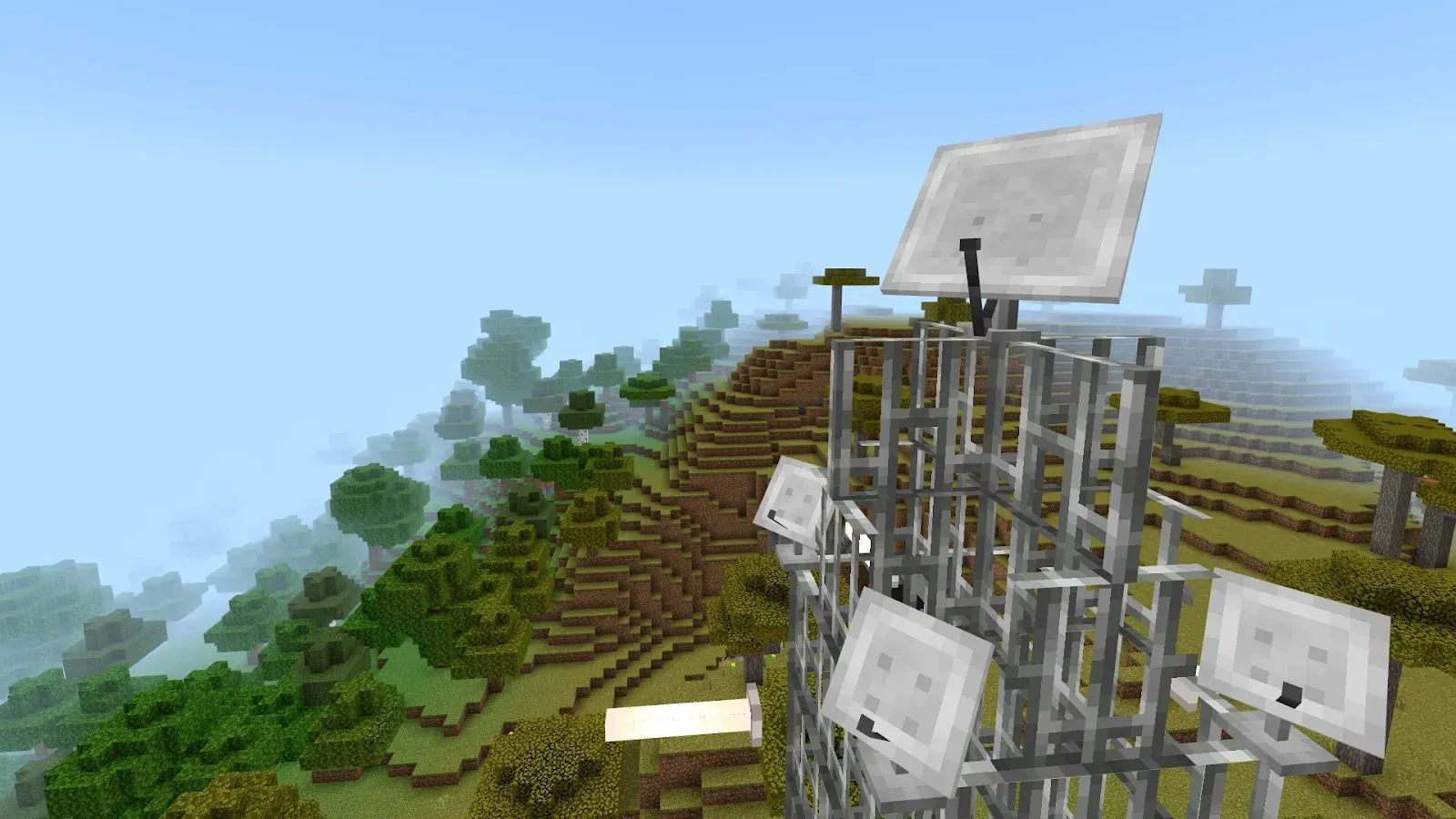
Home Electronics Addon brings modern furniture and working appliances into your Minecraft world. This addon packs in hundreds of items focused on retro decor, including gaming consoles, televisions, monitors, fans, neon lights, and toasters. You can also decorate your rooms with office computers, pianos, chairs, power outlets, and antennas. Every piece is available in Creative mode or craftable in Survival using clay balls and a stonecutter.
Features:
- Consoles: Adds interactive gaming consoles that come with their own controllers.
- TVs and Monitors: Includes decorative televisions and computer monitors with customization options.
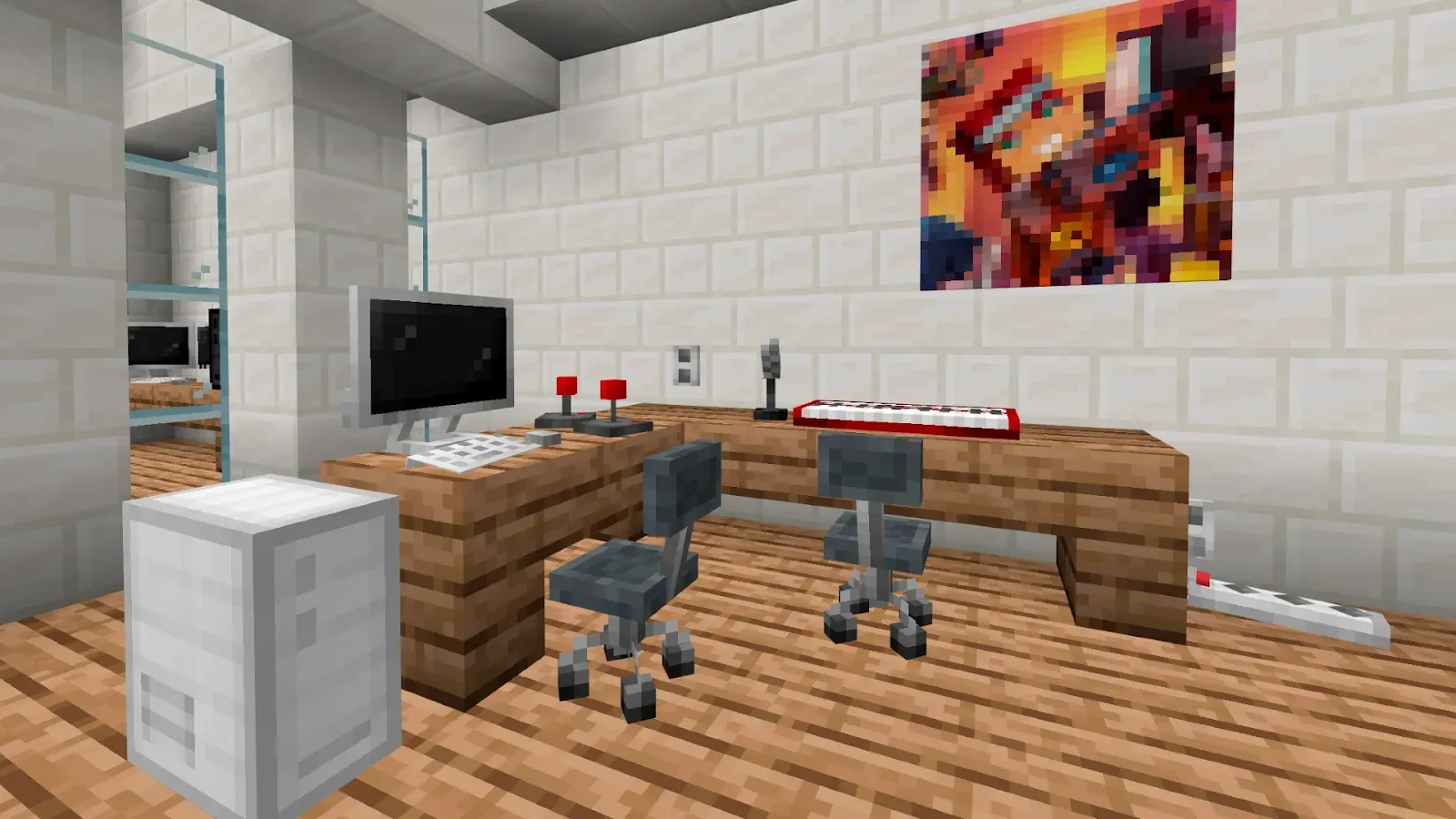
- Retro Decor: Packs in classic room decorations like gamepads, joysticks, posters, and display discs.
- Adds working appliances and extra household items such as toasters, fans, chairs, and neon lights.
- Includes decorative wall plugs and power strips to make your rooms look more realistic.
- Adds stylish decorative pianos for your living spaces.
- Brings office-style decorative computers so you can build a desk setup.
- Provides decorative antennas to finish off your modern builds.
Commands:
/give @p he:: Shows a list of all available furniture items in chat so you can pick one in Creative mode.
How to Use:
- Turn on Experimental Settings in your world options if the addon does not work right away.
- In Creative mode, open the Creative menu and check the Items section to get any furniture piece, or type
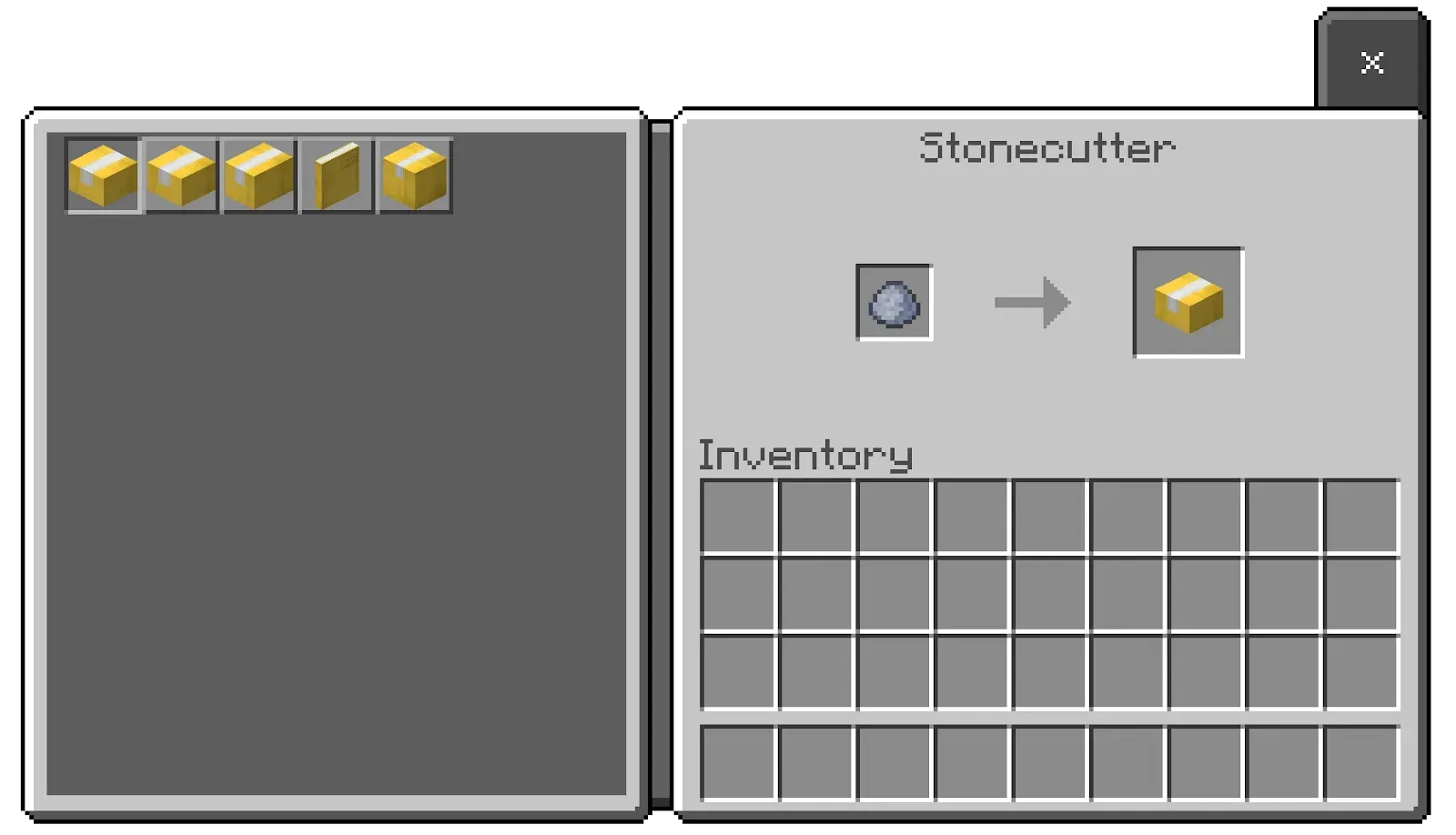
/give @p he:in chat to see the full item list. - In Survival mode, put a clay ball into a stonecutter to pick the furniture section you want to make.
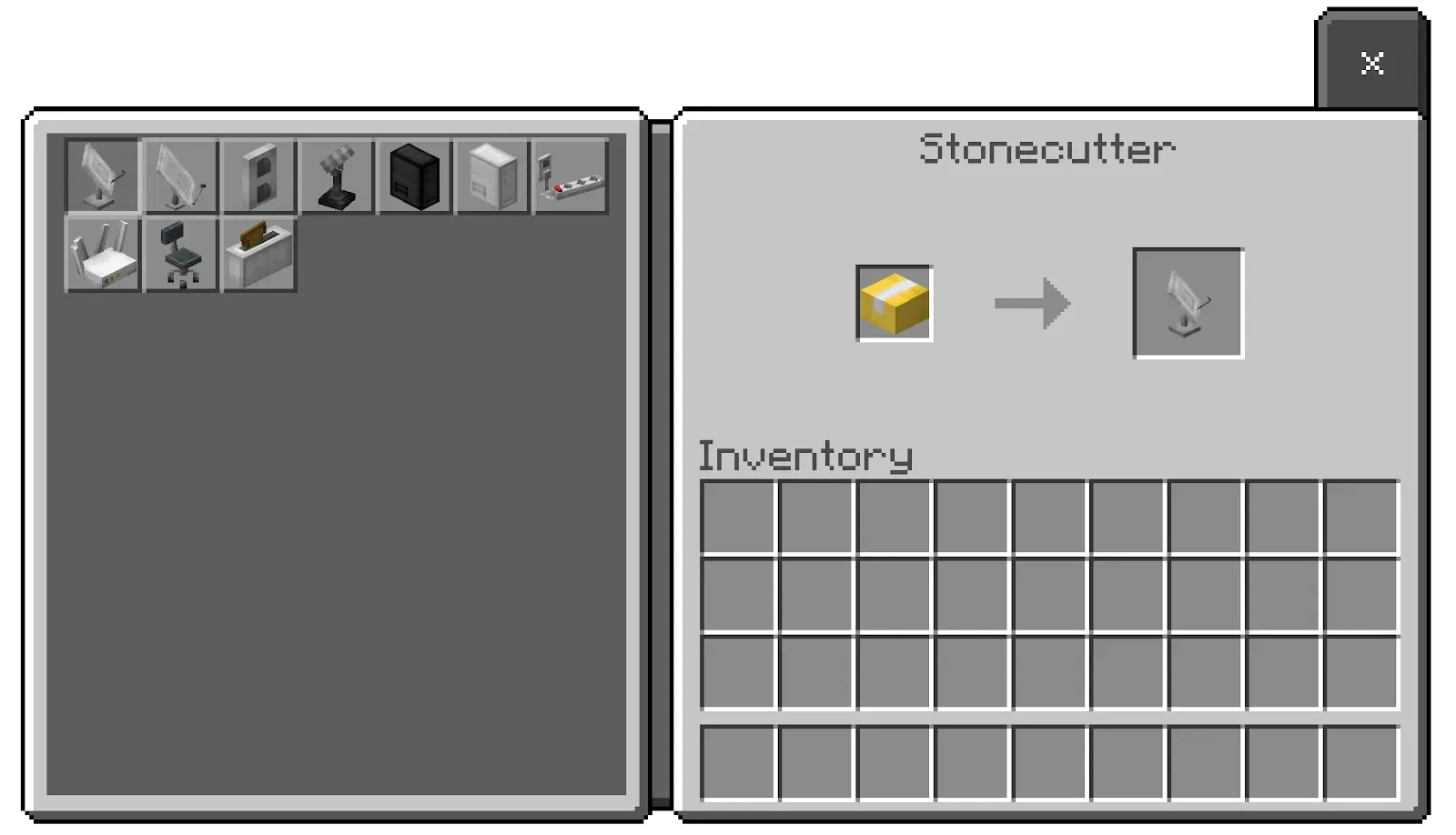
- Place that furniture section into the stonecutter to see the list of items in that group and craft the piece you need.
Screenshots:
Crafting Recipes:
Creative:
- To get the furniture in creative mode by typing “/give @p he:” in the chat, which will display a list of available furniture items for you to choose from, you can also purchase all the furniture in the creative mode menu, in the Items section.
Survival:
- To create the furniture in survival mode, you will need clay balls and a stonecutter. You will need to place it in the stonecutter and select the furniture section you want to create. Once selected, you will see the list of furniture in that section.
How to Install:
New to Minecraft PE? Follow our step-by-step guide to install Mods/Addons on your Mobile.View Guide
Home Electronics Addon Download Links
For MCPE/Bedrock 26.x, 1.21.x
For MCPE/Bedrock 1.21.x
Click to rate this post!
[Total: 31 Average: 4]

2 Comments
What do you think?
Your opinion means a lot - we'd love to hear from you.
You May Also Like
Picked for this page
 Teleport Pads Addon (26.x, 1.21) – MCPE/Bedrock Mod
 Better Tombstones Addon (26.x, 1.21) – MCPE/Bedrock Mod
 Dragon Mounts 2 Addon (26.x, 1.21) – MCPE/Bedrock Mod
 XP Tome Addon (26.x, 1.21) – MCPE/Bedrock Mod
 Expansive Shears Addon (26.x, 1.21) – MCPE/Bedrock Mod
 Eatable Items Addon (26.x, 1.21) – MCPE/Bedrock Mod
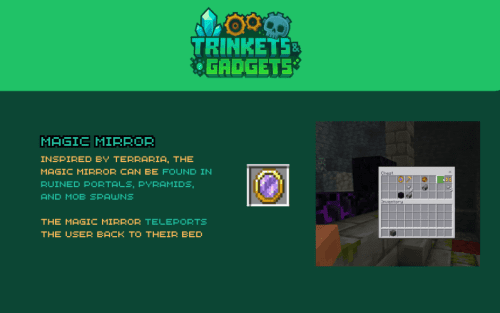 Trinkets & Gadgets Addon (26.x, 1.21) – MCPE/Bedrock Mod
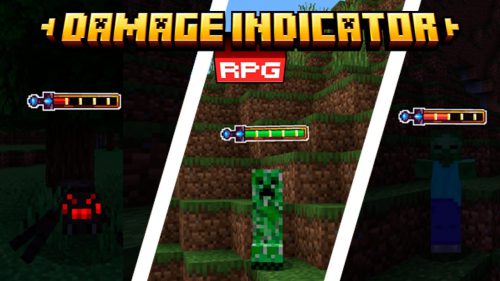 RPG Damage Indicator Addon (26.x, 1.21) – MCPE/Bedrock Mod
 Keep the Stove Lit Addon (26.x, 1.21) – MCPE/Bedrock Mod
 Loy Krathong Addon (26.x, 1.21) – MCPE/Bedrock Mod
 Patrick Riding a Seahorse Addon (1.21, 1.20) – MCPE/Bedrock Mod
 Vanilla Cookbook Addon (26.x, 1.21) – MCPE/Bedrock Mod
Most viewed in Mods & Addons over the last 7 days
 Mob Girls Addon (1.26+, 1.21) – MCPE/Bedrock Mod
 Secrets of Berk Addon (26.33+) – How To Train Your Dragon Mod MCPE/Bedrock
 Jenny Colette Version Addon (26.x, 1.21) – MCPE/Bedrock Mod
 Jujutsu Awakening Addon (1.26+, 1.21+) – Prison Realm Update
 New Jujutsu Awakening Addon (1.26+) – MCPE/Bedrock
 Jenny Add-on (Fapcraft) APK MCPE Full Guide – How to use, Tutorial
 Shadow Company Addon (26.x, 1.21) – MCPE/Bedrock Mod
 Titan Craft Addon (1.26+, 1.21) – MCPE/Bedrock Attack on Titan Mod
 Asa’s One Piece Addon (1.26+, 26.32) – MCPE/Bedrock Mod
 Raxiores of Raxiore Addon (1.26+) – MCPE/Bedrock
 Fapcraft Addon (1.26, 1.21) – MCPE/Bedrock Jenny Mod
 Naruto Jedy Addon V8 (26.30+, 1.18+) for MCPE/Bedrock Edition
More from Mods & Addons
 Gravity Guns 3D (26+, 1.21) – MCPE/Bedrock Addon
 Mystical Armor and Swords (26+, 1.21) – MCPE/Bedrock Addon
 DC Project (26+, 1.21) – MCPE/Bedrock Addon
 Artifacts Plus (26+, 1.21) – MCPE/Bedrock Addon
 Vanilla Artifacts (26+, 1.21) – MCPE/Bedrock Addon
 All In One Tools (26+, 1.21) – MCPE/Bedrock Addon
 Advanced Minimap (26+, 1.21) – MCPE/Bedrock Addon
 Randam City (26+, 1.21) – MCPE/Bedrock Addon
 Night Vision [ON/OFF] (26+, 1.21) – MCPE/Bedrock Addon
 Better World Edit (26+, 1.21) – MCPE/Bedrock Addon
 Mo’ Mob Variants (26+, 1.21) – MCPE/Bedrock Addon
 Recycle Recipes (26+) – MCPE/Bedrock Addon

I Love too 9MINECRAFT
I Love 9Minecraft