
AVPBR Retextured Resource Pack (1.21.1, 1.20.1) – Gleaming Vanilla Worlds

 0

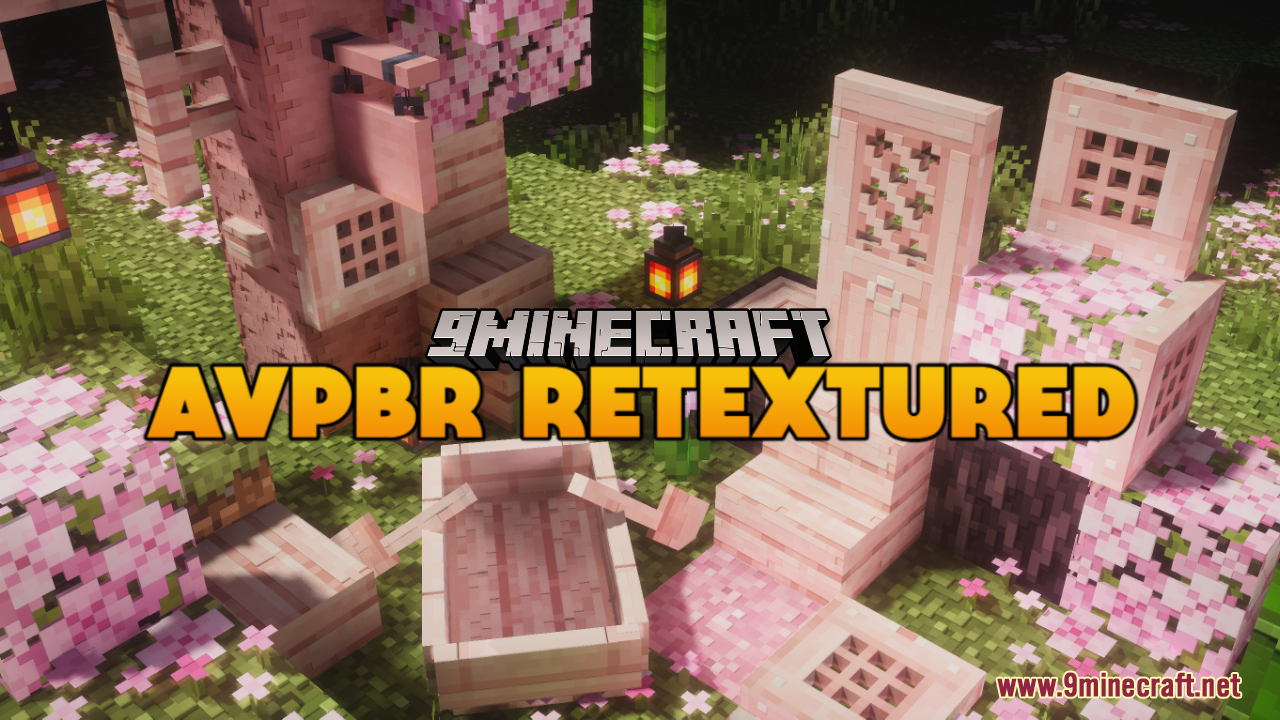
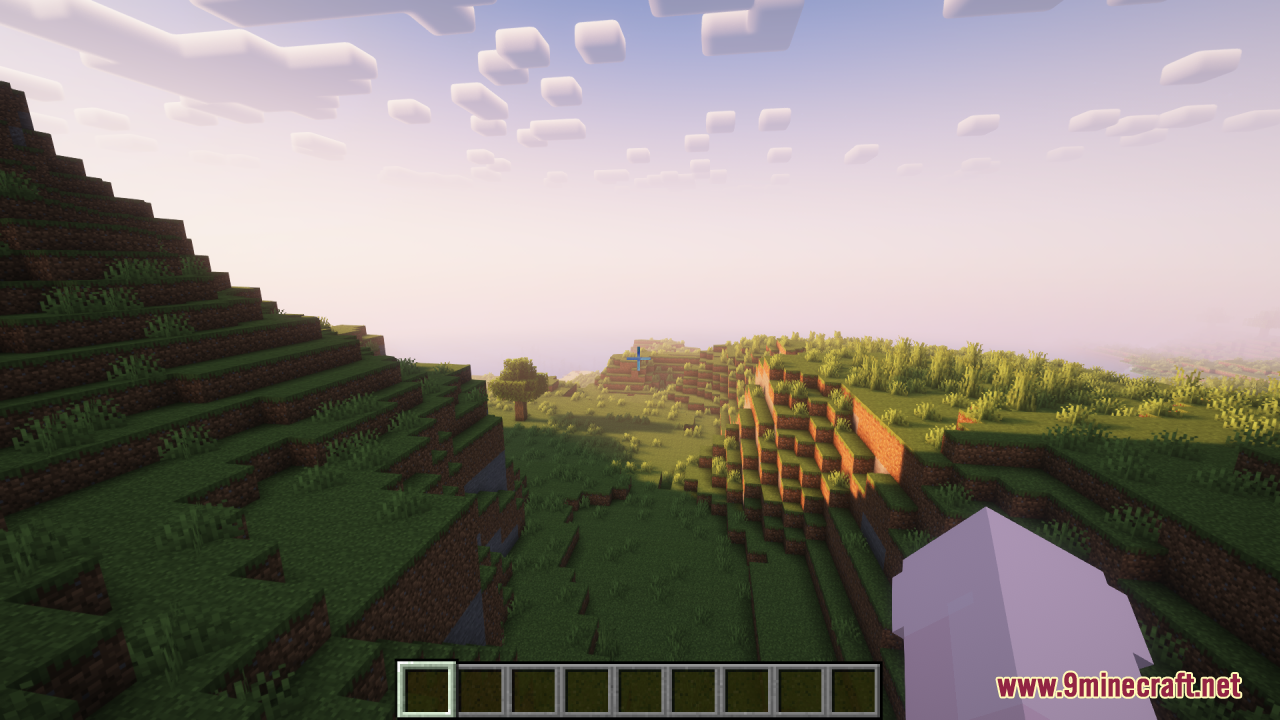
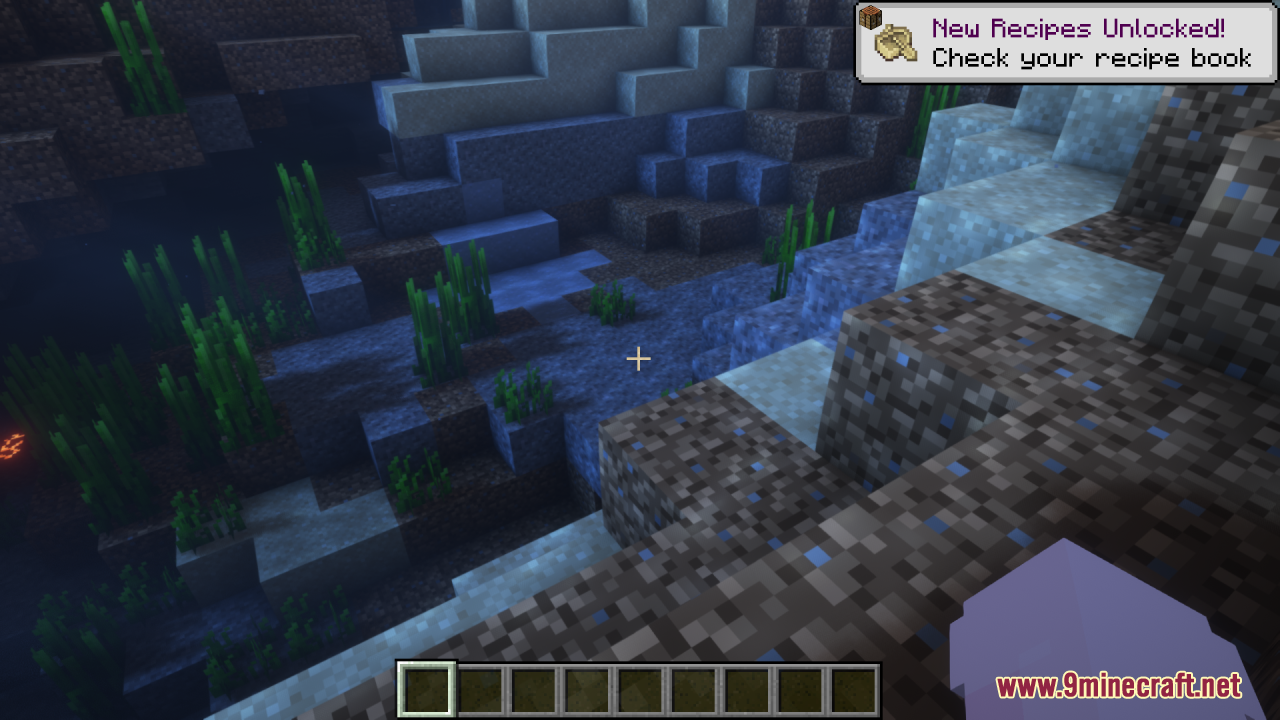
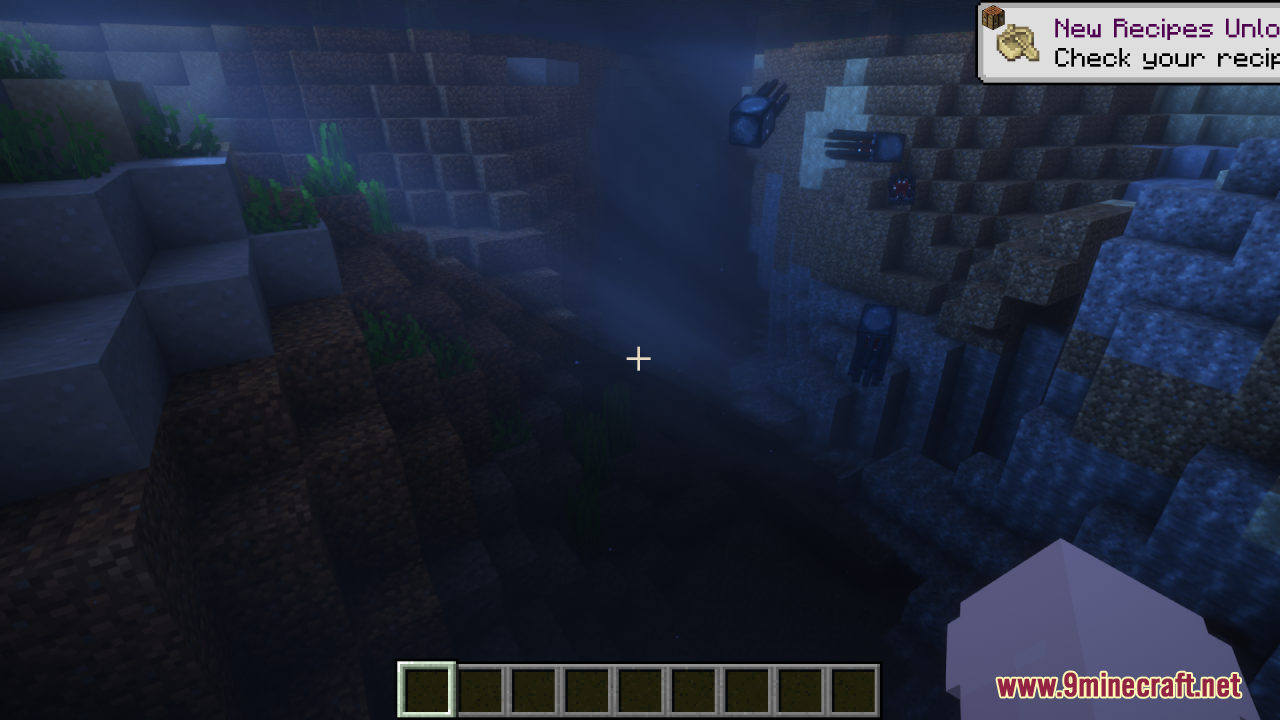
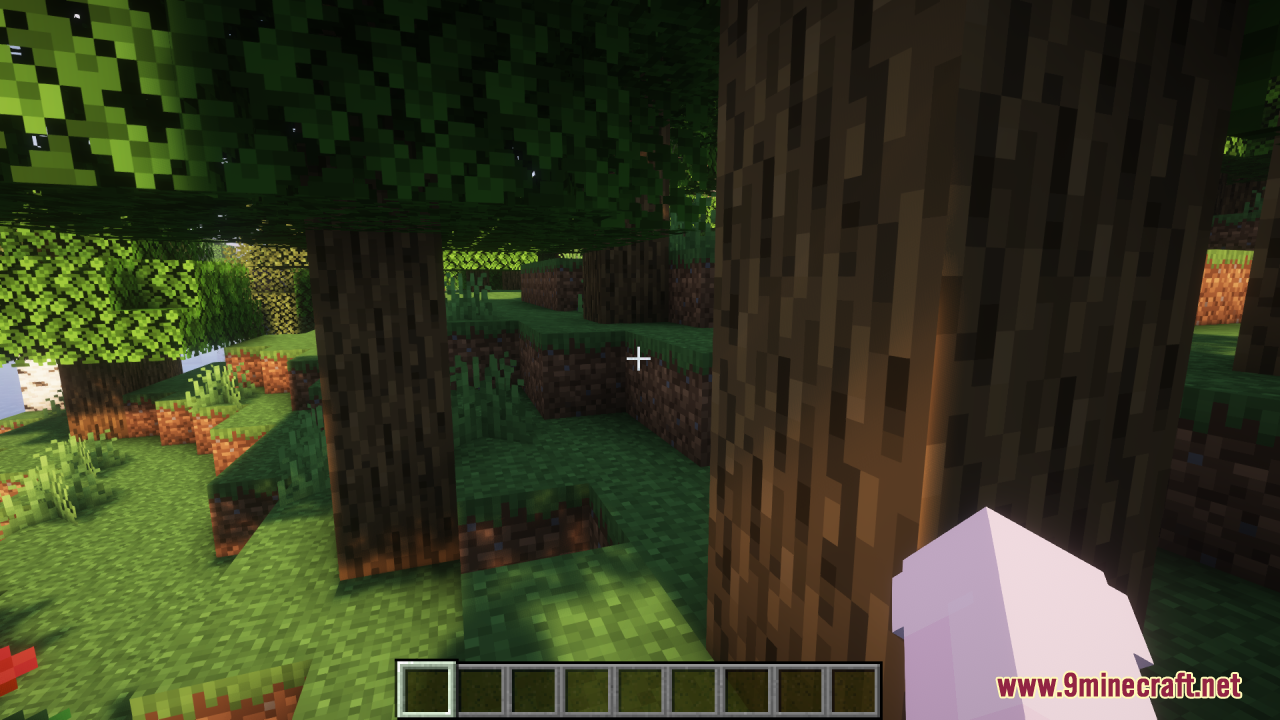
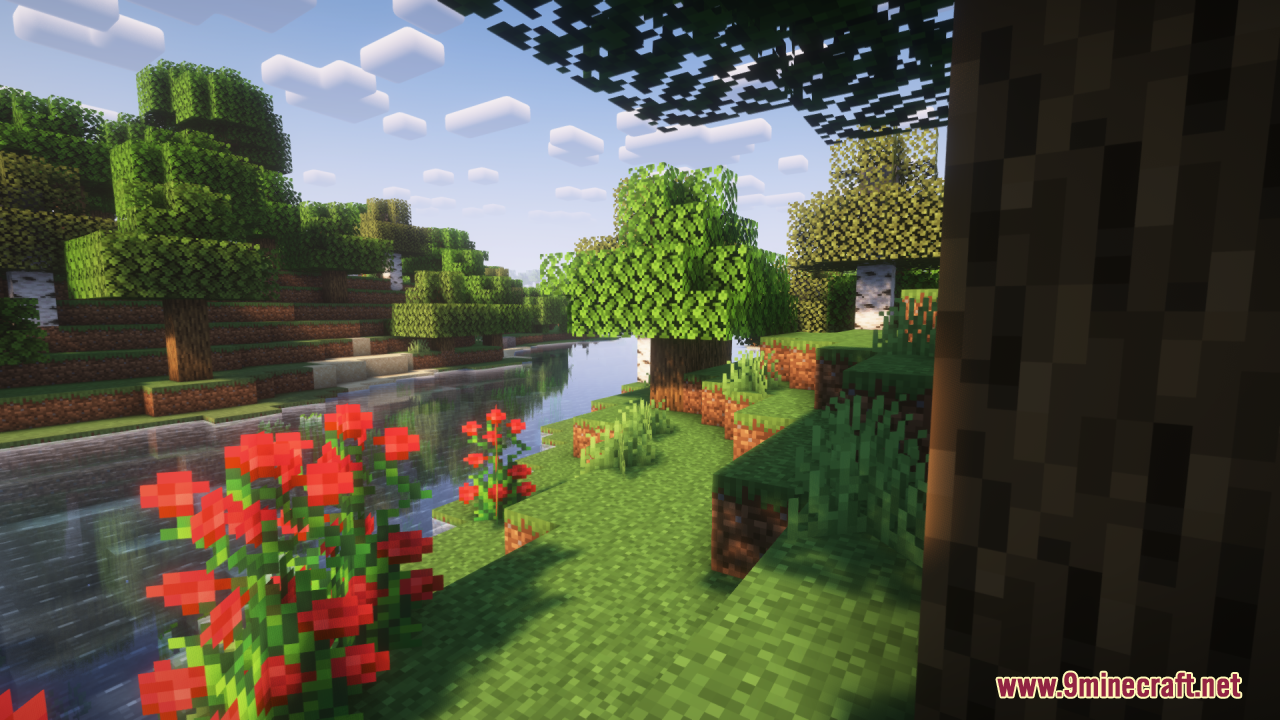
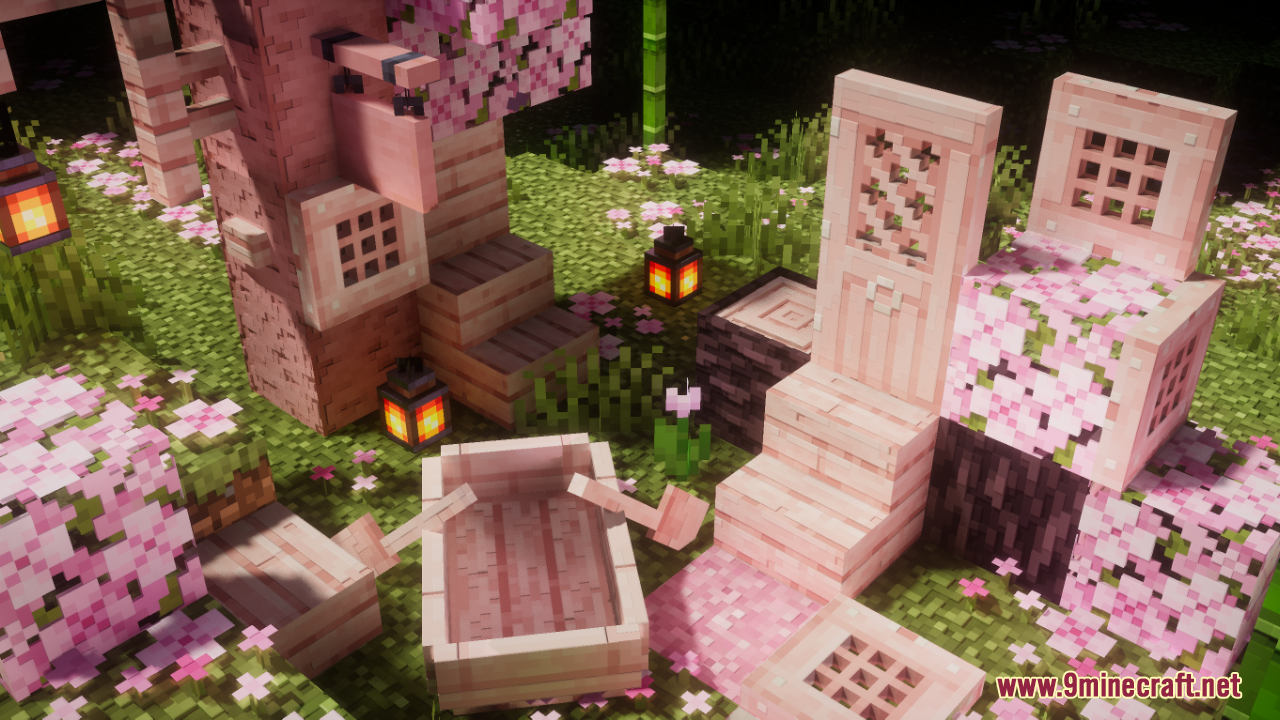
AVPBR Retextured Resource Pack refreshes Minecraft blocks and terrain with full labPBR support for shaders. This pack remakes the older Another Vanilla PBR pack with updated textures across your world. It uses normal maps and specular maps to add surface depth, shiny reflections, and better light effects to vanilla blocks. Every texture follows the standard labPBR format, so shader packs like Nostalgia, Kappa, SEUS PTGI HRR, and Complementary Reimagined show clear 3D details and glowing blocks.
Features:
- Full labPBR Support: Applies the labPBR format to every texture so shaders display realistic lighting and surface effects.
- Normal and Specular Maps: Adds 3D depth, surface texture, and light reflections to vanilla blocks.
- Remakes the older Another Vanilla PBR pack with updated block and terrain textures.
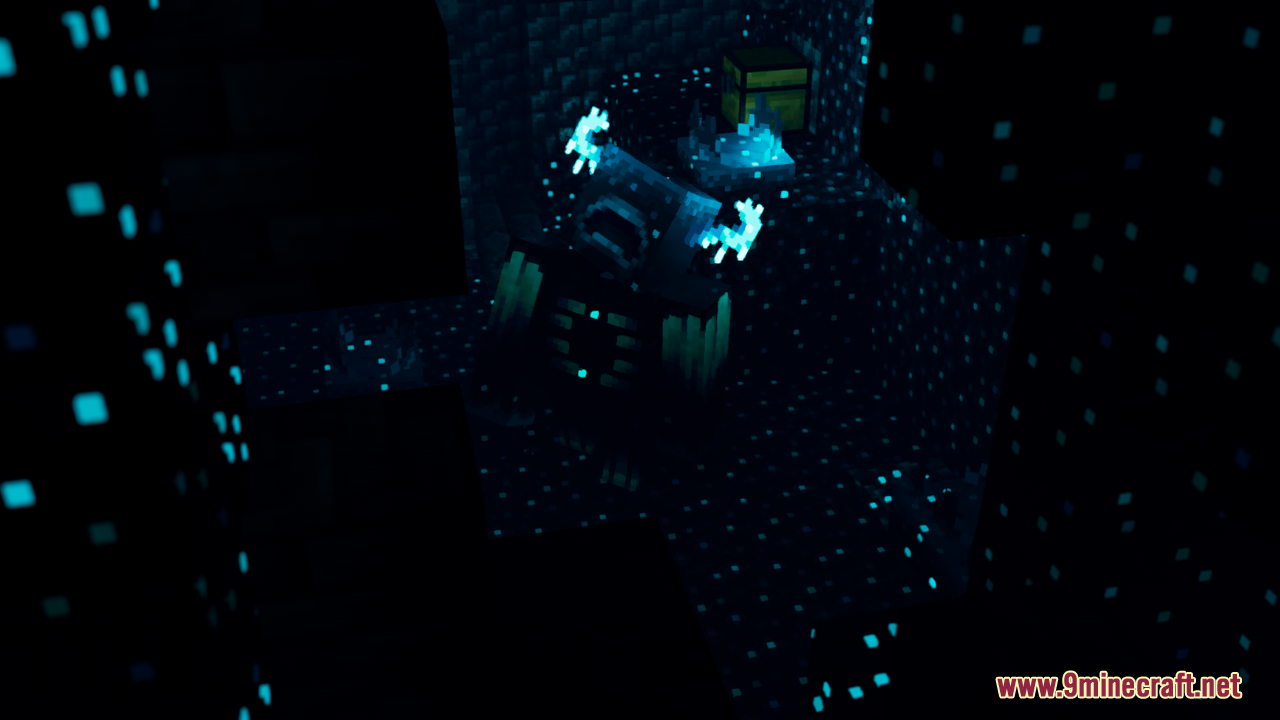
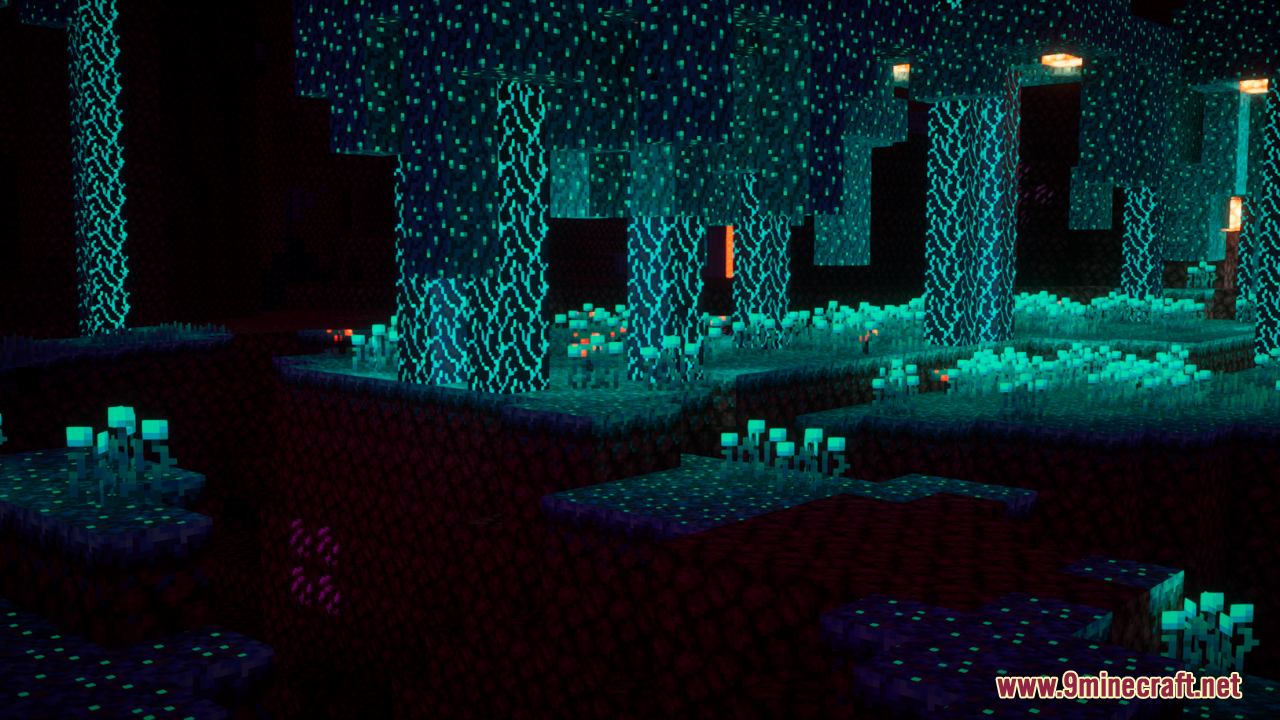
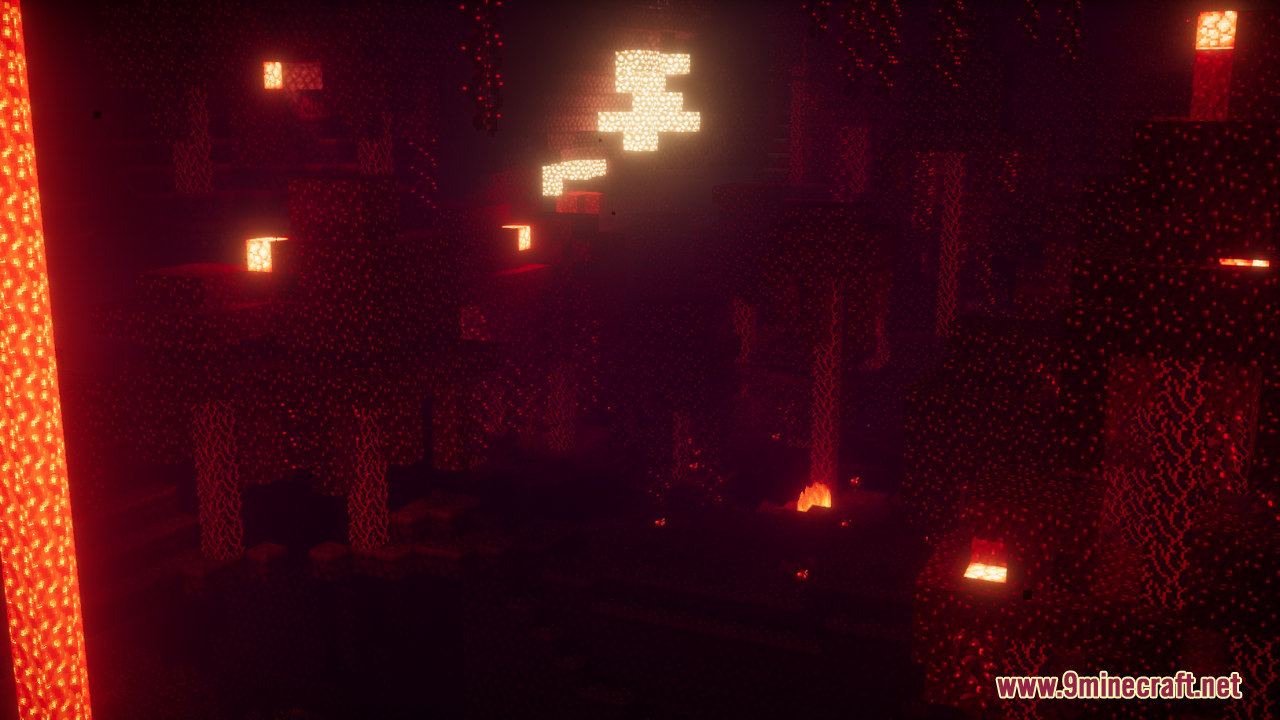
- Makes bright blocks glow in dark areas, including sculk, lanterns, shroomlights, warped stems, and Nether mushrooms.
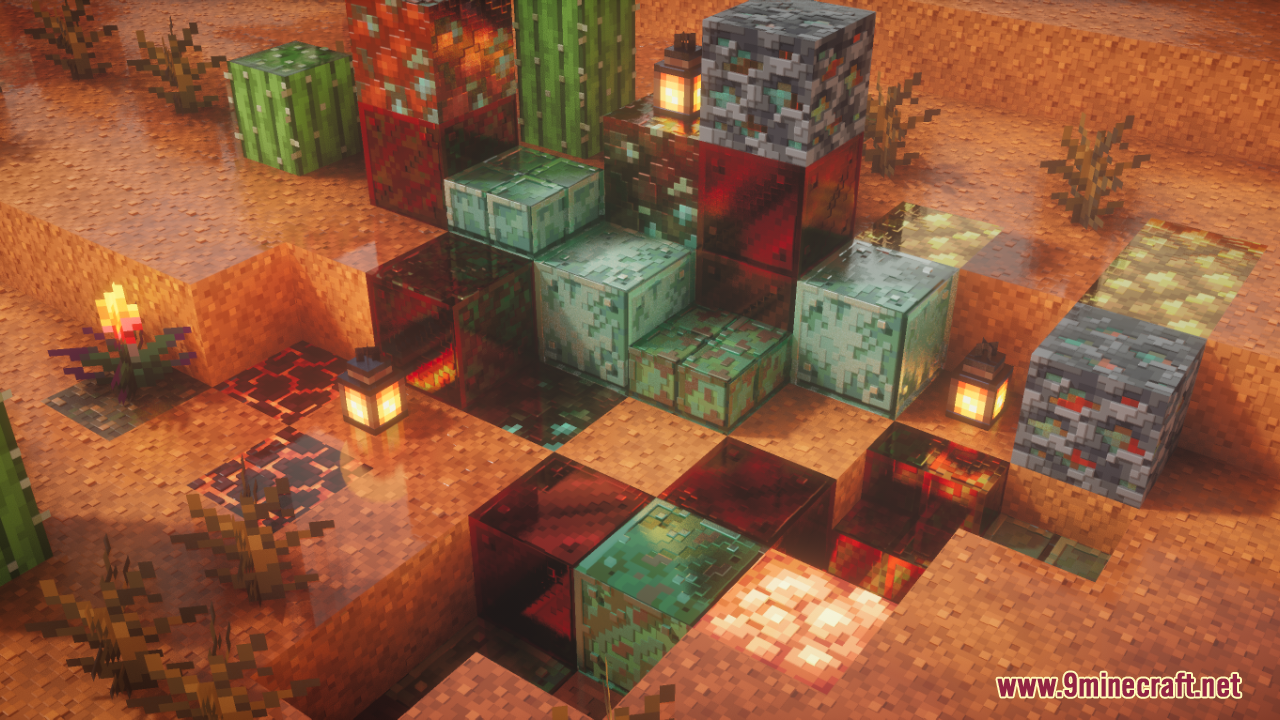
- Gives shiny blocks like oxidized copper and redstone clear reflections under sunlight and lanterns.
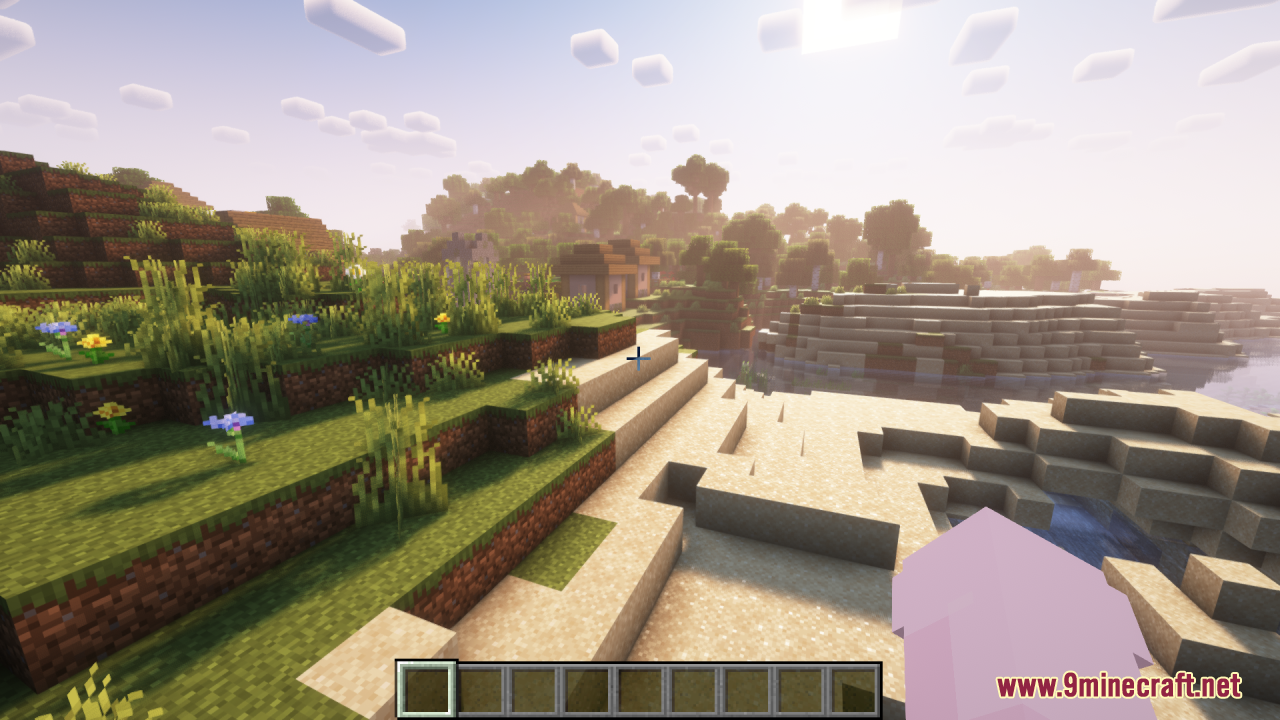
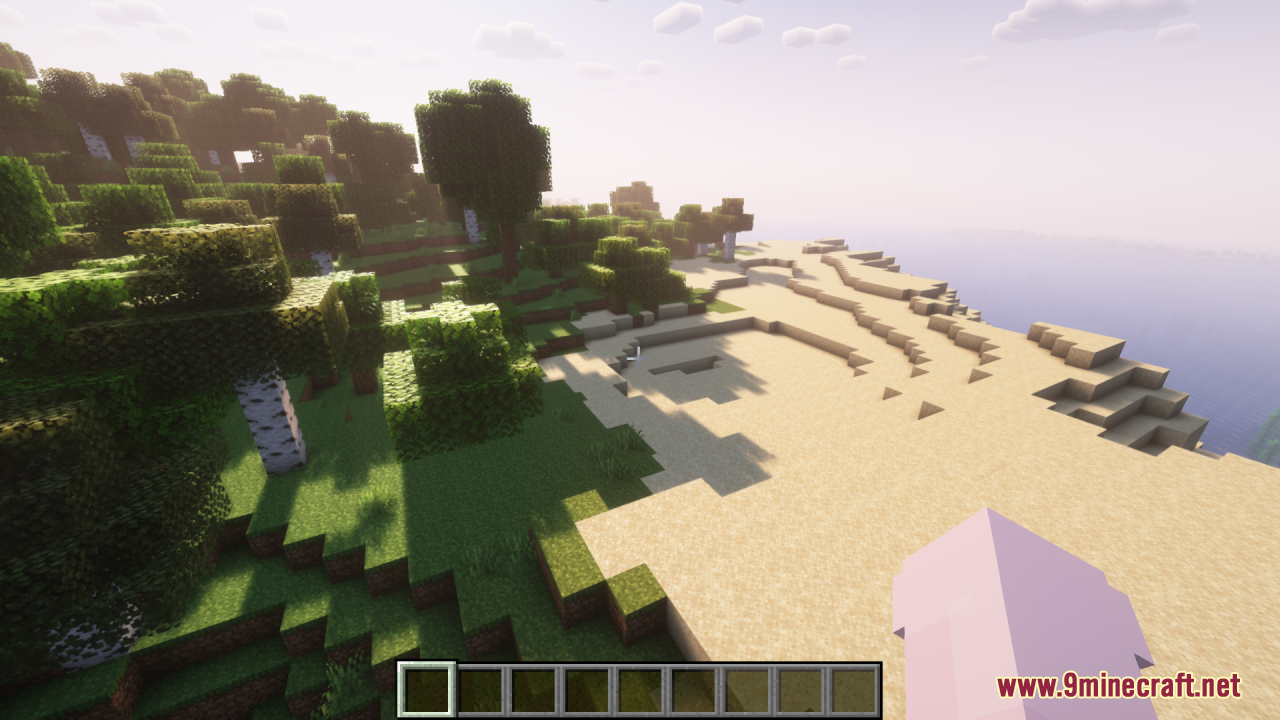
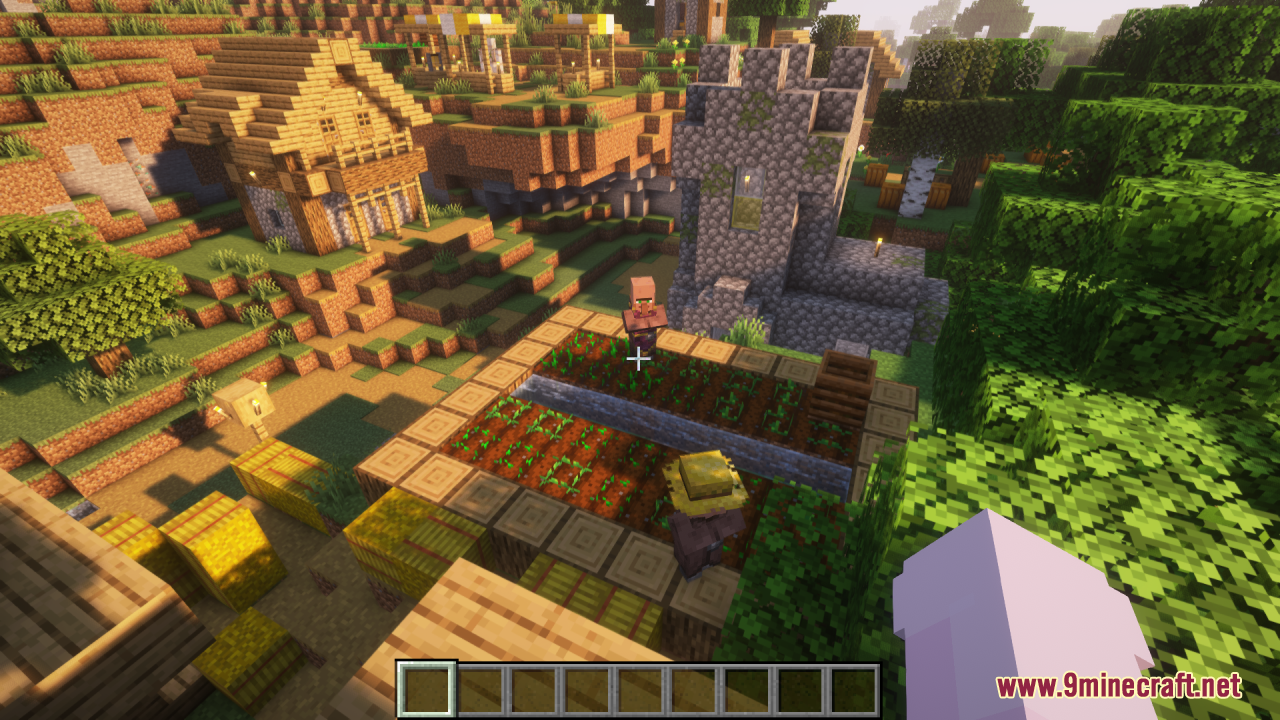
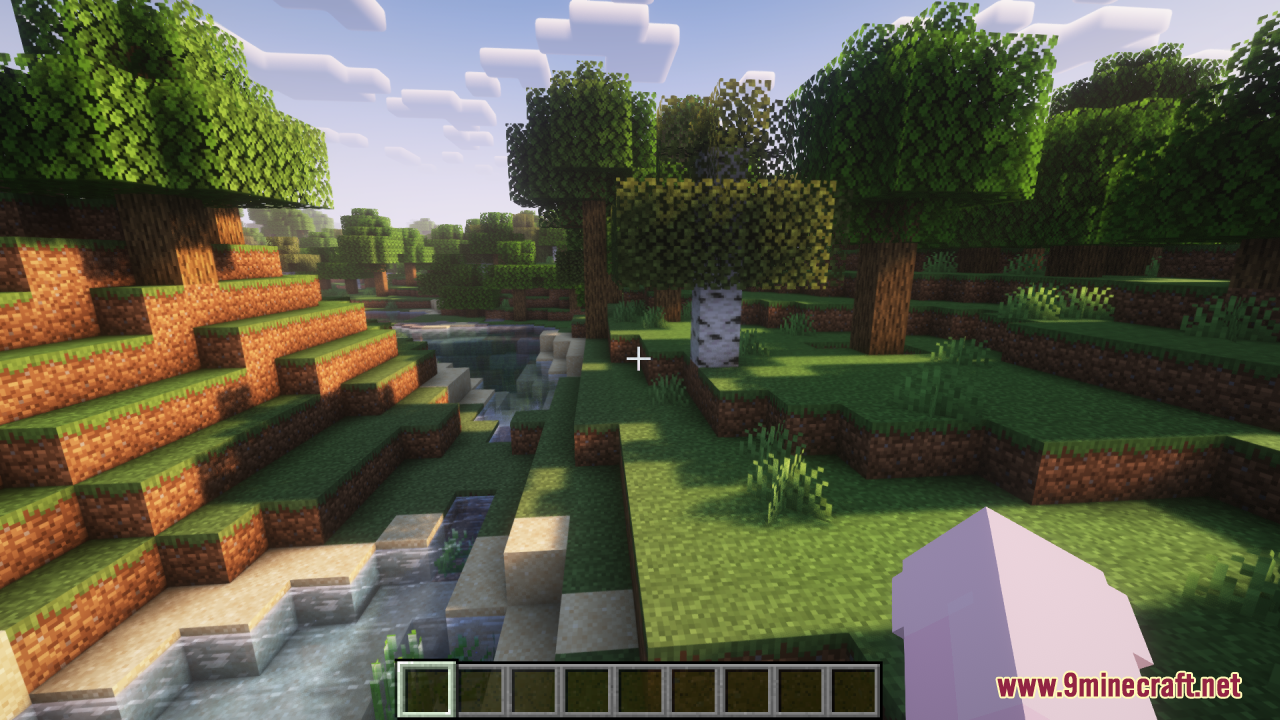
- Updates natural blocks and wood details across grass, sand, gravel, stone walls, oak and birch bark, and cherry wood.
- Works with shader packs such as Nostalgia, Kappa, SEUS PTGI HRR, and Complementary Reimagined, with recommended settings for each.
Configuration:
Nostalgia / Kappa Recommended Settings:
Lighting > Direct Lighting > Subsurface Scatter: Set toLabPBR Only.Lighting > Indirect Lighting > Texture AO: Set toON.Lighting > Indirect Lighting > Emission Mode: Set toHardcoded + Lab.Lighting > Indirect Lighting > SSPT: Set toON(Optional).Lighting > Indirect Lighting > labPBR Emission Exponent: Set to2.0.Terrain > Vertex Attribute Fix: Set toOFF.Terrain > Parallax Occlusion Mapping > Enabled: Set toON.Terrain > Parallax Occlusion Mapping > POM Samples: Set to64+(Recommended).Terrain > Parallax Occlusion Mapping > Self Shadow Samples: Set to32+(Recommended).Terrain > Parallax Occlusion Mapping > Slope Normal Calculation: Set toON(Recommended).Terrain > Reflections > Resource Pack Reflections: Set toON.
SEUS PTGI HRR Recommended Settings:
Texture Resolution: Set to128.Raytracing > Full Raytrace Reflections: Set toON.Raytracing > Screen-Space Reflection Tracing: Set toON.Raytracing > Screen-Space GI Tracing: Set toON.Raytracing > Glowing Emerald Block: Set toOFF.Raytracing > Glowing Lapis Lazuli Block: Set toOFF.Surface > Parallax Occlusion Mapping: Set toON.Surface > Smooth Parallax Surface: Set toOFF.
Complementary Reimagined Recommended Settings:
RP Support: Set toLabPBR.Materials > SEUSPBR / LabPBR > POM Depth: Set to1.00.
Screenshots:
How to Install:
New to Minecraft? Follow our step-by-step guide to install Resource Packs on your PC.View Guide
Requirements:

AVPBR Retextured Resource Pack Download Links
For Minecraft 1.21.x
Click to rate this post!
[Total: 6 Average: 2]
You May Also Like
Picked for this page
 New Glowing Ores Resource Pack (26.3, 1.20.1) – Texture Pack
 Motschen’s Better Leaves Resource Pack (26.3, 1.20.1) – Texture Pack
 Default Dark Mode Resource Pack (26.3, 1.20.1) – Texture Pack
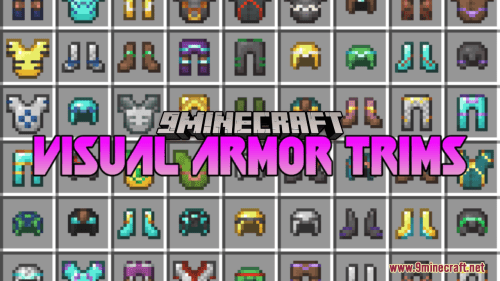 Visual Armor Trims Resource Pack (26.3, 1.20.1) – Texture Pack
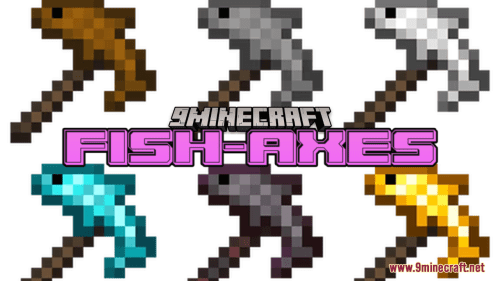 Fish-axes Resource Pack (1.21.1, 1.20.1) – Texture Pack
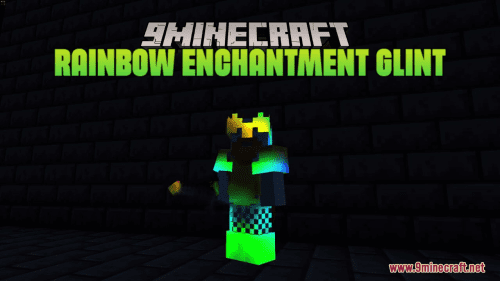 Rainbow Enchantment Glint Resource Pack (1.21.1, 1.20.1) – Texture Pack
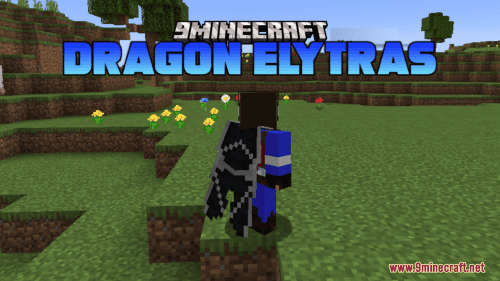 Dragon Elytras Resource Pack (1.21.1, 1.20.1) – Texture Pack
 Cubic Stars Resource Pack (26.1.2, 1.20.1) – Texture Pack
Most viewed in Resource Packs over the last 7 days
 Jenny Mod Skins Resource Pack (1.12.2) – Uzaki, Klee, Mita, and More
 Jenny Mod Skin Pack Mega Collection – 310+ Characters
 Jennycraft Resource Pack (1.20.1) – Skins for Jennycraft Mod
 Dewier’s 20k Resource Pack (1.8.9) – Texture Pack
 750 Models Addon for Yes Steve Model Mod
 Animation Collection for Jenny Mod – 60+ Animations, Updated Regularly
 Vanilla+ 3D Crystal Resource Pack (1.21.1, 1.20.1) – Texture Pack
 Mandala’s GUI Dark Mode 9minecraft Resource Pack (26.3) – Eye-Soothing Dark Mode Menus
 Bare Bones 9minecraft Resource Pack (26.3) – Official Cinematic Trailer Look
 Patrix Resource Pack (26.3, 1.20.1) – The Peak of Photorealism
 Mizuno’s Craft 9minecraft Resource Pack (26.3) – A Cozy Handpainted Storybook World
 Karambit Vault X Punchy Resource Pack (26.3, 1.20.1) – Tactical Knives
More from Resource Packs
 Reforged Armors Java Resource Pack (26.3, 1.20.1) – Heroic Battle Gear
 Reimagined Resource Pack (26.3, 1.20.1) – Texture Pack
 Onion Industrialization Resource Pack (1.21.1) – High Tech Machinery Brought
 Bee’s Fancy Crops Resource Pack (26.3, 1.20.1) – Texture Pack
 Blockier Goat Horn Resource Pack (26.3, 1.20.1) – Texture Pack
 Banner Pattern Clarity Resource Pack (26.3, 1.20.1) – Texture Pack
 Fluffy Carpets Resource Pack (26.3, 1.20.1) – Ultra Cozy Plush
 Enhanced Boss Bars Resource Pack (26.3, 1.20.1) – Texture Pack
 BnC Coaster Compat Resource Pack (1.20.1) – Cozy Rustic Dining for Modded Meals
 Better Crops 9minecraft Resource Pack (26.3) – Lush Bushy Farmlands in Vanilla Style
 3D Crops 9minecraft Resource Pack (26.3) – Lush Layered Fields for Cozy Farming
 Improved Boss Bars 9minecraft Resource Pack (26.3) – Stylized Fantasy Boss Health Bars

This post has no comments yet. Be the first — your comment will appear here.