


Screenshot Organisation Mod (1.21.8, 1.20.1) – Categorized Screenshots

 0
0 

Every single screenshot you take in Minecraft is saved to the .mods/screenshots folder by default. It does not matter which world or server you have taken the screenshot on, everything appears as a mix in this screenshots folder. Screenshot Organisation Mod is here to change that. As the name suggests, this mod helps organise your screenshots. With this mod installed, screenshots will appear in different folders categorized based on the world or server that the screenshot was taken in.
Features:
- Helps organise the screenshots folder.
- Screenshots are now categorized based on the world/server it was taken in.
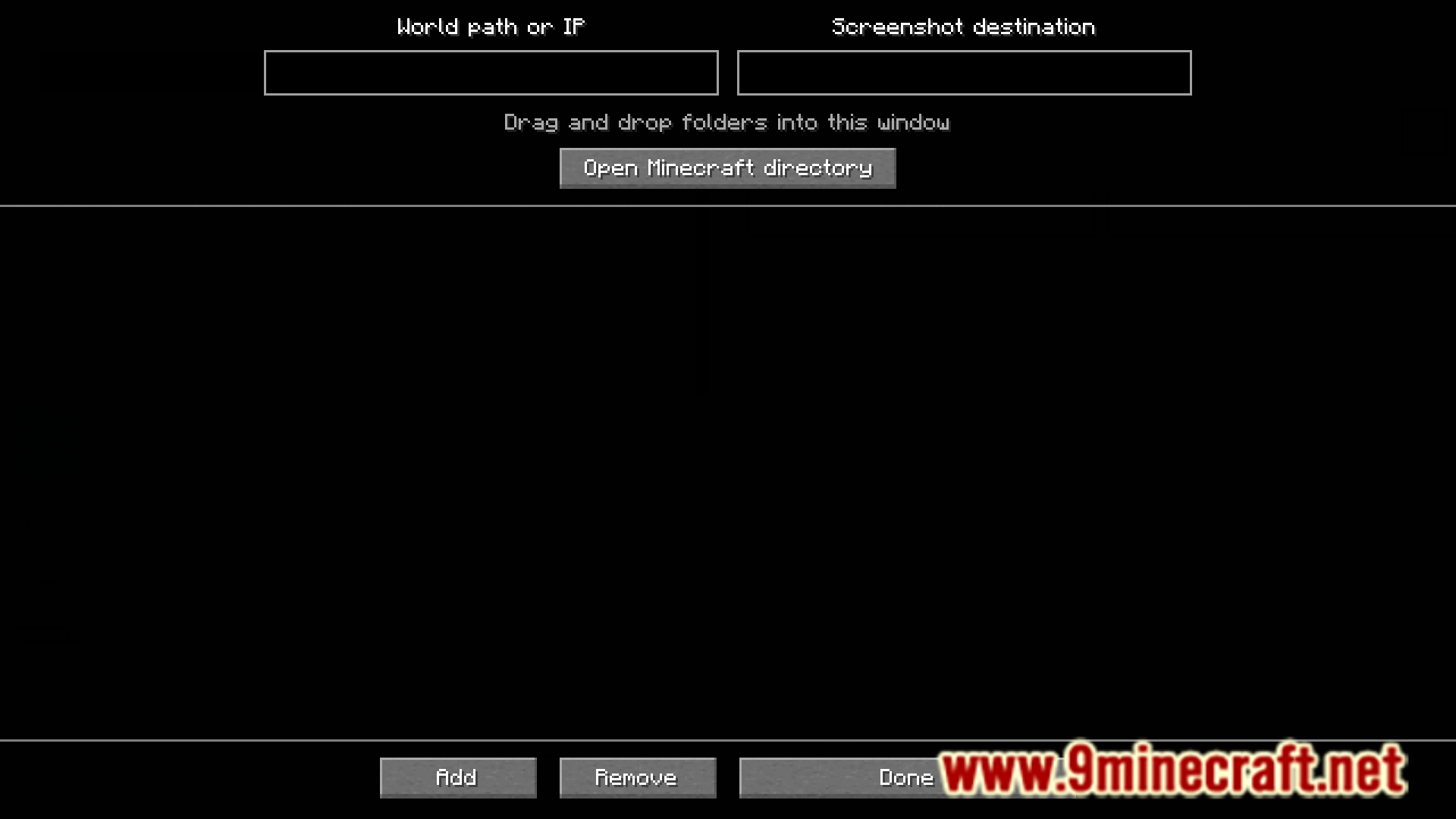
- Use ModMenu to change the folder your screenshots go into.
Screenshots:
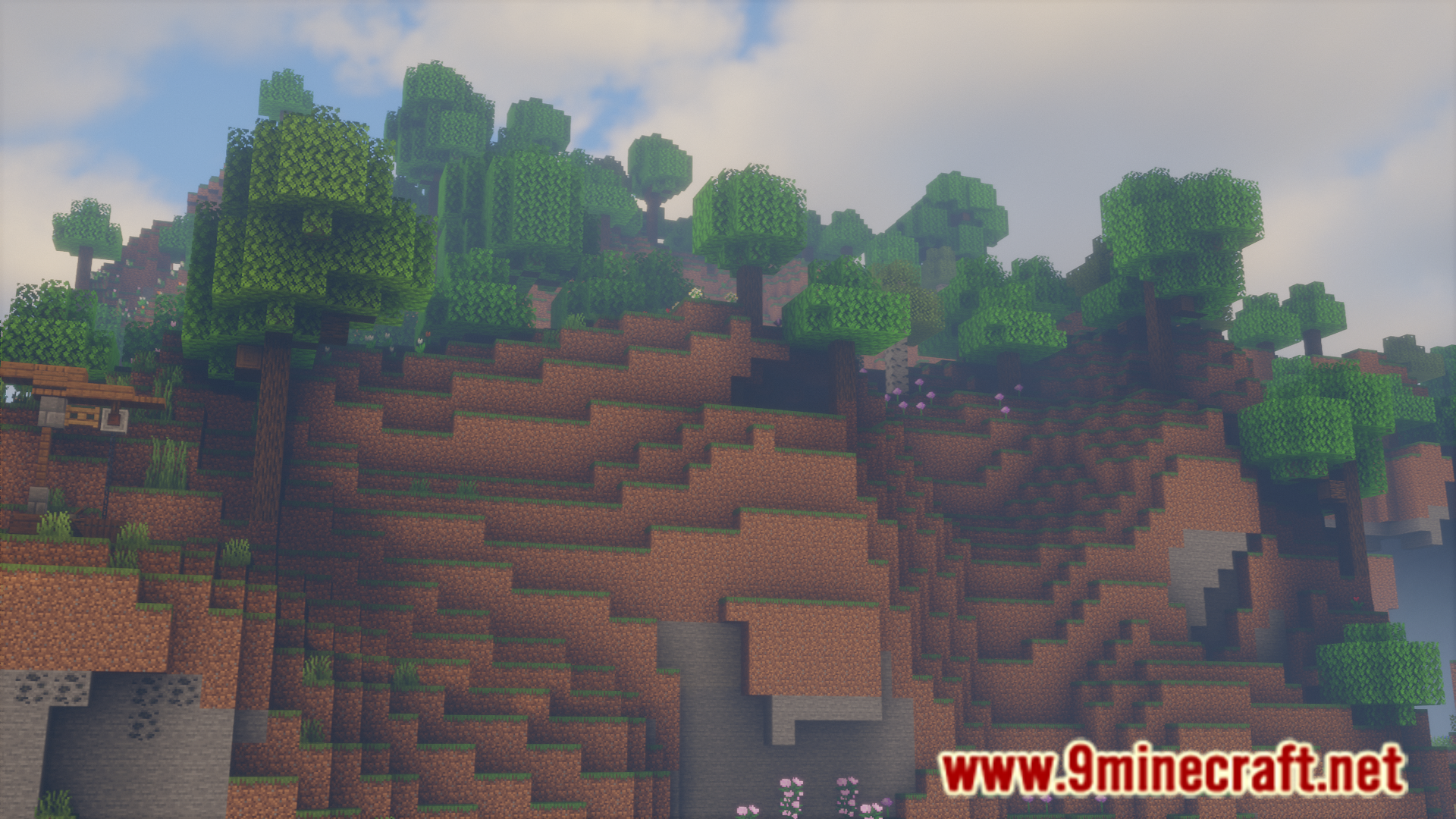
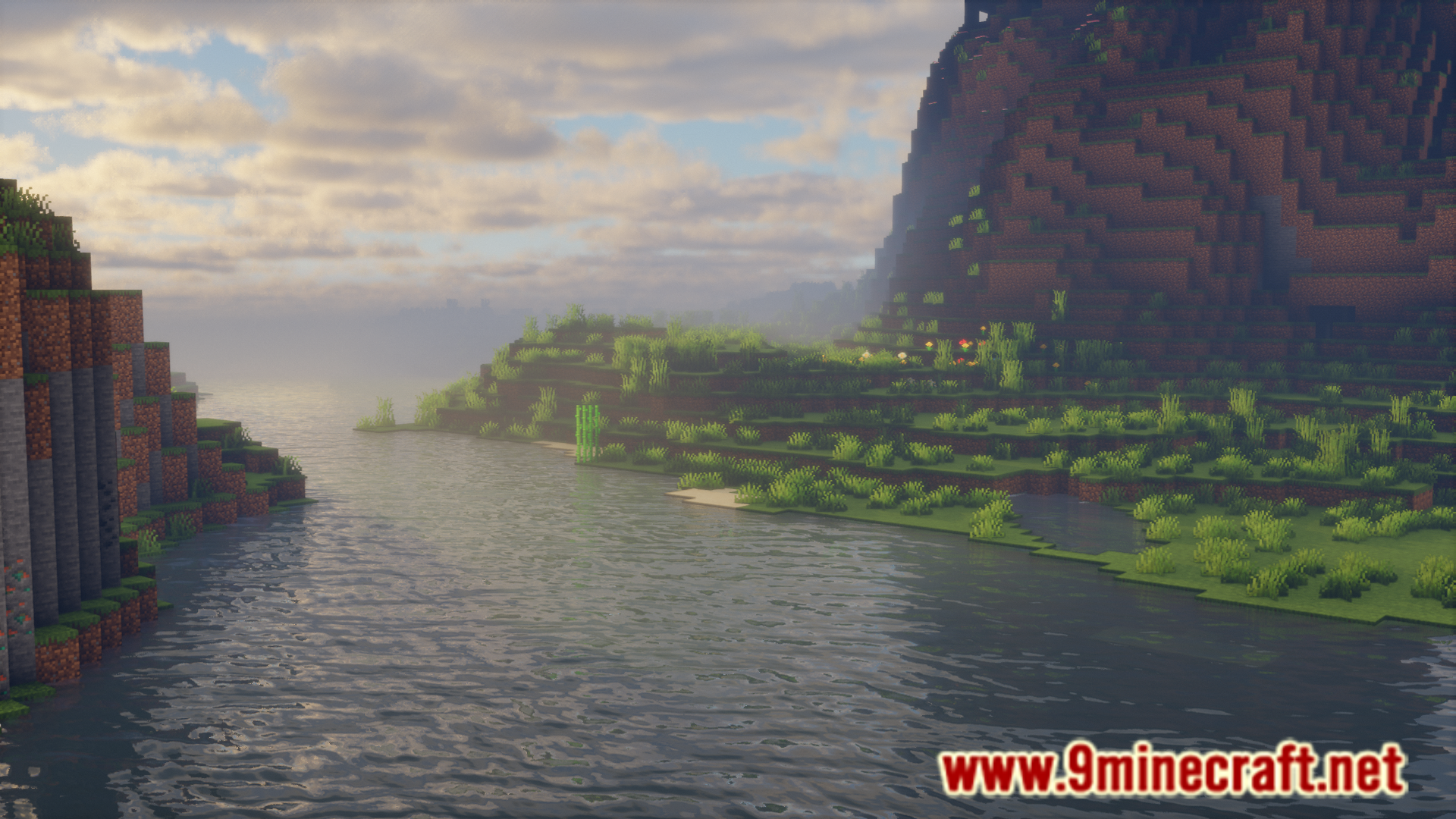
How to Install:
New to Minecraft? Follow our step-by-step guide to install Mods on your PC.View Guide
Requirements:

Screenshot Organisation Mod Download Links
For Minecraft 1.21.8, 1.21.7, 1.21.6
Fabric version: Download from Server 1 – Download from Server 2
For Minecraft 1.21.4
Fabric version: Download from Server 1 – Download from Server 2
For Minecraft 1.21.1, 1.21
Fabric version: Download from Server 1 – Download from Server 2
For Minecraft 1.20.6
Fabric version: Download from Server 1 – Download from Server 2
For Minecraft 1.20.4, 1.20.1
Fabric version: Download from Server 1 – Download from Server 2
You May Also Like









This post has no comments yet. Be the first — your comment will appear here.