
X Crosshair Shape Resource Pack (26.3, 1.20.1) – Sharp Aim in Every Battle
 1,392
 0


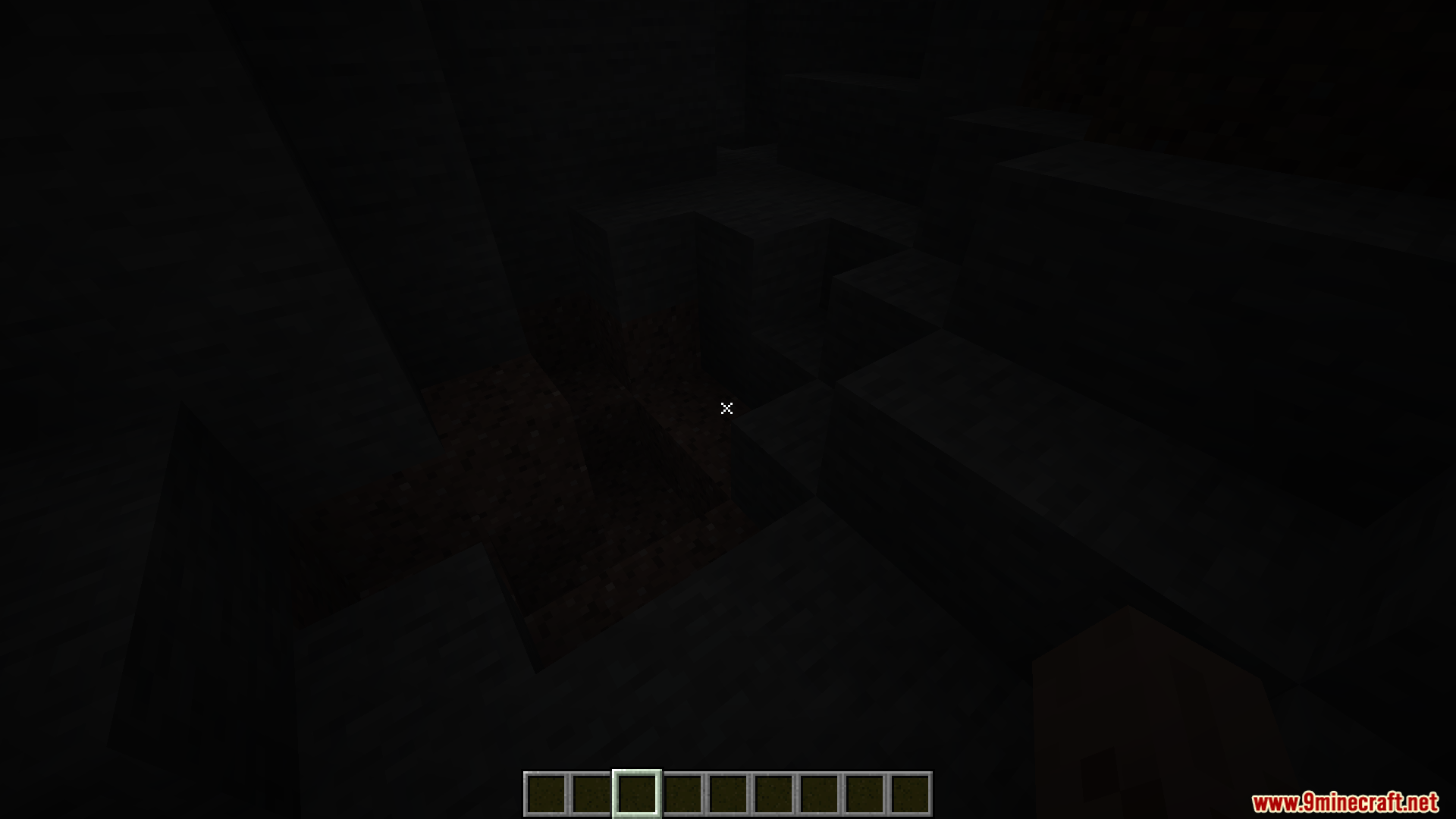
X Crosshair Shape Resource Pack replaces the default Minecraft crosshair on your HUD with a clean white X shape. This pack gives you a fresh look instead of the plain standard crosshair and helps you aim at specific targets with better precision. Its clear design stays easy to see in bright outdoor areas and dark underground caves.
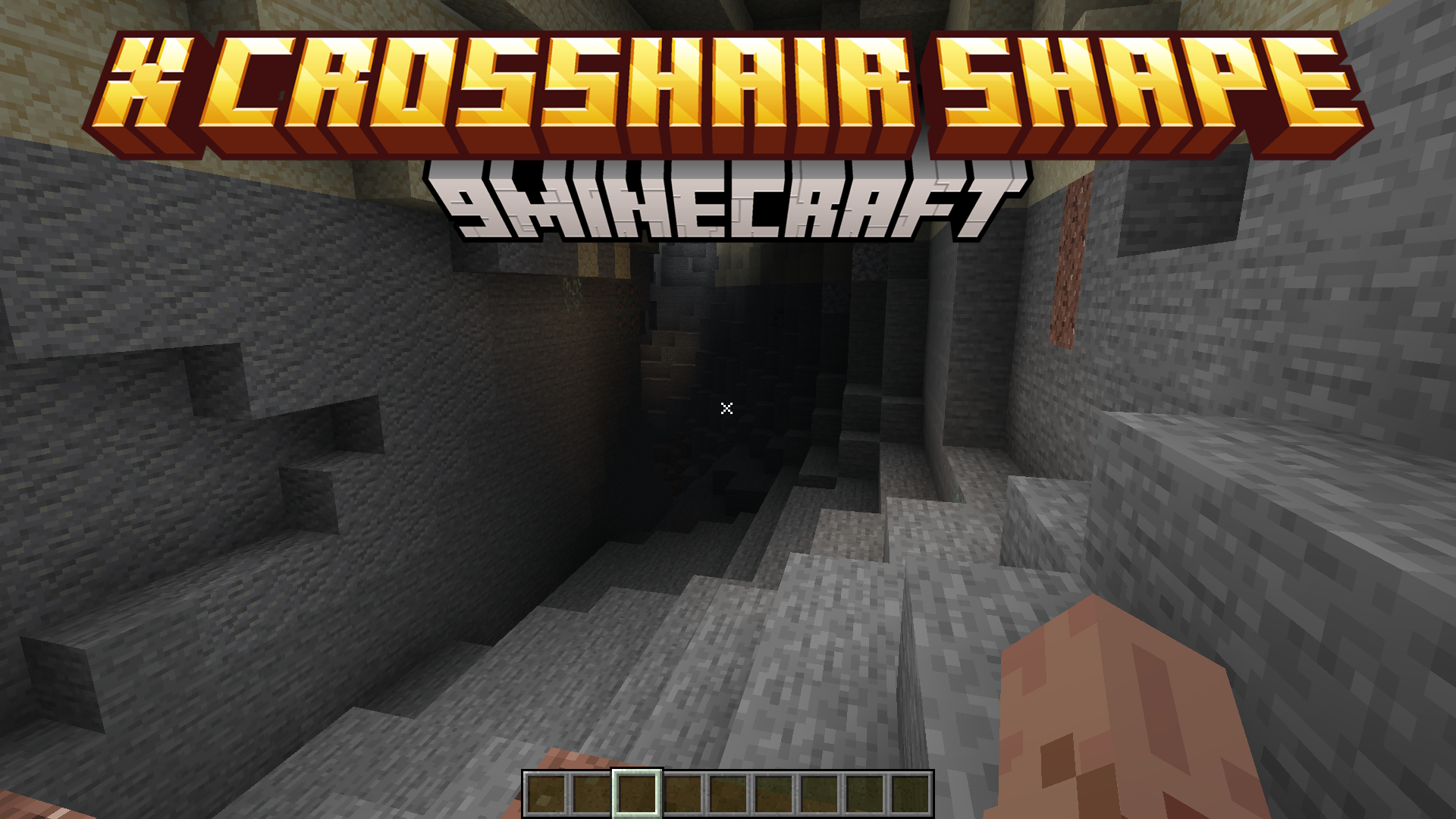
Features:
- Changes the standard HUD crosshair into a minimal white X shape for a fresh look.
- Improves aiming precision when you focus on specific targets in the center of your screen.
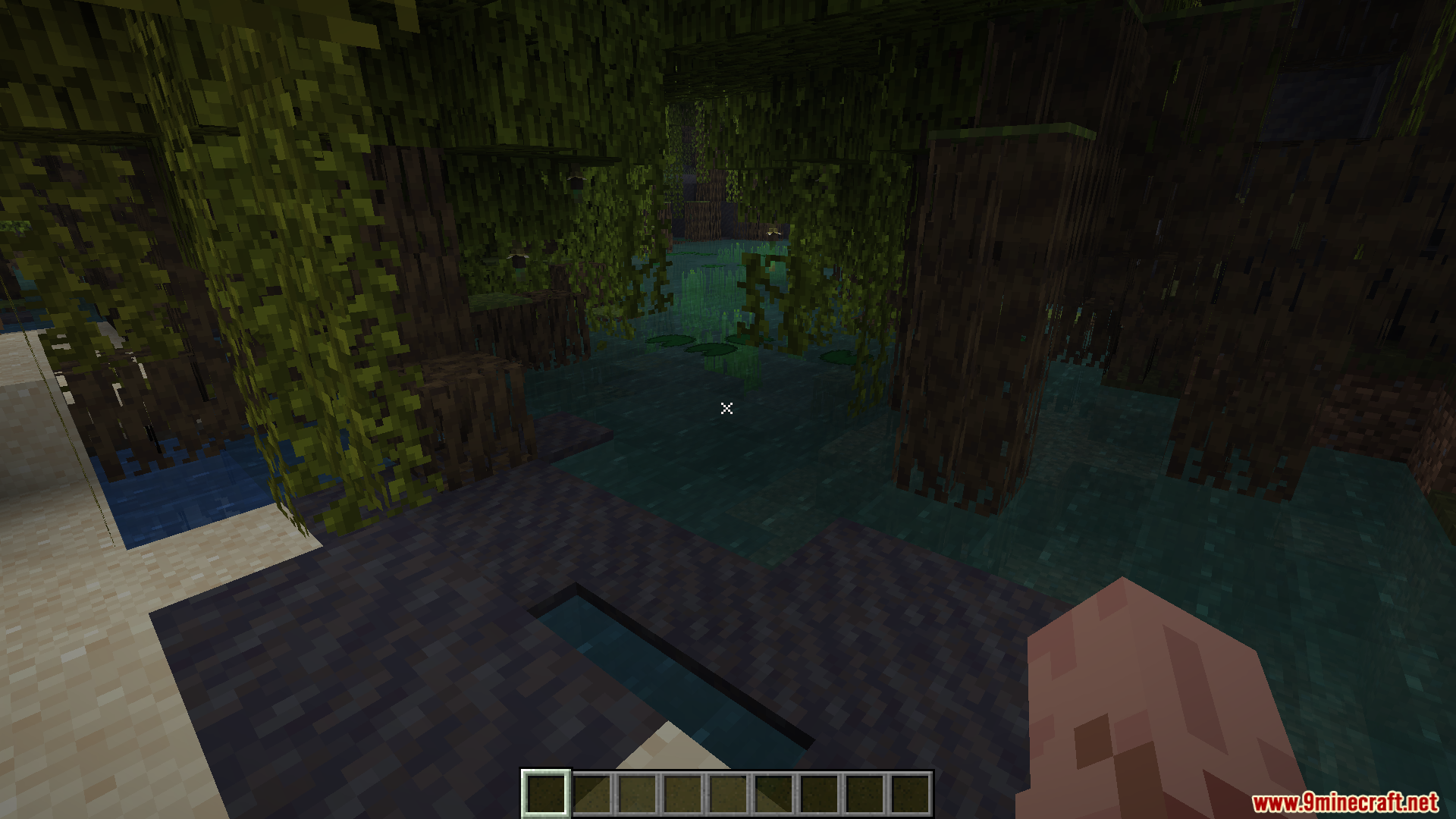
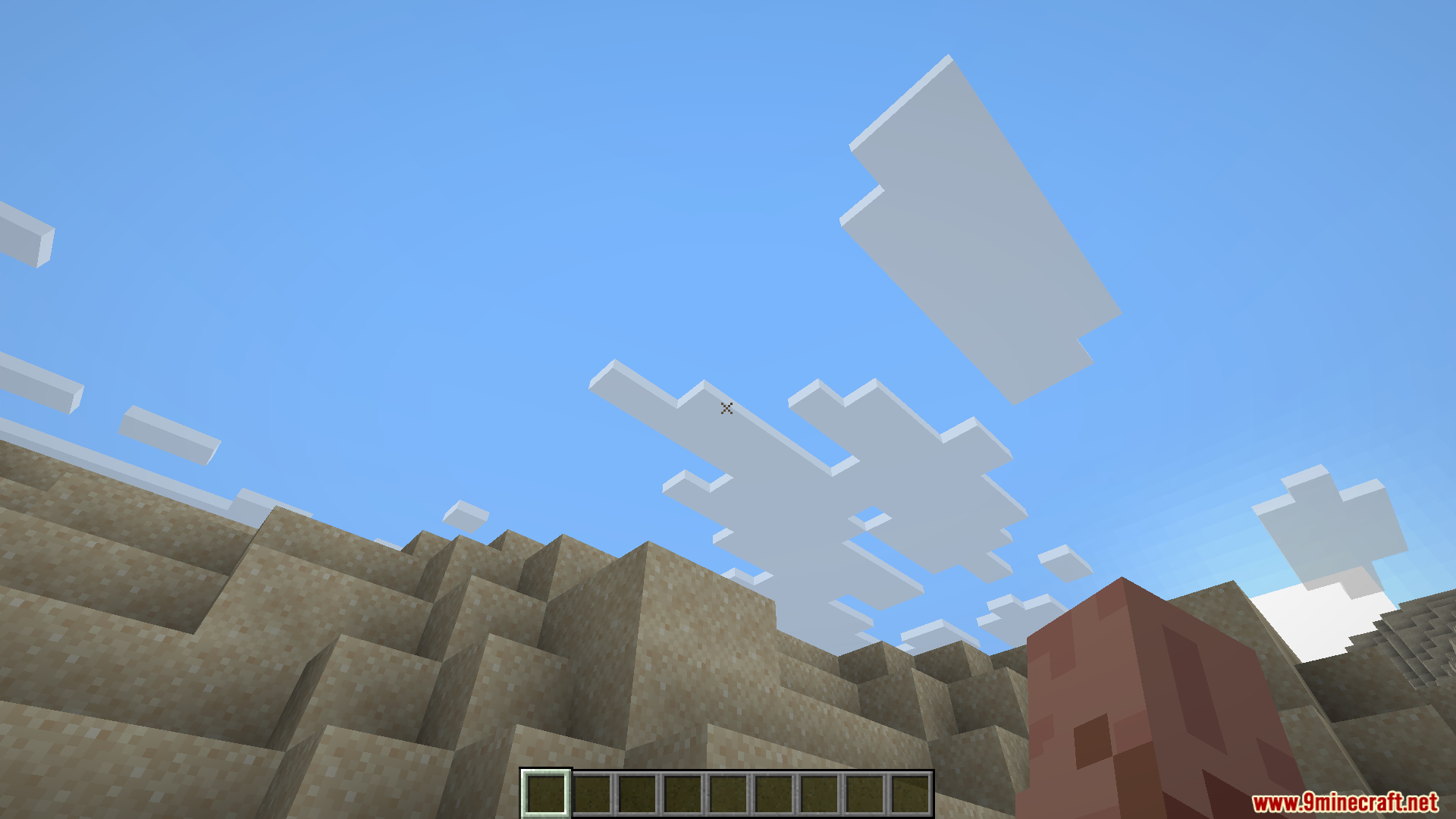
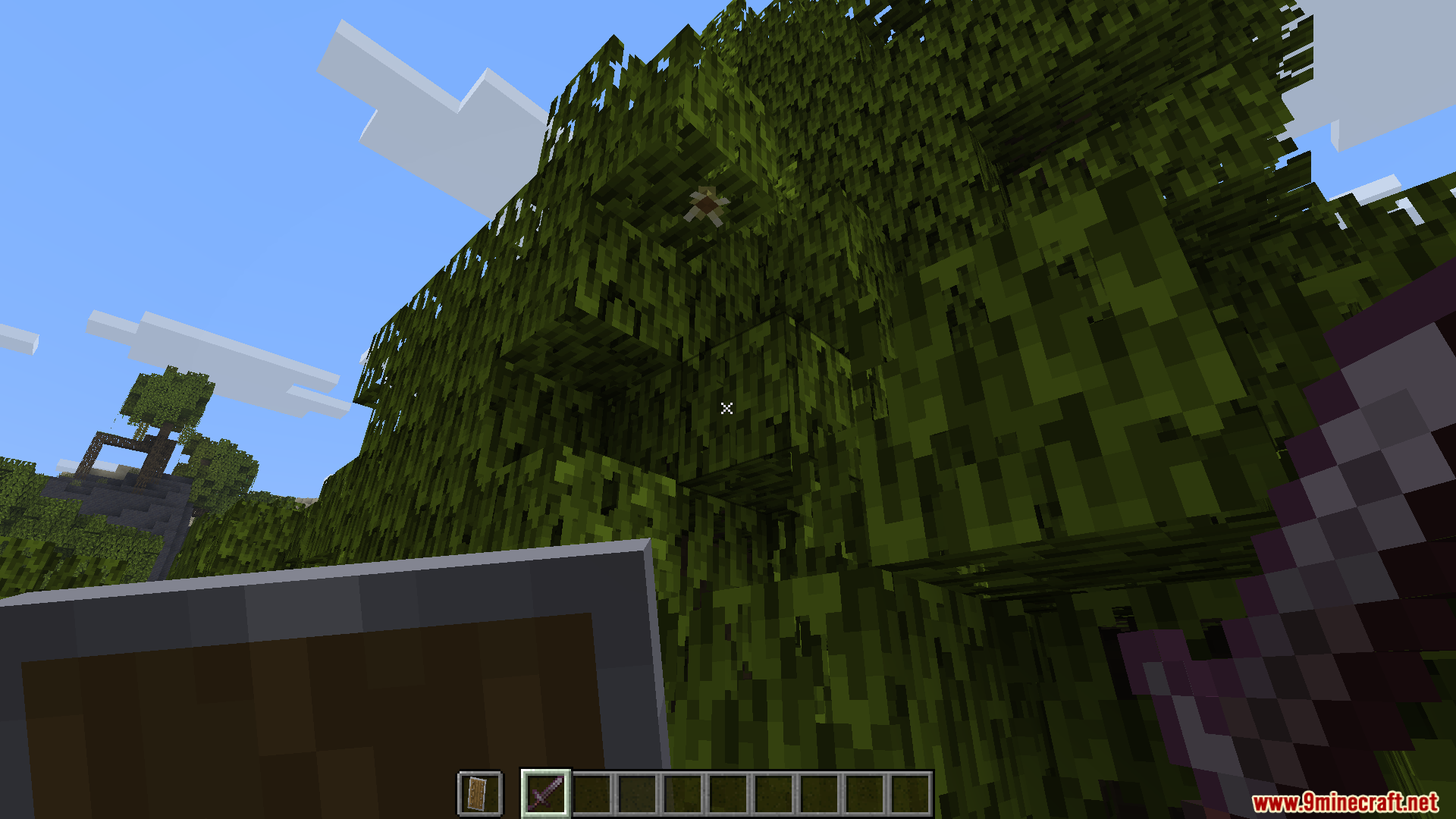
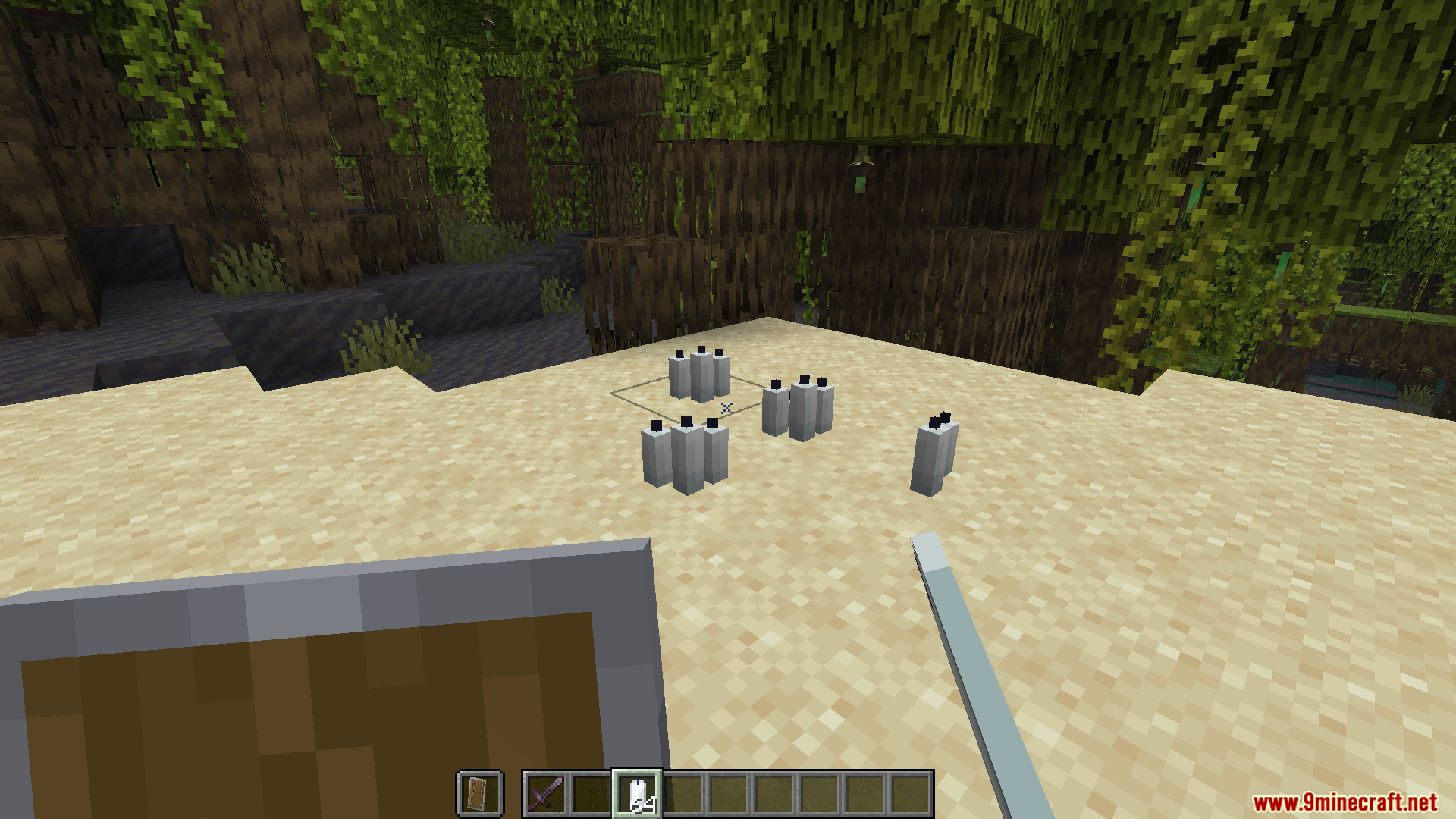
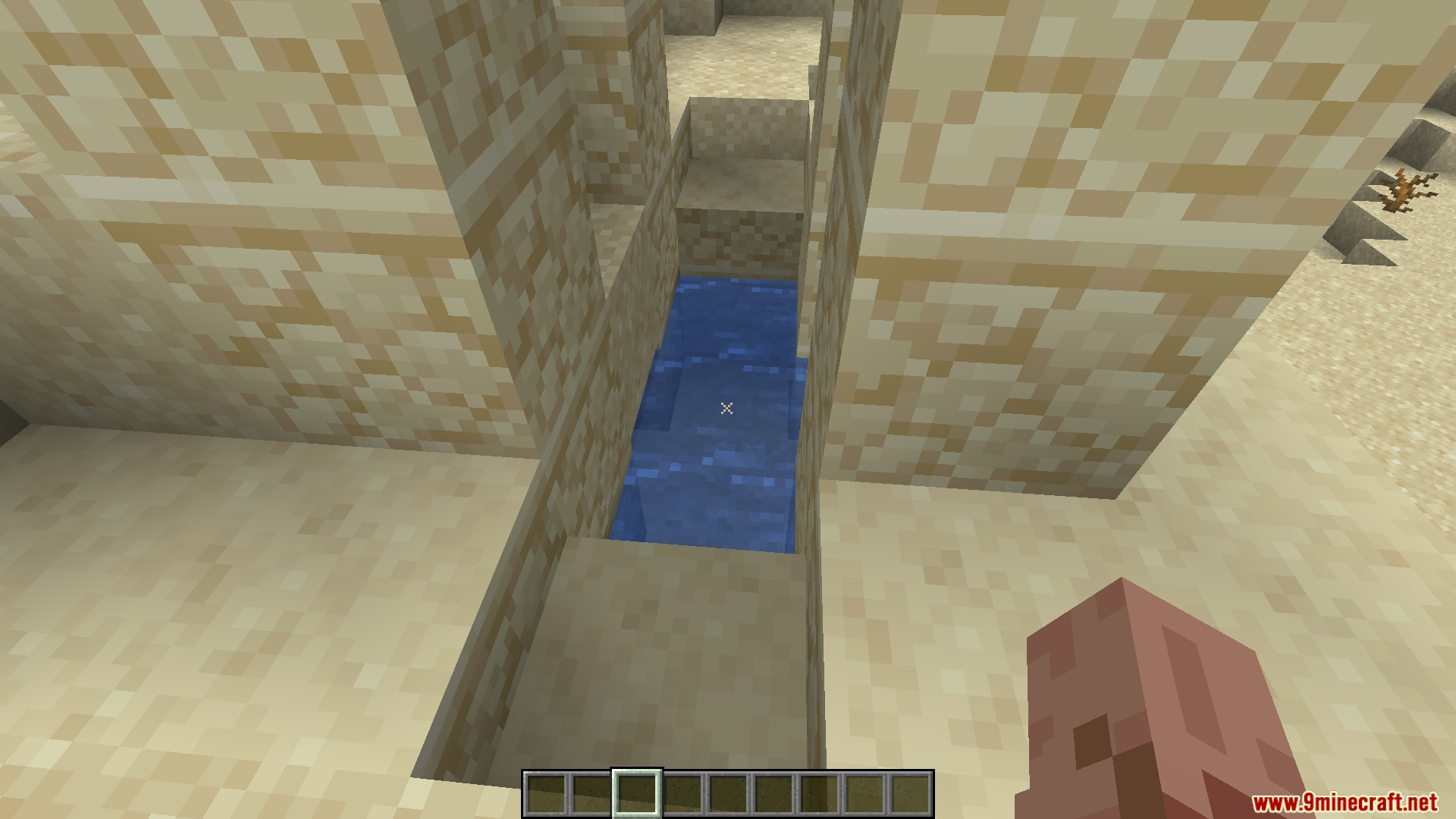
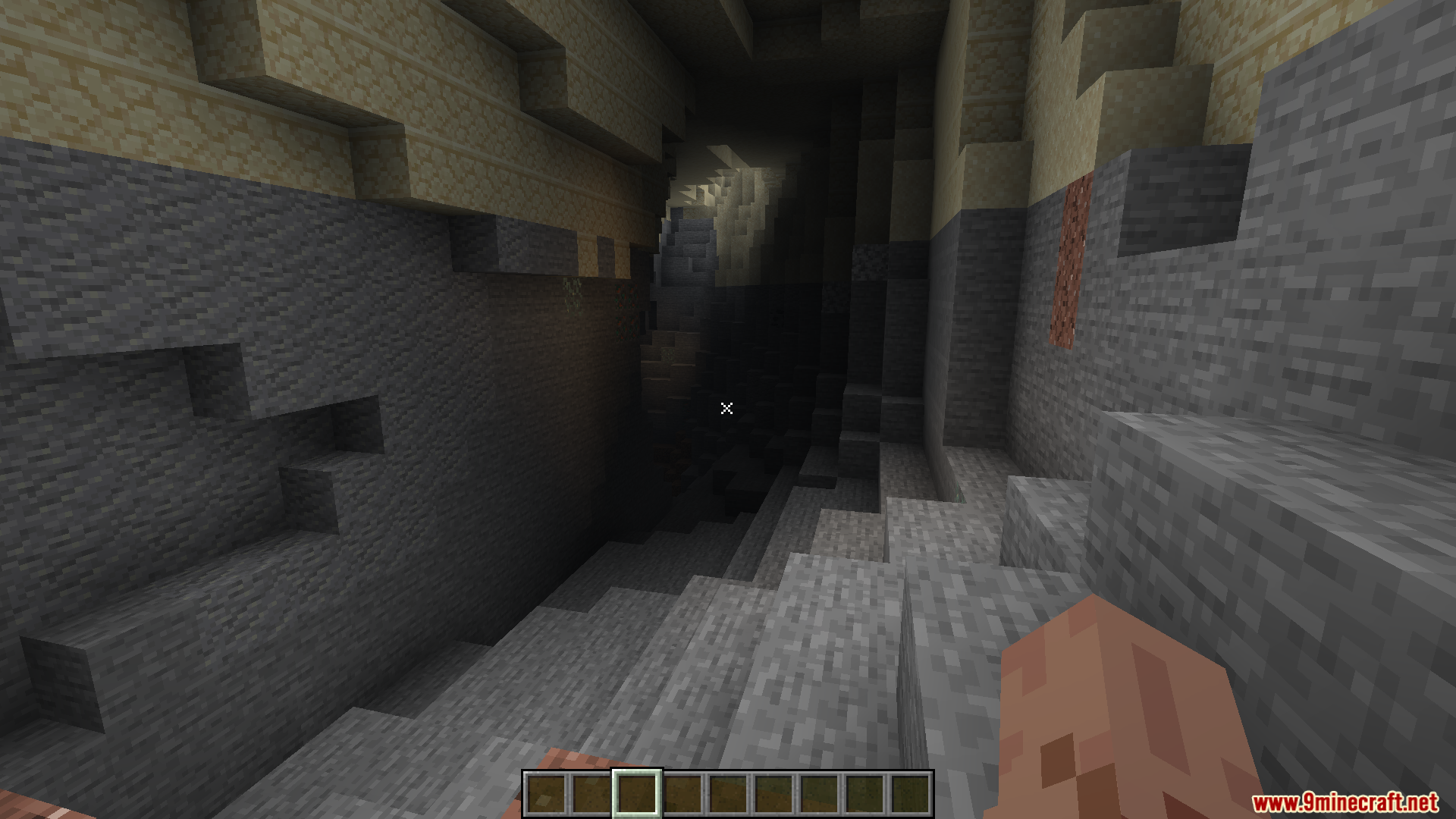
- Stays clear against different backgrounds, from bright clouds and sand to green leaves, water, and dark stone caves.
Screenshots:
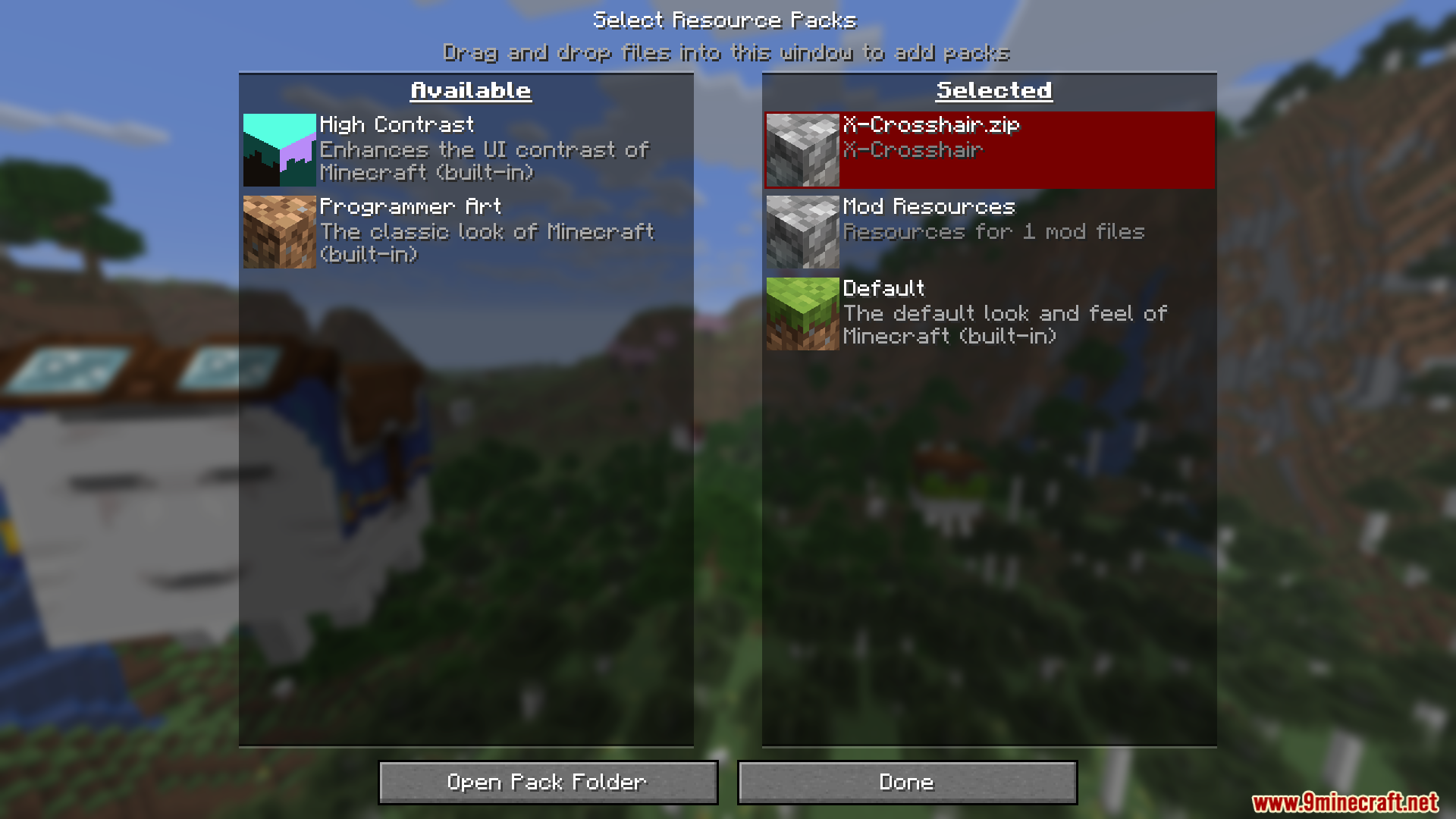
How to Install:
New to Minecraft? Follow our step-by-step guide to install Resource Packs on your PC.View Guide
Requirements:

X Crosshair Shape Resource Pack Download Links
For Minecraft
26.3.x
All Versions Covered
26.3
26.2
26.1.2
26.1.1
26.1
1.21.11
1.21.10
1.21.9
1.21.8
1.21.7
1.21.6
1.21.5
1.21.4
1.21.3
1.21.2
1.21.1
1.21
1.20.6
1.20.5
1.20.4
1.20.3
1.20.2
1.20.1
1.20
All Versions Covered
26.3
26.2
26.1.2
26.1.1
26.1
1.21.11
1.21.10
1.21.9
1.21.8
1.21.7
1.21.6
1.21.5
1.21.4
1.21.3
1.21.2
1.21.1
1.21
1.20.6
1.20.5
1.20.4
1.20.3
1.20.2
1.20.1
1.20
For Minecraft
26.2.x
All Versions Covered
26.2
26.1.2
26.1.1
26.1
1.21.11
1.21.10
1.21.9
1.21.8
1.21.7
1.21.6
1.21.5
1.21.4
1.21.3
1.21.2
1.21.1
1.21
1.20.6
1.20.5
1.20.4
1.20.3
1.20.2
1.20.1
1.20
All Versions Covered
26.2
26.1.2
26.1.1
26.1
1.21.11
1.21.10
1.21.9
1.21.8
1.21.7
1.21.6
1.21.5
1.21.4
1.21.3
1.21.2
1.21.1
1.21
1.20.6
1.20.5
1.20.4
1.20.3
1.20.2
1.20.1
1.20
For Minecraft
26.1.x
All Versions Covered
26.1.2
26.1.1
26.1
1.21.11
1.21.10
1.21.9
1.21.8
1.21.7
1.21.6
1.21.5
1.21.4
1.21.3
1.21.2
1.21.1
1.21
1.20.6
1.20.5
1.20.4
1.20.3
1.20.2
1.20.1
1.20
All Versions Covered
26.1.2
26.1.1
26.1
1.21.11
1.21.10
1.21.9
1.21.8
1.21.7
1.21.6
1.21.5
1.21.4
1.21.3
1.21.2
1.21.1
1.21
1.20.6
1.20.5
1.20.4
1.20.3
1.20.2
1.20.1
1.20
For Minecraft 1.21.
Click to rate this post!
[Total: 3 Average: 3.3]
QUICK MINECRAFT SURVEY · ONE TAP
Shaders & Resource Packs
How do you feel about camera lens effects in shaders (like motion blur, depth of field, and lens flare)?
0 responses · See the full results →
You May Also Like
Picked for this page
 Clear Lava and Water Resource Pack (26.3, 1.20.1) – Texture Pack
 Motschen’s Better Leaves Resource Pack (26.3, 1.20.1) – Texture Pack
 Default Dark Mode Resource Pack (26.3, 1.20.1) – Texture Pack
 Borderless Glass Resource Pack (26.3, 1.20.1) – Texture Pack
 DOT Crosshair Resource Pack (26.1.2, 1.20.1) – Texture Pack
 Smooth Glass Resource Pack (26.1.2, 1.20.1) – Texture Pack
 STONEBORN UI Overhaul Resource Pack (26.2, 1.20.1) – Texture Pack
 Gothic Medieval RPG Font Resource Pack (26.3, 1.20.1) – Texture Pack
 Super RPG Font Resource Pack (26.3, 1.20.1) – Texture Pack
 Cubic Stars Resource Pack (26.1.2, 1.20.1) – Texture Pack
 Golden Enchanted Glint Resource Pack (26.3, 1.21.1) – Changes Enchantment Glow to Gold
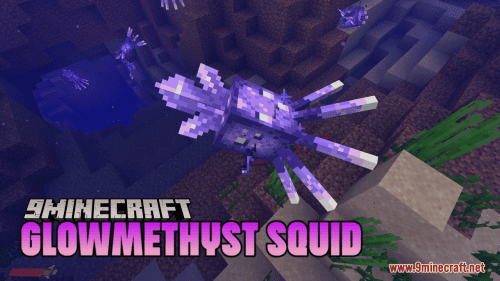 Glowmethyst Squid Resource Pack (1.21.1, 1.20.1) – Texture Pack
Most viewed in Resource Packs over the last 7 days
 Jenny Mod Skins Resource Pack (1.12.2) – Uzaki, Klee, Mita, and More
 Jenny Mod Skin Pack Mega Collection – 310+ Characters
 Jennycraft Resource Pack (1.20.1) – Skins for Jennycraft Mod
 Dewier’s 20k Resource Pack (1.8.9) – Texture Pack
 750 Models Addon for Yes Steve Model Mod
 Animation Collection for Jenny Mod – 60+ Animations, Updated Regularly
 Vanilla+ 3D Crystal Resource Pack (1.21.1, 1.20.1) – Texture Pack
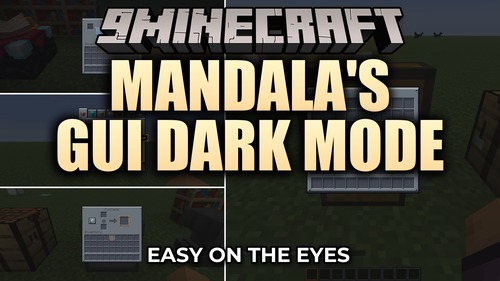 Mandala’s GUI Dark Mode 9minecraft Resource Pack (26.3) – Eye-Soothing Dark Mode Menus
 Bare Bones 9minecraft Resource Pack (26.3) – Official Cinematic Trailer Look
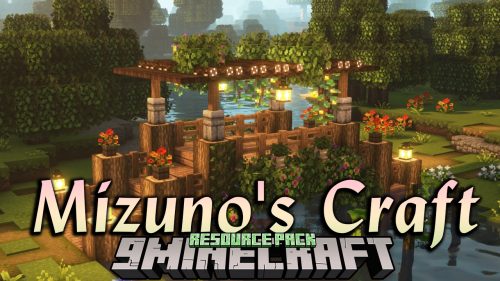 Mizuno’s Craft 9minecraft Resource Pack (26.3) – A Cozy Handpainted Storybook World
 Patrix Resource Pack (26.3, 1.20.1) – The Peak of Photorealism
 Stay True 9minecraft Resource Pack (26.3) – Crisper Vanilla Without the Noise
More from Resource Packs
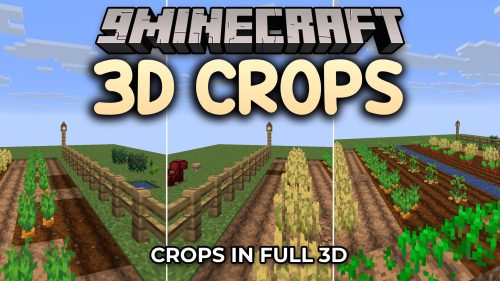 3D Crops 9minecraft Resource Pack (26.3) – Lush Layered Fields for Cozy Farming
 Improved Boss Bars 9minecraft Resource Pack (26.3) – Stylized Fantasy Boss Health Bars
 Fancy GUI Overhaul 9minecraft Resource Pack (26.3) – Sleek Dark Menus and Warm Wood
 Bloom and Serenity UI 9minecraft Resource Pack (26.3) – Hand-Painted Menus
 Cubic Leaves 9minecraft Resource Pack (26.3) – Bushy 3D Foliage for Vanilla Trees
 Classic 3D 9minecraft Resource Pack (26.3) – Vanilla Blocks with Real Depth
 MTR3 4 Eurostar Class 373 Resource Pack (1.21.11, 1.20.1)
 STONEBORN Gear Overhaul Resource Pack (1.19.2, 1.12.2)
 Excalibur Hold My Items Support Resource Pack (1.21.11, 1.21.1)
 Mizuno’s Pig Variants X FA Resource Pack (26.2, 1.21.11)
 Melody’s Cute XP Orbs Pink Resource Pack (1.21.11, 1.20.1)
 Emissive Trim Armors Resource Pack (1.21.5, 1.20.1) – Radiant Gear in Darkness

This post has no comments yet. Be the first — your comment will appear here.