


TFC Ambiental Second Edition Mod (1.20.1, 1.20) – Don’t Freeze or Overheat
 72
72
 0
0


🌐 Good news — we've translated this article into other languages!
Or pick the one you like:
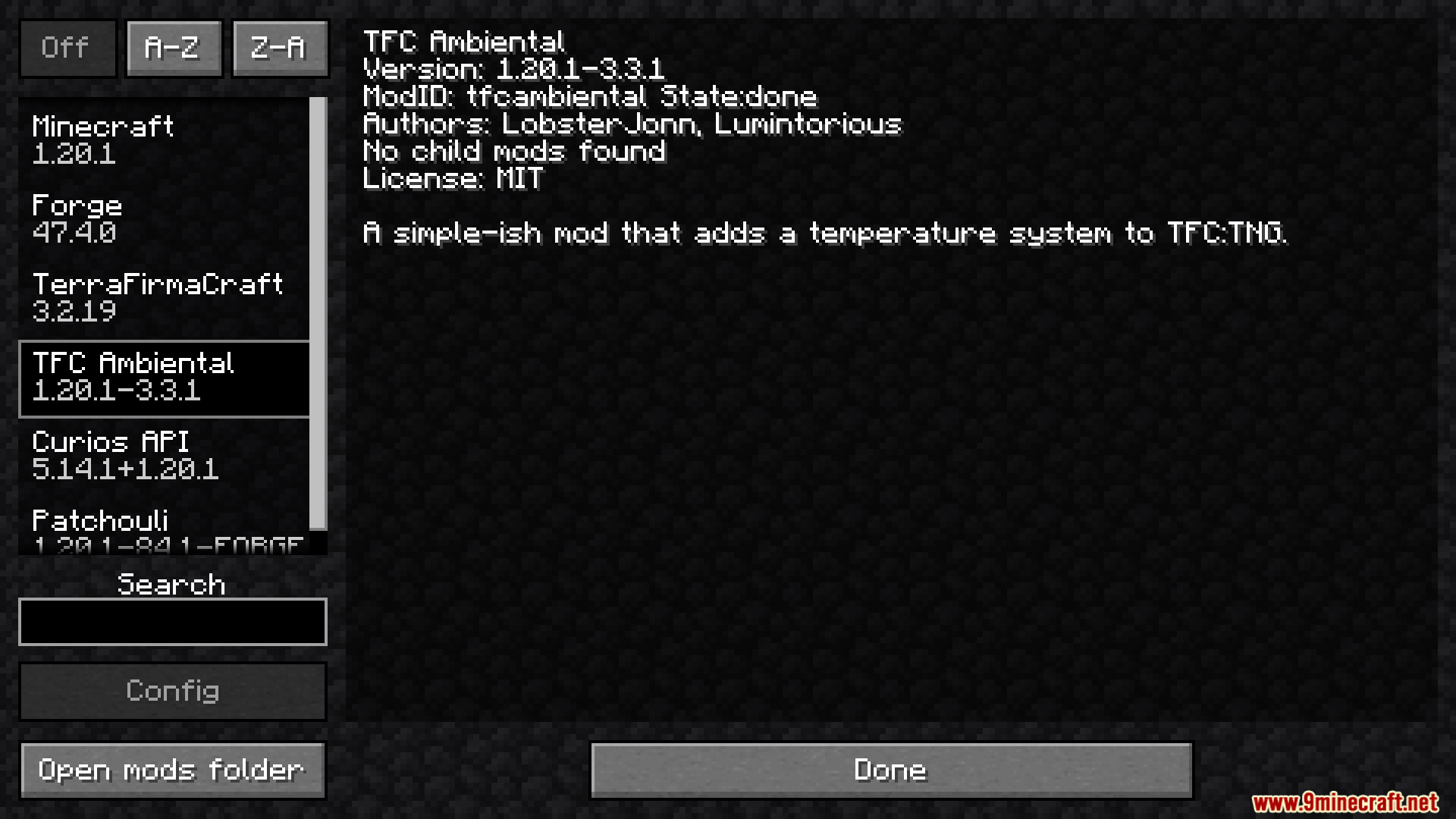
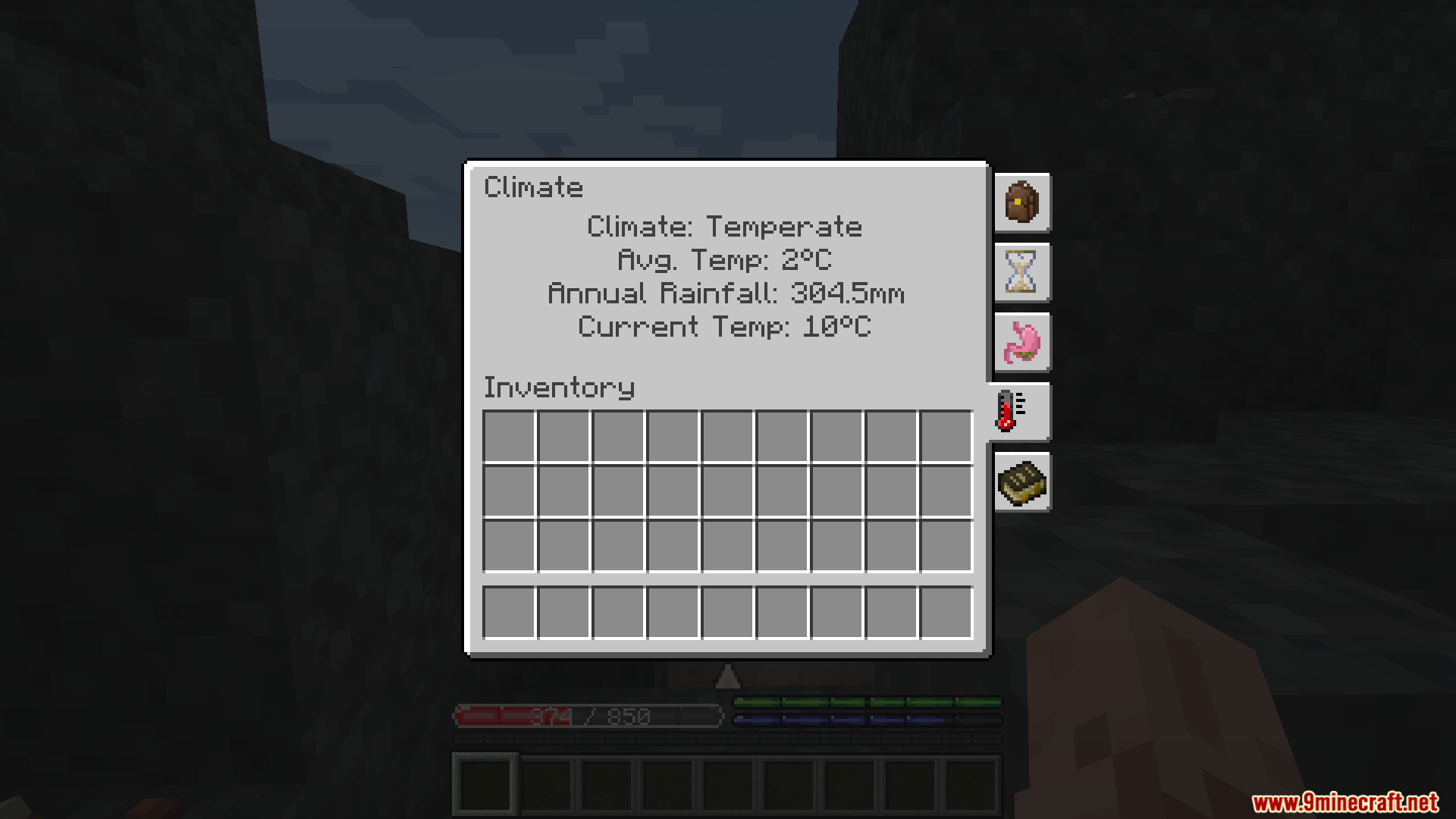
TFC Ambiental Second Edition Mod adds a body temperature system to TerraFirmaCraft, making your survival experience more realistic. This addon makes your character react to the environment around you. Your temperature will change based on the weather, time of day, how high you are, what you’re wearing, and even if you’re hydrated. The goal is to manage your temperature without it being a constant pain.
Features:
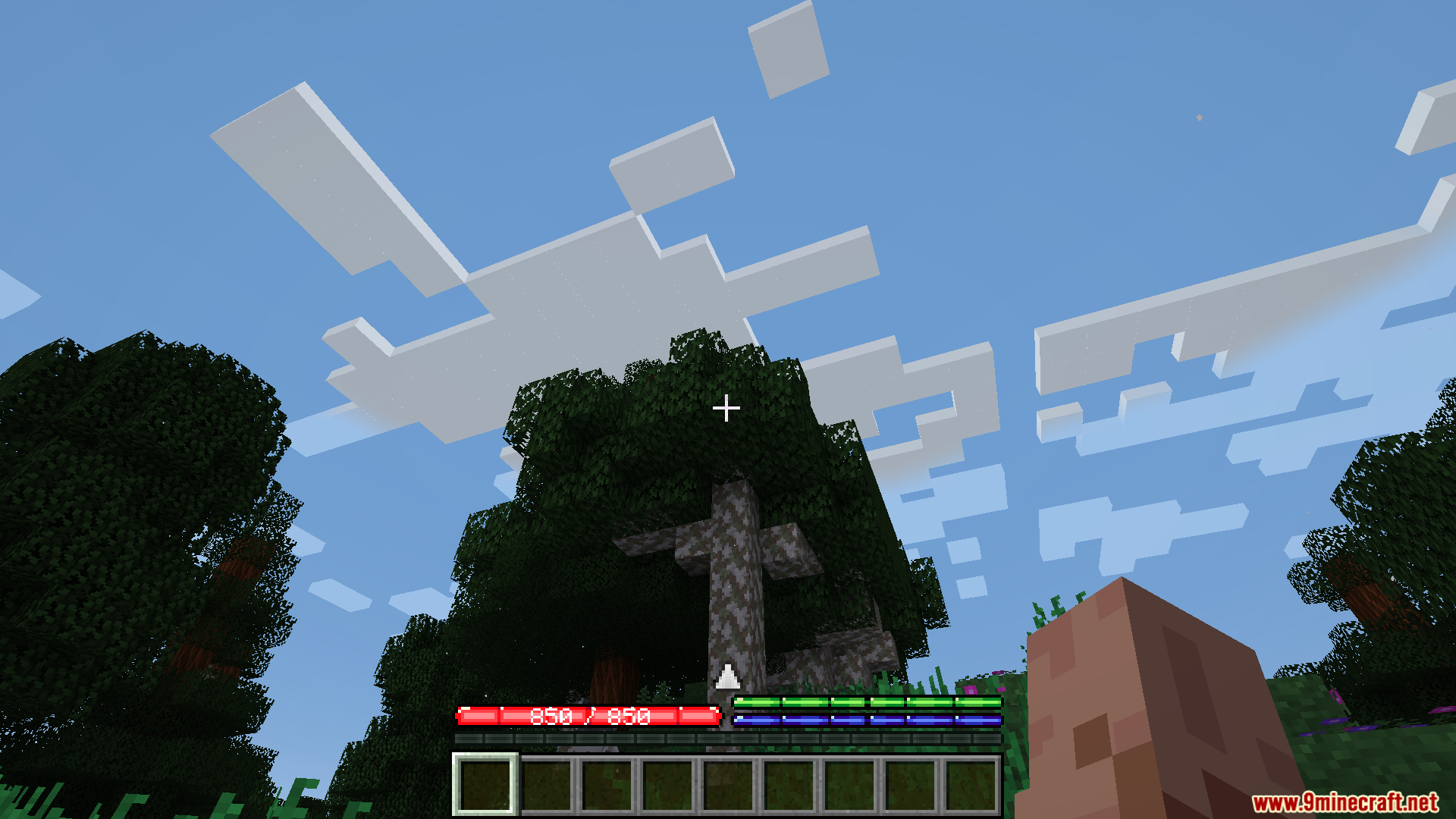
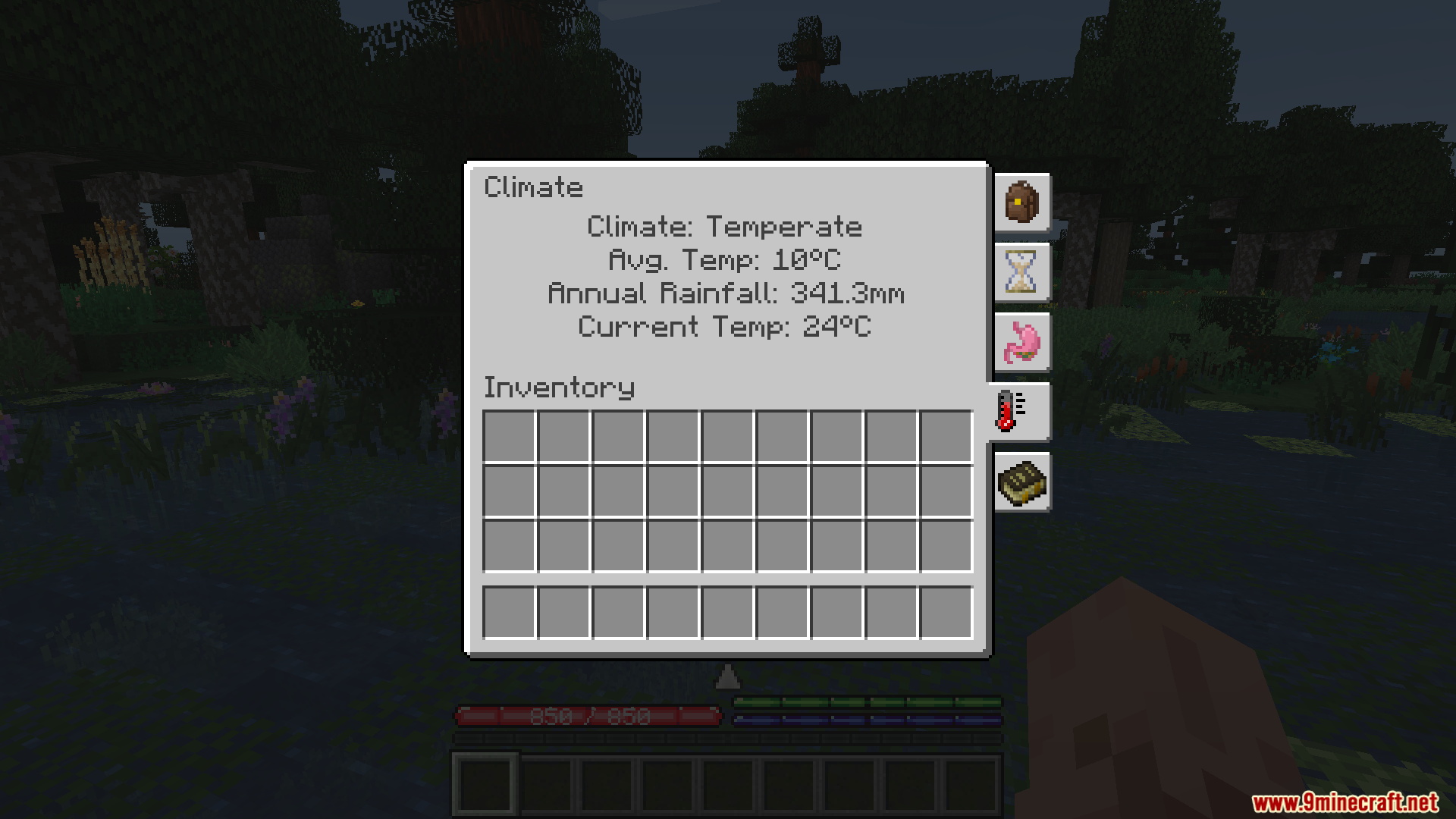
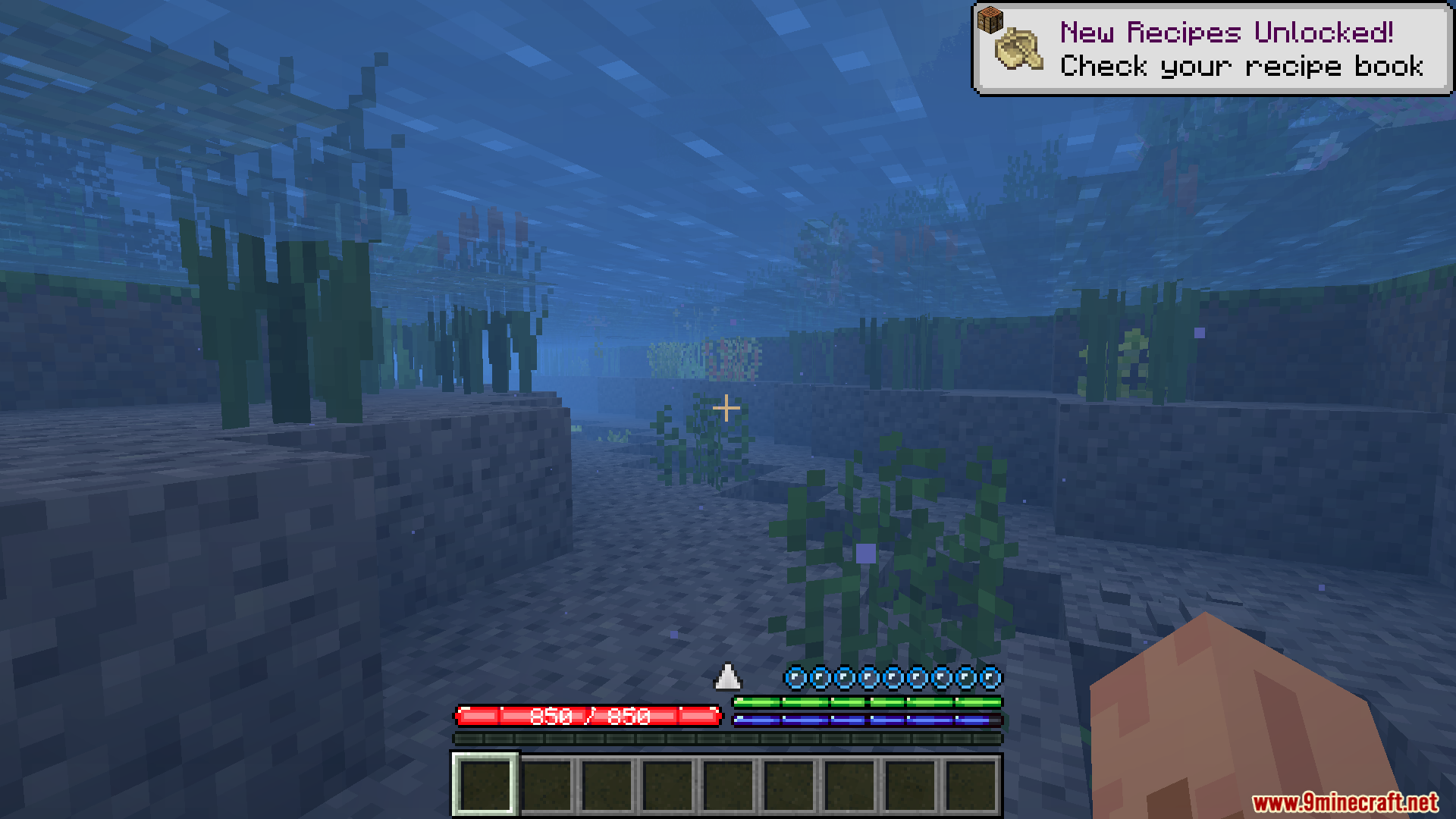
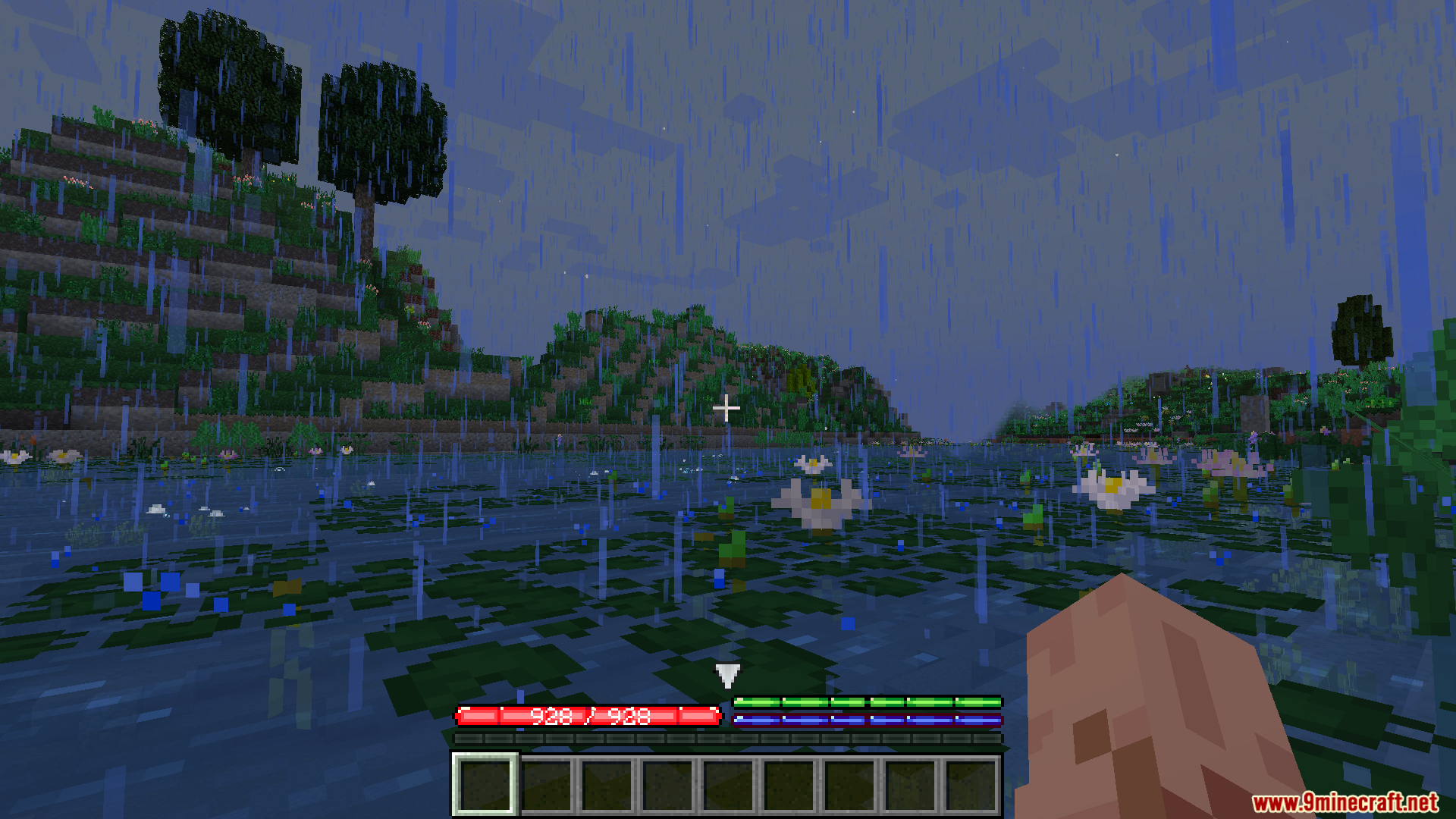
- Your body temperature needs to stay between 0°C and 30°C, with 15°C being the ideal temperature. An arrow on your screen shows your current status.
- The speed at which you gain or lose heat is affected by a “potency” system. Different blocks, items, and biomes have different heat values that change your temperature faster or slower.
- The environment plays a big role. Seasons, location, weather, and time of day all affect how hot or cold you feel.
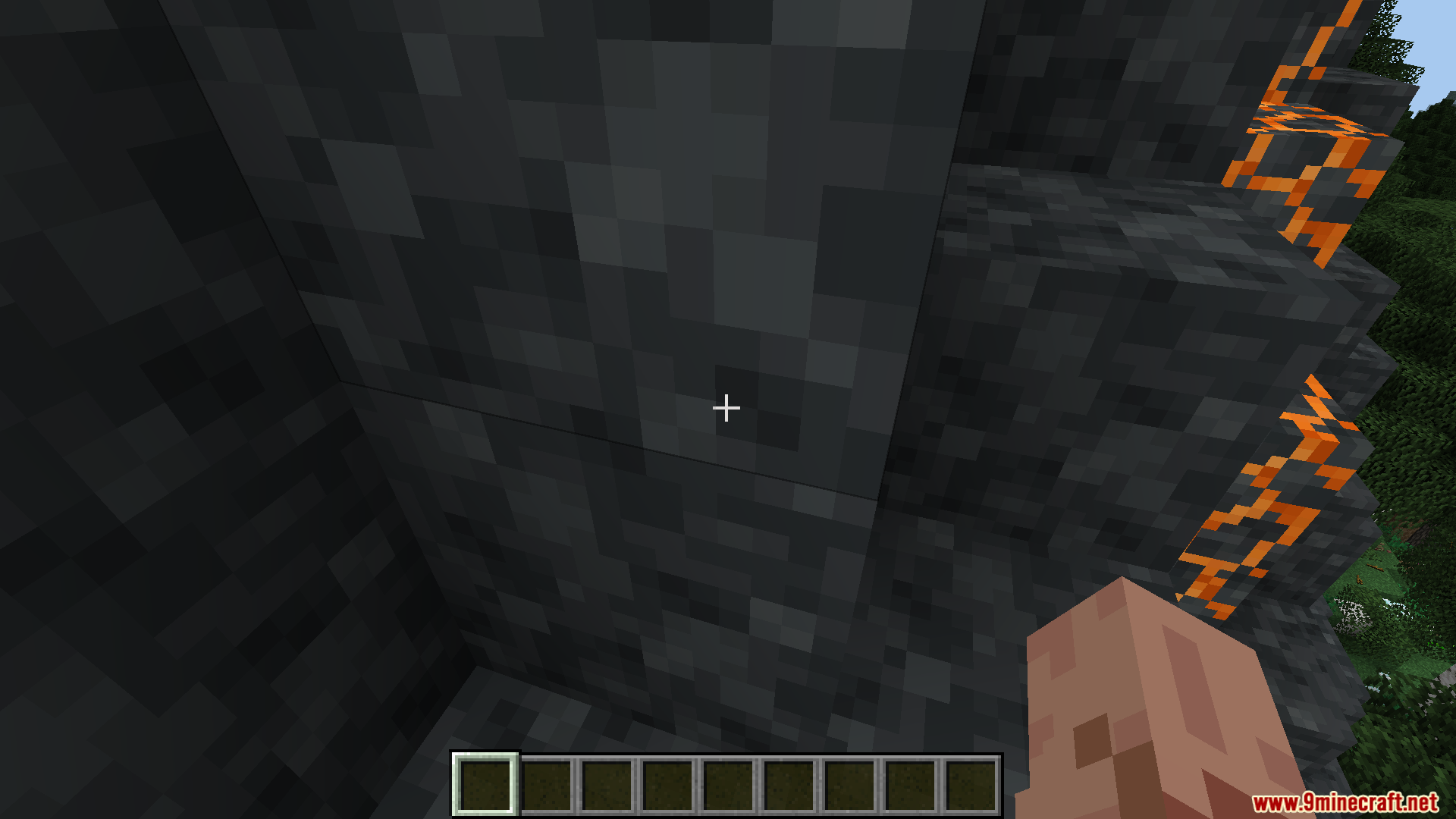
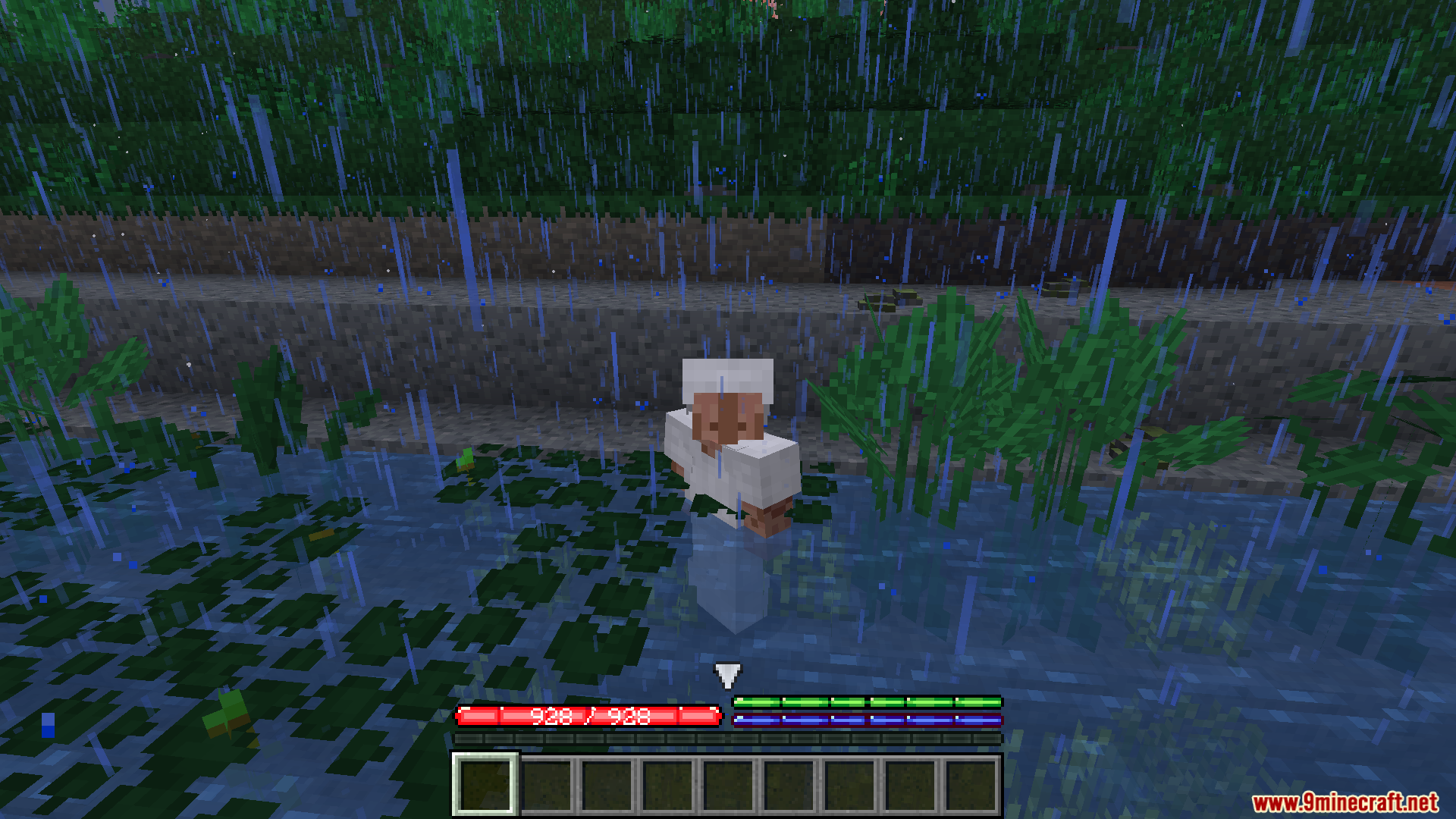
- Jumping into water cools you down, while hot springs or lava can warm you up quickly.
- Finding shade under a roof or wearing a helmet helps protect you from the sun’s heat.
- Staying well-fed helps you fight the cold, and staying hydrated helps you manage the heat.
- Your diet matters. Fruits and vegetables help you cool down in summer, while meats and grains help you stay warm in winter.
- Caves near the surface are cold, but they get warmer the deeper you go.
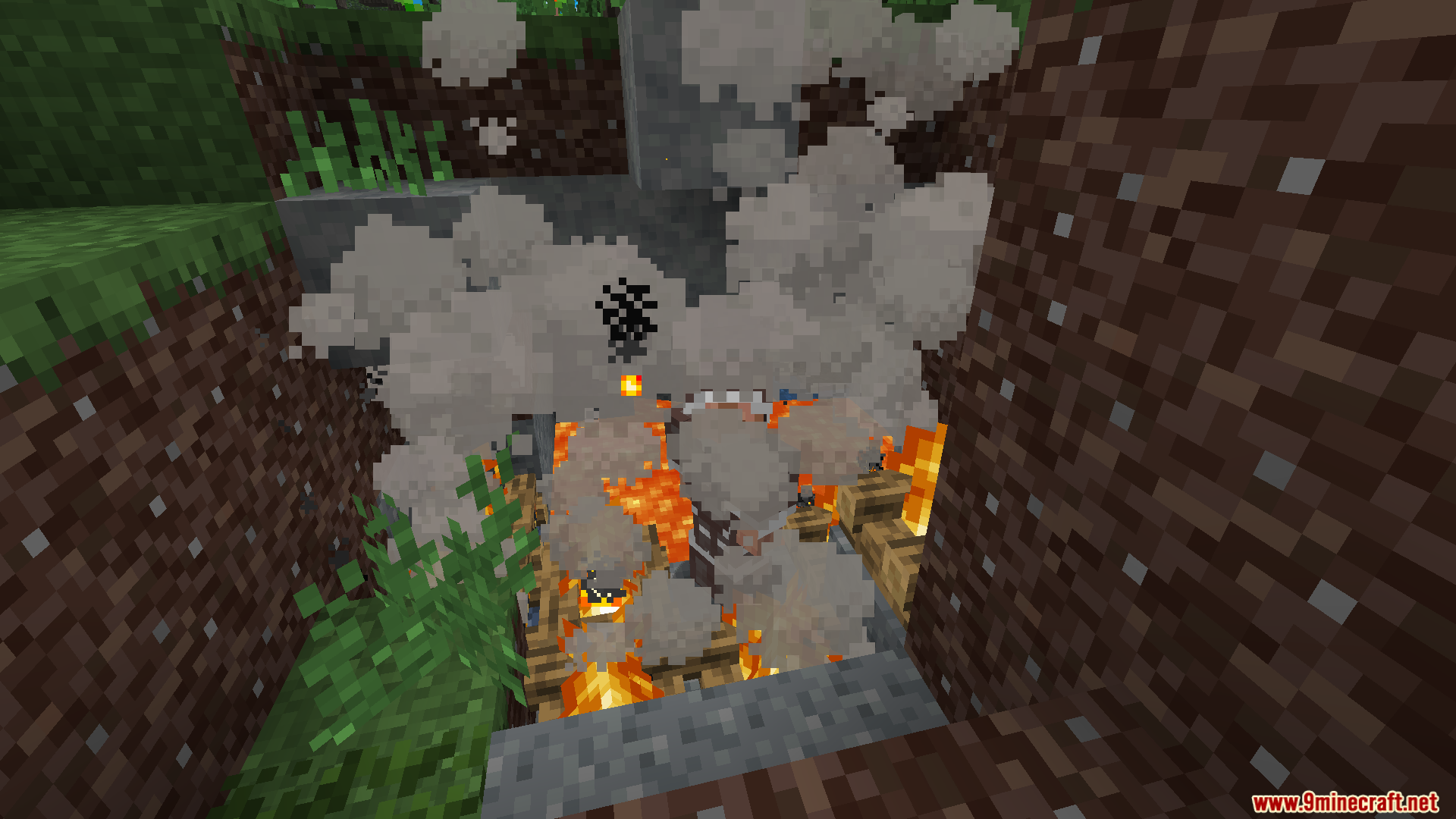
- Heat sources like fire pits and forges will warm you up, and their effect is stronger when you are closer.
- Craft different types of clothing. Wool and leather clothes keep you warm, while silk and burlap clothes help you stay cool.
How to Use:
Surviving the Heat
- Stay in the shade under a tree or a roof to avoid the sun.
- Keep your thirst bar full to help your body cool down naturally.
- Wear a hat, like a straw hat, to block direct sunlight.
- In an emergency, jump into cold water to cool off quickly.
- Eat fruits and vegetables to improve your body’s ability to cool itself.
- Work underground in a cellar where it’s cooler during the day.
- Avoid sprinting too much and stay away from hot forges.
- Explore during the evening or morning when the sun is not as strong.
- Build your home on a hill or mountain in hot areas, as it’s cooler at higher altitudes.
Staying Warm in the Cold
- Build a cozy shelter with a good roof to protect yourself from the cold.
- Craft wool or leather clothes before winter arrives. Leather is easier to get, but wool is warmer.
- Keep your hunger bar full to generate body heat naturally.
- Eat plenty of grains and meat during cold seasons.
- Stay near heat sources like fire pits, forges, and lamps. They work better indoors.
- Find a hot spring to warm up quickly in an emergency.
- Carry hot items like freshly made ingots in your inventory for temporary warmth.
- Explore during the day when the sun is out.
- In cold areas, build your home at sea level, as mountaintops are very dangerous in winter.
Clothing Types
- Insulated Leather: Made from leather armor and string. A good choice for your first winter.
- Wool: Made from wool cloth. It’s very warm but harder to get in large amounts.
- Silk: Made from silk cloth. It cools you down and provides some insulation.
- Burlap: Made from burlap cloth. It cools you down less than silk but insulates better.
Screenshots:
How to Install:
New to Minecraft? Follow our step-by-step guide to install Mods on your PC.View Guide
Requirements:


TFC Ambiental Second Edition Mod Download Links
For Minecraft 1.20.1, 1.20
Forge version: Download from Server 1 – Download from Server 2
Click to rate this post!
[Total: 1 Average: 1]
You May Also Like








This post has no comments yet. Be the first — your comment will appear here.