


Your Records Mod 1.7.10
 1,590
1,590
 0
0

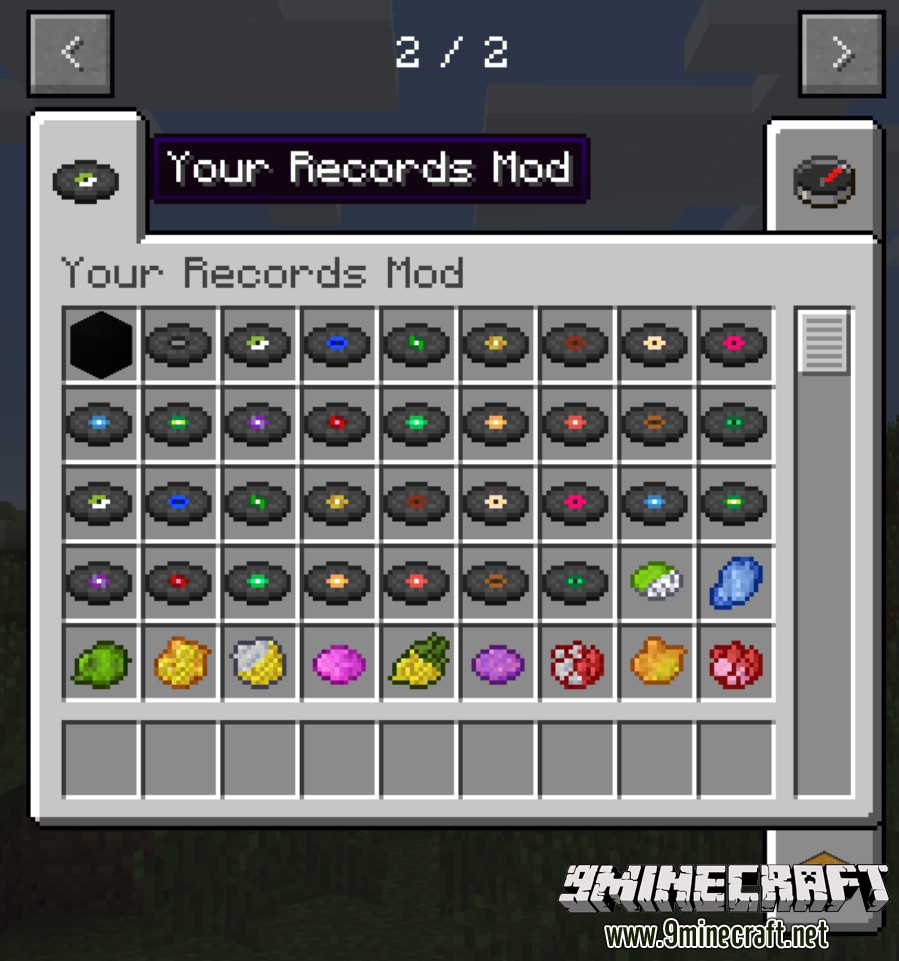
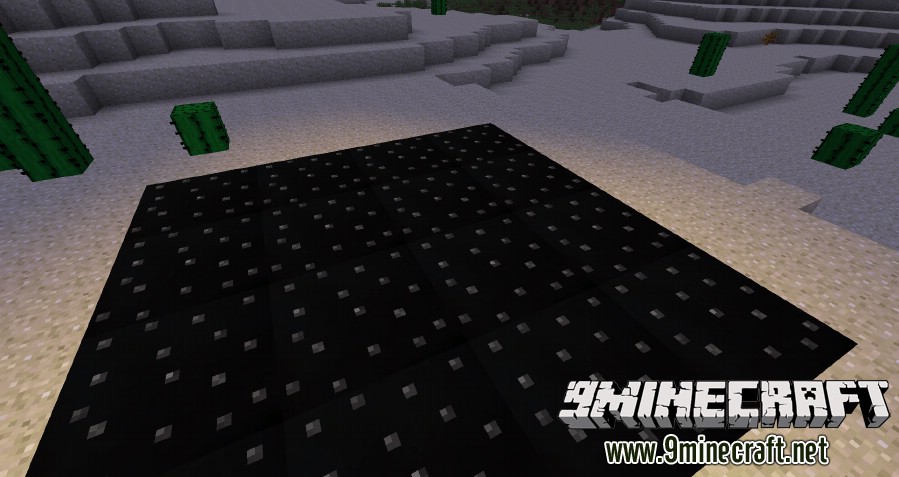
Your Records Mod 1.7.10 allows you to add your music into Minecraft using custom added records and also keep the default records. It also includes some dance floors, just add a redstone current to them and see them light up! Do not worry if you don’t want others to hear your music, the records are client side and they will only hear their songs. You can only hear the same song if you both have it in the files.
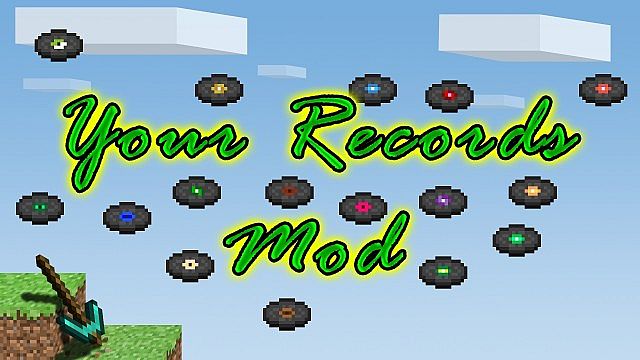
Screenshots:
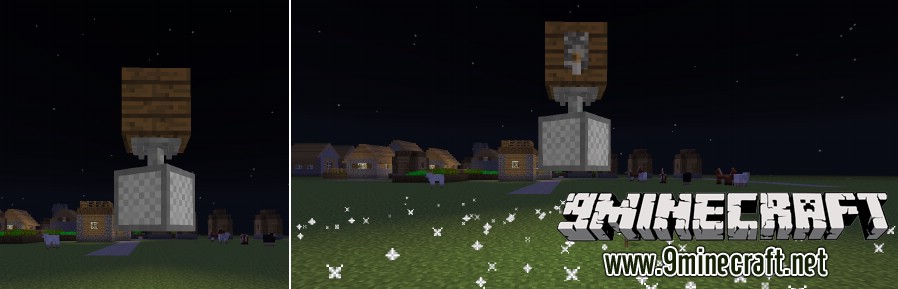
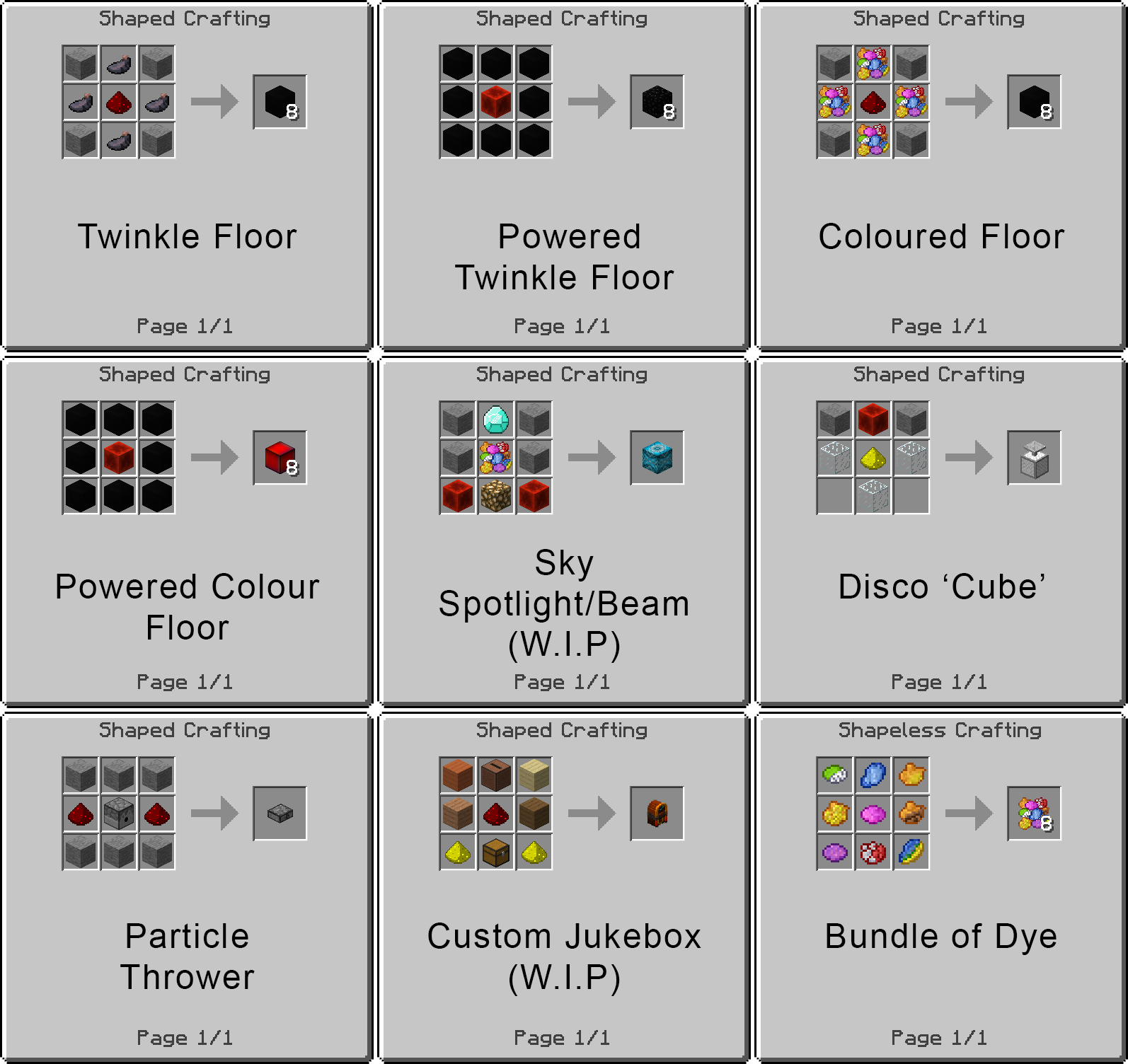
Disco ‘Cube’: This is a block (and a bit) of an attempt to introduce disco balls into Minecraft. Crafted as shown below and when a redstone current is applied, it will shoot out sparkling particles. (Left no power, right power)
Particle Thrower: This block will be placed depending on the direction you are facing. When a redstone current is applied, it will shoot out particles – just like the name suggests! Try seeing when it is placed next to snow or fire etc.
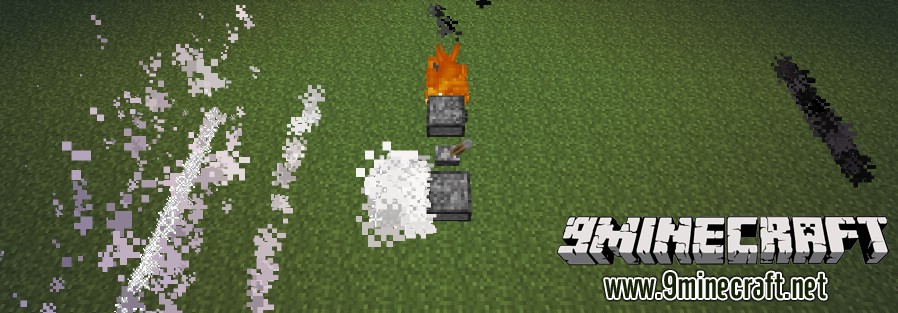
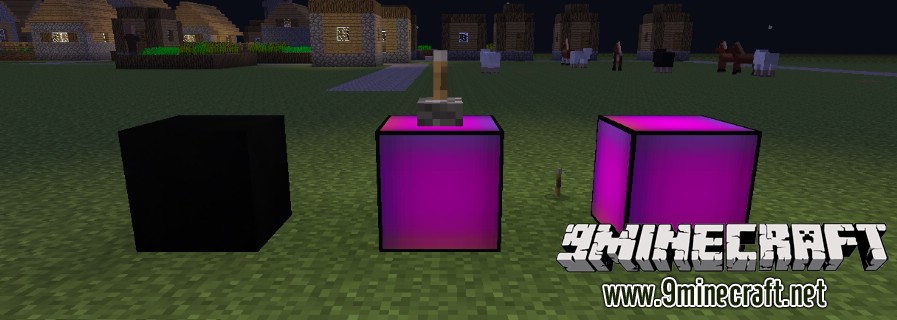
Colored Floor: This is very similar to the Twinkle Floor, except it changes colors rather than twinkles. You can craft the normal Colored Floor (left). When it is powered, it will change to the middle. The Colored Floor can also be crafter into the Powered Colored Floor, which will also be changing colors.
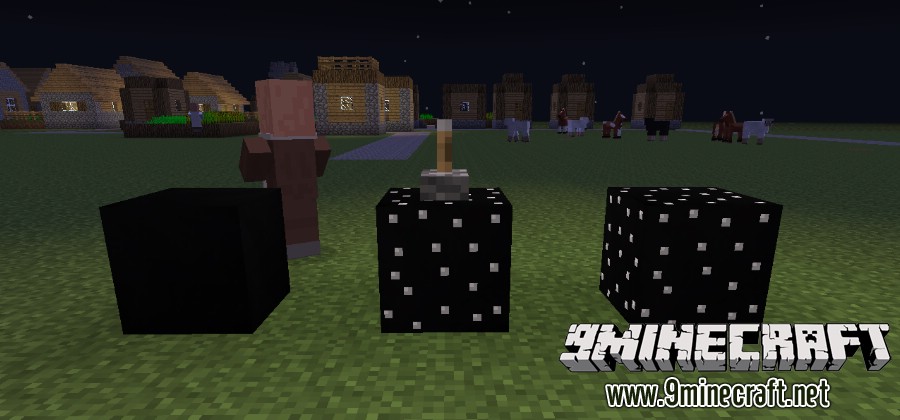
Twinkle Floor: The twinkle floor is exactly like the one the above, except it twinkles. There is also the ‘Powered’ variant of this block on the right.
Mod Showcases:
Crafting Recipes:
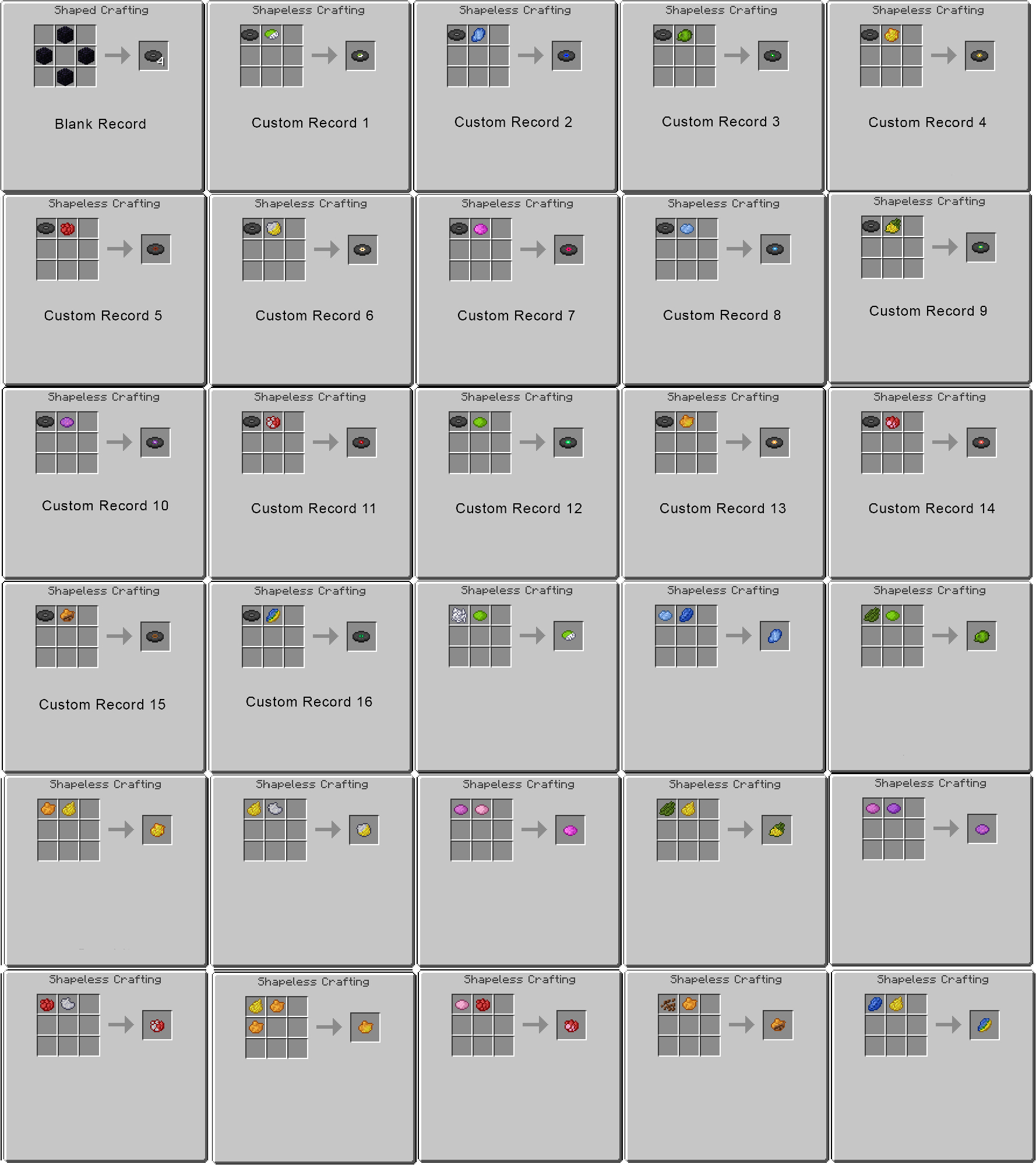
To craft records 15+ in version 0.7+, place the records 0 to 15 in the crafting table anywhere and it should change to the next records.
How to Install:
New to Minecraft? Follow our step-by-step guide to install Mods on your PC.View Guide
Download Links for Your Records Mod 1.7.10
For 1.7.10, 1.7.2
You May Also Like







This post has no comments yet. Be the first — your comment will appear here.