


Eroxen MC Paint Mod (26.2, 1.21.1) – Hand-Draw Pixel Art for Your Base

 0
0 

🌐 Good news — we've translated this article into other languages!
Or pick the one you like:
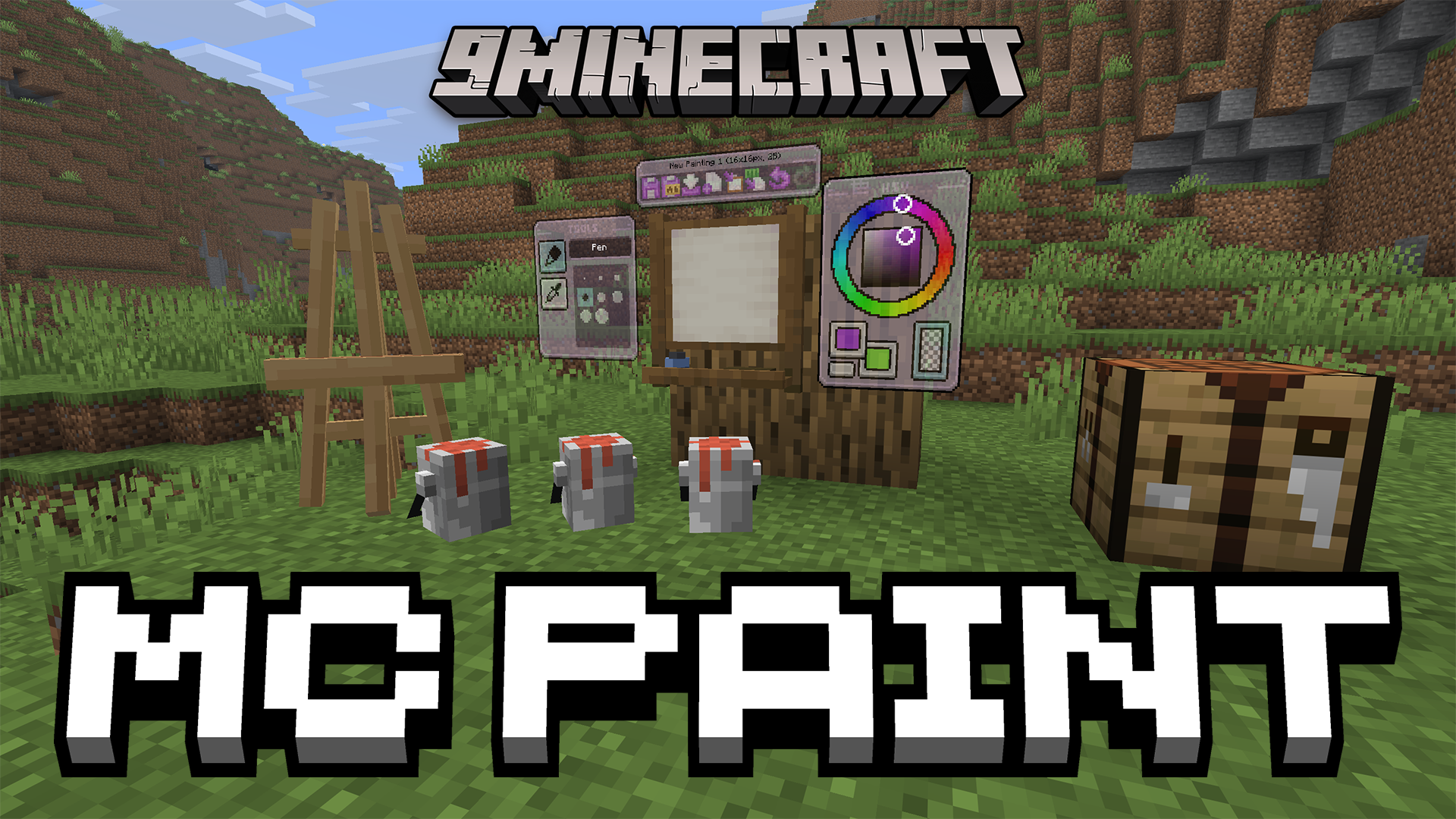
Eroxen MC Paint Mod gives you the tools to draw your own custom artwork directly inside the game. It adds a working studio and a wooden easel so you can paint pictures pixel by pixel. When your drawing is done, you can place the canvas anywhere you want, including on floors and ceilings. The mod turns colored text into real image pixels to make your art look exactly how you drew it. You can even save your work and copy your paintings to different worlds.
Features:
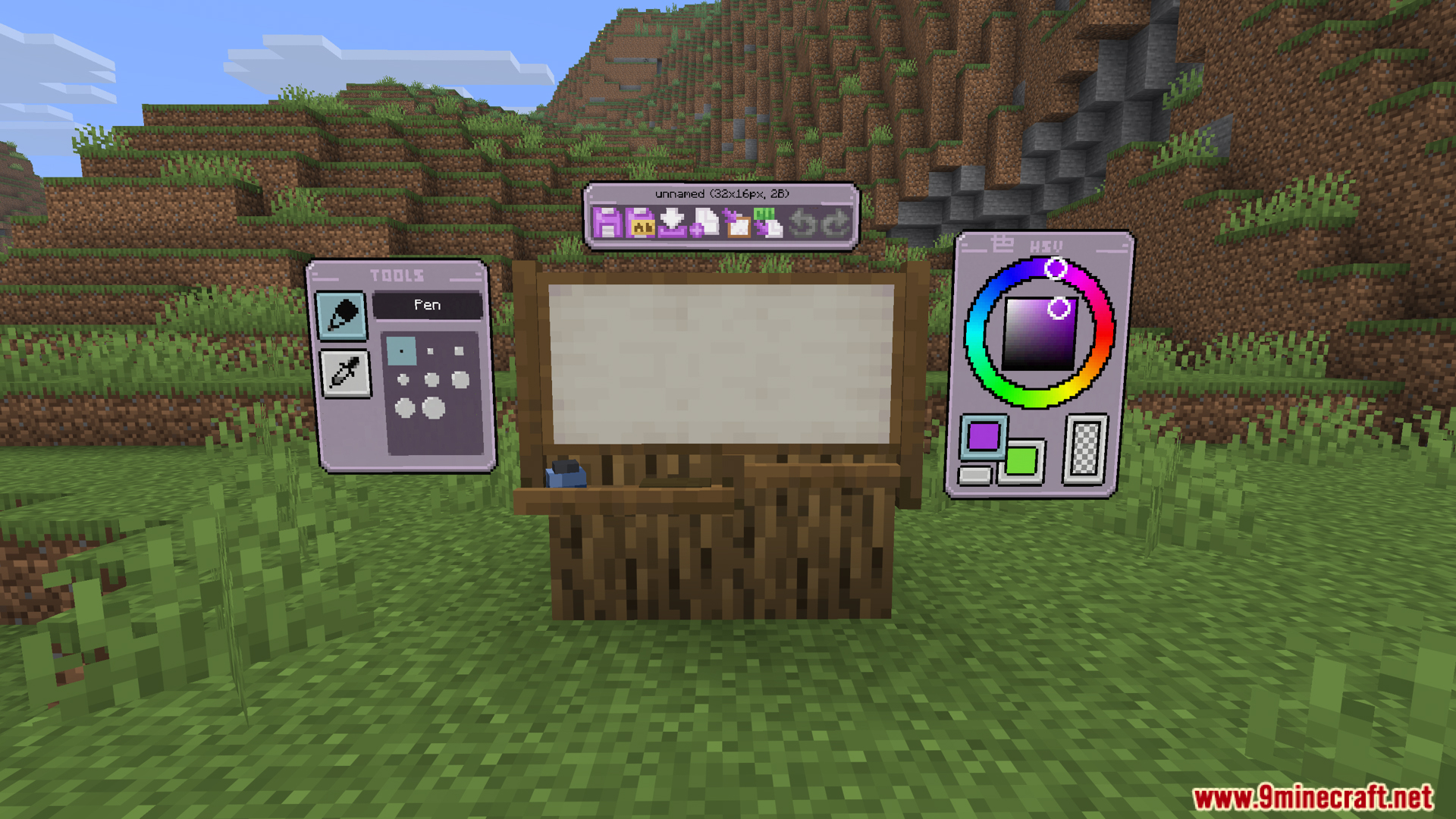
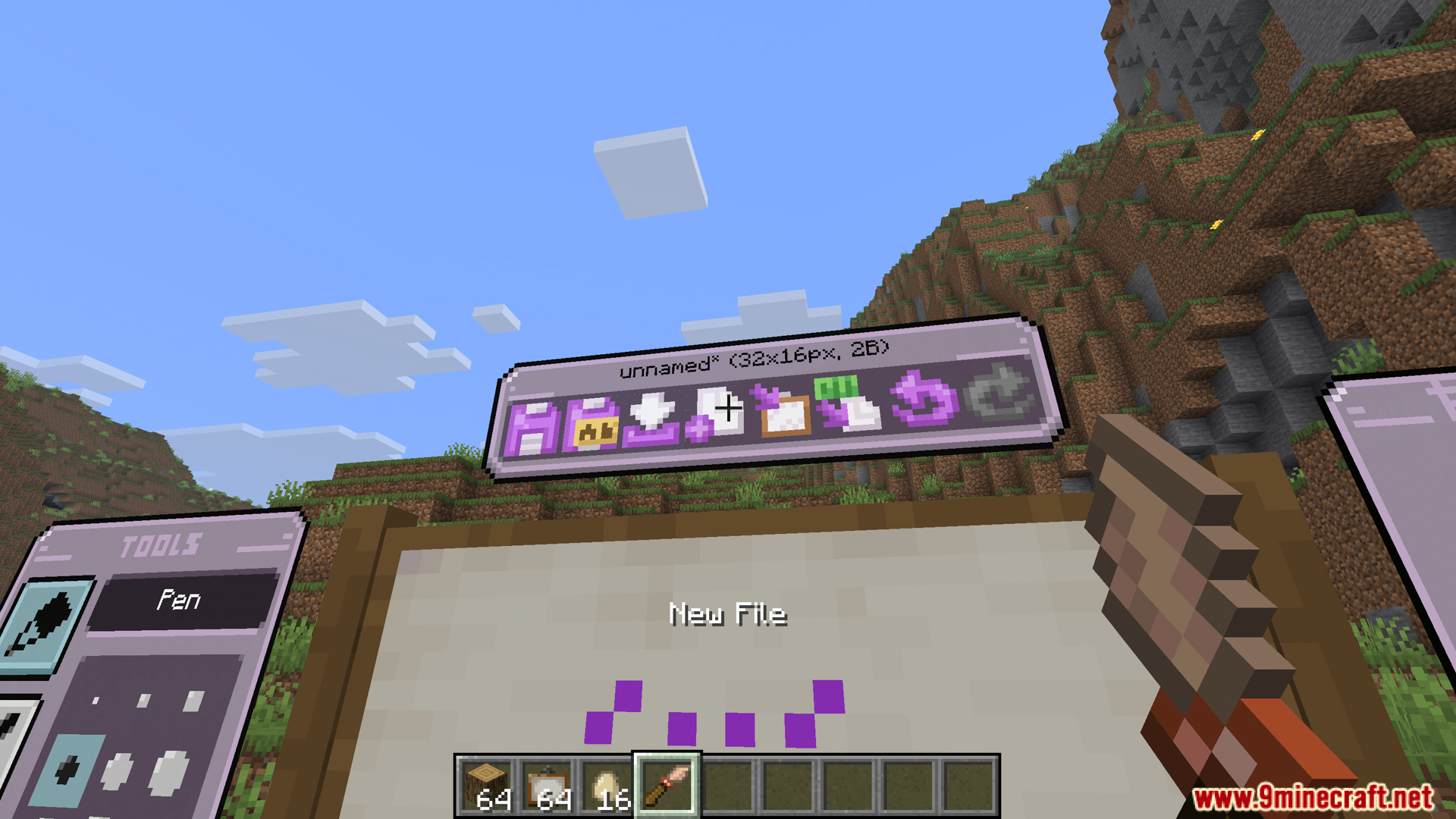
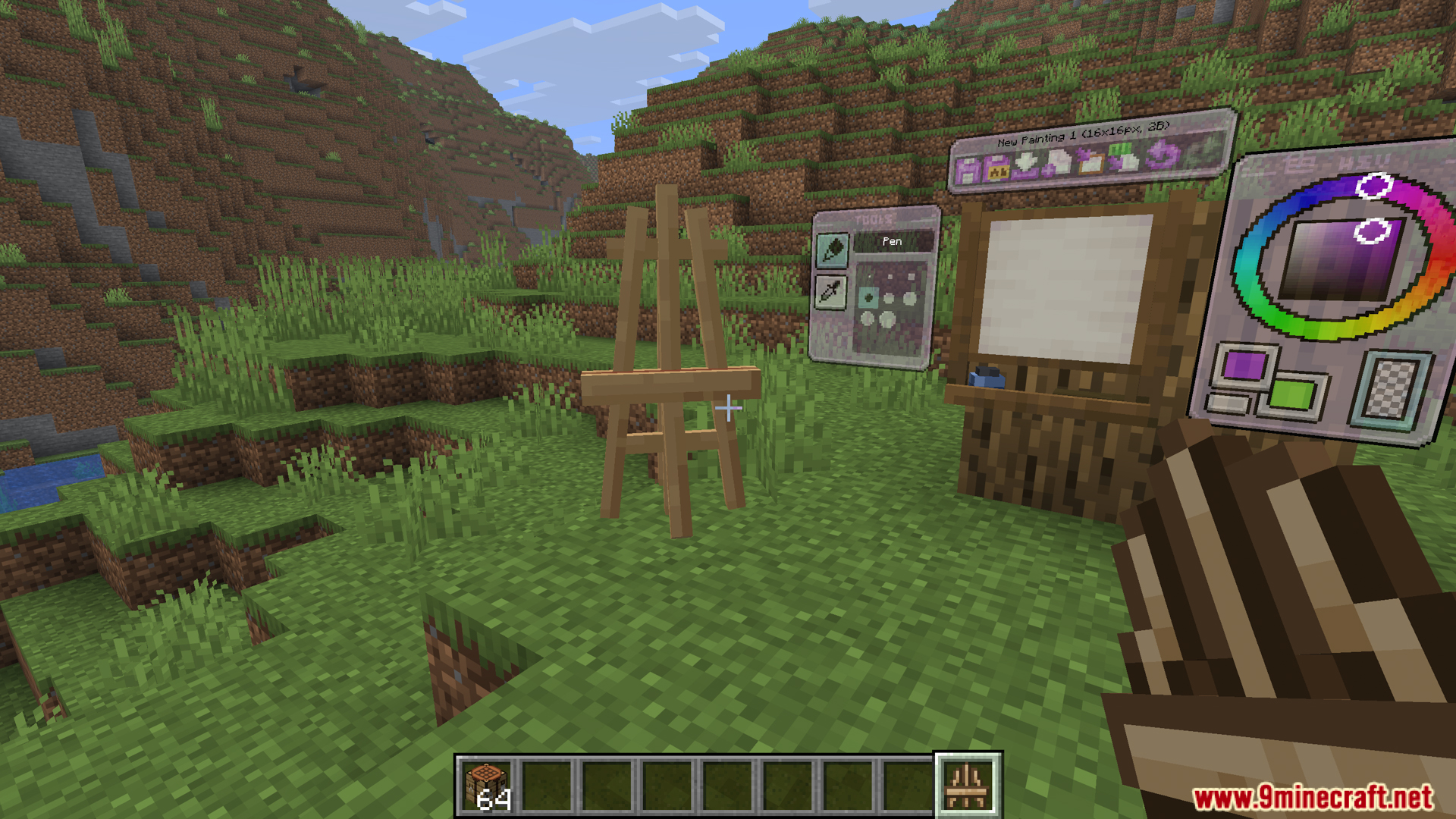
- In-Game Painting Studio: Eroxen MC Paint Mod adds a drawing screen where you can paint pixel by pixel. You open it just by throwing an egg at a regular Minecraft painting.
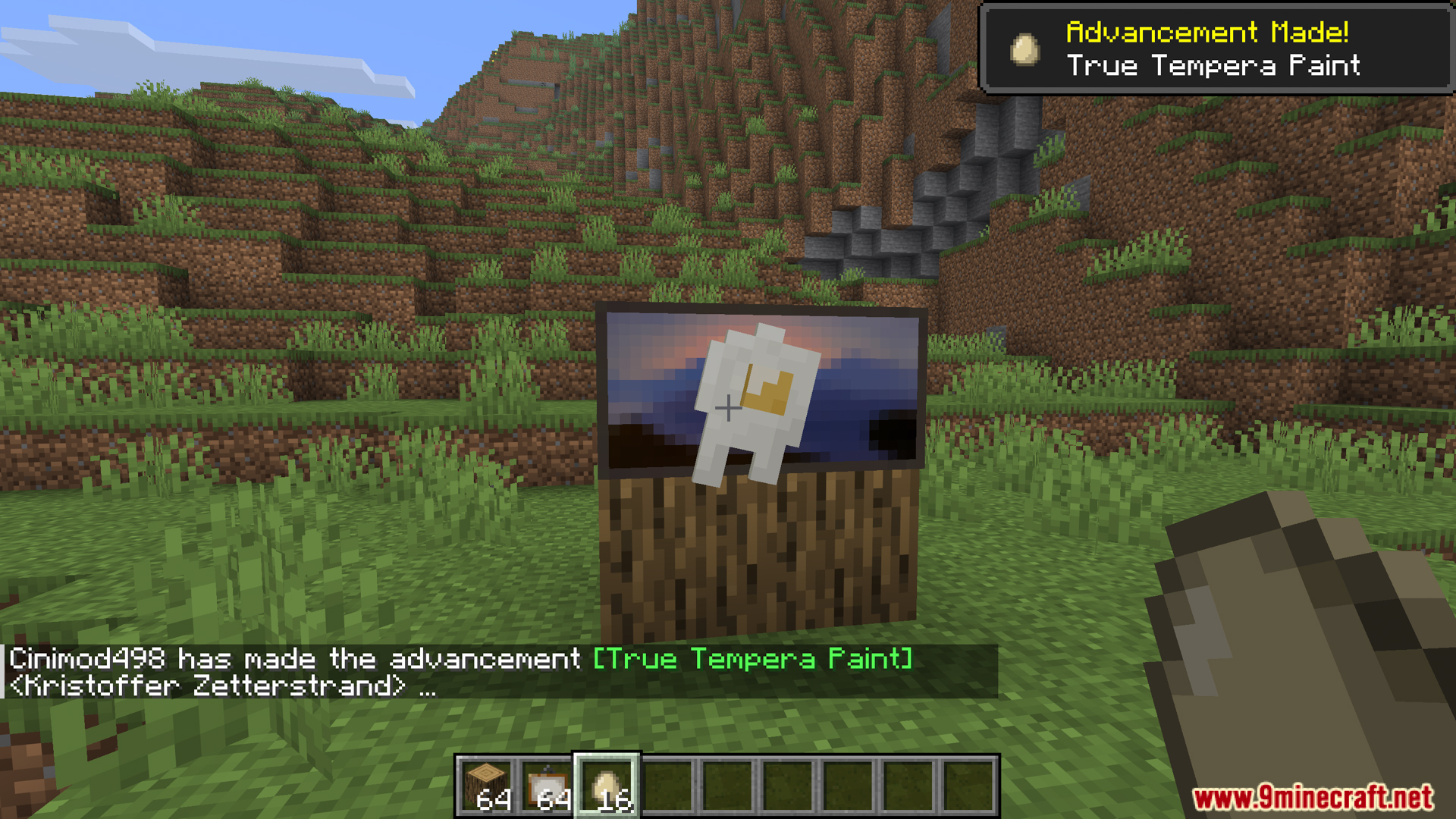
- Custom Art Placement: Lets you put your finished artwork anywhere you want, including flat on the floor or up on the ceiling.
- Works in survival mode without needing any special commands or cheats.
- Turns your art into text code so you can copy and paste your paintings into different worlds or servers.
Drawing Tools:
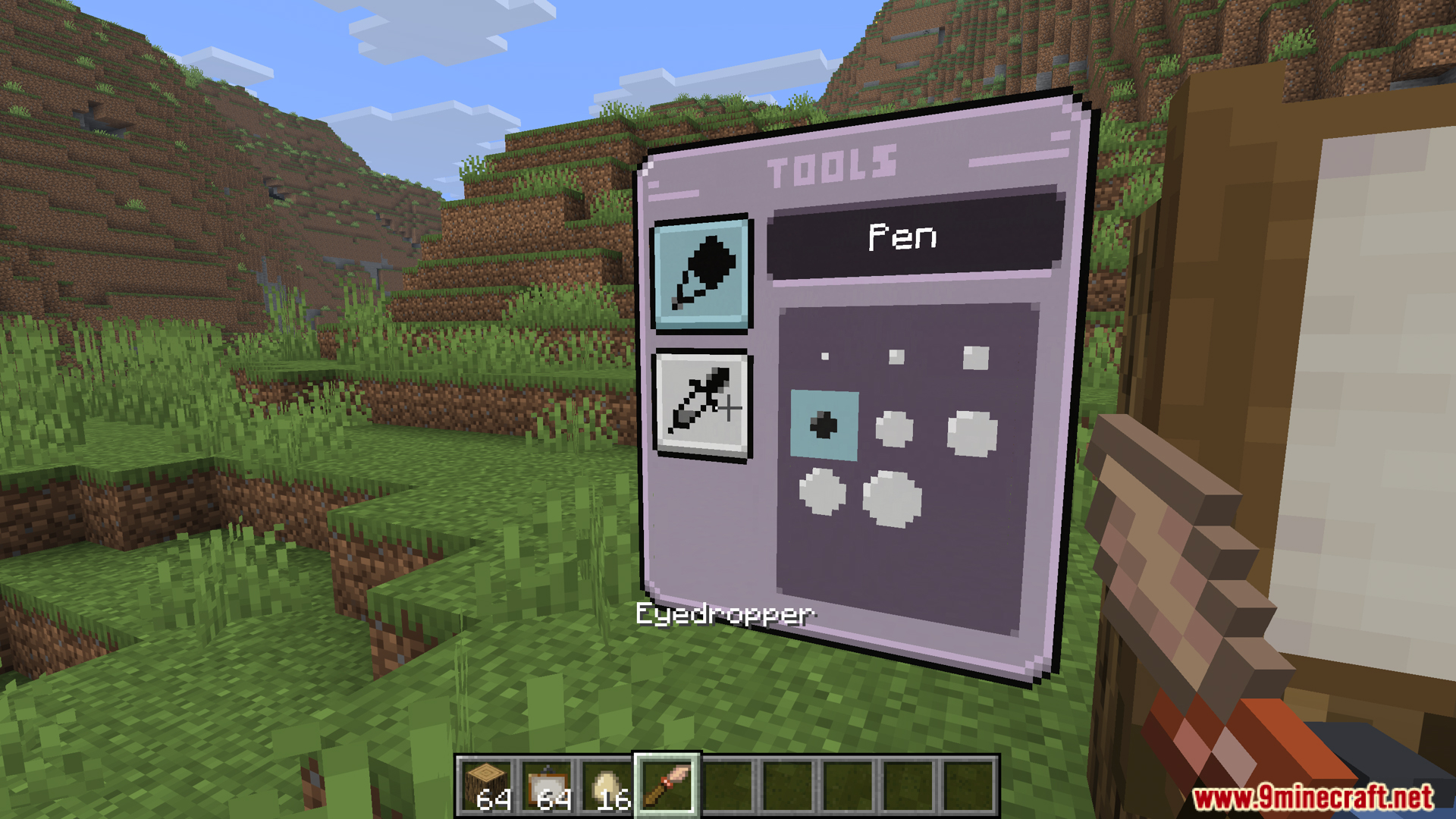
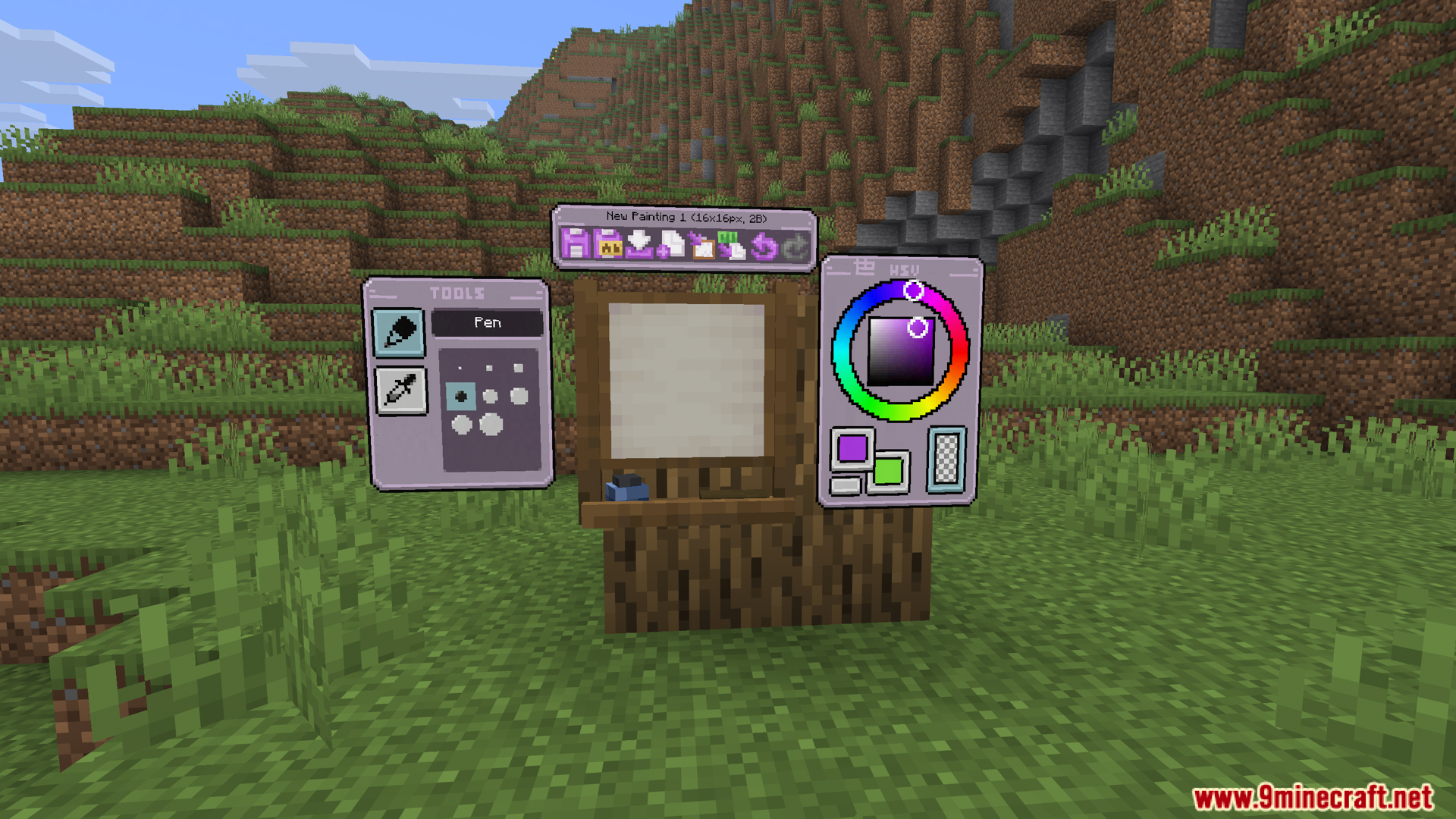
- Adds drawing tools inside the studio screen, like brushes, erasers, and color droppers to pick exact shades.
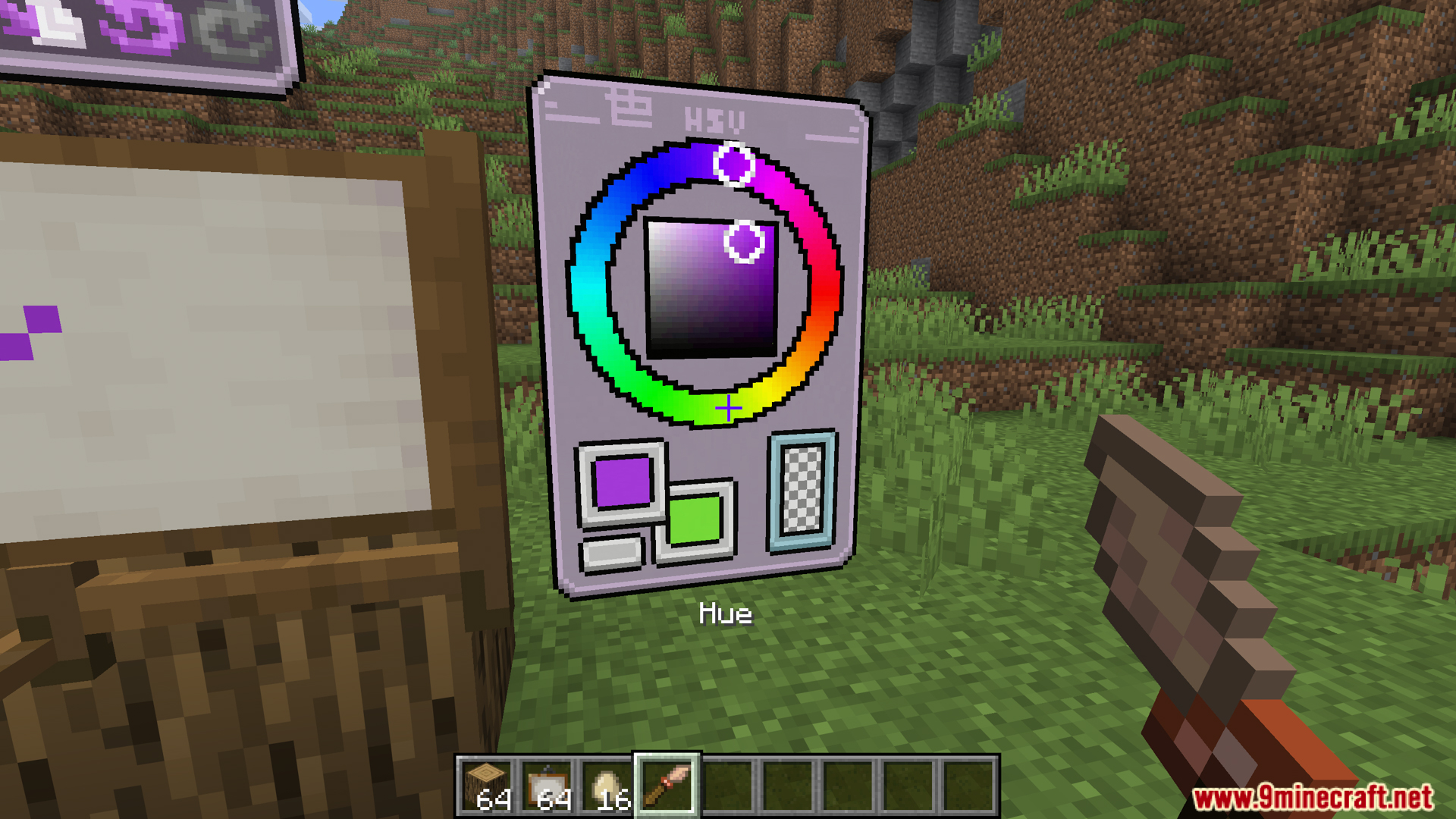
- Gives you a color wheel menu so you can find the exact color you want for your drawing.
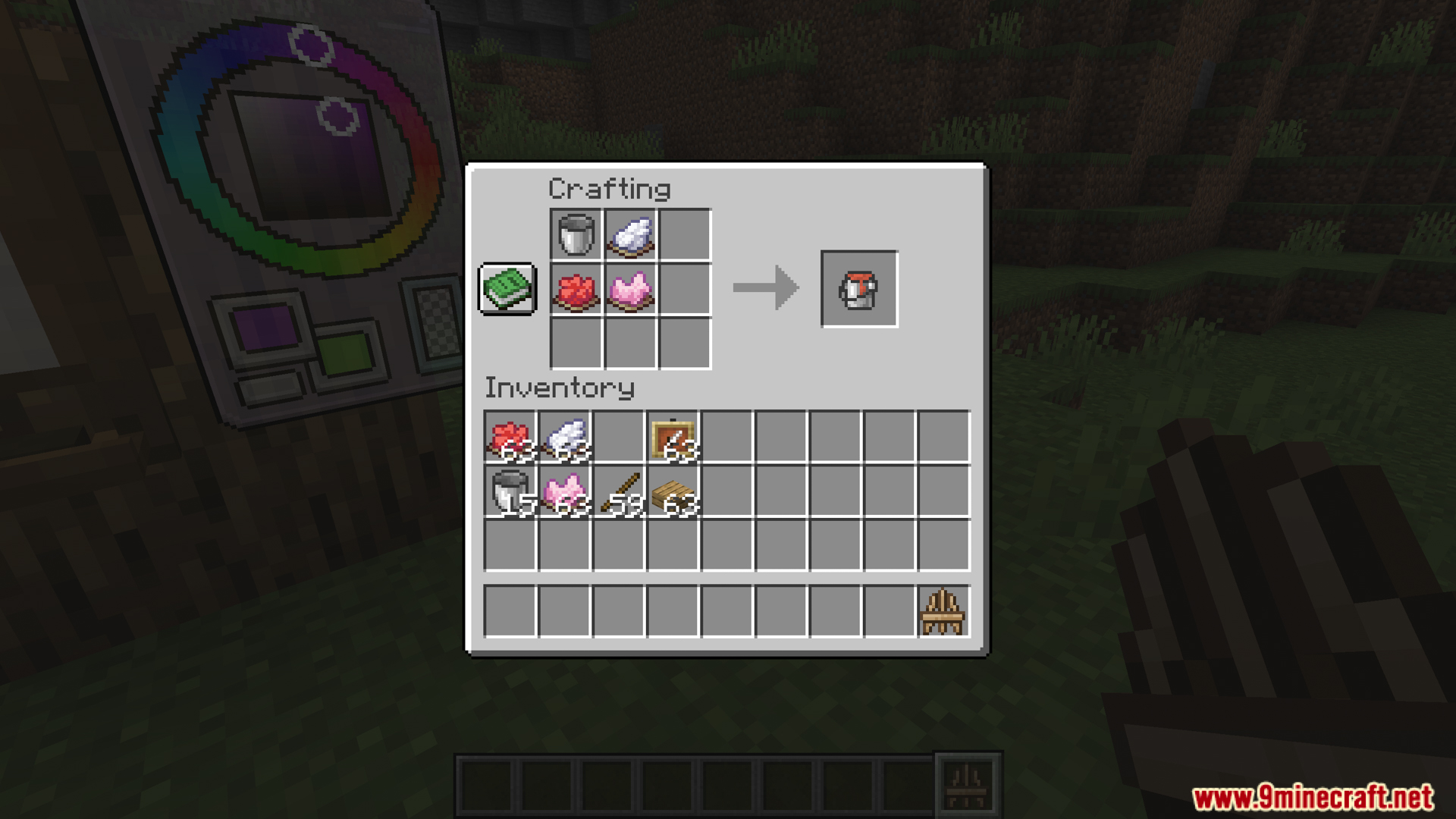
- Lets you craft paint buckets to save colors, which helps when you fill large areas or use the same shade a lot.
Display Options:
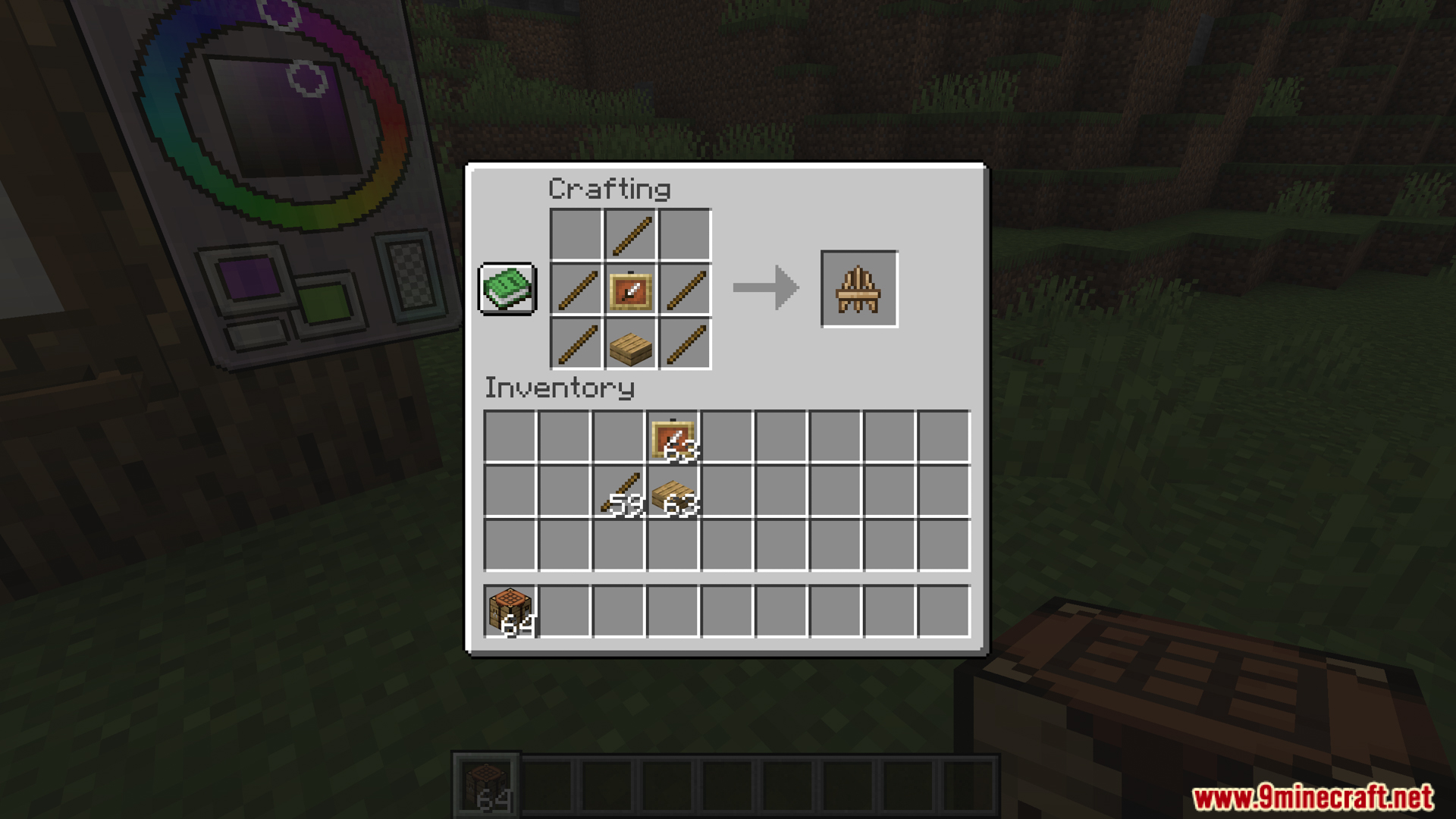
- Adds a craftable wooden easel to show off your art without attaching it to a wall.
- Makes the easels react to gravity and water, meaning you can even push them into minecarts.
- Lets you change your art after placing it, like using a compass to spin it or ice to make it see-through.
- You can wash your custom art in a water cauldron to wipe it clean and get a normal painting back.
How to Use:
- Throw an egg at a normal Minecraft painting. This opens the Studio menu.
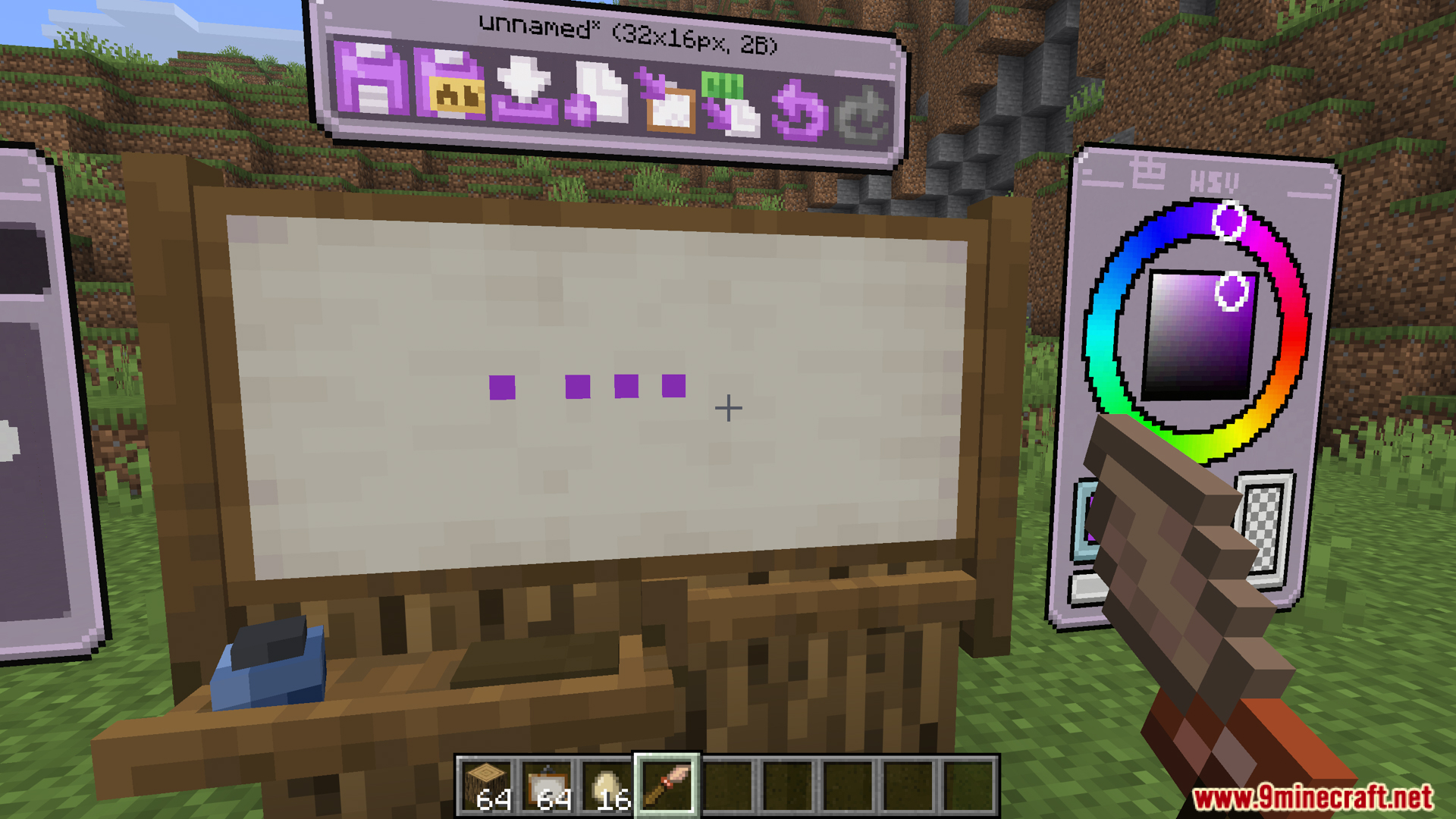
- Pick a color from the color wheel and click the canvas to draw your picture.
- Save your work when you finish. The game gives you a Custom Painting item.
- Place the painting on a wall, floor, ceiling, or a wooden easel.
- Click the painting with a compass to rotate it.
- Click the painting with ice to change how see-through it is.
- Wash the painting in a cauldron full of water to erase the art and get a normal painting back.
Screenshots:

How to Install:
New to Minecraft? Follow our step-by-step guide to install Mods on your PC.View Guide
Requirements:
 Fabric Loader Required
 Fabric API Required
 Minecraft Forge Required
 NeoForge Required
Quilt Loader Required
Eroxen MC Paint Mod Download Links
For Minecraft 26.2
For Minecraft
1.21.11,
1.21.10,
1.21.9
All Versions Covered
1.21.11
1.21.10
1.21.9
1.21.8
1.21.7
1.21.6
1.21.5
1.21.4
1.21.1
1.21
All Versions Covered
1.21.11
1.21.10
1.21.9
1.21.8
1.21.7
1.21.6
1.21.5
1.21.4
1.21.1
1.21
For Minecraft
1.21.10,
1.21.9,
1.21.8
All Versions Covered
1.21.10
1.21.9
1.21.8
1.21.7
1.21.6
All Versions Covered
1.21.10
1.21.9
1.21.8
1.21.7
1.21.6
For Minecraft 1.21.8, 1.21.7, 1.21.6
For Minecraft 1.21.4
For Minecraft 1.21.3, 1.21.2
Click to rate this post!
[Total: 4 Average: 3.3]
You May Also Like

This post has no comments yet. Be the first — your comment will appear here.