


World Corruption Fixer Mod (1.20.1) – Save Corrupted Worlds with One Click
 33
33
 0
0


World Corruption Fixer Mod fixes broken save files when you remove a world generation mod. Normally, taking out a terrain mod stops your world from loading at all. This mod adds a simple button to repair the damage automatically. You do not need to read long guides or edit game files yourself. It keeps your old chunks safe while letting the game build new areas. This tool protects your hard work when you want to change the mods you play with.
Features:
- One-Click Repair: Adds a “Fix World Corruption” button to the menu to heal broken saves.
- Automatic process: Stops the need for manual file editing or following complex recovery steps.
- Modpack safety: Protects player progress when adding or removing terrain generation mods.
- Safe Mode alternative: Works when the standard Minecraft “Safe Mode” fails to load a world.
- Chunk preservation: Keeps your previously built and explored areas safe during the fix.
- Seed reset: Forces the game to make a new world seed for unmapped areas.
- Item restoration: Uses backup data files to bring back your items.
- NBT warning: Focuses on world generation issues and might not fix deep item data problems.
How to Use:
- Select your broken world in the singleplayer menu.
- Click the new “Fix World Corruption” button on the screen.
- Wait for the game to repair the files and load the world.
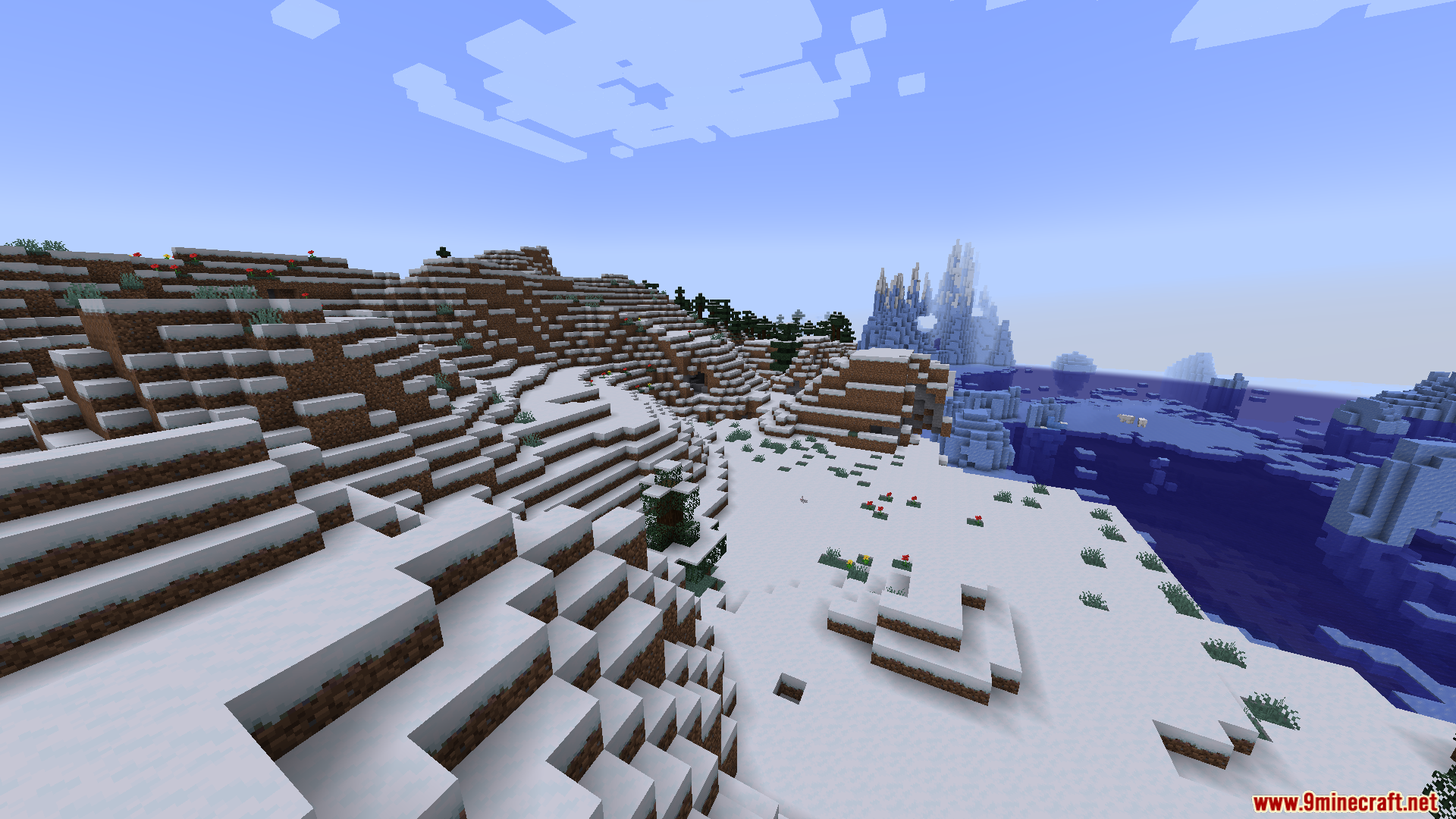
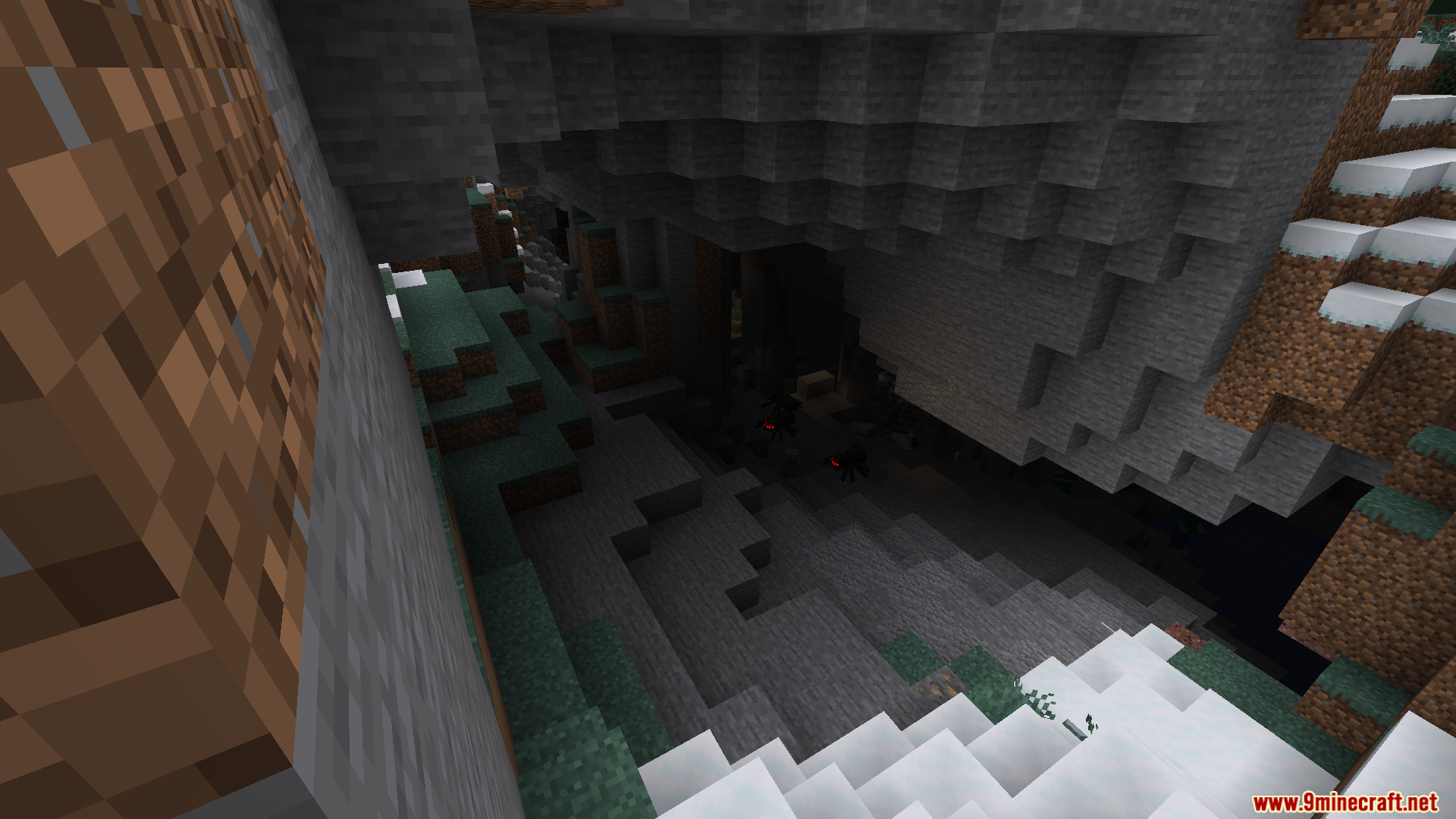
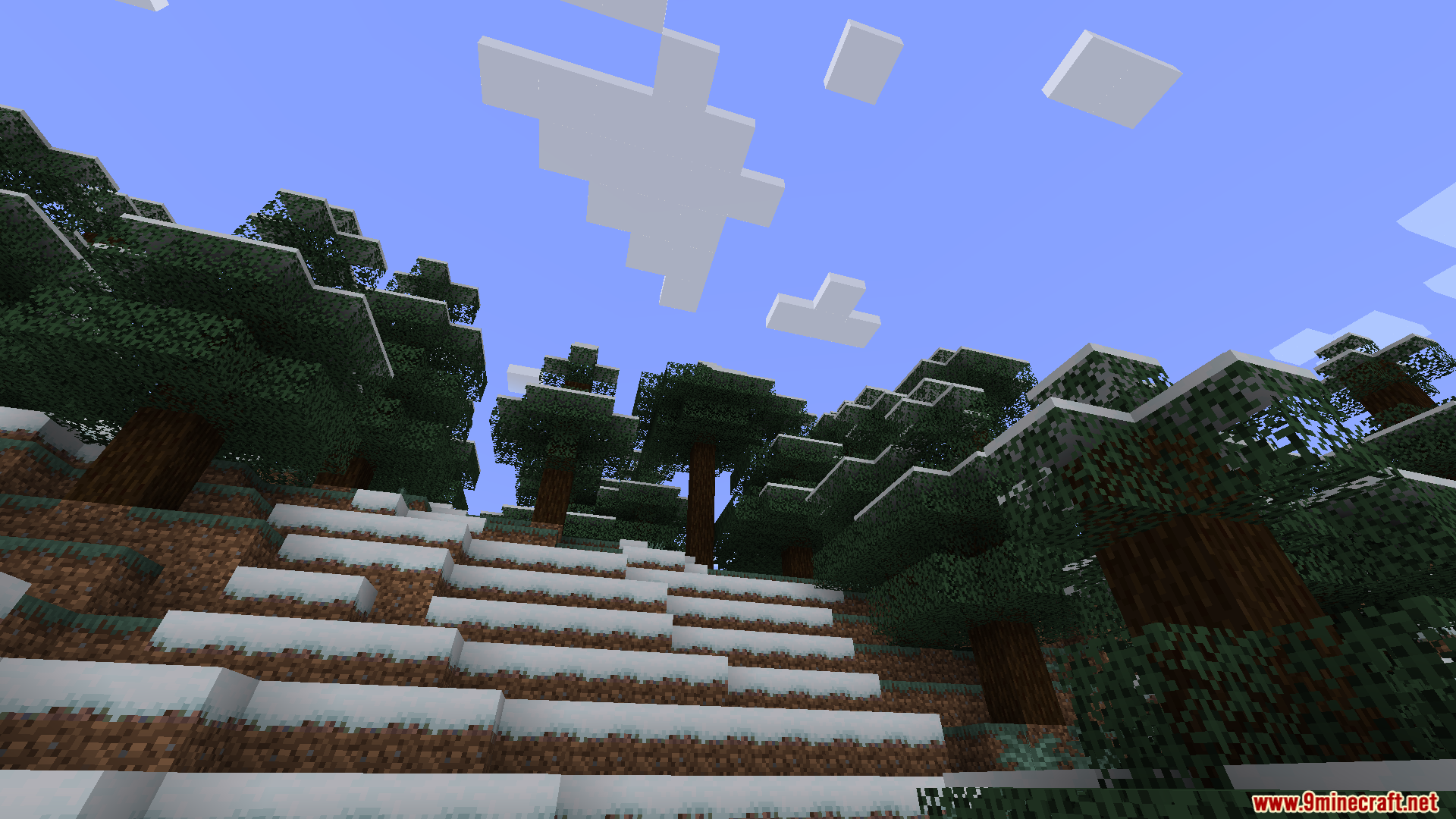
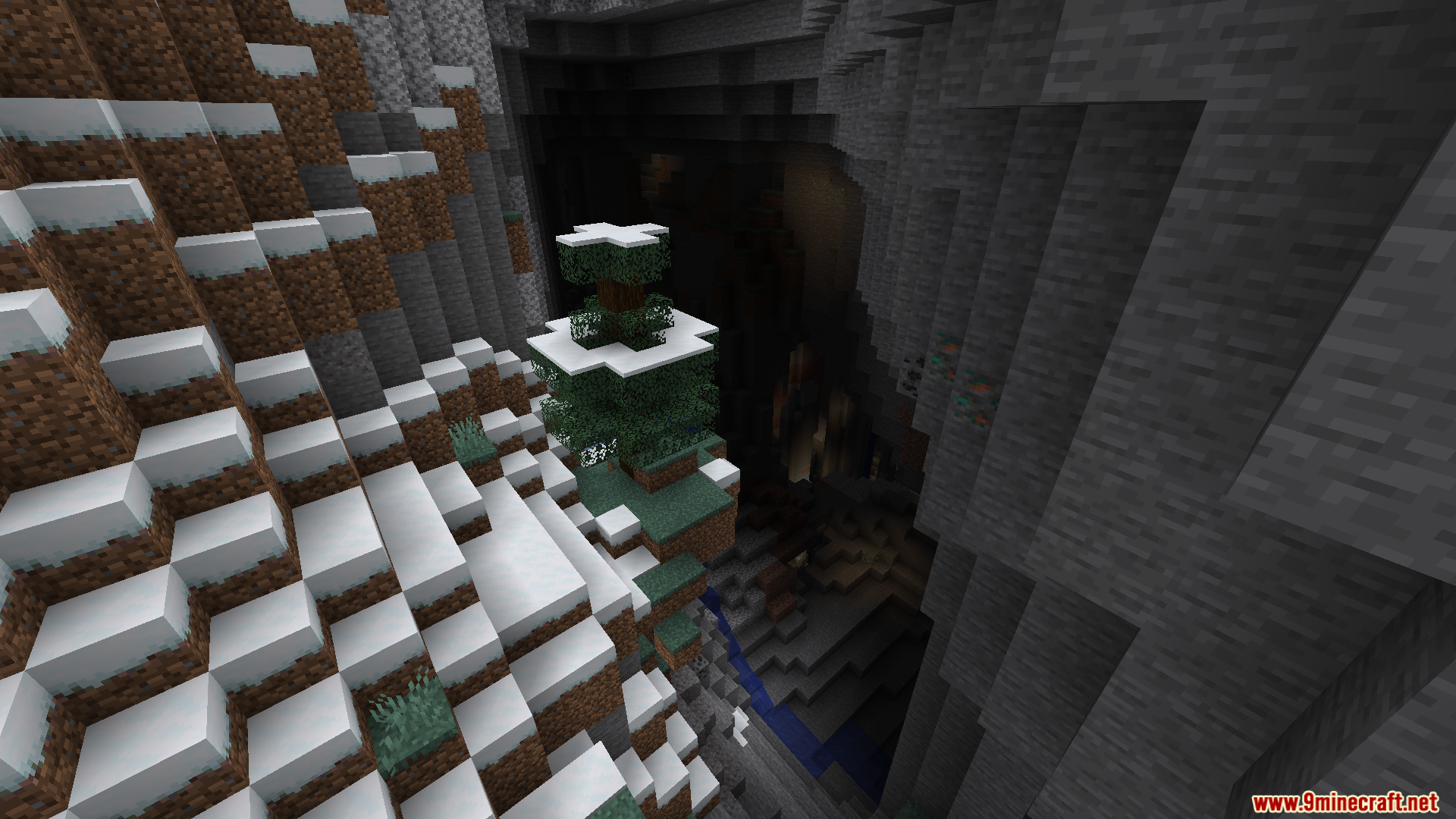
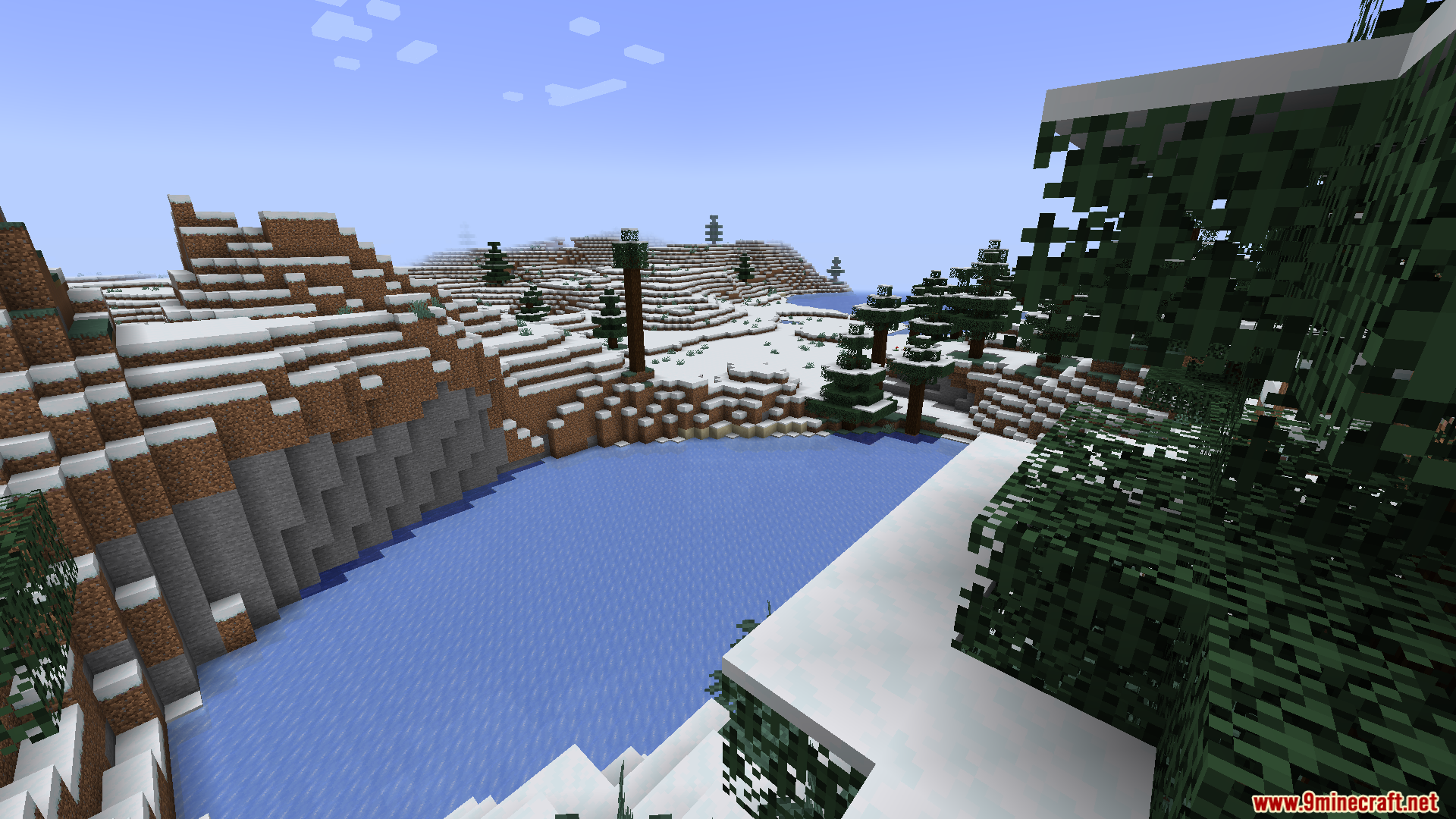
Screenshots:
How to Install:
New to Minecraft? Follow our step-by-step guide to install Mods on your PC.View Guide
Requirements:

World Corruption Fixer Mod Download Links
For Minecraft 1.20.1, 1.20
Click to rate this post!
[Total: 0 Average: 0]
You May Also Like





This post has no comments yet. Be the first — your comment will appear here.