Marlow Client Mod (26.1.2, 1.21.11) – Win Sword Fights and See Enemies Through Walls
 420
420
 0
0
 2 days ago
 Marlow Client
Marlow Client Mod gives you a huge advantage in player battles and bridge games. This client packs many tools to help you win fights and move faster. You can set it up to look completely normal to others or turn everything up for maximum power. It includes systems for automatic hitting, easy block placing, and seeing through walls. It works great for survival servers and fast-paced mini-games.

Features:
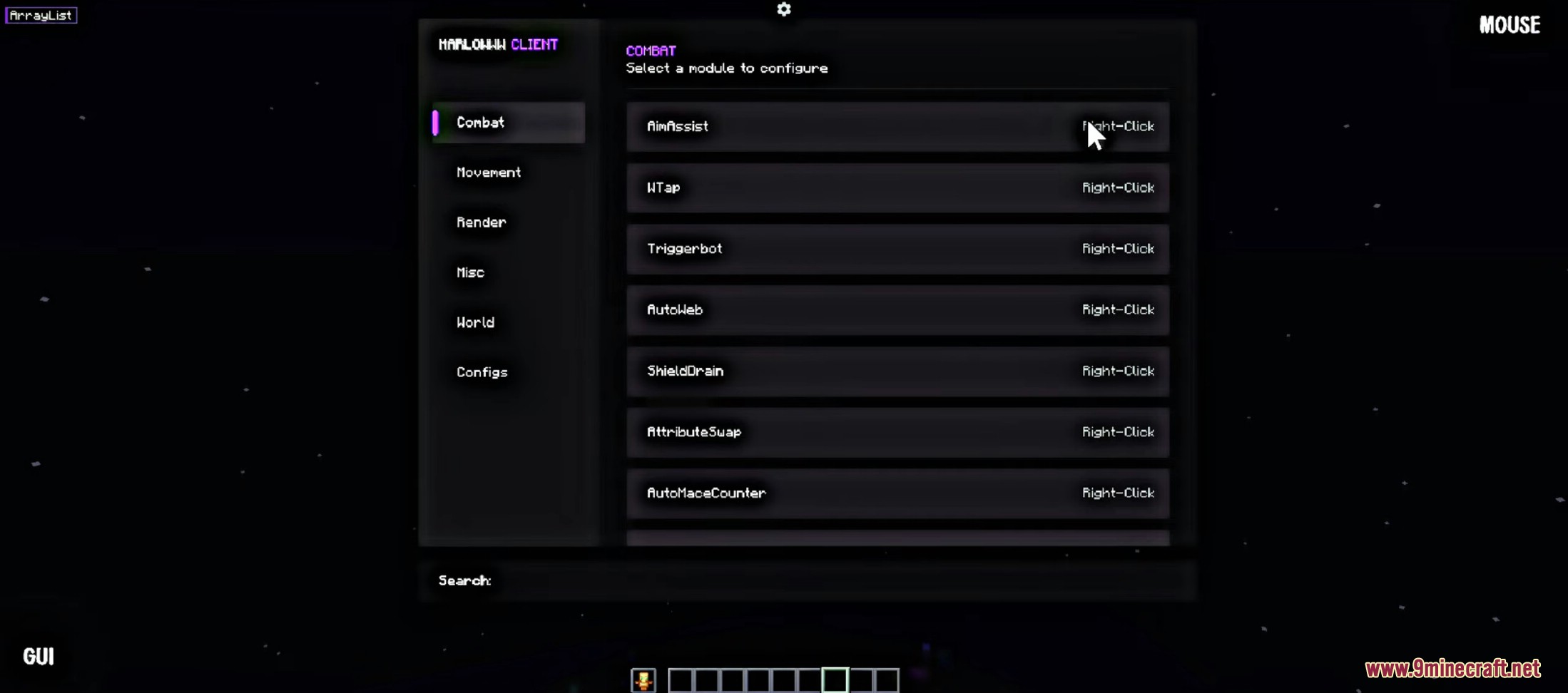
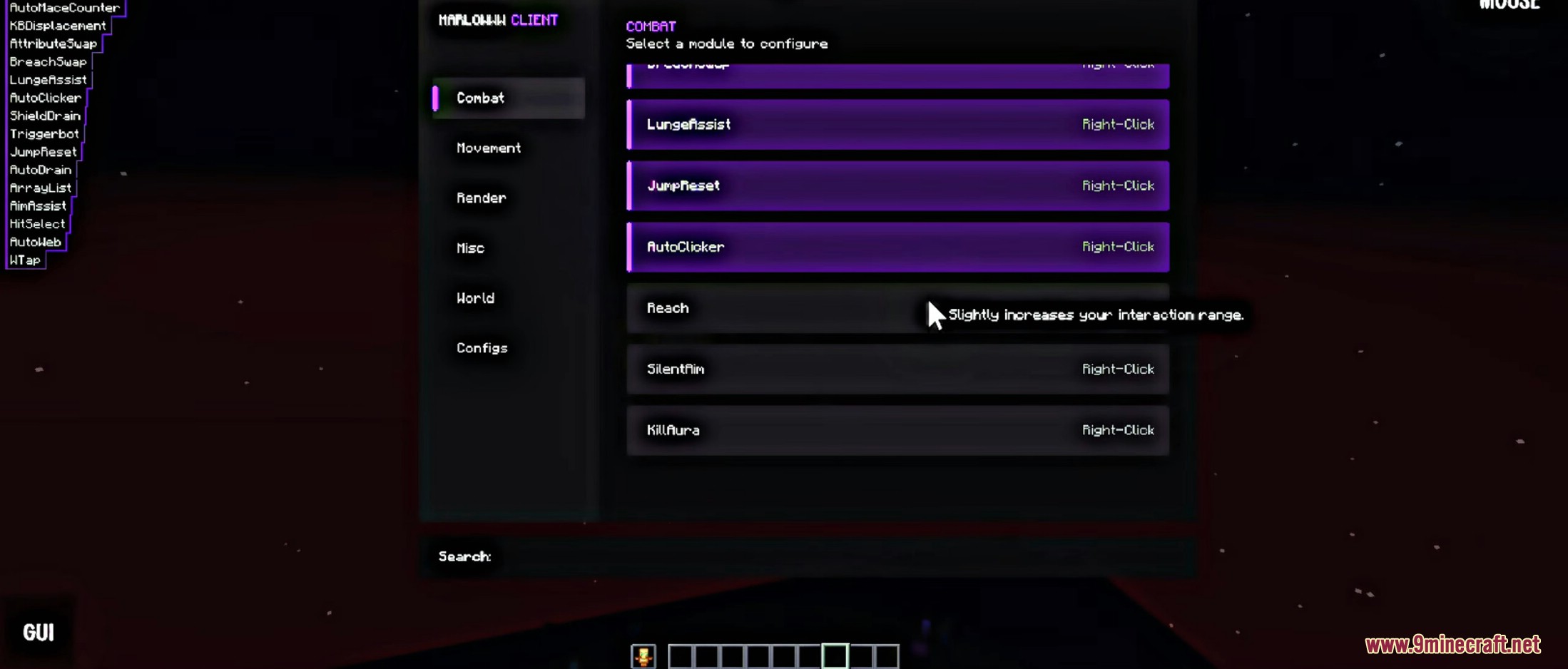
- Combat Tools: Includes auto-clicking, aim help, and shield draining to win sword fights easily.
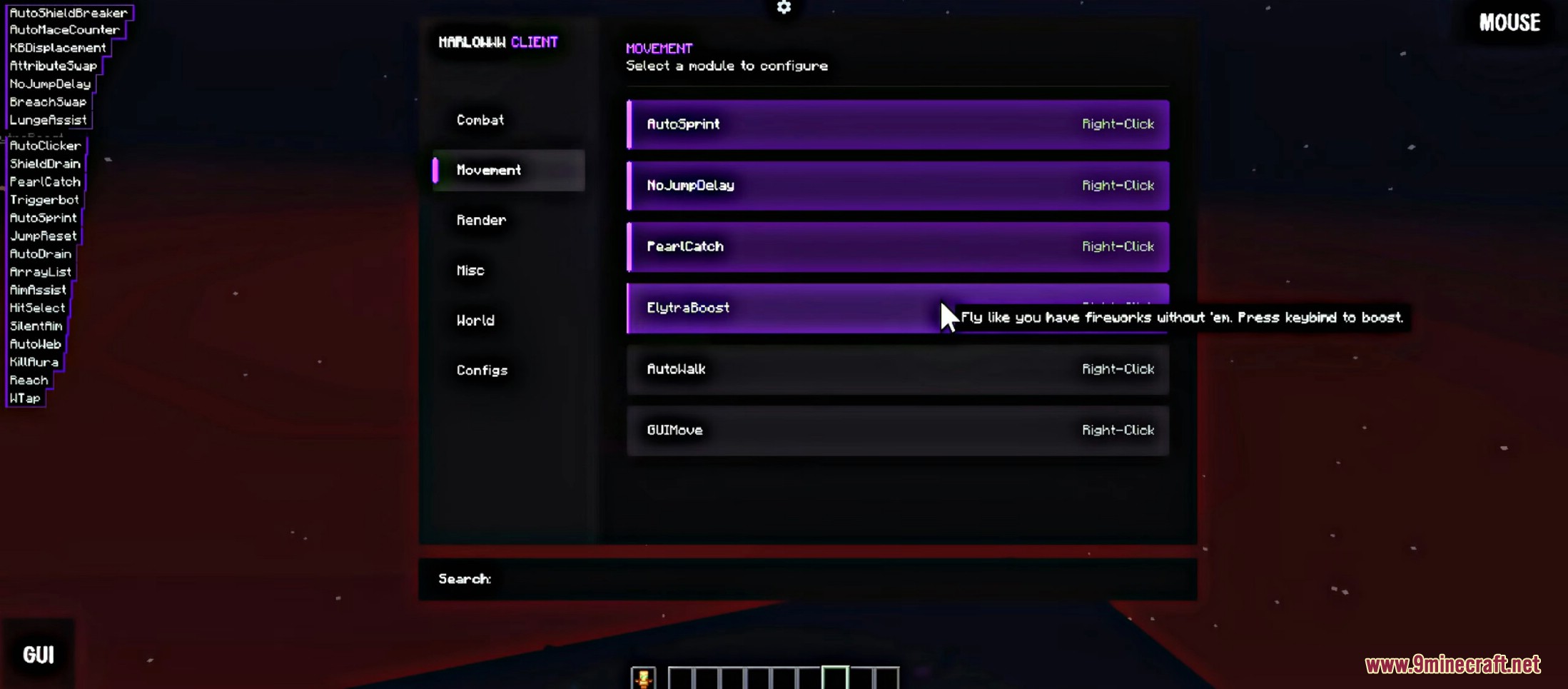
- Elytra Boost: Fly around with your wings without needing any fireworks.
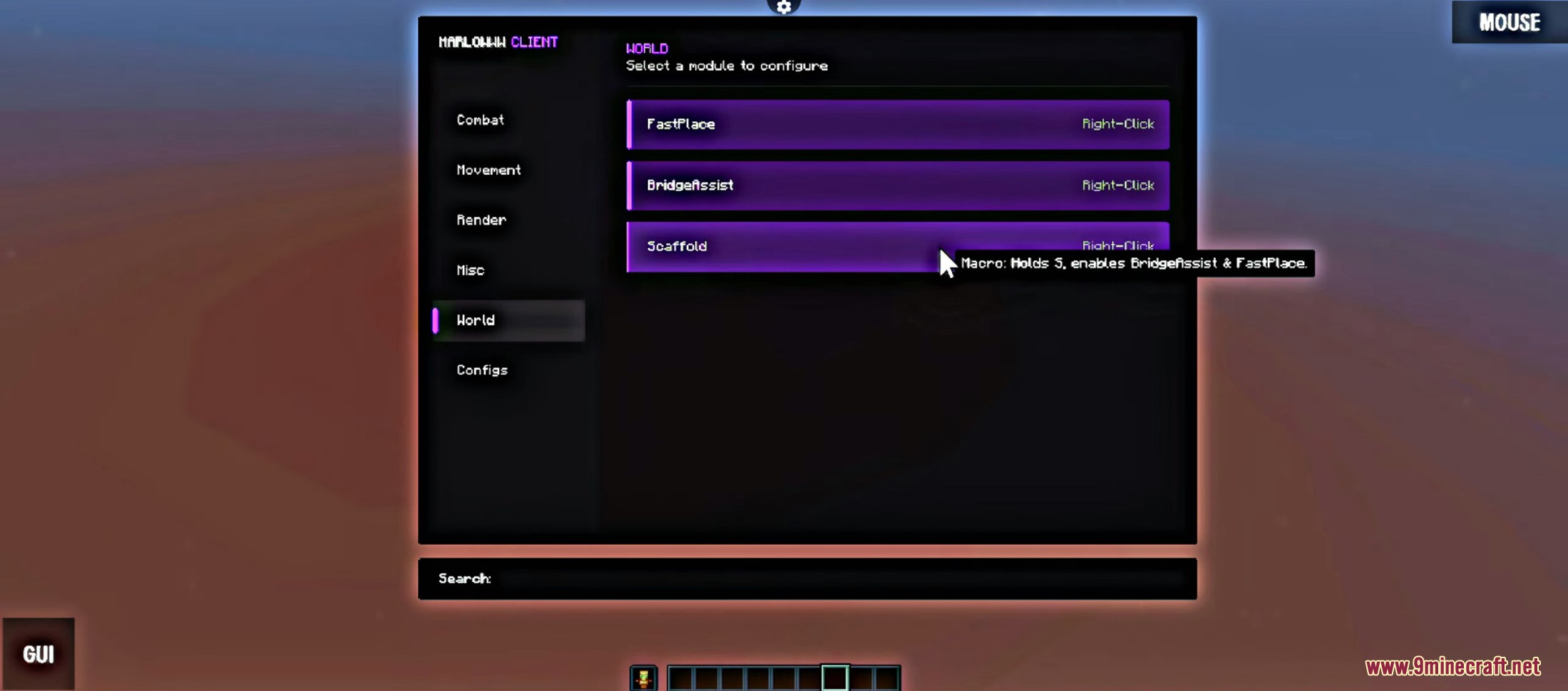
- Smart Building: Automatically place blocks and build bridges safely without falling off.
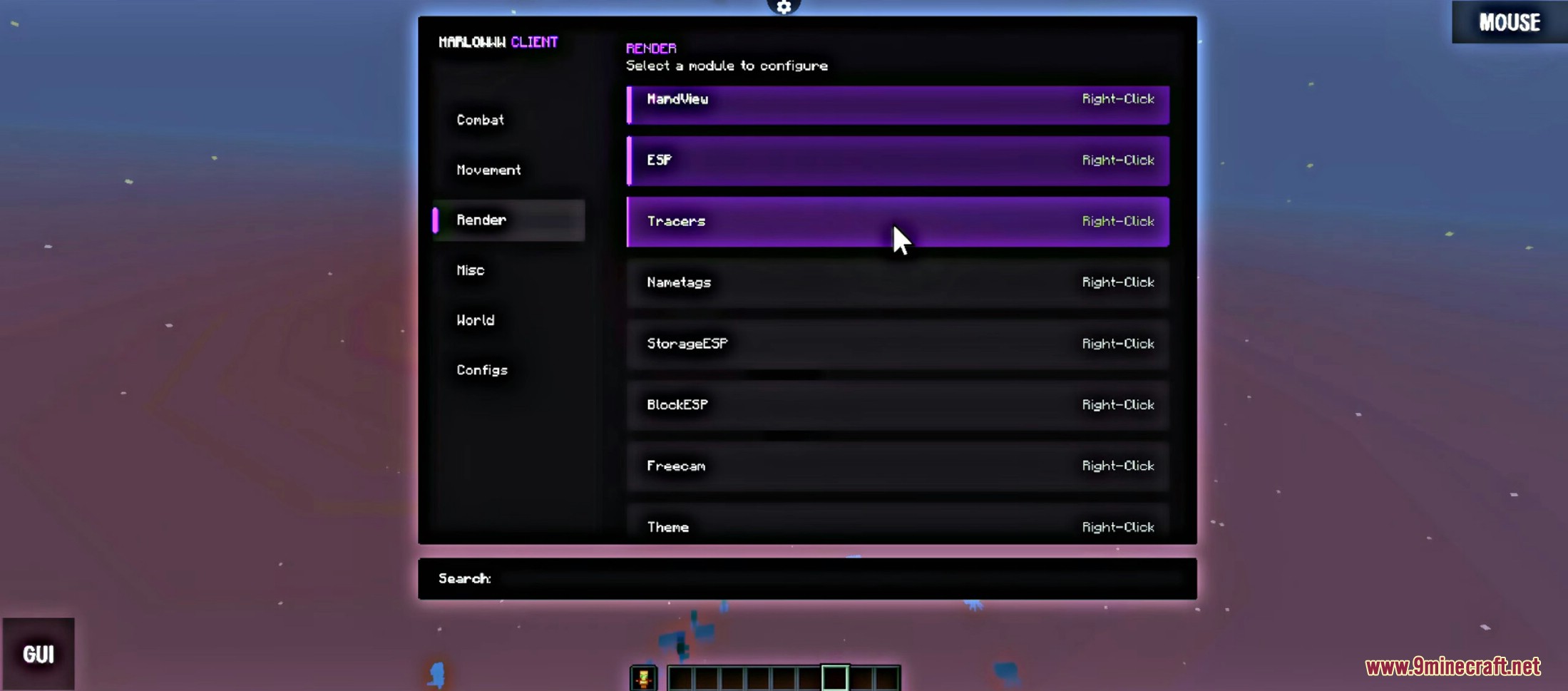
- Player Vision (ESP): See other players, chests, and hidden blocks through solid walls.
- Movement Upgrades: Run automatically, catch pearls easily, and remove jump delays.
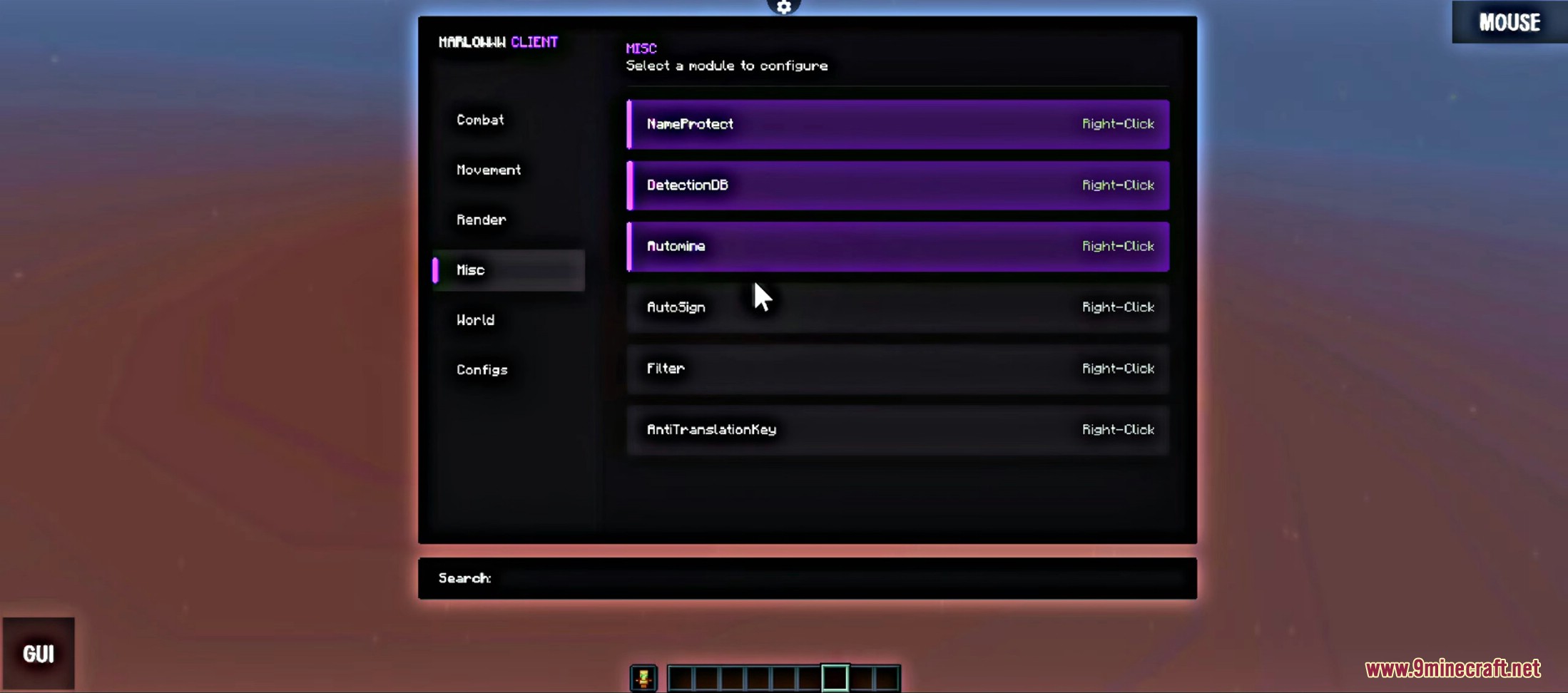
- Name Protection: Hide your real username while playing to stay safe.
- Direct Mode: Sends actions straight to the server for faster hits, but servers might notice it.
- Virtual Mode: Acts like a real player clicking to keep you safe from server checks.
- Freecam: Move your camera out of your body to look around the map safely.
- Auto Web & Counters: Automatically places cobwebs or counters attacks during close fights.
Configuration:
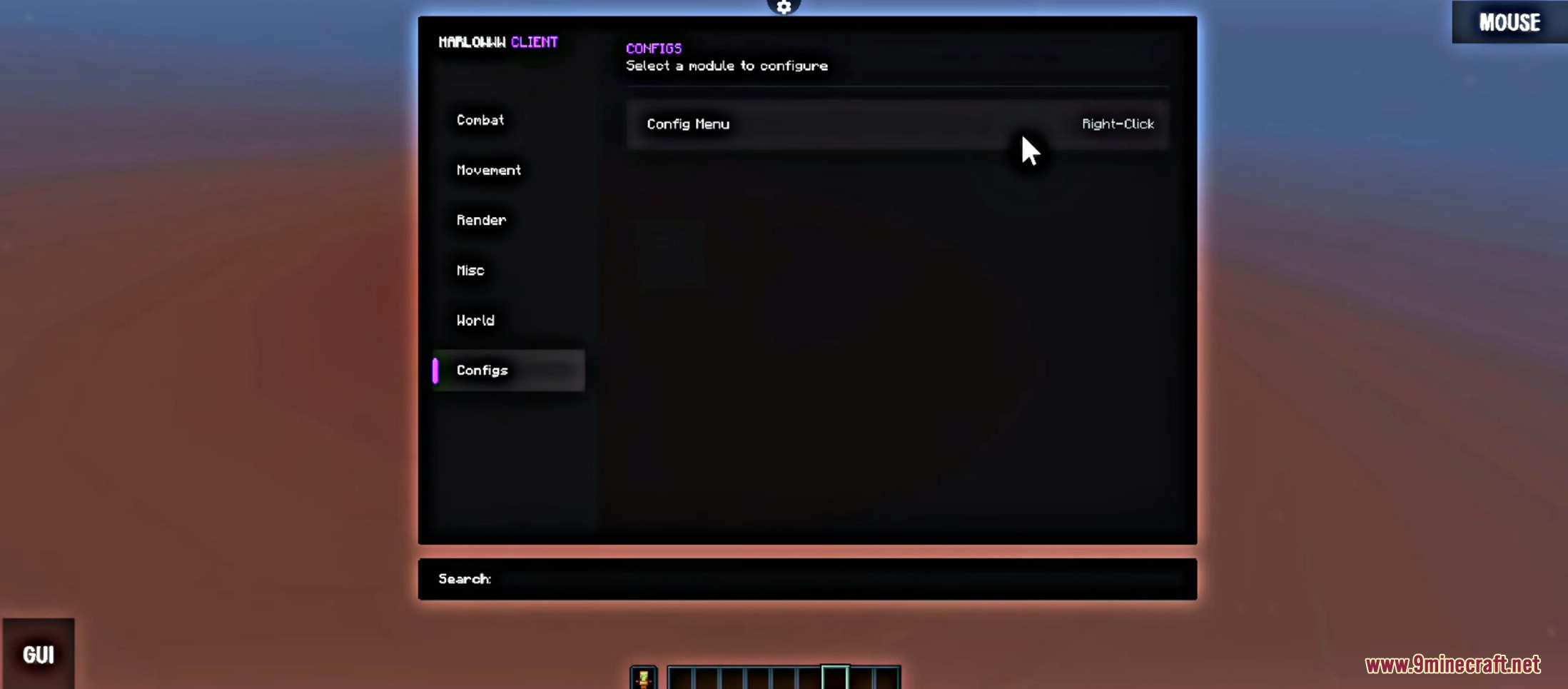
- Open the client menu to see all the different tabs.
- Find a tool you want to use, like Combat or Movement.
- Right-click on any module name to open its specific settings.
- Adjust the sliders or buttons to change how strong the tool is.
Screenshots:




How to use:
- Press Right Shift to open or close the client menu and access all available features.
How to Install:
New to Minecraft? Follow our step-by-step guide to install Mods on your PC.View Guide
Marlow Client Mod Download Links
For Minecraft 26.1.2 26.1.1 26.1 NEW
For Minecraft 1.21.11
Click to rate this post!
[Total: 0 Average: 0]
You May Also Like