


TimeZones Plugin (1.12.2) – Coordinate Playtime with Global Friends

 0
0 

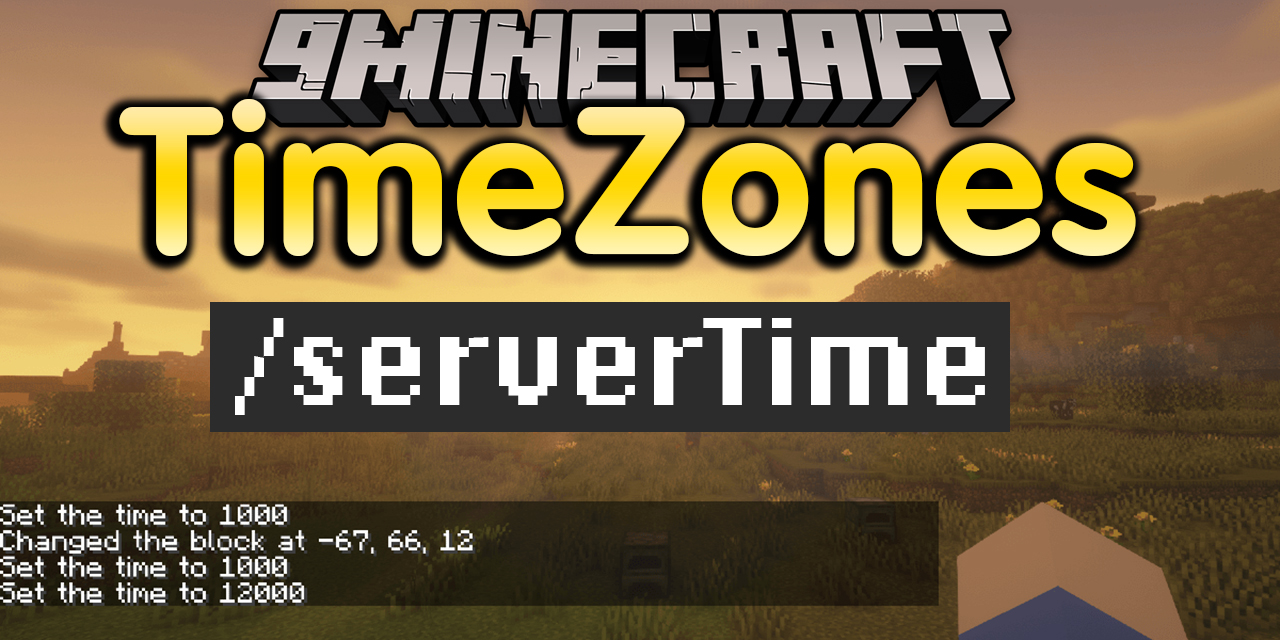
TimeZones Plugin prints the real-world time directly into your server chat. It helps players check specific time zones without leaving the game. This tool makes it simple to coordinate events with friends who live in different parts of the world.
Features:
- Shows the current time for specific real-world time zones directly in the chat box.
- Defaults to Eastern Standard Time (EST) when checking the clock.
- Lets you change the text message that appears right before the actual time prints.
Commands:
/serverTime– Prints the current EST time in chat./serverTime [timezone]– Prints the time for the typed time zone.
How to Use:
- Open your chat window while playing on the server.
- Type the time command to check the clock.
- Read the chat message to see the real-world time.
How to Install:
New to Minecraft? Follow our step-by-step guide to install Plugins on your PC.View Guide
TimeZones Plugin Download Links
For Minecraft 1.12.2, 1.12
For Minecraft 1.8.9, 1.8
Click to rate this post!
[Total: 0 Average: 0]
You May Also Like
















This post has no comments yet. Be the first — your comment will appear here.