


Ender Drives Mod (1.21.1) – Access Your Applied Energistics Network Anywhere

 0
0 

🌐 Good news — we've translated this article into other languages!
Or pick the one you like:
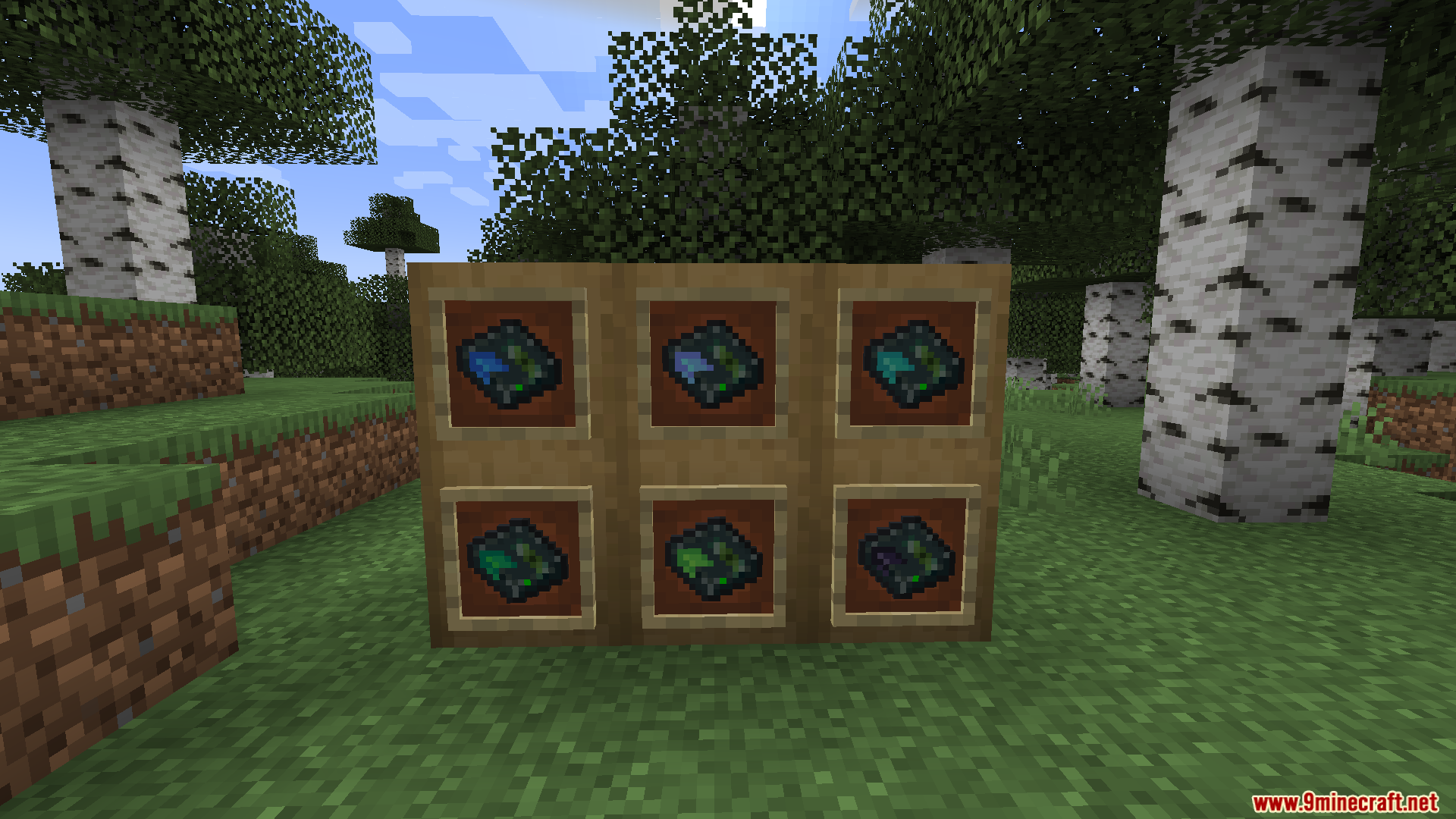
Ender Drives Mod adds cross-dimensional storage for Applied Energistics 2. It gives you special drives that act exactly like Ender Chests for your digital item network. You can link these drives together using frequencies to share blocks and items across different dimensions or with other players on a server.
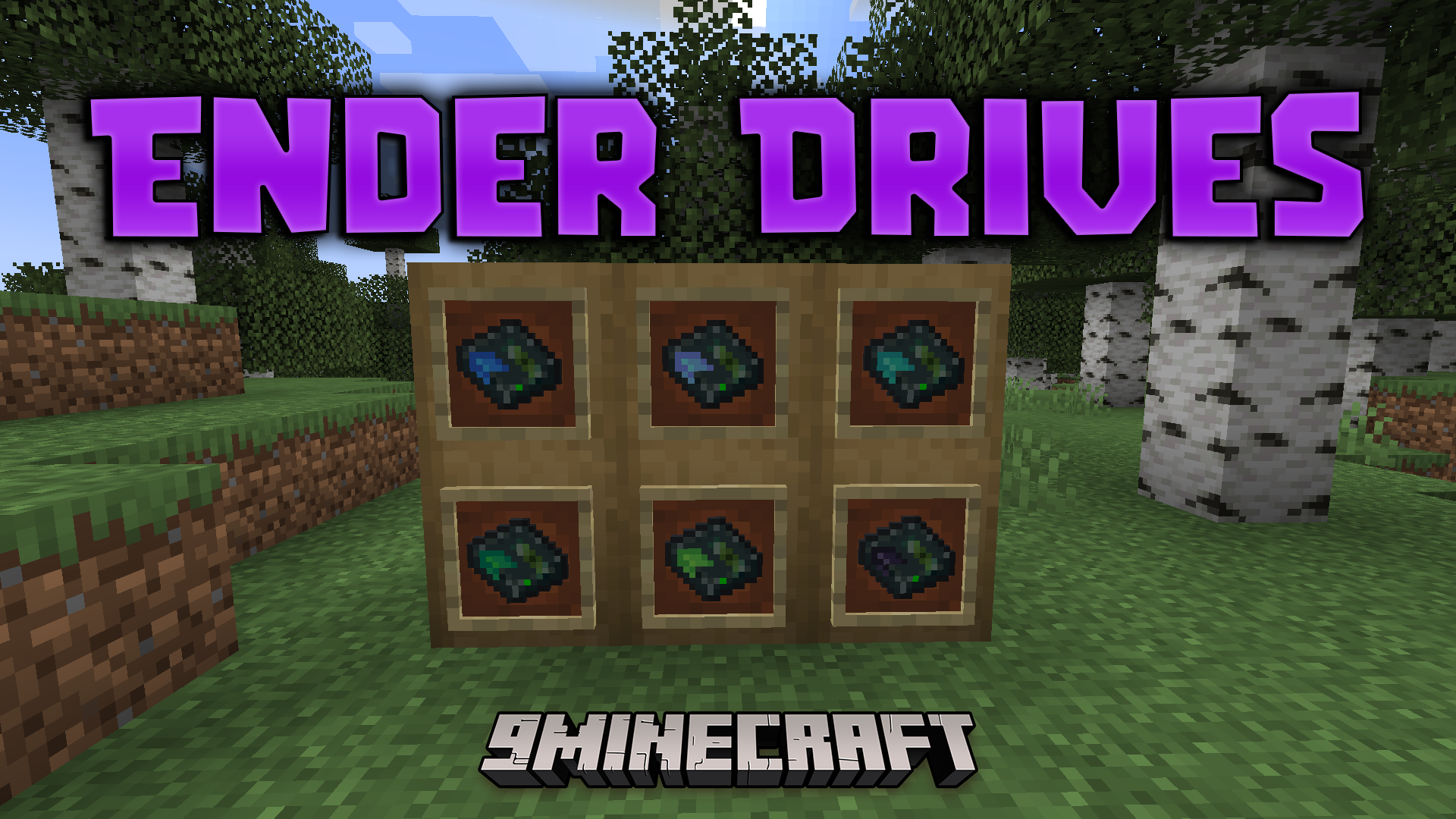
Features:
- Huge Capacity: Stores up to 9 quintillion items in a single record without filling up physical disks.
- Crash Proof: Keeps your items completely safe from world corruption or sudden server shutdowns.
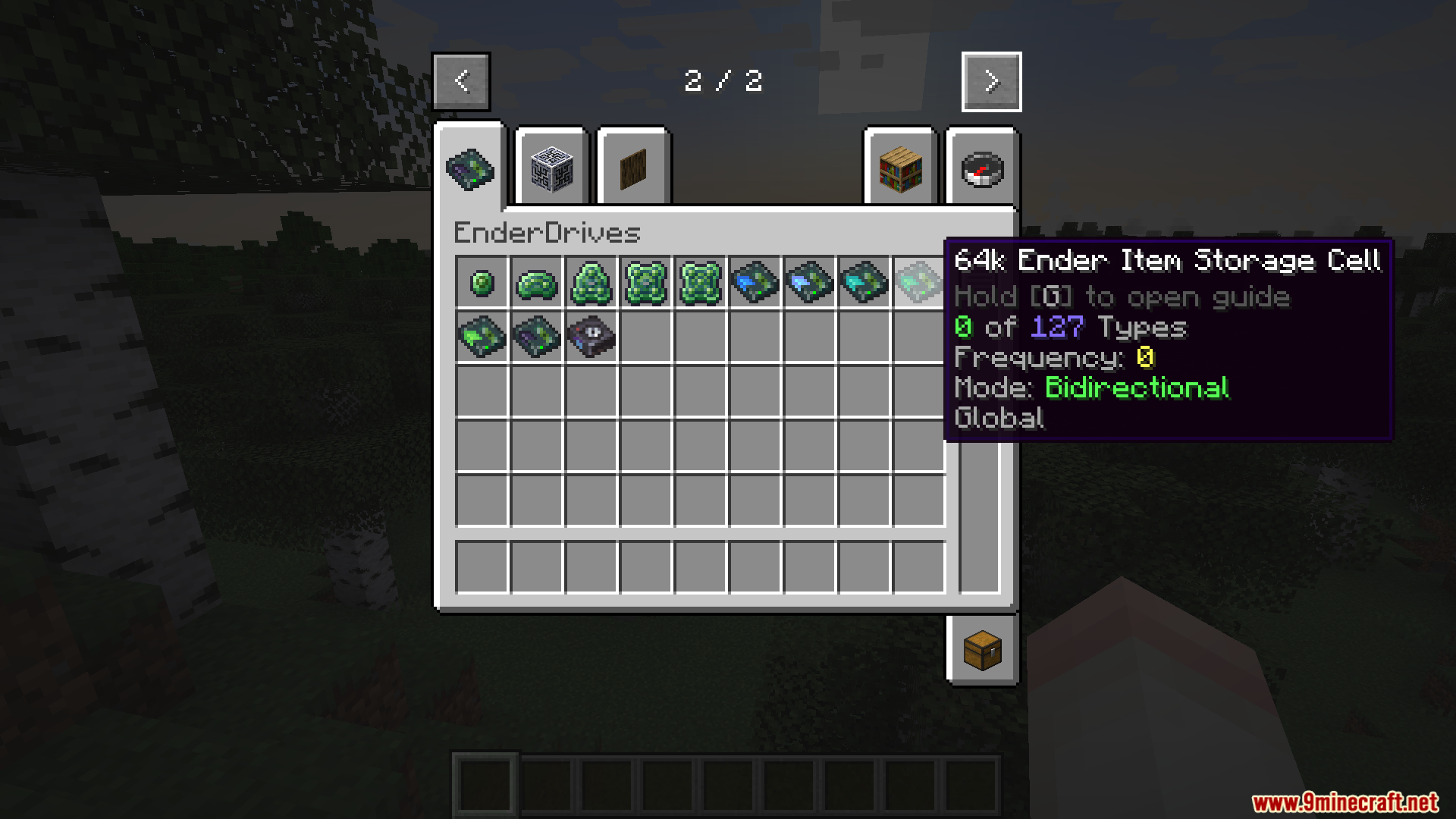
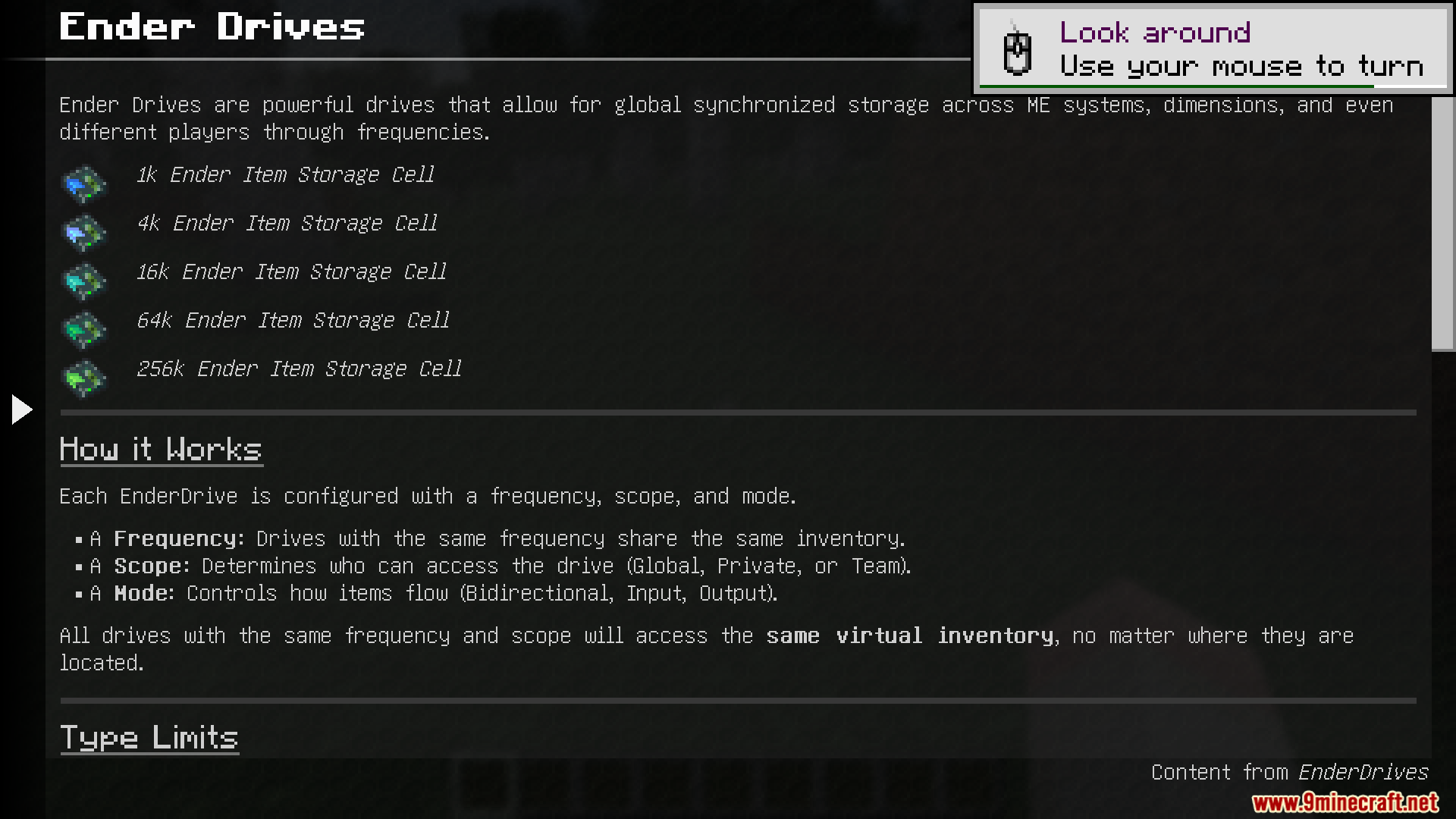
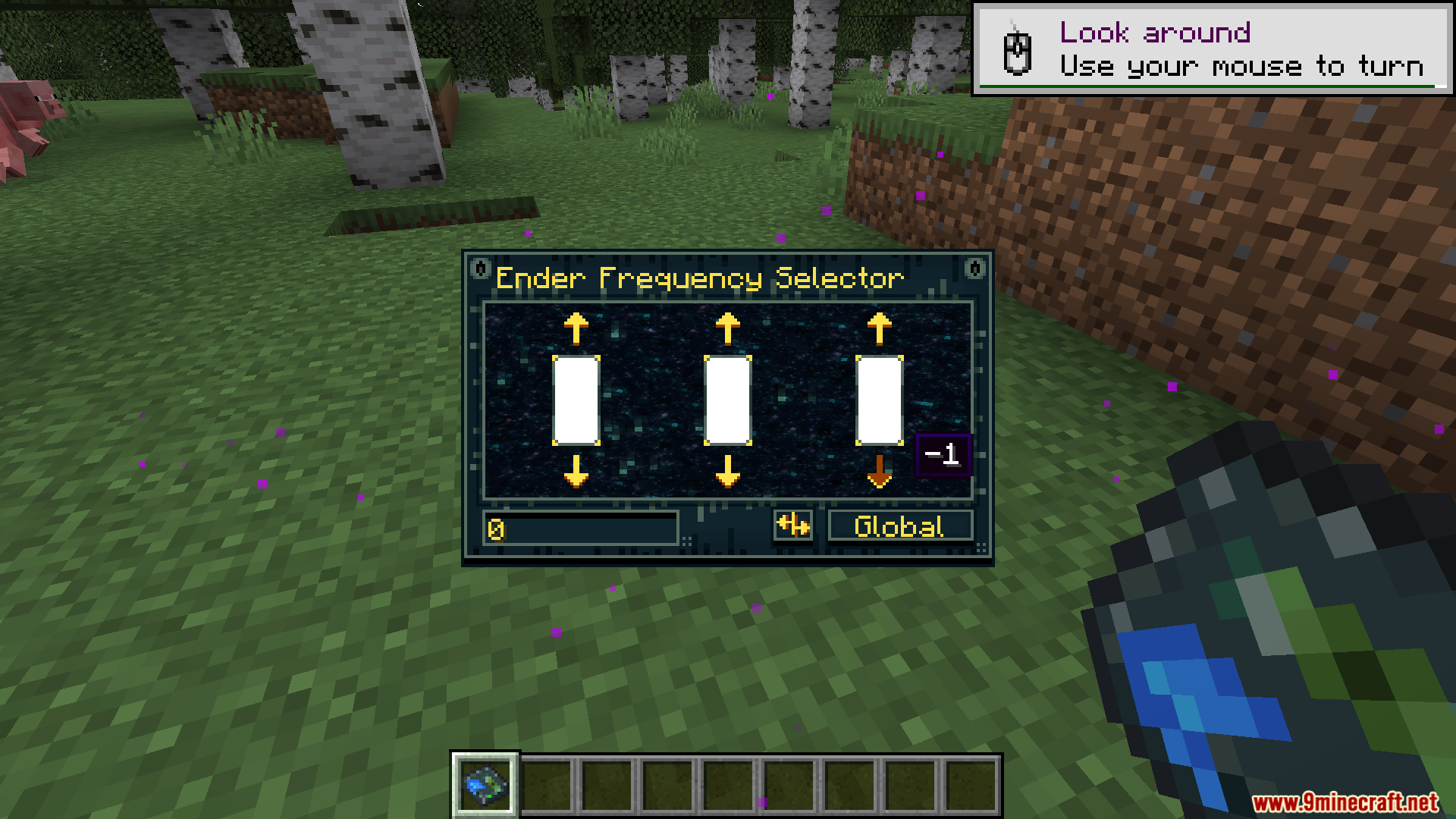
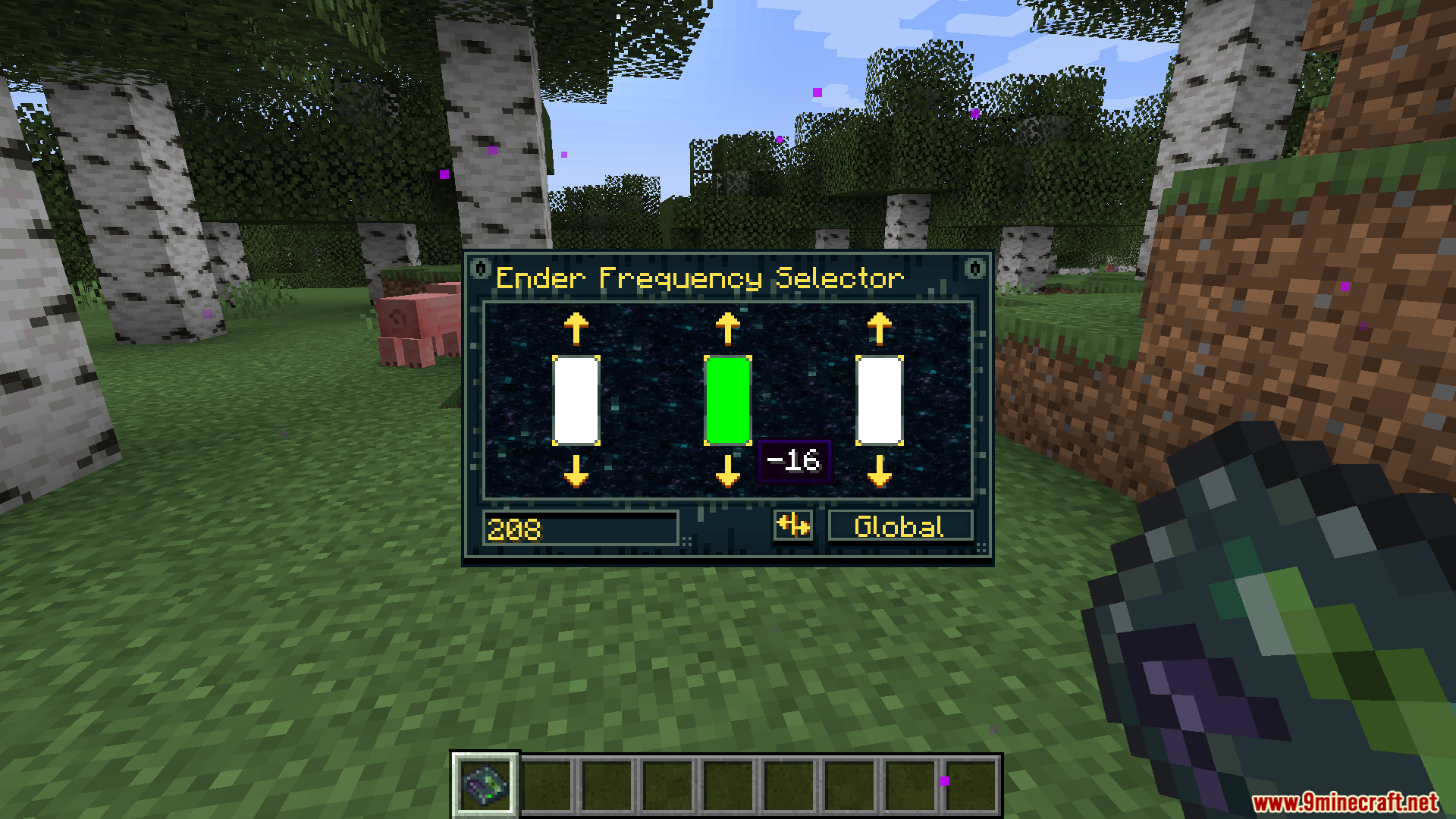
- Links multiple drives together based on a frequency number you pick.
- Shares the exact same inventory across all drives that use the same frequency.
- Works perfectly across different dimensions like the Nether, the End, or custom worlds.
- Lets you set drives to Private so only you can access your stored items.
- Includes a Team mode that lets your FTB Team members share a specific drive.
- Offers a Global mode so anyone on the server can connect to the same shared storage.
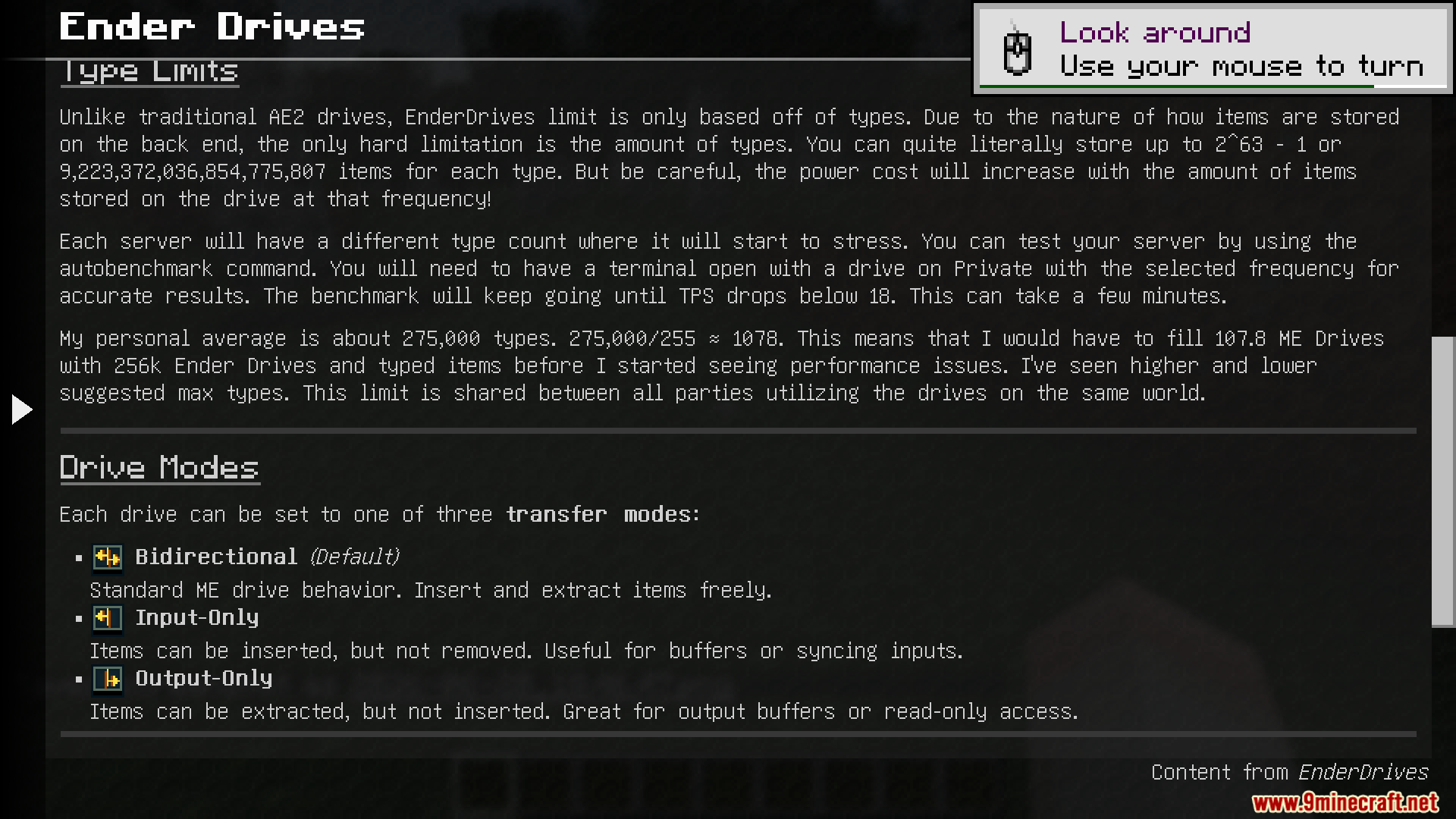
- Allows you to change transfer modes to make a drive input-only or output-only.
- Handles up to 250,000 different item types without slowing down your game.
- Saves all item data directly into your world folder for easy backups.
How to Use:
- Place the new drive into your Applied Energistics 2 network.
- Set a frequency number on the drive to link it with other drives.
- Choose your privacy setting to decide who can see the items: Global, Private, or Team.
- Change the transfer mode to control if items go in, come out, or do both.
- Set up another drive with the exact same frequency somewhere else to access your items.
Screenshots:
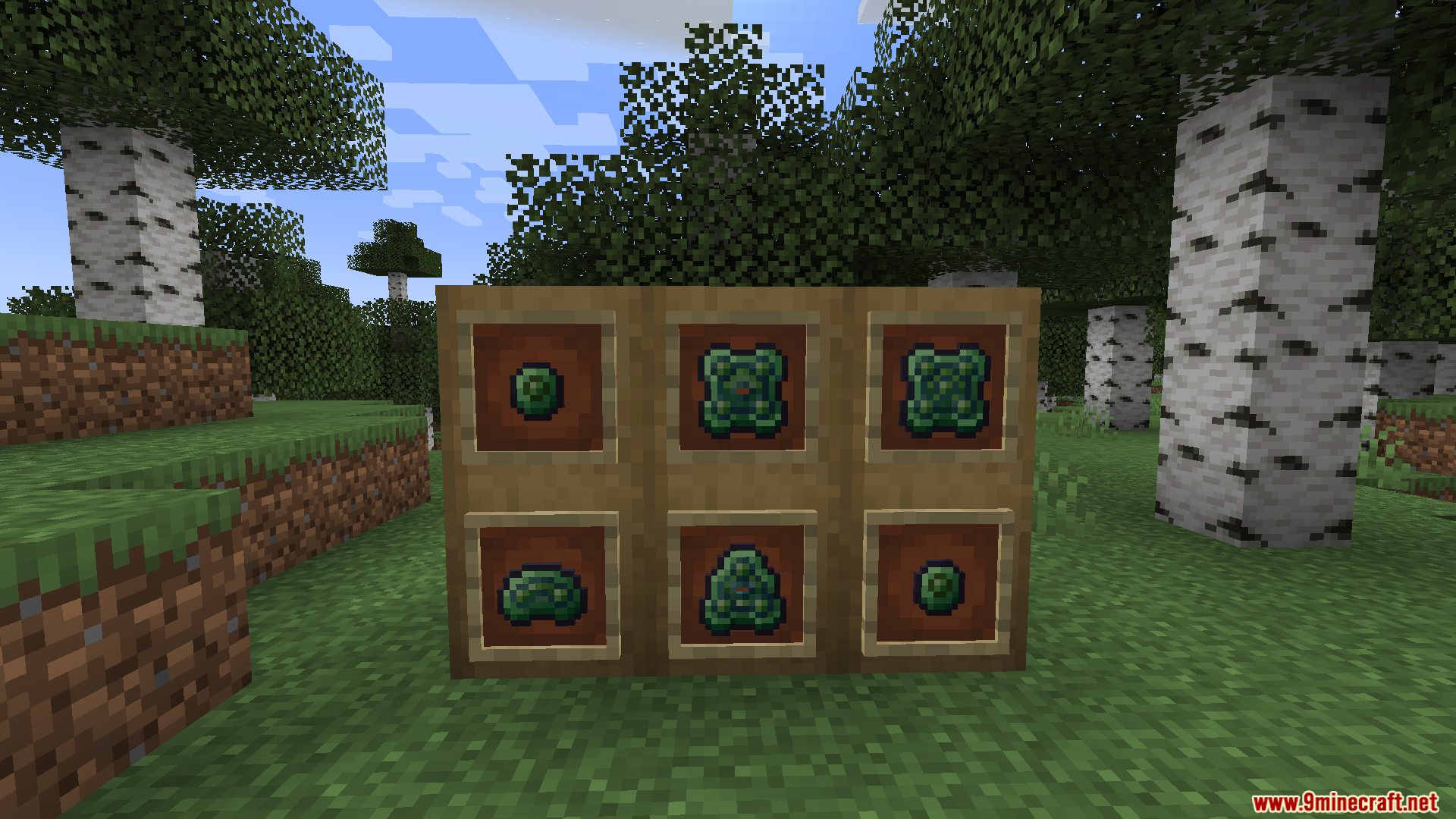
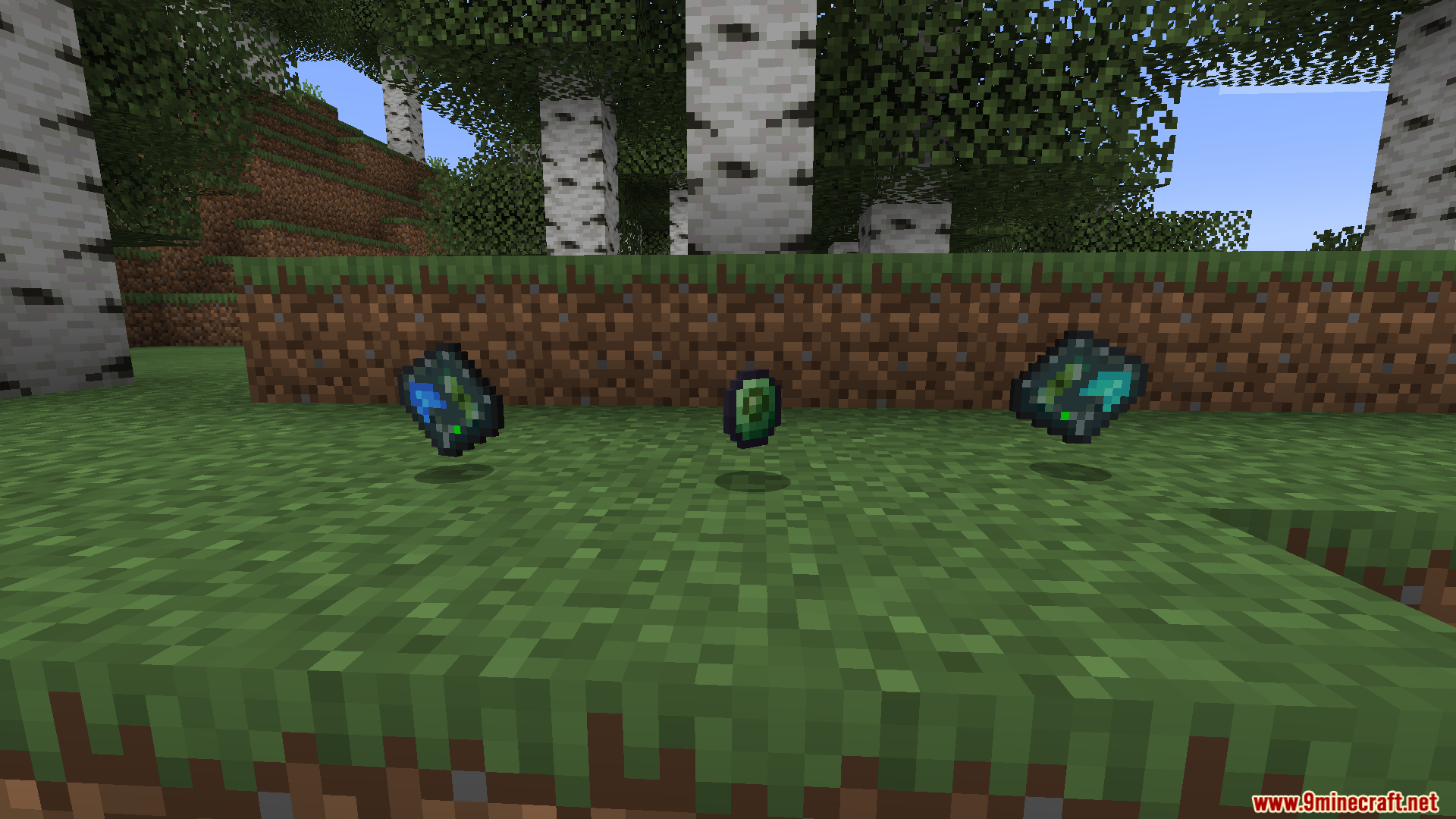
How to Install:
New to Minecraft? Follow our step-by-step guide to install Mods on your PC.View Guide

Ender Drives Mod Download Links
For Minecraft 1.21.1, 1.21
Click to rate this post!
[Total: 0 Average: 0]
You May Also Like





This post has no comments yet. Be the first — your comment will appear here.