


Show FPS Mod (26.2, 1.20.1) – Track Your Frame Rate
 82
82
 0
0


🌐 Good news — we've translated this article into other languages!
Or pick the one you like:
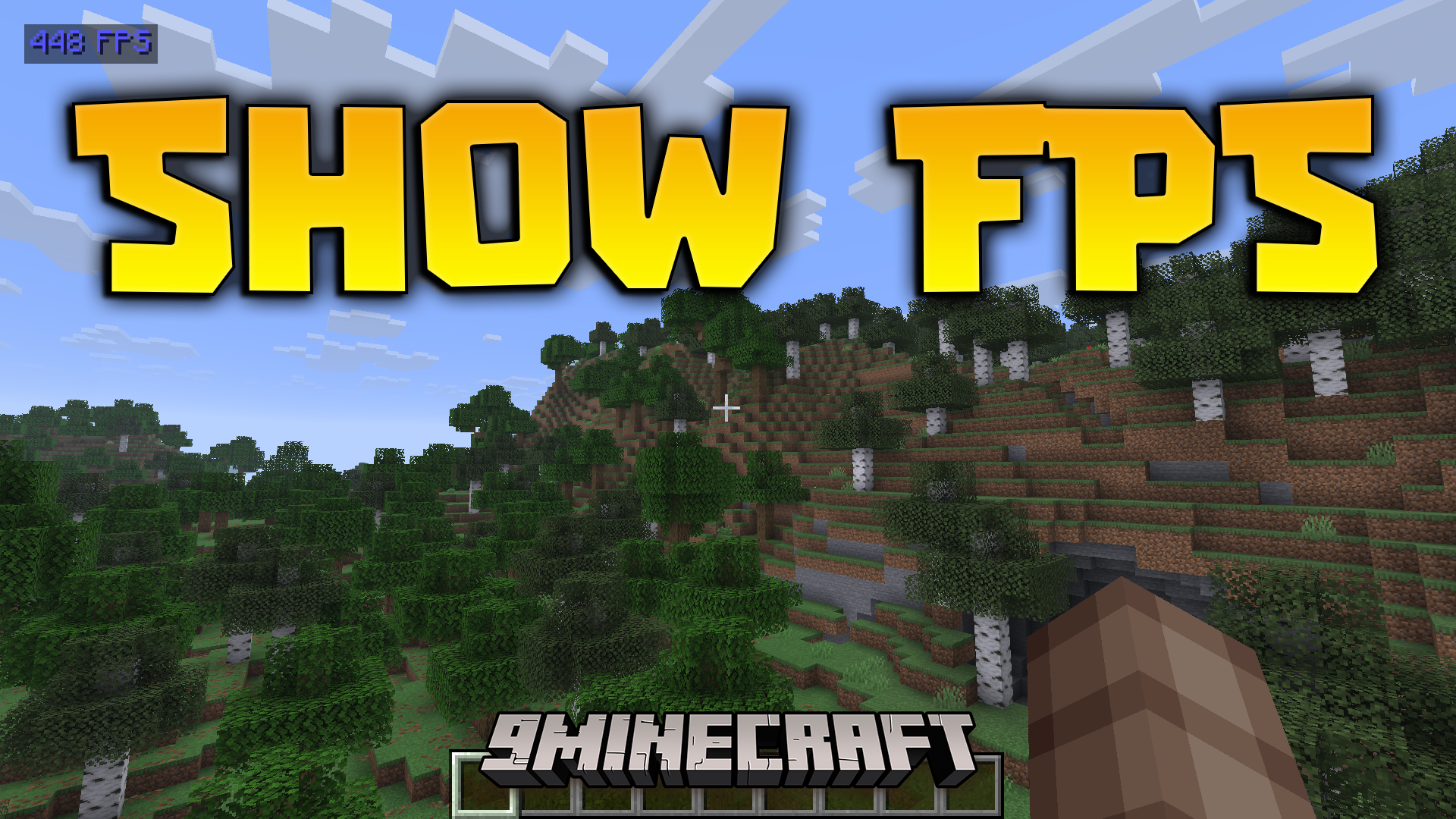
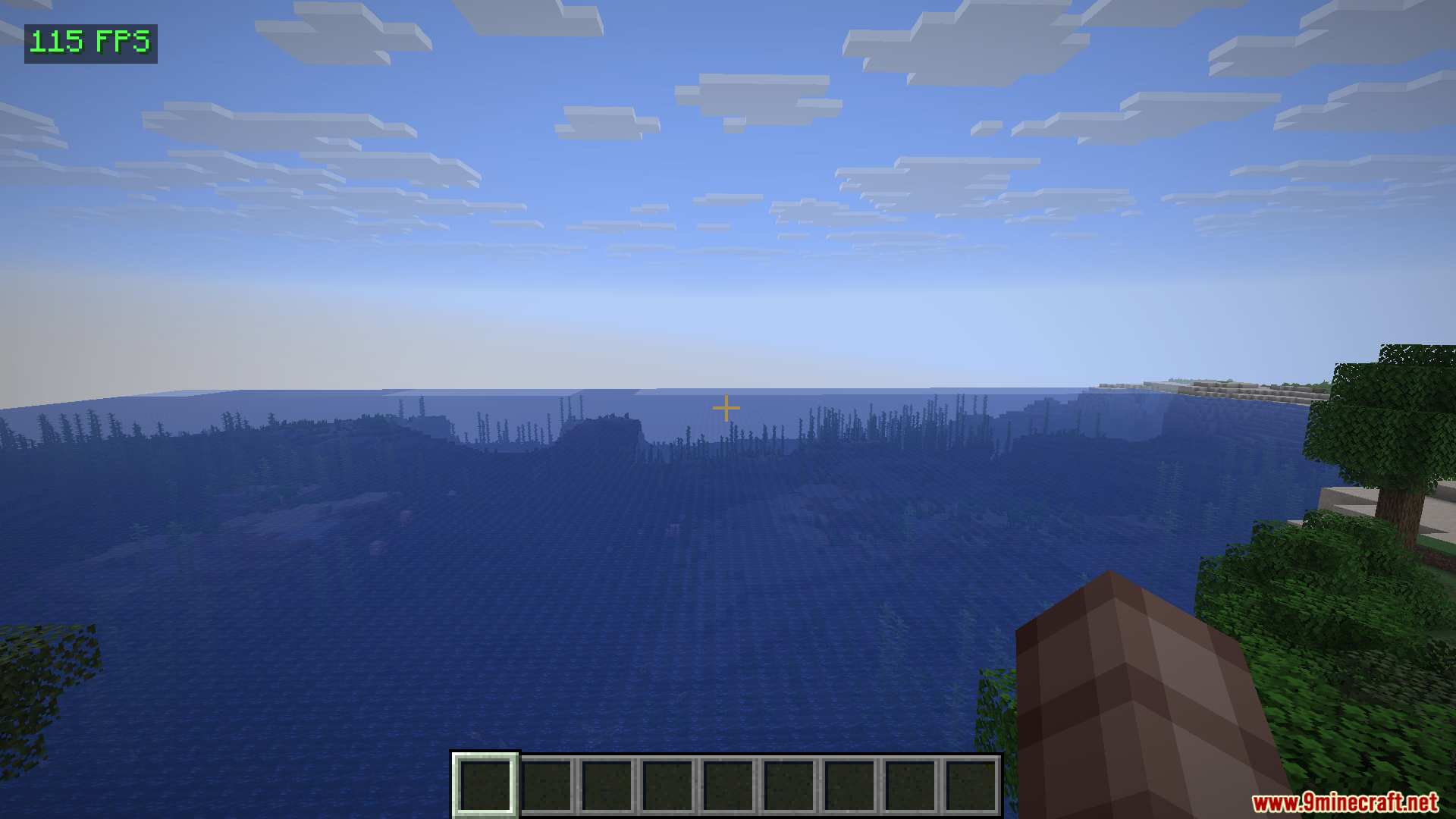
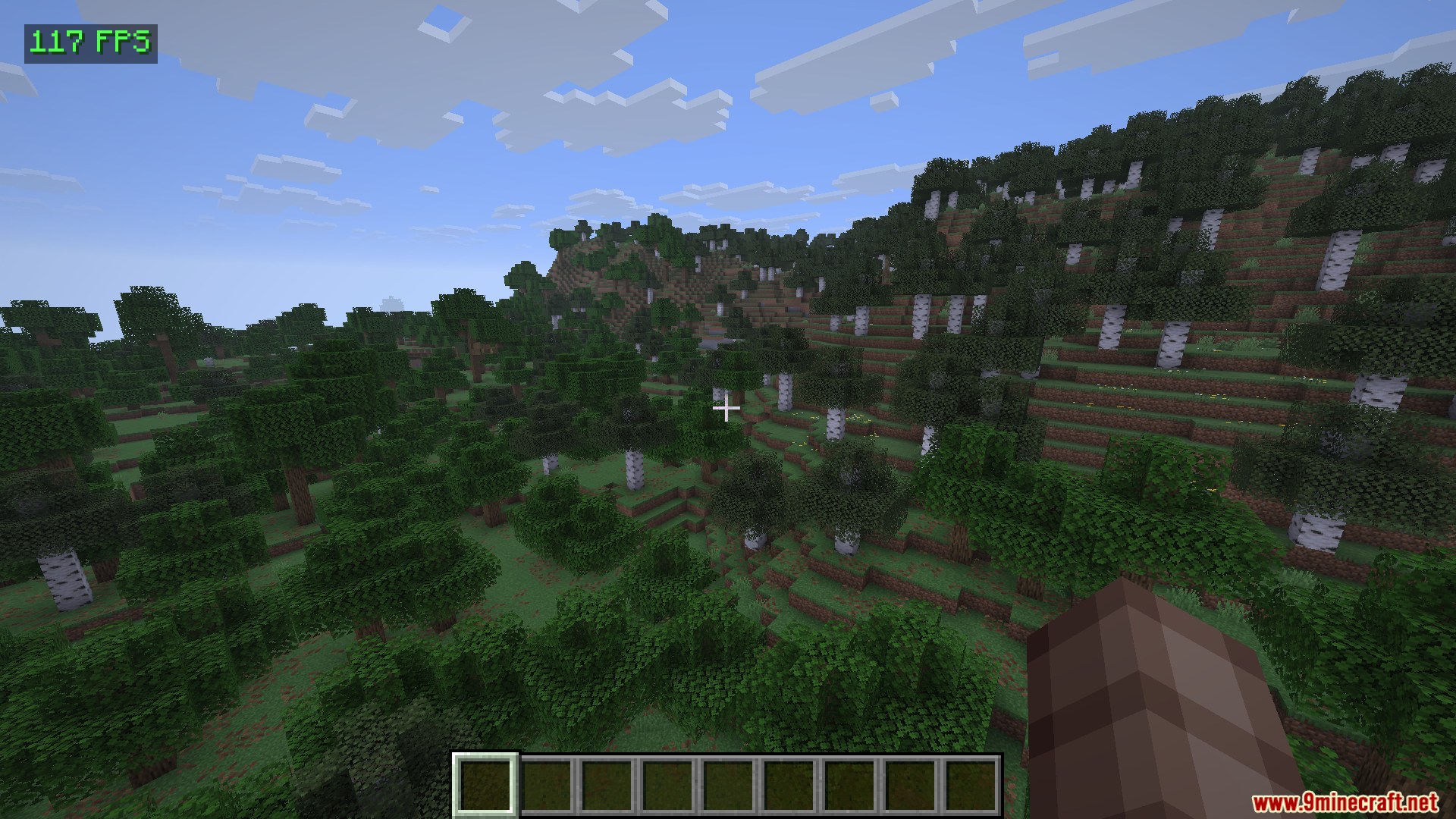
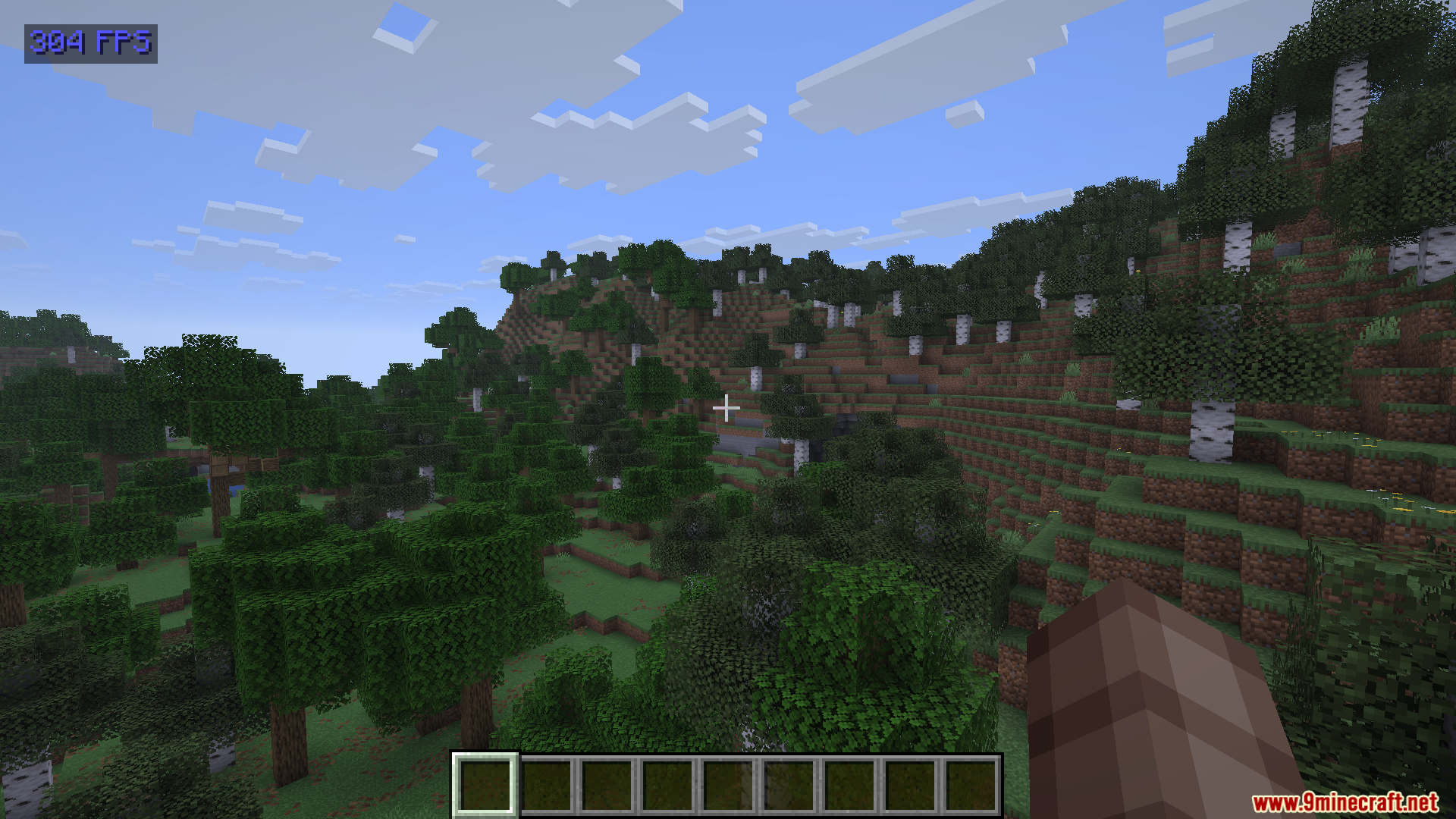
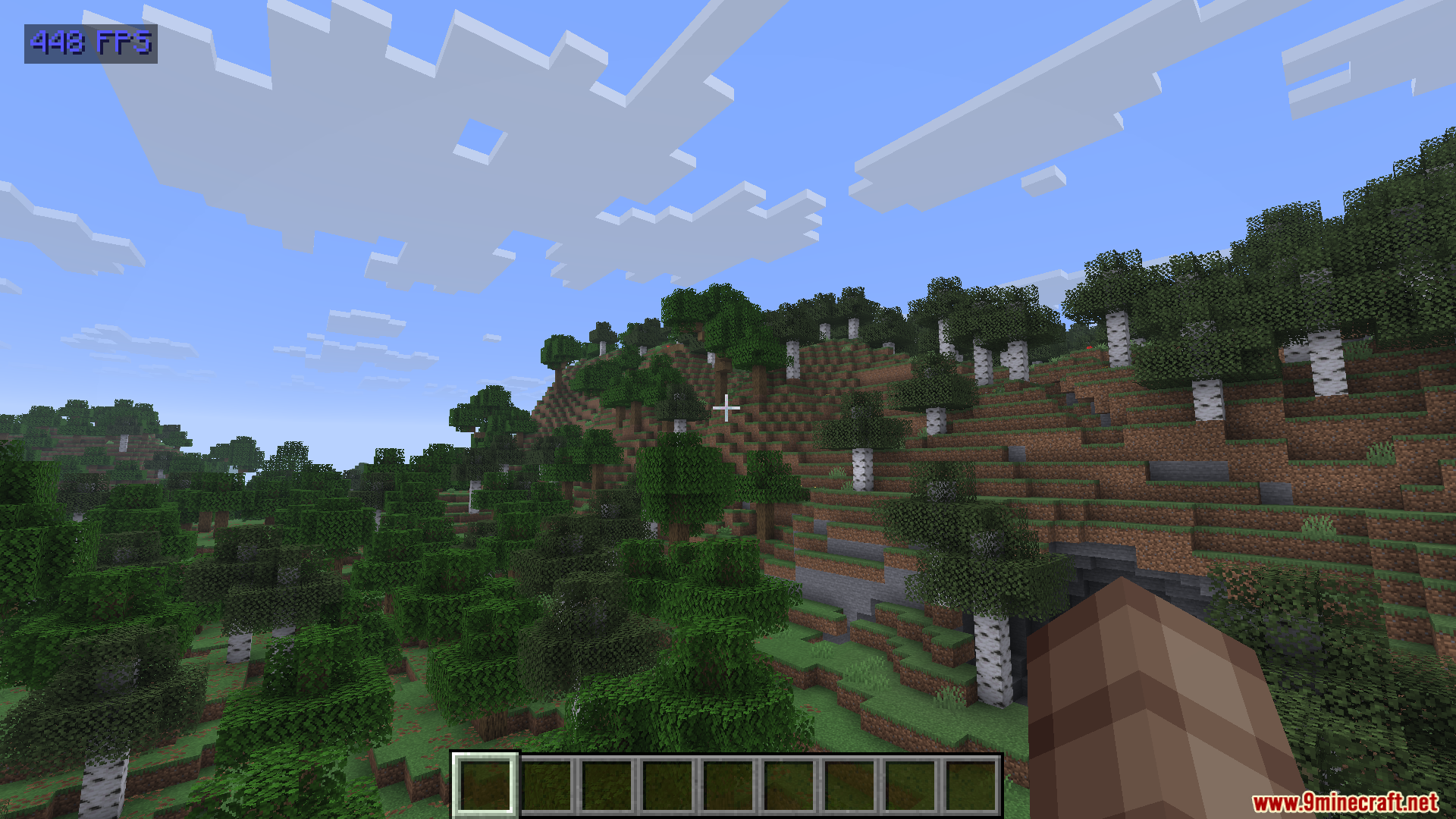
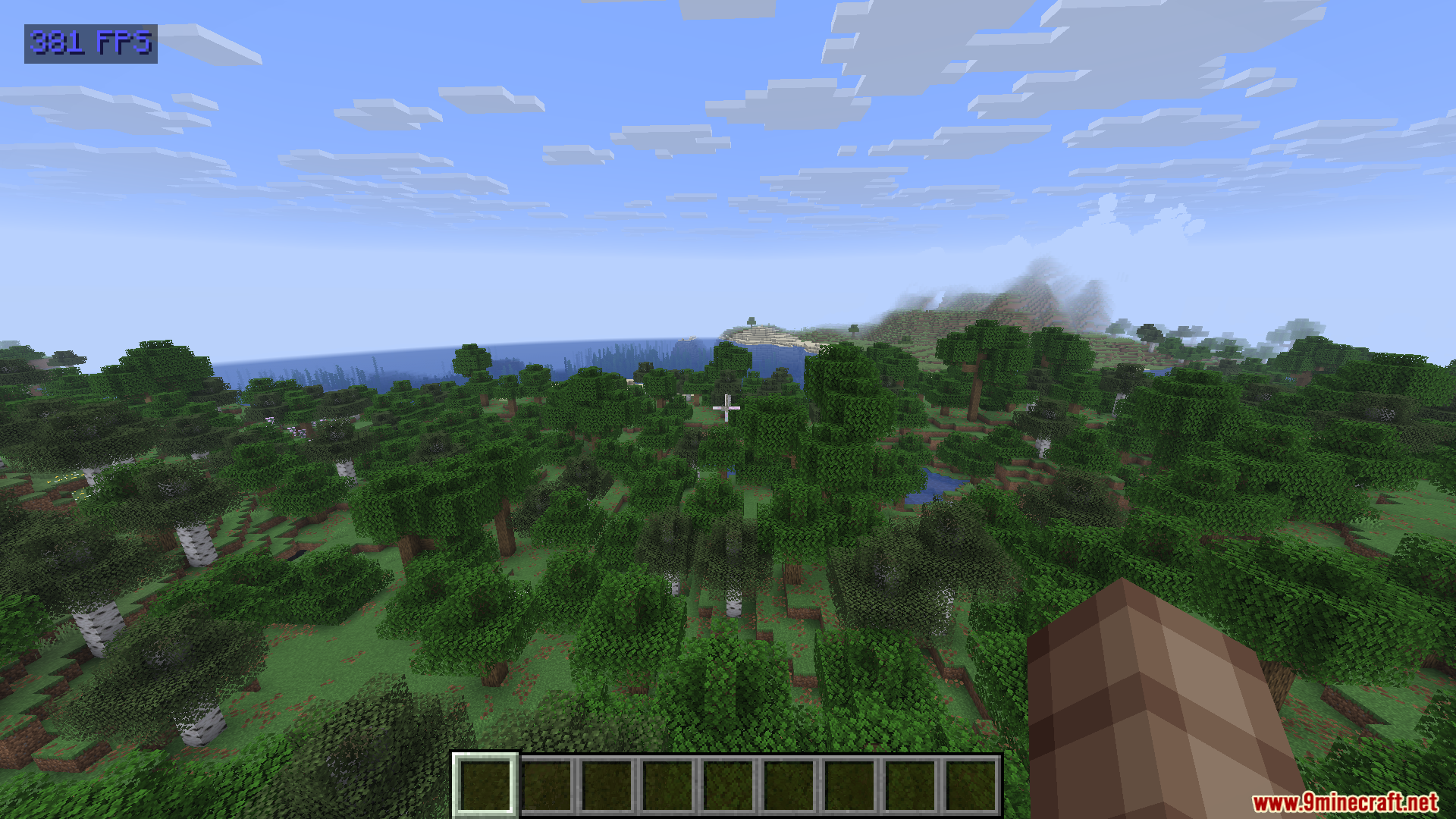
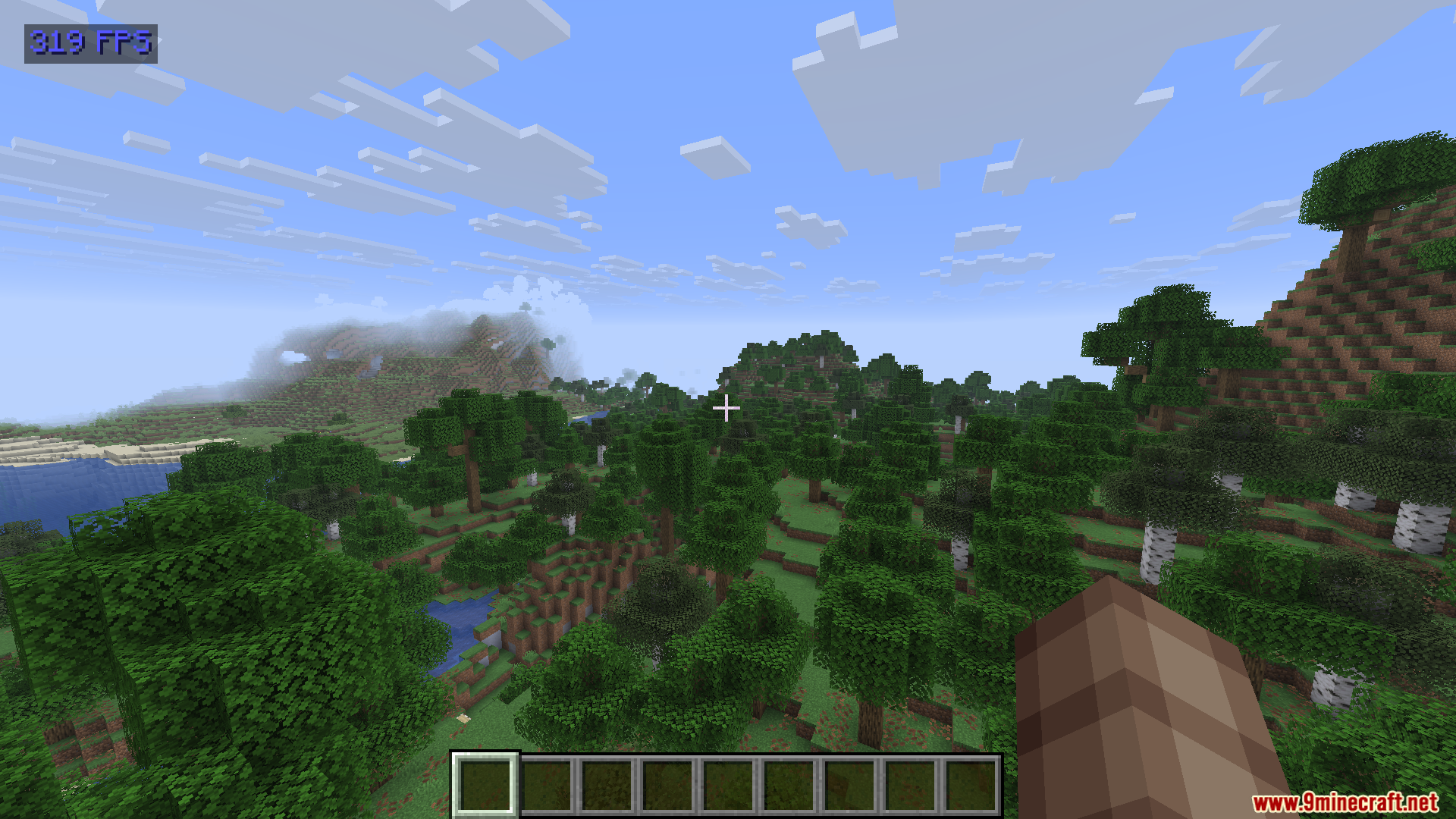
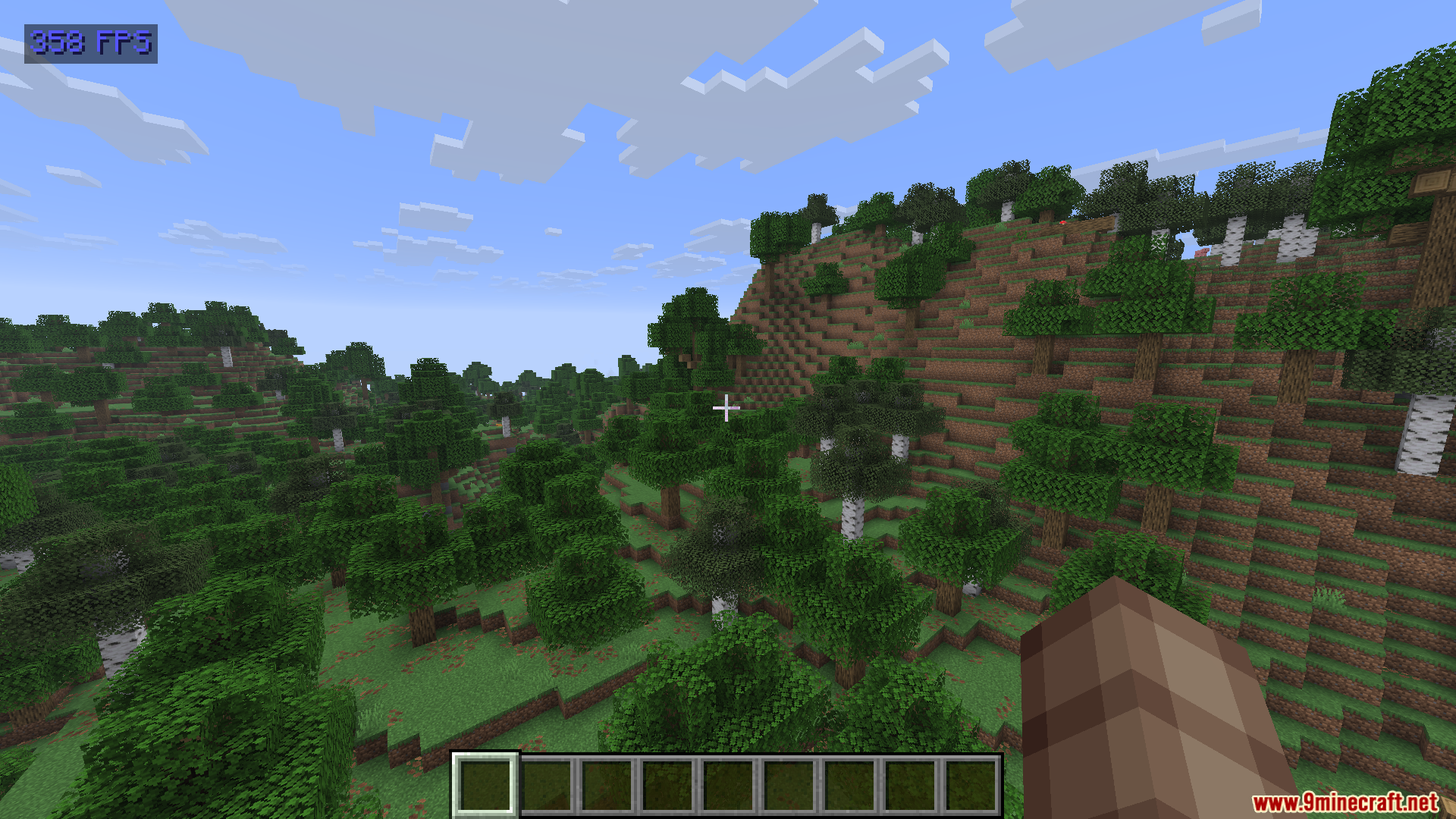
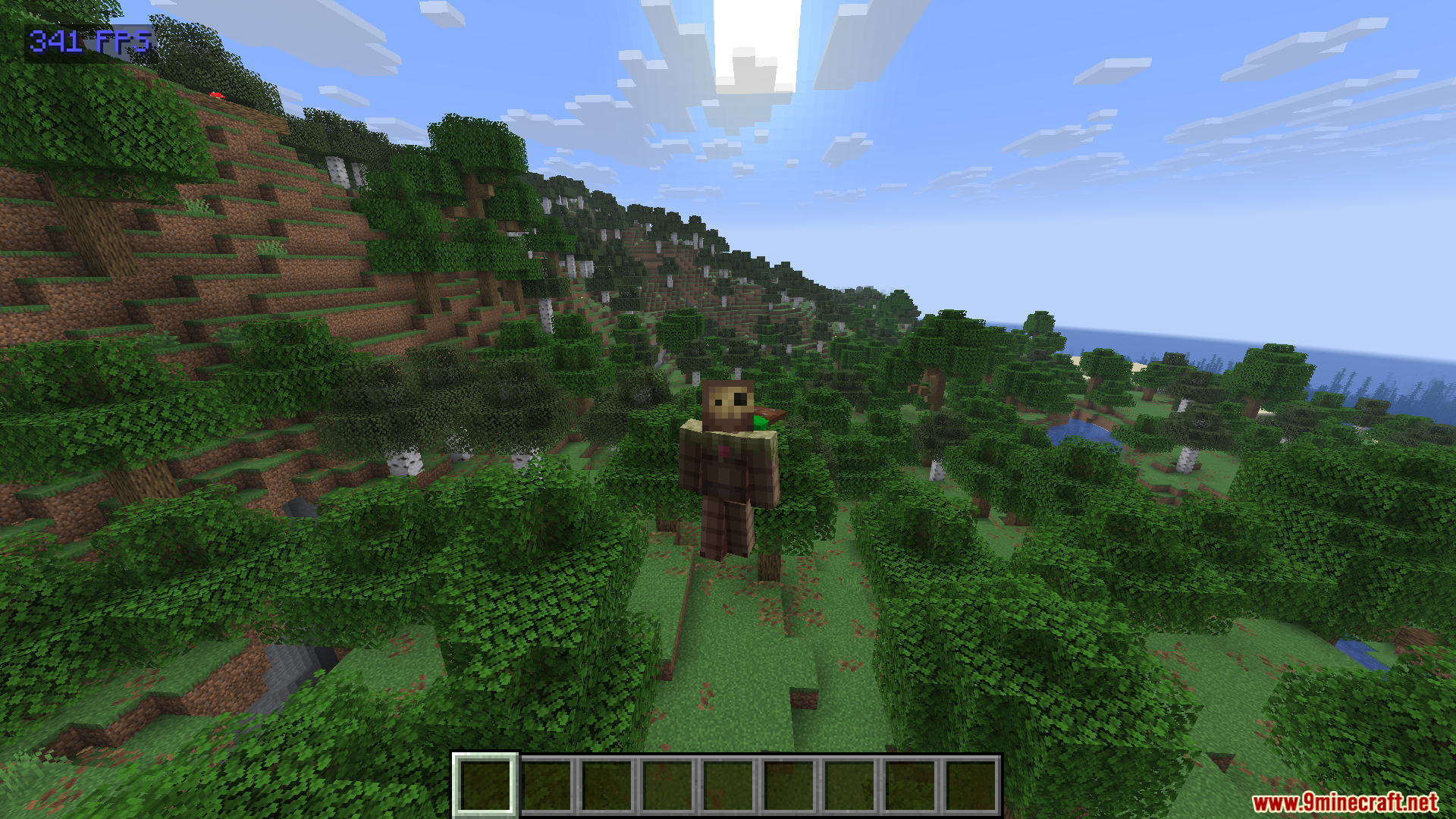
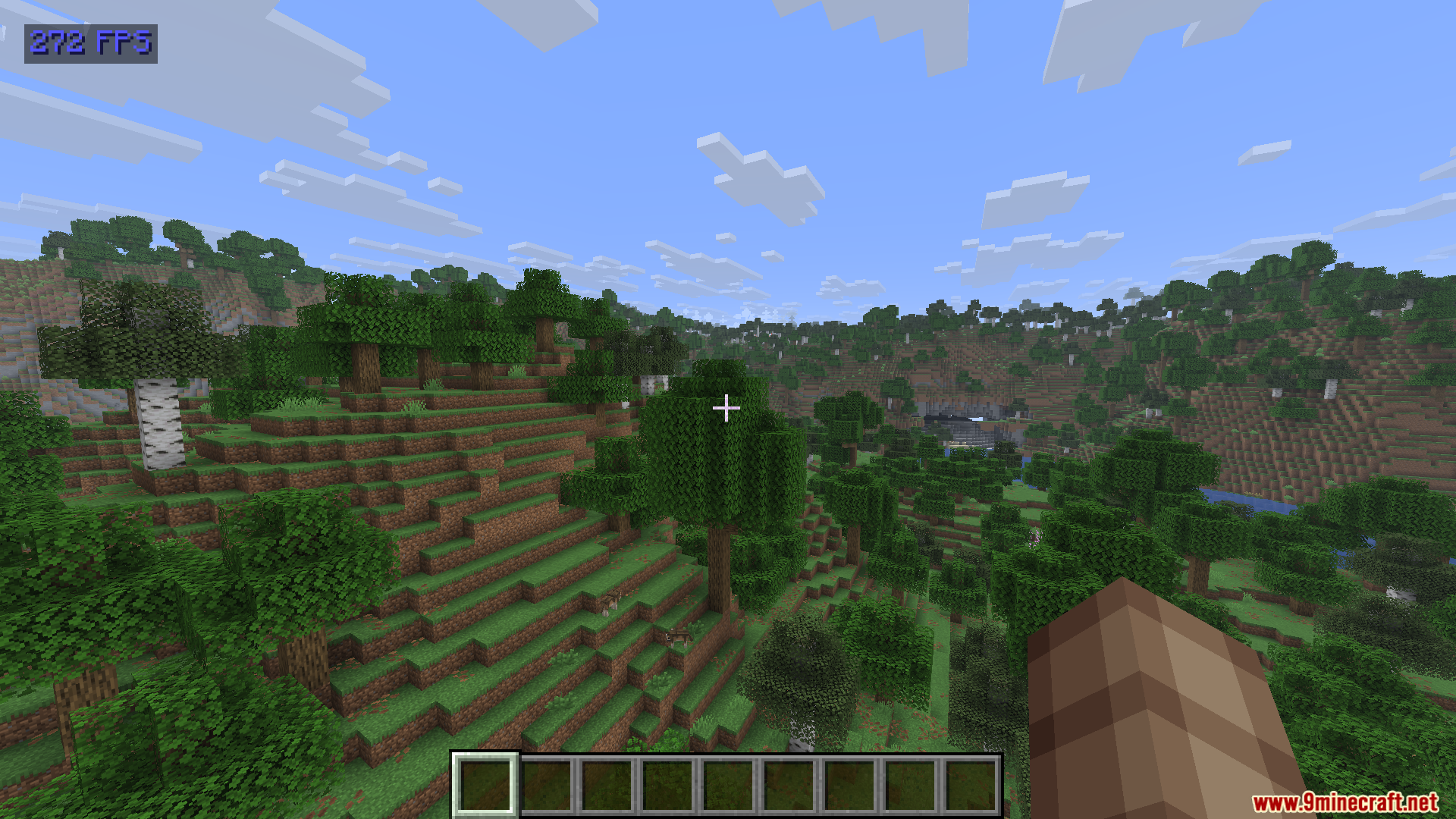
Show FPS Mod adds a simple frame rate counter to the top-left corner of your screen. This mod helps you check how fast your game runs without opening complicated debug menus. It uses almost zero extra computer power, so it will not slow down your gameplay.
Features:
- Color Coding: The text changes color based on your current frame rate.
- Shows red text when your game drops below 60 frames per second.
- Turns green when you have a stable speed between 60 and 120 frames per second.
- Displays bright blue text when your game runs faster than 120 frames per second.
- Keeps a very small footprint so it never hurts your game performance.
- Gives you a clean way to check your speed without looking at the messy F3 screen.
How to Use:
- Look at the top-left corner of your screen during normal gameplay to see the number.
- Press the N key on your keyboard to open the custom settings menu.
- Change the menu button in your normal controls screen if you need to use a different key.
Screenshots:
How to Install:
New to Minecraft? Follow our step-by-step guide to install Mods on your PC.View Guide



Show FPS Mod Download Links
For Minecraft 26.2
For Minecraft 26.1.2, 26.1.1, 26.1
For Minecraft 1.21.11
For Minecraft 1.21.10, 1.21.9
For Minecraft 1.21.8, 1.21.7, 1.21.6
For Minecraft 1.21.5
For Minecraft 1.20.1, 1.20
Click to rate this post!
[Total: 0 Average: 0]
You May Also Like







This post has no comments yet. Be the first — your comment will appear here.