


Re Cased Mod (1.21.1, 1.20.1) – Crack Open Hidden Loot Crates for Rare Rewards
 5
5
 0
0

🌐 Good news — we've translated this article into other languages!
Or pick the one you like:
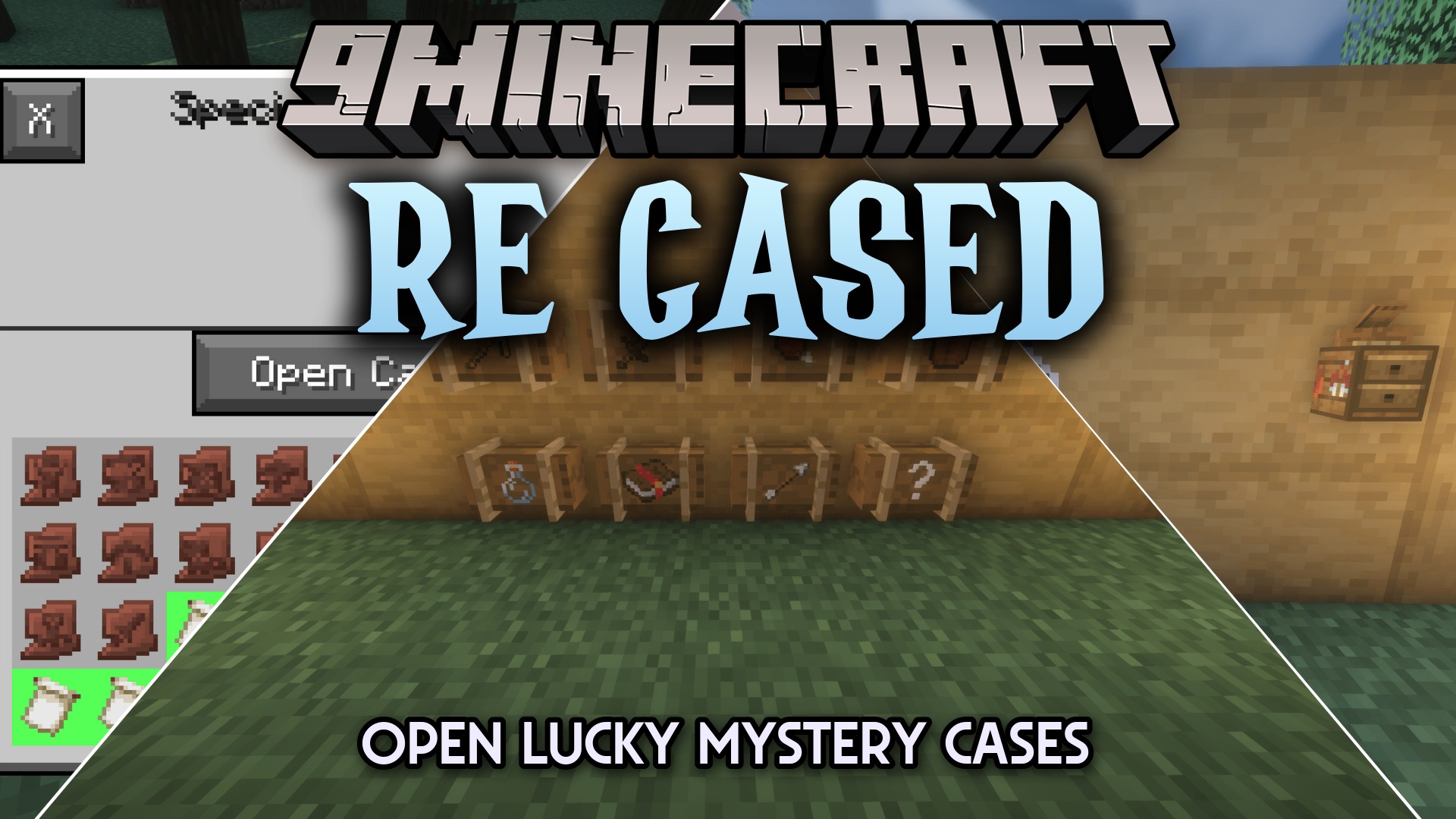
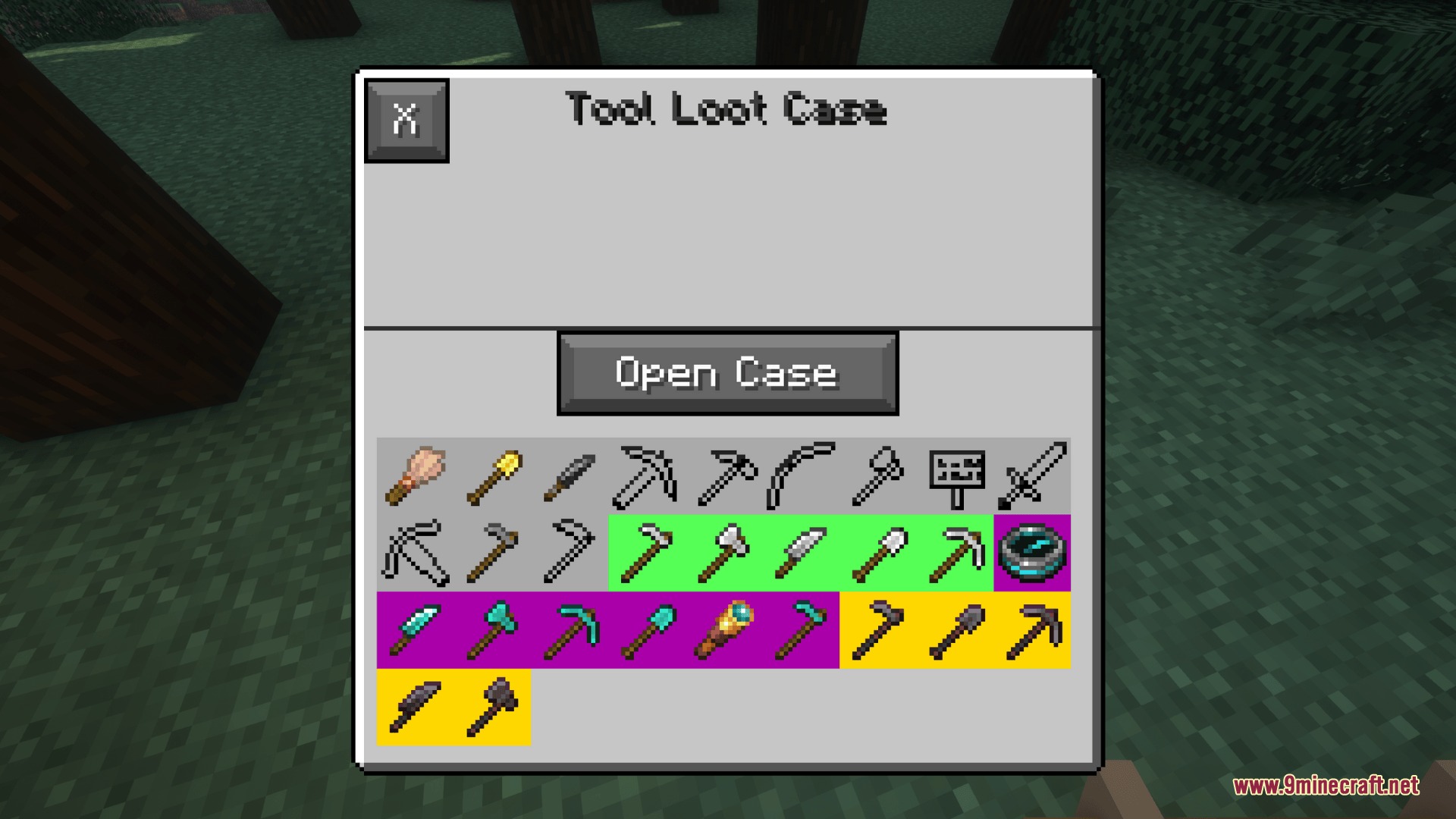
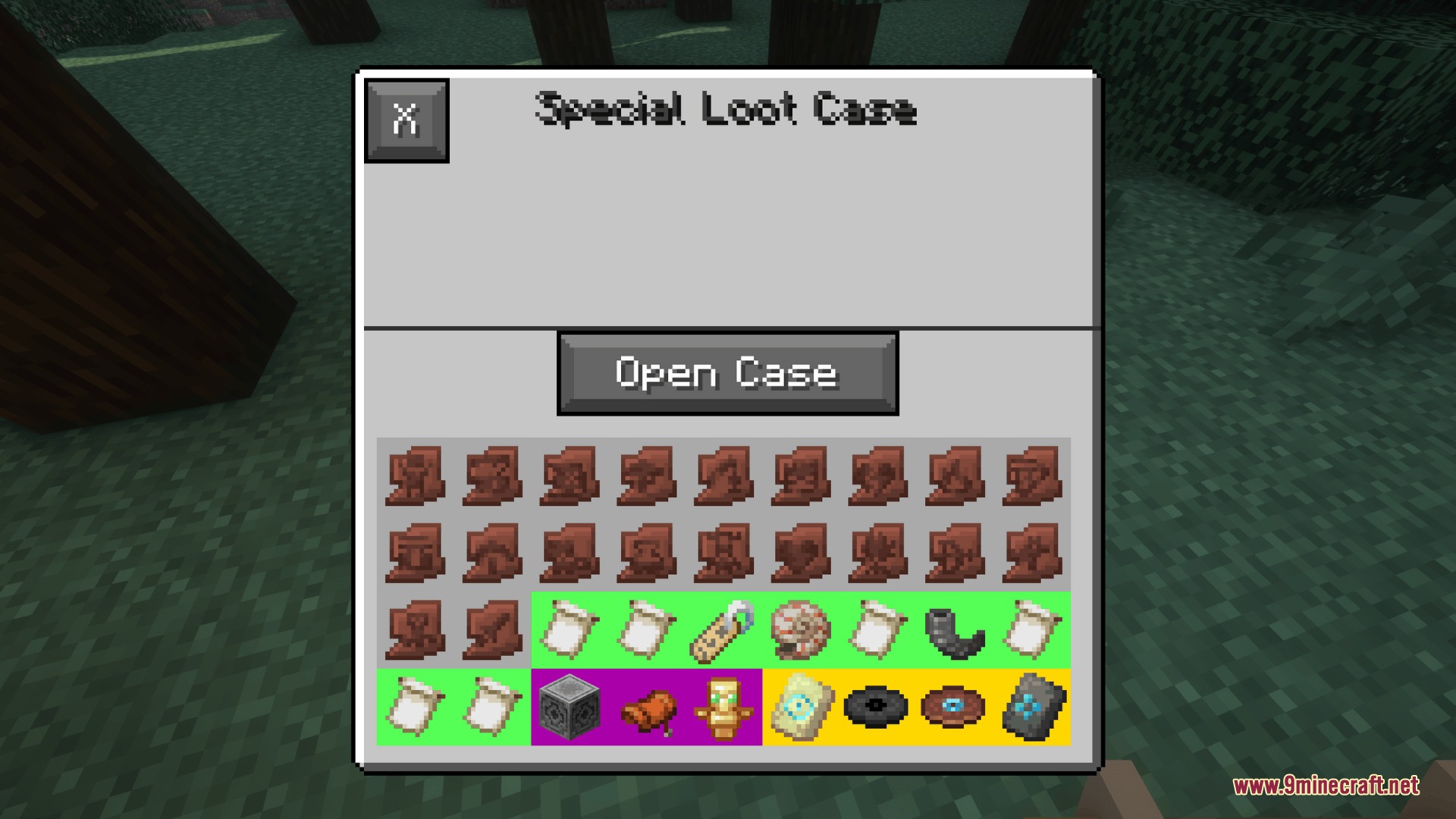
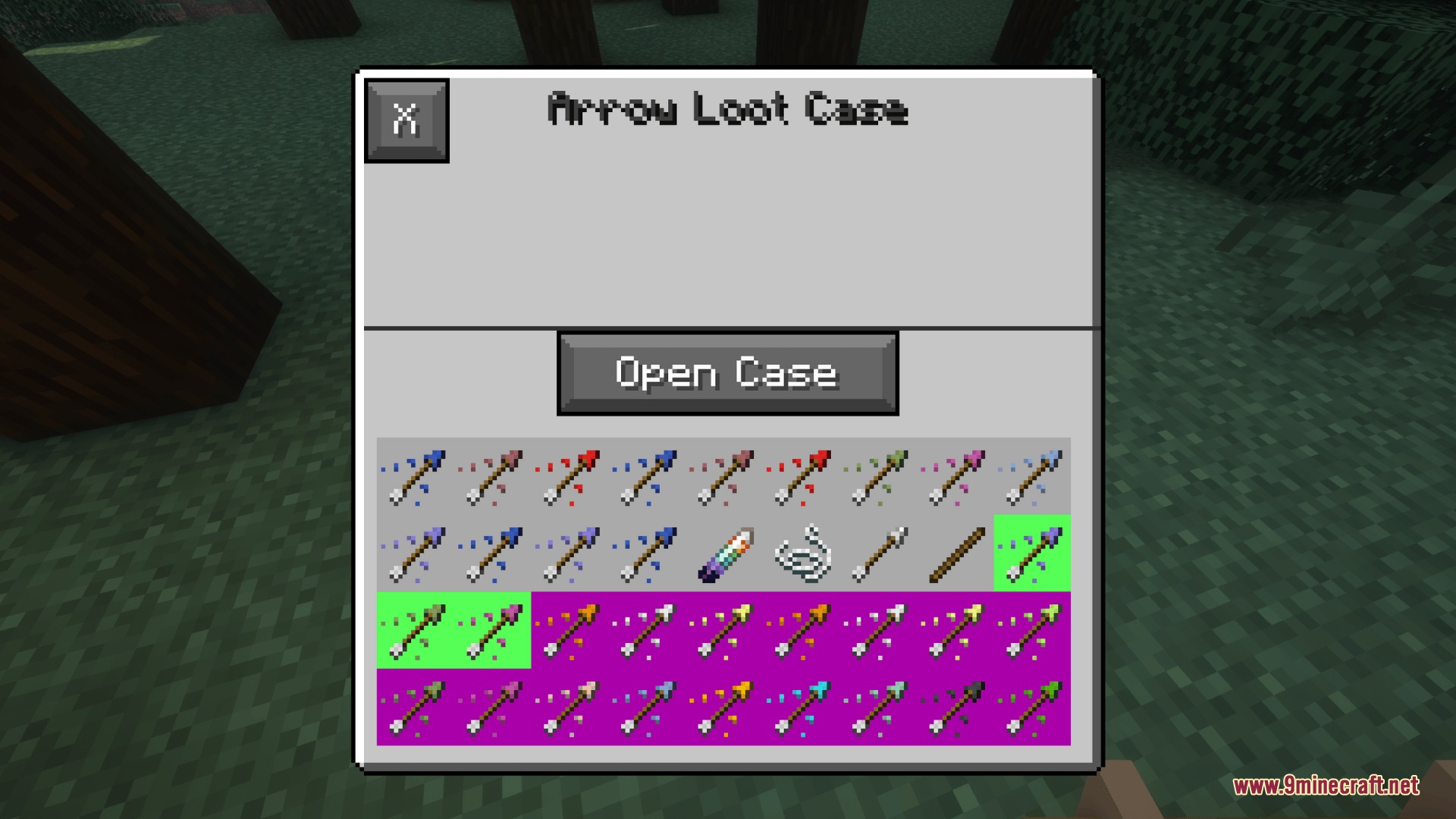
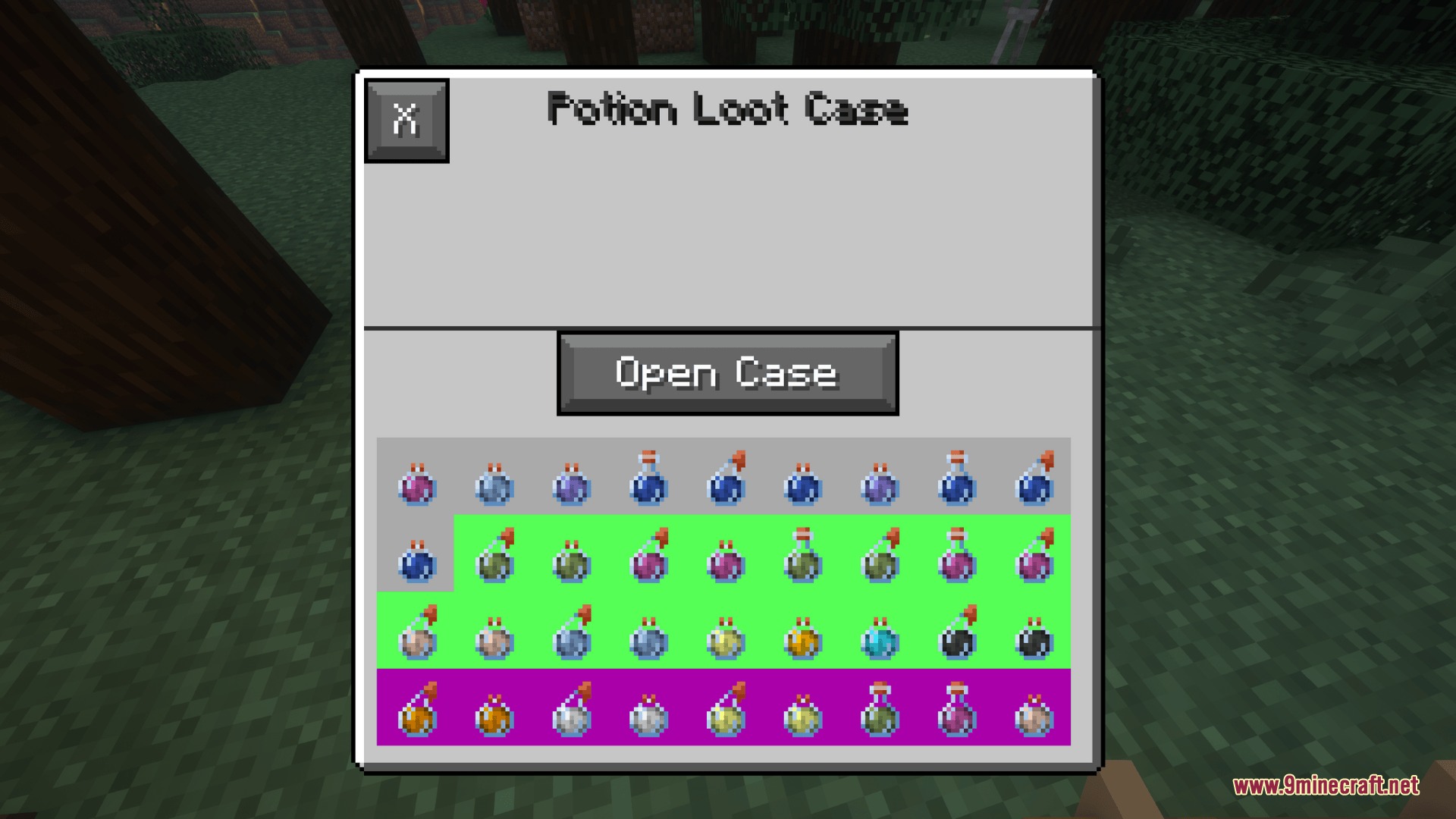
Re Cased Mod fills your world with exciting loot crates to open. This mod scatters different types of reward cases across the map for you to find while exploring. You can crack open these crates to get armor, weapons, food, and special items. It works perfectly for normal survival games or playing with friends on a server. You can even build your own custom crates right inside the game without messing with tricky text files.
Features:
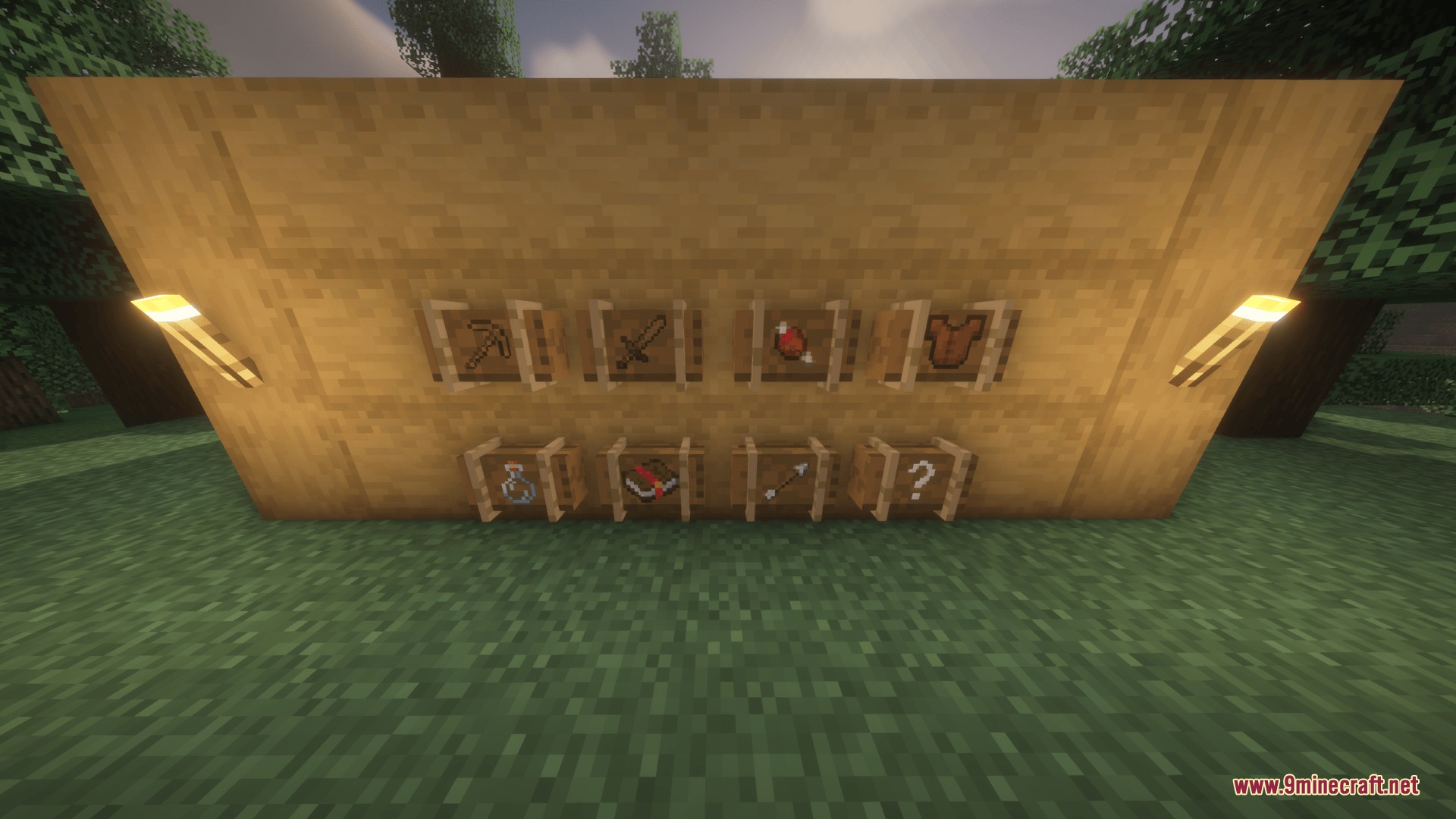
- Adds eight base types of crates like Armor, Weapon, Food, and Potion cases.
- Sorts items from the base game and other mods into the correct crates automatically.
- Spawns loot cases naturally inside dungeon chests, mineshafts, and strongholds.
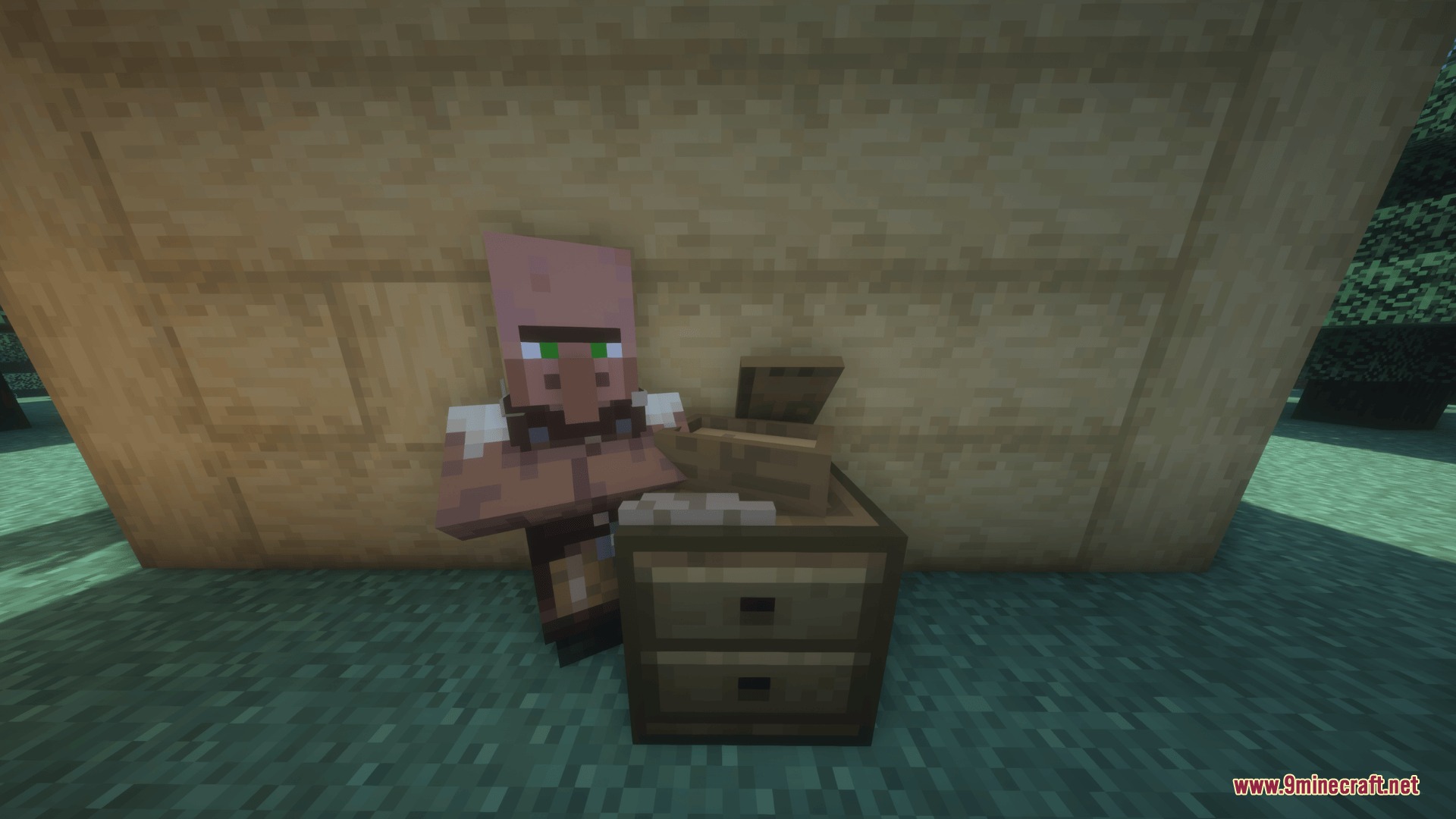
- Introduces a new Case Trader villager who sells reward crates for emeralds.
- Lets you uncover hidden cases by brushing suspicious sand in desert pyramids.
- Players get items based on drop chances, ranging from common to legendary rarity.
- Syncs all custom crates automatically when playing with friends on a multiplayer server.
Base Case Types:
- Armor and Weapon crates drop gear with random durability levels.
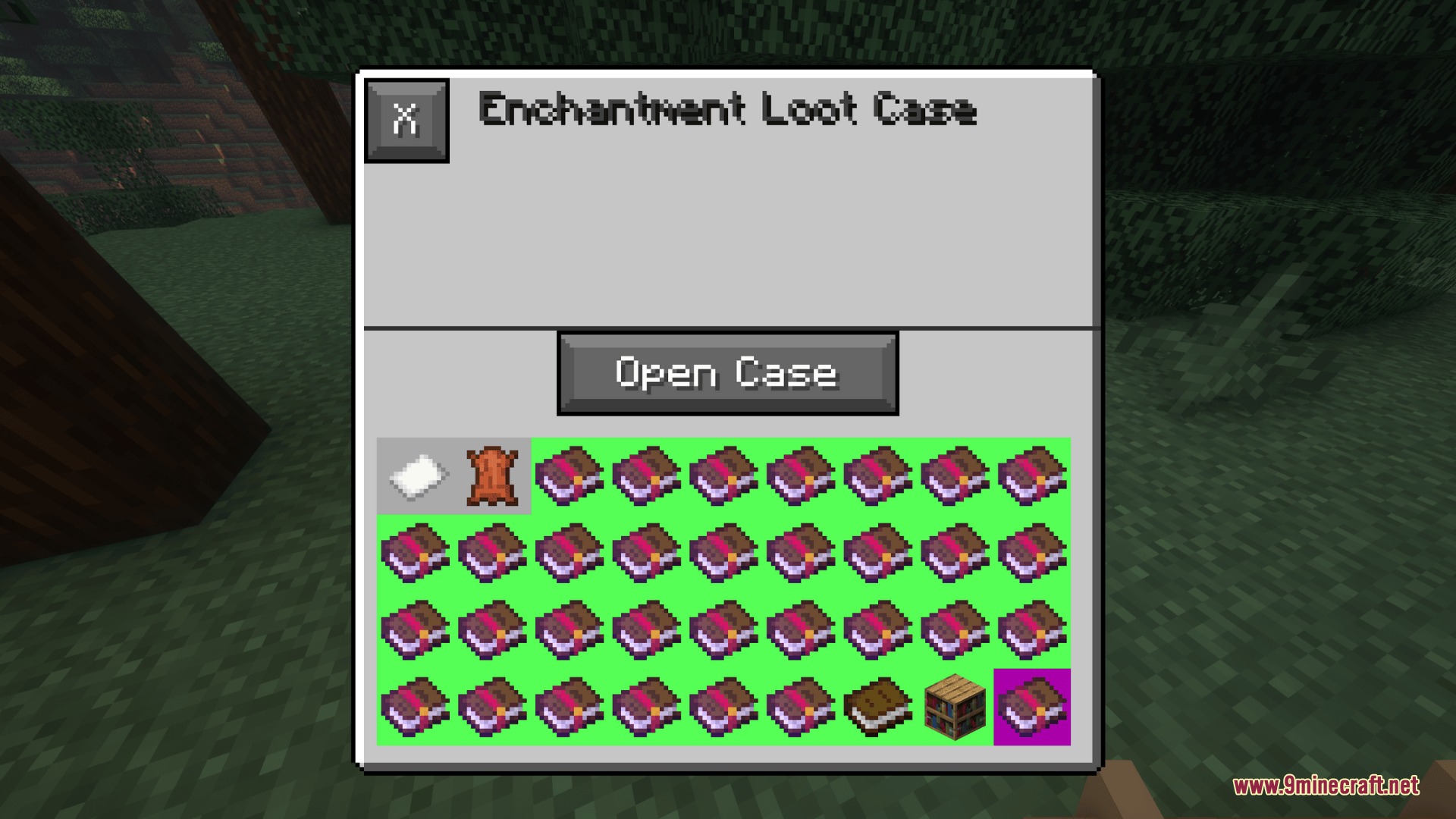
- Enchantment crates give you helpful enchanted books.
- Food and Arrow crates drop stacks of useful supplies.
- Special crates hold rare items like beacons or boss drops.
Configuration:
enableCasingStationGUI: turns on the in-game editor block for admins.disableStandardCrates: removes the default crates if you only want custom ones.showRarityInTooltip: displays the item rarity when you hover over it in your inventory.enableChestLoot: controls if cases spawn naturally in dungeon chests.globalSpawnMultiplier: changes how often cases appear in the world.defaultEmeraldCost: sets the price for buying crates from the trader villager.suspiciousSandChance: changes the chance of finding a crate through archaeology.disableRandomDurability: makes weapons and armor drop with full health.
How to Use:
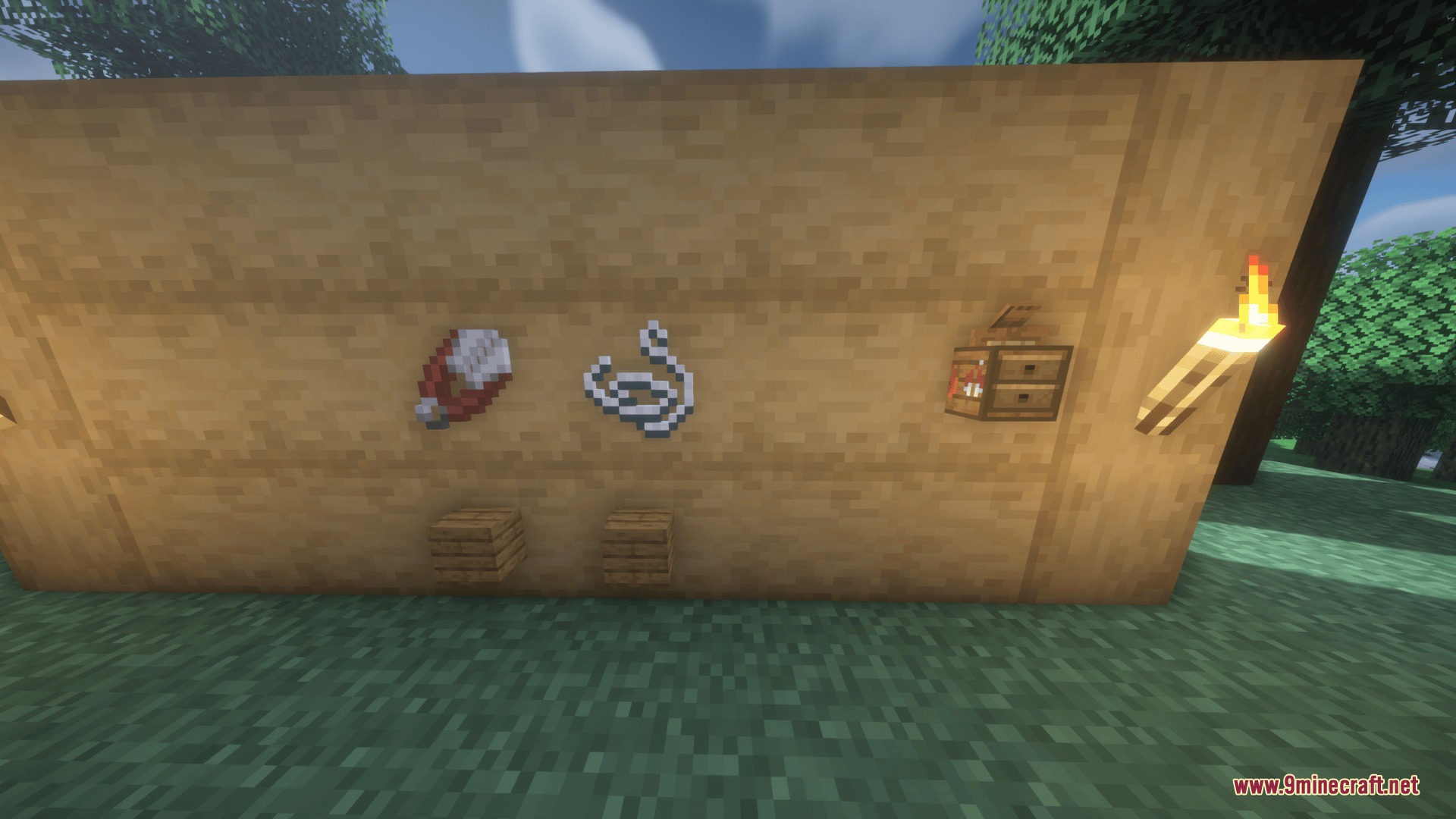
- Craft and place a Casing Station block, or find one inside a village.
- Open the block menu to see a list of all available crates.
- Click the plus button to make a new custom case, or click an old one to change it.
- Click items in your inventory to add them to the crate, and adjust how often they drop.
- Save your changes and reload your world so the new crate works properly.
Screenshots:
How to Install:
New to Minecraft? Follow our step-by-step guide to install Mods on your PC.View Guide
Requirements:


Re Cased Mod Download Links
For Minecraft 1.21.1, 1.21
For Minecraft 1.20.1, 1.20
Click to rate this post!
[Total: 0 Average: 0]
You May Also Like




This post has no comments yet. Be the first — your comment will appear here.