
Test Schematic (1.12.x) – Small Vanilla Building Blueprint For Minecraft

 0


Test Schematic gives you a small building blueprint for your world. It takes up a tiny space of 8 by 6 by 5 blocks. You only need 84 blocks to finish the whole structure. The build uses normal blocks, so you do not need any extra mods to load it. It works well for quick testing or adding a tiny detail to your map.
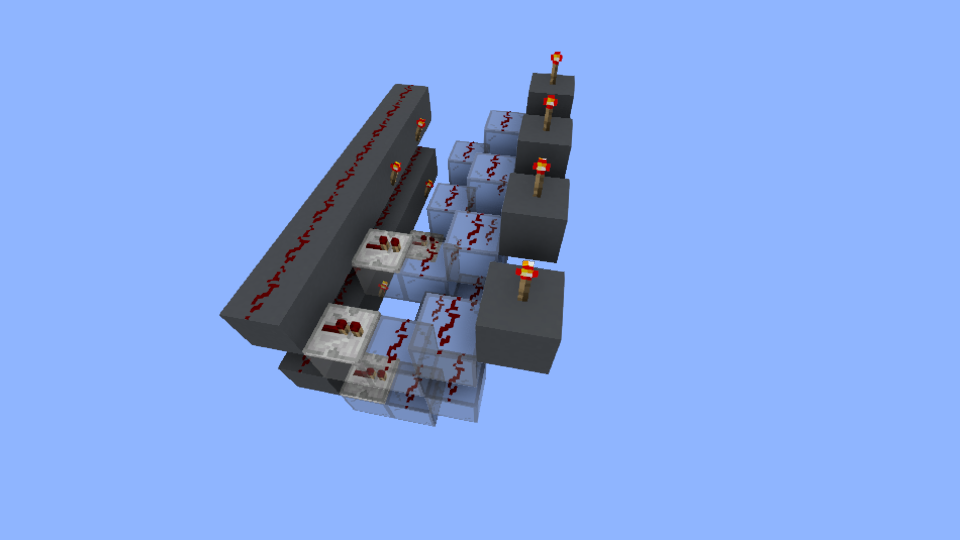
3D Preview & Editor:
Materials
6 types · 84 blocks
| Redstone Wire | 32 | Gray Stained Glass | 20 | Gray Concrete | 20 | |||
| Repeater | 4 | Redstone Wall Torch | 4 | Redstone Torch | 4 |
How to place this schematic
.schem This is a WorldEdit schematic. It pastes instantly on a server or single-player world that has WorldEdit (or FastAsyncWorldEdit).
| 1 | Install WorldEdit — as a plugin on the server, or as a mod for single player. |
| 2 | Drop the .schem file into plugins/WorldEdit/schematics (server) or config/worldedit/schematics (client). |
| 3 | Run //schem load <file name>. |
| 4 | Stand where you want it and run //paste. Add -a to skip air blocks. |
Features:
- Takes up a tiny 8x6x5 space in your world.
- Uses exactly 84 blocks to build the entire structure.
- Works with normal Minecraft blocks without needing extra mods.
- Loads quickly because of its small file size.
- Helps you test pasting tools or add small details to your map.
Schematic Specs:
 Minecraft1.12.x
 Dimensions8×6×5
 Total Blocks84
Test Schematic Download Links
For Minecraft 1.12.x
Click to rate this post!
[Total: 0 Average: 0]
You May Also Like
Picked for this page
 Colorful Ferris Wheel Schematic (1.20.x) – Tall Amusement Park Ride For Survival
 Applebees Schematic (1.19.x) – Small Modern Kitchen Building Structure
 Uss Texas Schematic (1.20.x) – Giant 1:1 Battleship Flying Machine Build
 Lichen Farm Schematic (1.21.x) – Compact Vanilla Glow Lichen Farm
 Fireball Launcher Defence Schematic (1.21.x) – Ghast Fireball Stopper And Base Defender
 Small House 3.1 Schematic (1.20.x) – Ready To Build Vanilla Home
 TagMap3 Schematic (1.20.x) – A Large Vanilla Build For Your World
 Sphere Radius 7 Schematic (1.20.x) – A Ready-Made Round Shape For Building
 Japanese Detached House After Renovation Schematic (1.21.x) – Large Detailed House Build For Your World
 Rocket Buggy Schematic (1.20.x) – Compact Rocket Buggy Build For Your World
 Cottage House Schematic (1.20.x) – Cozy Vanilla Home Build For Your World
 Deadmau5 Head Schematic (1.20.x) – Build a Giant DJ Head In Your World
Most viewed in Schematics over the last 7 days
 Fastest Bonemeal Farm Donut Smp Schematic (1.21.x) – Fast Redstone Bonemeal Farm Build
 KelpFarmV9.9 Schematic (1.21.x) – Compact And Simple Seaweed Farm Build
 64 Module Cobblestone Farm Schematic (1.21.x) – Massive Automated Stone Gathering Build
 Gold Farm Schematic (1.21.x) – Automatic Nether Roof Gold Farm
 Villager Trading Hall Schematic (1.21.x) – Modern Shop Build For 48 Villagers
 Minutes End Base Before Spoke Null End Video Schematic (1.21.x) – Giant Unstable SMP End Base Schema
 Bamboo Farm Schematic (1.21.x) – Small Automated Redstone Bamboo Farm
 Best Railgun Tp Trap on Donutsmp Schematic (1.21.x) – Unescapable Multiplayer Redstone Trap Build
 36 Module Cobble Farm 18m per Hour Donut SMP Schematic (1.21.x) – Massive Automated Stone Generator
 Bamboss V2 800k Bamboo per Hour Schematic (1.21.x) – High Speed Automated Bamboo Farm Schematic
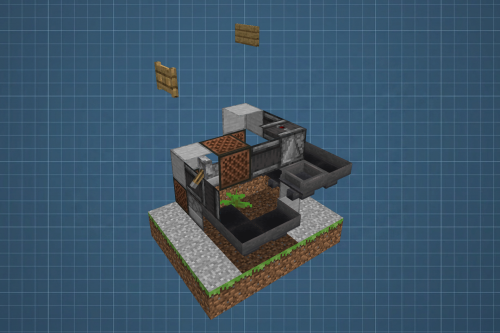 Fastest Kelp Farm Donut Smp Schematic (1.21.x) – Compact Redstone Kelp Farm Design
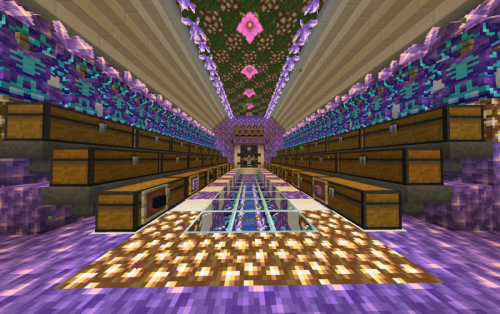 Large Amethyst Stash for Donut Smp Schematic (1.21.x) – Amethyst Themed Storage Base Build
More from Schematics
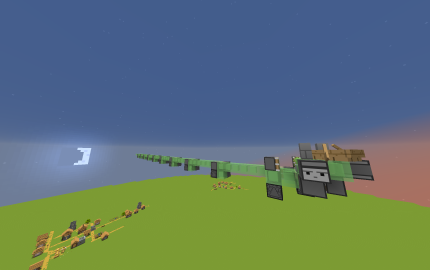 DonutSMP Drainer Machine Big Works Sideways for Max Drain Schematic (1.21.x) – Large Sideways Flying
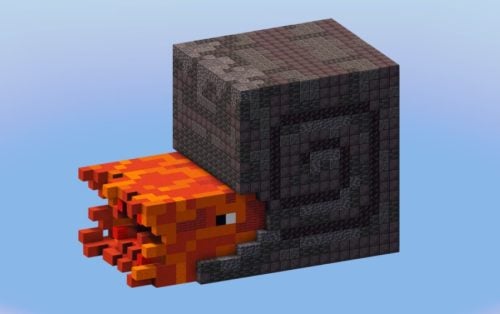 Nautilus with Netherite Armor Schematic (1.21.x) – Giant Sea Creature Statue For Build Decoration
 Bee Hot Air Balloon Schematic (1.21.x) – Cute Bee Themed Hot Air Balloon Build
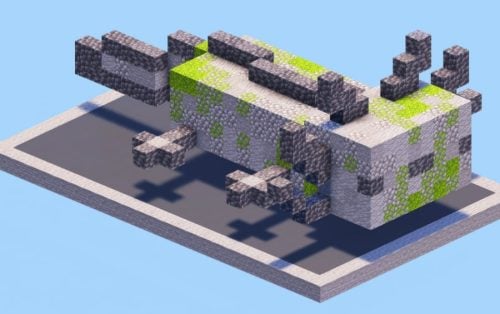 Axolotl Stone Sculpture Schematic (1.21.x) – Cute Stone Axolotl Statue for Your Town
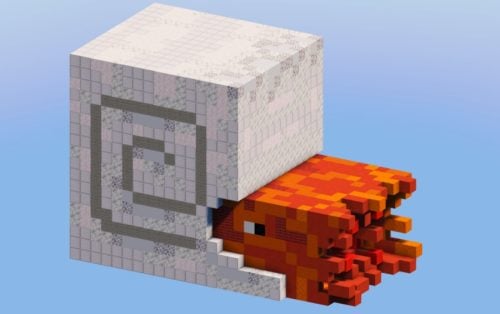 Nautilus with Iron Armor Schematic (1.21.x) – Build A Giant Nautilus Statue Easily
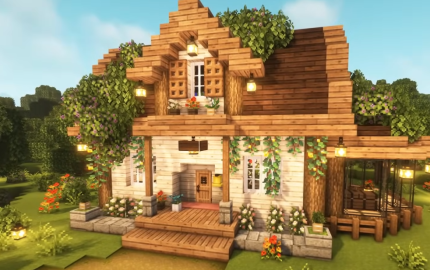 Cozy Home Schematic (1.21.x) – A Warm and Inviting Vanilla House Build
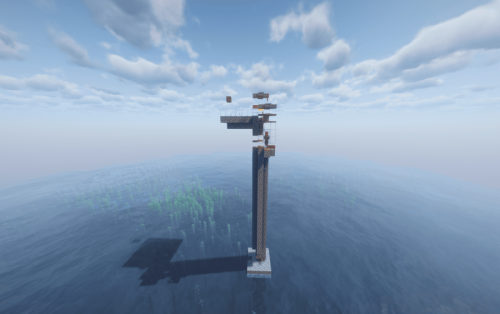 Easy and Compact Raid Farm and 26 Java Schematic (1.21.x) – Build a Small and Efficient Raid Farm
 Small Parking Schematic (1.21.x) – Modern Parking Lot With Small Trees
 Asian Cherry Blossom Sword Nether Portal Schematic (1.21.x) – Beautiful Asian Style Sword Portal Bui
 Castle by PinkMullet Schematic (1.21.x) – Build a Massive Vanilla Castle
 1000 Patreon Members Cake Download Free Schematic (1.21.x) – A Massive Celebration Cake For Minecraf
 Dark Greek Temple Schematic (1.21.x) – Small Deepslate Temple For Greek Districts

This post has no comments yet. Be the first — your comment will appear here.