
Axolotl Stone Sculpture Schematic (1.21.x) – Cute Stone Axolotl Statue for Your Town

 0


Axolotl Stone Sculpture Schematic adds a cute stone decoration to your Minecraft world. It lets you place a large axolotl statue in your base or town square. You can use this build to make your city look more friendly and unique. It works with WorldEdit or Litematica to help you build it quickly. The statue uses stone blocks to create a detailed look.
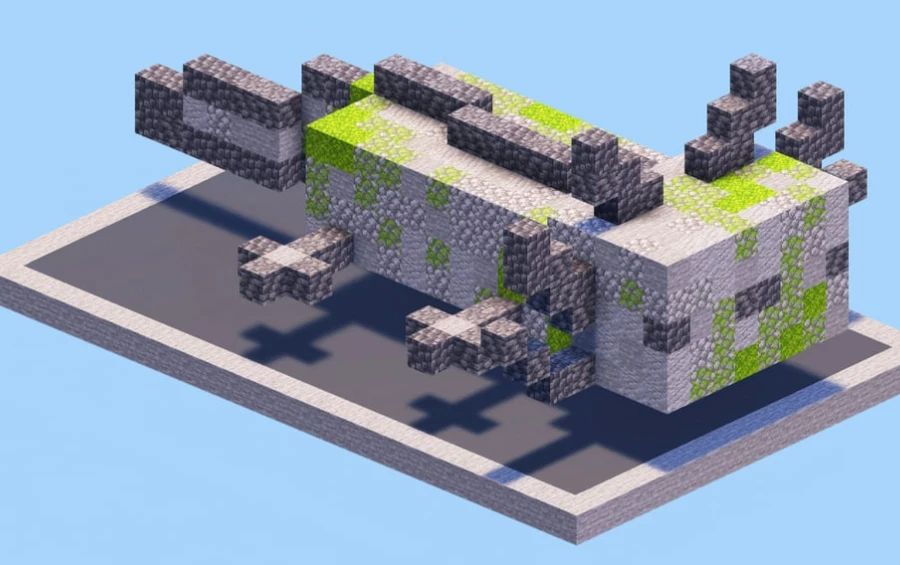
3D Preview & Editor:
Materials
9 types · 841 blocks
| Gray Concrete | 322 | Stone | 169 | Andesite | 85 | |||
| Cobblestone | 77 | Mossy Cobblestone | 75 | Cobbled Deepslate | 41 | |||
| Deepslate | 41 | Moss Block | 23 | Stone Slab | 8 |
How to place this schematic
.schem This is a WorldEdit schematic. It pastes instantly on a server or single-player world that has WorldEdit (or FastAsyncWorldEdit).
| 1 | Install WorldEdit — as a plugin on the server, or as a mod for single player. |
| 2 | Drop the .schem file into plugins/WorldEdit/schematics (server) or config/worldedit/schematics (client). |
| 3 | Run //schem load <file name>. |
| 4 | Stand where you want it and run //paste. Add -a to skip air blocks. |
About this build
| 1 | Download the .schem file for your Minecraft world. |
| 2 | Use WorldEdit or Litematica to load the schematic into your game. |
| 3 | Find a flat area in your base or city square. |
| 4 | Paste the build to add the axolotl sculpture to your world. |
Features:
- Adds a cute stone axolotl sculpture for your base or town.
- Fits perfectly in the center of squares or roundabouts.
- Uses 841 blocks in total for a detailed yet compact design.
- Measures 16x11x25 blocks, making it a great small-sized project.
- Works with popular tools like WorldEdit and Litematica.
Schematic Specs:
 Minecraft1.21.x
 Dimensions16×11×25
 Total Blocks841
 Top Blocks Used
Gray Concrete 322Stone 169Andesite 85Cobblestone 77Mossy Cobblestone 75
Screenshots:
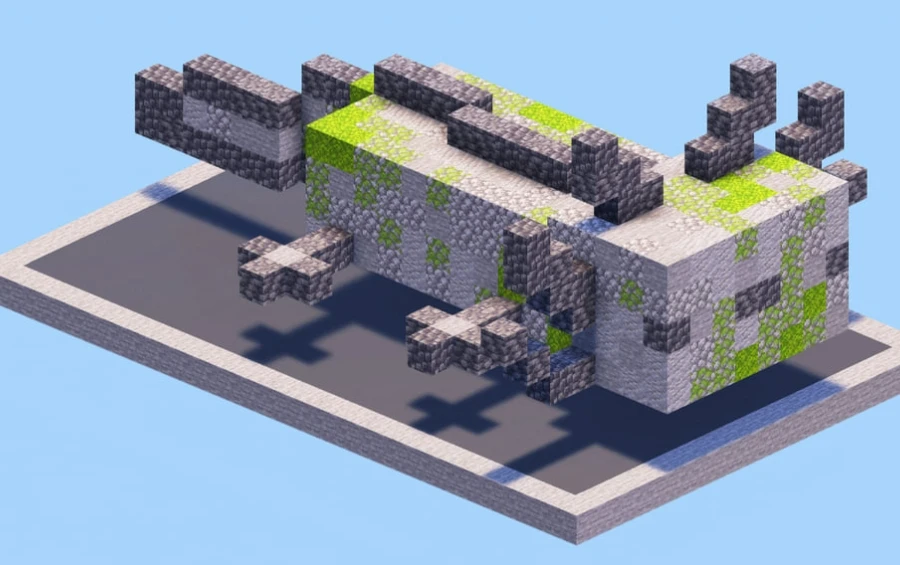
Axolotl Stone Sculpture Schematic Download Links
For Minecraft 1.21.x
Click to rate this post!
[Total: 0 Average: 0]
You May Also Like
Picked for this page
 Konsts Tnt Minecart Crafter Schematic (1.12.x) – Automated TNT Minecart Crafting Farm Build
 Globe Schematic (1.21.x) – Decorative Planet Earth Build for Worlds
 Zombie Statue Schematic (1.20.x) – Giant Vanilla Zombie Build Blueprint
 Trap Schematic (1.21.x) – Small Explosive Minecart Trap Build
 Bell Tower Johto Schematic (1.21.x) – Giant Ecruteak City Pagoda Build
 Tamed Wolf Schematic (1.20.x) – Cute Tamed Wolf Statue Build
 Void Death Schematic (1.21.x) – Simple Redstone Void Trap Build
 Rustic House Schematic (1.21.x) – Cozy Wooden Home Build For Your World
 Pig Statue Schematic (1.20.x) – Giant Pig Build For Your World
 Rainbow Schematic (1.20.x) – Colorful Vanilla Rainbow Build For Minecraft
 Sequential Double Dabble Schematic (1.21.x) – Binary To BCD Redstone Converter
 Squid Statue Schematic (1.20.x) – Giant Squid Build For Your World
Most viewed in Schematics over the last 7 days
 Fastest Bonemeal Farm Donut Smp Schematic (1.21.x) – Fast Redstone Bonemeal Farm Build
 64 Module Cobblestone Farm Schematic (1.21.x) – Massive Automated Stone Gathering Build
 KelpFarmV9.9 Schematic (1.21.x) – Compact And Simple Seaweed Farm Build
 Gold Farm Schematic (1.21.x) – Automatic Nether Roof Gold Farm
 Villager Trading Hall Schematic (1.21.x) – Modern Shop Build For 48 Villagers
 Bamboo Farm Schematic (1.21.x) – Small Automated Redstone Bamboo Farm
 Best Railgun Tp Trap on Donutsmp Schematic (1.21.x) – Unescapable Multiplayer Redstone Trap Build
 Minutes End Base Before Spoke Null End Video Schematic (1.21.x) – Giant Unstable SMP End Base Schema
 Bamboss V2 800k Bamboo per Hour Schematic (1.21.x) – High Speed Automated Bamboo Farm Schematic
 36 Module Cobble Farm 18m per Hour Donut SMP Schematic (1.21.x) – Massive Automated Stone Generator
 Donut Smp Stash and Regear Schematic (1.21.x) – Large Storage And Regear Room Build
 Unstable SMP S Bomer Schematic (1.21.x) – Large Bomber Machine Build For Worlds
More from Schematics
 SpicyT 1 Year Cake Schematic (1.21.x) – A Giant Spicy Birthday Cake Statue
 Free Neomarinus TheVividSeaDragon Schematic (1.19.x) – Massive Blue and Pink Sea Dragon Build
 Free Noctiseraph the Fallen Twin Winged Dragon Schematic (1.19.x) – Massive Dark Fantasy Dragon Stat
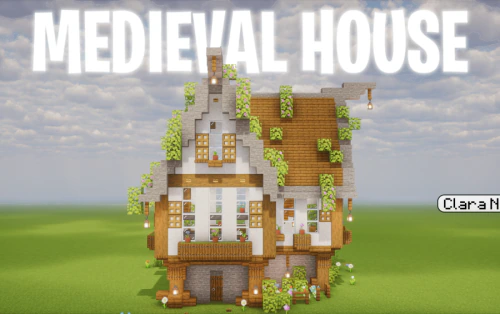 Medieval House Free Schematic (1.21.x) – Classic Medieval Survival Home Building Plan
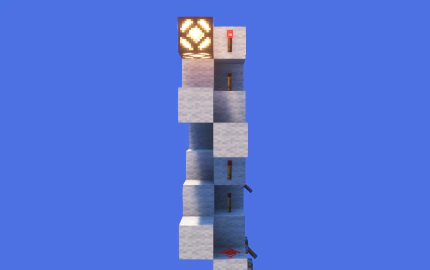 Ultra Compact Full Adder V1.2 Schematic (1.21.x) – Tiny Redstone Logic Gate Schematic
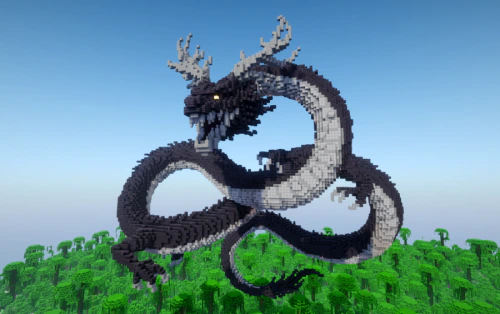 Minecraft Shenron Dragon Statue Free Schem Schematic (1.19.x) – Massive Dragon Ball Statue Build Sch
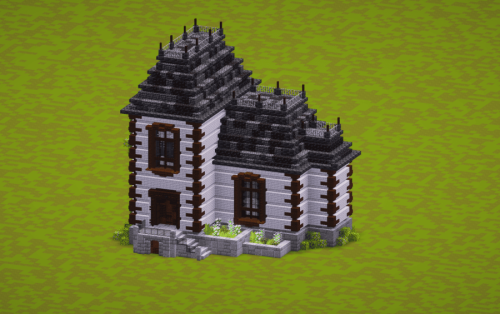 Pale White Mansion Schematic (1.21.x) – Victorian Gothic Manor For Your World
 Copper Mud Tower Schematic (1.21.x) – A Medieval Tower With Oxidized Copper Roof
 Super Smelter 64 Furnaces V2 Schematic (1.21.x) – Fast And Compact Redstone Smelting System
 Gold Farm Overworld Only Schematic (1.21.x) – Efficient Overworld Gold Farming System
 DonutSMP Flooder Machine Size Fixed Giant Schematic (1.21.x) – Giant Flooding Machine for Minecraft
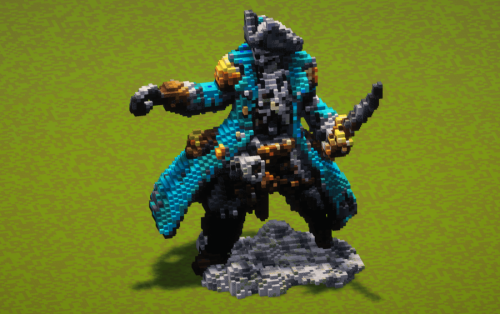 Skeleton Pirate Schematic (1.21.x) – Detailed Skeleton Pirate Statue Schematic

This post has no comments yet. Be the first — your comment will appear here.