


Tetra Insight Mod (1.20.1) – Build Better Custom Tools with Clear Material Stats

 0
0 

🌐 Good news — we've translated this article into other languages!
Or pick the one you like:
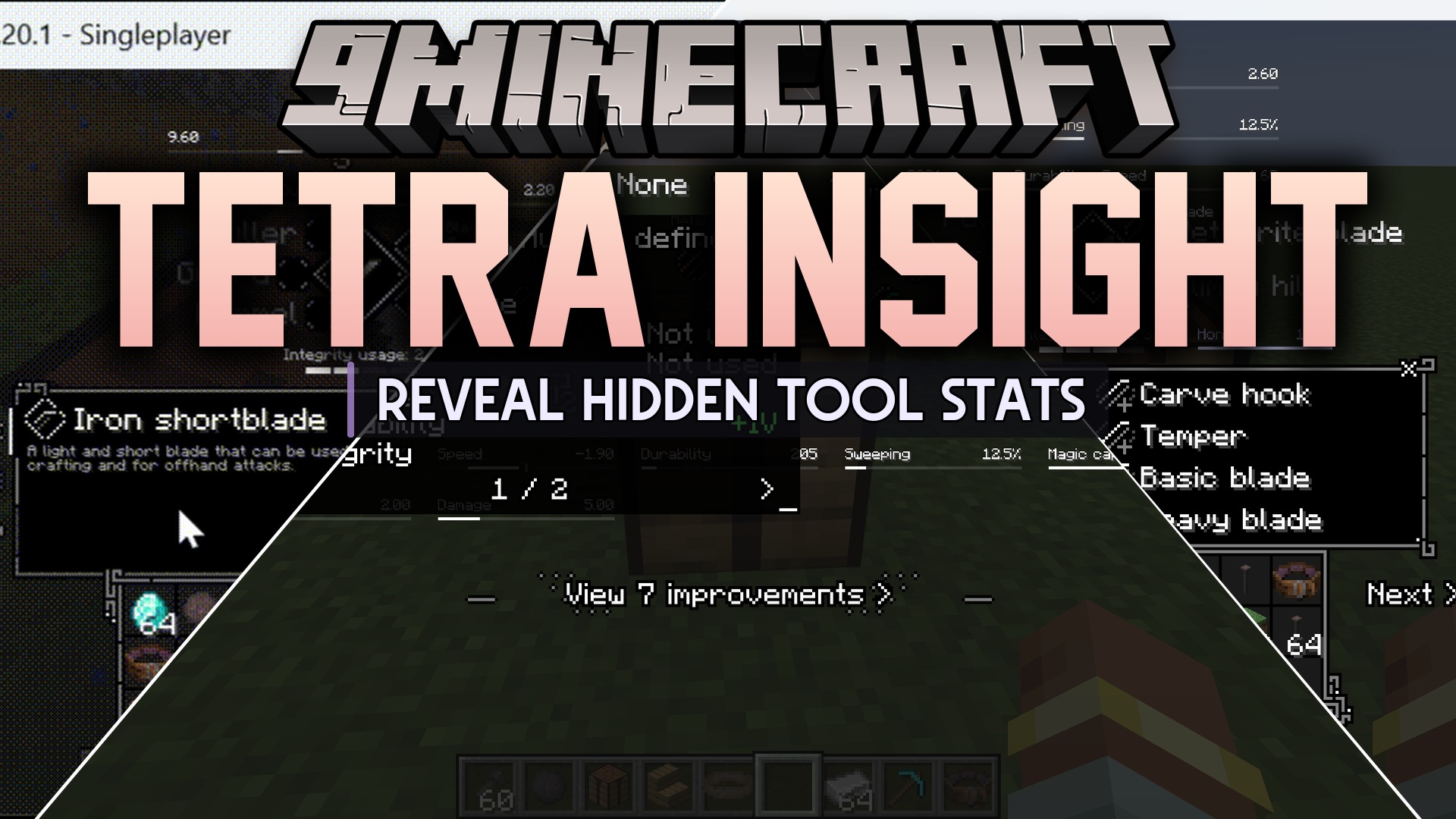
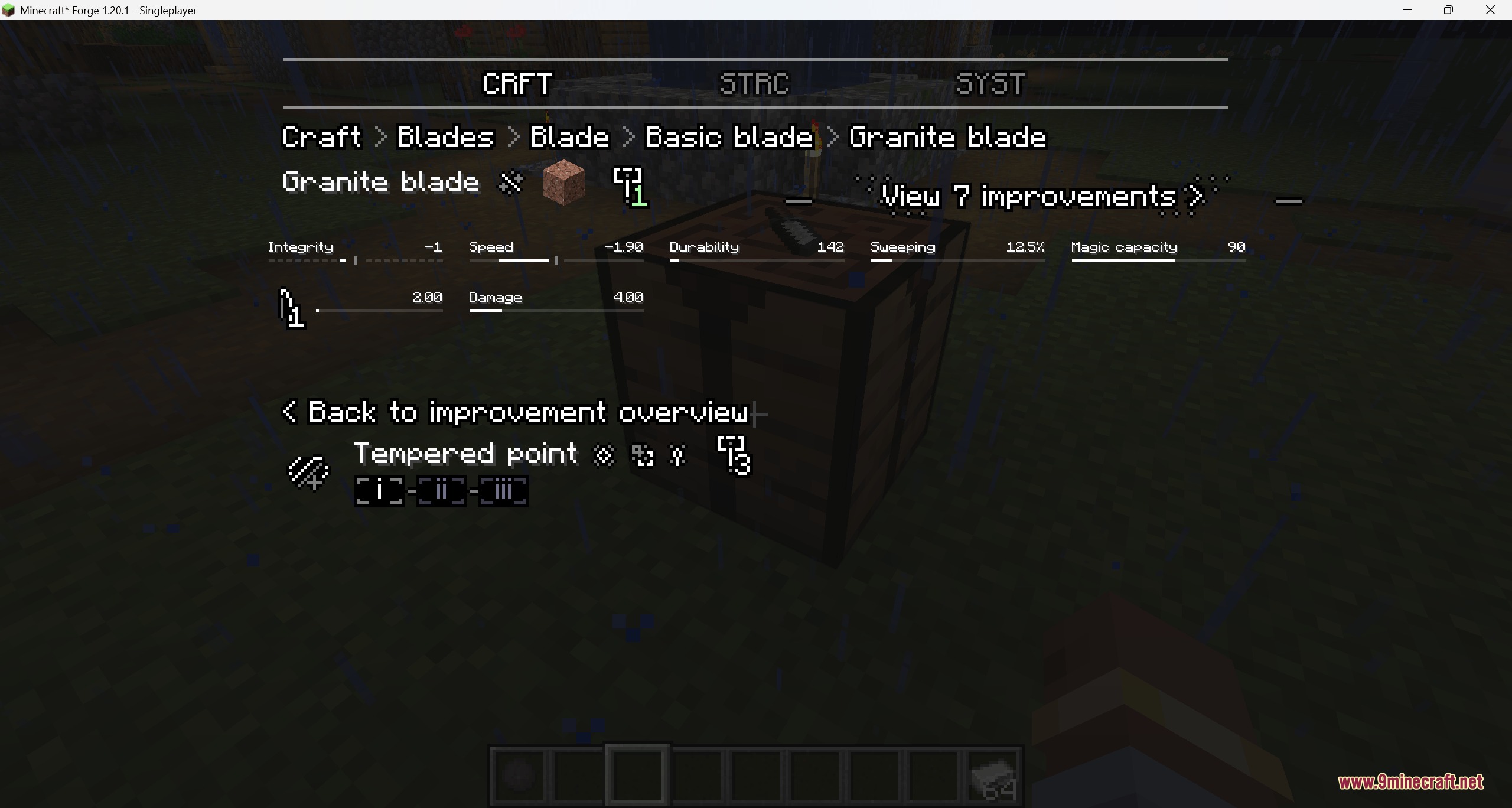
Tetra Insight Mod extends Tetra with clearer crafting menus. It helps you understand how different materials change your custom tools and weapons. This addon keeps the original visual style but makes hidden details, tool upgrades, and stats much easier to find.
Features:
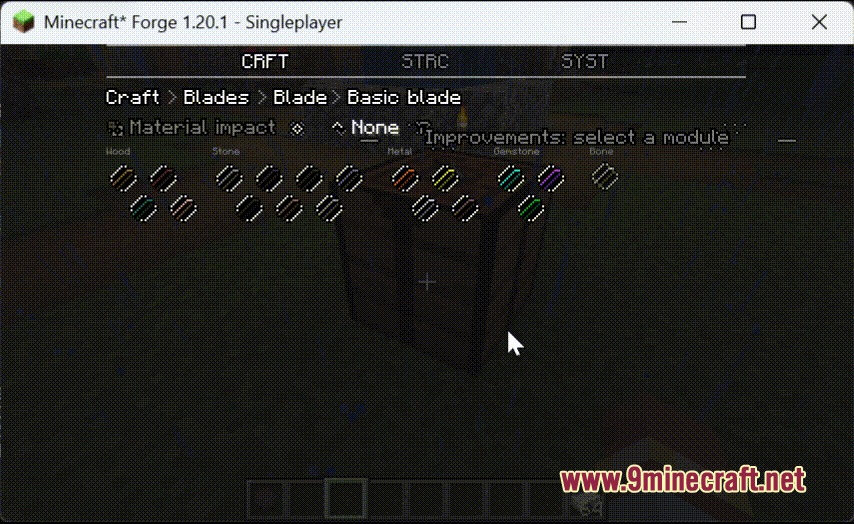
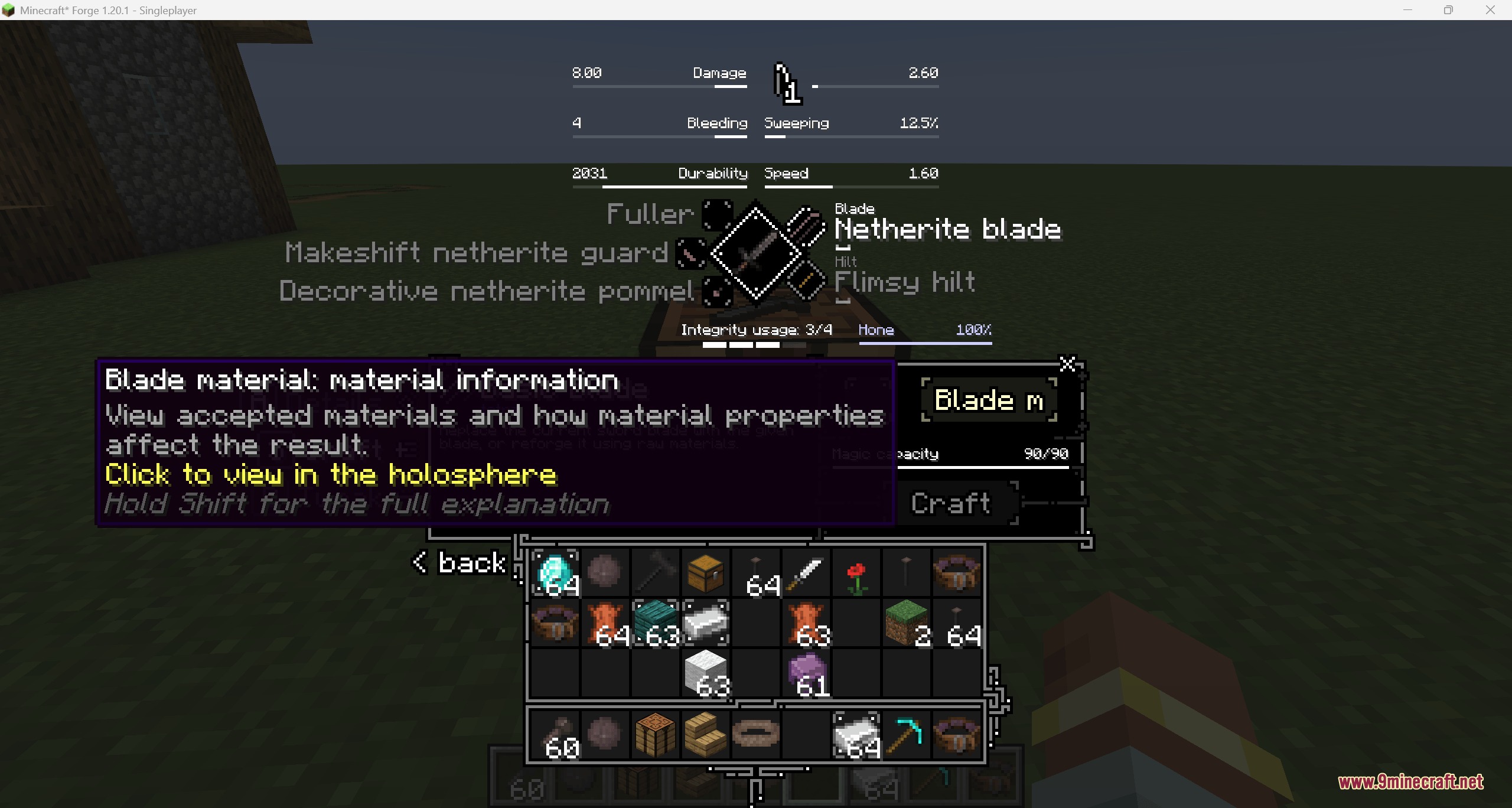
- Clearer Workbench: Adds a new button to see material information right inside the crafting menu.
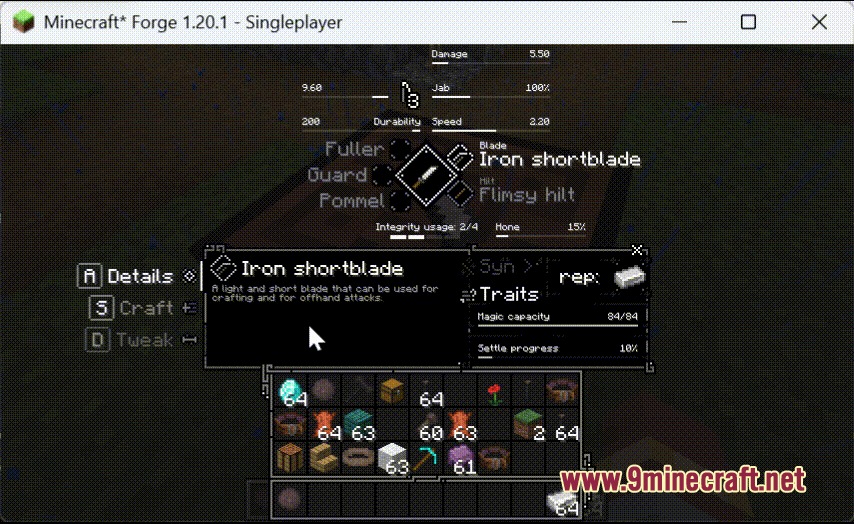
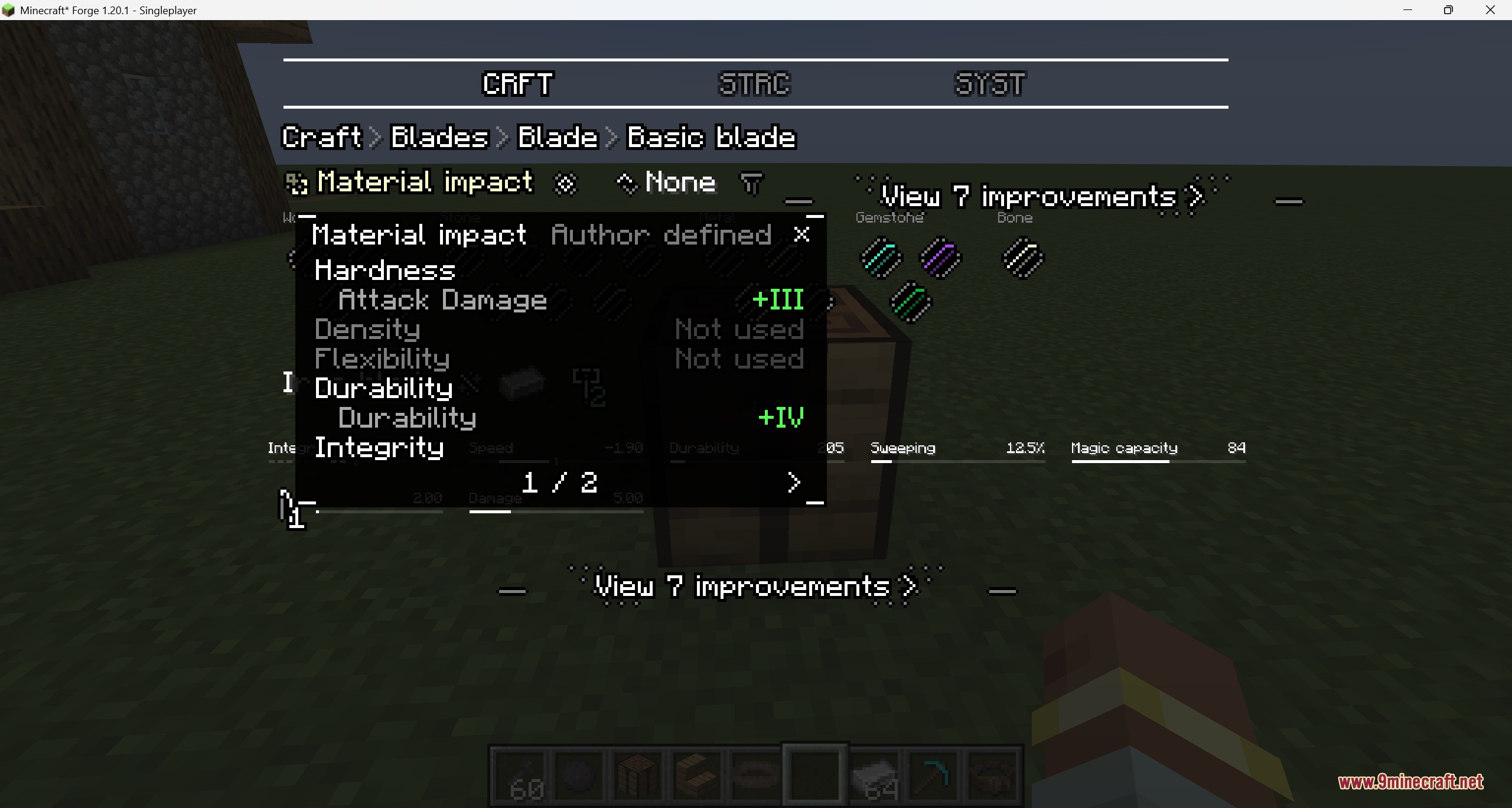
- Explains exactly how different material properties change the stats of your current tool part.
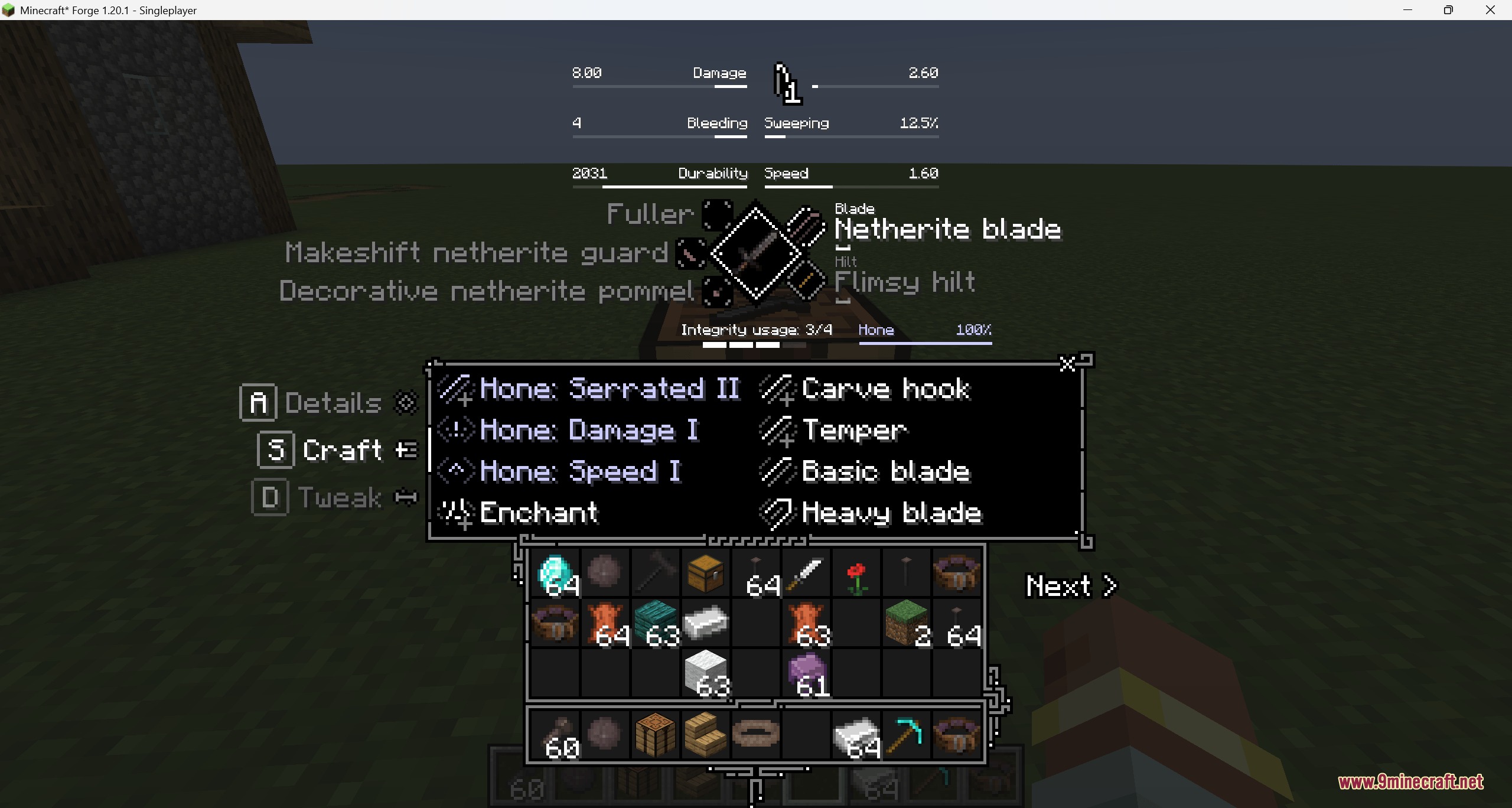
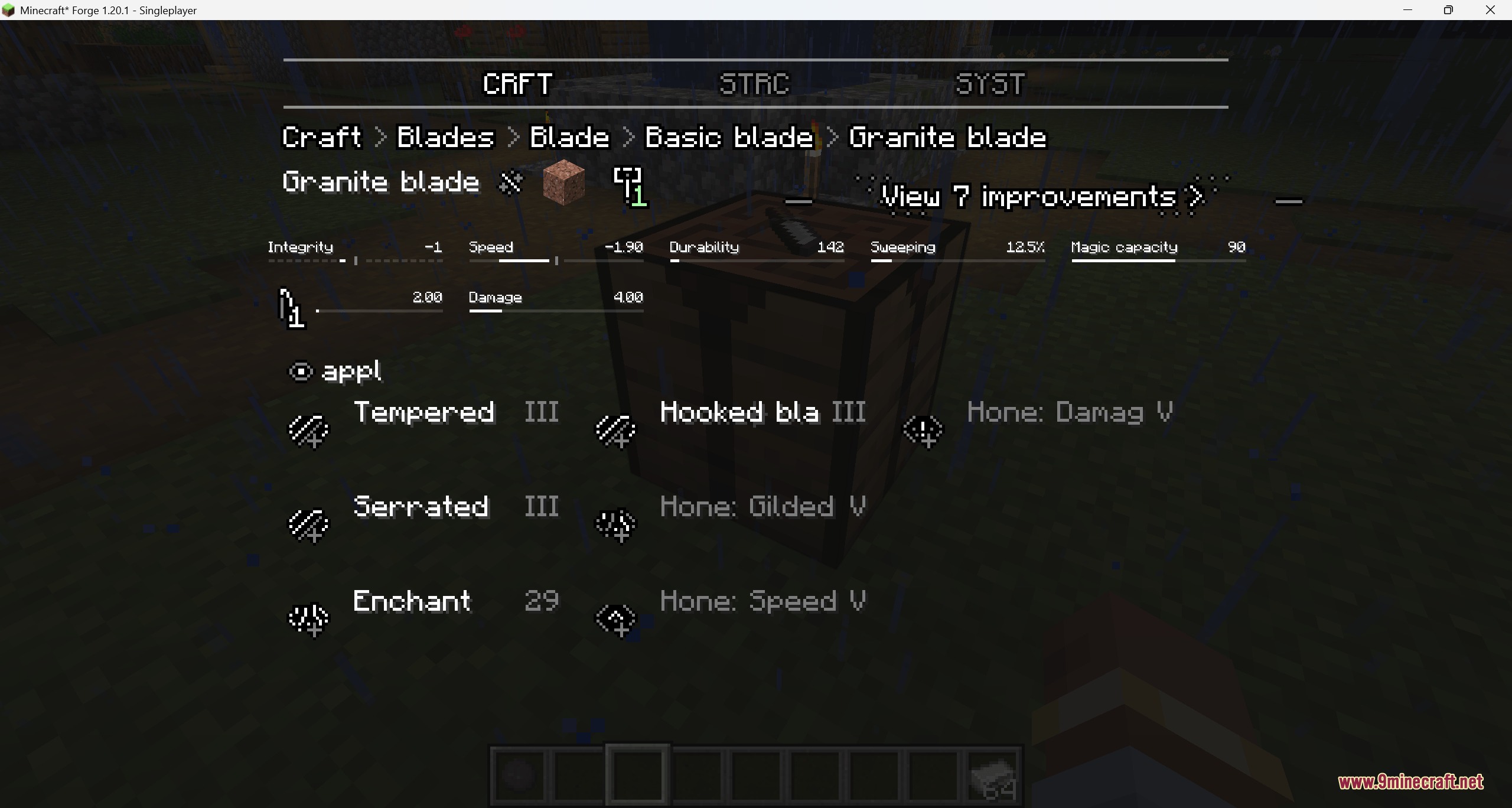
- Groups similar enchantment choices together so the screen looks less crowded.
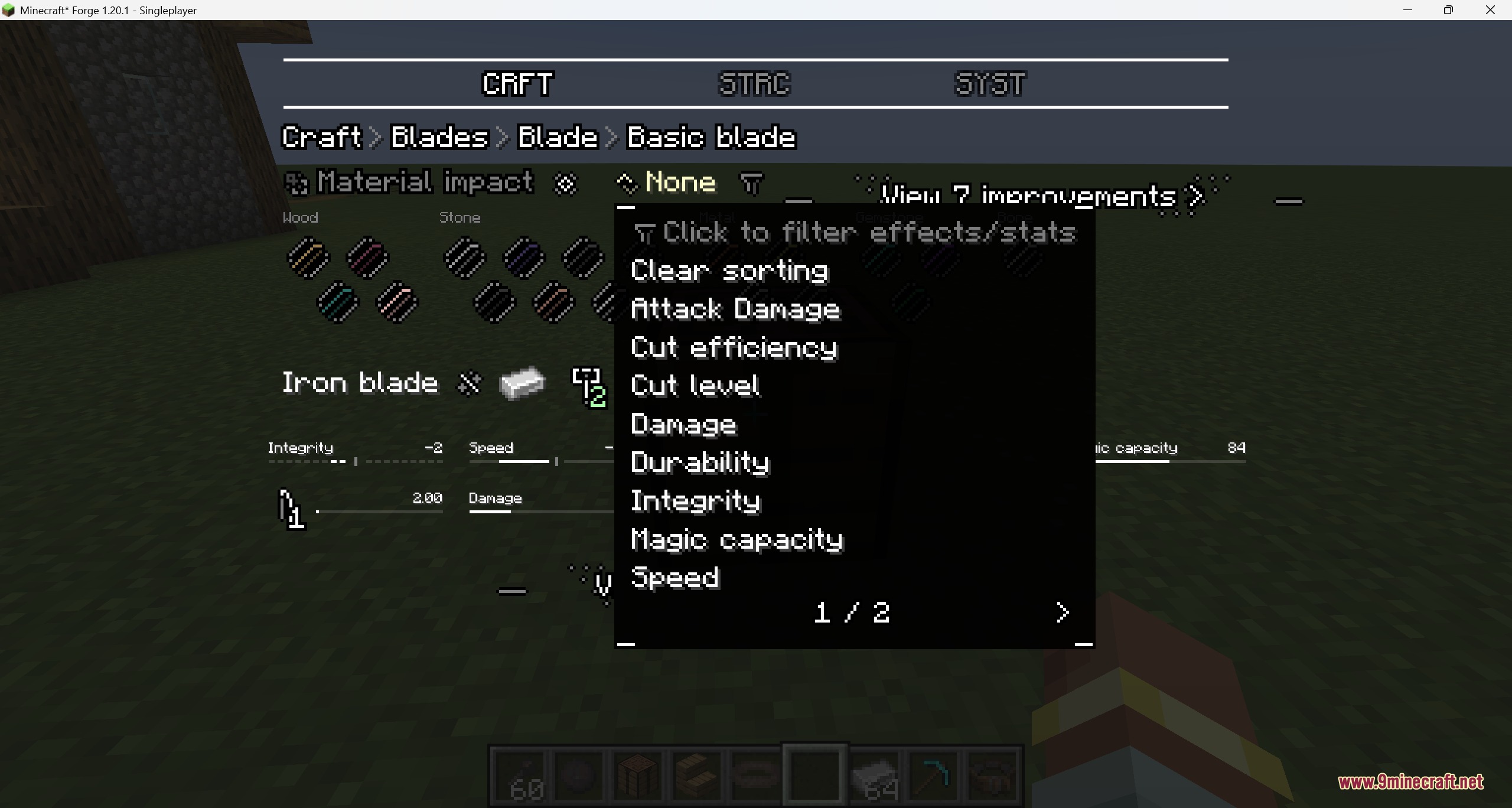
- Lets you search through different effects and flip through pages of attributes.
- Shows hidden items you need to consume for upgrades when you hold the Shift key.
- Organizes your tool upgrades and honing paths into neat pages.
- Skips materials you cannot use when you load big collections of custom blueprints.
- Makes it simple to spot special synergy bonuses when combining specific parts.
- Generates display hints for materials if the original data is missing.
- Filters tool upgrades based on the actual parts you have equipped.
How to Use:
- Open the Tetra workbench to see the new material information layout.
- Type in the search bar to filter specific effects and attributes for your tools.
- Hold Shift while looking at upgrades to see fixed consumable items.
- Click the clear button to reset your current sorting filters.
Screenshots:
How to Install:
New to Minecraft? Follow our step-by-step guide to install Mods on your PC.View Guide


Tetra Insight Mod Download Links
For Minecraft 1.20.1, 1.20
Click to rate this post!
[Total: 0 Average: 0]
You May Also Like















This post has no comments yet. Be the first — your comment will appear here.