


Arcadia Admin Pannel Mod (1.21.1) – Moderate Your Server Without Console

 0
0 

🌐 Good news — we've translated this article into other languages!
Or pick the one you like:
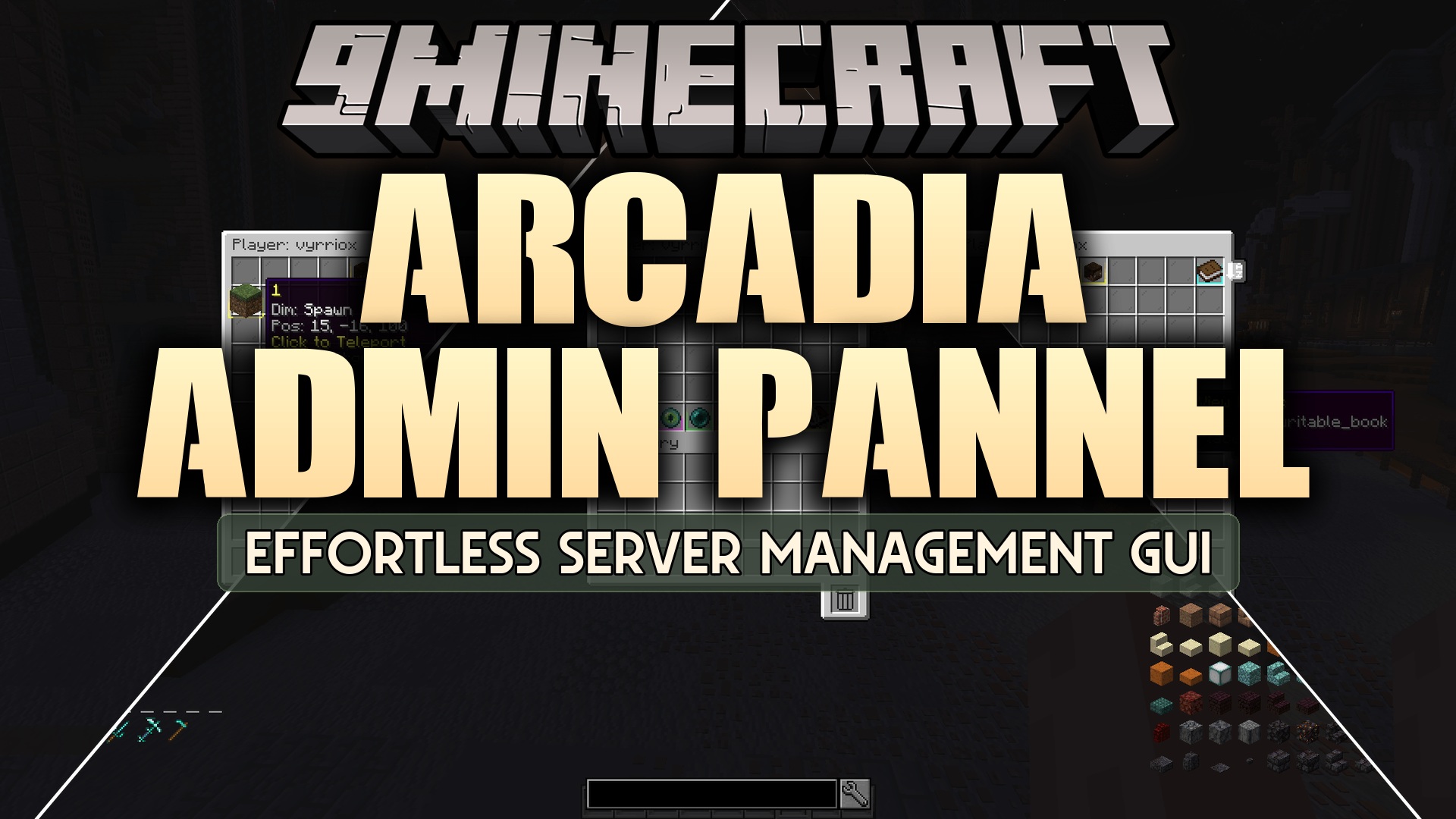
Arcadia Admin Pannel Mod gives server owners a simple chest menu to handle all moderation tasks. It replaces long, confusing console commands with easy buttons you can click right inside the game. This mod lets you warn, mute, ban, or teleport players without ever leaving your world. It works perfectly for both small groups and massive servers with hundreds of players. You can find anyone quickly using the built-in search bar, even if they are currently offline.
Features:
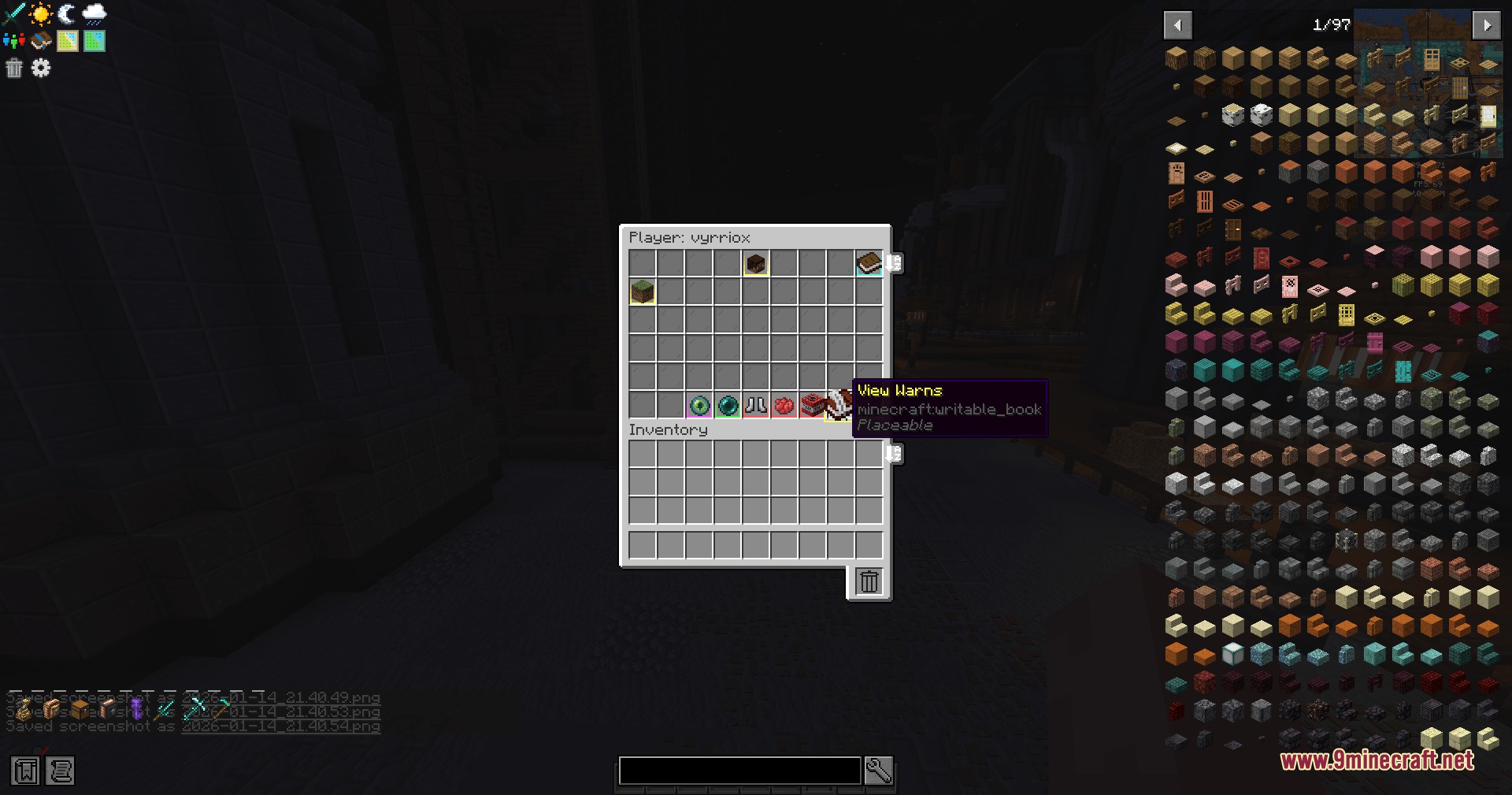
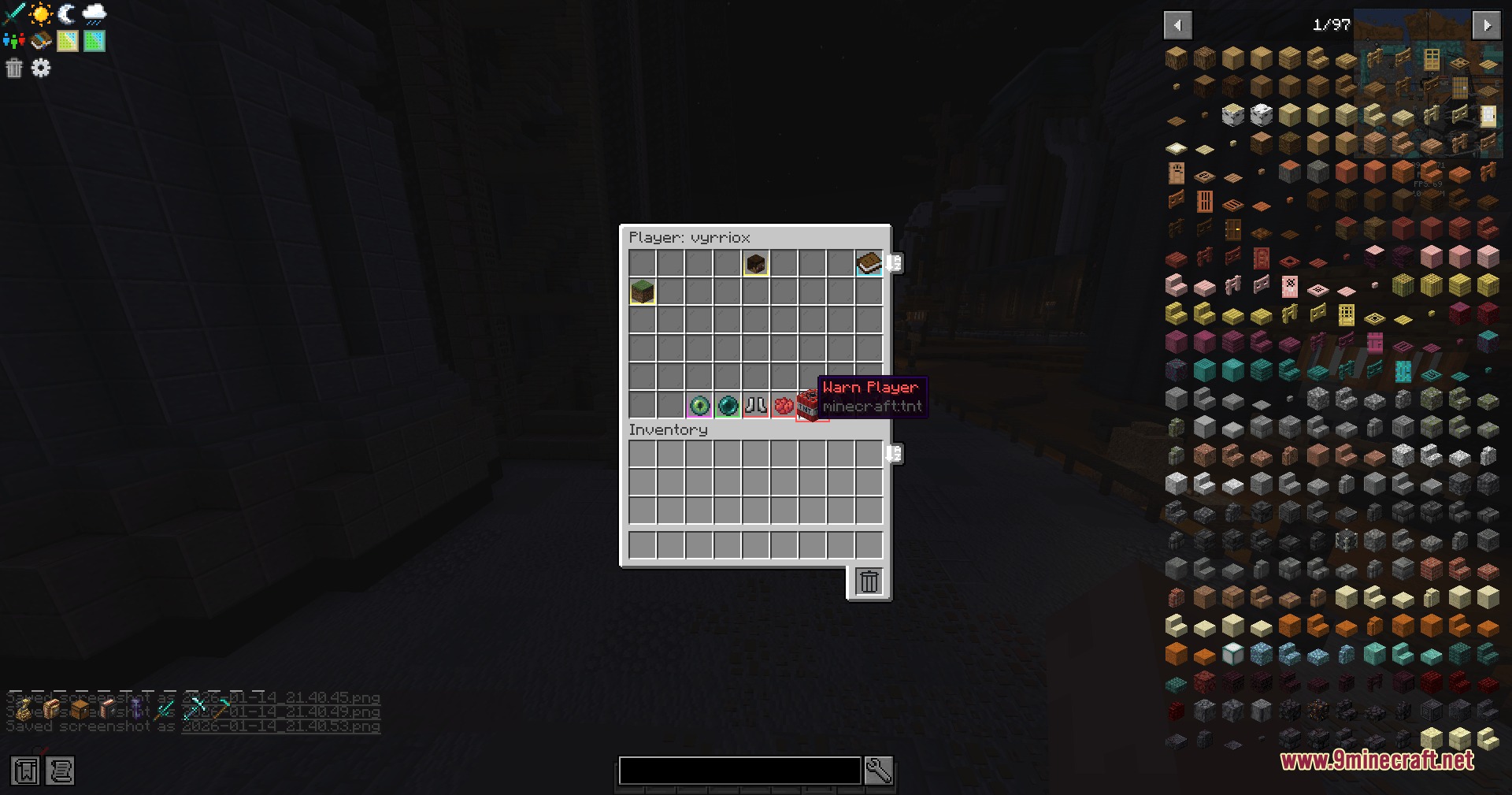
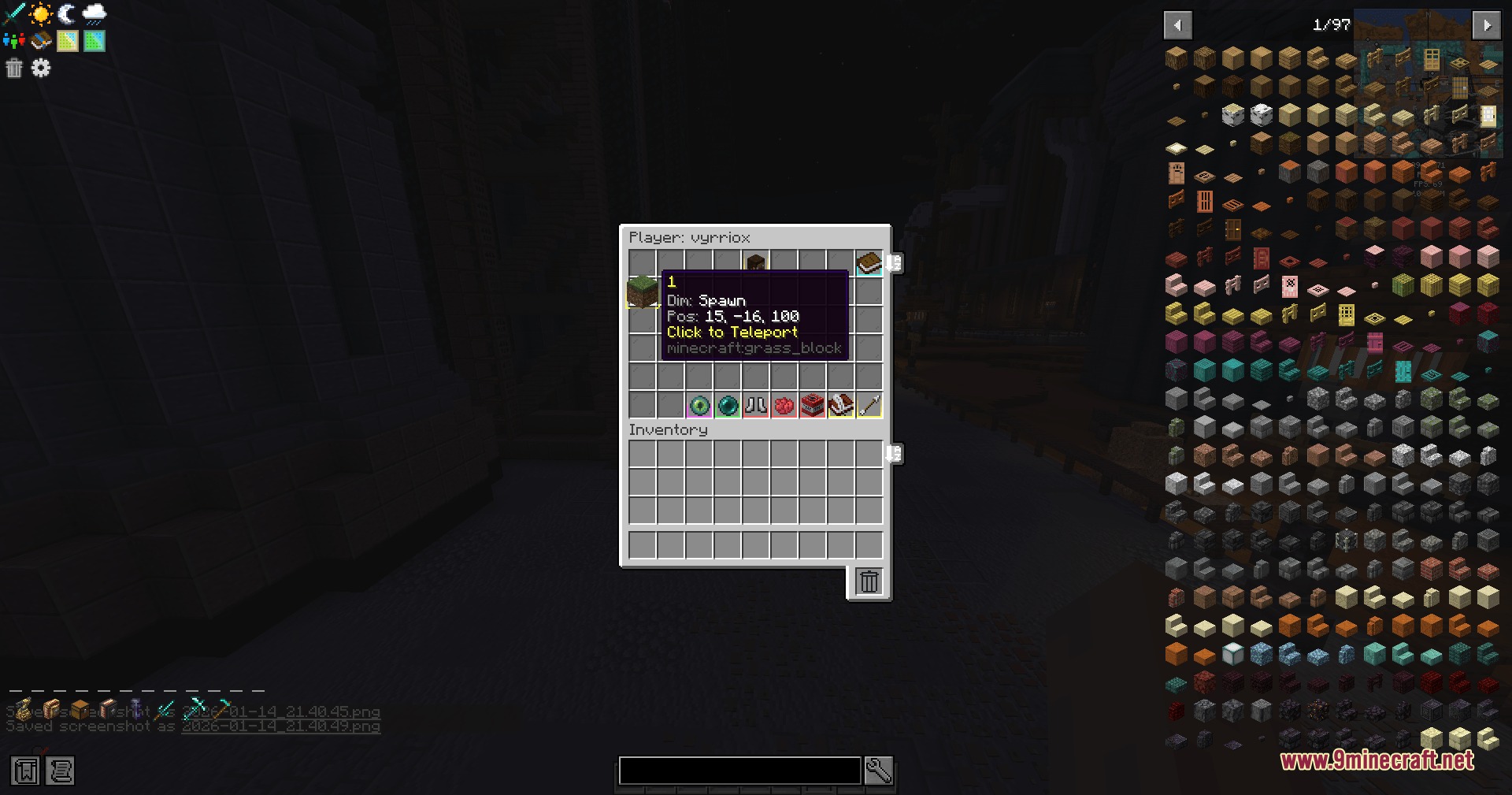
- All-in-One Menu: Opens a single chest screen where you can mute, kick, ban, warn, and teleport players with one click.
- Offline Player Support: Shows everyone who has ever joined your server, marking online players in green and offline players in red.
- Lets you search for specific players by typing their name into a quick filter bar.
- Allows you to check a player’s last login, last logout, and first join date just by looking at their player head.
- Gives server owners the power to clear a player’s inventory or look inside it directly from the menu.
- Hides buttons automatically if a staff member does not have the right permission to use that specific action.
- Includes a warning system that automatically removes old warnings after a set amount of days.
- Syncs punishment data across multiple servers if you use a database connection.
- Works out of the box in single-player worlds and dedicated servers without needing extra setup files.
Commands:
/arcadia_adminpanel panel: opens the main moderation menu for server operators.
How to Use:
- Join your server or single-player world as an Operator (OP).
- Type /arcadia_adminpanel panel in the chat to open the main menu.
- Use the search bar at the top to find the player you want to manage.
- Click on their player head to open their specific action menu.
- Choose an action like warn, mute, or teleport by clicking the correct button.
Screenshots:
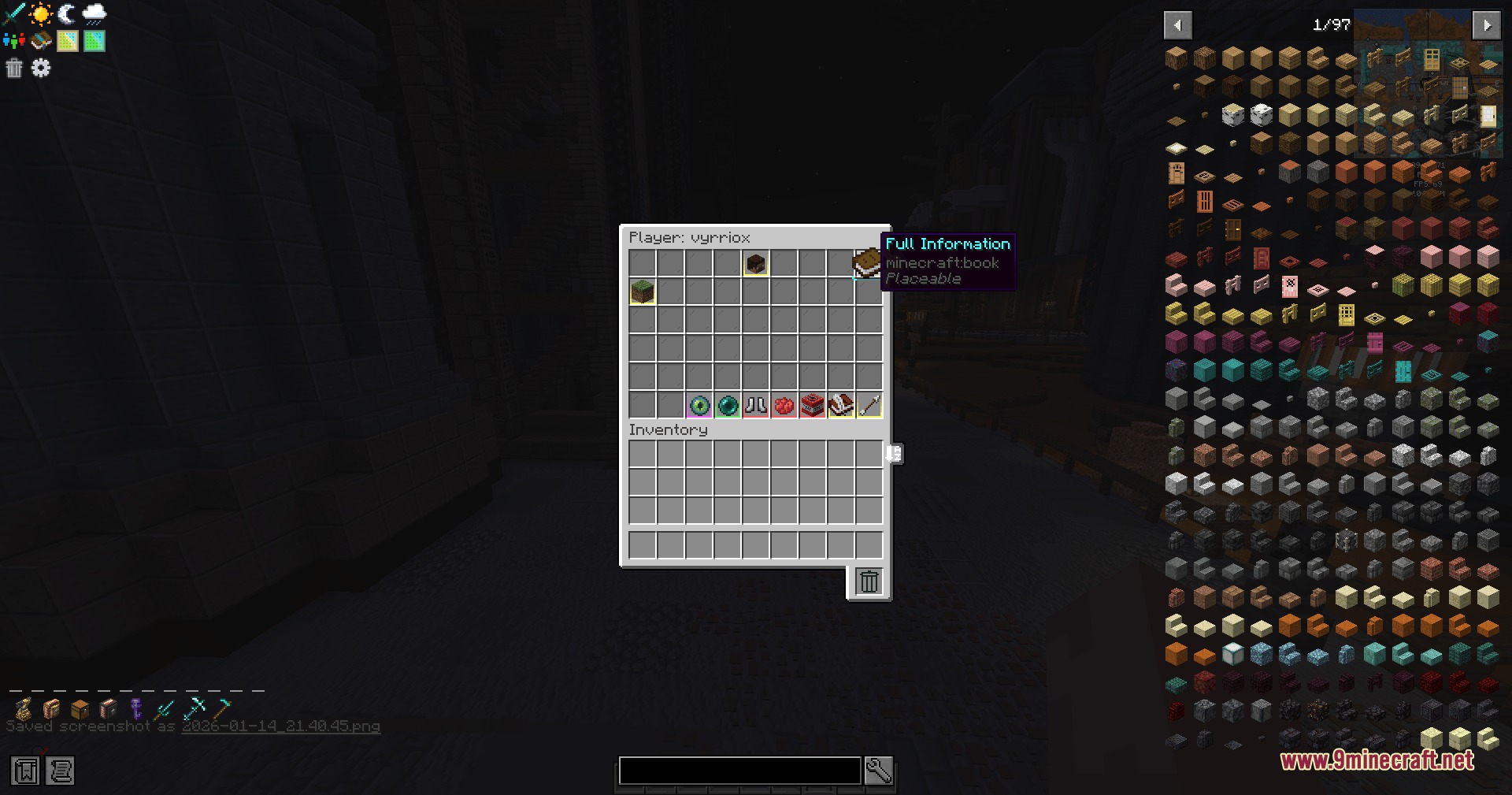
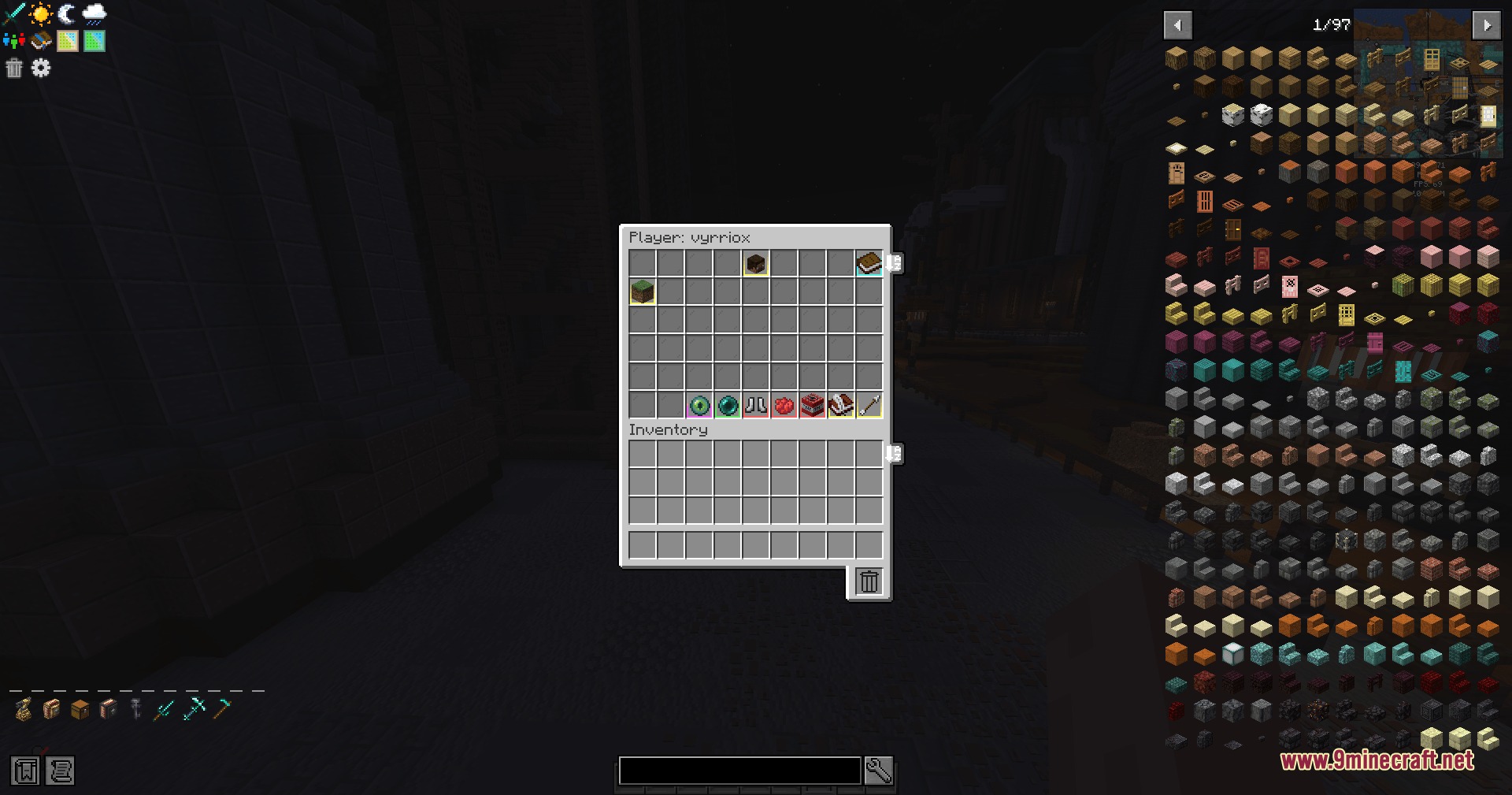
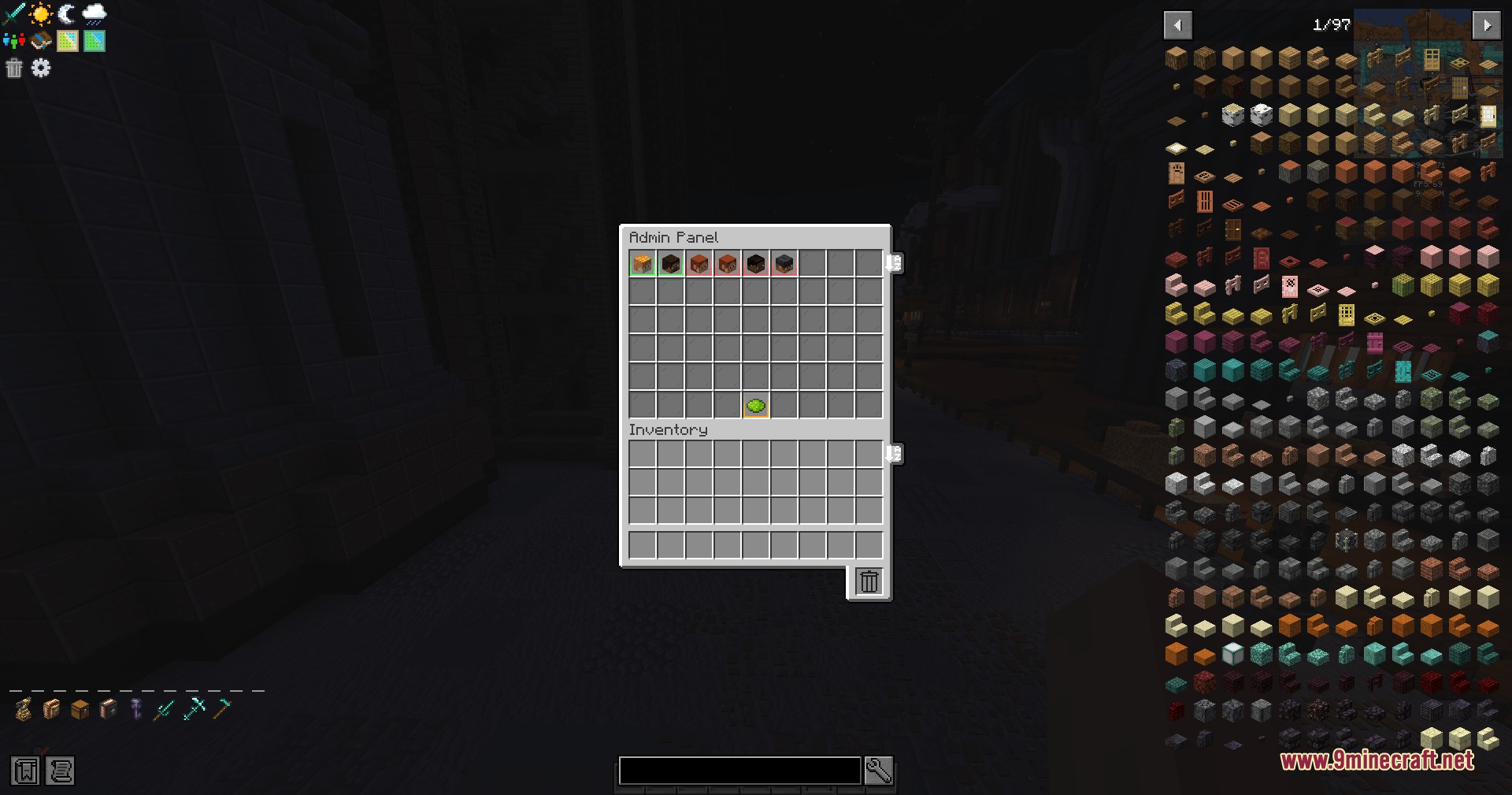
How to Install:
New to Minecraft? Follow our step-by-step guide to install Mods on your PC.View Guide
Requirements:

Arcadia Admin Pannel Mod Download Links
For Minecraft 1.21.1, 1.21
Click to rate this post!
[Total: 0 Average: 0]
You May Also Like



This post has no comments yet. Be the first — your comment will appear here.