


Trims Color Splash Mod (26.2, 1.20.1) – Forge Custom Armor Gradients

 0
0 

🌐 Good news — we've translated this article into other languages!
Or pick the one you like:
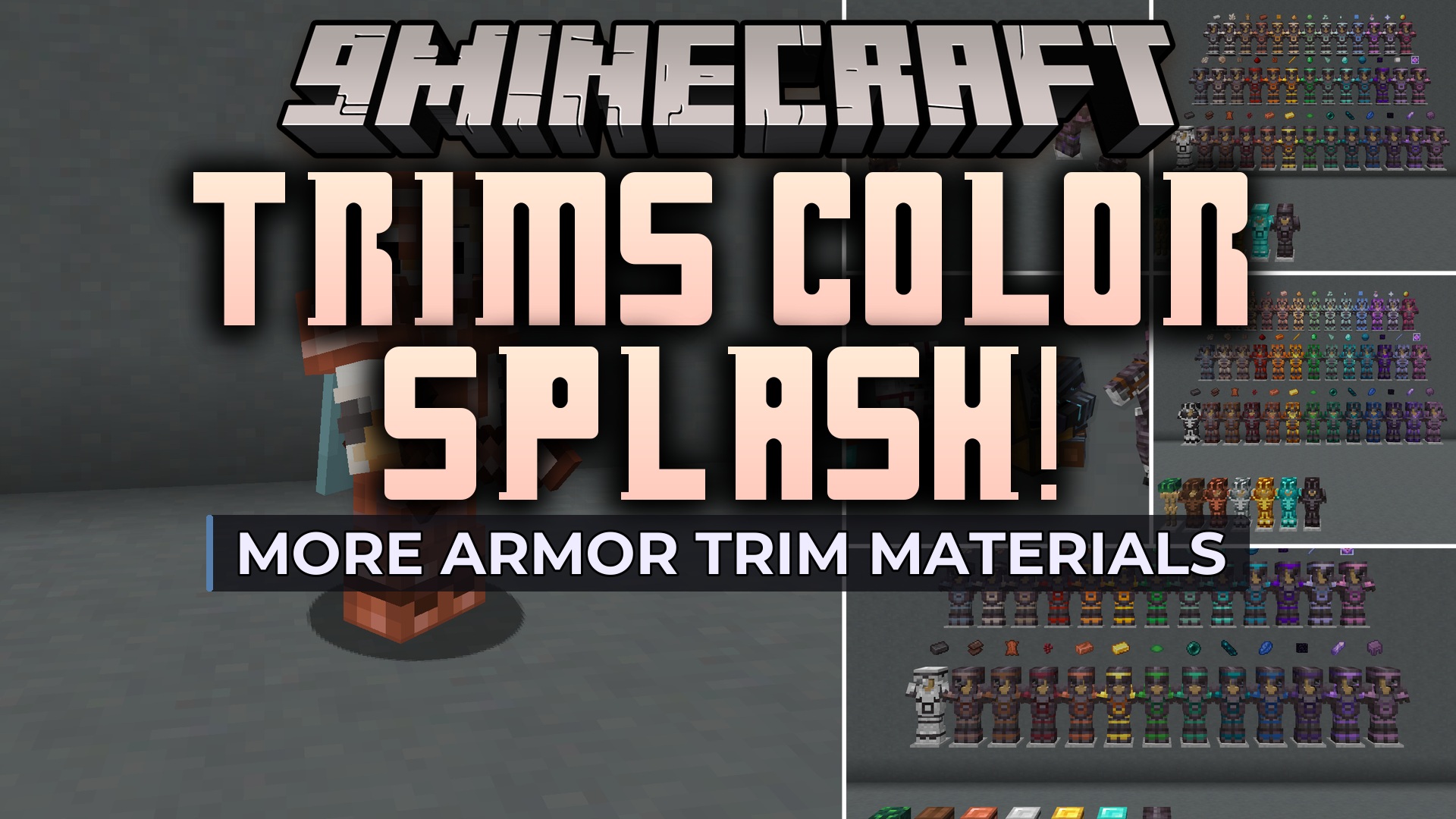
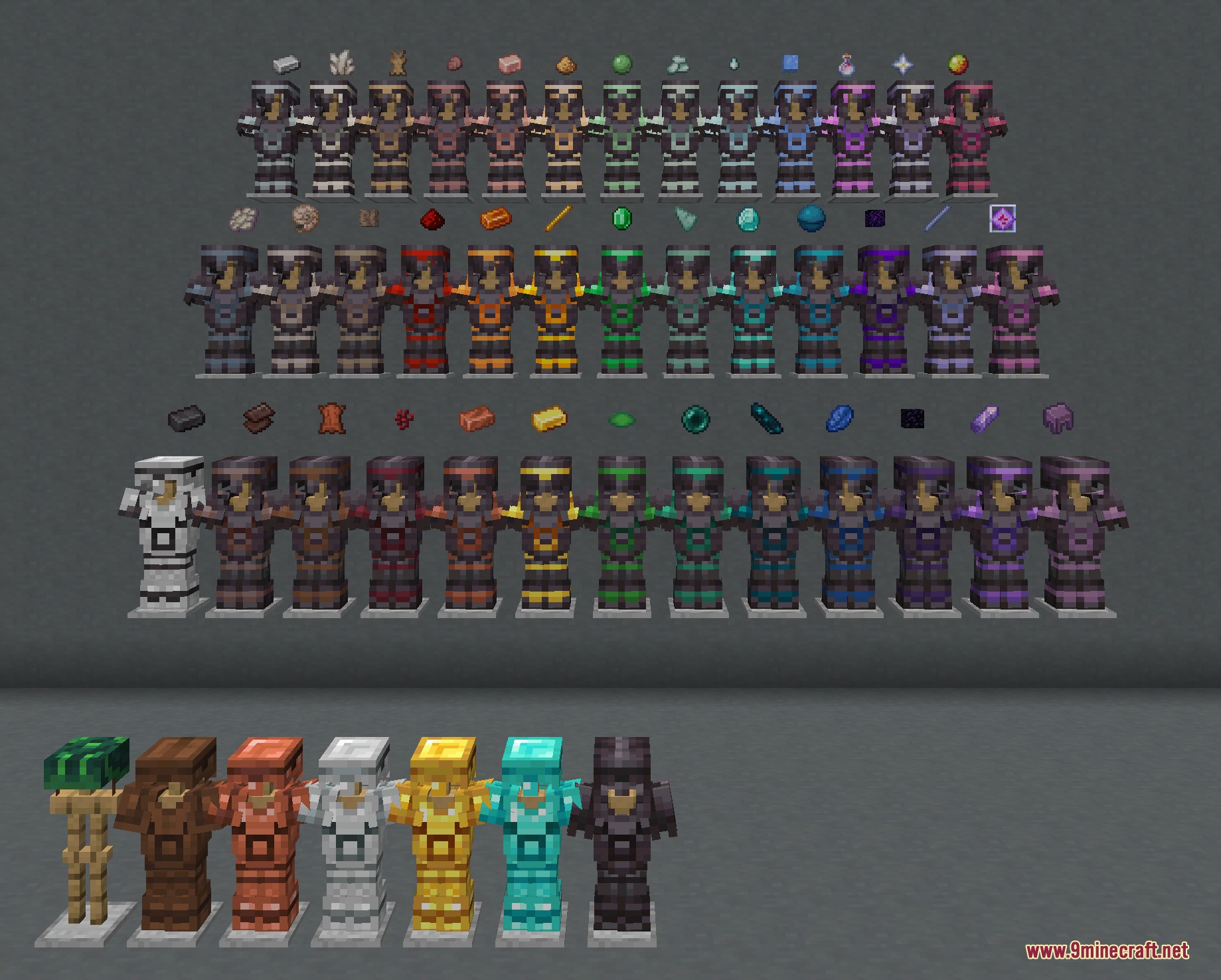
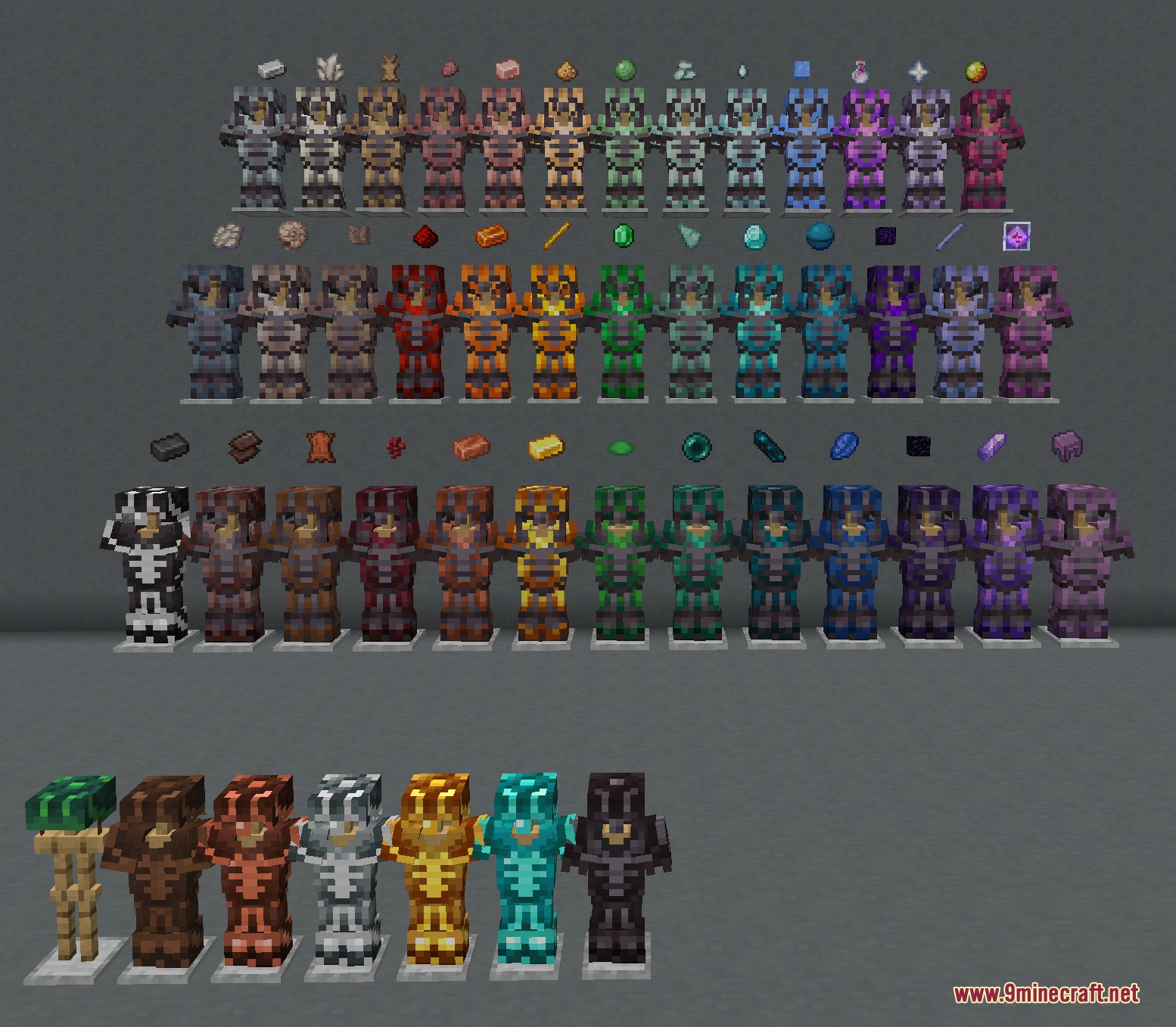
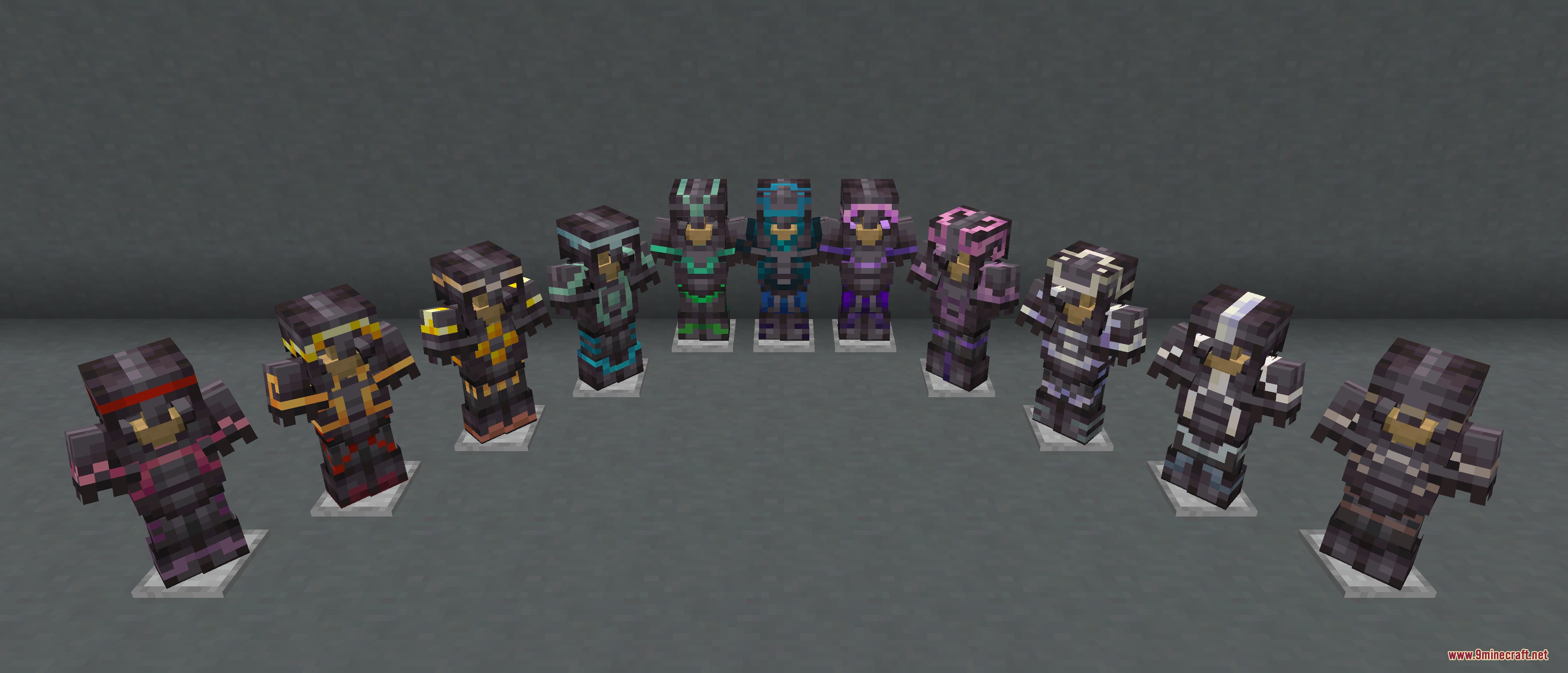
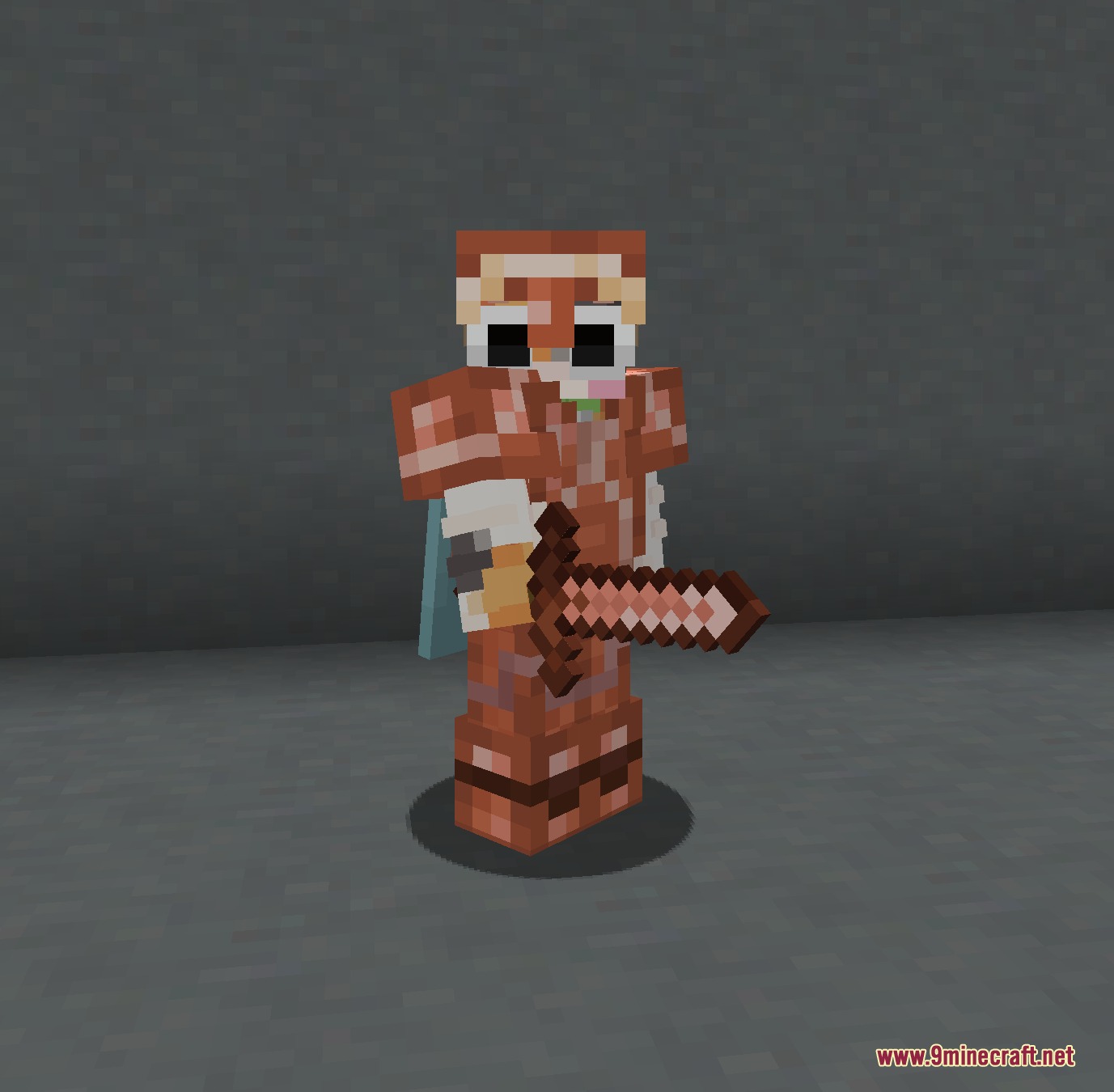
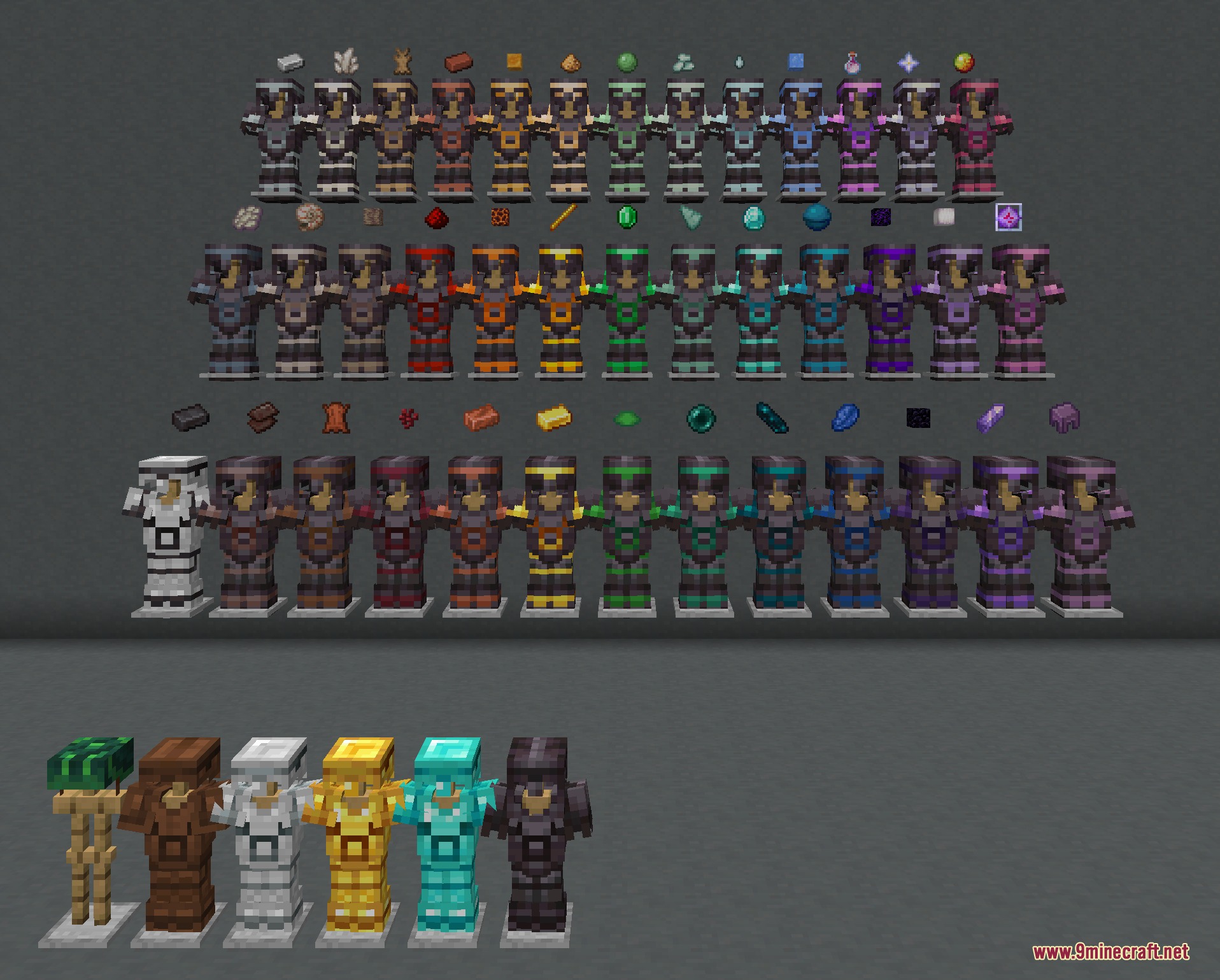
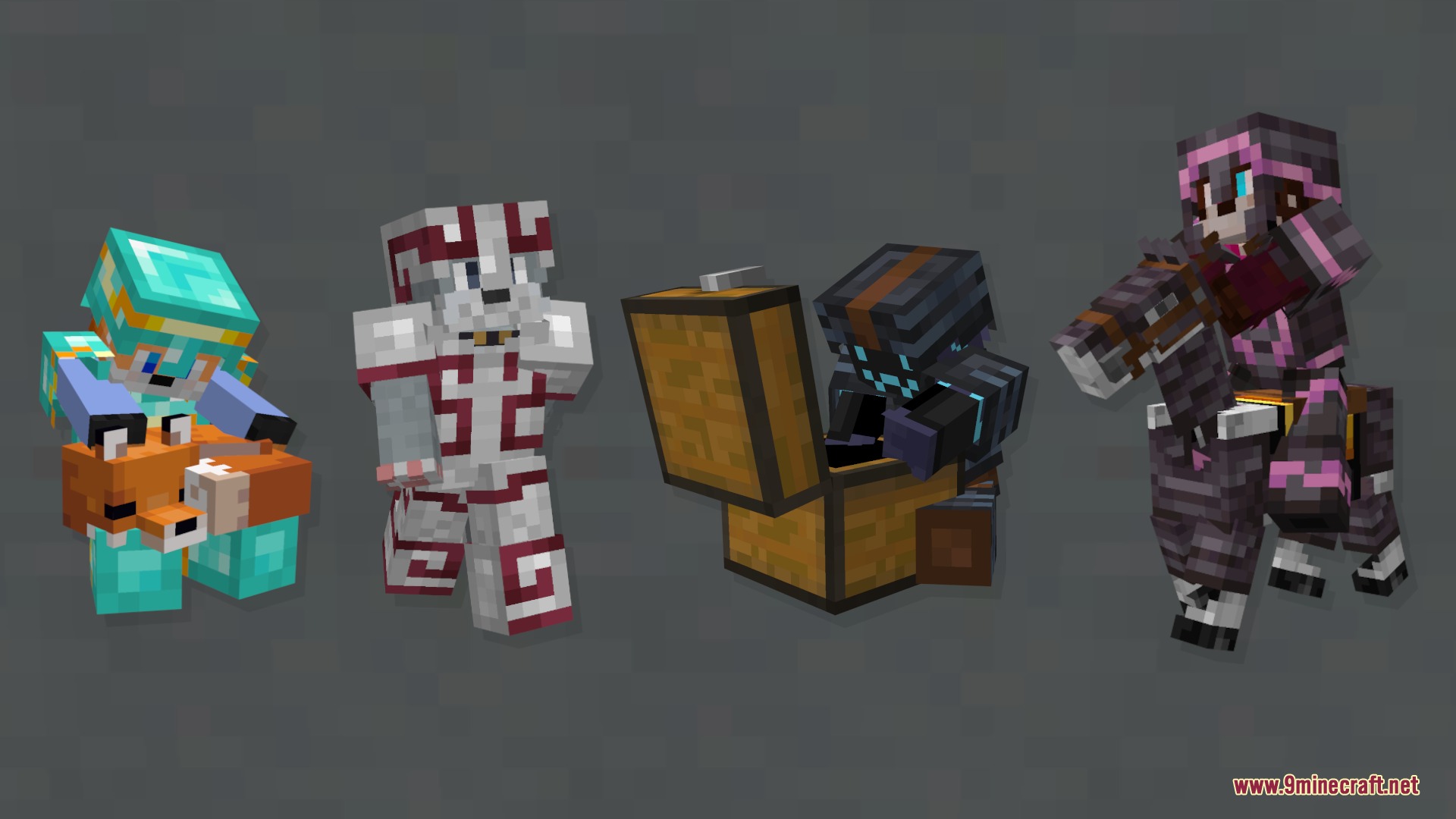
Trims Color Splash Mod expands your armor customization options by adding dozens of new materials to the smithing table. It gives you many more ways to style your gear using items you already collect during your adventures. You can create unique color gradients and mix different materials to make your armor stand out.
Features:
- Invisible Trims: Using glass as a material visually removes the trim from that specific armor piece.
- Adds over 29 new materials that work as armor trims in the smithing table.
- Lets you use common and rare items like slime balls, ender pearls, and nether stars to color your gear.
- Brings a brand new rose gold alloy item that you craft specifically for trimming.
- Allows you to mix and match different colors to build custom gradients across your full armor set.
- Makes finding materials easy by typing
#new_materialsor#trim_materialsin the creative inventory search bar.
How to Use:
- Place a smithing table and open its menu.
- Put an armor piece and any smithing template into the left slots.
- Add one of the new materials, like a slime ball or breeze rod, into the material slot.
- Take your newly colored armor out of the table and wear it.
- Open your creative inventory and type
#new_materialsto see all available options at once.
Screenshots:
How to Install:
New to Minecraft? Follow our step-by-step guide to install Mods on your PC.View Guide
Requirements:




Trims Color Splash Mod Download Links
For Minecraft
26.2,
26.1.2,
26.1.1
All Versions Covered
26.2
26.1.2
26.1.1
26.1
All Versions Covered
26.2
26.1.2
26.1.1
26.1
For Minecraft
1.21.11,
1.21.10,
1.21.9
All Versions Covered
1.21.11
1.21.10
1.21.9
1.21.8
1.21.7
1.21.6
1.21.5
1.21.4
1.21.1
1.21
All Versions Covered
1.21.11
1.21.10
1.21.9
1.21.8
1.21.7
1.21.6
1.21.5
1.21.4
1.21.1
1.21
For Minecraft 1.21.10, 1.21.9
For Minecraft
1.21.8,
1.21.7,
1.21.6
All Versions Covered
1.21.8
1.21.7
1.21.6
1.21.5
All Versions Covered
1.21.8
1.21.7
1.21.6
1.21.5
For Minecraft
1.20.6,
1.20.5,
1.20.4
All Versions Covered
1.20.6
1.20.5
1.20.4
1.20.3
1.20.2
1.20.1
1.20
All Versions Covered
1.20.6
1.20.5
1.20.4
1.20.3
1.20.2
1.20.1
1.20
Click to rate this post!
[Total: 0 Average: 0]
You May Also Like




This post has no comments yet. Be the first — your comment will appear here.