


More Cloud Layers Mod (26.2, 1.21.1) – Fill Your Empty Sky with Stacked Cloud
 21
21
 0
0


🌐 Good news — we've translated this article into other languages!
Or pick the one you like:
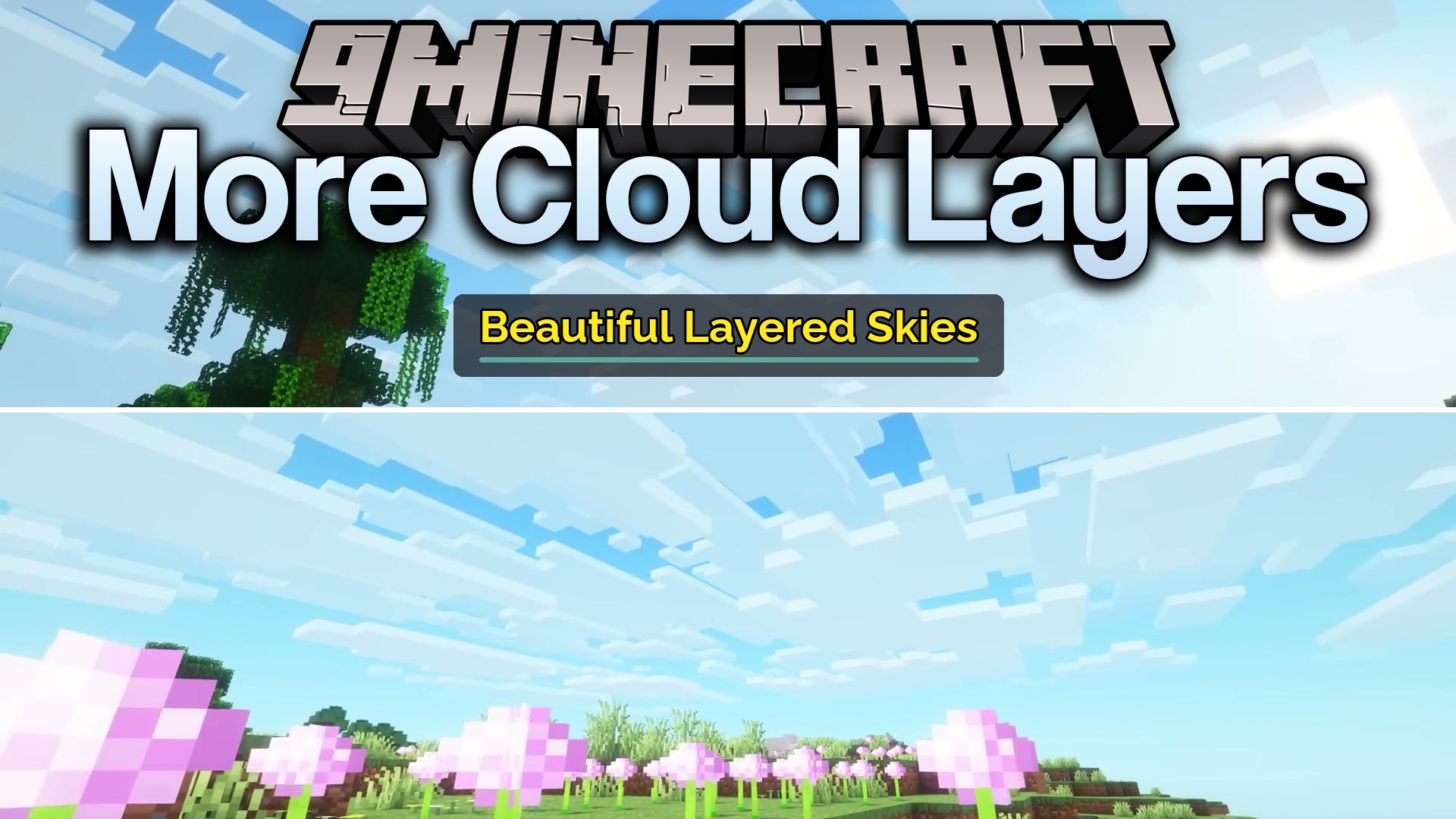
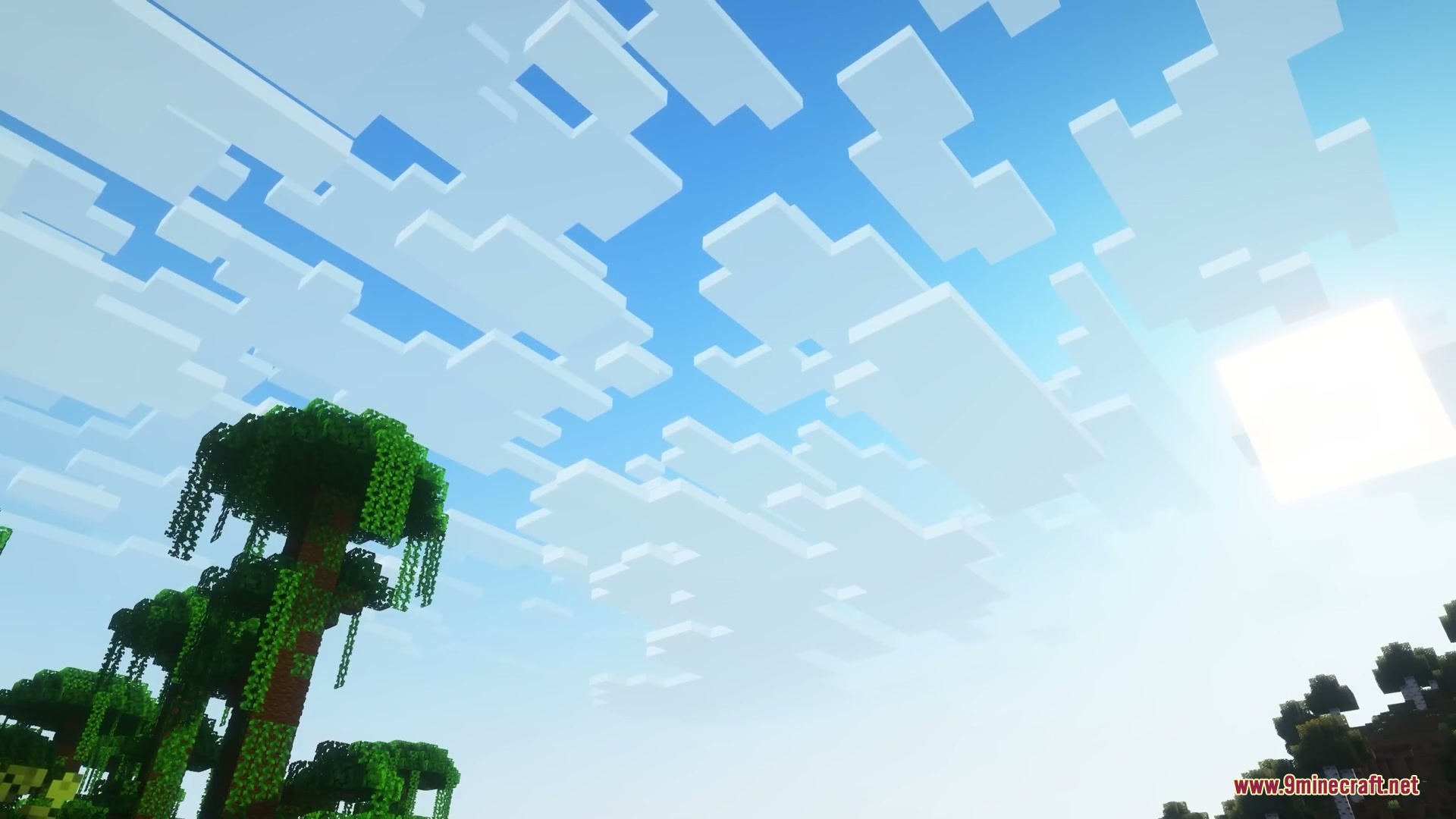
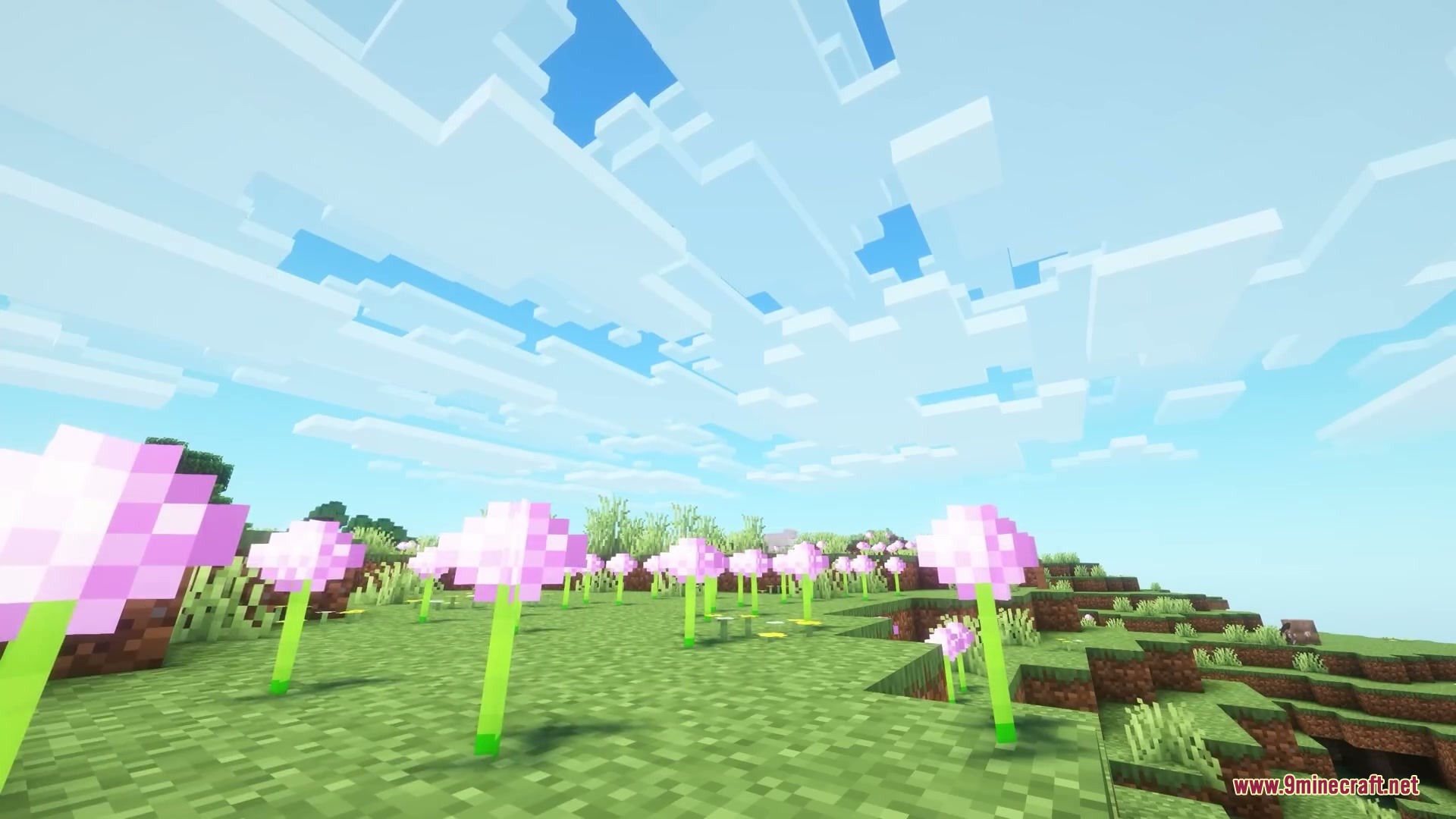
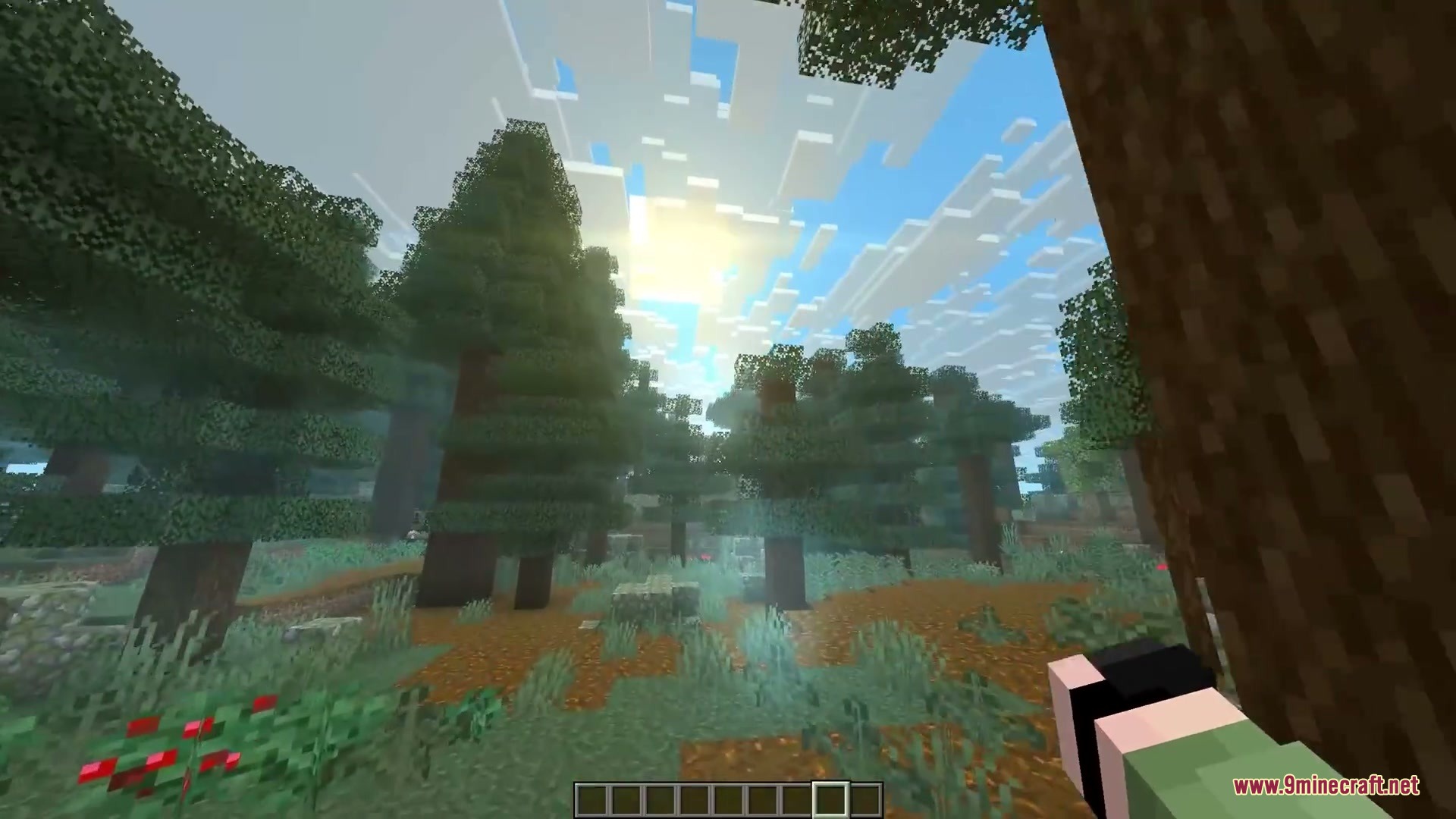
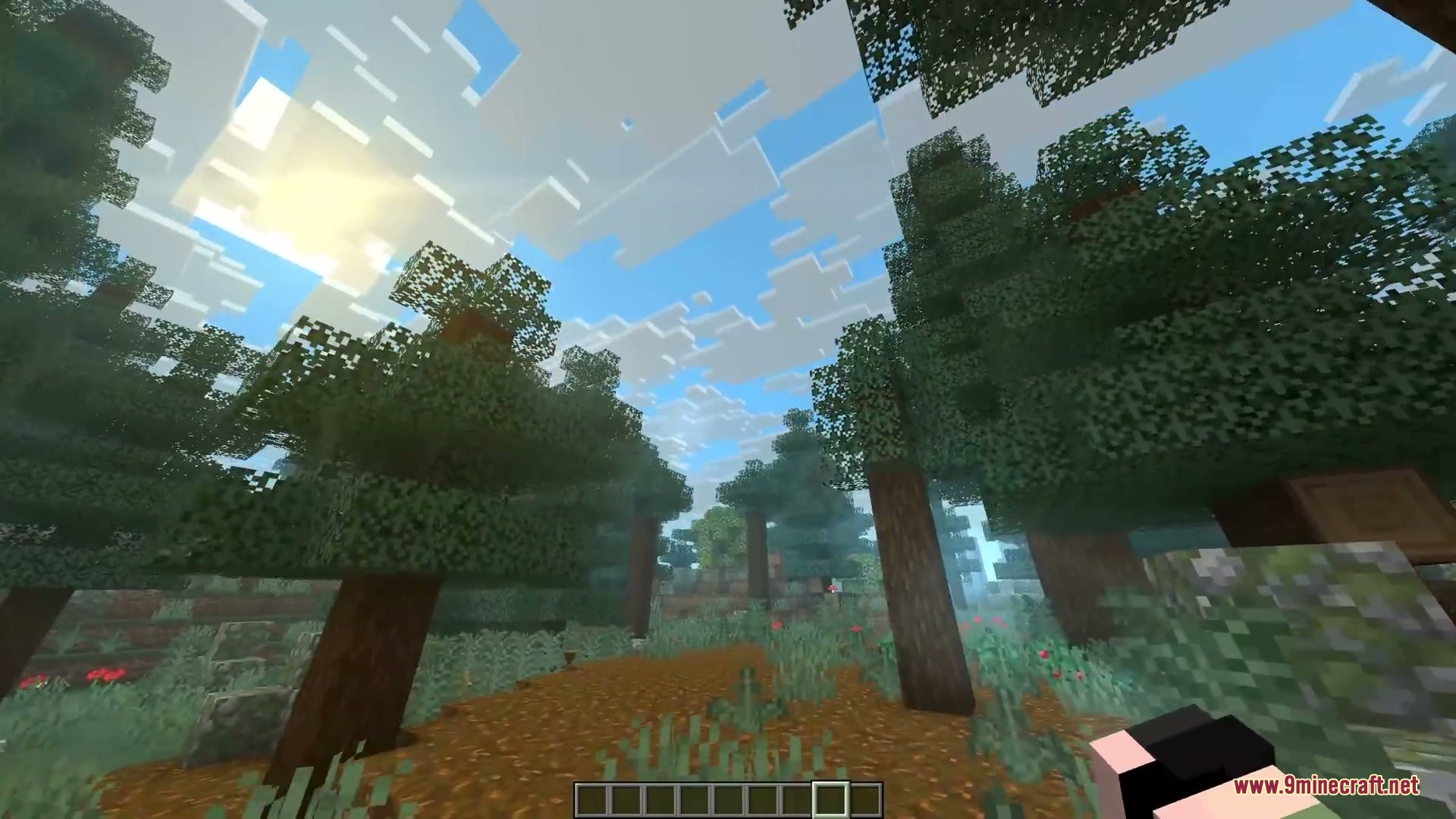
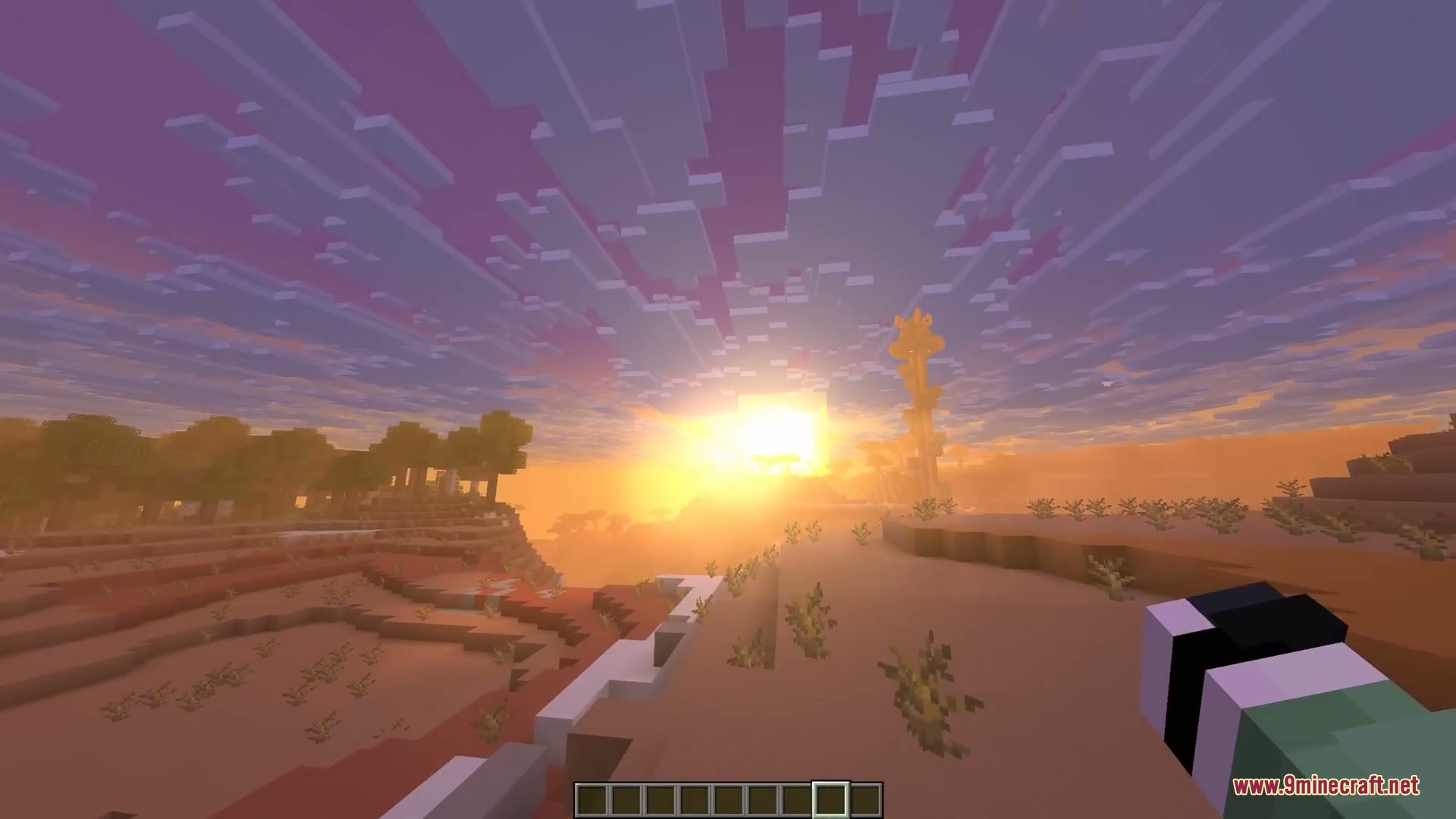
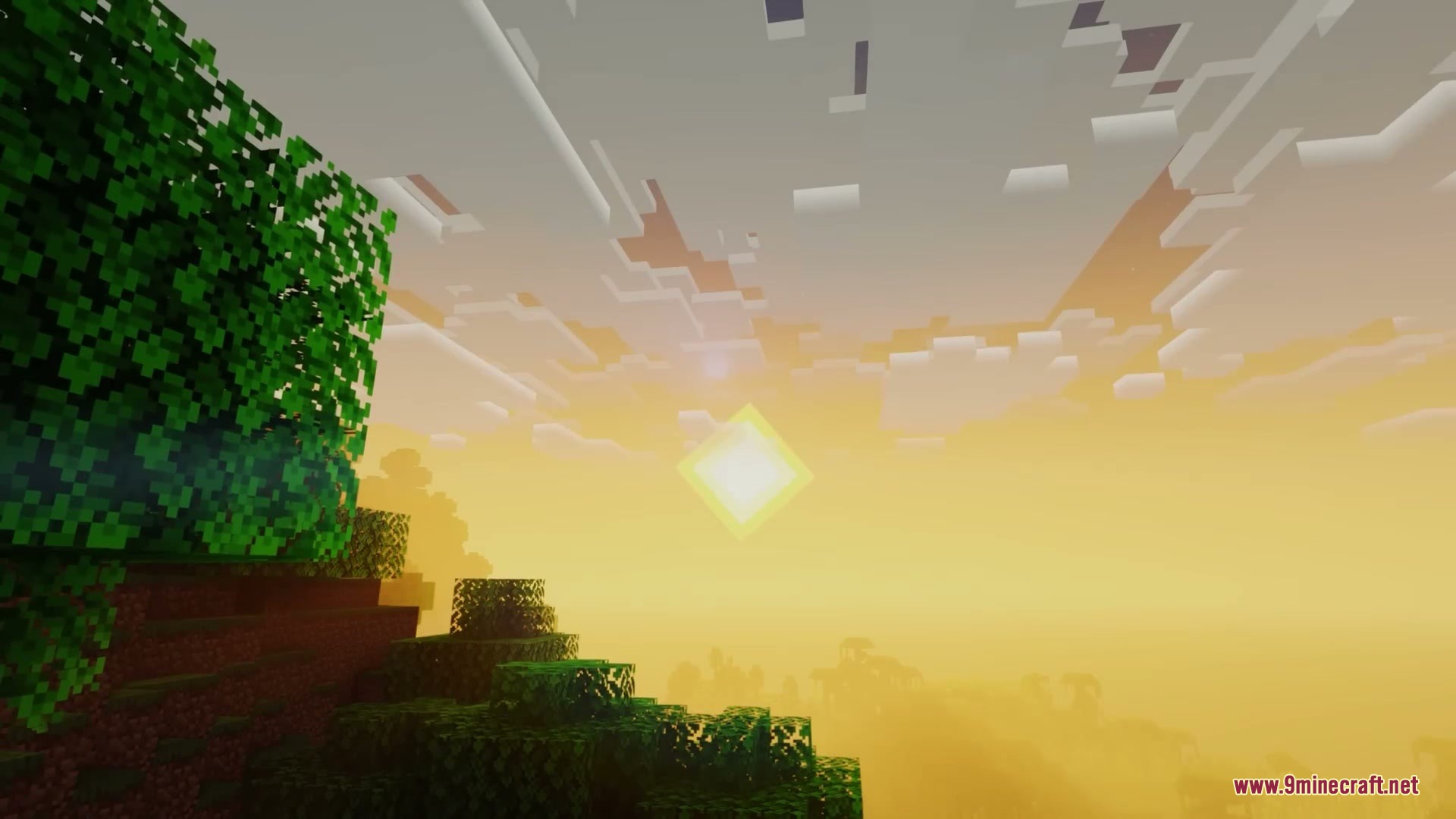
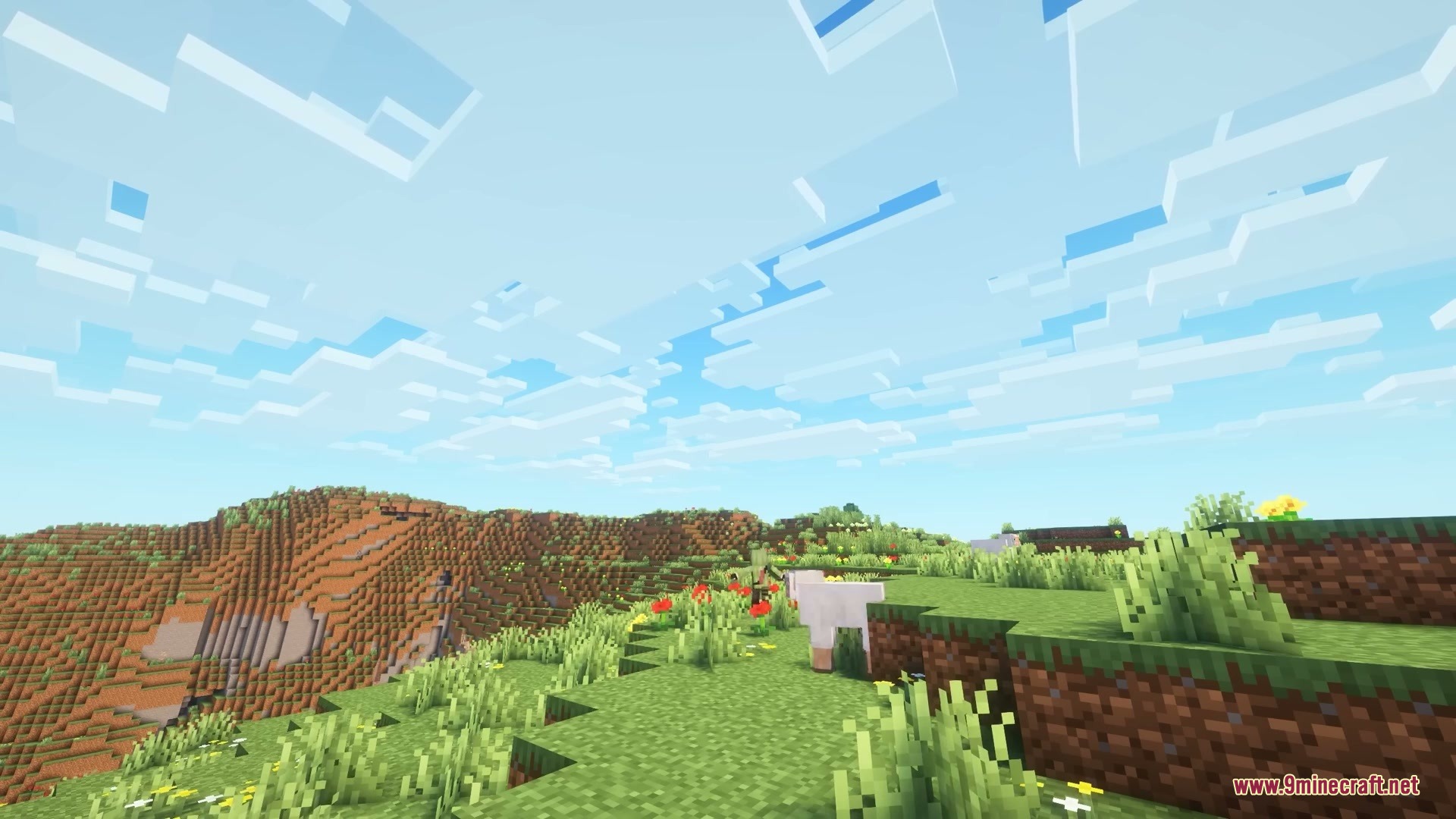
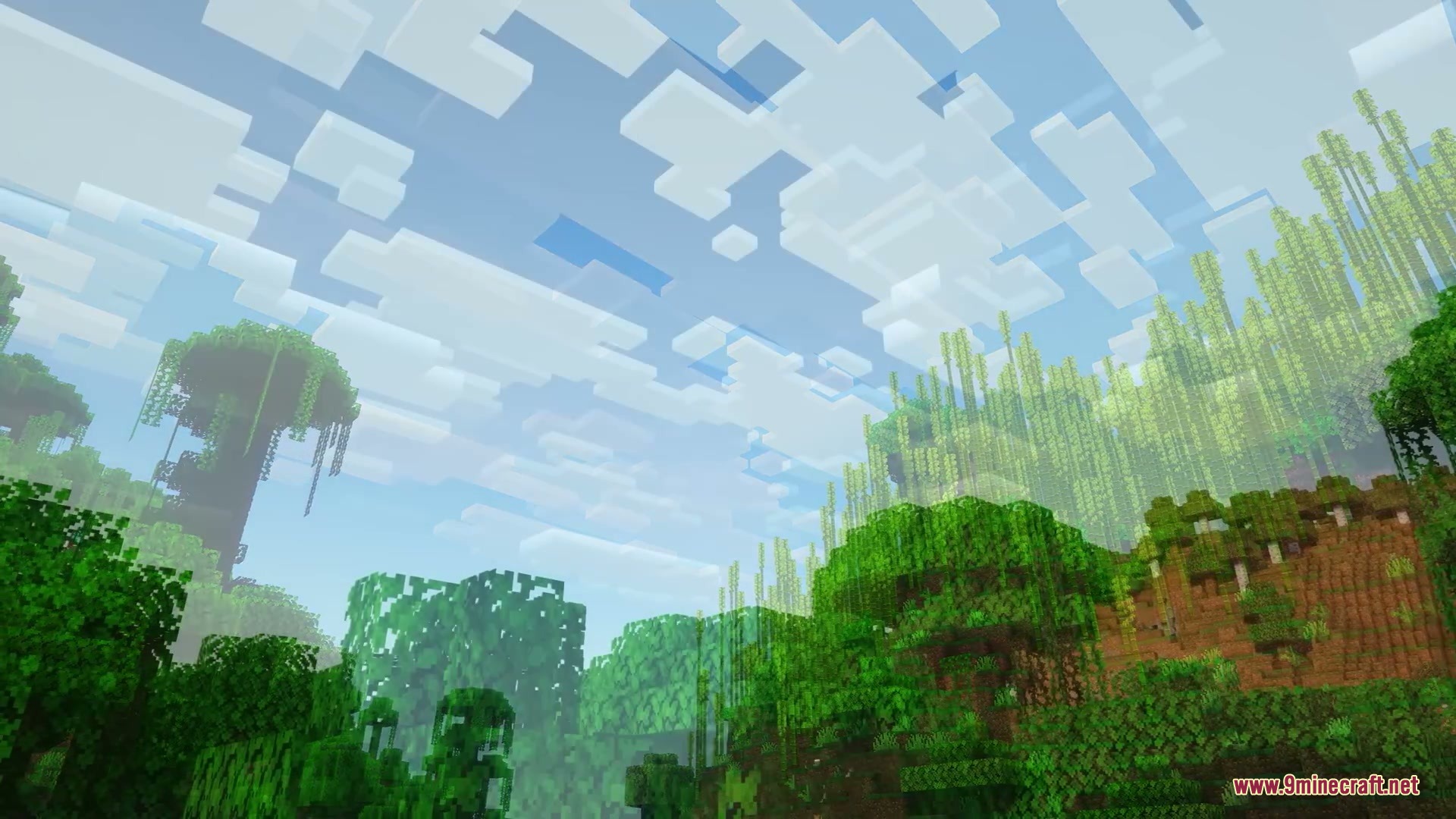
More Cloud Layers Mod adds extra layers of clouds high above your normal Minecraft sky. This mod stacks new clouds every 16 blocks going up into the air. It changes how the sky looks by filling empty spaces with moving shapes. You can watch different cloud levels float by at different speeds and sizes. The new clouds match the normal game graphics perfectly, so they look like they belong in the world.
Features:
- Adds up to eight extra layers of clouds above the normal ones.
- Stacks each new cloud layer exactly 16 blocks higher than the last one.
- Matches your game settings automatically, so clouds look right on Fast or Fancy graphics.
- Changes cloud colors and lighting based on the time of day and current weather.
- Updates cloud shapes and speeds naturally when you join a world, travel through a portal, or sleep in a bed.
- Lets you make higher clouds move slower or pick a random speed for every single layer.
- Gives you the choice to make higher clouds smaller or keep their sizes completely random.
Configuration:
Number of Layers: pick between 1 and 8 extra layers.Speed Mode: set to Linear for slower high clouds, or Random for mixed speeds.Size Mode: set to Linear for smaller high clouds, or Random for mixed sizes.Random Transparency: turn on to make clouds randomly see-through.
How to Use:
- Install the Mod Menu mod along with this one to see the settings screen.
- Open your game and press the Mods button on the main menu or pause screen.
- Find this mod in the list and click the configuration button.
- Change the number of layers, speed, and size to match what you want to see in the sky.
Screenshots:
How to Install:
New to Minecraft? Follow our step-by-step guide to install Mods on your PC.View Guide
Requirements:



More Cloud Layers Mod Download Links
For Minecraft 26.2
For Minecraft 26.1.2, 26.1.1, 26.1
For Minecraft 1.21.11
For Minecraft 1.21.10, 1.21.9
For Minecraft 1.21.8, 1.21.7, 1.21.6
For Minecraft 1.21.5
For Minecraft 1.21.4, 1.21.3, 1.21.2
For Minecraft 1.21.1, 1.21
Click to rate this post!
[Total: 0 Average: 0]
You May Also Like

This post has no comments yet. Be the first — your comment will appear here.