


Dark Mode GUI – Heycronus Resource Pack (26.1.2, 1.20.1)

 0
0 

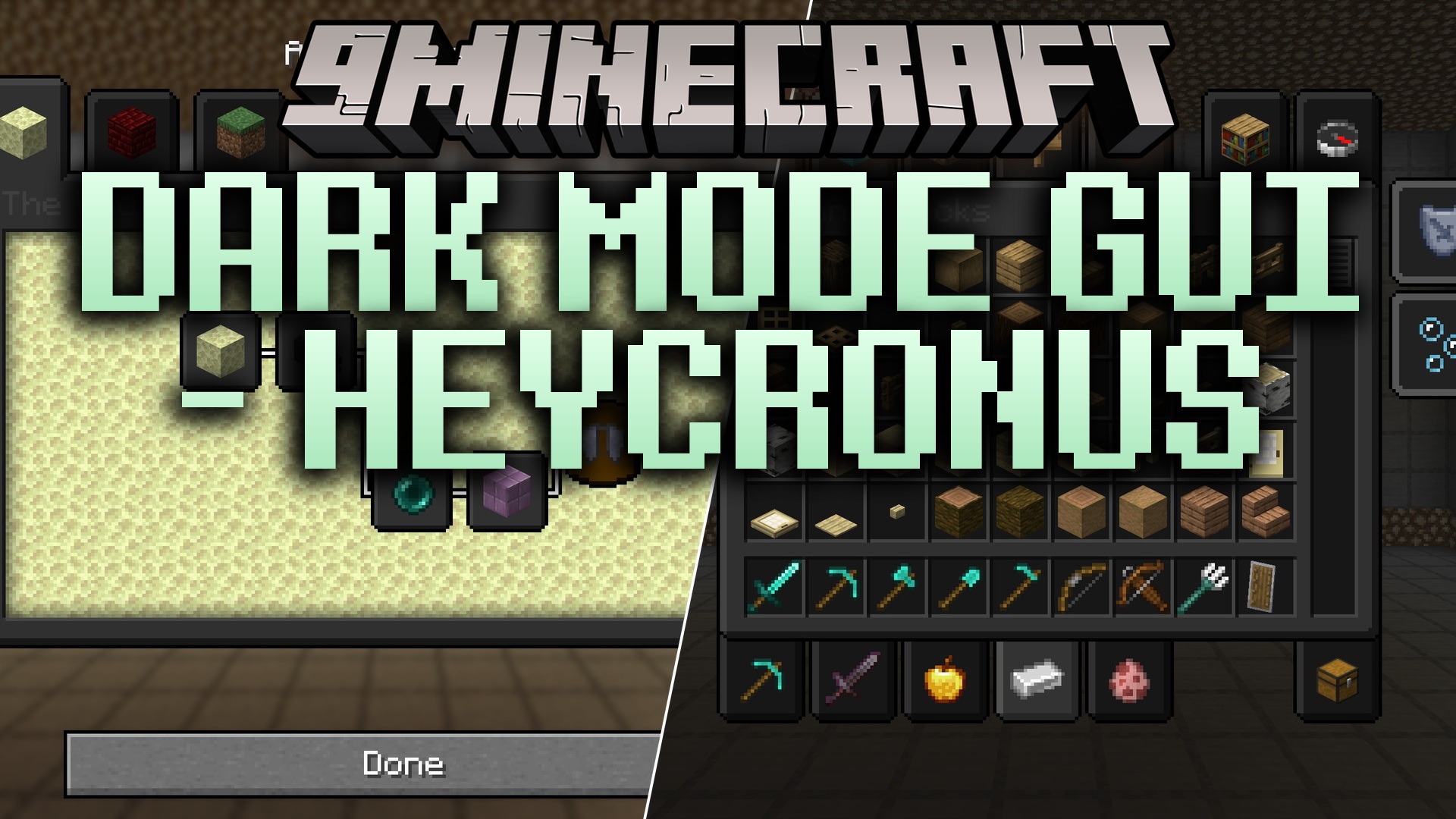
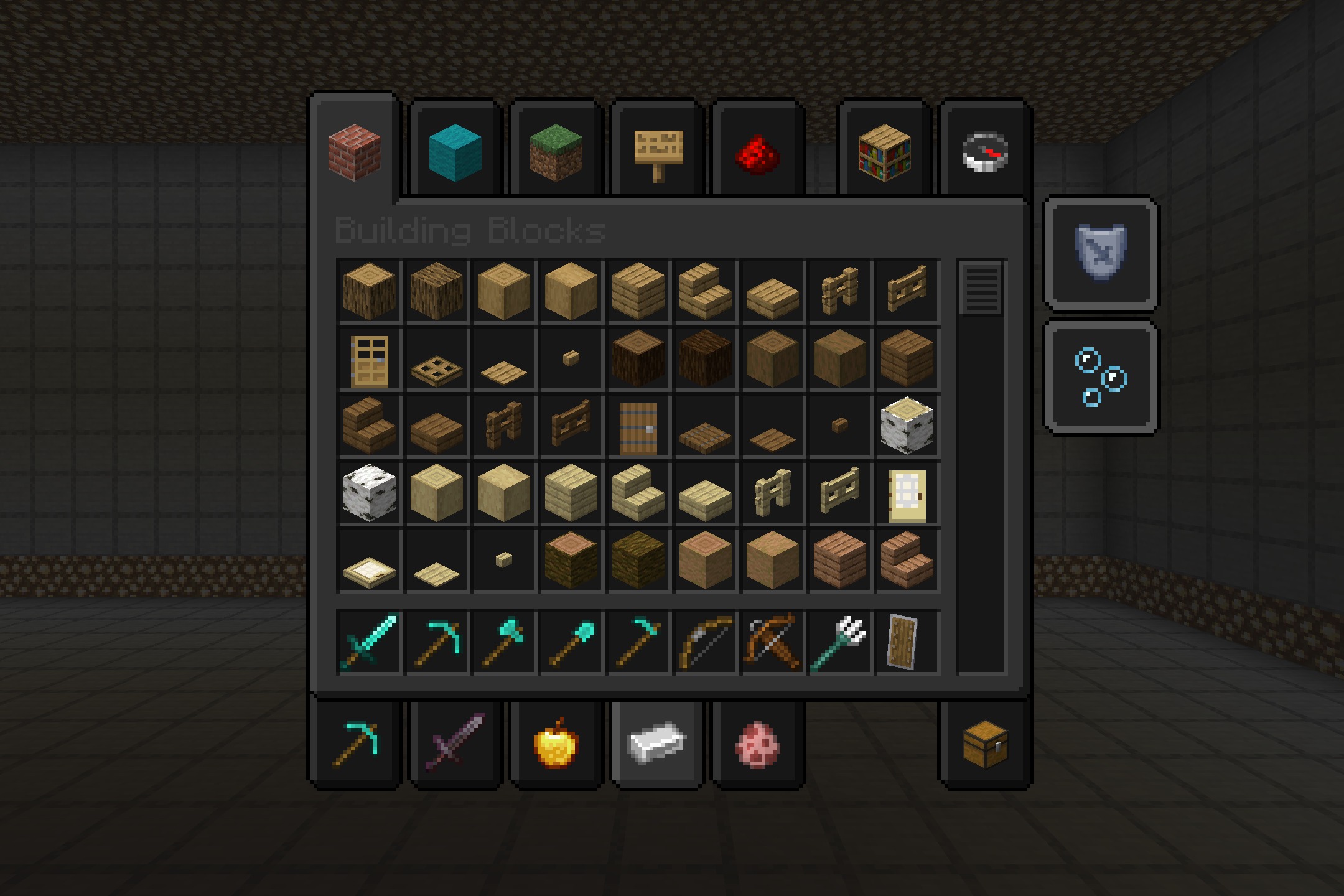
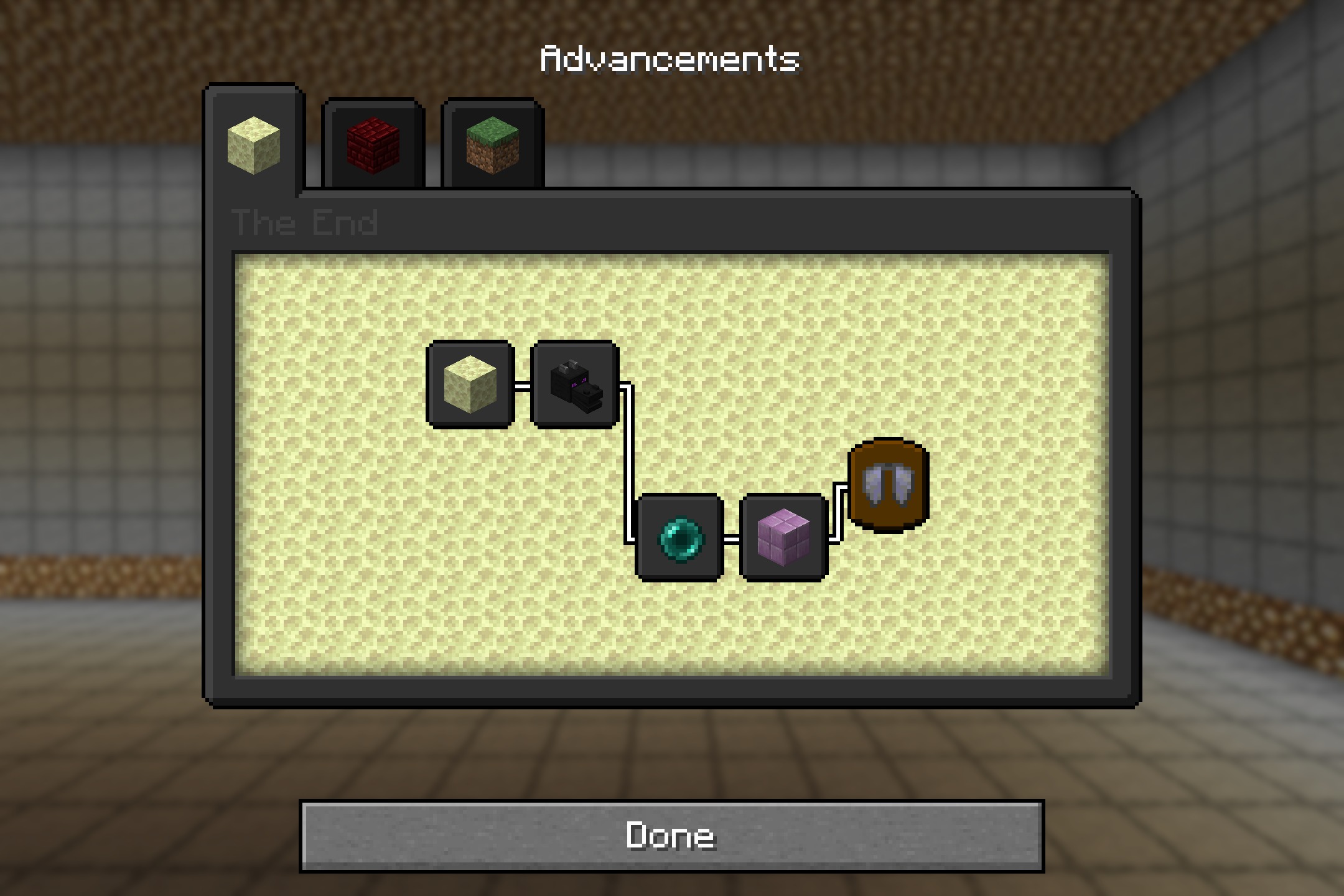
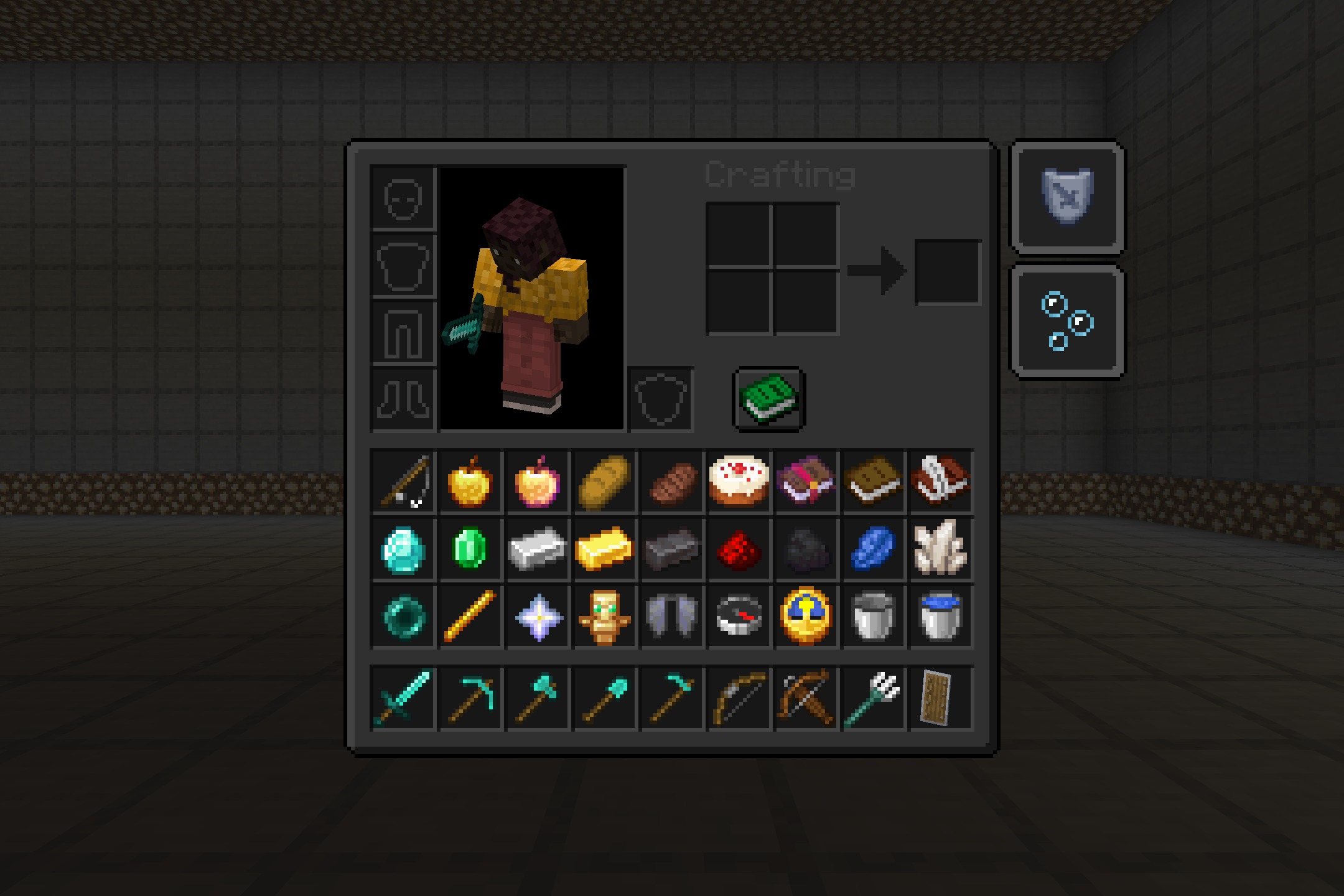
Dark Mode GUI – Heycronus Resource Pack repaints your Minecraft menus with a calm, dark color. It changes the bright default screens into a much darker style that is easier to look at. This pack helps your eyes during long gaming sessions or when you play in a dark room. You get a clean and modern look without changing how the game actually plays.
Features:
- Changes the bright default interface to a comfortable dark color.
- Updates the Crafting Table screen to match the new dark style.
- Makes Chest and Furnace menus much darker so they do not hurt your eyes at night.
- Gives the Enchanting Table a fresh, minimalist look.
- Keeps all normal game rules exactly the same while only changing the menu colors.
- Helps reduce eye strain when you play for a long time.
Screenshots:
How to Install:
New to Minecraft? Follow our step-by-step guide to install Resource Packs on your PC.View Guide
Dark Mode GUI Download Links
For Minecraft
26.1.x
All Versions Covered
26.1.2
26.1.1
26.1
1.21.11
1.21.10
1.21.9
1.21.8
1.21.7
1.21.6
1.21.5
1.21.4
1.21.3
1.21.2
1.21.1
1.21
1.20.6
1.20.5
1.20.4
1.20.3
1.20.2
1.20.1
1.20
1.19.4
1.19.3
1.19.2
1.19.1
1.19
1.18.2
1.18.1
1.18
1.17.1
1.17
1.16.5
1.16.4
1.16.3
1.16.2
1.16.1
1.16
1.15.2
1.15.1
1.15
1.14.4
1.14.3
1.14.2
1.14.1
1.14
1.13.2
1.13.1
1.13
1.12.2
1.12.1
1.12
All Versions Covered
26.1.2
26.1.1
26.1
1.21.11
1.21.10
1.21.9
1.21.8
1.21.7
1.21.6
1.21.5
1.21.4
1.21.3
1.21.2
1.21.1
1.21
1.20.6
1.20.5
1.20.4
1.20.3
1.20.2
1.20.1
1.20
1.19.4
1.19.3
1.19.2
1.19.1
1.19
1.18.2
1.18.1
1.18
1.17.1
1.17
1.16.5
1.16.4
1.16.3
1.16.2
1.16.1
1.16
1.15.2
1.15.1
1.15
1.14.4
1.14.3
1.14.2
1.14.1
1.14
1.13.2
1.13.1
1.13
1.12.2
1.12.1
1.12
Click to rate this post!
[Total: 0 Average: 0]
You May Also Like



This post has no comments yet. Be the first — your comment will appear here.