


Inventory Companions Mod (26.2, 1.21.1) – Never Craft Alone with Tiny Animated

 0
0 

🌐 Good news — we've translated this article into other languages!
Or pick the one you like:
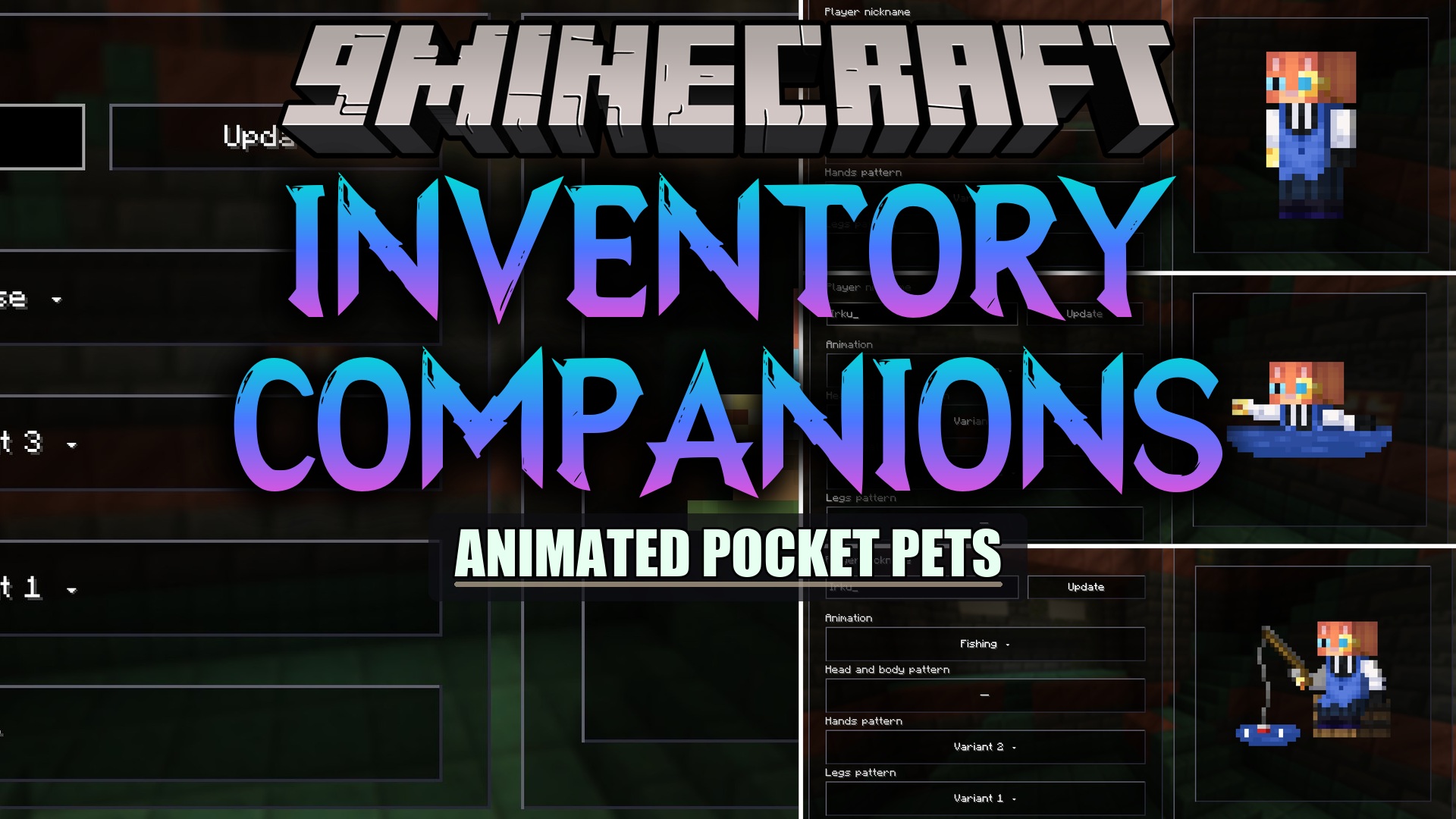
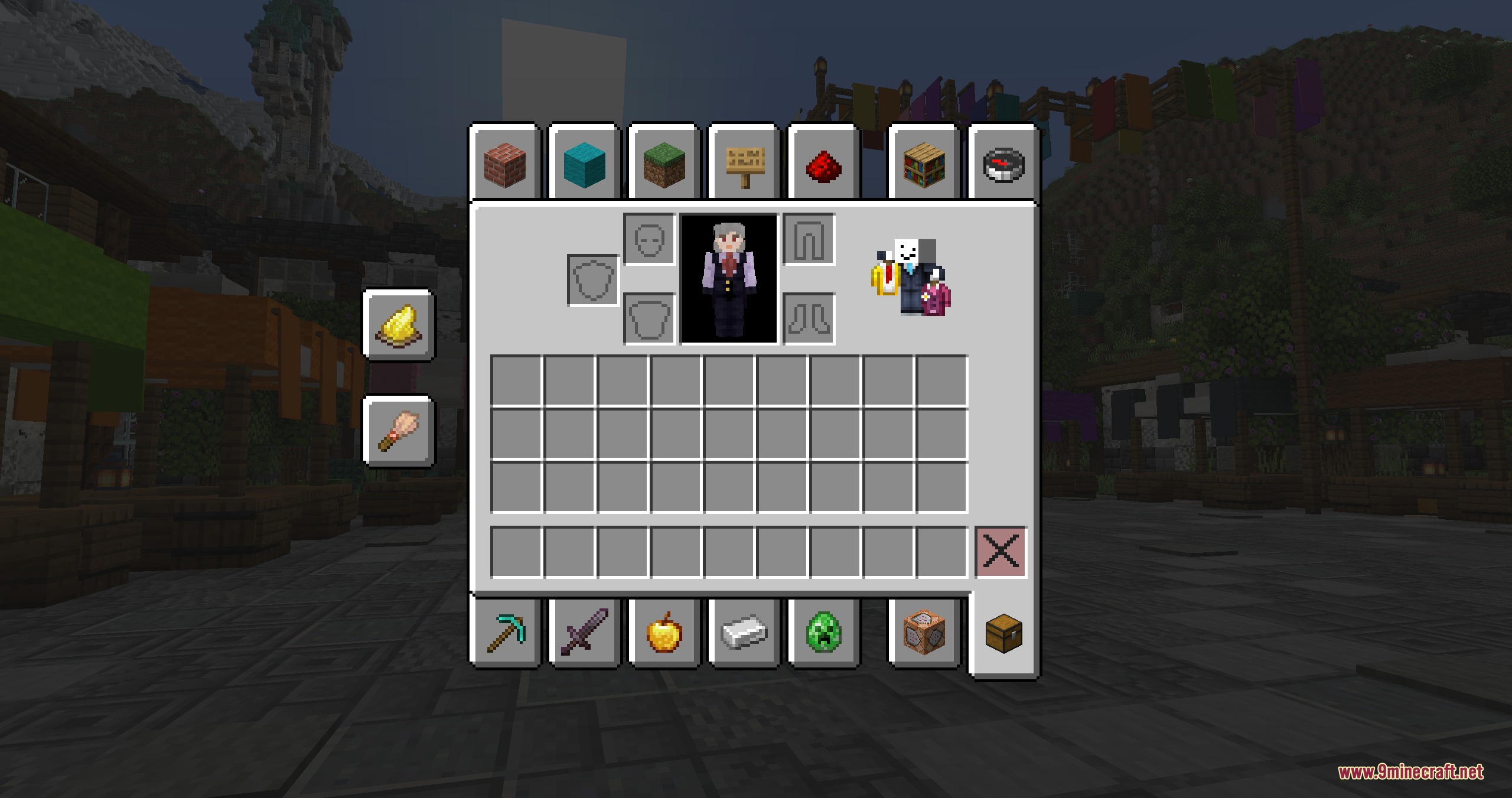
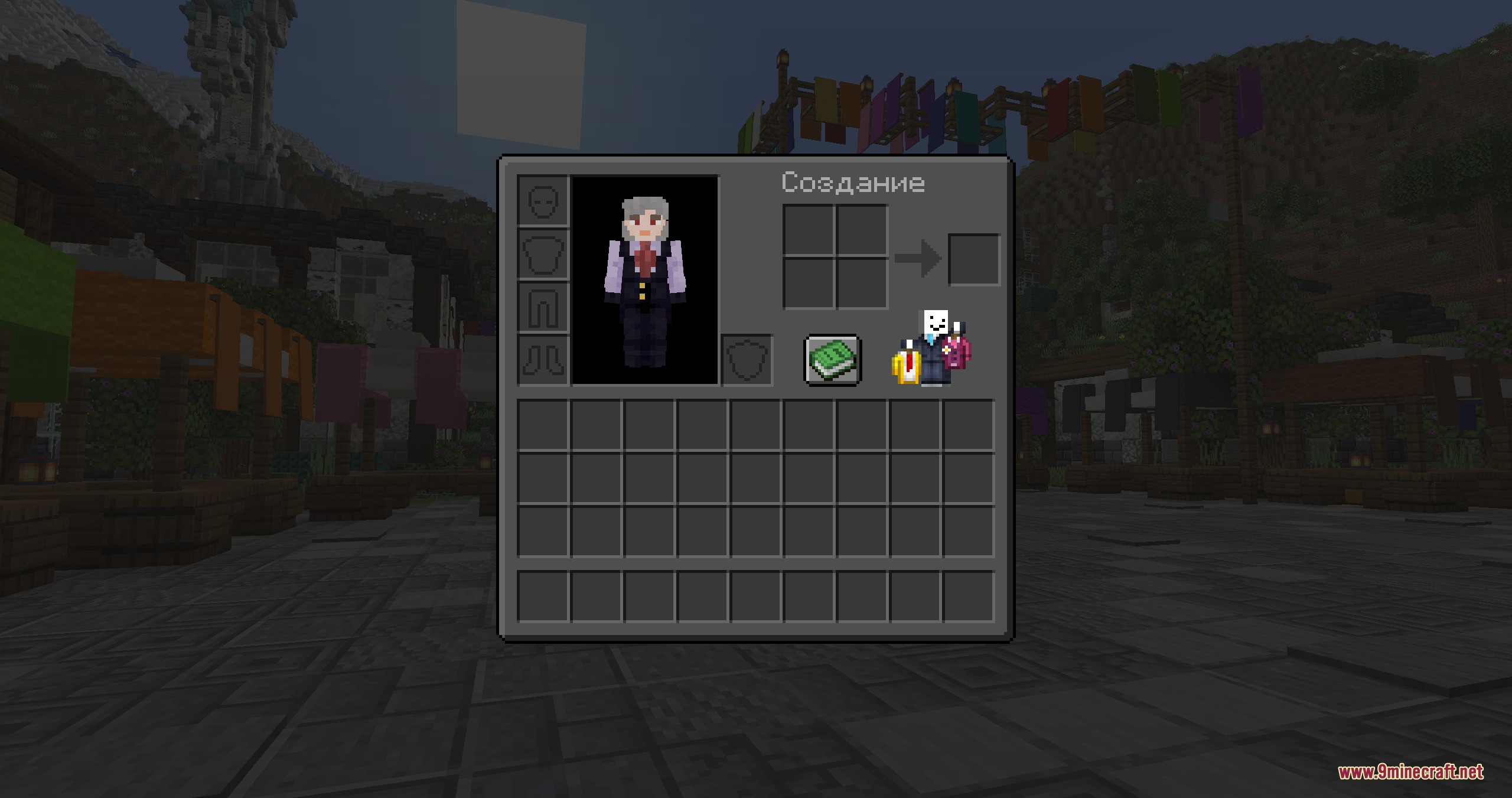
Inventory Companions Mod adds a tiny, animated friend right into your inventory screen. This mod lets you pick a cute character to hang out with you while you check your items, craft, or open chests. You can even use your own Minecraft skin to make a tiny version of yourself that moves around on the screen.
Features:
- Places a small animated character inside your inventory and other game menus.
- Lets you choose from a list of pre-made popular characters and YouTubers.
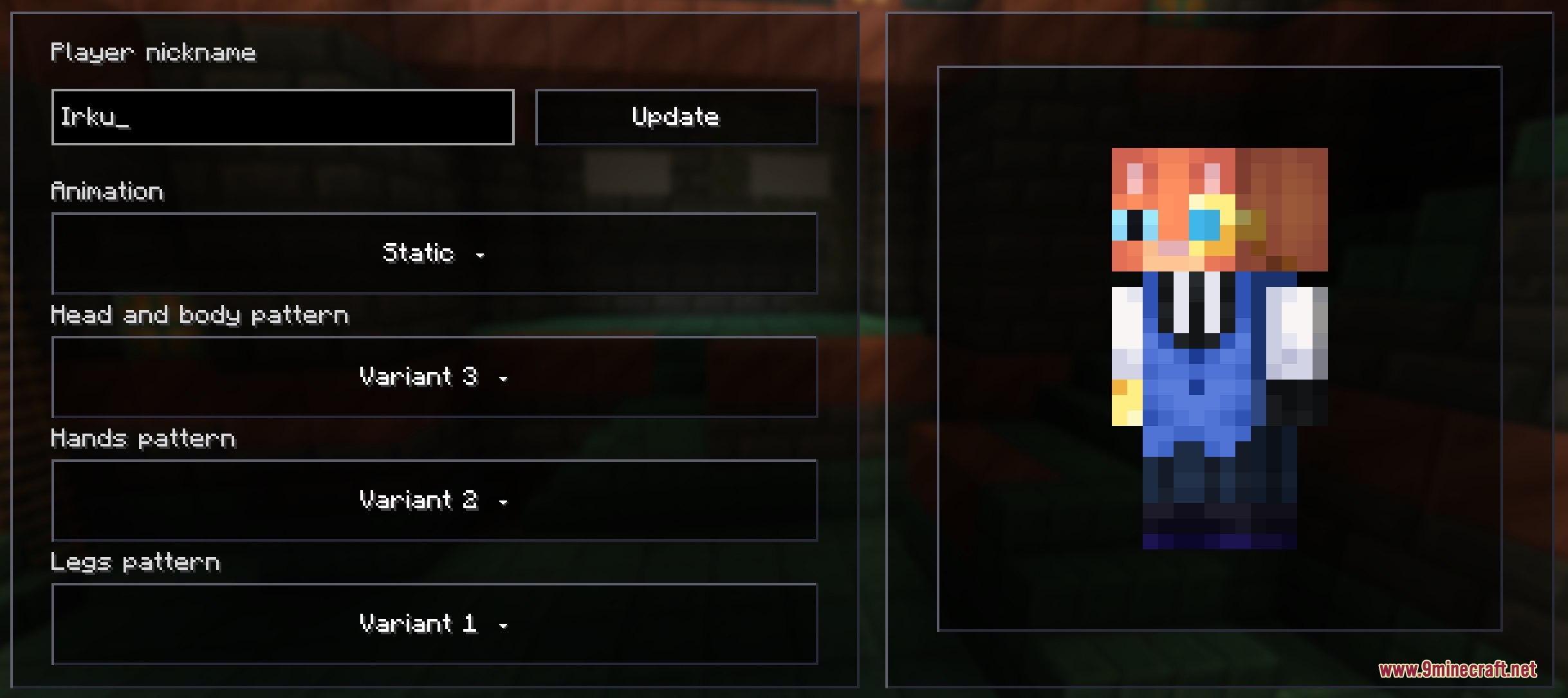
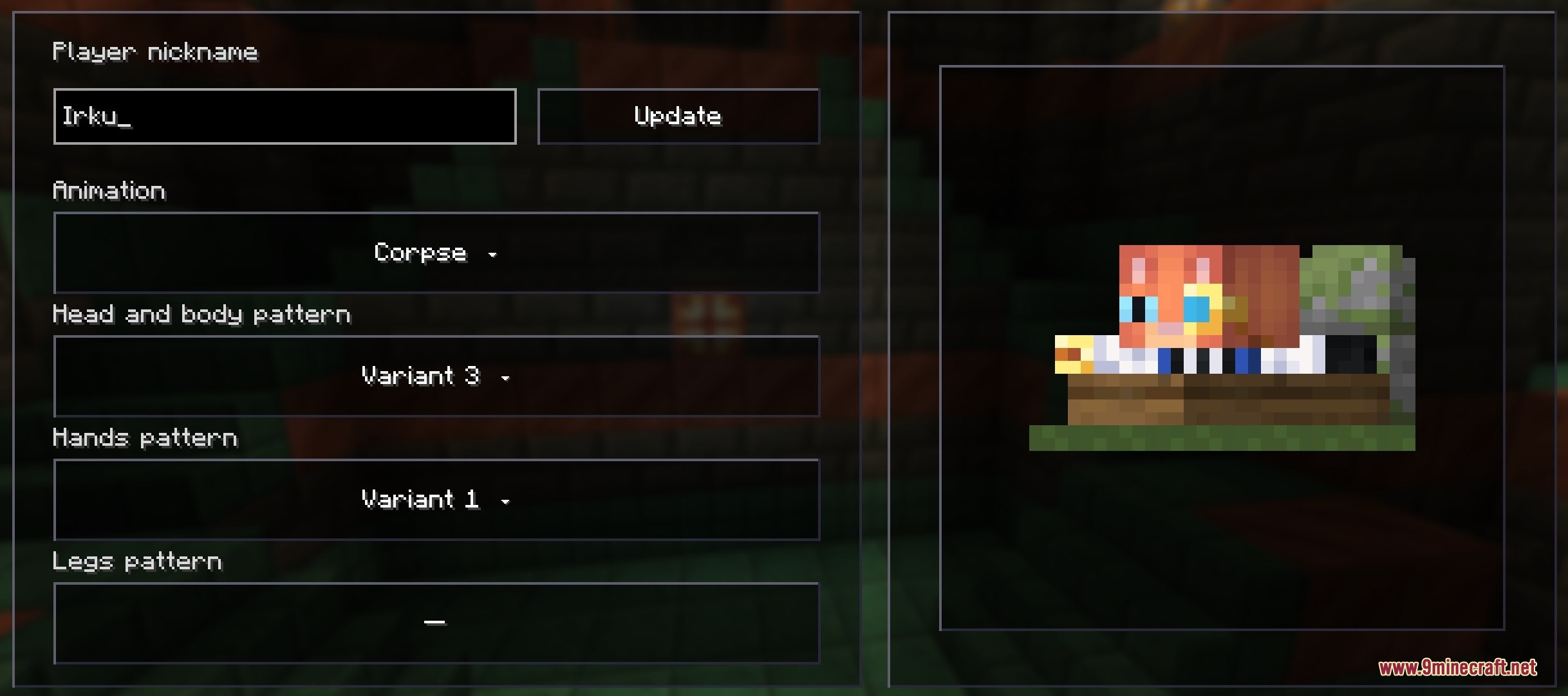
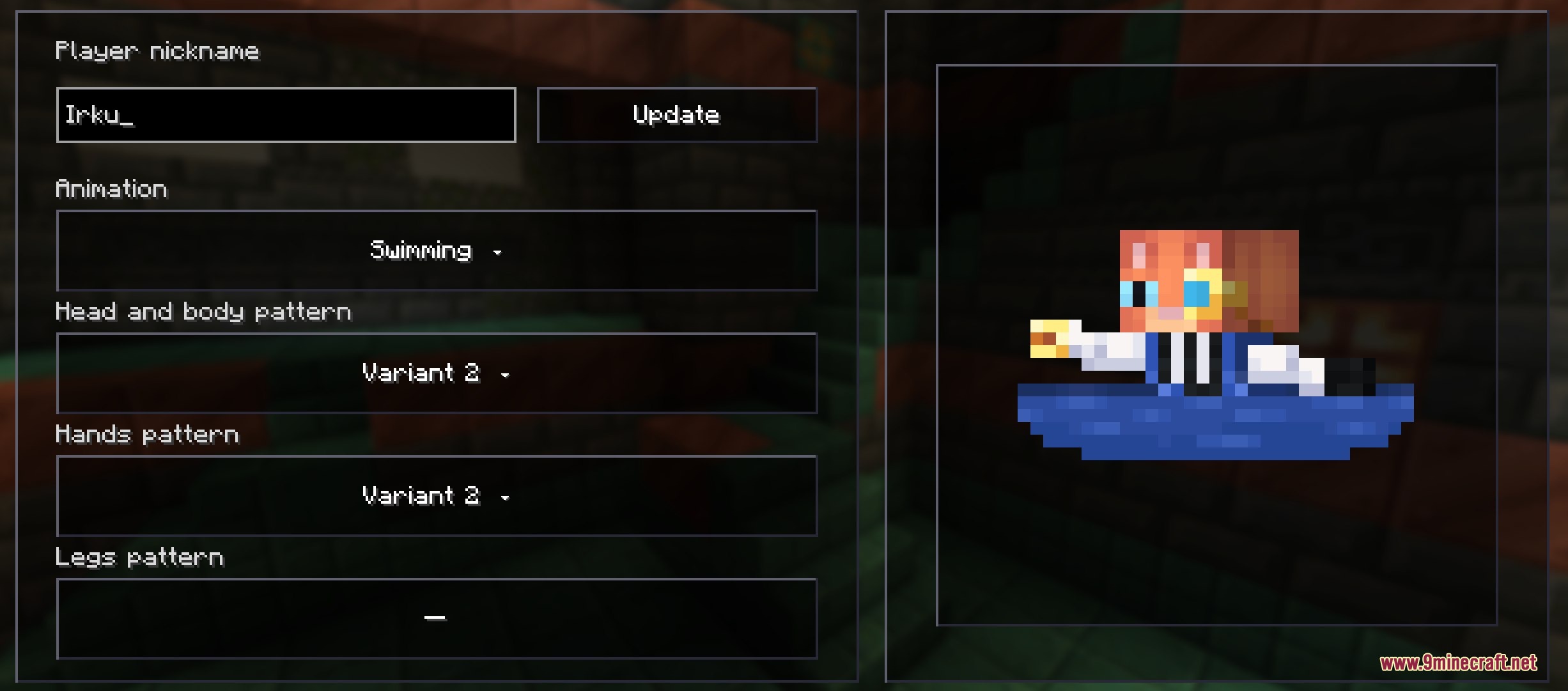
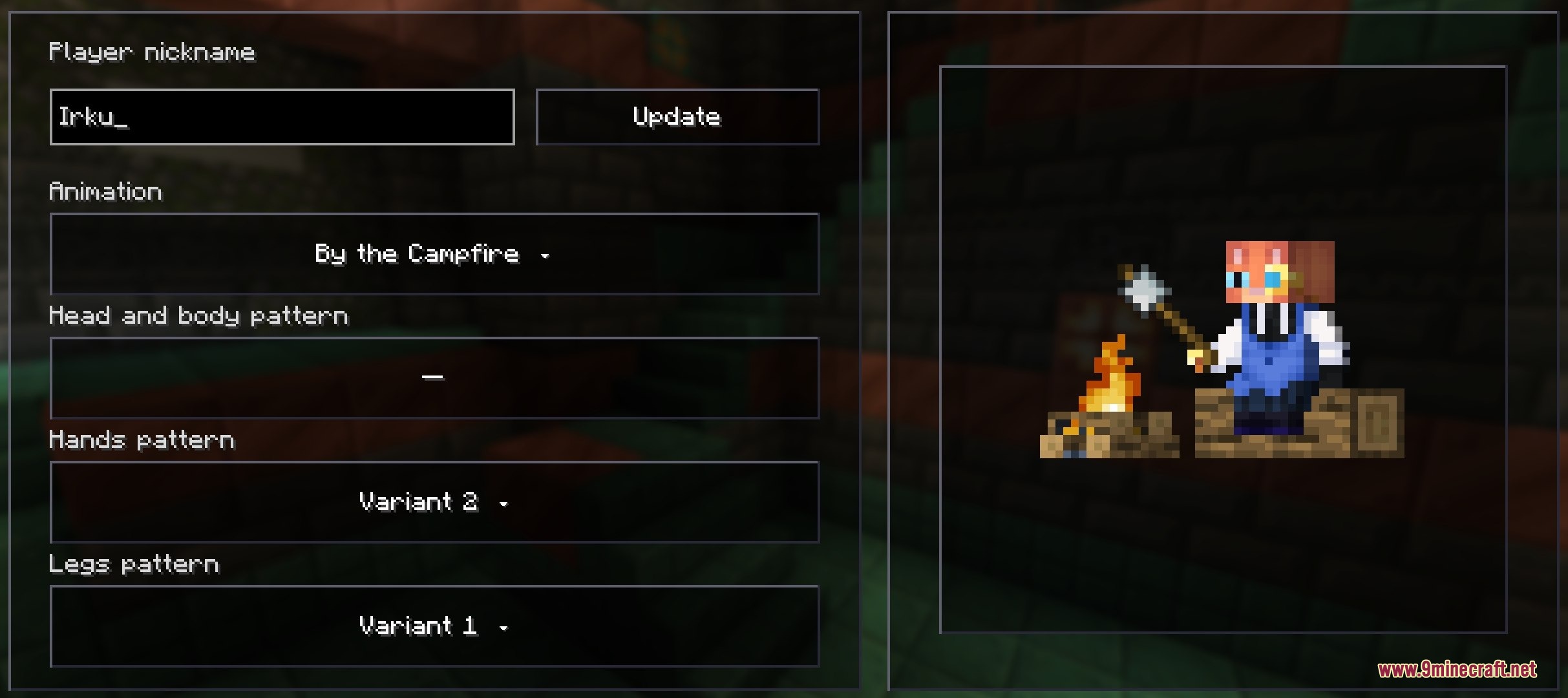
- Allows you to type in any player’s nickname to load their custom skin as your companion.
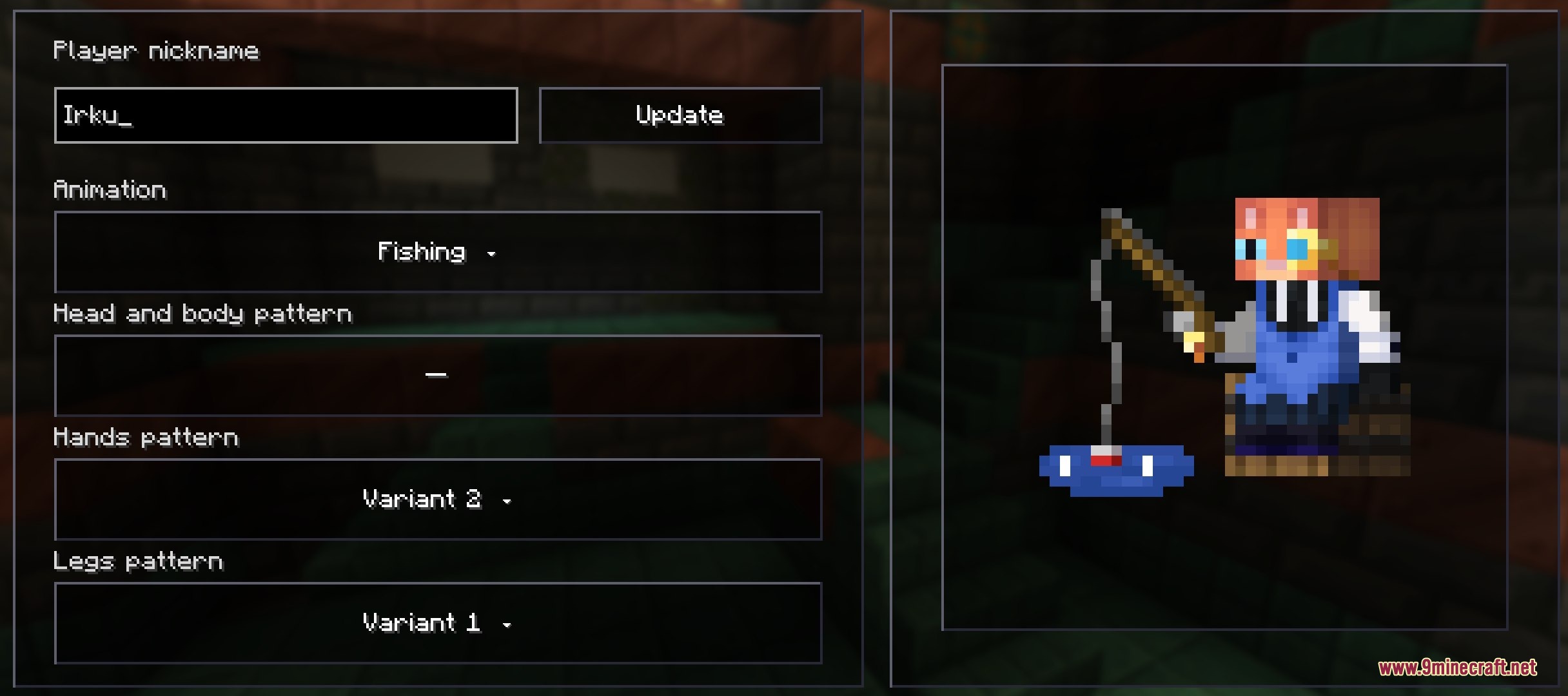
- Includes different fun animation patterns, like fishing, swimming, or sitting by a campfire.
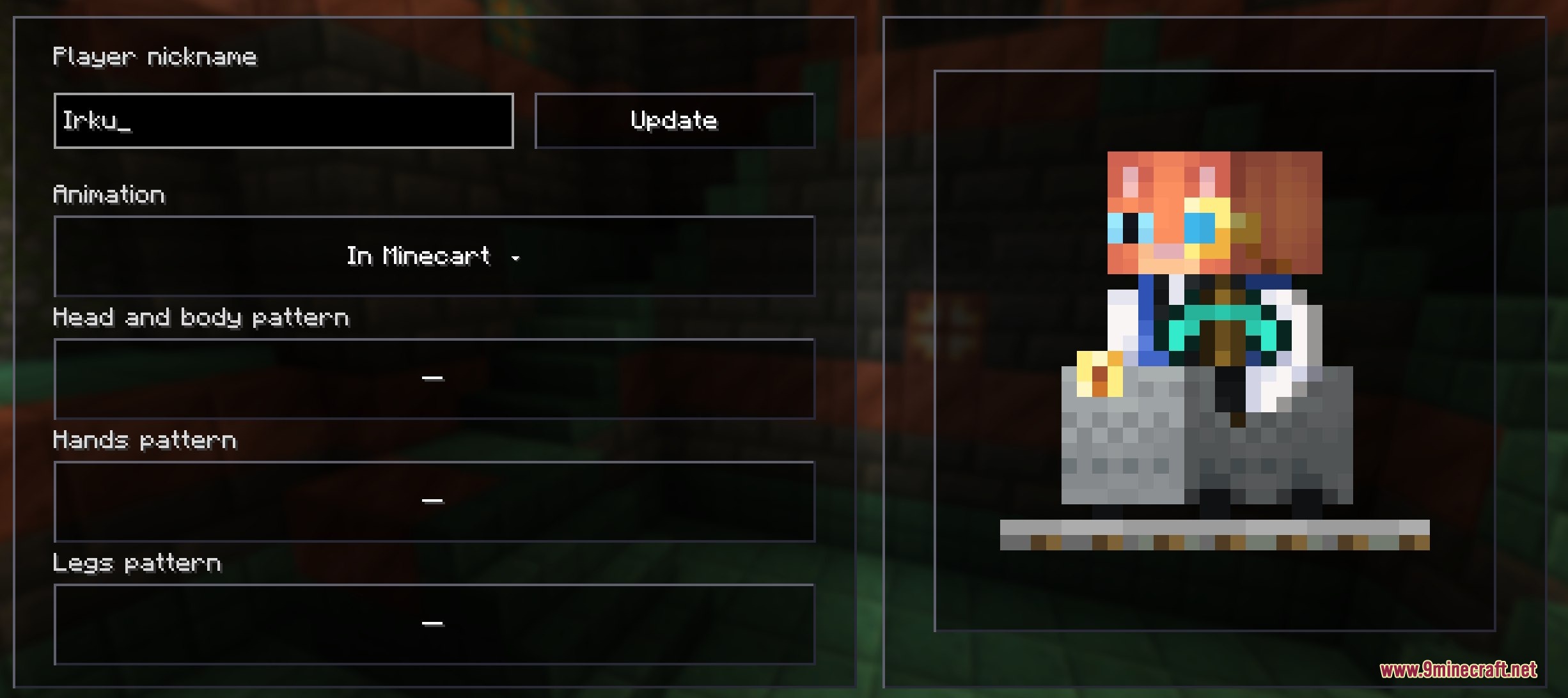
- Works inside all game menus, including chests, crafting tables, and furnaces.
- Keeps things purely visual right now without changing how the actual game plays.
Configuration:
Companion: pick which pre-made character you want to see in your inventory.Player by Nickname: type a name to load a custom skin and pick an animation pattern for it.Position: move the character around the screen so it looks good in both survival and creative modes.
How to Use:
- Install the required config mod so the settings menu works properly.
- Open the mod settings menu from your game’s main screen.
- Pick a pre-made character from the list or type a nickname to use a custom skin.
- Adjust the position sliders if the character blocks your items or slots.
- Open your inventory in the game to see your new tiny friend.
Screenshots:
How to Install:
New to Minecraft? Follow our step-by-step guide to install Mods on your PC.View Guide
Requirements:
 Fabric Loader Required
 Fabric API Required
YetAnotherConfigLib (YACL) Required

YetAnotherConfigLib Required
Inventory Companions Mod Download Links
For Minecraft
26.2,
26.1.2,
26.1.1
All Versions Covered
26.2
26.1.2
26.1.1
26.1
All Versions Covered
26.2
26.1.2
26.1.1
26.1
For Minecraft 1.21.11
For Minecraft 1.21.10, 1.21.9
For Minecraft 1.21.8, 1.21.7, 1.21.6
For Minecraft 1.21.5
For Minecraft 1.21.4, 1.21.3, 1.21.2
For Minecraft 1.21.1, 1.21
Click to rate this post!
[Total: 0 Average: 0]
You May Also Like



This post has no comments yet. Be the first — your comment will appear here.