


DungeonRPG Mod (26.2) – Conquer Scaling Dungeons to Find Epic Weapons

 0
0 

🌐 Good news — we've translated this article into other languages!
Or pick the one you like:
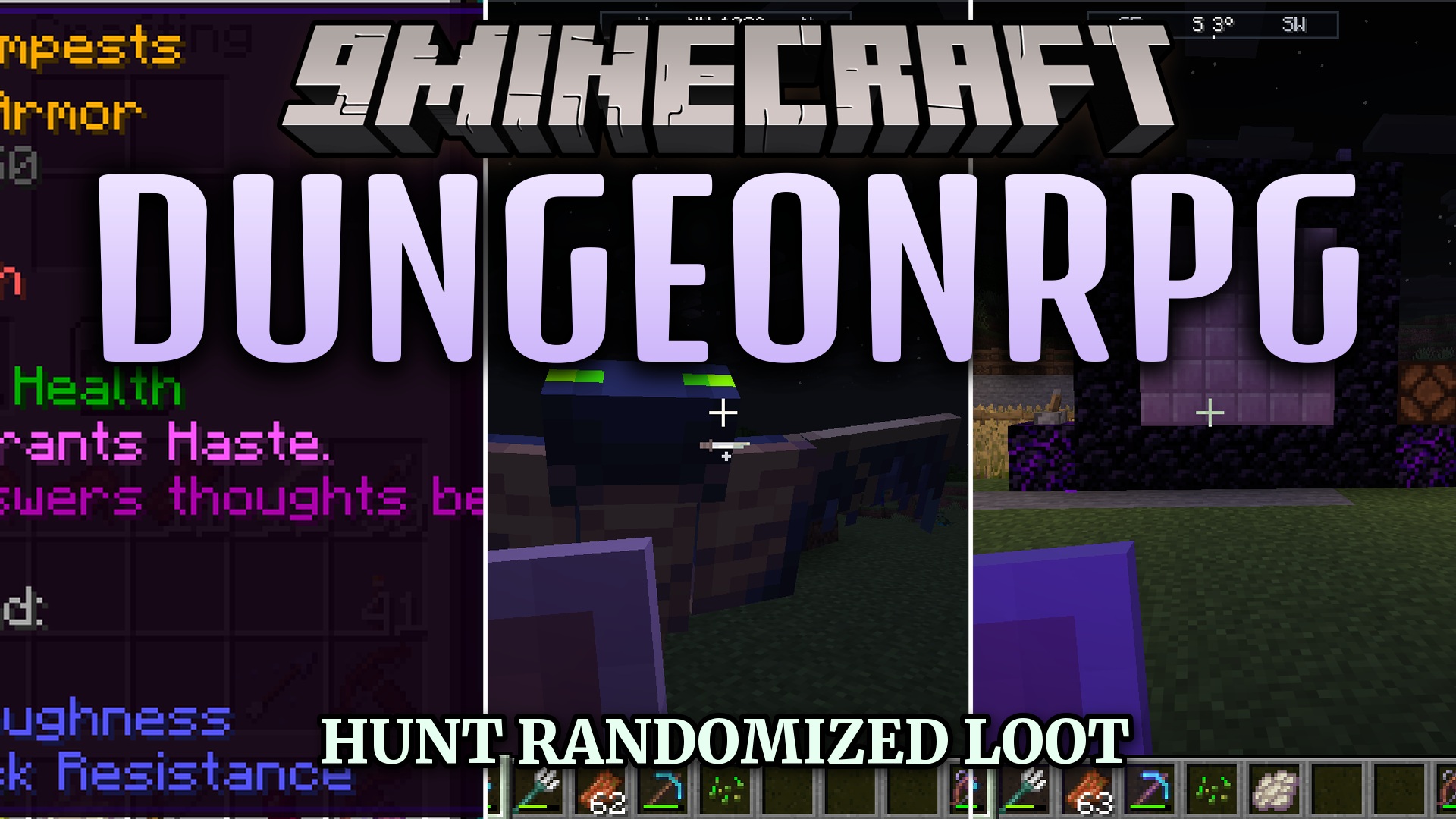
DungeonRPG Mod transforms your game into an action role-playing adventure. It lets you open magical gateways to explore seven different themed dungeons. Inside, you fight powerful monsters and bosses that get harder as you level up from 1 to 100. The mod gives you tons of randomized loot, including rare weapons and armor. You can also use materials to summon helpful companions to fight by your side. It completely changes how you fight and explore.
Features:
- Seven Themed Dungeons: Generates unique areas like the Frostbound Bastion and Verdant Ossuary with their own monsters and bosses.
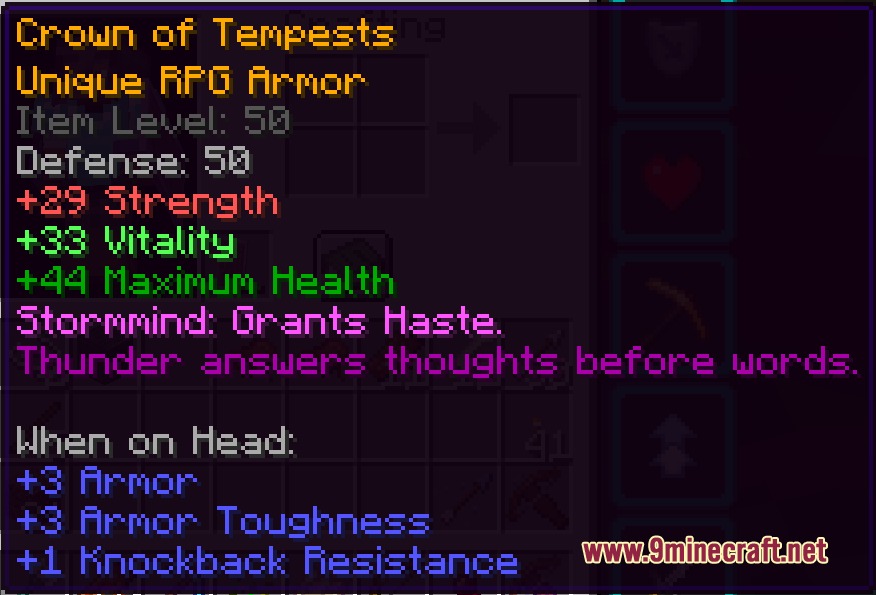
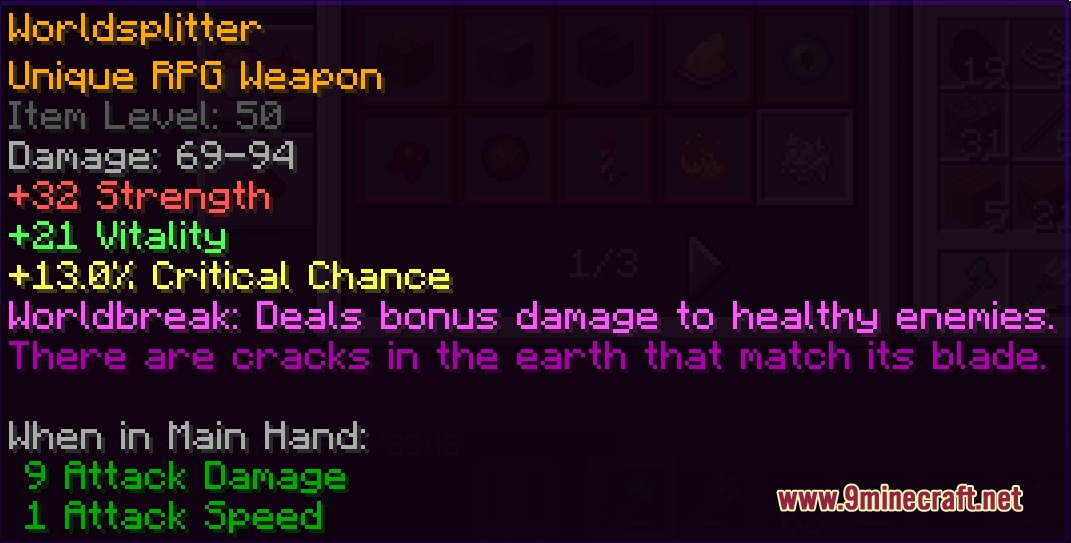
- Randomized Loot System: Drops equipment in Common, Magic, Rare, and Unique tiers so you always find new gear.
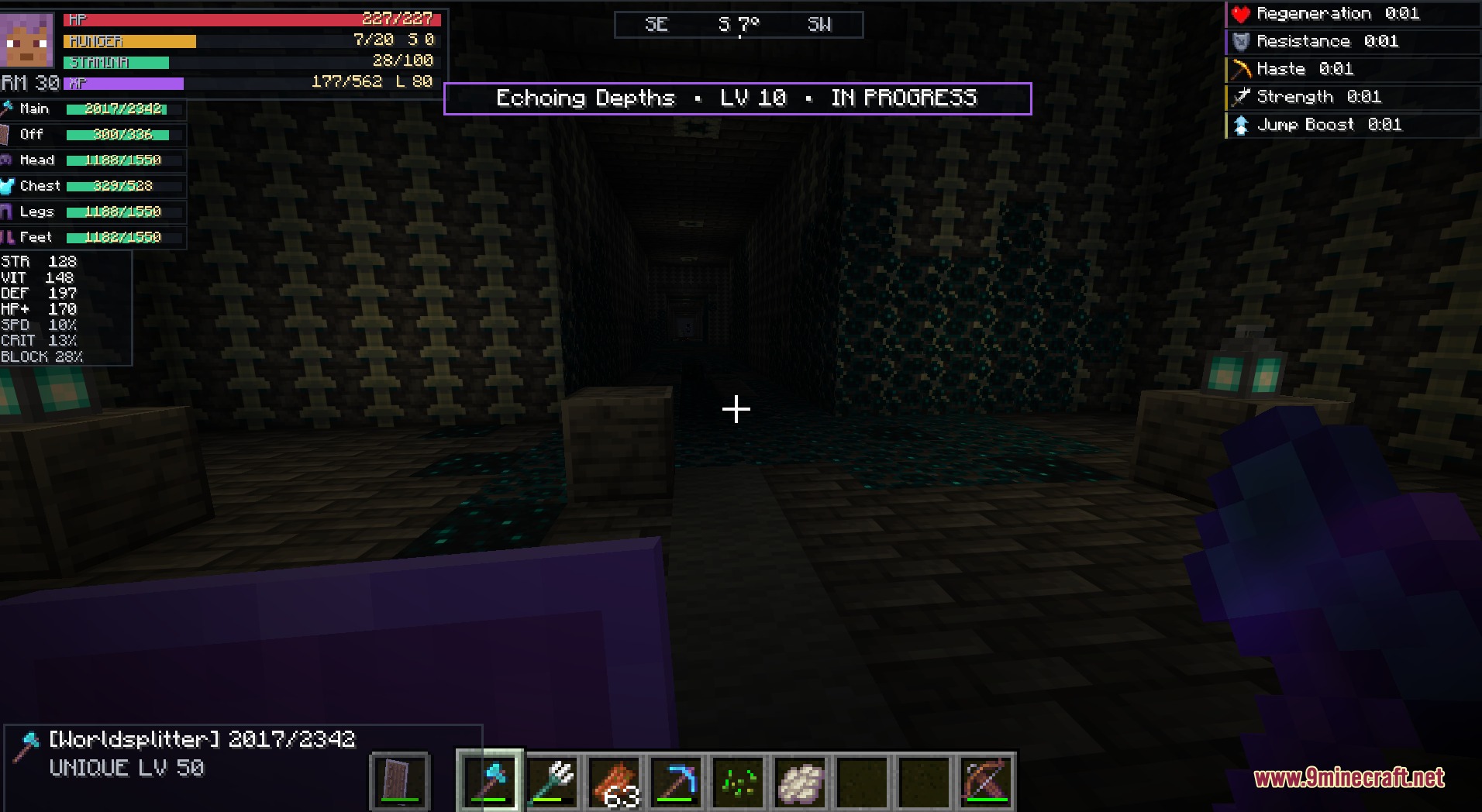
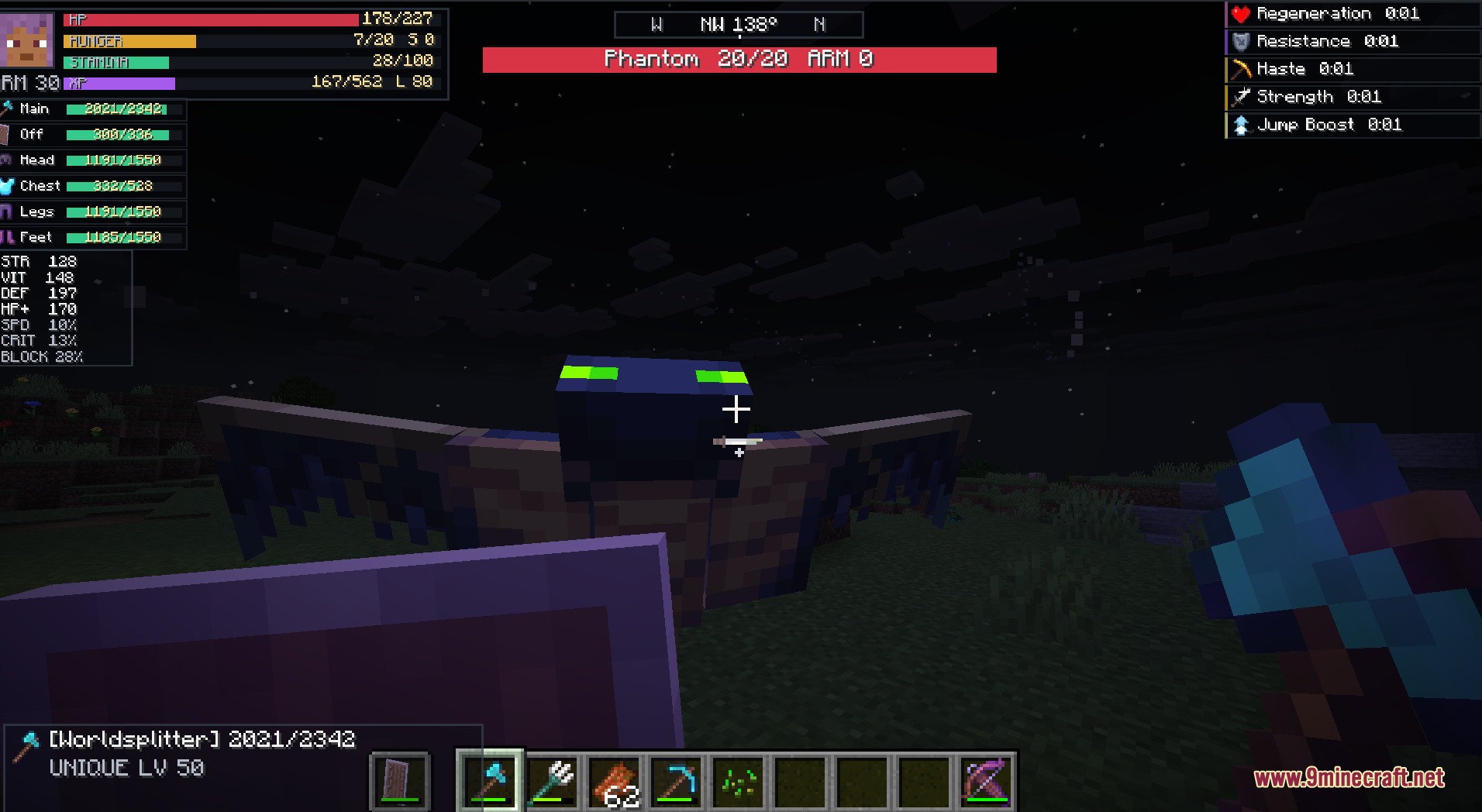
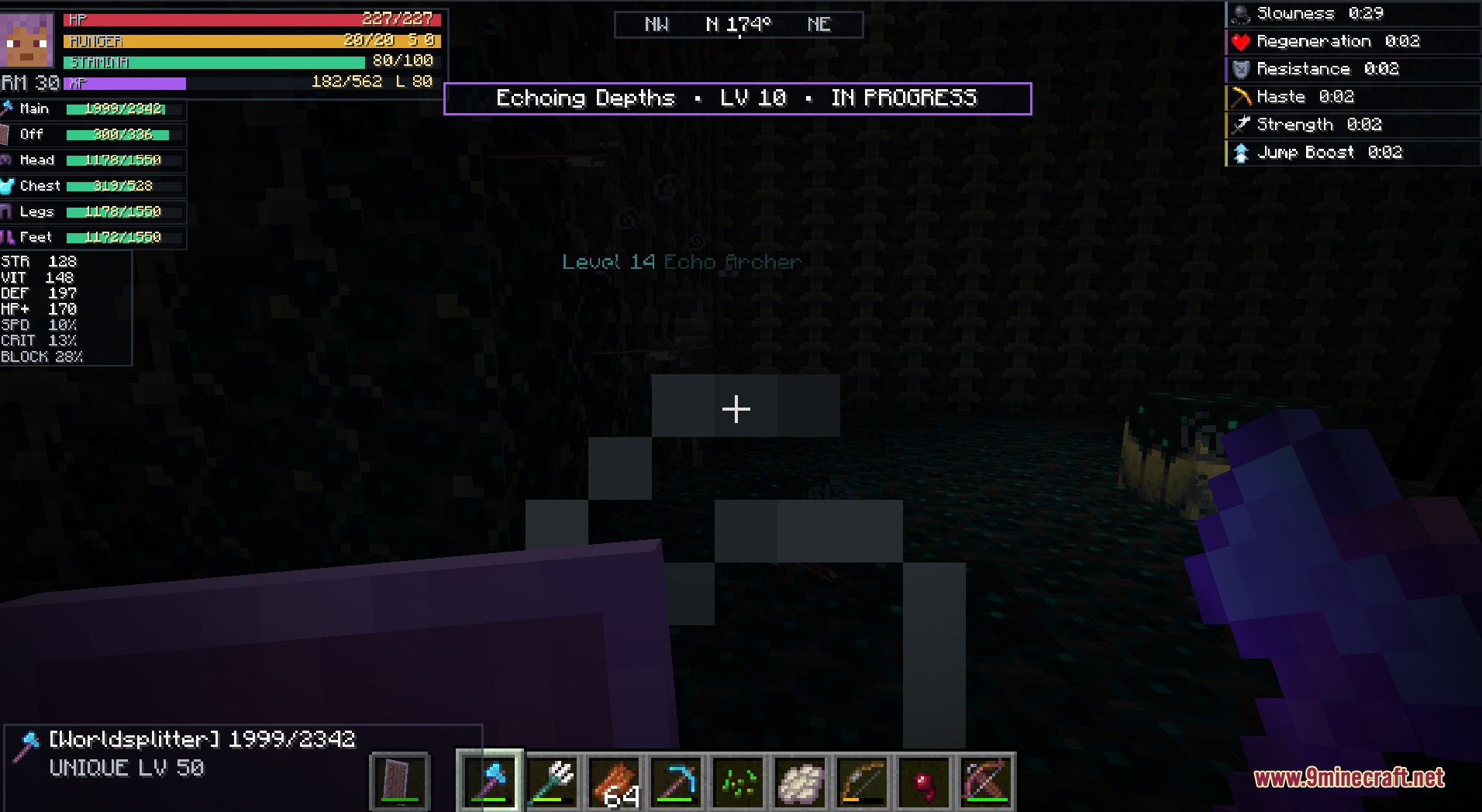
- Custom RPG HUD: Adds a special screen layout showing your health, stats, and target details that you can move around.
- Scales the difficulty of enemies, weapons, and armor from level 1 all the way to 100.
- Lets you summon 19 different combat companions using materials you find on your journey.
- Includes 65 special named items that have unique abilities for combat.
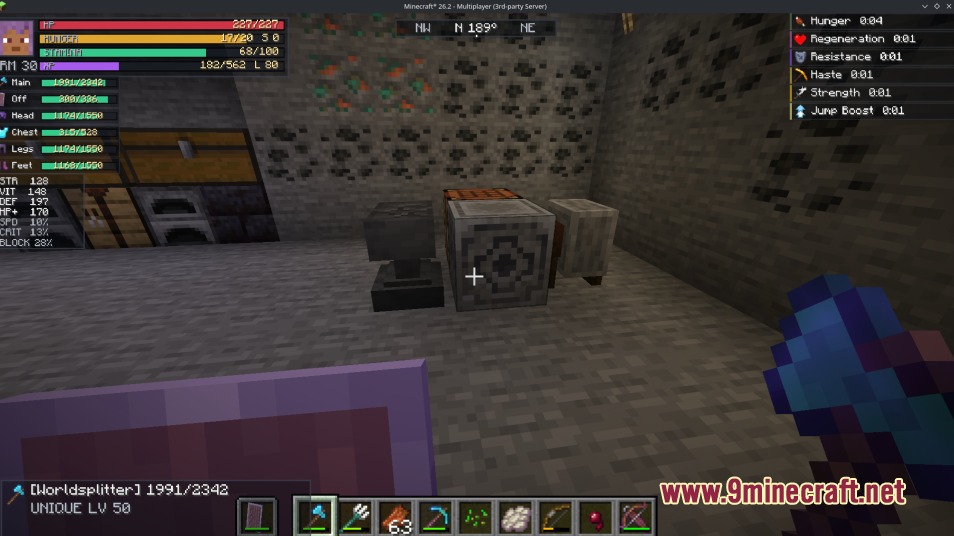
- Adds a Salvage Station where you break down old gear into scrap or repair your favorite items.
- Works perfectly in multiplayer so you can clear dungeons with your friends.
Summoned Companions:
- Timber Wolf: Summons when you use a Wood Scrap.
- Iron Golem: Appears when you use an Iron Scrap to protect you.
- Arcane Skeleton: Fights for you when you use a Magic Enchant Scrap.
- Frost Golem: Joins your side when you consume Frost Essence.
Dungeon Types:
- Hollow Crypt: An undead area with early-game enemies and treasure.
- Sunken Reliquary: A flooded prismarine temple filled with water corridors.
- Echoing Depths: A deep dark dungeon that ends with a Warden fight.
- Castle Nightspire: A massive castle with three wings for high-level players.
Commands:
/dungeonrpg dungeon <level>: spawns a gateway to a dungeon at the level you choose (from 1 to 100).
How to Play:
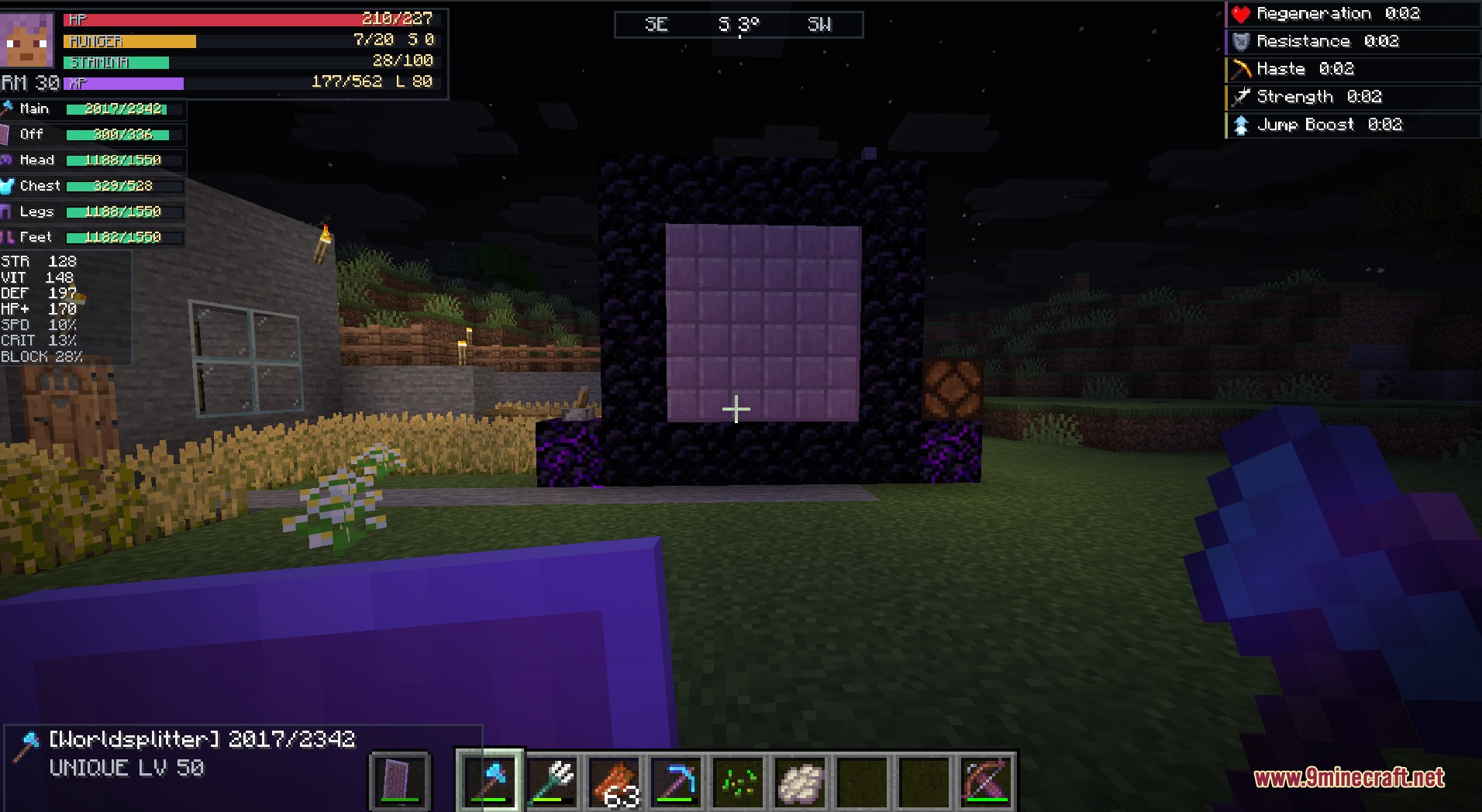
- Stand in an open, flat area in the Overworld and type the dungeon command to spawn a portal.
- Walk into the purple gateway to enter the dungeon and start fighting monsters.
- Hold any mod material in your hand and Right-click to consume it and summon a companion.
- Press H to open the HUD Editor, where you can drag and resize your health and stat bars.
- Hold old gear and Sneak + Right-click on a Salvage Station to turn it into scrap.
- Hold a damaged item and Right-click the Salvage Station with matching scrap in your offhand to repair it.
Screenshots:
How to Install:
New to Minecraft? Follow our step-by-step guide to install Mods on your PC.View Guide
Requirements:


DungeonRPG Mod Download Links
For Minecraft 26.2
Click to rate this post!
[Total: 0 Average: 0]
You May Also Like




This post has no comments yet. Be the first — your comment will appear here.