


K’s DARK GUI Resource Pack (1.21.11, 1.21.1) – Sleek Dark Mode Overhaul

 0
0 

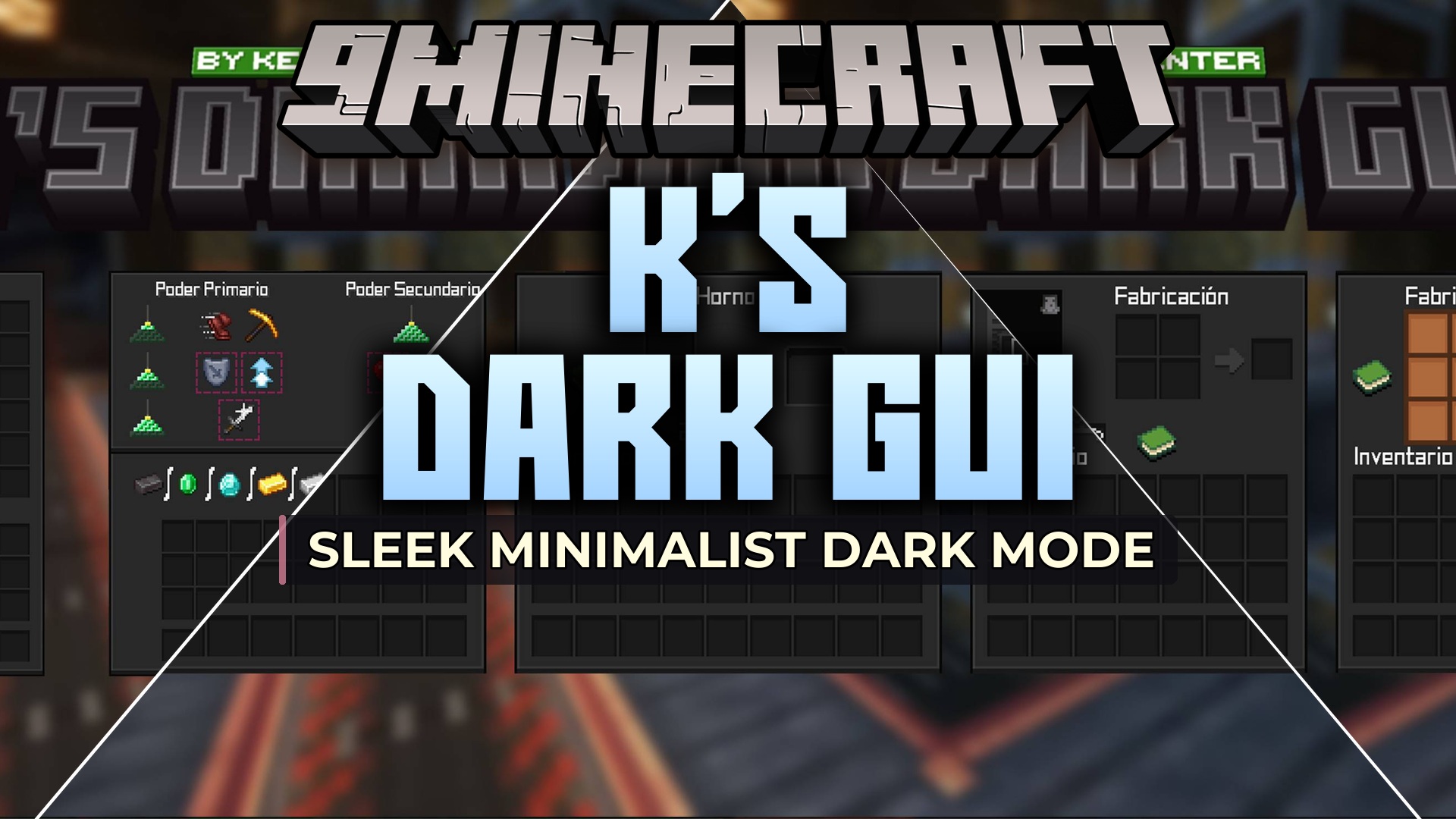
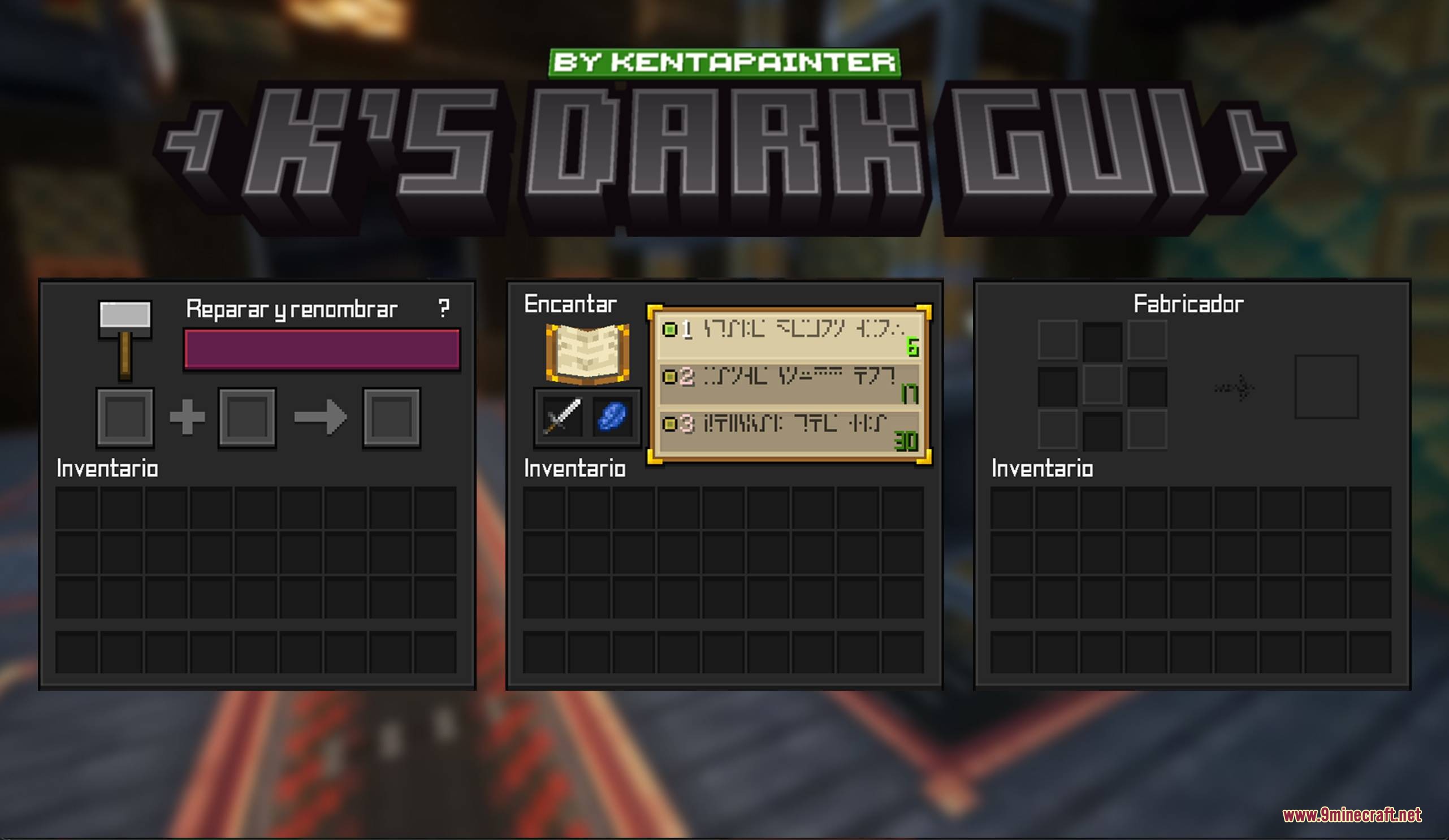
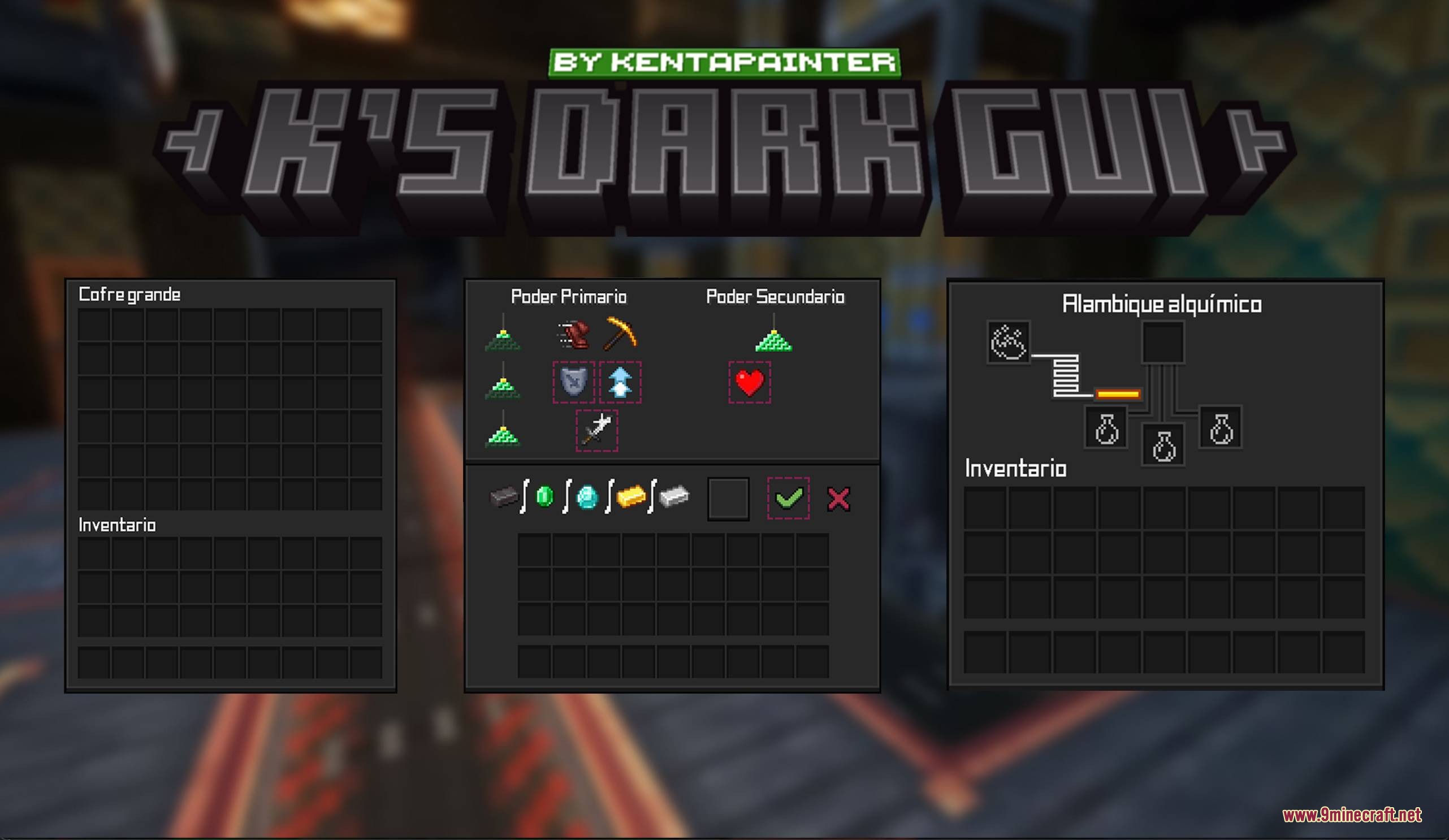
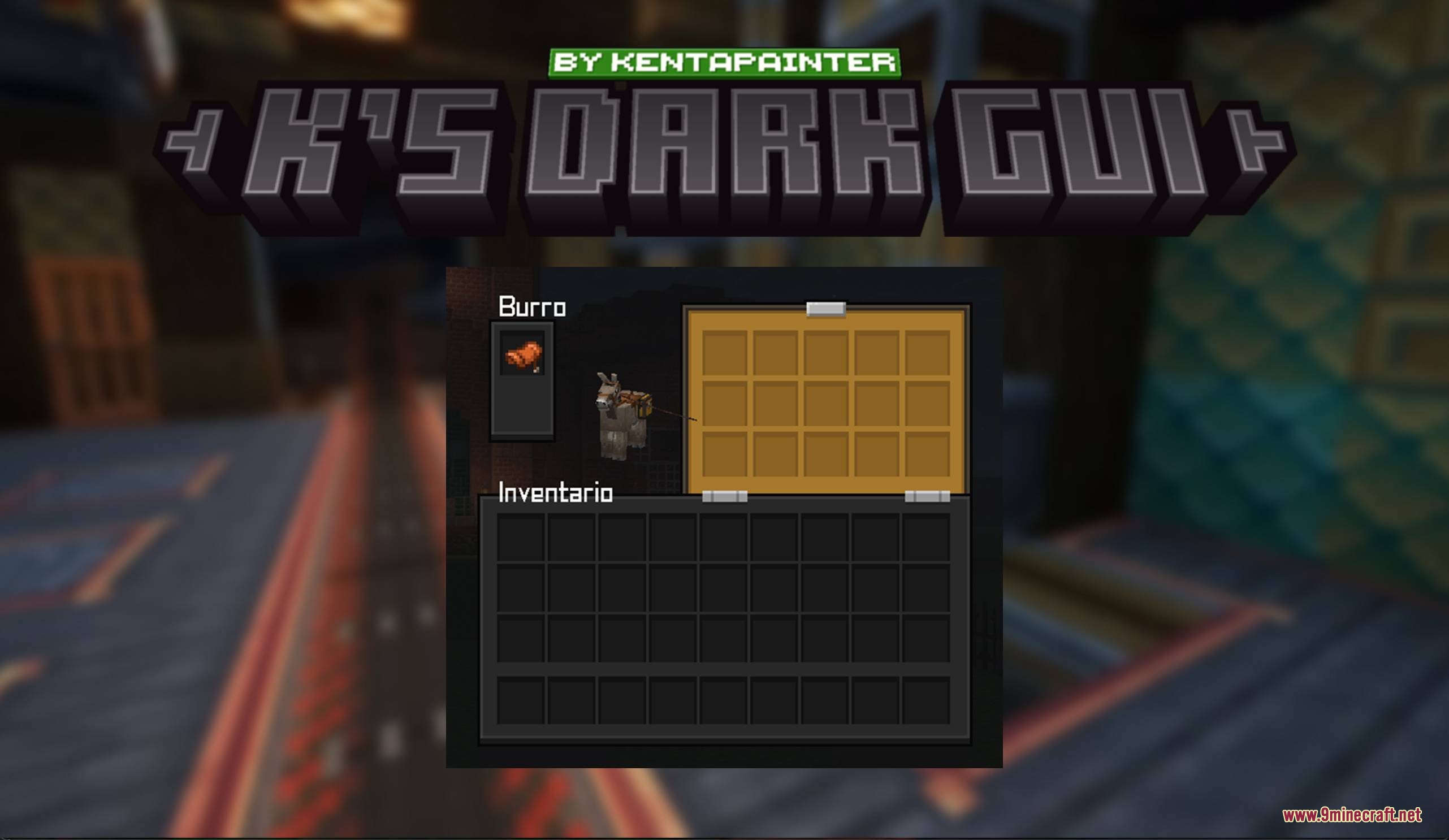
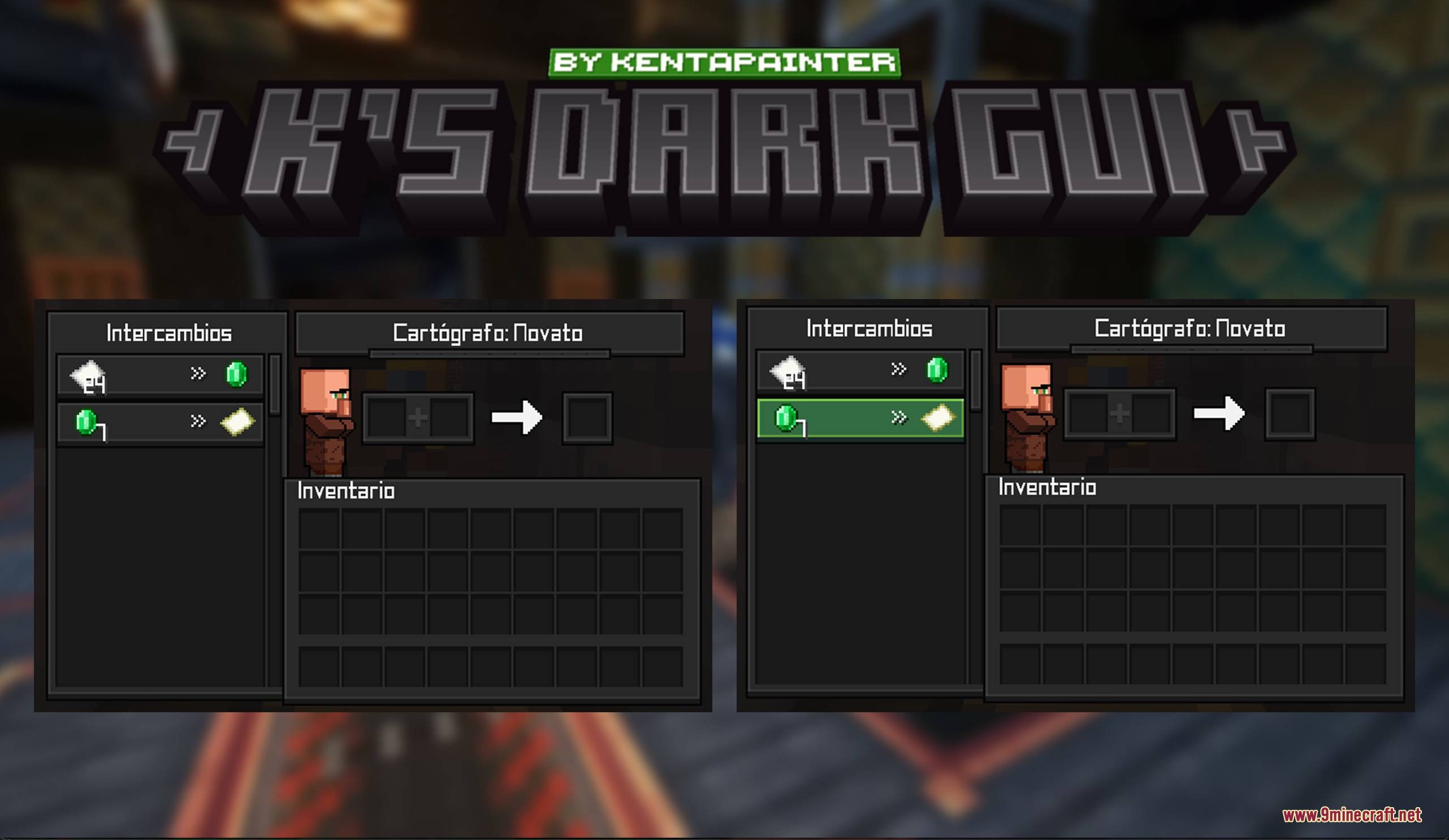
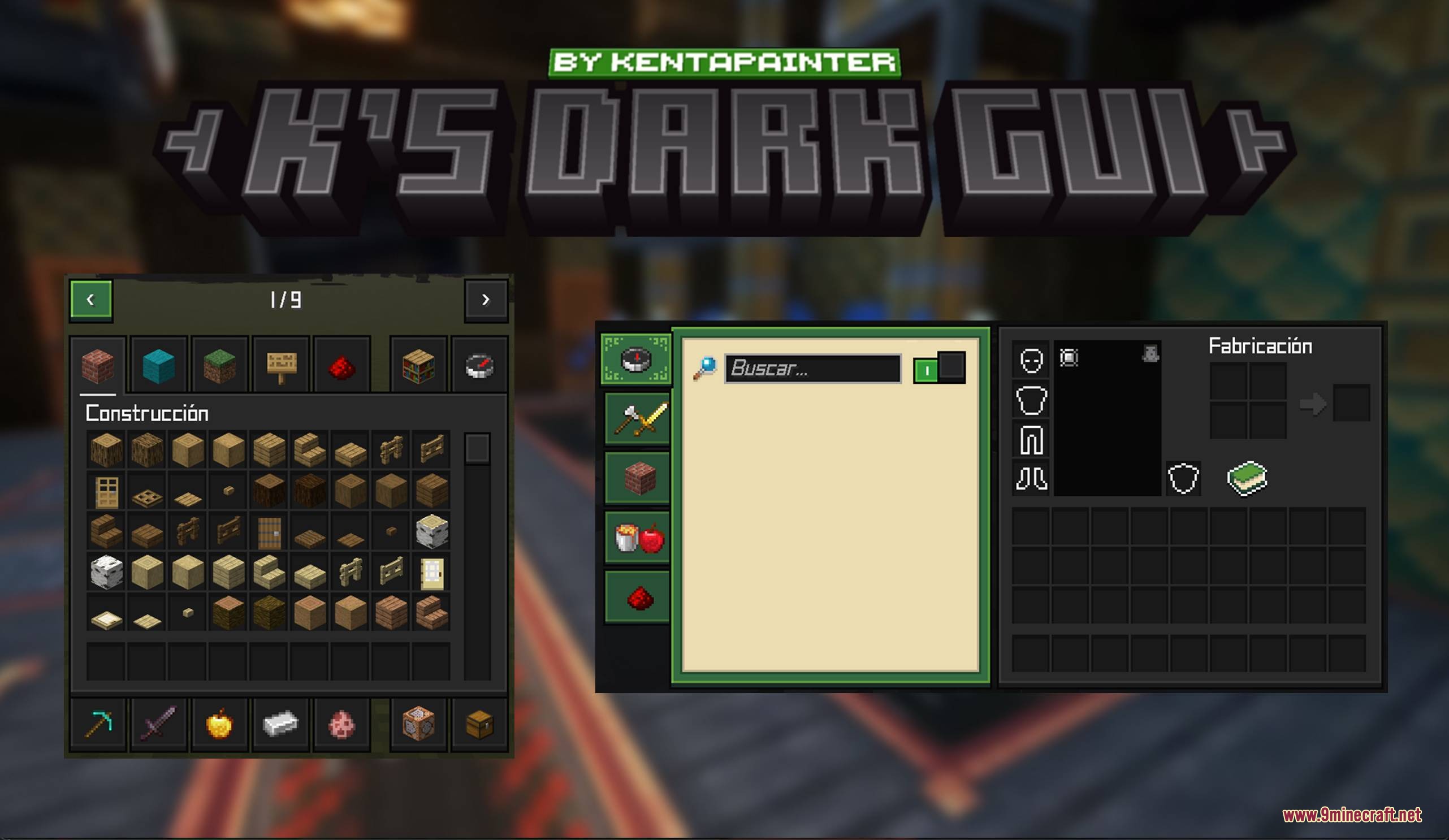
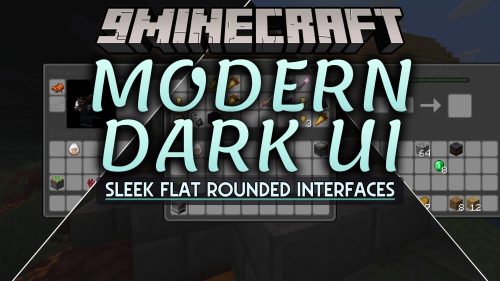
K’s DARK GUI Resource Pack restyles Minecraft user interfaces with a clean dark theme. This pack swaps out the bright default container windows, crafting tables, and survival menus for sleek square panels. It covers everything from the hotbar and health icons to the creative inventory and achievement screens. It also includes compatibility for modded menus so your entire game keeps a unified look.
Features:
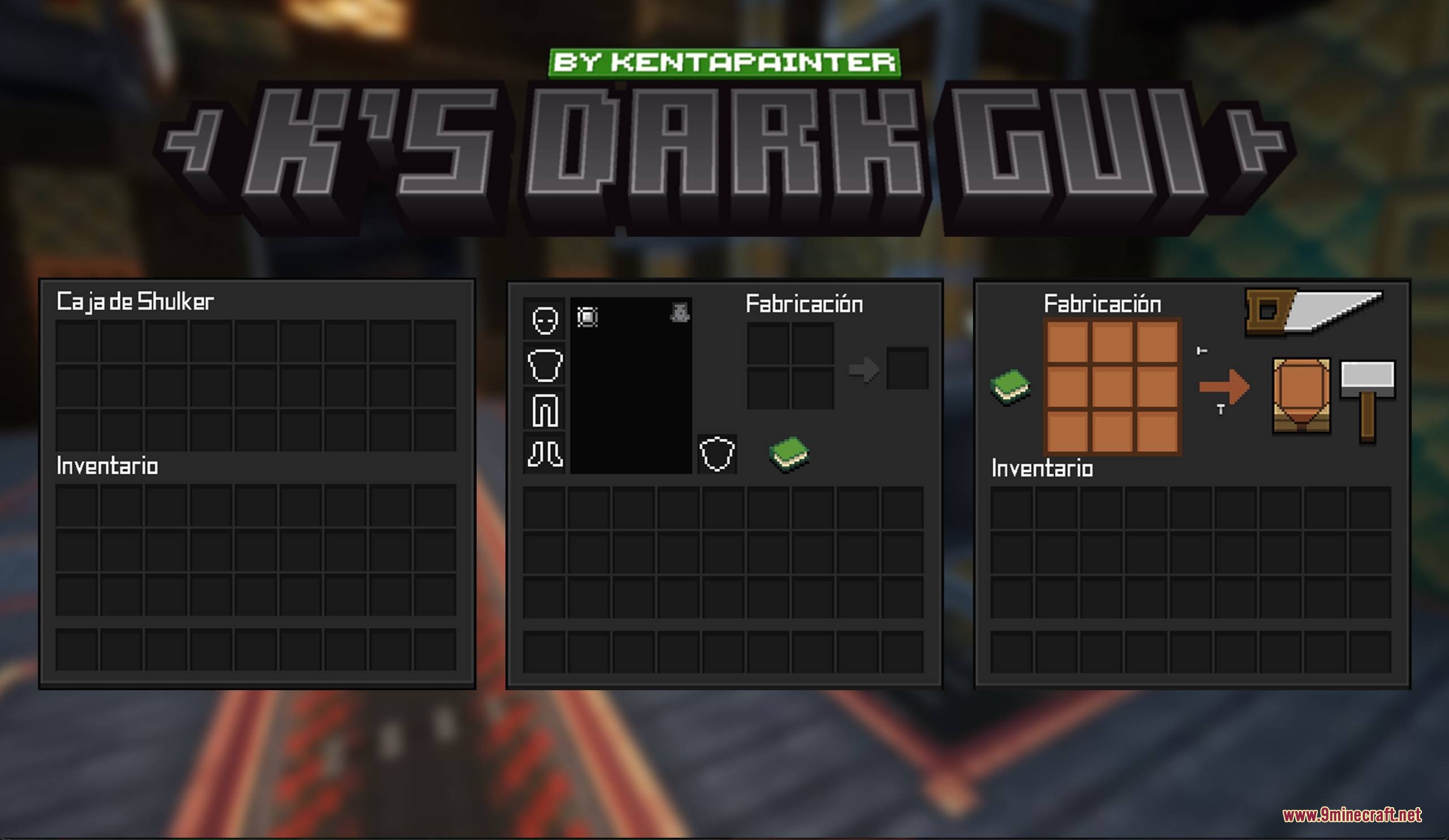
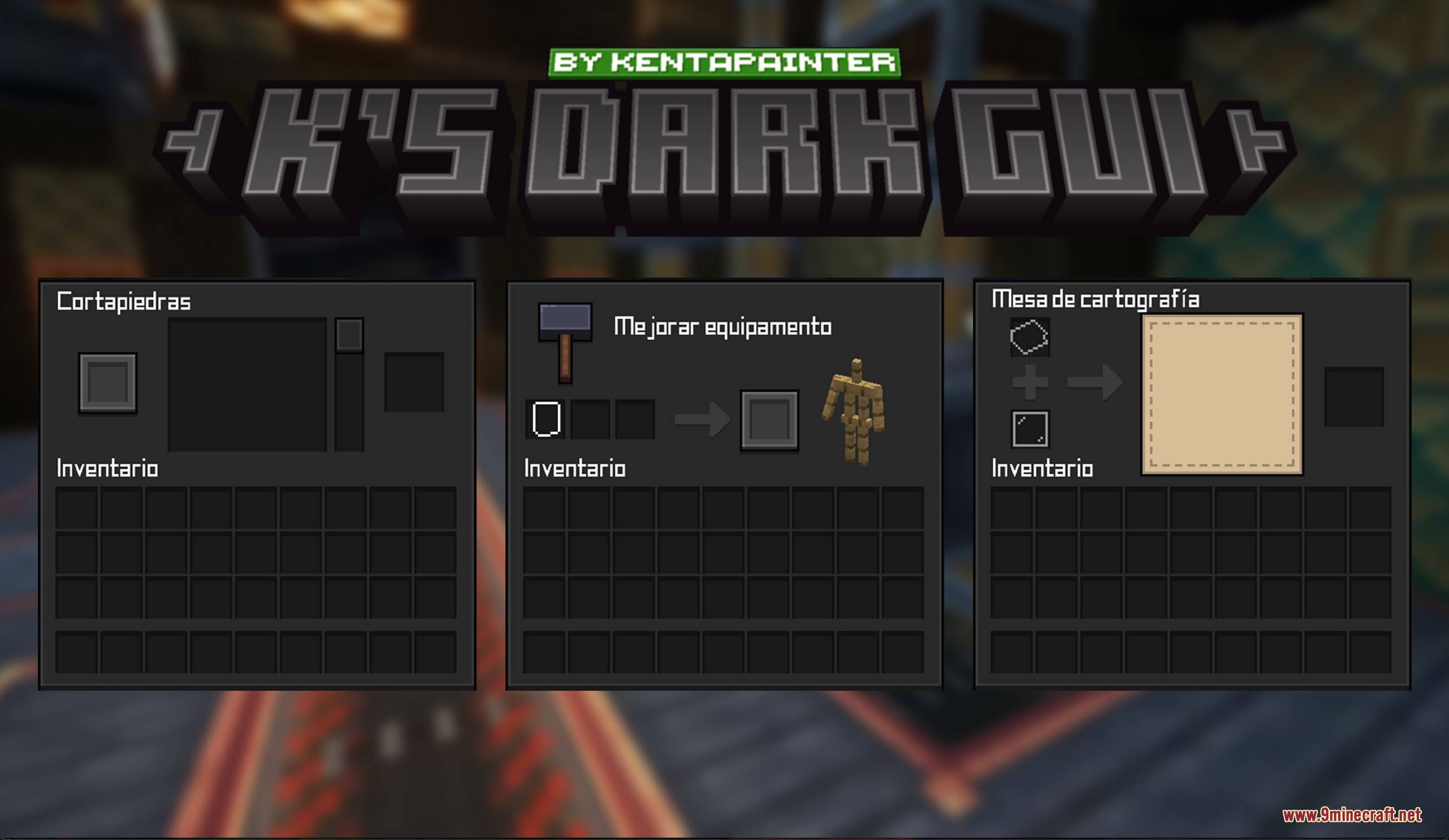
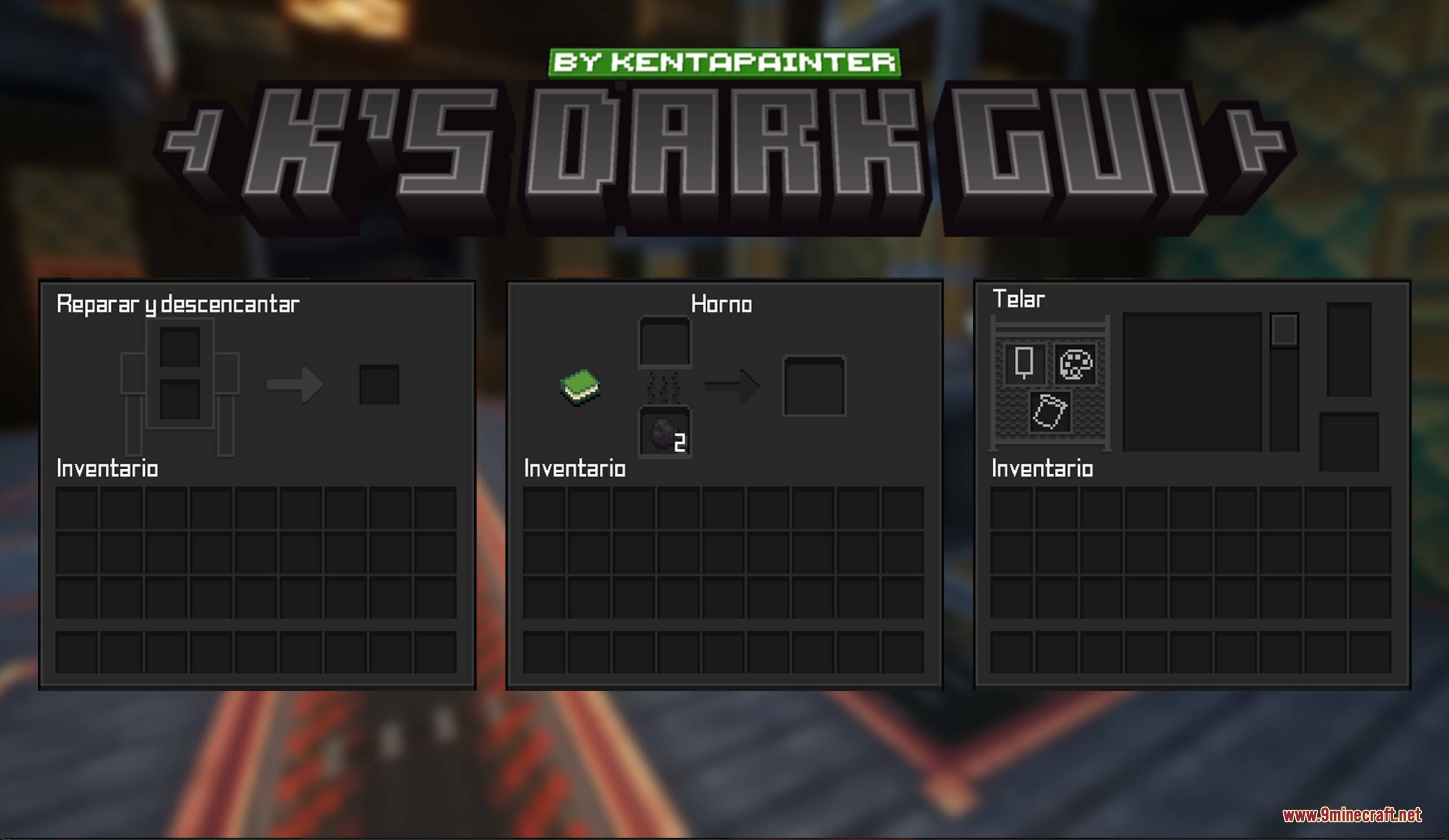
- Replaces bright vanilla interfaces with a dark square design.
- Restyles interactable blocks such as crafting tables, furnaces, and storage chests.
- Updates the hotbar, status icons, and hearts to match the dark theme.
- Revises the full creative inventory and advancement screens.
- Includes built-in menu support for mods like Create.
- Draws inspiration from clean Bedrock edition menu layouts.
- Adds translated interface text for Spanish (es_mx) language settings.
Screenshots:
How to Install:
New to Minecraft? Follow our step-by-step guide to install Resource Packs on your PC.View Guide
K’s DARK GUI Resource Pack Download Links
For Minecraft
1.21.x
All Versions Covered
1.21.11
1.21.10
1.21.9
1.21.8
1.21.7
1.21.6
1.21.5
1.21.4
1.21.1
1.21
All Versions Covered
1.21.11
1.21.10
1.21.9
1.21.8
1.21.7
1.21.6
1.21.5
1.21.4
1.21.1
1.21
Click to rate this post!
[Total: 0 Average: 0]
You May Also Like


This post has no comments yet. Be the first — your comment will appear here.