


Orbital Strike Cannon More Rods Data Pack (26.2, 1.20.1)

 0
0 

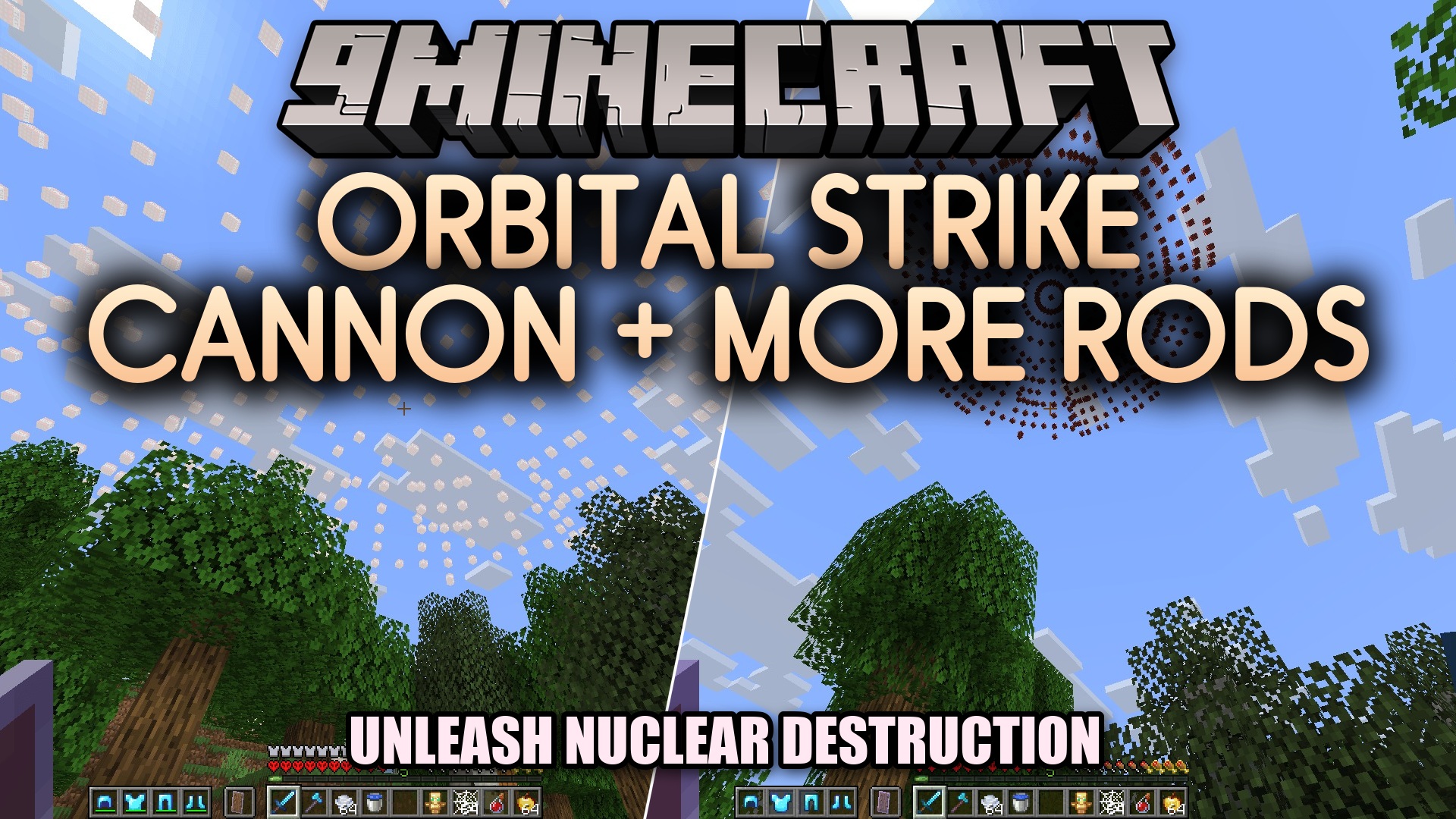
Orbital Strike Cannon More Rods Data Pack brings powerful explosive weapons and utility rods straight into your world. It lets you call down massive sky blasts like the stabshot and nukeshot to wipe out targets from above. You also gain special tools to summon wolves instantly or set teleportation anchor points with ender pearls. This data pack gives server operators fun tactical options for intense combat and base defense.
Features:
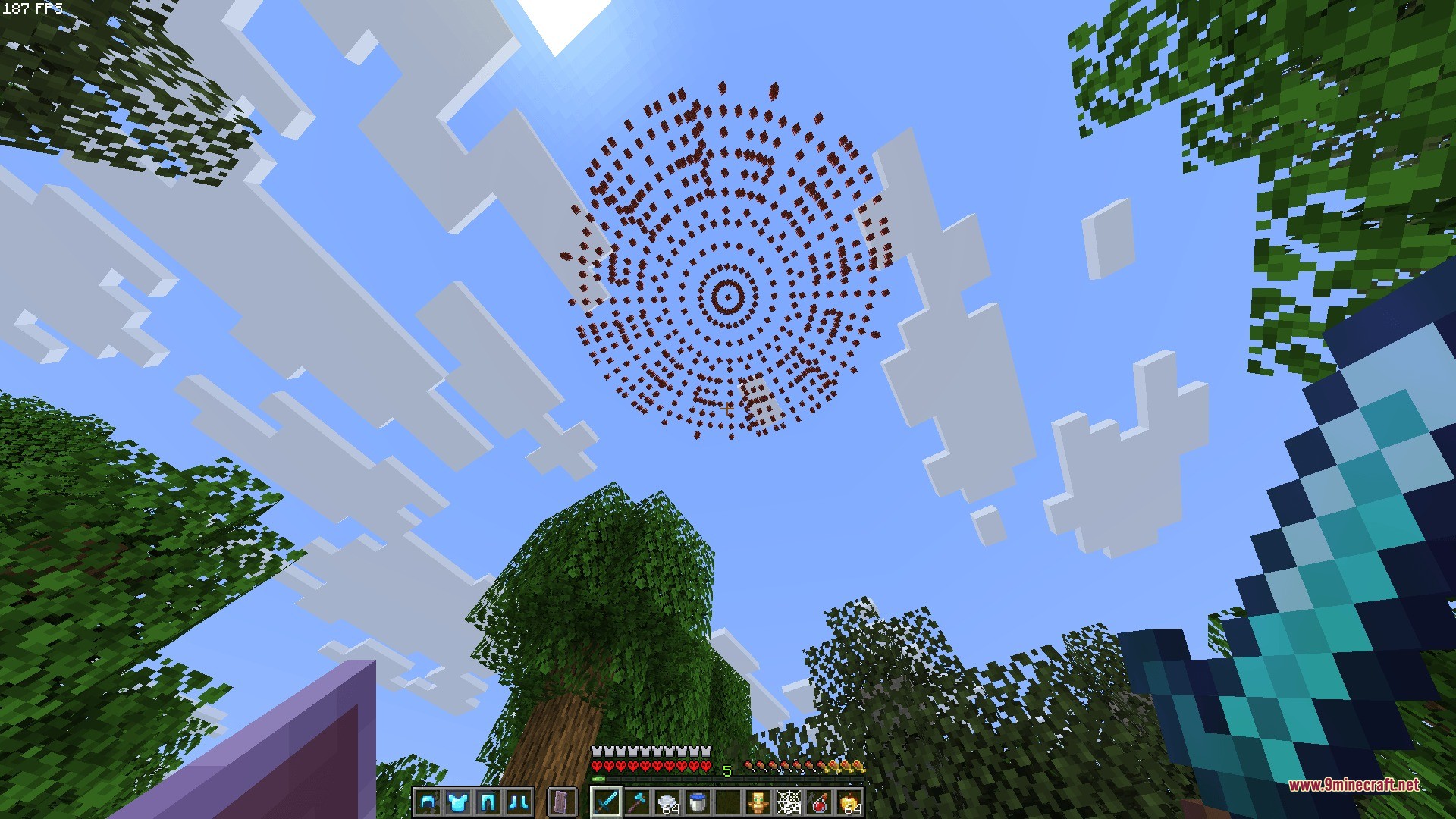
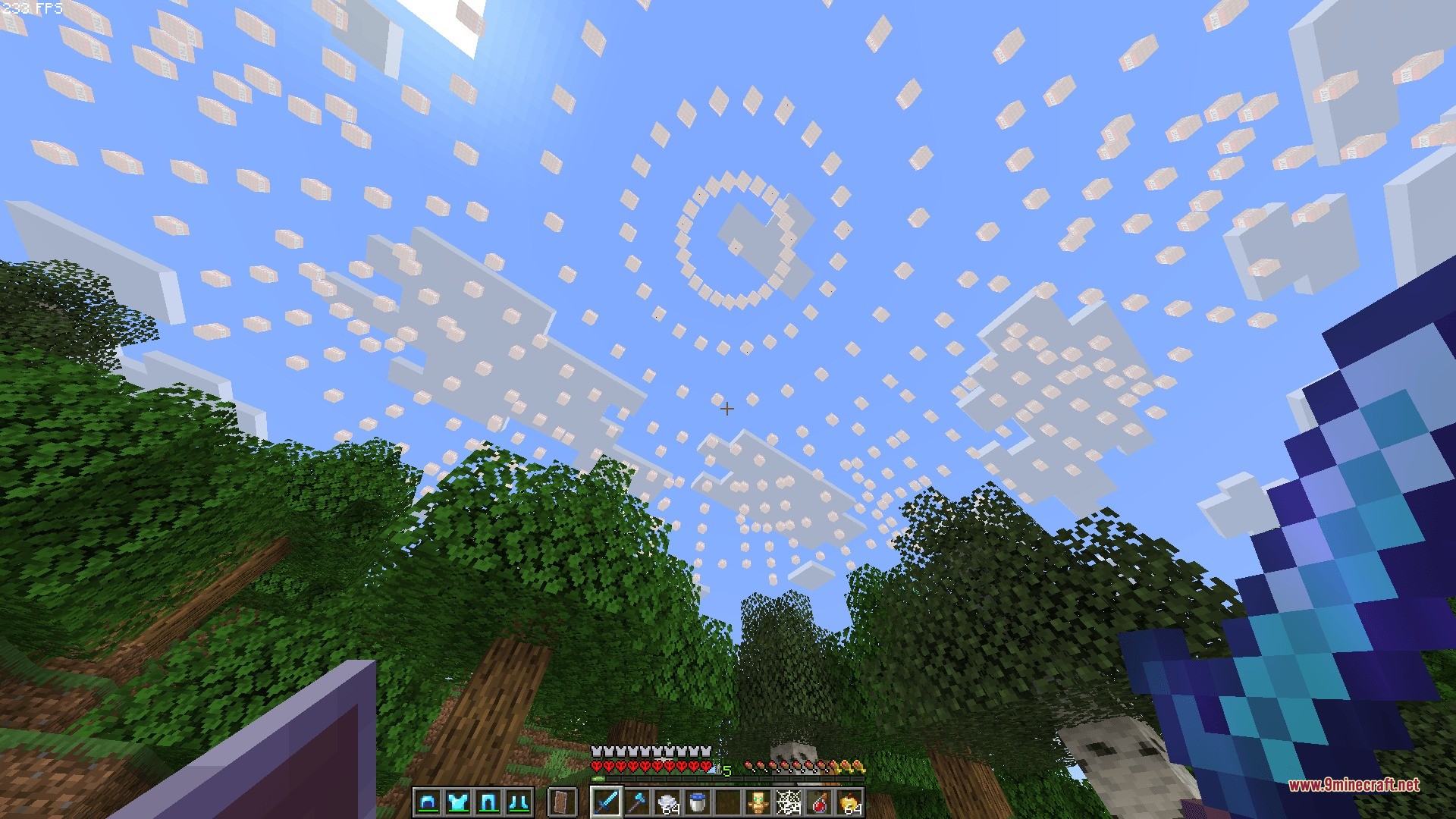
- Adds powerful orbital strike cannons, including the stabshot and the nukeshot for heavy explosions.
- Includes wolf rods that spawn helpful wolves directly at your target location.
- Features the ender pearl stasis rod to set coordinates and teleport across distances.
- Offers shulker box variants packed with explosive ammunition or wolf summoning rods.
- Works directly through simple operator chat commands without extra crafting steps.
Commands:
/function nuke:give/stabshot: gives you the stabshot orbital cannon./function nuke:give/nukeshot: gives you the nukeshot orbital cannon./function nuke:give/shulker_of_explosives: gives you a shulker box full of explosive items./function nuke:give/wolfshot: gives you the wolfshot rod./function nuke:give/shulker_of_wolfs: gives you a shulker box filled with wolfshot rods./function nuke:give/pearl_stasis: gives you the ender pearl stasis rod and prompts coordinate setup.
How to Use:
- Ensure you have operator permissions enabled in your world.
- Type one of the giveaway function commands in the chat box to receive your chosen item.
- Hold the weapon or utility rod in your hand to aim and fire your orbital strike.
Screenshots:
How to Install:
New to Minecraft? Follow our step-by-step guide to install Data Packs on your PC.View Guide
Orbital Strike Cannon More Rods Data Pack Download Links
For Minecraft
26.2,
26.1.2,
26.1.1
All Versions Covered
26.2
26.1.2
26.1.1
26.1
1.21.11
1.21.10
1.21.9
1.21.8
1.21.7
1.21.6
1.21.5
1.21.4
1.21.3
1.21.2
1.21.1
1.21
All Versions Covered
26.2
26.1.2
26.1.1
26.1
1.21.11
1.21.10
1.21.9
1.21.8
1.21.7
1.21.6
1.21.5
1.21.4
1.21.3
1.21.2
1.21.1
1.21
For Minecraft 1.20.2, 1.20.1, 1.20
Click to rate this post!
[Total: 0 Average: 0]
You May Also Like




This post has no comments yet. Be the first — your comment will appear here.