


Museum Schematic (1.21.x) – Large Gallery Build for Map Art Displays
 0
0
 0
0


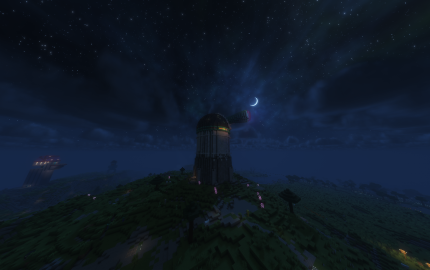
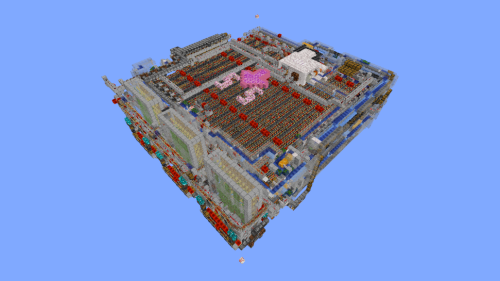
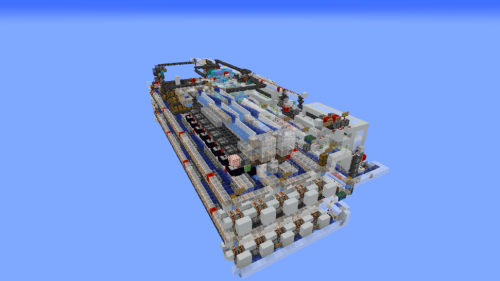
Museum Schematic provides a large, pre-built gallery for displaying map art. This build gives you a dedicated space to show off your custom creations in a clean environment. It works as a Litematic file for easy placement in your world. You can use this build to organize your art collection and keep everything in one spot.
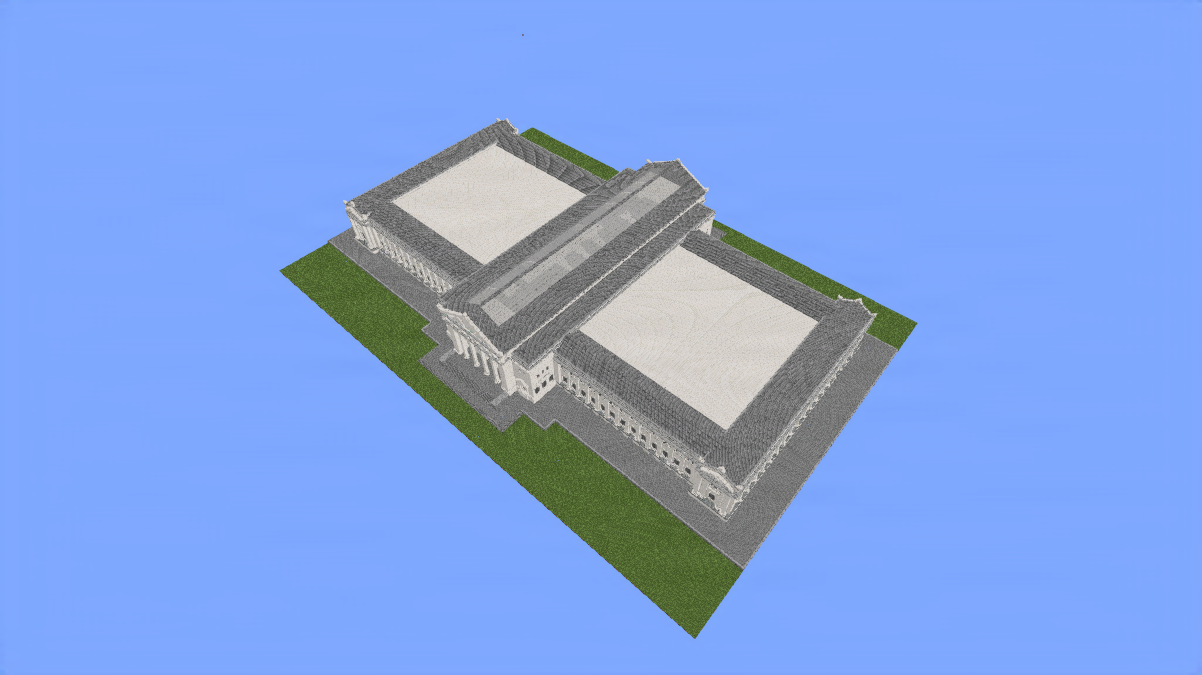
3D Preview:
Features:
- Provides a massive 391x90x272 area for your biggest map art projects.
- Uses over 540,000 blocks to create a professional-looking gallery.
- Works with vanilla Minecraft so you do not need extra mods for the blocks.
- Offers a clean layout that makes it easy to walk around and view your art.
- Includes high ceilings and wide walls to fit multiple map pieces.
- Supports Litematica for quick and accurate building in survival or creative.
Schematic Specs:
 Minecraft1.21.x
 Dimensions391×90×272
 Total Blocks546,192
How to Use:
- Download the Litematic file for the Museum Schematic.
- Place the file into your schematics folder in your Minecraft directory.
- Open Minecraft and use the Litematica mod to load the build.
- Position the blueprint in an open area of your world.
- Build the structure manually or use creative tools to paste it in.
Museum Schematic Download Links
For Minecraft 1.21.x
Click to rate this post!
[Total: 0 Average: 0]
You May Also Like



This post has no comments yet. Be the first — your comment will appear here.