


Penguin Stone Sculpture Schematic (1.21.x) – Cute Stone Penguin Statue For Your World

 0
0 

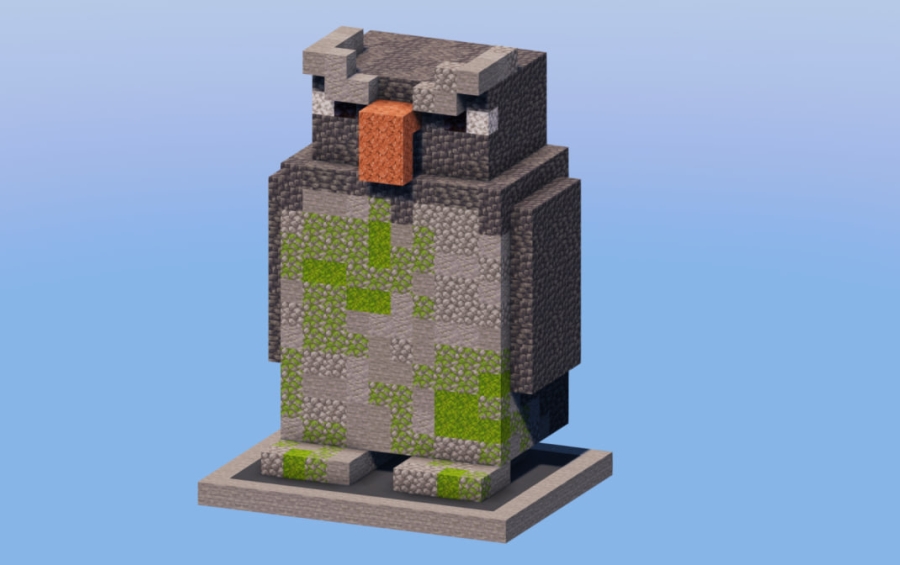
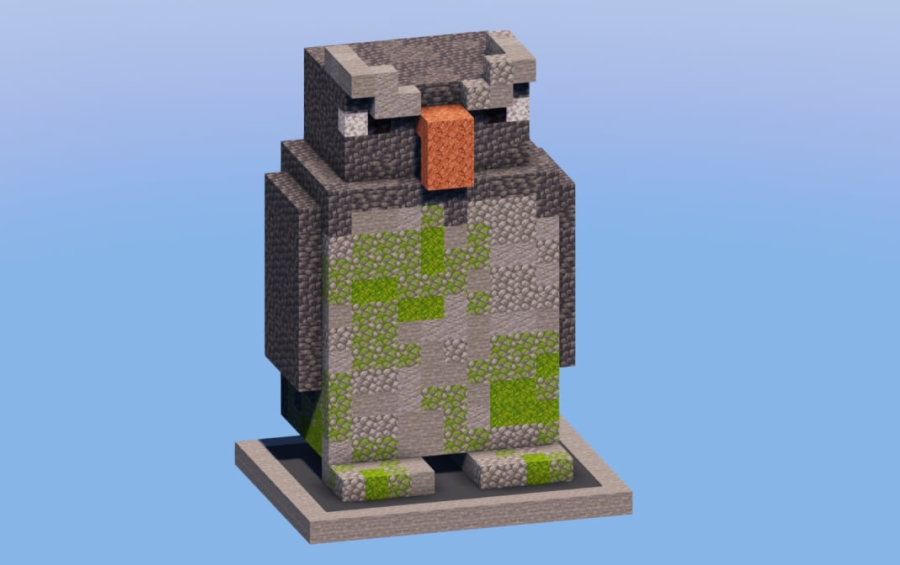
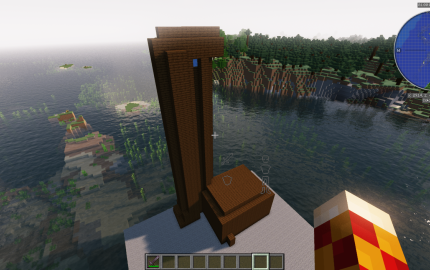
Penguin Stone Sculpture Schematic adds a cute animal statue to your Minecraft world. This build represents the penguin from a previous mob vote and fits perfectly in a town square or a home base. You can place it in the center of a roundabout or use it to decorate a snowy garden. It works with tools like WorldEdit or Litematica to help you build it quickly.
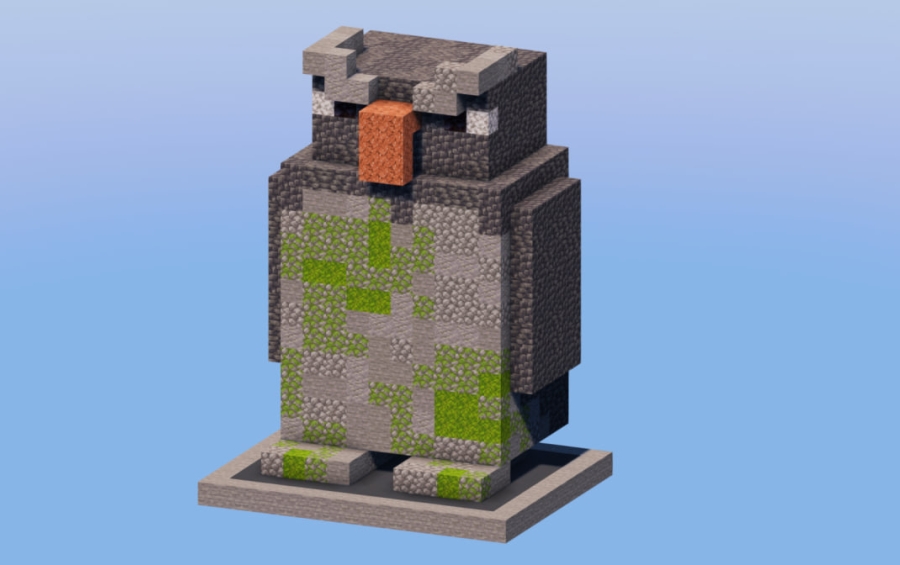
3D Preview:
Features:
- Adds a detailed stone sculpture of a penguin to your game.
- Small build size makes it easy to fit into tight spaces or city streets.
- Uses 1,264 blocks to create a clean and recognizable look.
- Works well as a center piece for parks, squares, or roundabouts.
- Uses only vanilla blocks so it looks right in any world without needing extra mods.
Schematic Specs:
 Minecraft1.21.x
 Dimensions14×19×11
 Total Blocks1,264
 Top Blocks Used
Stone 260Cobblestone 220Cobbled Deepslate 209Andesite 204Deepslate 158
How to Use:
- Download the .schem file to your computer.
- Place the file into your WorldEdit or Litematica schematics folder.
- Load the schematic while playing in your world.
- Paste the penguin sculpture into your chosen spot using your building tool.
Screenshots:
Penguin Stone Sculpture Schematic Download Links
For Minecraft 1.21.x
Click to rate this post!
[Total: 0 Average: 0]
You May Also Like

This post has no comments yet. Be the first — your comment will appear here.