
Cargo Ship Free Schematic (1.21.x) – Detailed Cargo Ships for Harbor Builds

 0


Cargo Ship Free Schematic adds two detailed ships to your Minecraft oceans or harbors. These builds help you create a busy industrial scene without having to build every block yourself. You can place them directly into the water and they look great immediately. The ships use standard blocks, so they work in vanilla Minecraft. This build is perfect for anyone wanting to expand their coastal cities.

3D Preview & Editor:
How to place this schematic
.schem This is a WorldEdit schematic. It pastes instantly on a server or single-player world that has WorldEdit (or FastAsyncWorldEdit).
| 1 | Install WorldEdit — as a plugin on the server, or as a mod for single player. |
| 2 | Drop the .schem file into plugins/WorldEdit/schematics (server) or config/worldedit/schematics (client). |
| 3 | Run //schem load <file name>. |
| 4 | Stand where you want it and run //paste. Add -a to skip air blocks. |
About this build
| 1 | Download the schematic file to your computer. |
| 2 | Place the file into your schematic folder inside your Minecraft directory. |
| 3 | Open your world and use a tool like WorldEdit or Litematica to load the file. |
| 4 | Select a location in the water where you want the ships to appear. |
| 5 | Paste the schematic into your world to complete the harbor. |
Features:
- Two Ship Models: Provides two different designs to give your harbor variety.
- Includes 6,655 blocks that create a realistic and heavy industrial look.
- Measures 34 blocks wide, 41 blocks high, and 92 blocks long for a medium-sized build.
- Works perfectly in vanilla Minecraft without needing any extra mods.
- Features detailed decks and hulls that look like real cargo vessels.
- Allows for placement in any water biome or custom map.
Schematic Specs:
 Minecraft1.21.x
 Dimensions34×41×92
 Total Blocks6,655
 Top Blocks Used
Stone 2,535Stripped Mangrove Wood 669Gray Concrete Powder 285Dark Prismarine 236Light Gray Concrete 232
Cargo Ship Free Schematic Download Links
For Minecraft 1.21.x
Click to rate this post!
[Total: 0 Average: 0]
You May Also Like
Picked for this page
 Creeperfarm Schematic (1.21.x) – High Yield Vanilla Gunpowder Farm
 Melon Farm Schematic (1.21.x) – Stackable Auto Crop Farm Build
 Melon Farm Mega Without Dispenser Schematic (1.21.x) – Large Automated Melon Farm For Survival
 Autosmelter Carpet Dupe Schematic (1.21.x) – Automatic Furnace System With Infinite Fuel
 200 Hive Honey Block Farm Schematic (1.21.x) – Massive Vanilla Honey Production Build
 AirShip Easy to Build in Survival Schematic (1.21.x) – Small Medieval Flying Machine Build
 Medieval Workshop Schematic (1.21.x) – Detailed Medieval Building with Curved Roof
 3x Multiplier Slot Minecraft Redstone Casino Machine Schematic (1.21.x) – Functional Redstone Casino
 Happy Ghast with a Heart Schematic (1.21.x) – Cute Vanilla Mob Statue Decoration
 Fast Cobblestone Schematic (1.21.x) – Quick Automatic Block Generator
 Iris Statue Schematic (1.18.x) – Large Vanilla Character Statue Build
 Vw Passat Variant R Line Schematic (1.21.x) – Build A Modern Car In Your World
Most viewed in Schematics over the last 7 days
 Fastest Bonemeal Farm Donut Smp Schematic (1.21.x) – Fast Redstone Bonemeal Farm Build
 64 Module Cobblestone Farm Schematic (1.21.x) – Massive Automated Stone Gathering Build
 KelpFarmV9.9 Schematic (1.21.x) – Compact And Simple Seaweed Farm Build
 Villager Trading Hall Schematic (1.21.x) – Modern Shop Build For 48 Villagers
 Gold Farm Schematic (1.21.x) – Automatic Nether Roof Gold Farm
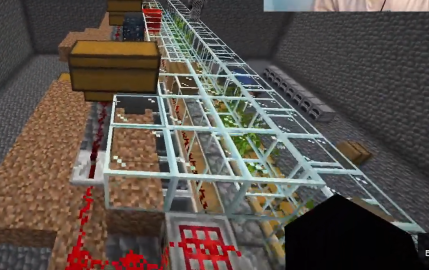 Bamboo Farm Schematic (1.21.x) – Small Automated Redstone Bamboo Farm
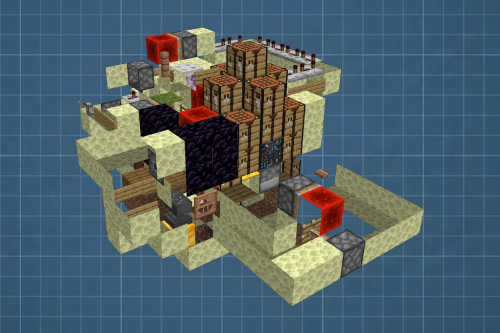 Best Railgun Tp Trap on Donutsmp Schematic (1.21.x) – Unescapable Multiplayer Redstone Trap Build
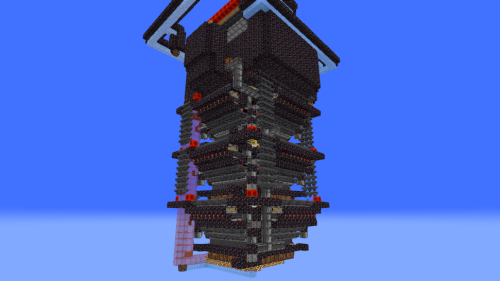 Bamboss V2 800k Bamboo per Hour Schematic (1.21.x) – High Speed Automated Bamboo Farm Schematic
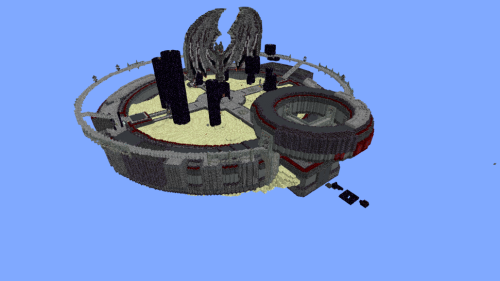 Minutes End Base Before Spoke Null End Video Schematic (1.21.x) – Giant Unstable SMP End Base Schema
 36 Module Cobble Farm 18m per Hour Donut SMP Schematic (1.21.x) – Massive Automated Stone Generator
 Donut Smp Stash and Regear Schematic (1.21.x) – Large Storage And Regear Room Build
 Unstable SMP S Bomer Schematic (1.21.x) – Large Bomber Machine Build For Worlds
More from Schematics
 Medieval Snow Survival Schematic (1.20.x) – Cozy Medieval House For Snowy Biomes
 5000 Bamboo per Hour Automatic Farm Uses Slimeblocks and Flying Machine Schematic (1.21.x) – Efficie
 1500 Sugarcane per Hour Automatic Farm Uses Slimeblocks and Flying Machine Schematic (1.21.x) – High
 Infinite Moss and Bonemeal Automatic Farm 1500 Bonemeal per Hour or 5000 Moss Azalea Seeds per Hour
 Cozy Medieval Village Schematic (1.20.x) – Build a Beautiful Medieval Town Easily
 Oak Bonsai Tree Schematic (1.21.x) – Beautiful Large Oak Tree For Garden Projects
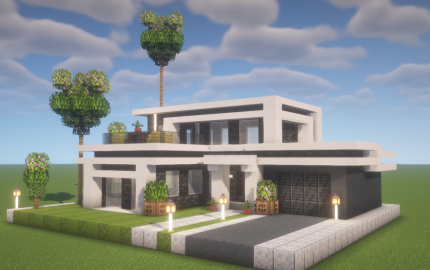 Modern Luxury Villa Schematic (1.20.x) – Elegant Contemporary Home for Your World
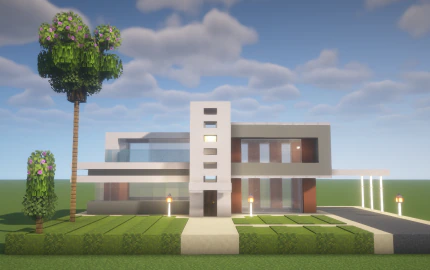 Contemporary Executive Villa Schematic (1.20.x) – Modern Minimalist Home for Luxury Cities
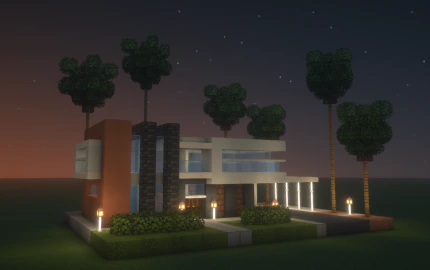 Modern Designer Villa Schematic (1.20.x) – Luxury Contemporary House for Modern Cities
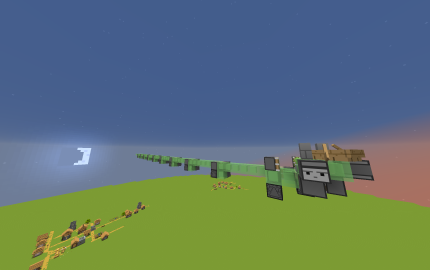 DonutSMP Drainer Machine Big Works Sideways for Max Drain Schematic (1.21.x) – Large Sideways Flying
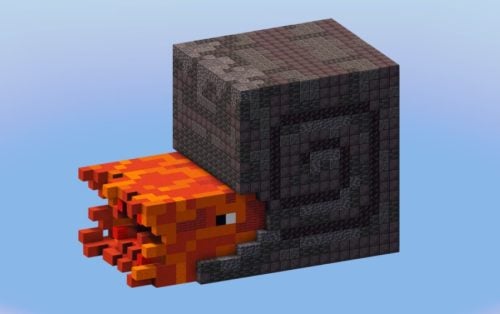 Nautilus with Netherite Armor Schematic (1.21.x) – Giant Sea Creature Statue For Build Decoration
 Bee Hot Air Balloon Schematic (1.21.x) – Cute Bee Themed Hot Air Balloon Build

This post has no comments yet. Be the first — your comment will appear here.