


Apothic Attributes Mod (26.1.2, 1.20.1) – Track Your Character Stats
 11,466
 0
0


🌐 Good news — we've translated this article into other languages!
Or pick the one you like:
Apothic Attributes Mod is a library mod that provides a framework for other mods to manage player stats. While it mainly works in the background, it also adds several helpful features for players, like a new menu to see all your character’s attributes in detail. This mod is required for other mods, such as Apotheosis, to function correctly.
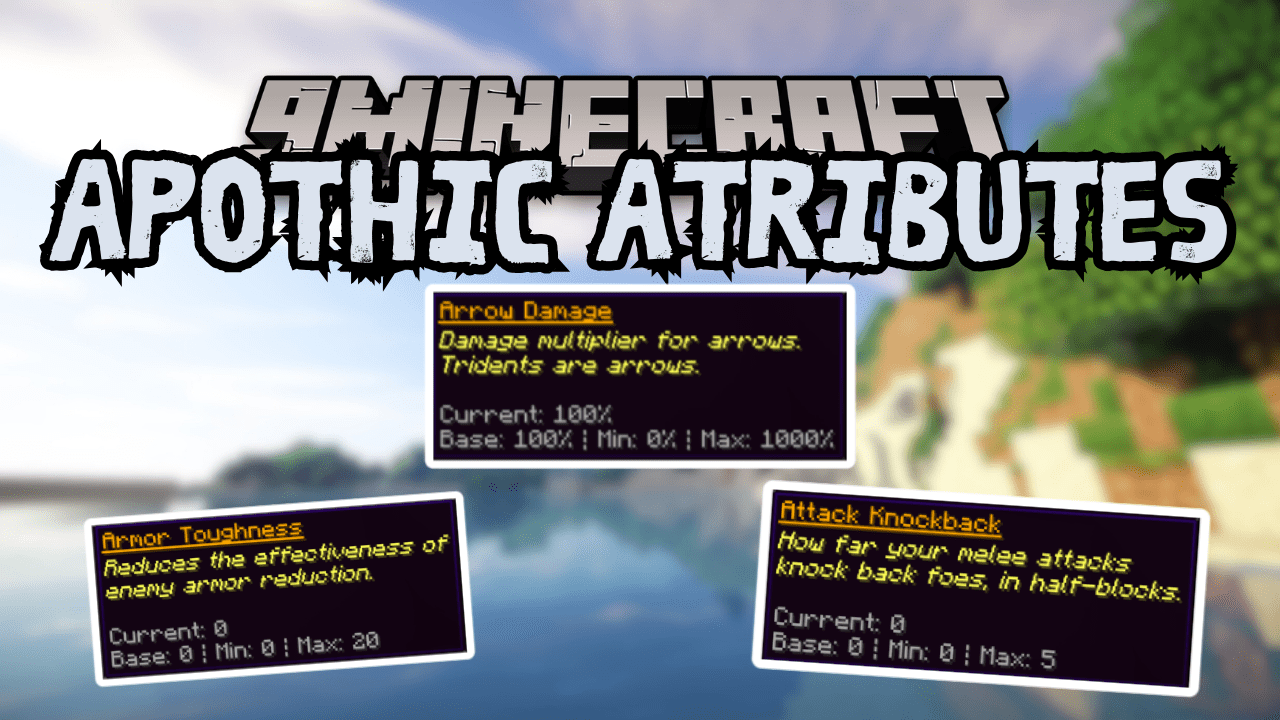
Features:
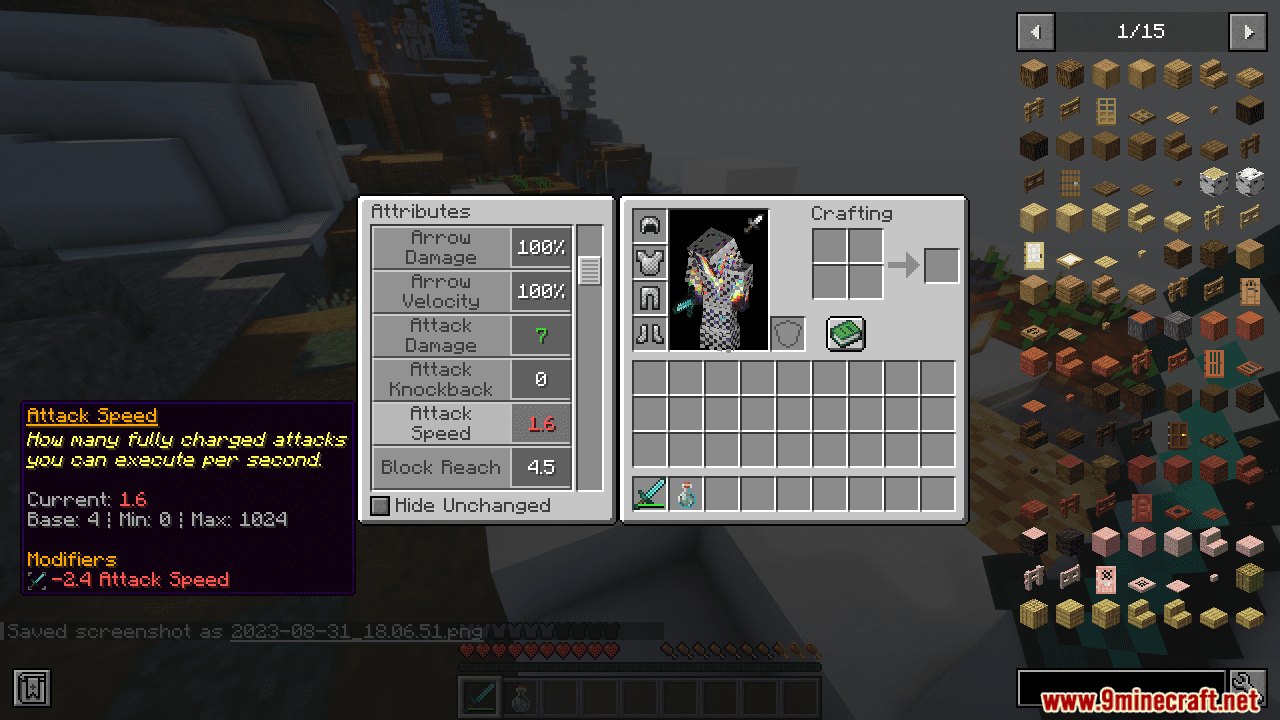
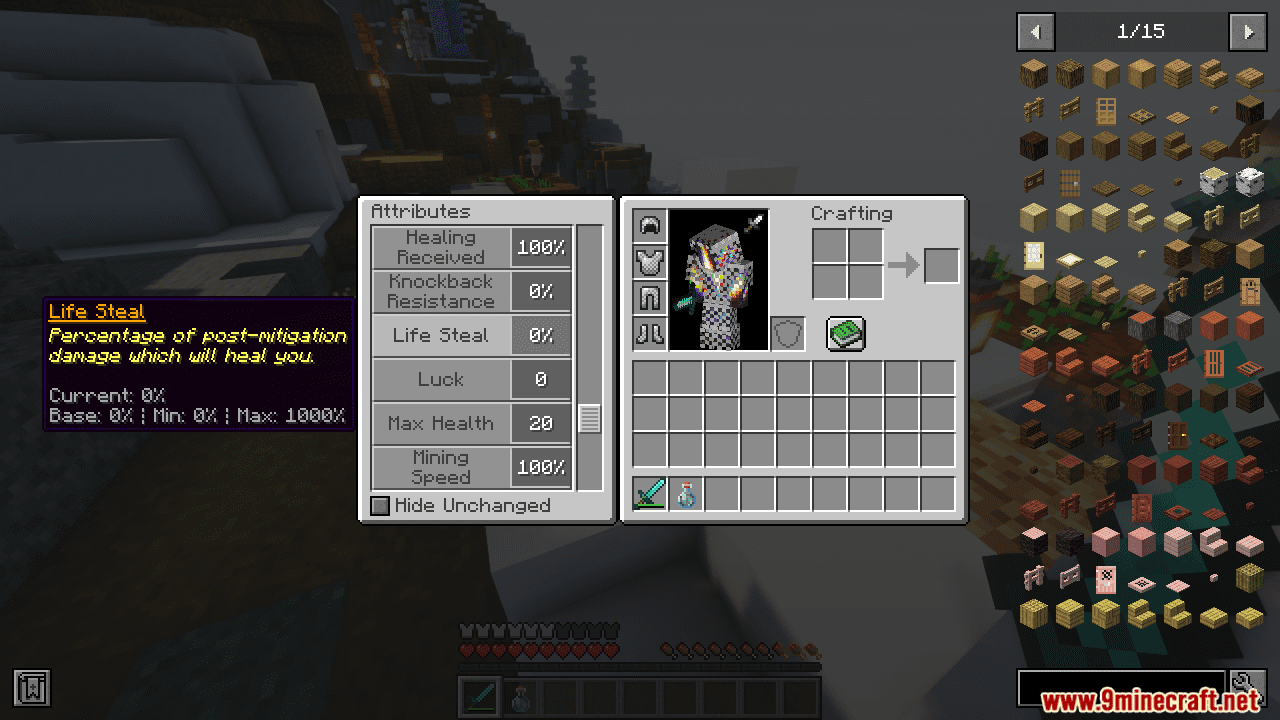
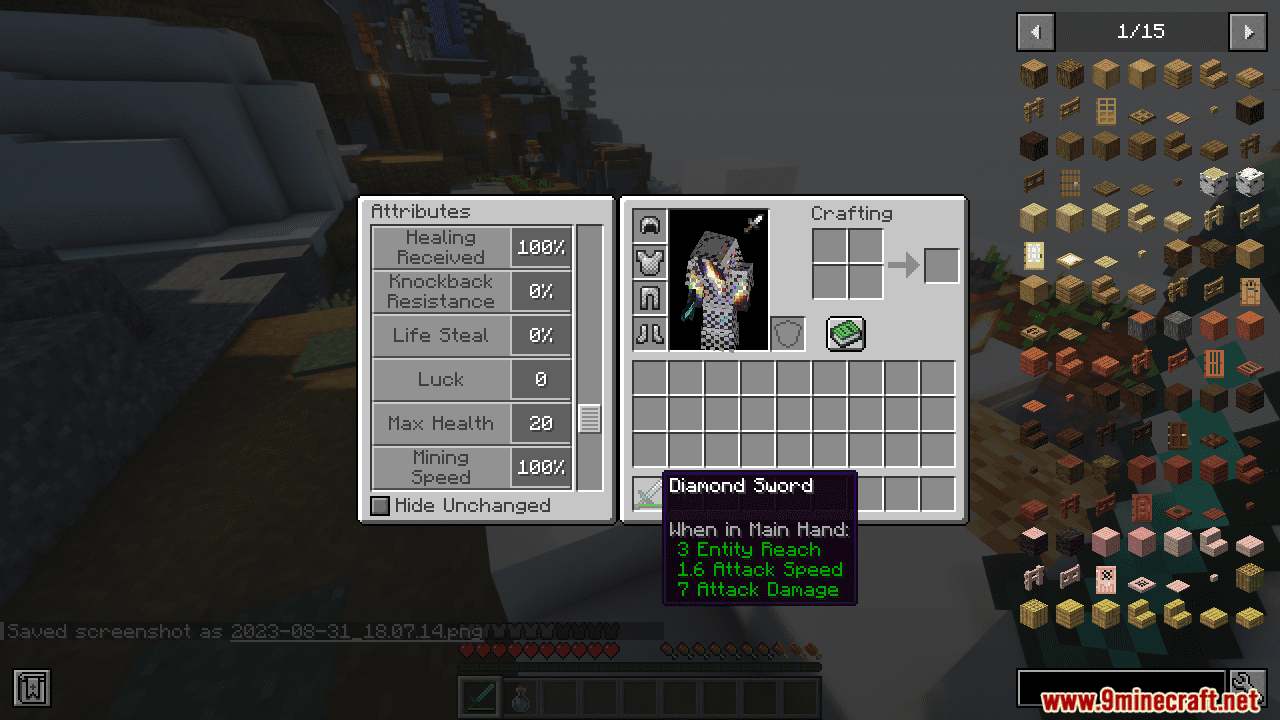
- Adds a new Attributes GUI, which you can open by clicking the sword button in your inventory.
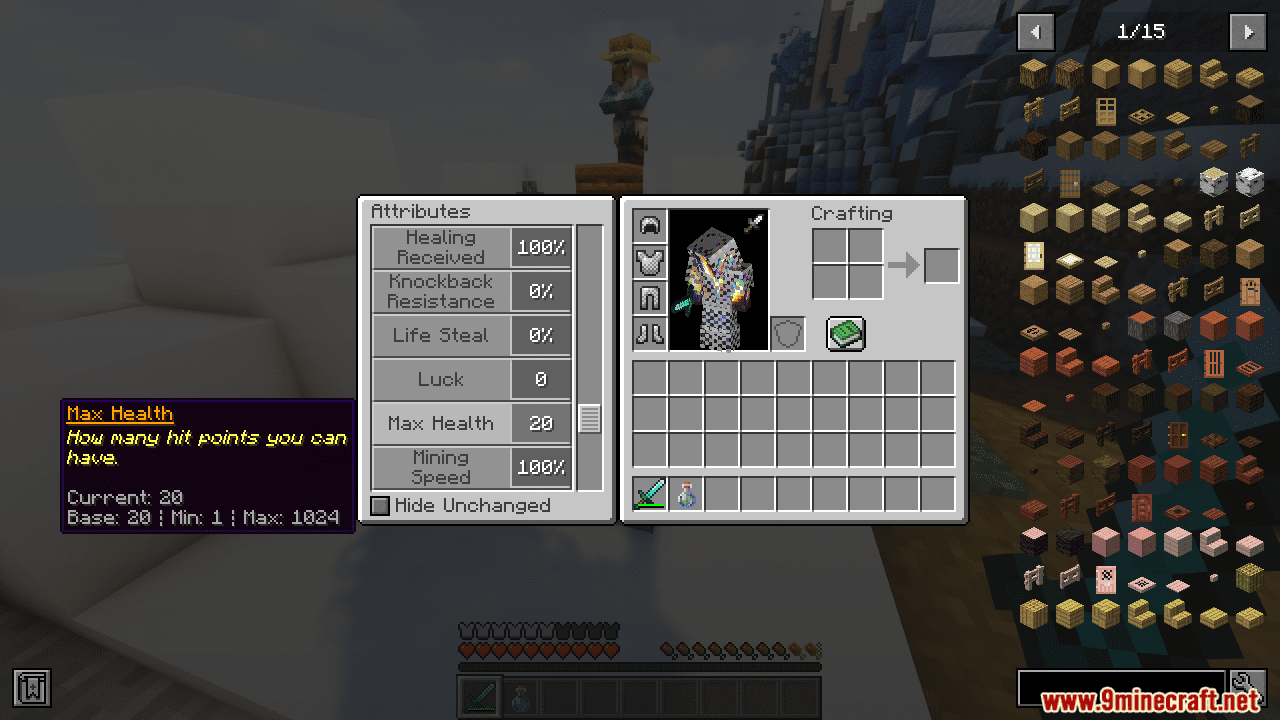
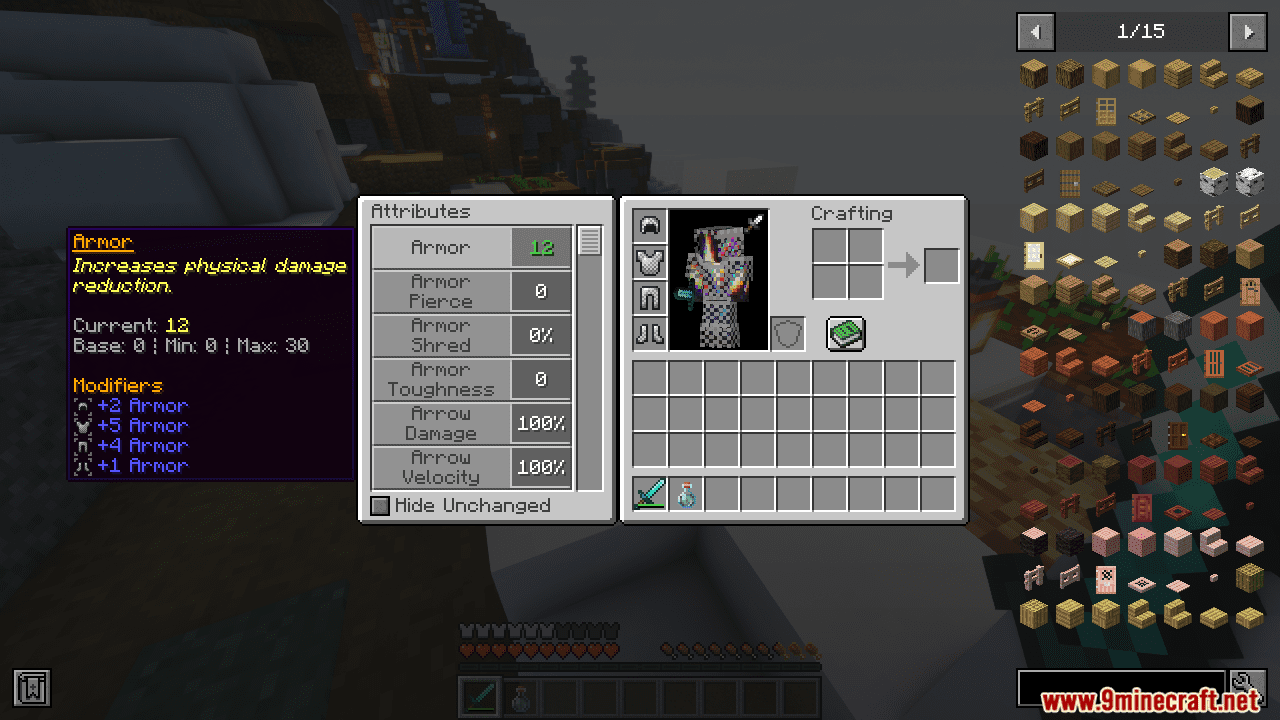
- This new menu shows all the attributes currently affecting your player.
- You can filter the list to see only the attributes that have been modified.
- Hovering over an attribute will show a detailed description and more information.
- Changes how damage reduction from armor and protection is calculated to support new stats like Armor Pierce and Armor Shred.
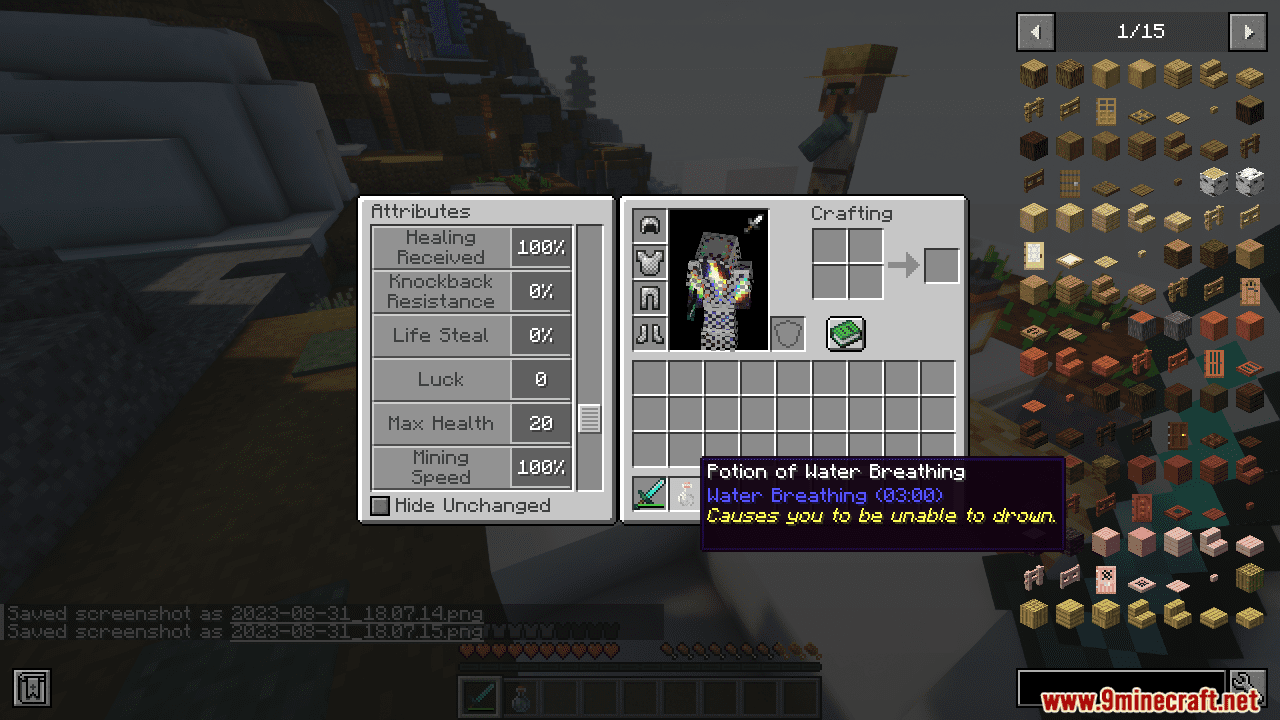
- Improves potion tooltips by adding clear descriptions for effects that aren’t simple stat modifiers.
- These new descriptions also appear when you hover over your active effects in the inventory screen.
- Allows some attributes to show their values in a more understandable format, such as displaying Speed and Knockback Resistance as percentages.
How to Use:
- To open the new attributes menu, go into your inventory and click the sword icon.
- In the menu, you can hover your mouse over any attribute to learn more about it.
- For more detailed tooltips on items, you can enable advanced tooltips by pressing F3 + H.
Screenshots:
How to Install:
New to Minecraft? Follow our step-by-step guide to install Mods on your PC.View Guide




Apothic Attributes Mod Download Links
For Minecraft 26.1.2, 26.1.1, 26.1
For Minecraft
1.21.11,
1.21.10,
1.21.9
All Versions Covered
1.21.11
1.21.10
1.21.9
1.21.8
1.21.7
1.21.6
1.21.5
1.21.4
All Versions Covered
1.21.11
1.21.10
1.21.9
1.21.8
1.21.7
1.21.6
1.21.5
1.21.4
For Minecraft 1.21.1, 1.21
For Minecraft 1.20.4
For Minecraft 1.20.1, 1.20
Click to rate this post!
[Total: 2 Average: 3.5]
You May Also Like















This post has no comments yet. Be the first — your comment will appear here.