


Audio Output Mod (1.16.5) – Change The Audio Device Used By Minecraft
 440
440
 0
0


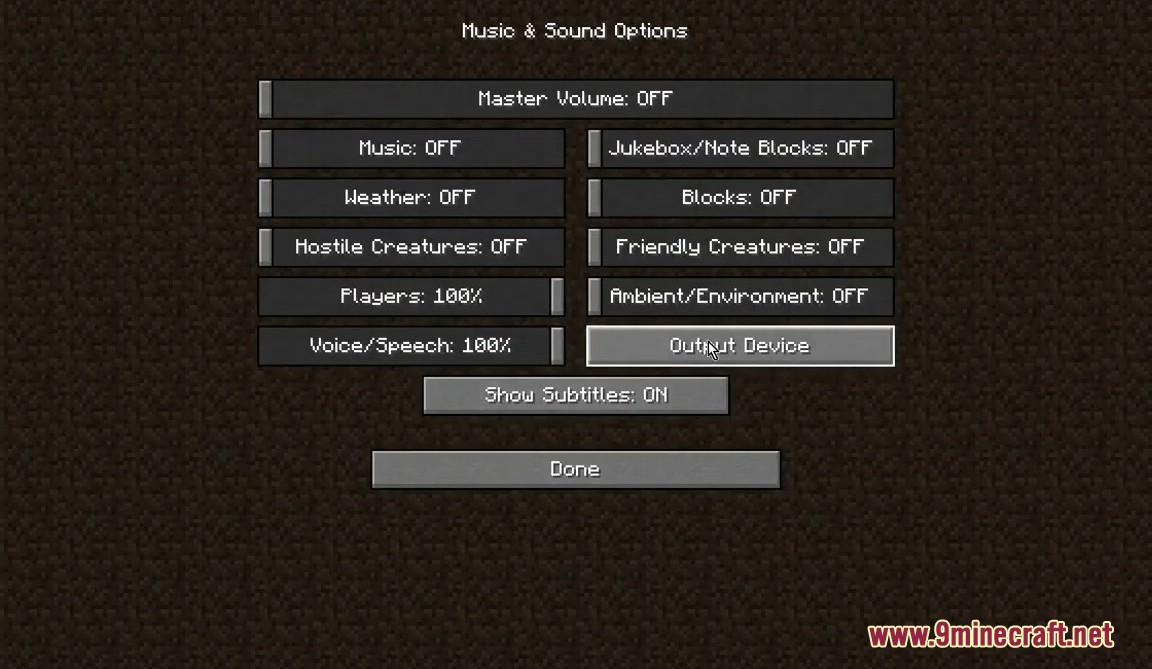
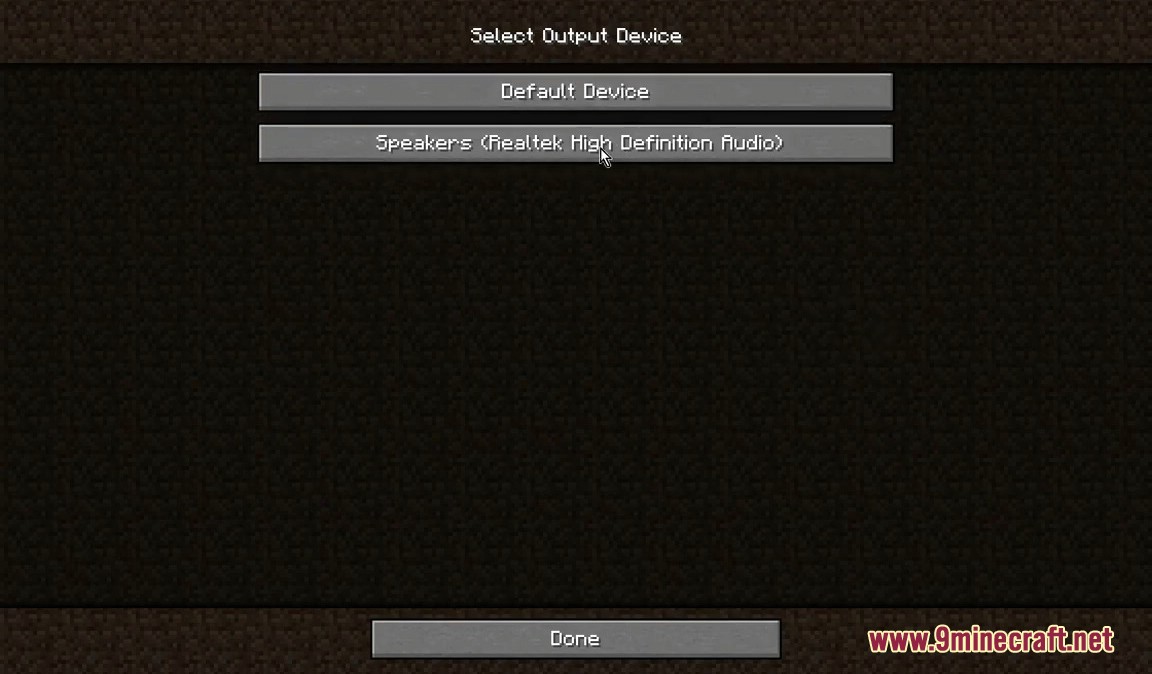
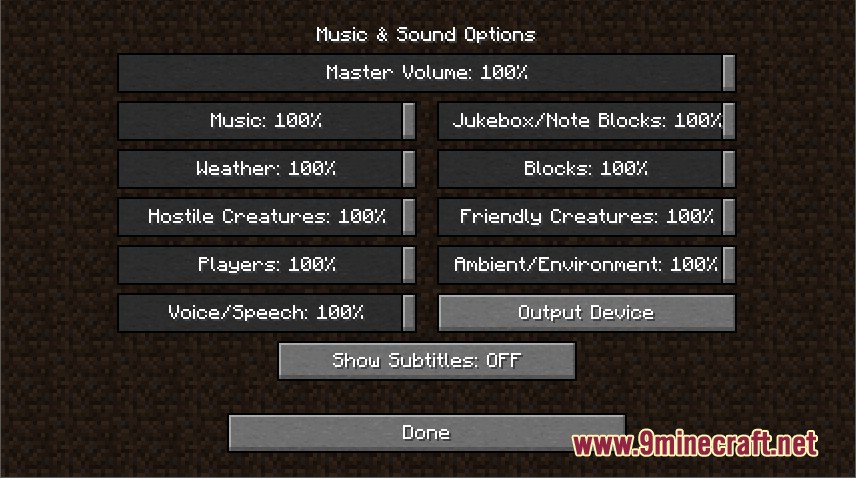
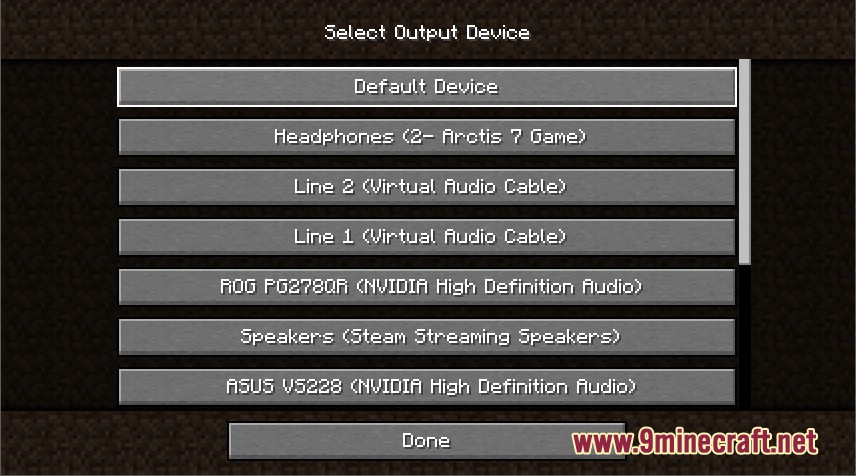
Audio Output Mod allows players to easily change the audio output device used by the game without needing to restart it. This can be particularly useful if you want to switch between different audio devices, such as headphones, speakers, or external sound systems, seamlessly while playing. You can navigate to Options > Music & Sounds > Output Device to make the change.
Screenshots:
Requires:
How to Install:
New to Minecraft? Follow our step-by-step guide to install Mods on your PC.View Guide
Audio Output Mod Download Links
For Minecraft 1.17.1
Fabric version: Download from Server 1
For Minecraft 1.16.5
Fabric version: Download from Server 1 – Download from Server 2
For Minecraft 1.15.2
Fabric version: Download from Server 1
Click to rate this post!
[Total: 1 Average: 1]
You May Also Like

















This post has no comments yet. Be the first — your comment will appear here.