


Backpacked Recipe Fix 9minecraft Data Pack (26.3) – A Tag-Free Backpack Recipe
 0
0
 0
0

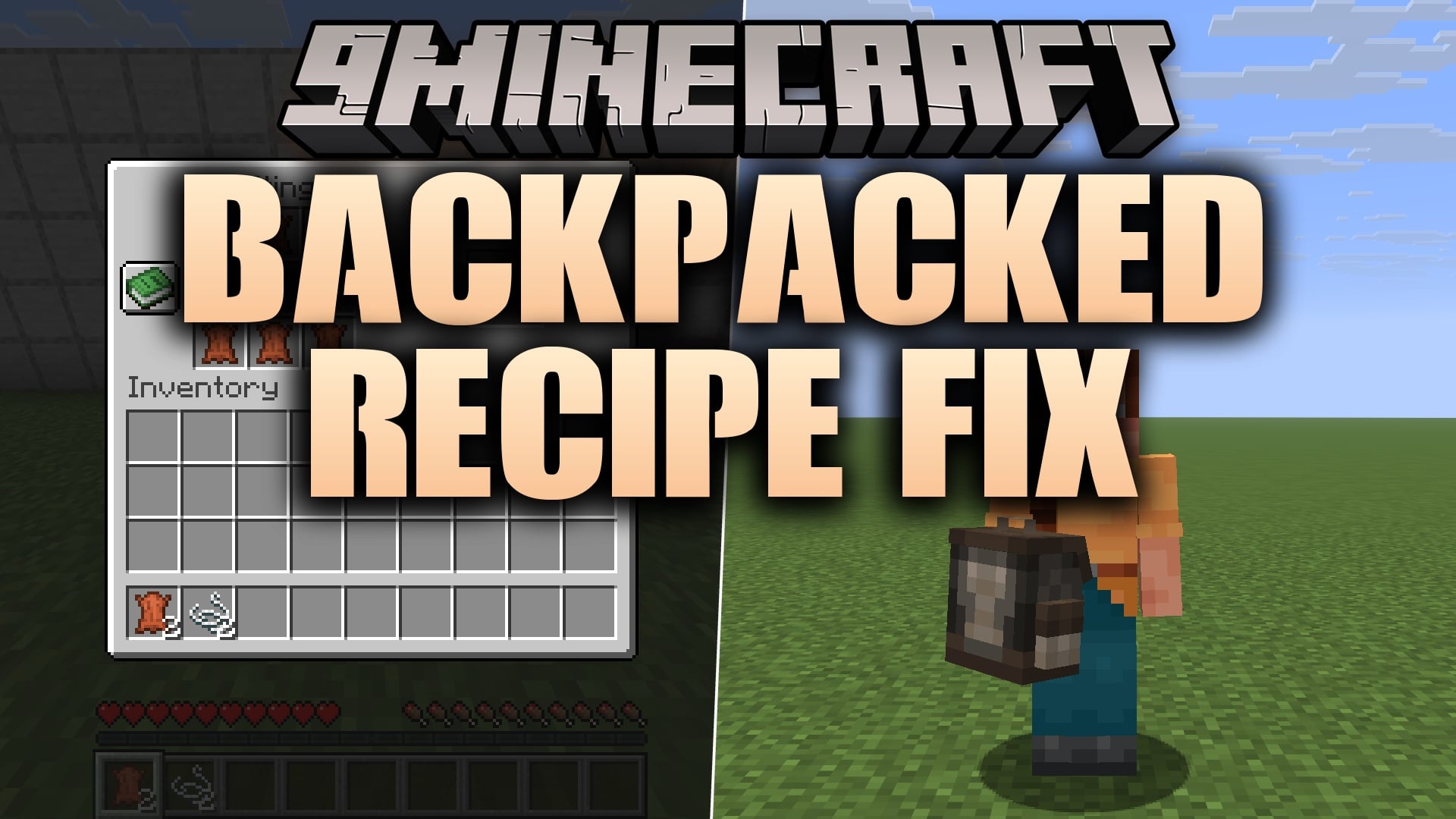
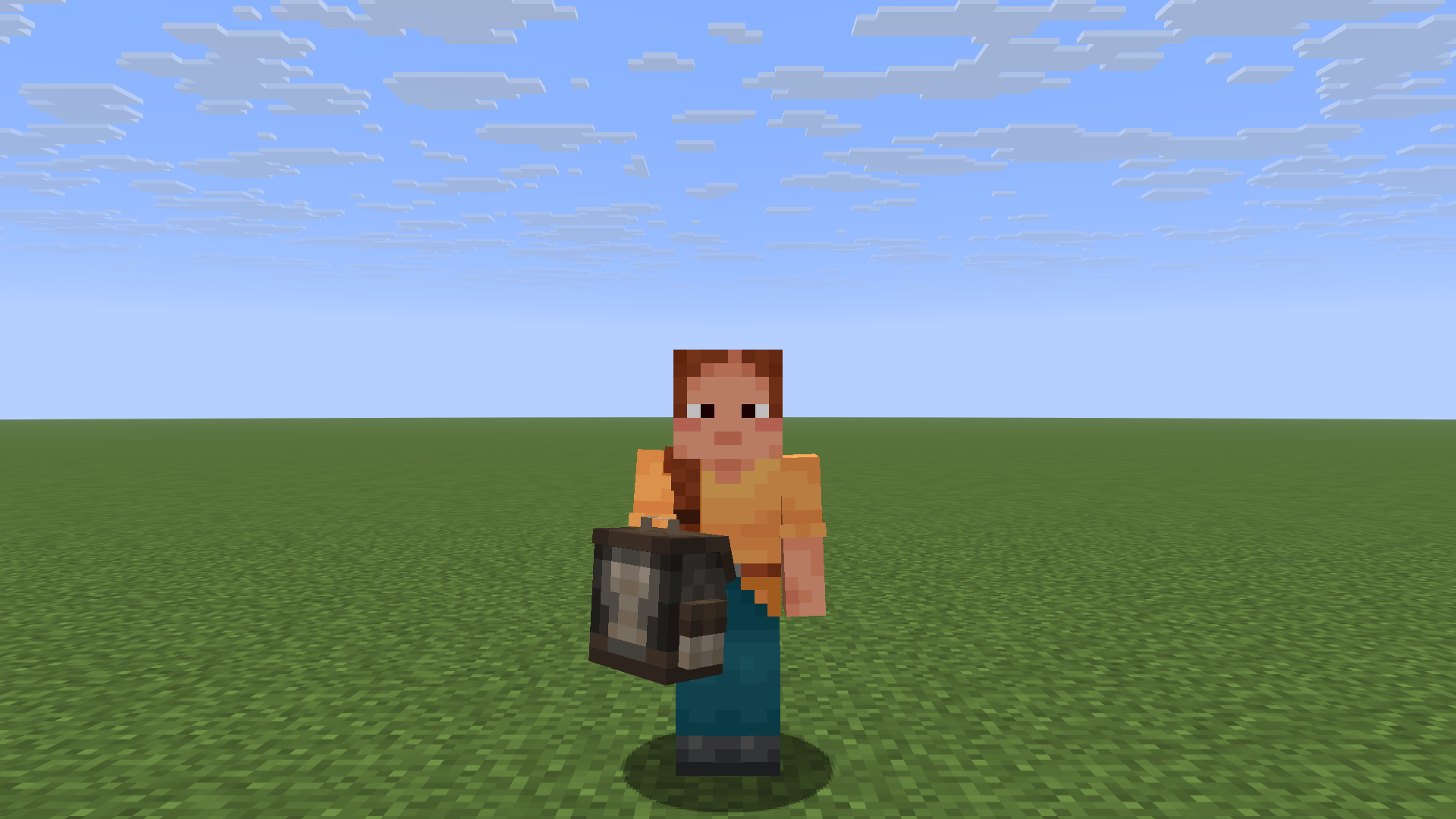
Backpacked Recipe Fix 9minecraft Data Pack replaces the crafting recipe for MrCrayfish’s Backpacked so that it asks for plain leather instead of a convention tag, keeping the backpack craftable on setups where that tag never gets filled in.
Backpacked’s own recipe lists its leather as the
c:leathers convention tag. On a normal Fabric install that tag is supplied by Fabric API and the recipe works fine. This pack removes the middleman: same shape, same ingredients, but the leather slots point straight at minecraft:leather, so the recipe still resolves if the tag is missing or has been overridden by another mod. It also marks the recipe as a notification, so it shows up in the recipe book when you first pick up leather.What It Changes:
- One recipe –
backpacked:backpack, nothing else. - Leather slots –
#c:leathersbecomesminecraft:leather. - String and iron – left on their convention tags, unchanged.
- Recipe book – the recipe now fires an unlock notification.
Features:
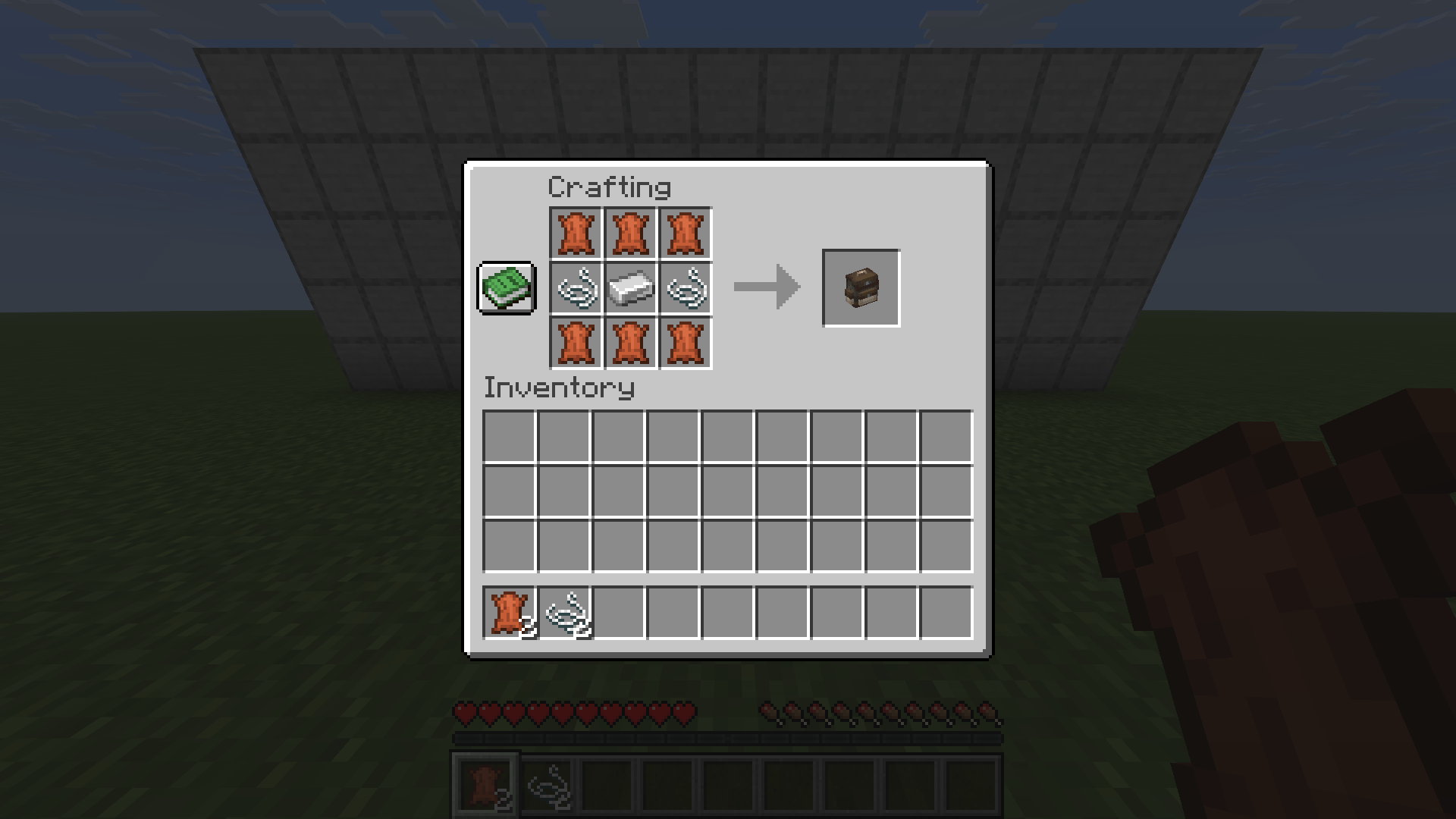
- Same 3×3 shape as the original: leather ring, string sides, iron centre.
- One download works from Minecraft 26.1.2 through 26.3.
- A two-file data pack – no textures, no models, no mixins.
- Safe to remove at any time; the mod’s own recipe takes over again.
Requirements:
- Backpacked by MrCrayfish, plus Framework (0.13.22 or newer) on Fabric. Backpacked will not load without Framework.
- The mod’s newest build targets Minecraft 26.1.2, so that is where the pack has been checked in game.
Note: If
c:leathers is already populated on your install – which it is with a standard Fabric API setup – the mod’s own recipe works and this pack changes nothing you can feel. It is insurance for the setups where that is not true.How to Use:
- Install Backpacked together with Framework 0.13.22 or newer.
- Drop the .zip into .minecraft/saves/<your world>/datapacks/, or add it during world creation.
- In an existing world run /reload, then craft the backpack at a crafting table: leather around the edge, string left and right, one iron ingot in the middle.
Screenshots:
Backpacked Recipe Fix 9minecraft Data Pack – Video Showcase
How to Install:
New to Minecraft? Follow our step-by-step guide to install Data Packs on your PC.View Guide
Backpacked Recipe Fix 9minecraft Data Pack Download Links
Sign in to unlock this download
1 Sign in below
2
1 download link appears right here
Inside: 26.3
Choose one way to sign in
Free · takes a few seconds · you come straight back to this page
Click to rate this post!
[Total: 0 Average: 0]
You May Also Like





This post has no comments yet. Be the first — your comment will appear here.