


Better Days Played Texture Pack (26.x) – Move Coordinates And Days

 0
0 

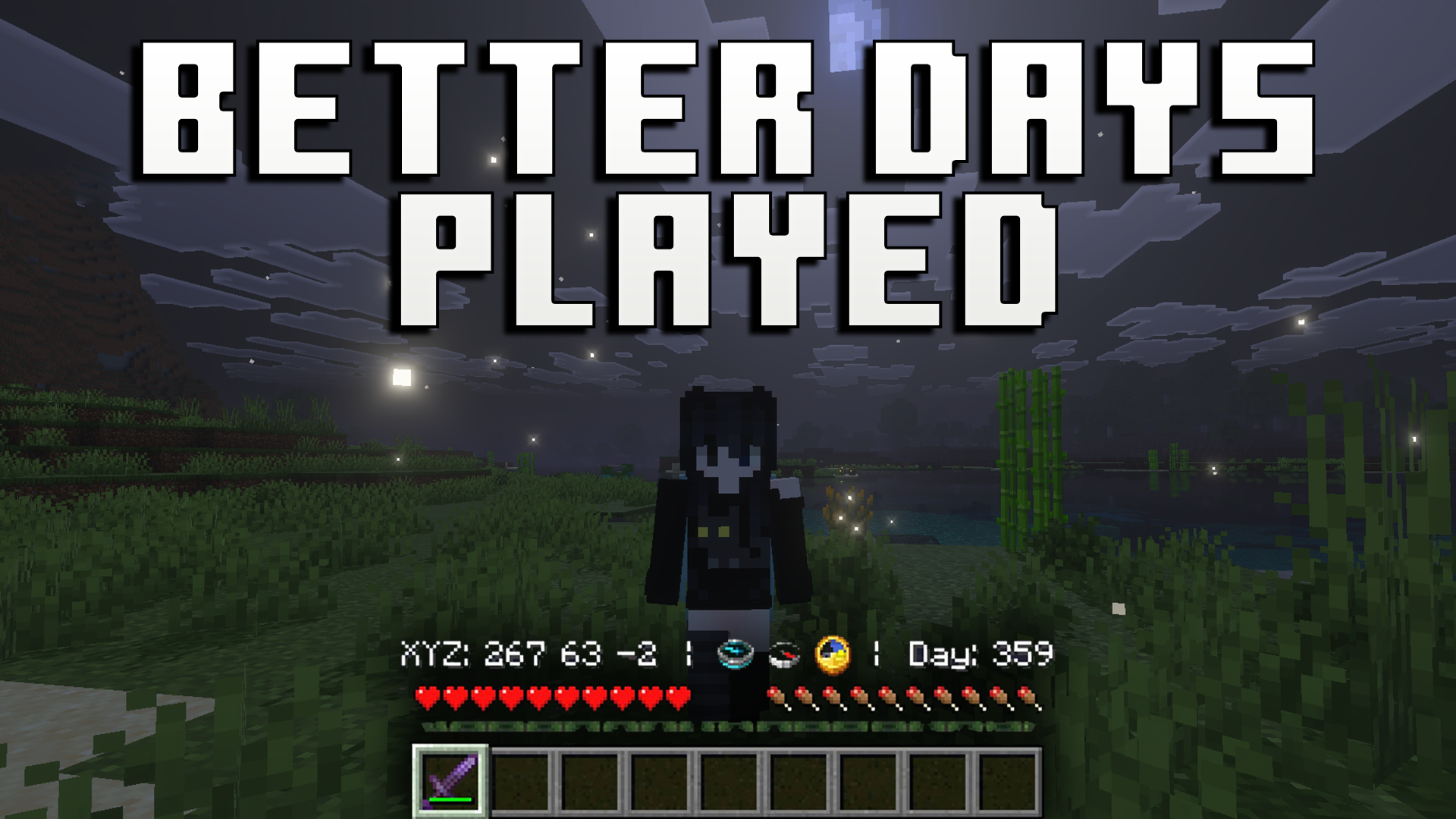
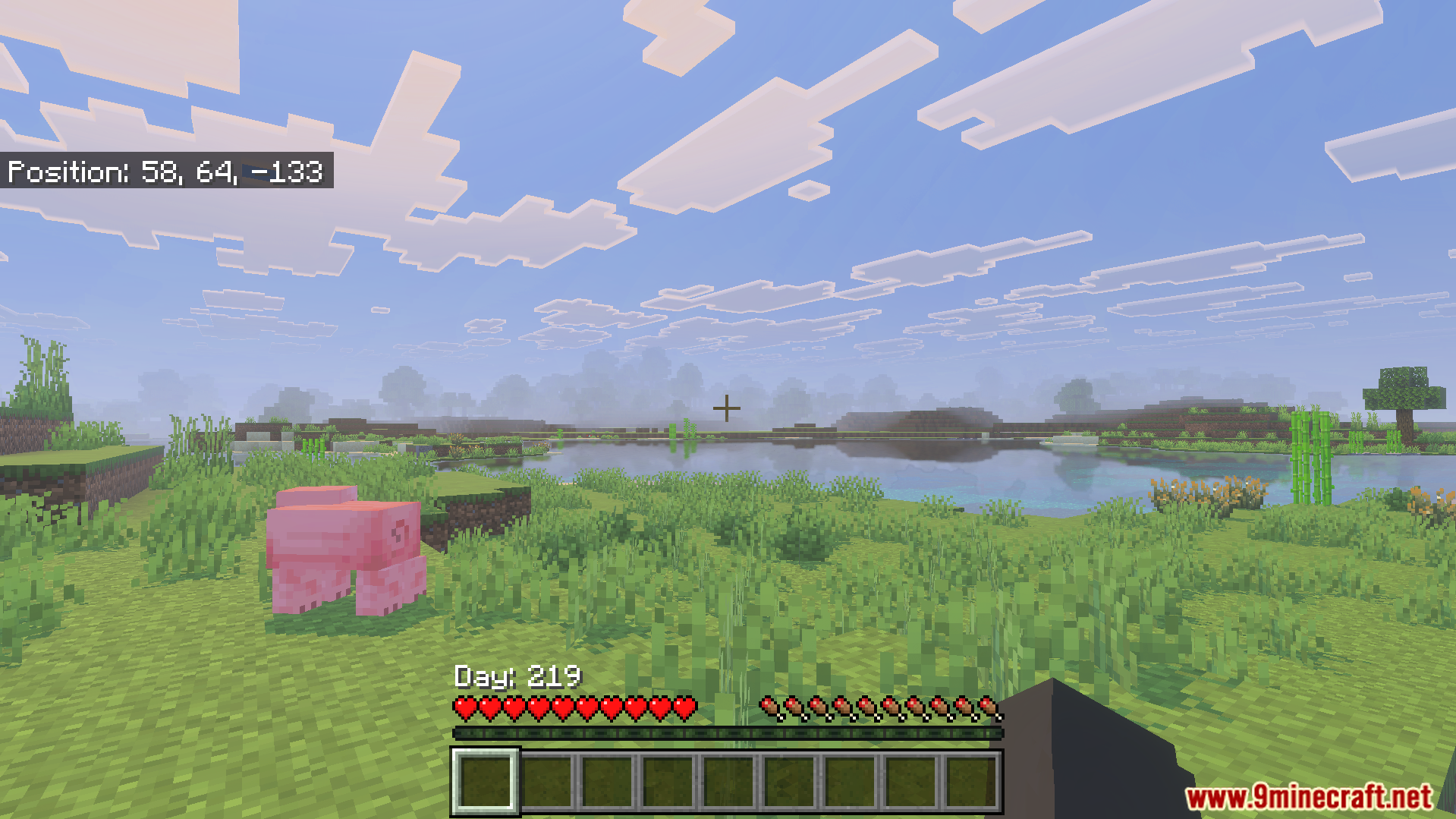
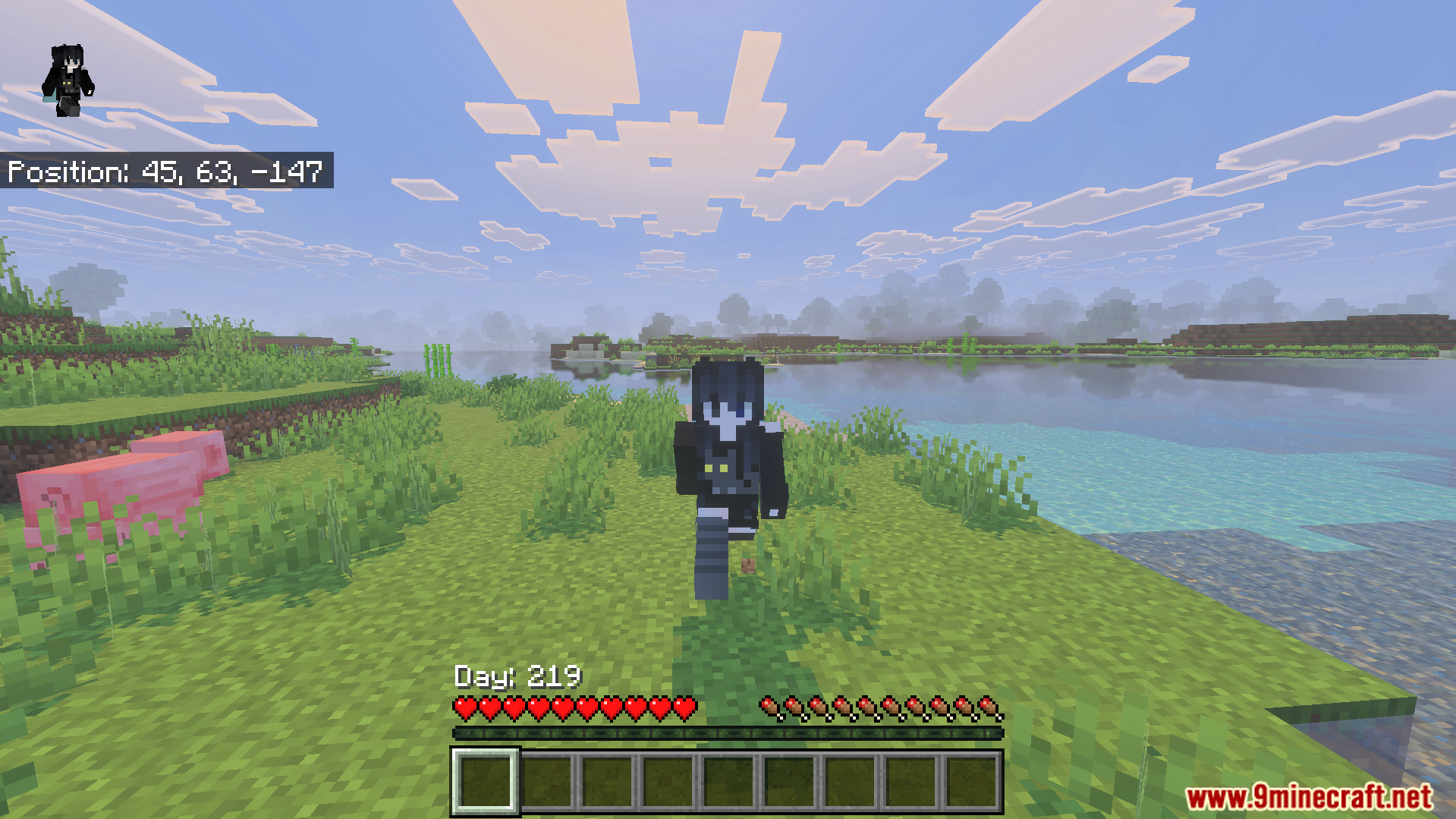
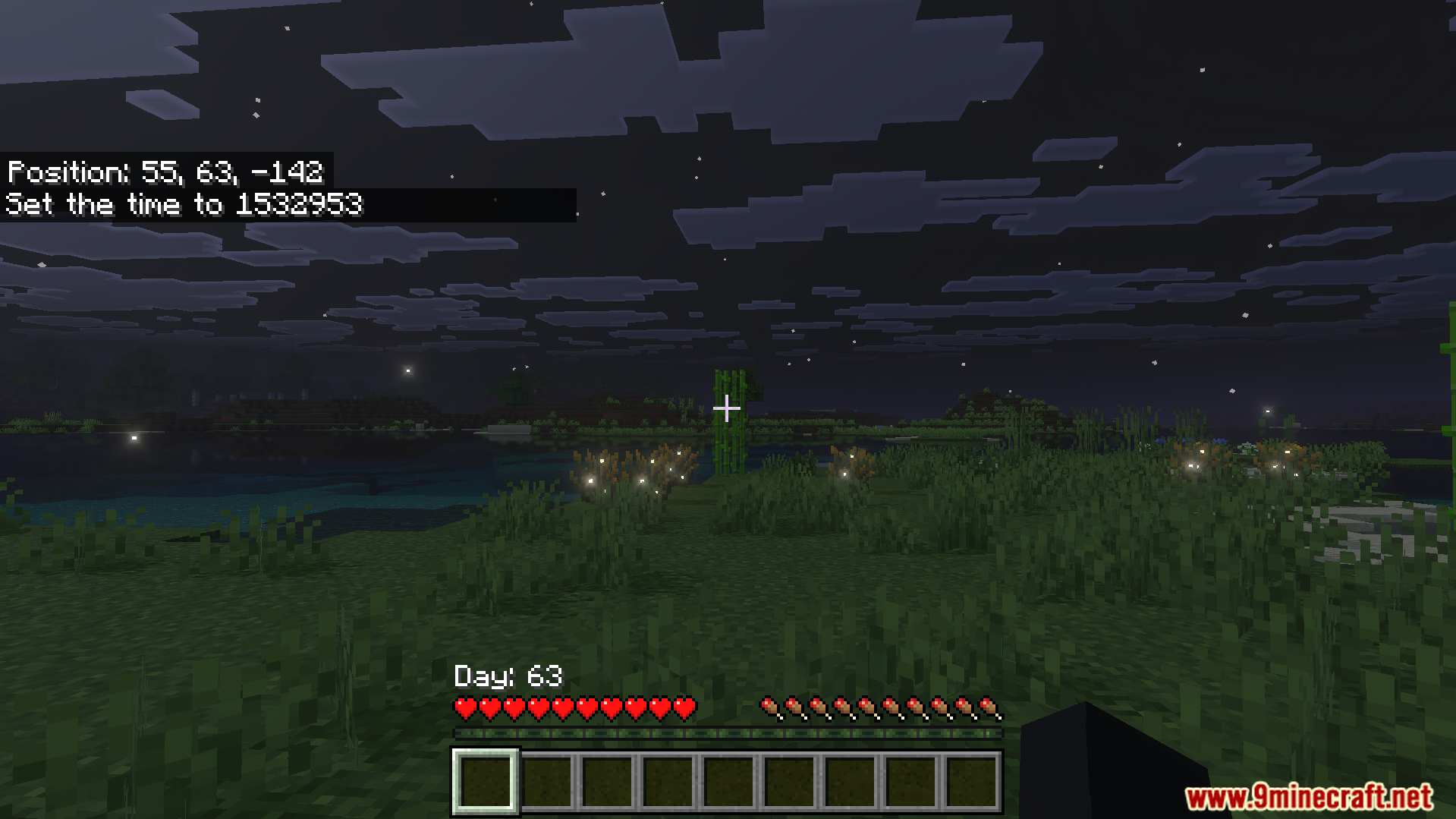
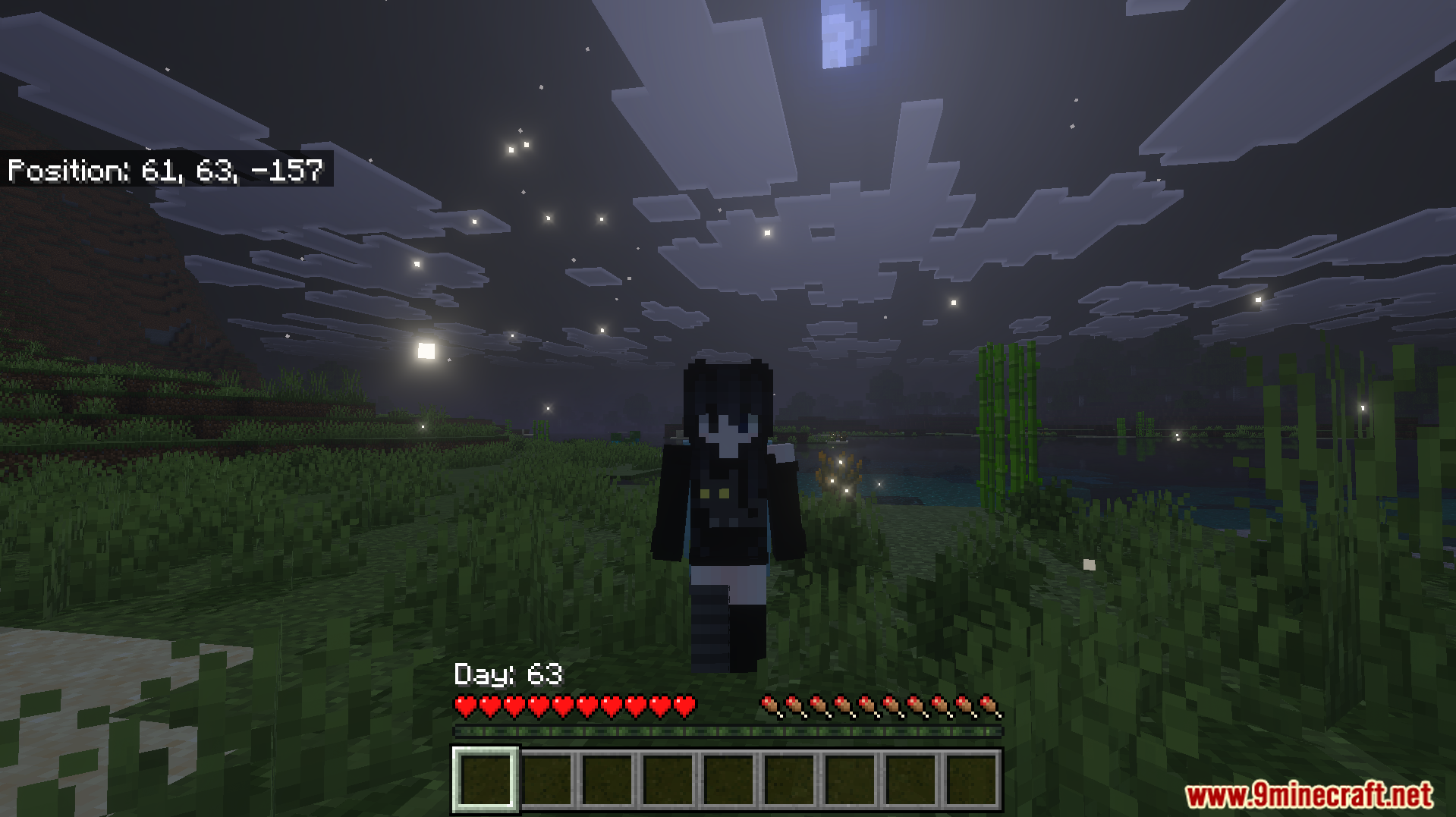
Better Days Played Texture Pack moves your coordinates and days played counter to a better spot on your screen. This pack lets you see this important information right above your hotbar instead of the top left corner. It allows you to keep your eyes on the action while tracking your survival progress.
Features:
- Moves your coordinates right above the hotbar.
- Displays your total days played clearly.
- Includes different subpacks to change the layout.
- Cleans up the top left corner of your screen.
- Helps you track your survival progress easily.
Configuration:
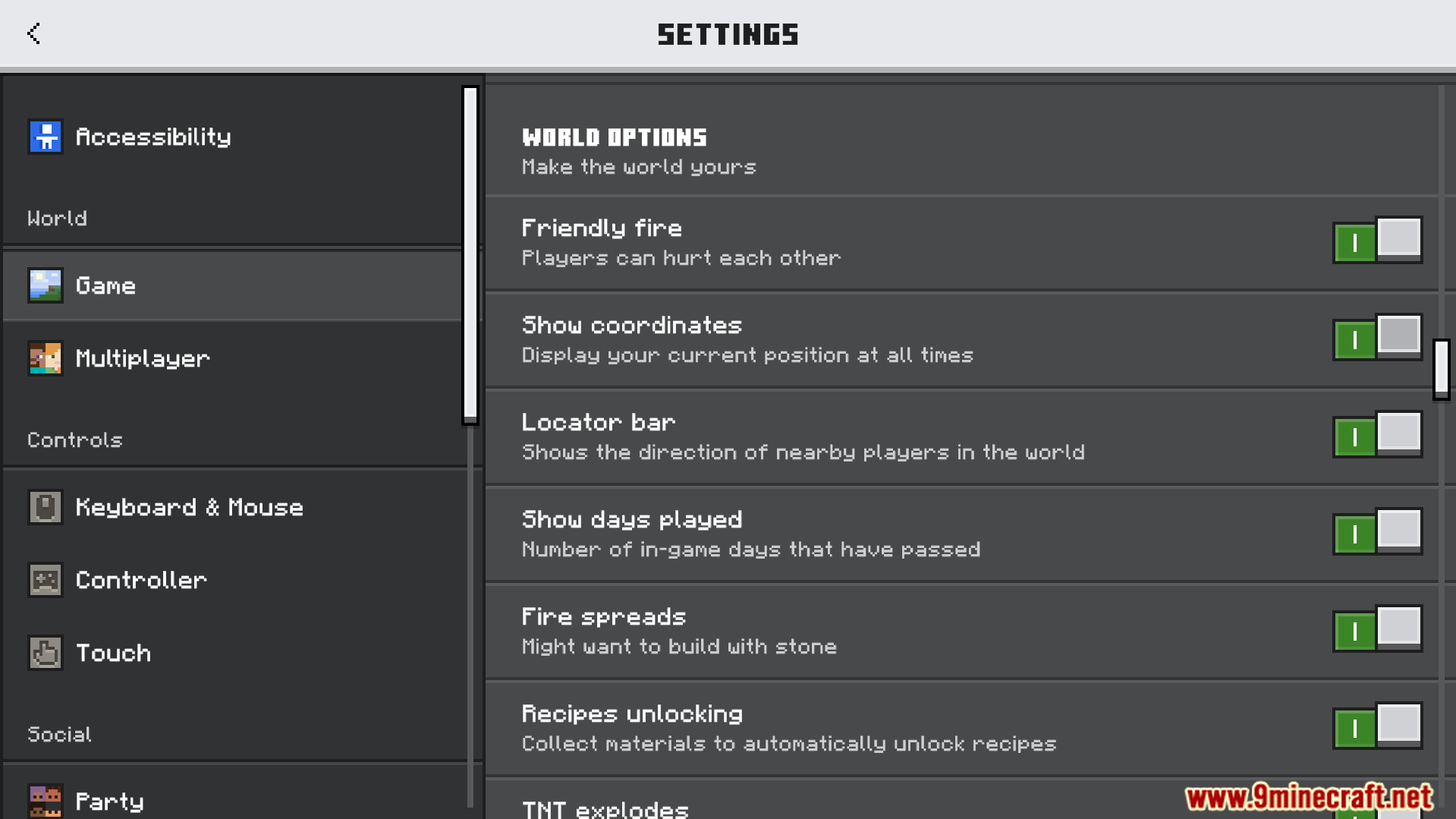
You must turn on the Show Days Played and Show Coordinates options in your game settings.
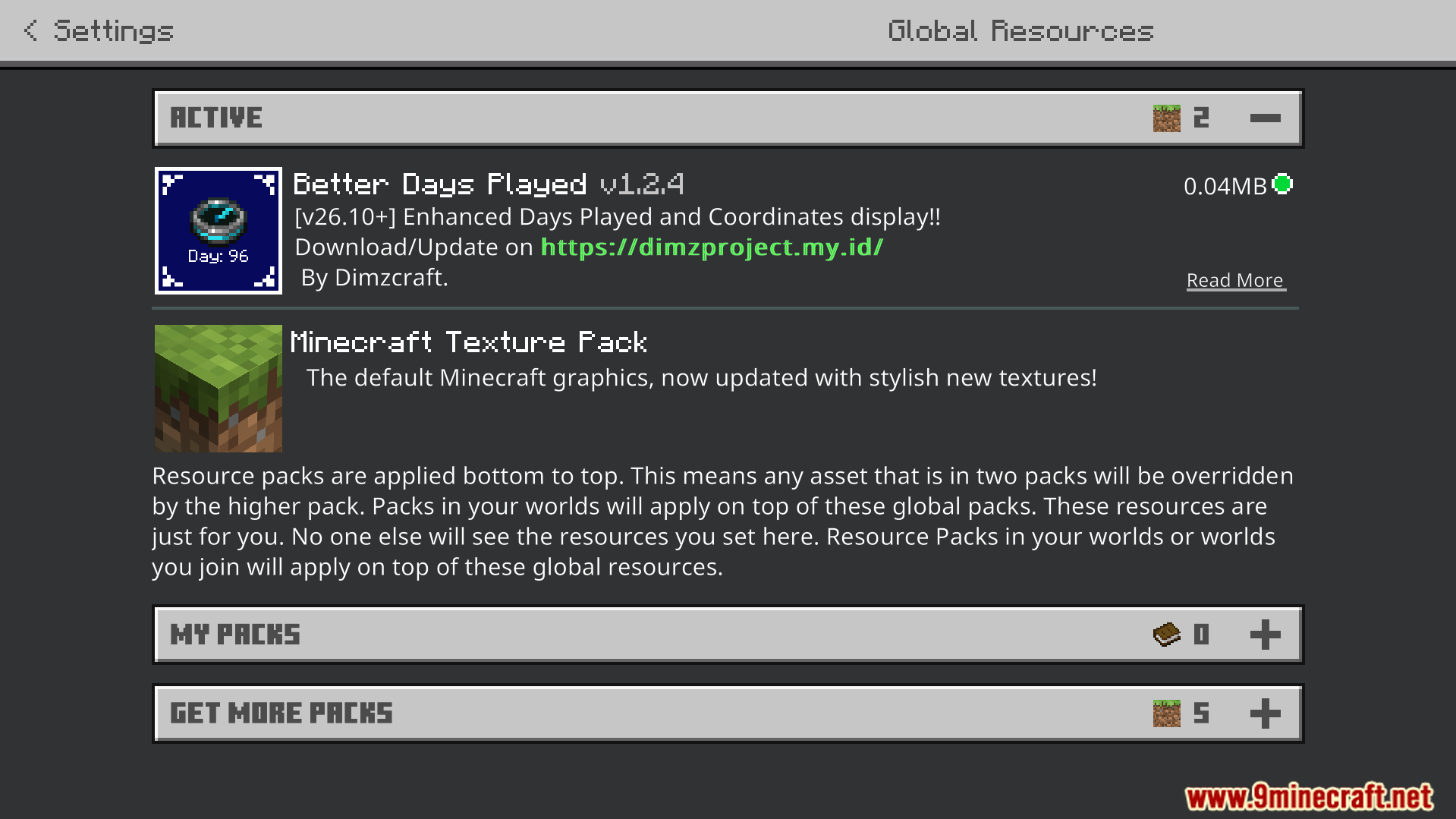
You can choose different screen layouts by selecting different subpacks in the pack settings.
Players who know how to code can change the compass ID if custom items cause errors.
Screenshots:
How to Install:
Better Days Played Texture Pack Download Links
For MCPE/Bedrock 26.x
Click to rate this post!
[Total: 2 Average: 4.5]
You May Also Like



This post has no comments yet. Be the first — your comment will appear here.