
Cloudstrafer Schematic (1.21.x) – Fly Through the Skies with This Airship

 0


Cloudstrafer Schematic provides a large airship for your world. It uses parts from the Create mod and several addons to fly through the sky. You can use this build as a moving house or a way to travel between bases. It features a blue and brown design with plenty of space inside. This schematic works best for players who want a cool flying machine without building it from scratch.
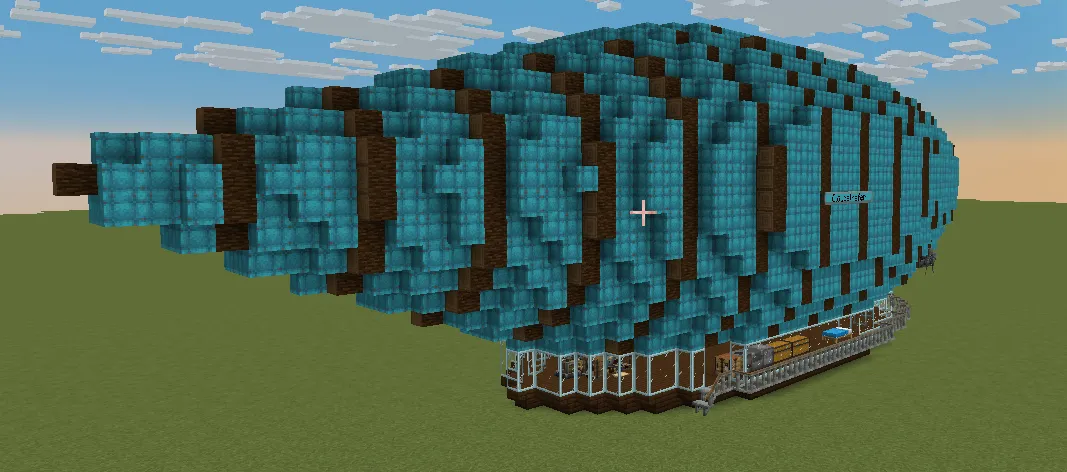
3D Preview & Editor:
Materials
47 types · 3,977 blocks
| Vanilla 9 | ||||||||
| Spruce Log | 594 | Dark Oak Planks | 381 | Dark Oak Stairs | 30 | |||
| Chest | 8 | Coal Block | 5 | Light Blue Bed | 4 | |||
| Smoker | 2 | Blast Furnace | 2 | Furnace | 2 | |||
| Create 13 | ||||||||
| Framed Glass | 178 | Redstone Link | 19 | Encased Chain Drive | 10 | |||
| Shaft | 10 | Andesite Ladder | 3 | Clipboard | 2 | |||
| Clutch | 2 | Light Blue Seat | 1 | Powered Toggle Latch | 1 | |||
| Andesite Encased Shaft | 1 | Gearshift | 1 | Radial Chassis | 1 | |||
| Cogwheel | 1 | |||||||
| Simulated 10 | ||||||||
| White Symmetric Sail | 20 | Light Blue Nameplate | 15 | Red Portable Engine | 6 | |||
| Throttle Lever | 2 | Physics Assembler | 1 | Altitude Sensor | 1 | |||
| Linked Typewriter | 1 | Velocity Sensor | 1 | Gimbal Sensor | 1 | |||
| Analog Transmission | 1 | |||||||
| Aeronautics 5 | ||||||||
| Light Blue Envelope | 2,495 | Adjustable Burner | 12 | Light Blue Envelope Encased Shaft | 11 | |||
| Andesite Propeller | 4 | Propeller Bearing | 1 | |||||
| Createdeco 3 | ||||||||
| Andesite Catwalk | 75 | Andesite Catwalk Railing | 61 | Andesite Catwalk Stairs | 2 | |||
| Create Connected 3 | ||||||||
| Overstress Clutch | 2 | Brass Gearbox | 1 | Inverted Clutch | 1 | |||
| Visualworkbench 1 | ||||||||
| Minecraft/crafting Table | 2 | |||||||
| Dndecor 1 | ||||||||
| Large Metal Girder | 1 | |||||||
| Createcasing 1 | ||||||||
| Andesite Configurable Gearbox | 1 | |||||||
| Dndesires 1 | ||||||||
| Omni Speed Controller | 1 | |||||||
How to place this schematic
.nbt This is a Create mod schematic. The Schematicannon builds it for you, block by block, from the materials you load into it.
| 1 | Put the .nbt file in .minecraft/schematics. |
| 2 | Open a Schematic Table, drop in an Empty Schematic, pick the file and write it. |
| 3 | Hold the written schematic and position the outline in the world, then confirm. |
| 4 | Place a Schematicannon, load it with the building blocks and gunpowder for fuel, then hit play. |
About this build
| 1 | Press W to toggle the propeller on or off. |
| 2 | Press S to reverse the direction of the ship. |
| 3 | Press T to lock the propeller in place. |
| 4 | Use A and D to turn the airship left or right. |
| 5 | Pull the left manual lever to lift the ship; set it to 15 for the best stability. |
| 6 | Pull the right manual lever to adjust the speed, but do not go above 3. |
Features:
- Includes a full airship design with a blue and brown color scheme.
- Provides a spacious interior that you can use as a mobile home.
- Uses propellers and levers to move in different directions.
- Fits perfectly into early-game or mid-game survival worlds.
- Requires several Create mod addons to function properly.
Schematic Specs:
 Minecraft1.21.x
 Create Mod6.0.10
 Dimensions61×20×23
 Total Blocks3,977
 Top Blocks Used
Light Blue Envelope 2,495Spruce Log 594Dark Oak Planks 384Framed Glass 178Andesite Catwalk 75
Requirements:
 Create Mod Required
aeronautics Required
createdeco Required
simulated Required
createcasing Required
dndesires Required
visualworkbench Required
dndecor Required
Cloudstrafer Schematic Download Links
For Minecraft 1.21.x
Click to rate this post!
[Total: 0 Average: 0]
You May Also Like
Picked for this page
 ED 250 Pendolino Schematic (1.21.x) – Five Car Electric Passenger Train
 HELL MECHA Schematic (1.21.x) – Pilot a Giant Walking and Flying Robot
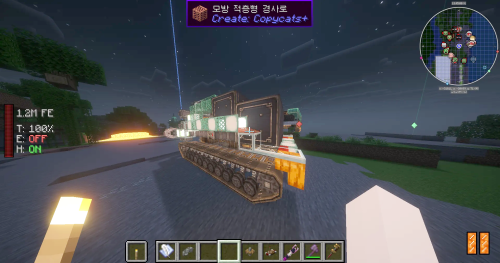 Mining Machine Schematic (1.21.x) – Heavy Drilling Vehicle Blueprint
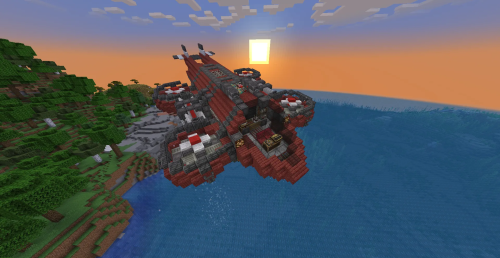 Aero Nuva Schematic (1.21.x) – Fast Helicopter Mobile Base Build
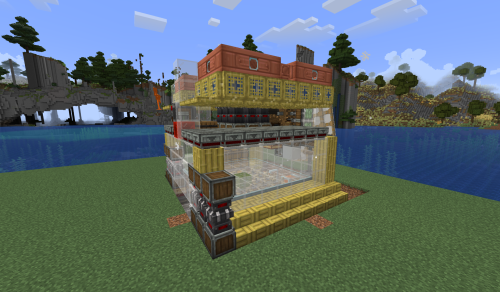 Compact Bonemeal Farm 30000 per Hour Schematic (1.21.x) – High Yield Automatic Crop Fertilizer Setup
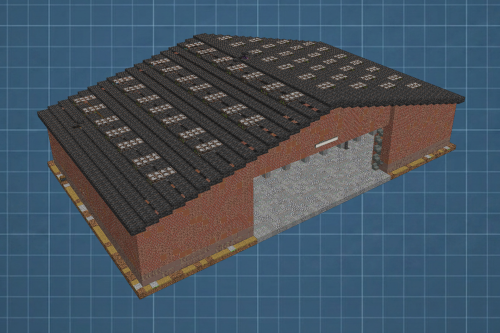 Simple Brick Hangar with Sliding Door Schematic (1.21.x) – Large Brick Hangar with Sliding Doors
 Car Base Simple and Small V3 3x2x6 Schematic (1.21.x) – Tiny and Fast Mechanical Vehicle Frame
 Prototype Simple CAR Schematic (1.21.x) – Lightweight Buggy Base for Custom Vehicles
 6x6Nomada Schematic (1.21.x) – Large Off-Road Exploration Vehicle Build
 Dual Flight Mode Helicopter Survival Friendly Runs on Diesel Gasoline or Biodiesel and Comes with a
 DDT Dark Dirigible Titan BloonsTD Schematic (1.21.x) – Fly A Famous Blimp From Bloons Tower
 Gg1 Locomotive Schematic (1.21.x) – Build Iconic Pennsylvania Railroad Electric Trains
Most viewed in Create Mod Schematics over the last 7 days
 Copper Flying Ship That Can Also Act as a Normal Boat Schematic (1.21.x) – Dual Purpose Copper
 Arasaka Tower Schematic (1.21.x) – Massive Black Industrial Skyscraper Build
 Rail Gun Schematic (1.21.x)
 Fast Small Airship Steam Schematic (1.21.x) – Small and Fast Steam Powered Airship
 Starter Iron Farm Schematic (1.21.x) – Simple Early Game Iron Production Build
 Agrimotor Schematic (1.21.x) – Build a Functional Create Mod Tractor
 Large Submarine Schematic (1.21.x) – Build a Large Submarine for Travel
 6 Controllable Cannons Schematic (1.21.x) – Six Powerful Cannons with Full Directional Control
 Areis 65 Aries Heavy RV Build Schematic (1.21.x)
 Ultimate Nuclear Reactor Schematic (1.21.x) – High Power Reactor Build for Create
 F16 Falcon Schematic (1.21.x)
 Petushara Simple Water Powered High Speed Schematic (1.21.x)
More from Create Mod Schematics
 Sd40 2 Red Nbt Schematic (1.20.x) – Build a Detailed Red Diesel Locomotive
 Sd40 2 Blue Nbt Schematic (1.20.x) – Classic Blue American Locomotive
 Sd40 2 White Nbt Schematic (1.20.x) – White American Sd40-2 Locomotive
 Thrall 40ft 53ft Well Car Nbt Schematic (1.20.x) – Legendary Double Stack Container Train Car
 Transiter 2005 a New Are Car Schematic (1.21.x) – Compact Drivable Car for Create Aeronautics
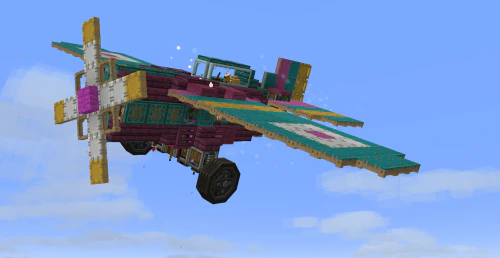 Flying Caramel Schematic (1.21.x) – Compact Airplane for Short Runways
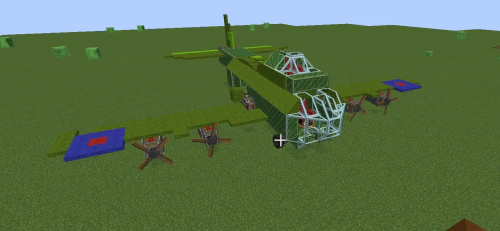 B 17 Flying Fortress Schematic (1.20.x) – Build a Realistic Create Mod Bomber
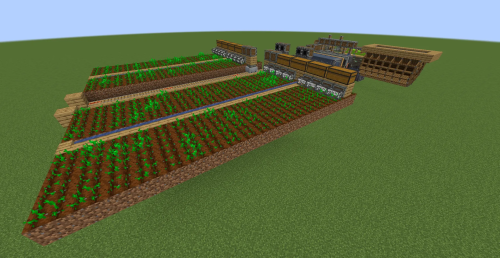 Self Sustaining Slimeball Bonemeal Farm Dragons Plus Schematic (1.21.x) – Automated Slime
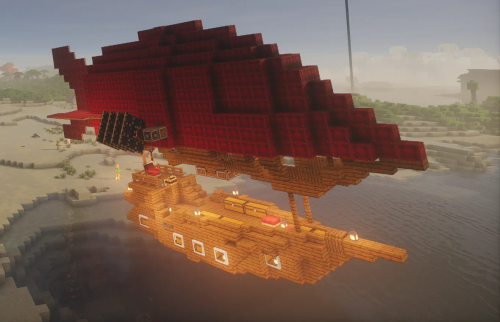 Small Airship Portative Engine Schematic (1.21.x) – Simple Flying Machine for Fast Exploration
 Compacted Alloy Farm Schematic (1.21.x) – Automatic Andesite Alloy Factory for Create
 Hog 001 Motorcycle Schematic (1.21.x) – Fast Create Mod Bike with Wheelies
 Advanced Hovercar Schematic (1.21.x) – Customizable High-Tech Flying Vehicle Build

This post has no comments yet. Be the first — your comment will appear here.