


Color Cone Shaders (26.2, 1.20.1) – Vanilla Color Blindness Simulation Modes
 1
1
 0
0

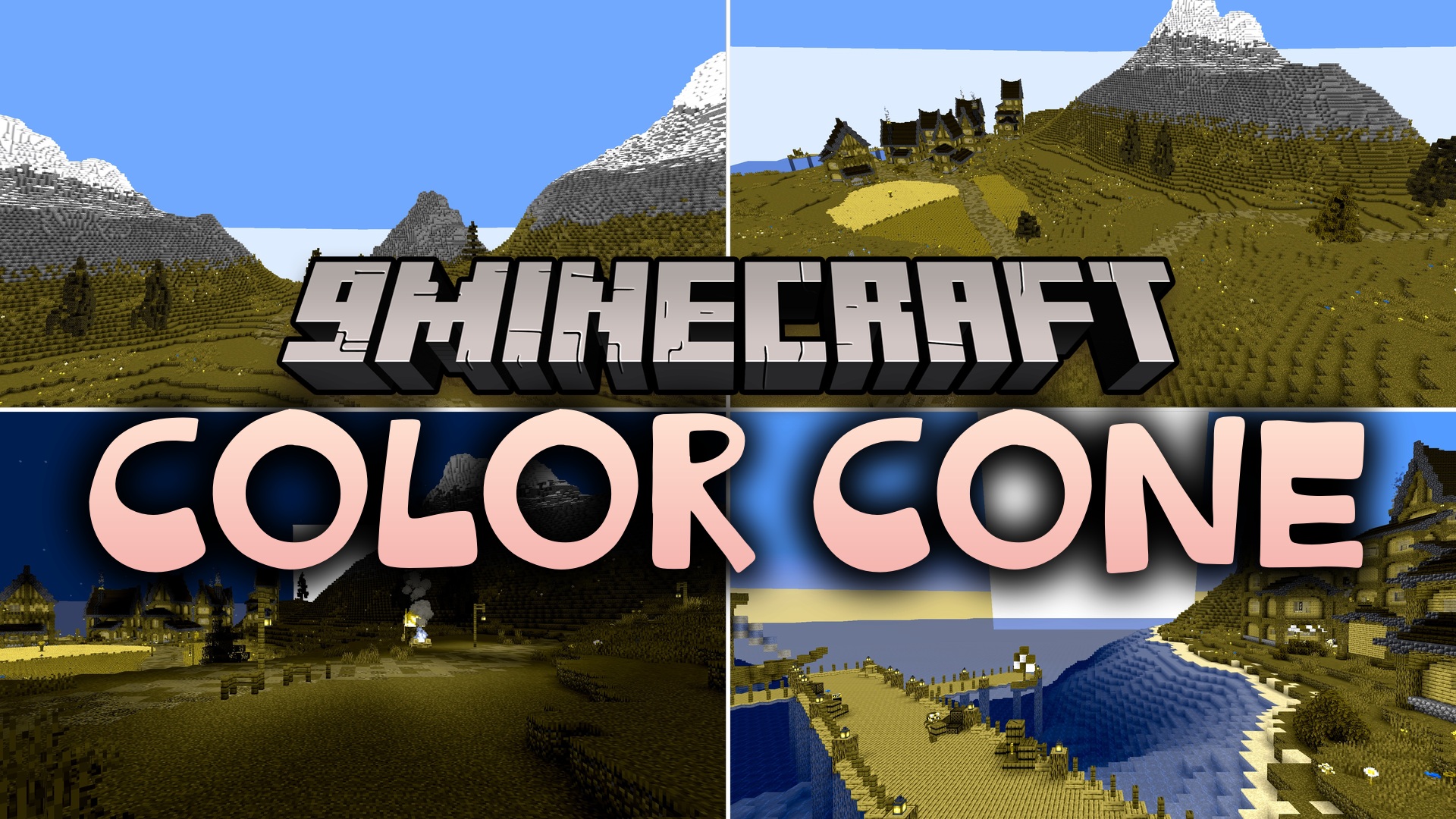
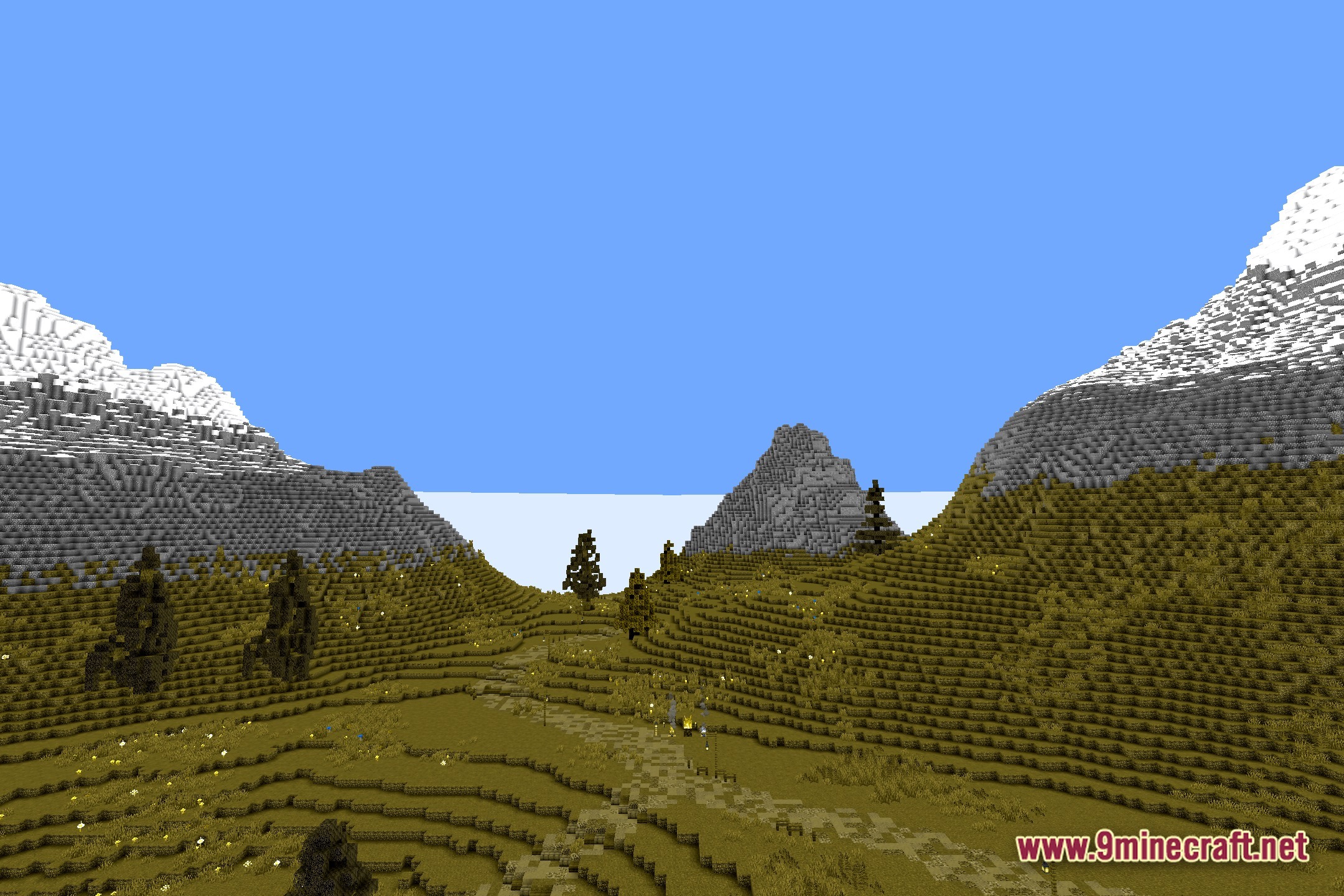
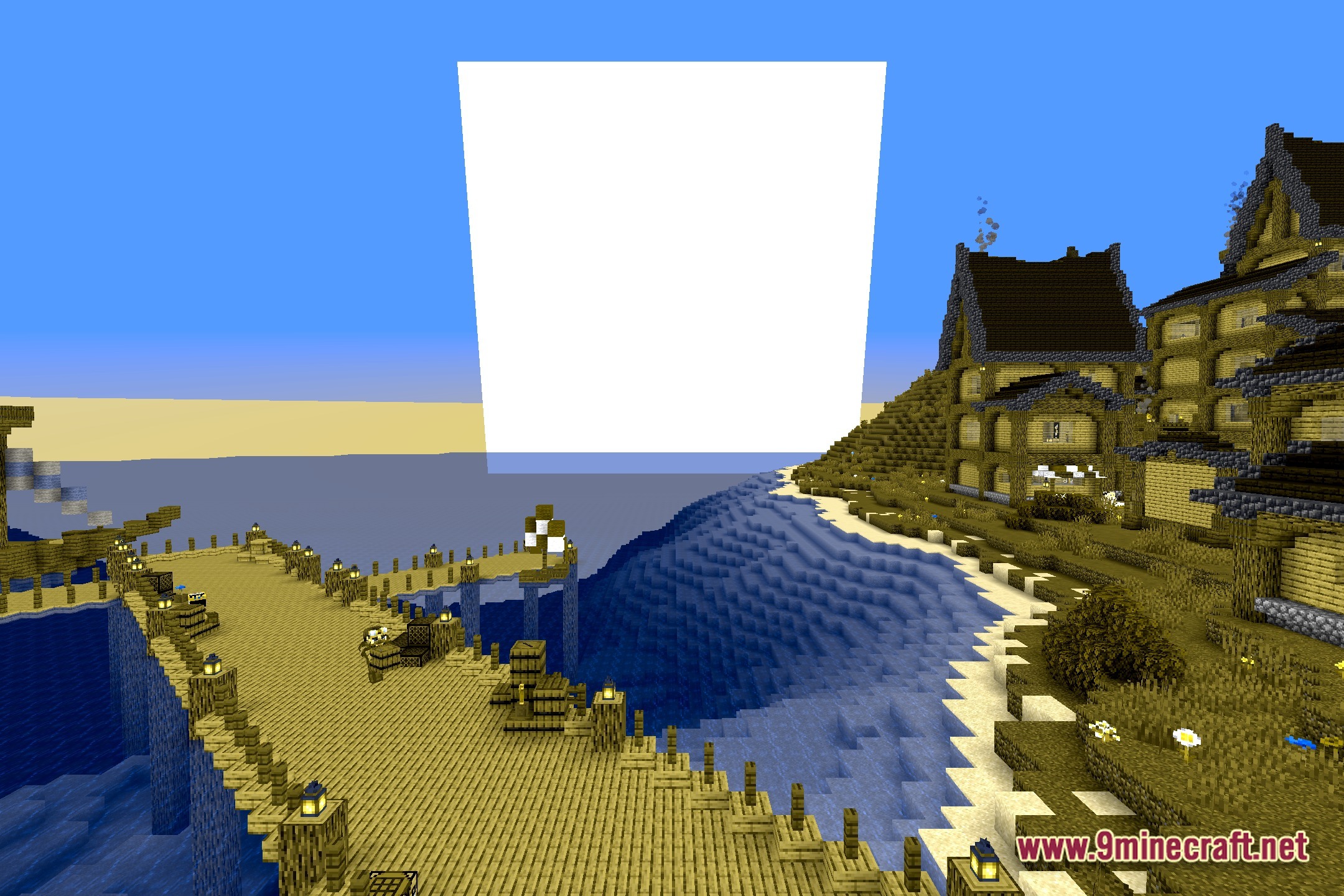
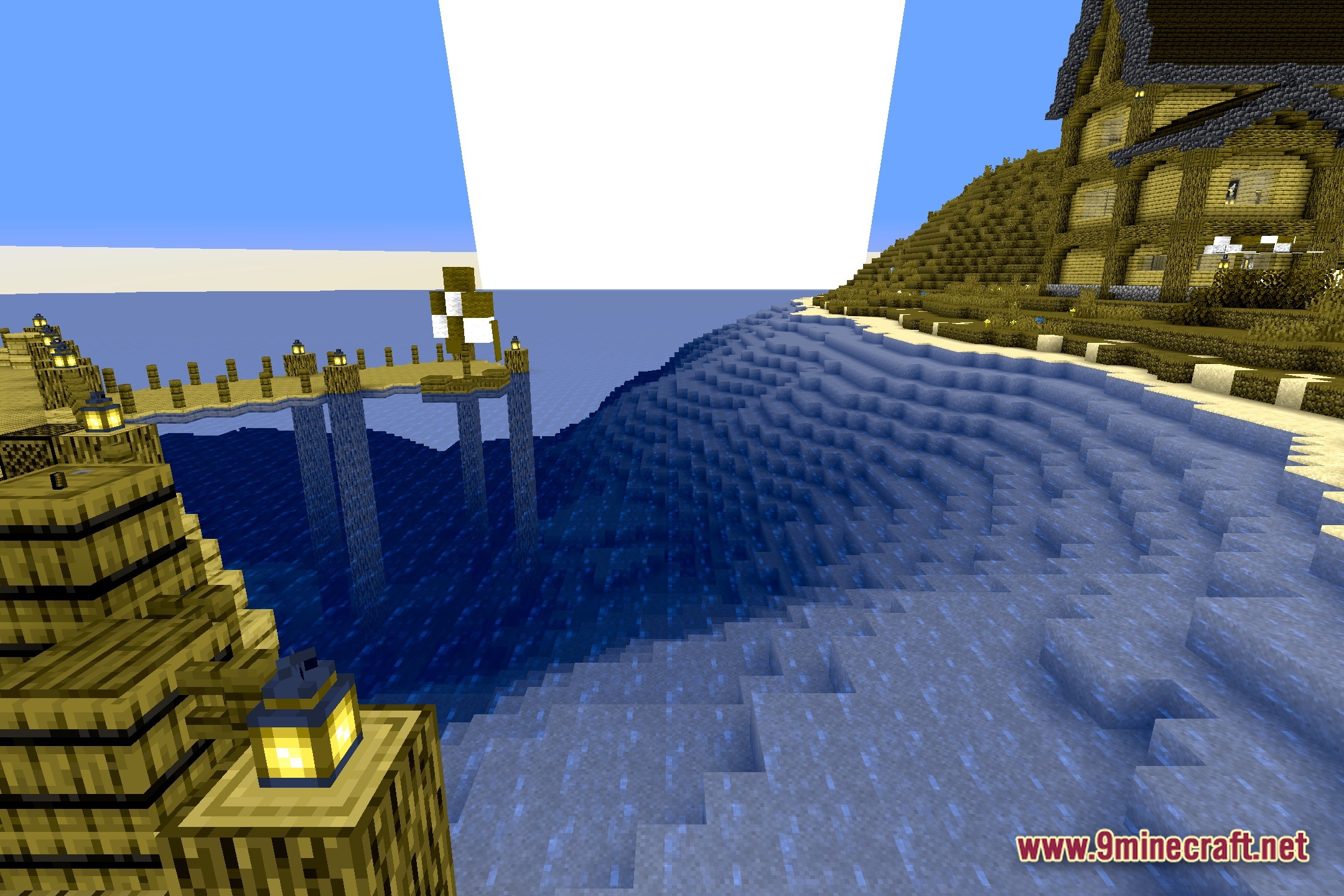
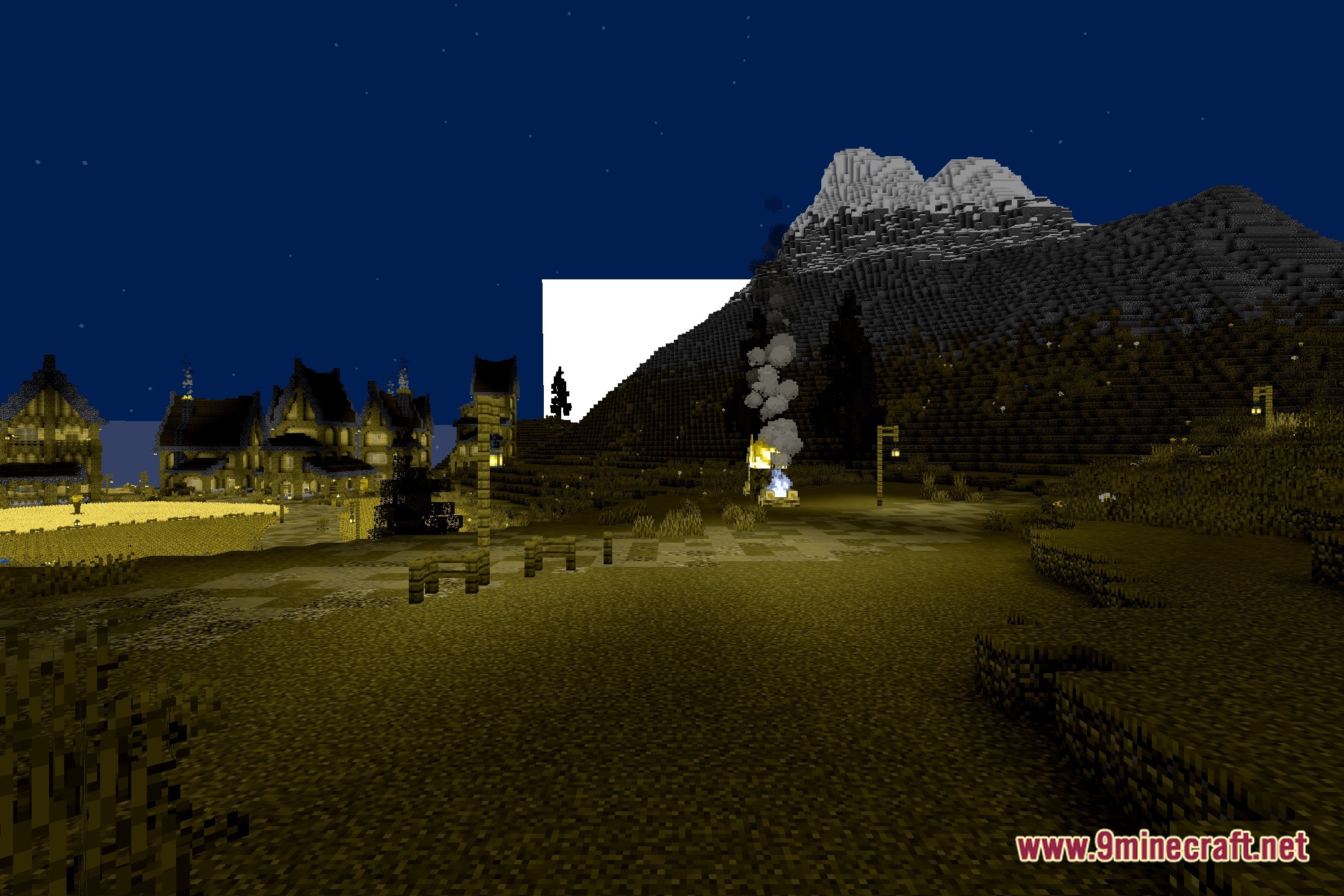
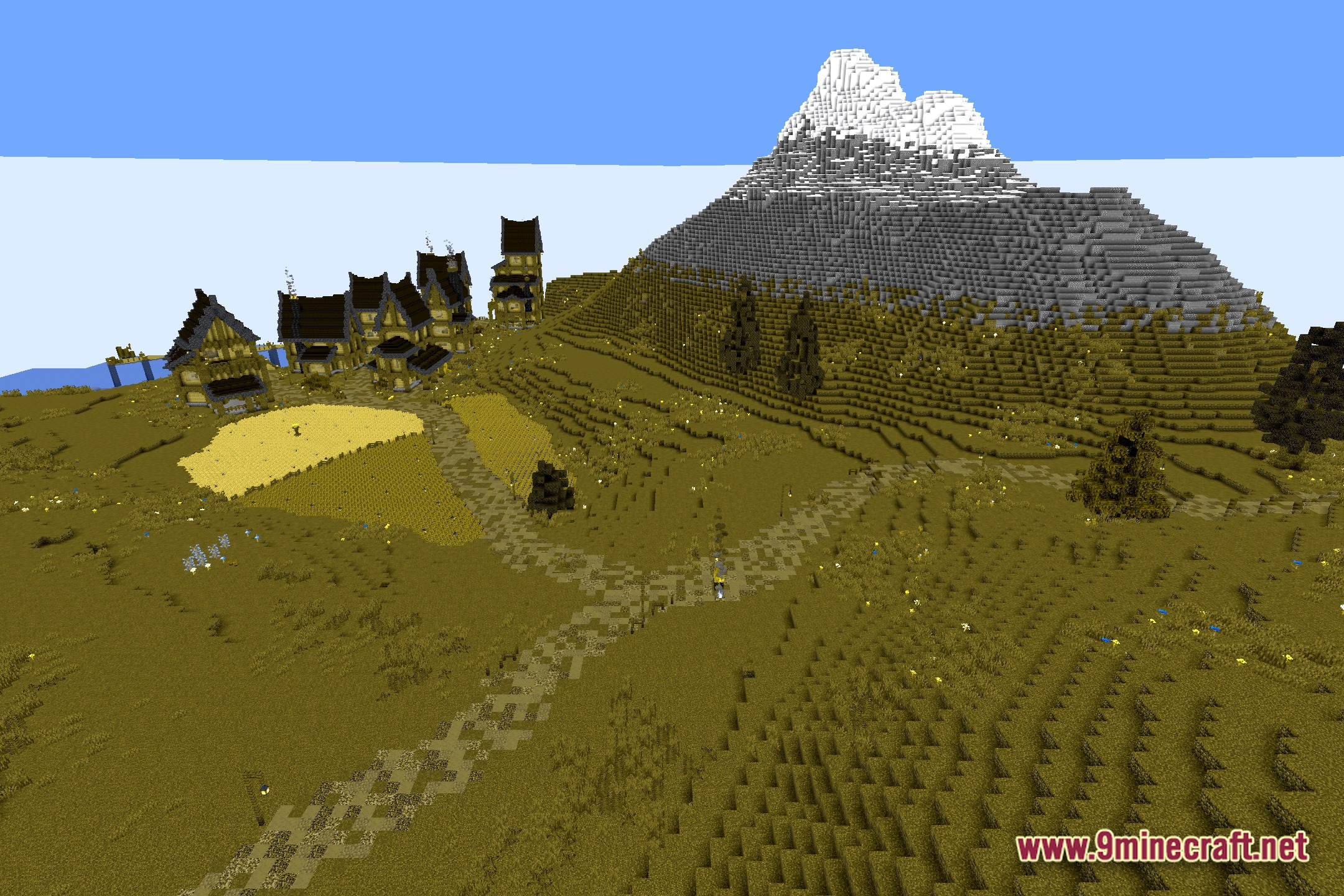
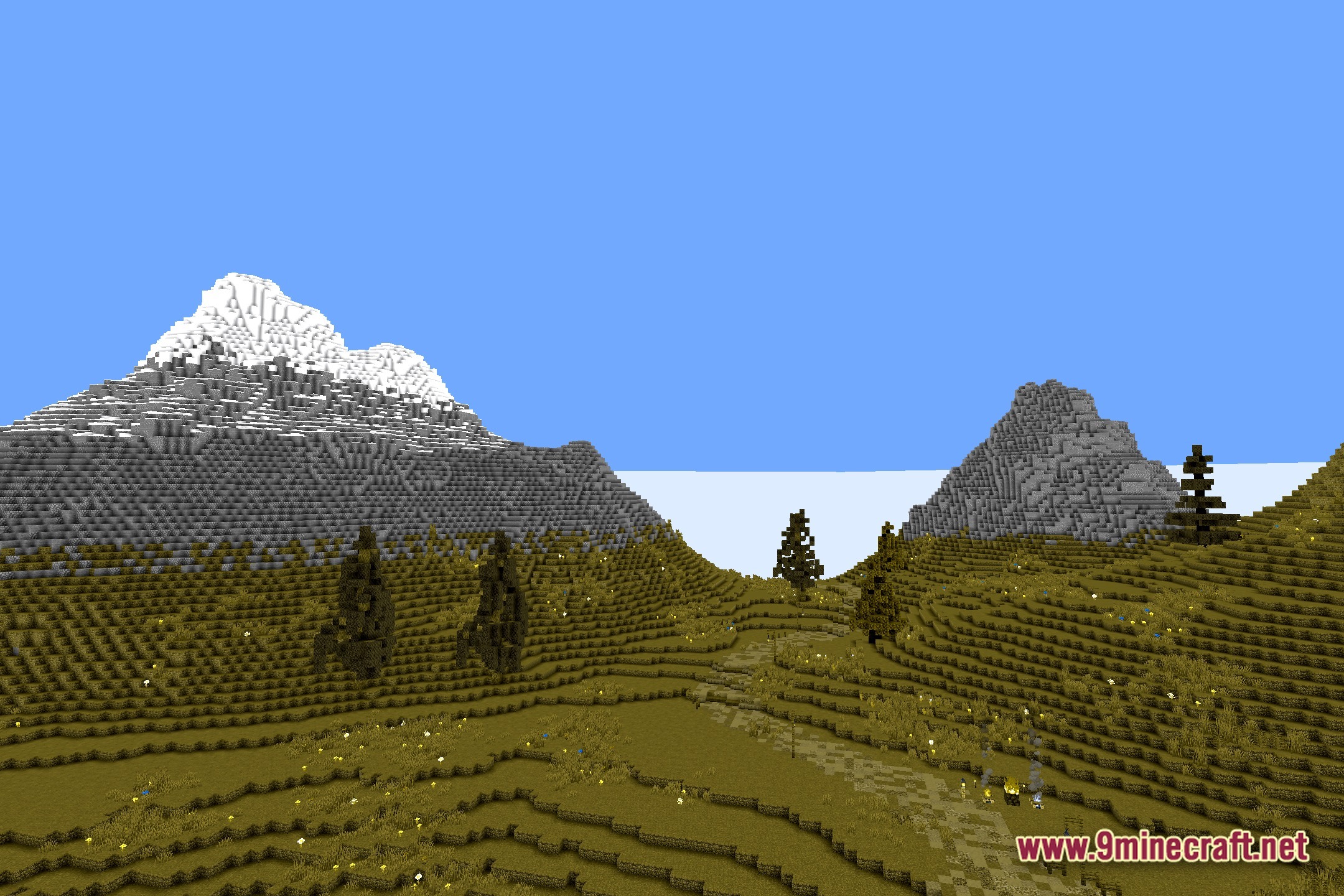
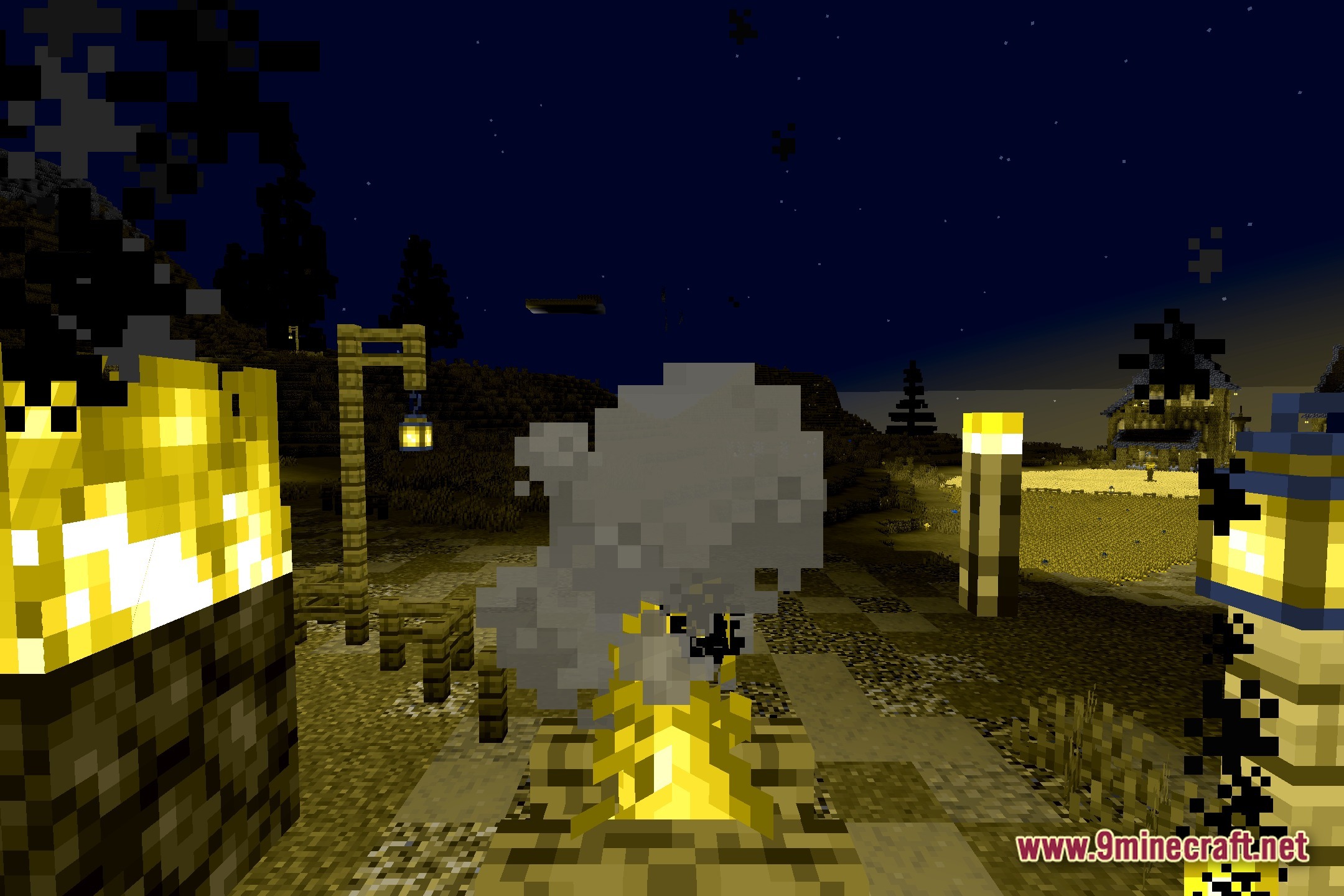
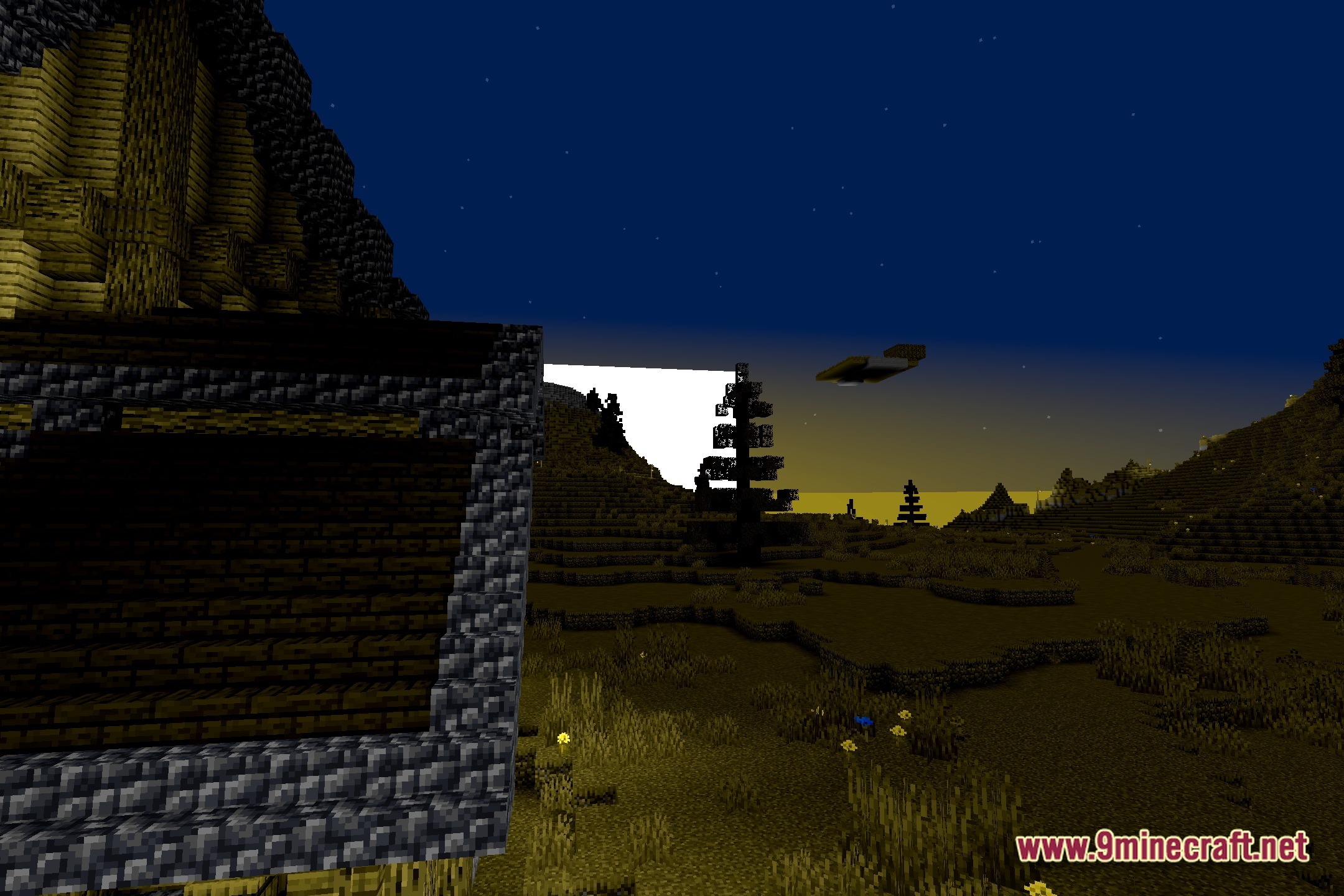
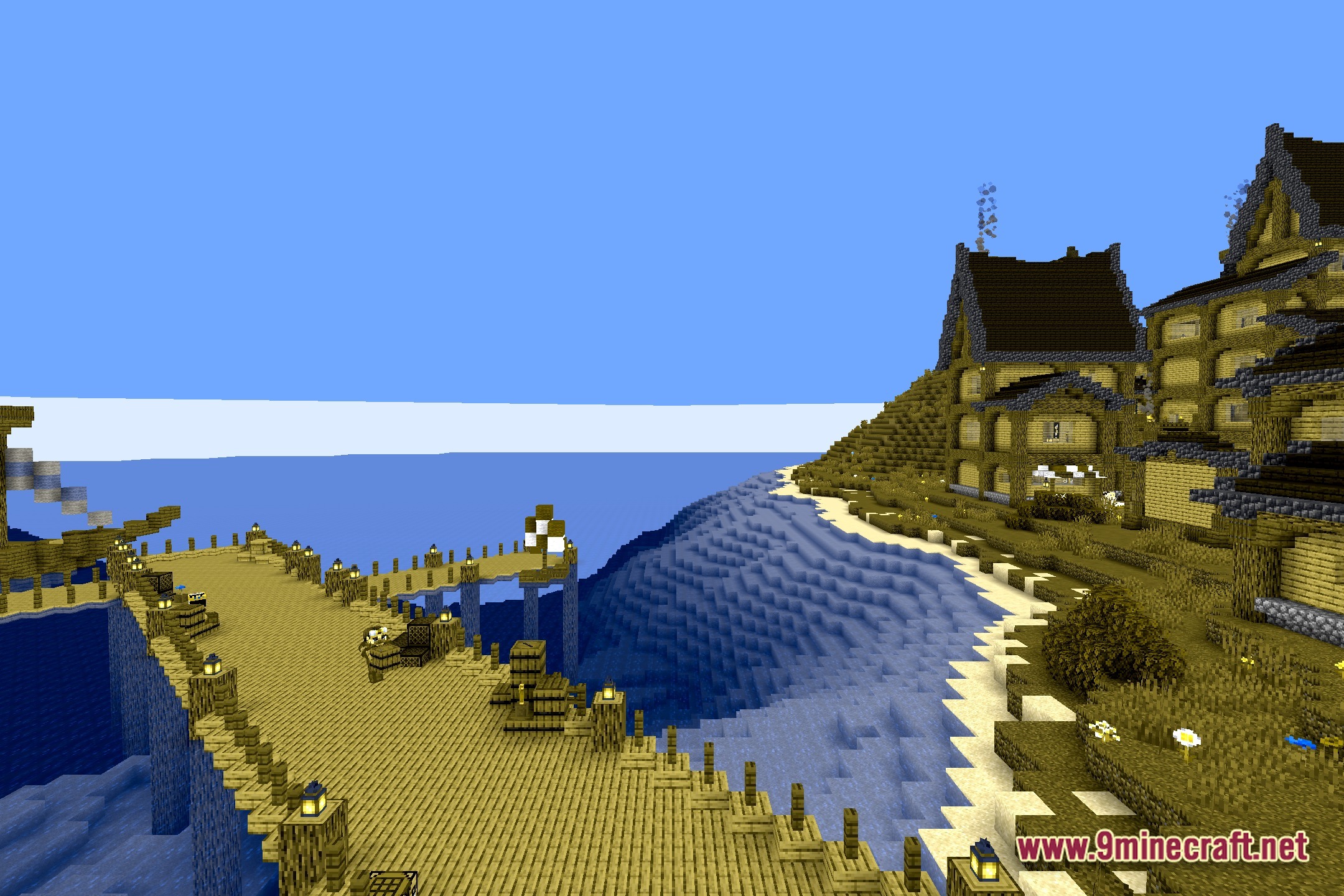
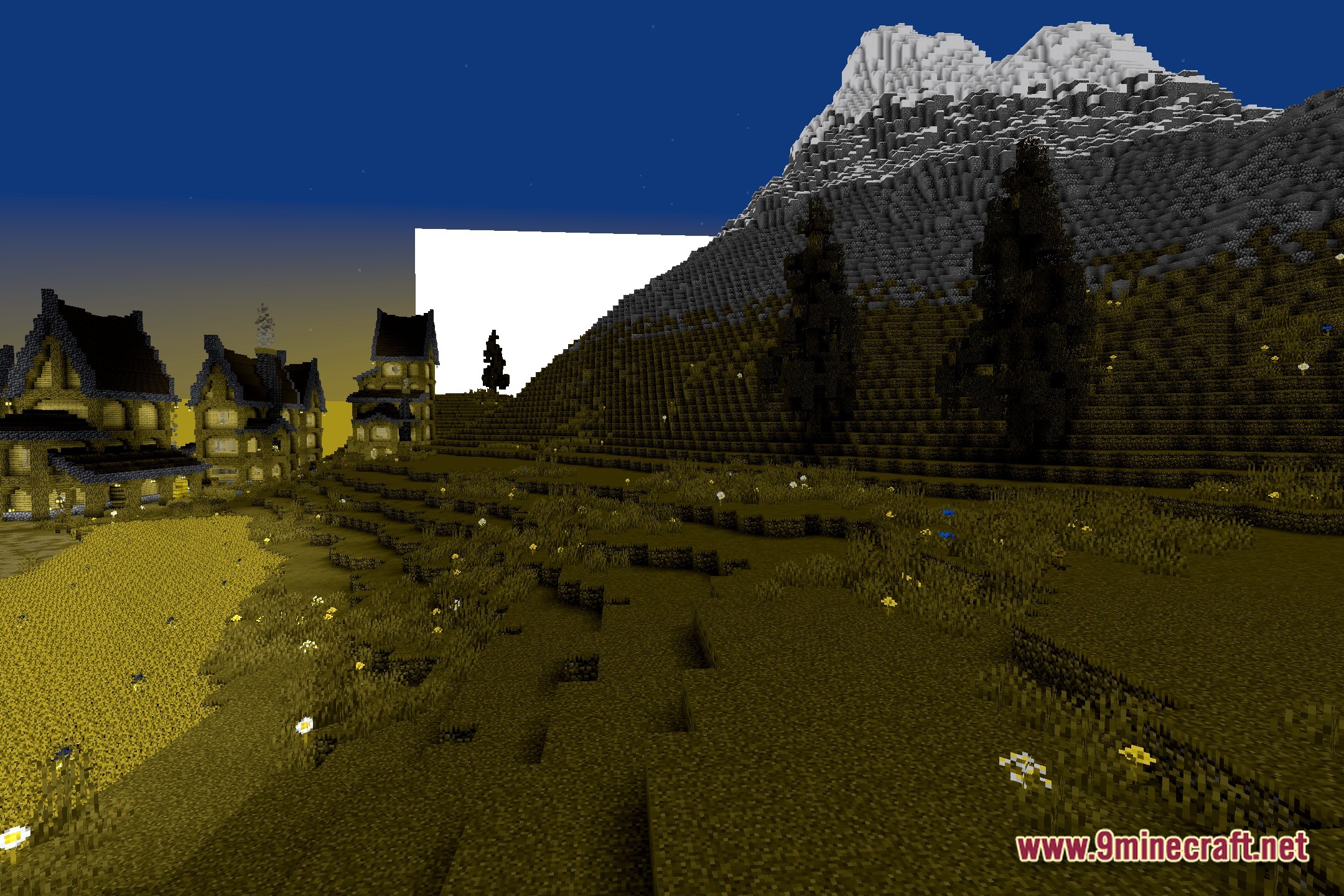
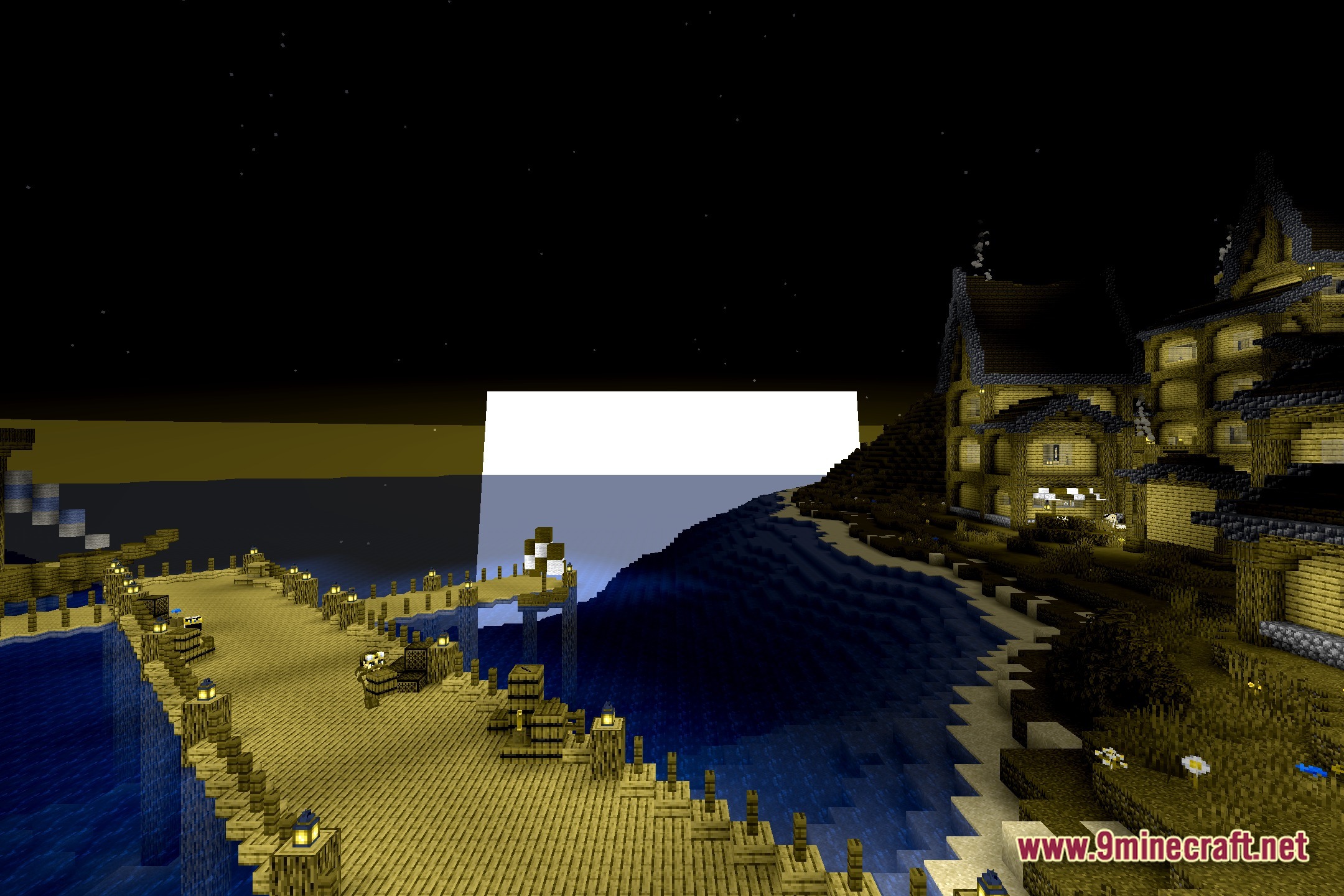
Color Cone alters how you see the Minecraft world by simulating color blindness. This shader pack includes multiple modes that change the colors on your screen. You can use it to test how different blocks and items look to people with different types of color vision. It runs directly as a vanilla shader, so it works well on almost any computer without slowing down your game.
Features:
- Changes the colors of the game to simulate different types of color blindness.
- Includes multiple modes so you can test specific color vision conditions.
- Helps map makers and builders check if their designs are easy to read for everyone.
- Runs directly in the vanilla game without needing heavy graphics mods.
- Keeps the game running smoothly because it only adjusts screen colors.
Screenshots:

How to Install:
New to Minecraft? Follow our step-by-step guide to install Shaders on your PC.View Guide
Color Cone Shaders Download Links
Click to rate this post!
[Total: 0 Average: 0]
You May Also Like

This post has no comments yet. Be the first — your comment will appear here.