


Colorwheel Patcher Mod (1.21.1, 1.20.1) – Get Colored Lighting Without Editing

 0
0 

🌐 Good news — we've translated this article into other languages!
Or pick the one you like:
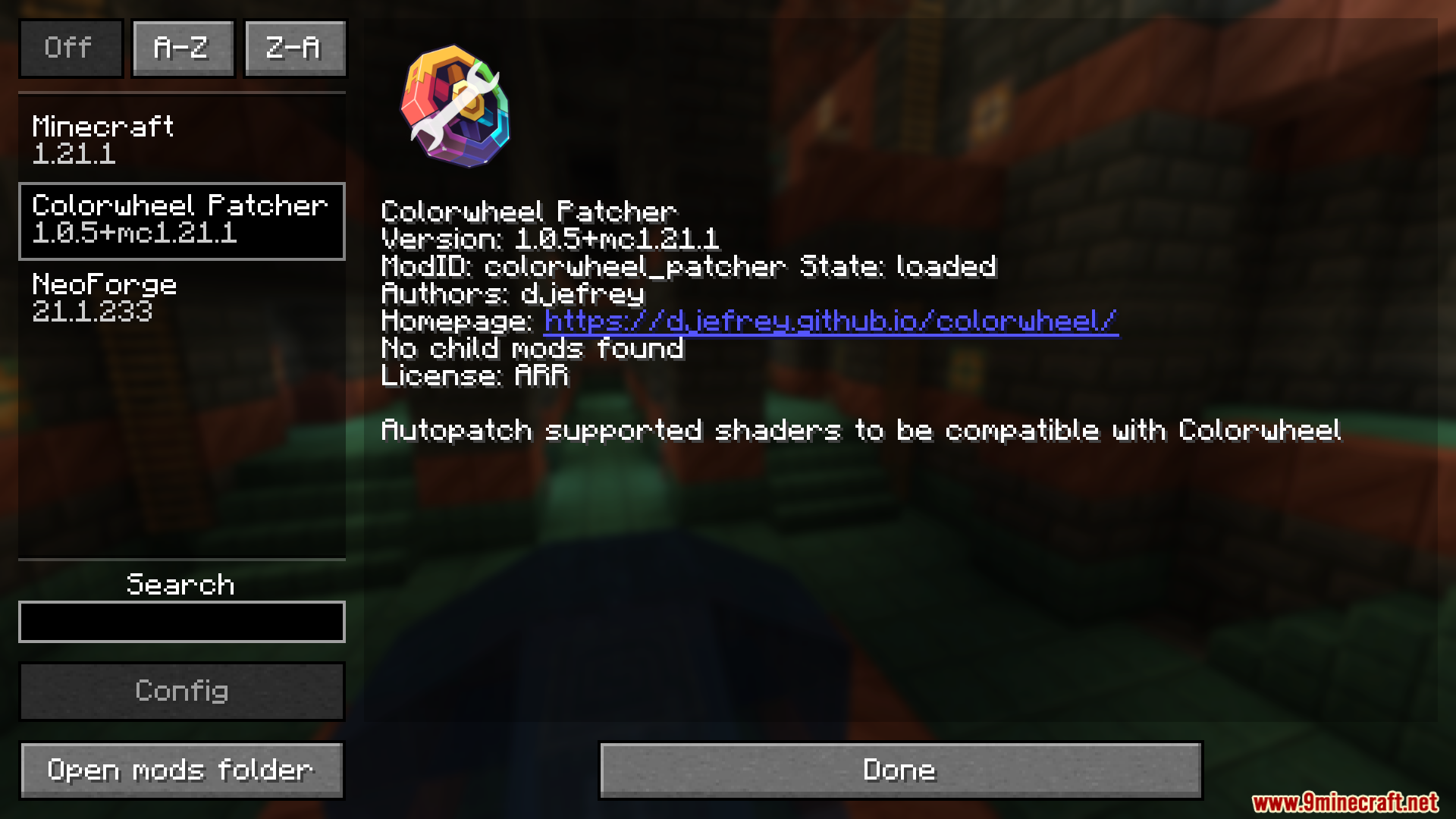
Colorwheel Patcher Mod adds automatic shader compatibility for Colorwheel. It does the hard work for you by changing shader files right when you start the game. This saves you from having to edit the files yourself just to get colored lighting working. It makes setting up your game much easier and gets you playing faster.
Features:
- Updates your shader files automatically the moment you load up the game.
- Removes the need to edit code by hand to get colored lights working.
- Supports popular packs like BSL, Bliss, Complementary, Euphoria Patches, Photon, and Rethinking Voxels.
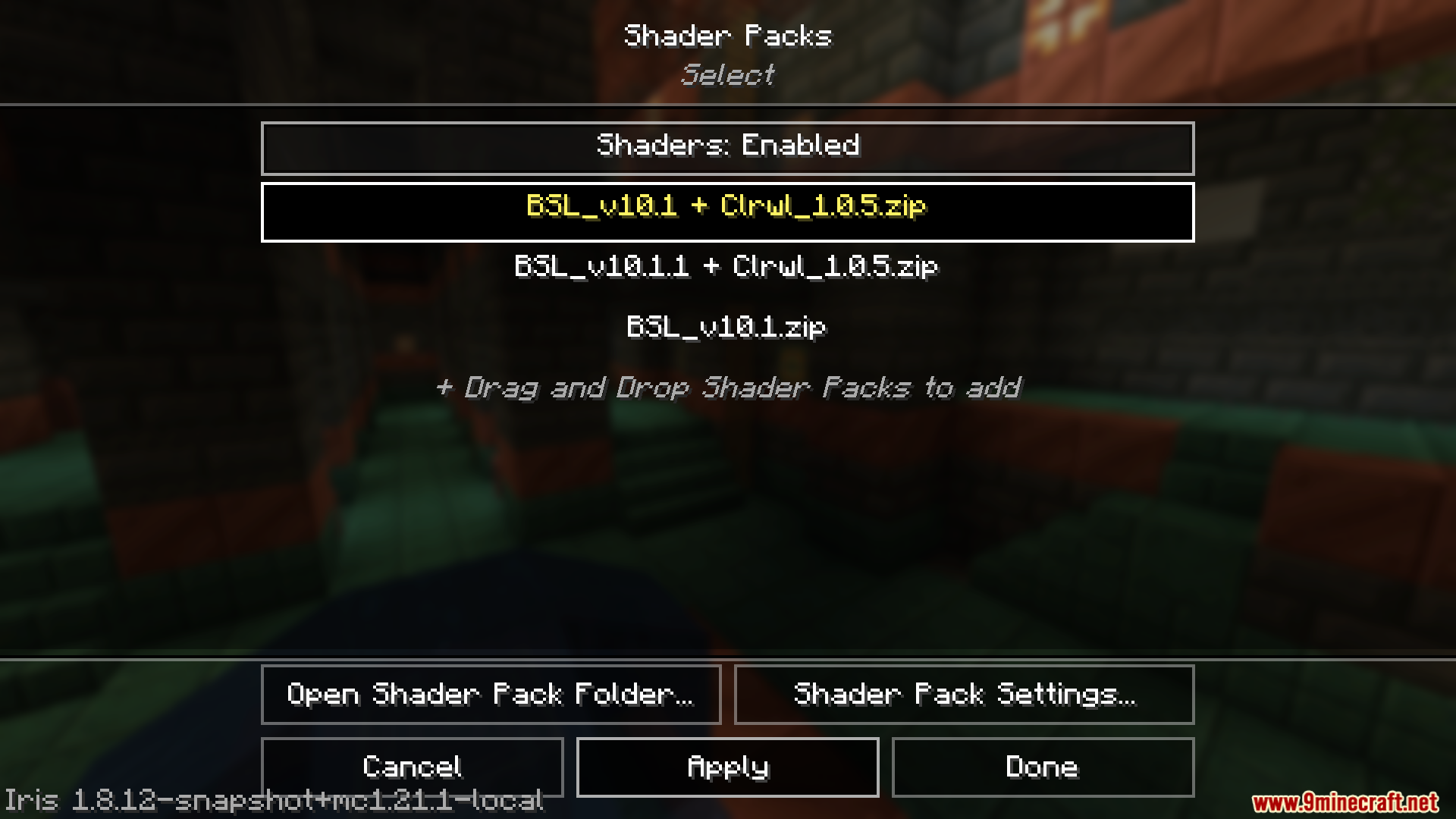
- Adds a clear label ending with “+ Clrwl” to the fixed files in your video settings menu.
- Works perfectly with moving machines if you turn on entity shadows in your settings.
How to Use:
- Install this mod alongside the main Colorwheel mod.
- Add a supported shader pack to your game.
- Start the game normally so the files can update.
- Open your video settings and select the shader pack ending with “+ Clrwl”.
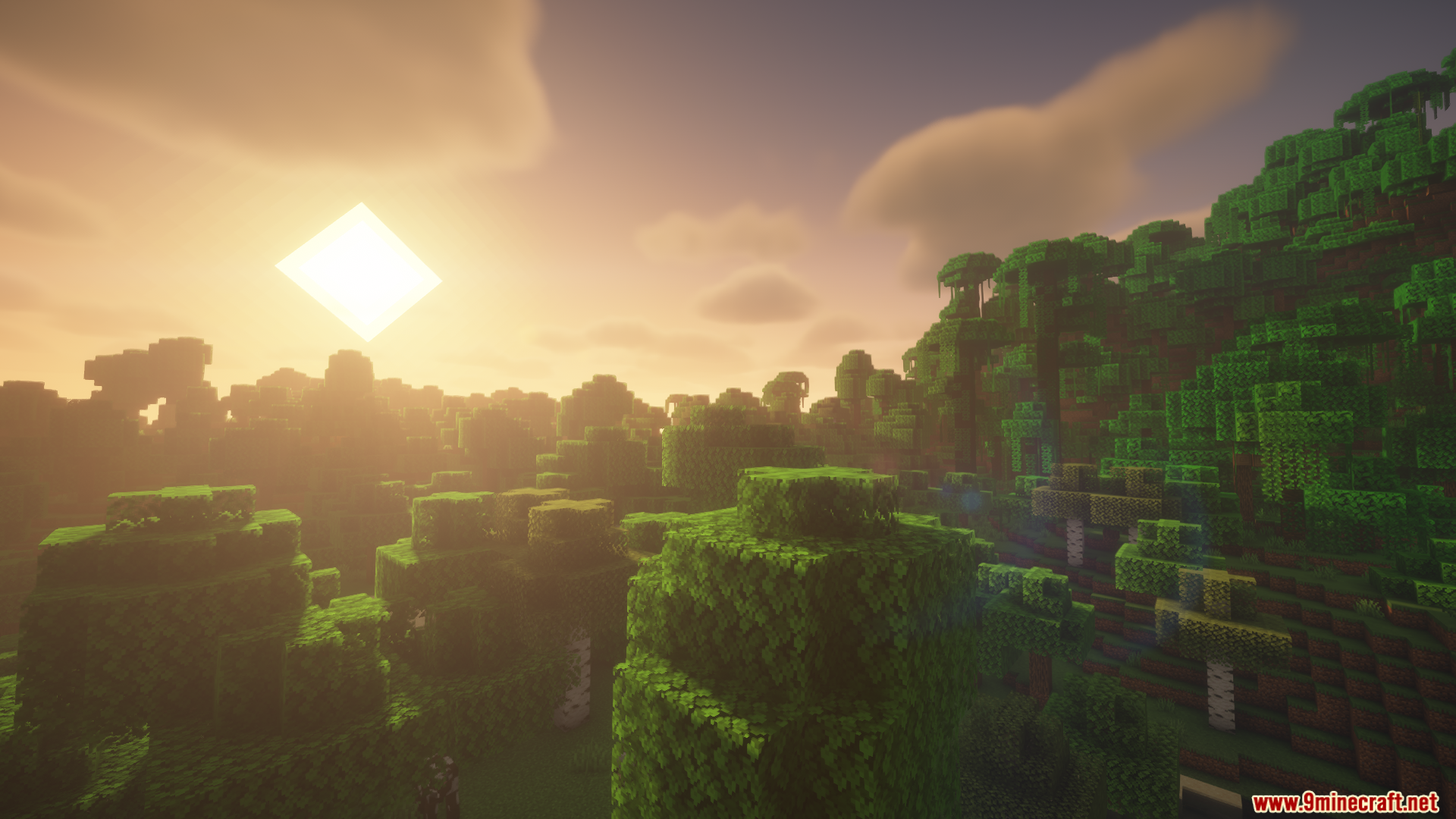
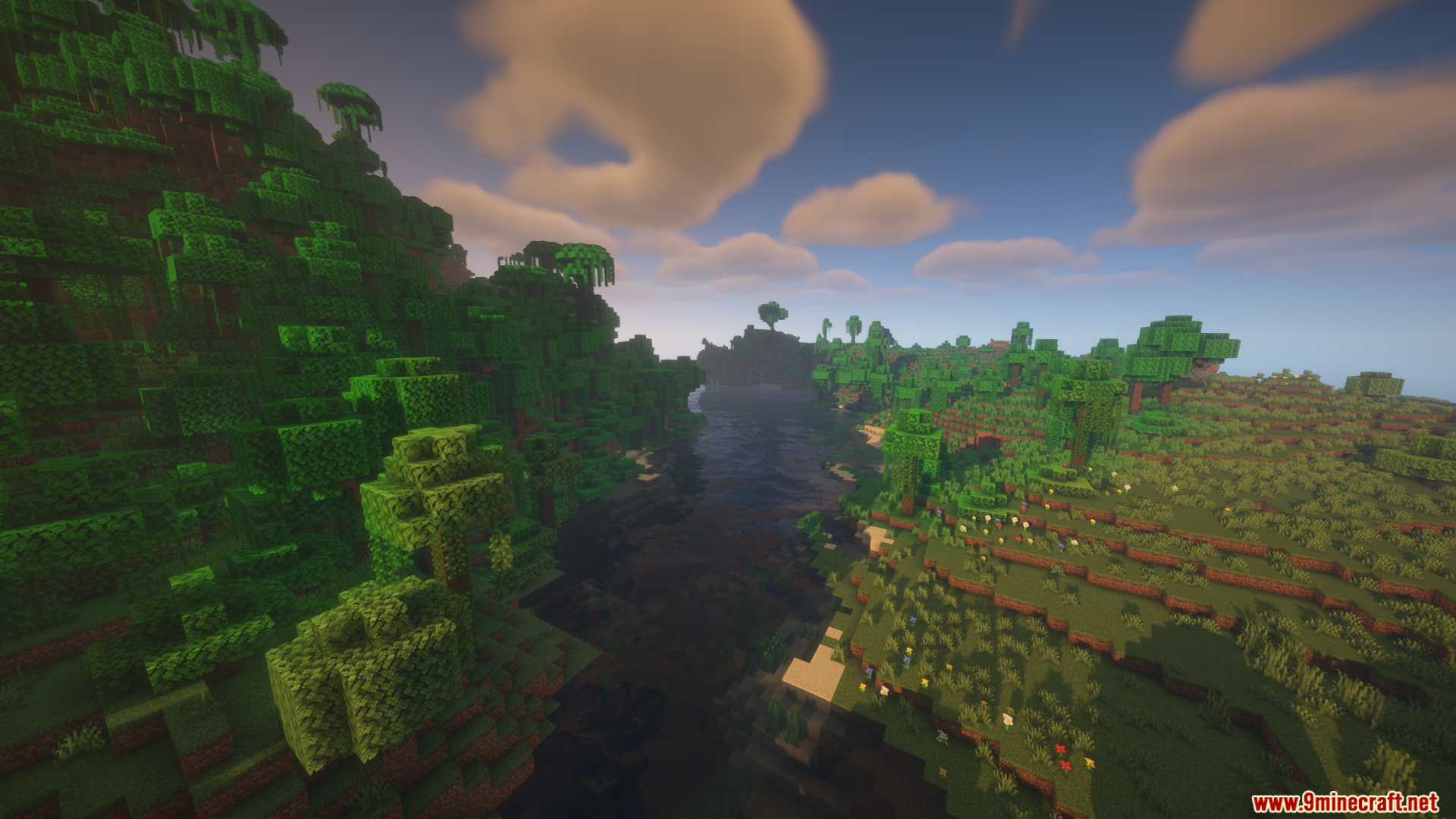
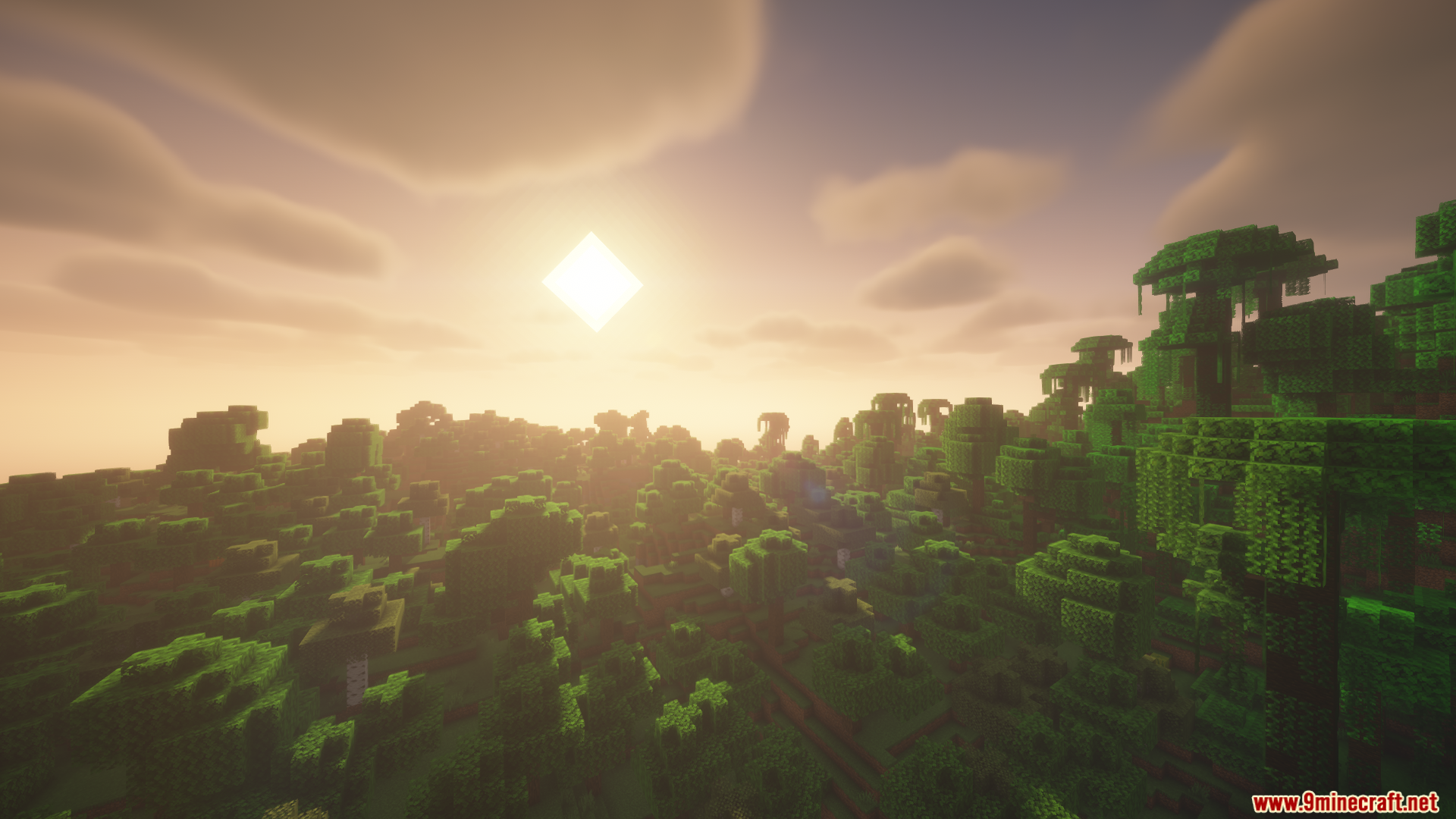
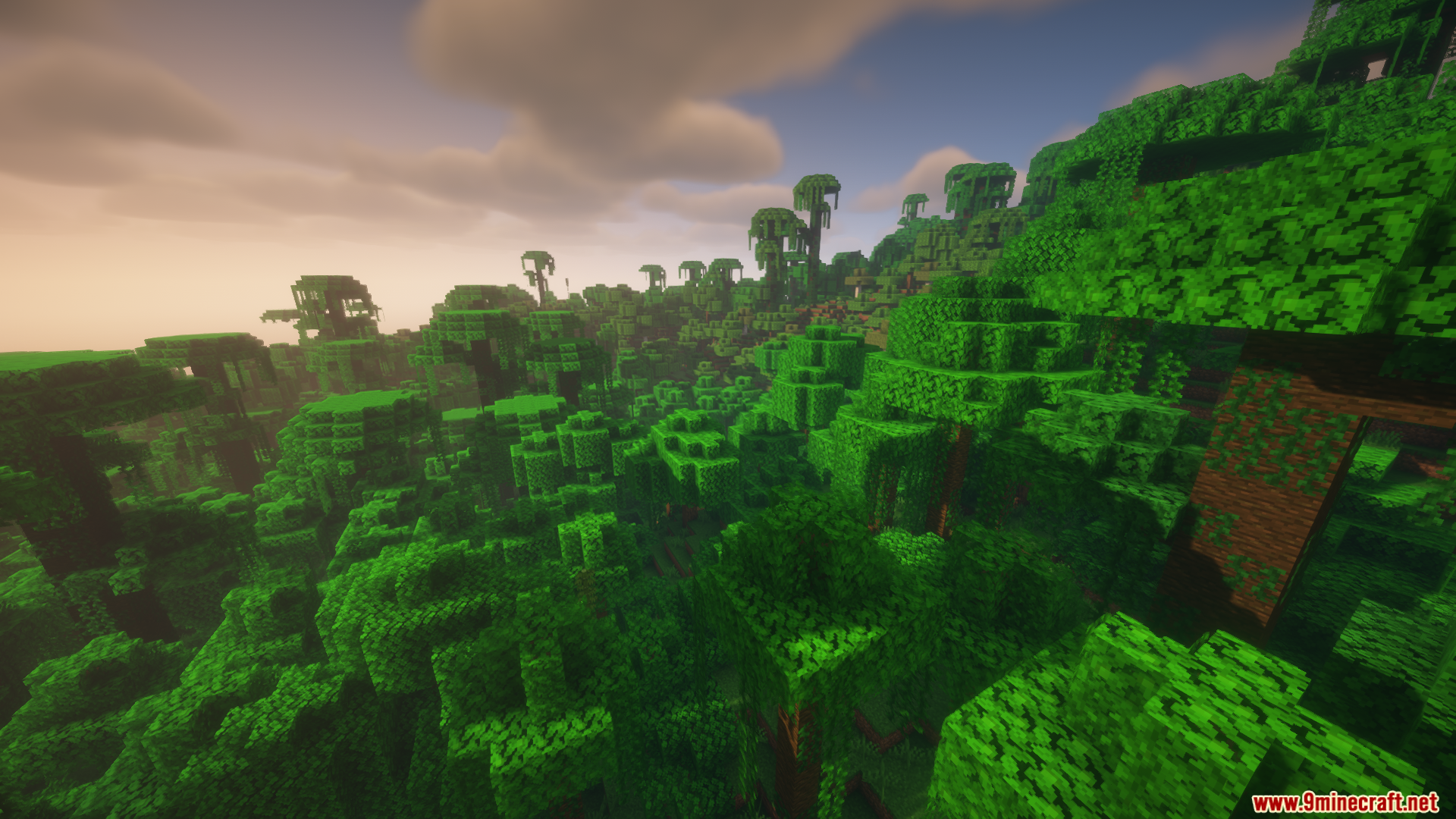
Screenshots:
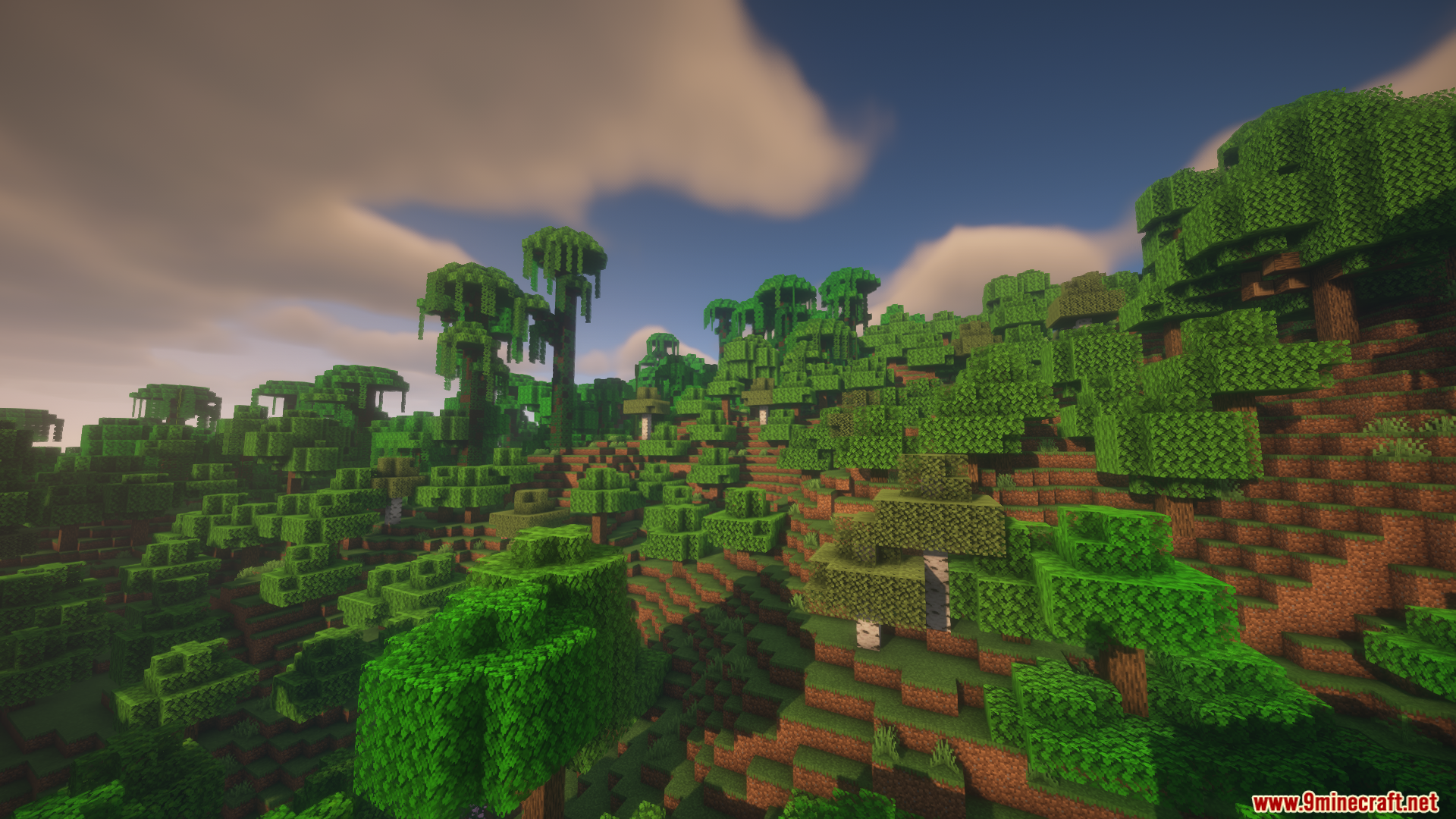
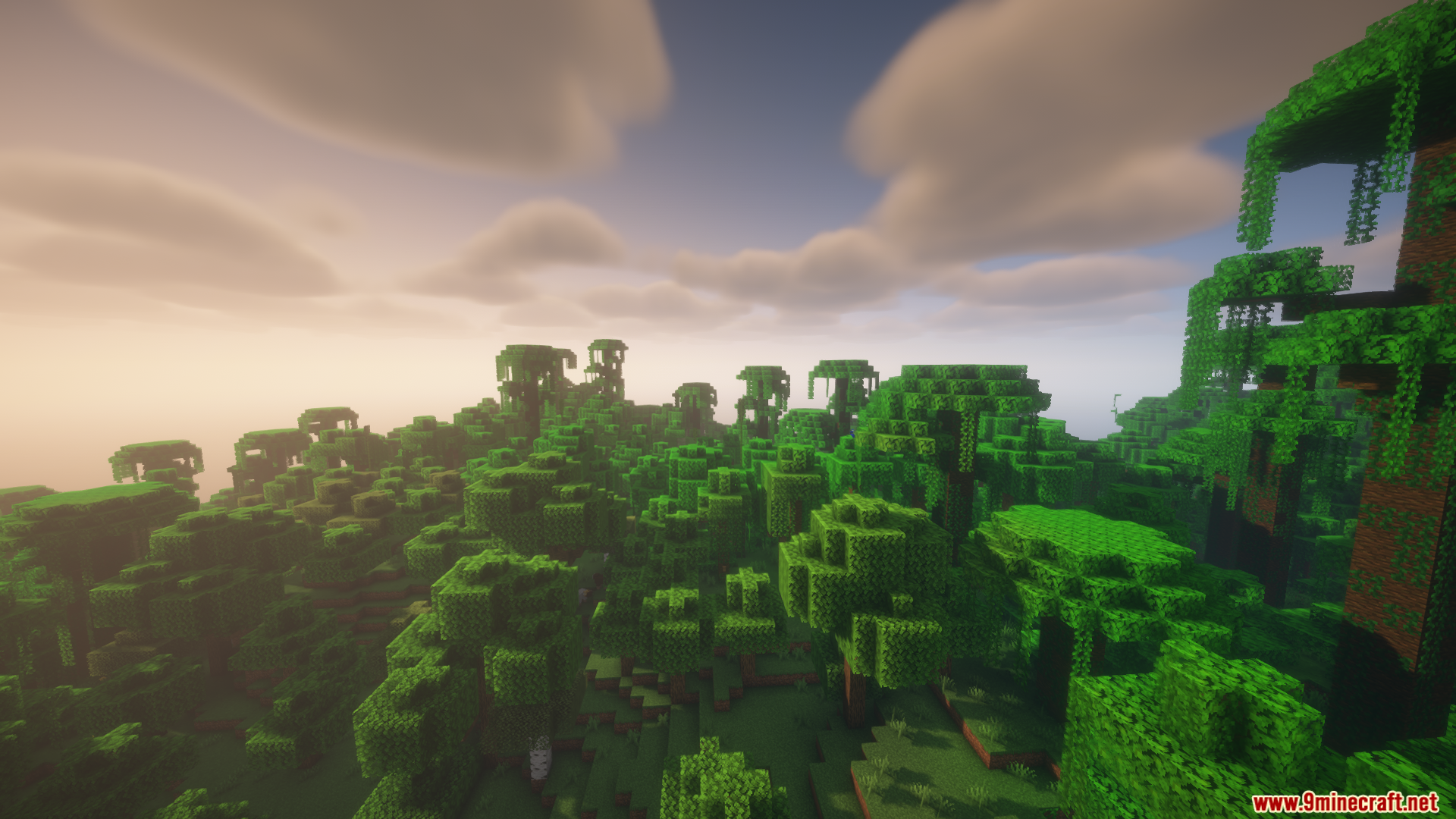
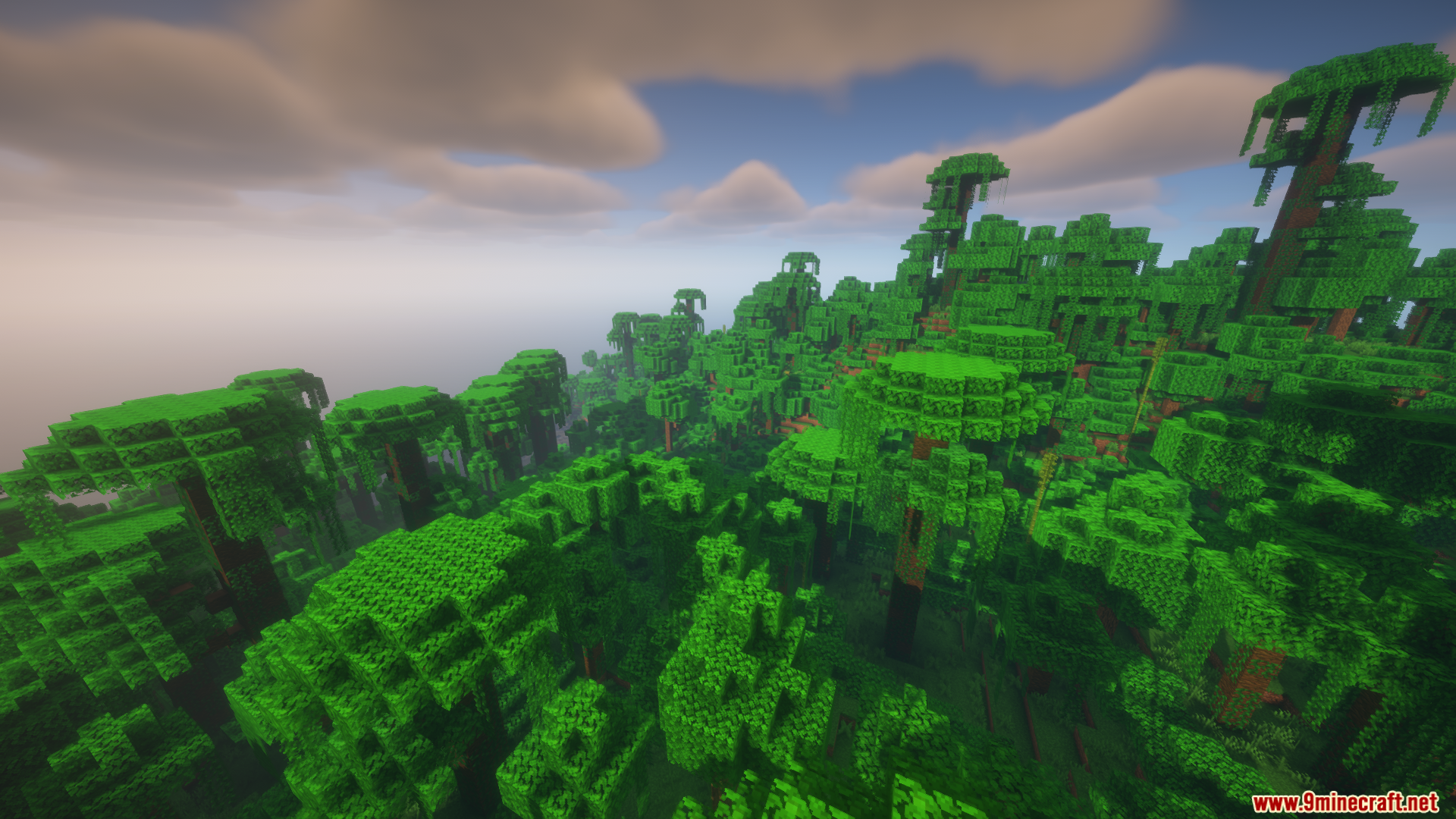
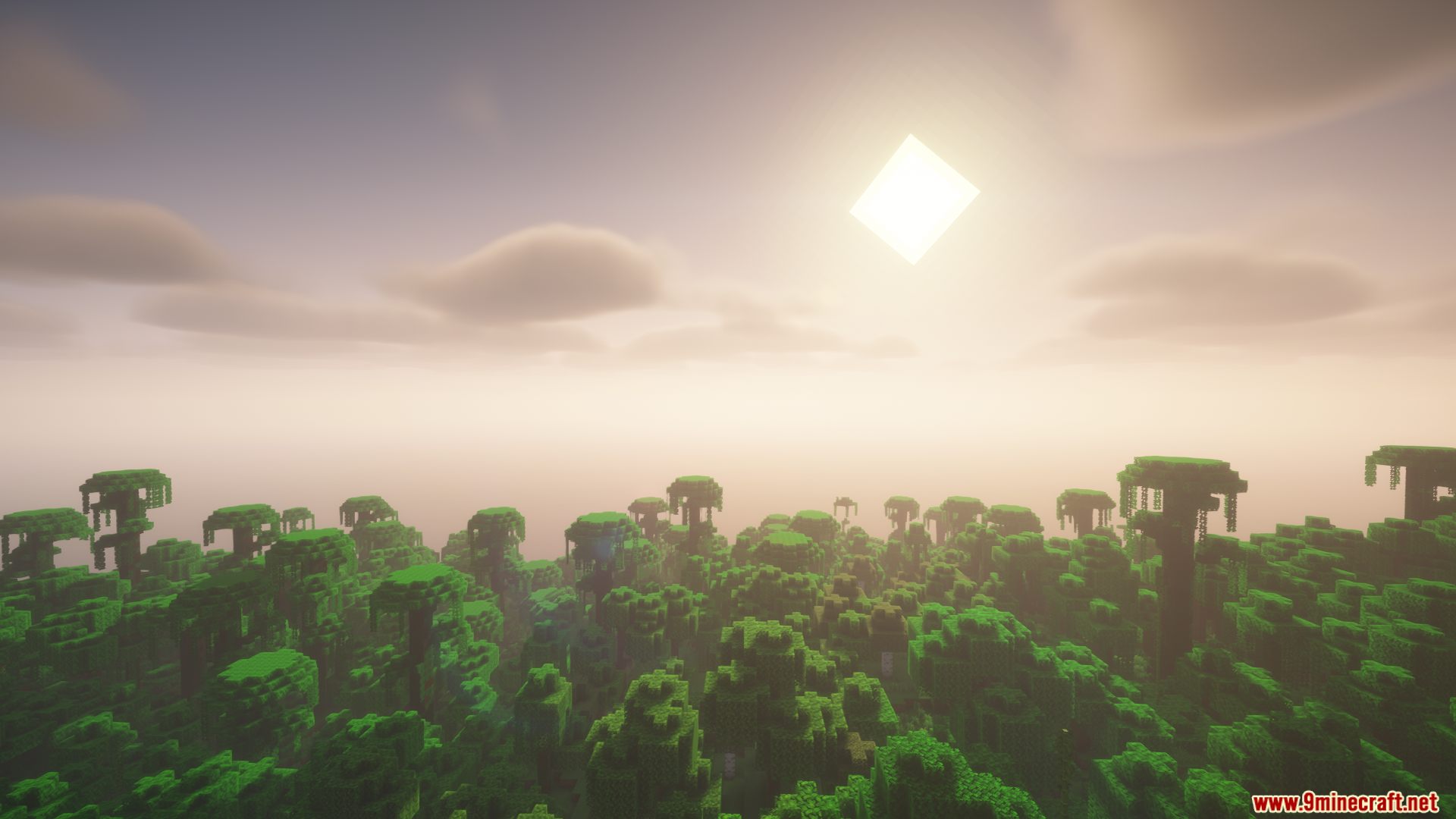
How to Install:
New to Minecraft? Follow our step-by-step guide to install Mods on your PC.View Guide
Requirements:




Colorwheel Patcher Mod Download Links
For Minecraft 1.21.1, 1.21
For Minecraft 1.20.1, 1.20
Click to rate this post!
[Total: 1 Average: 4]
You May Also Like








This post has no comments yet. Be the first — your comment will appear here.