


Custom Portals Mod (26.1.2, 1.20.1) – Fast Travel Between Locations

 0
0 

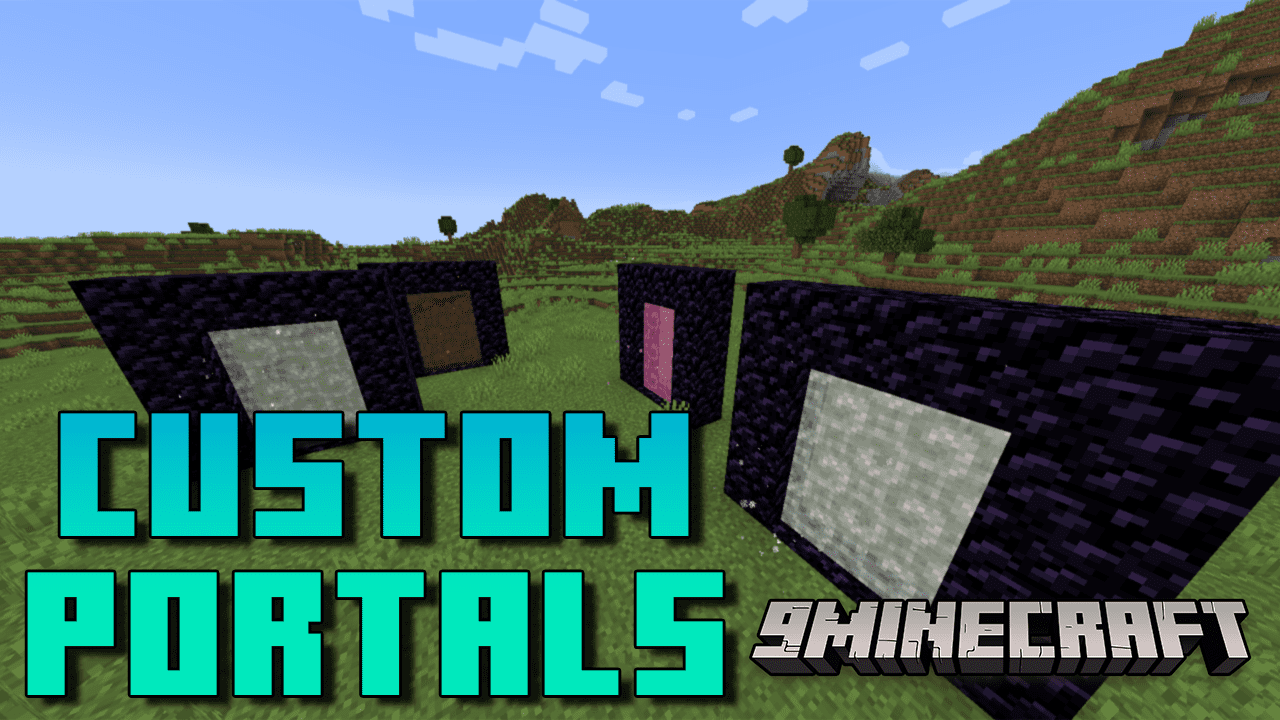
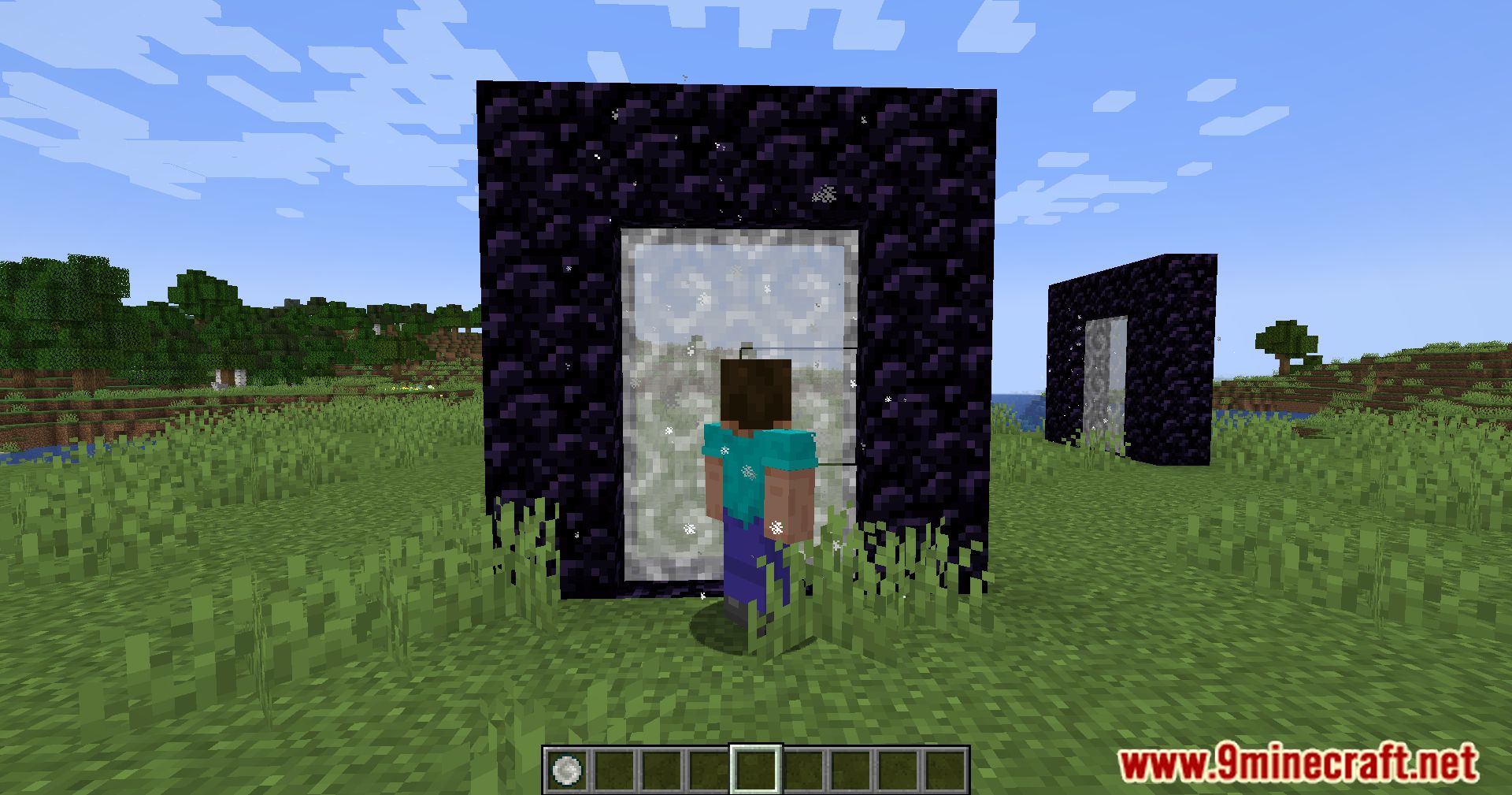
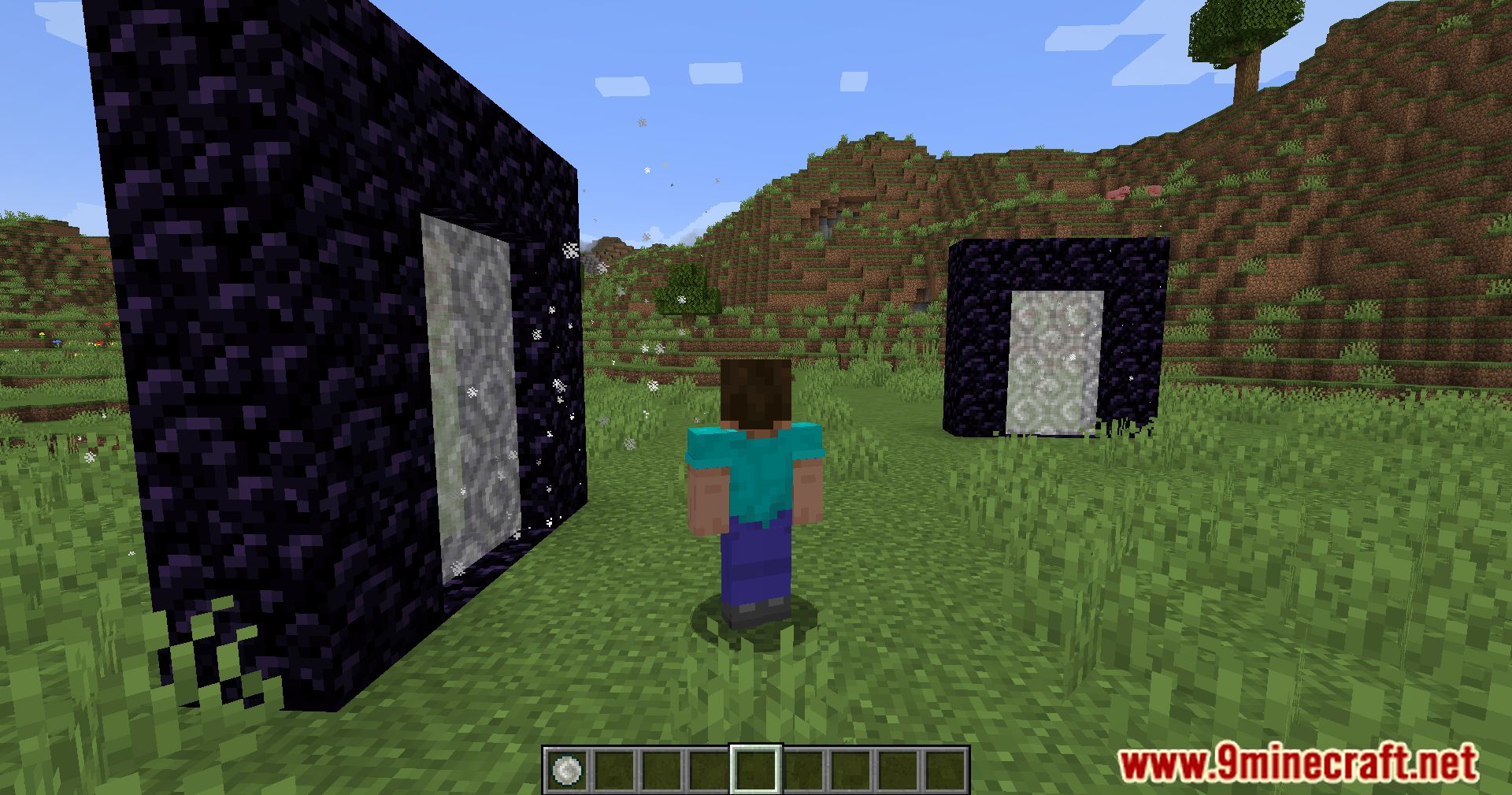
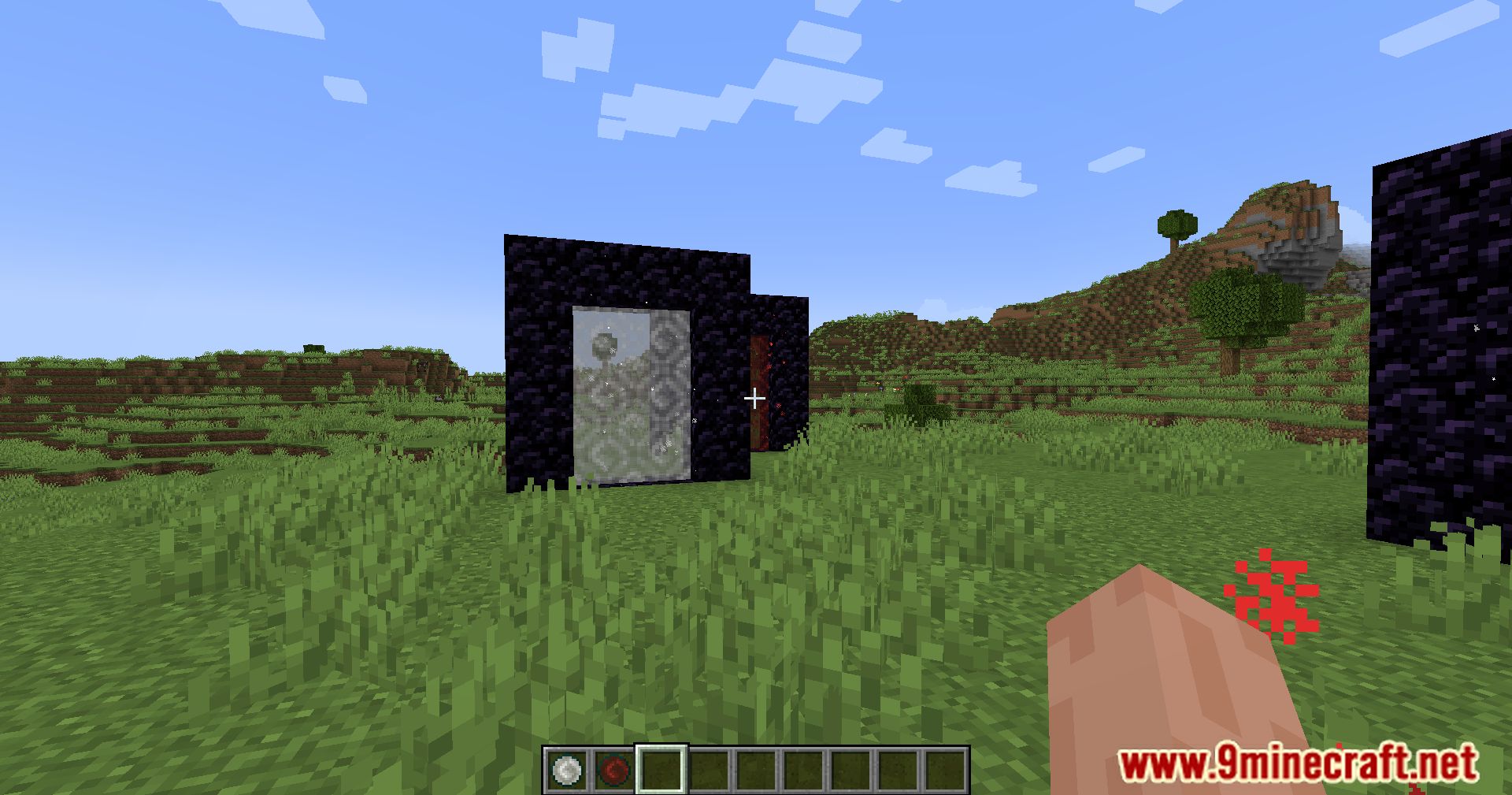
Custom Portals Mod allows you to create portals of different colors and sizes that will teleport you around your world, enabling fast travel between locations.
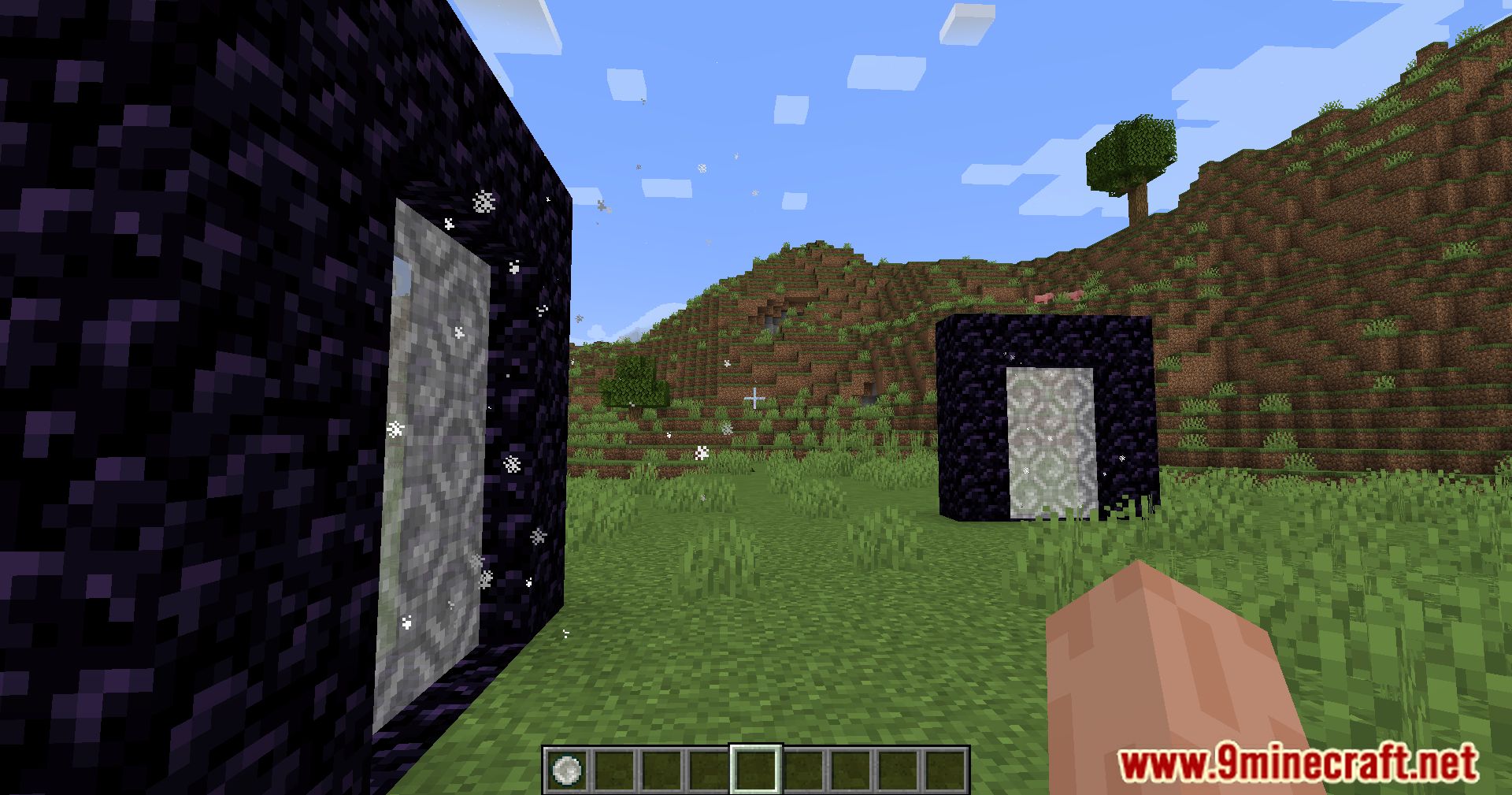
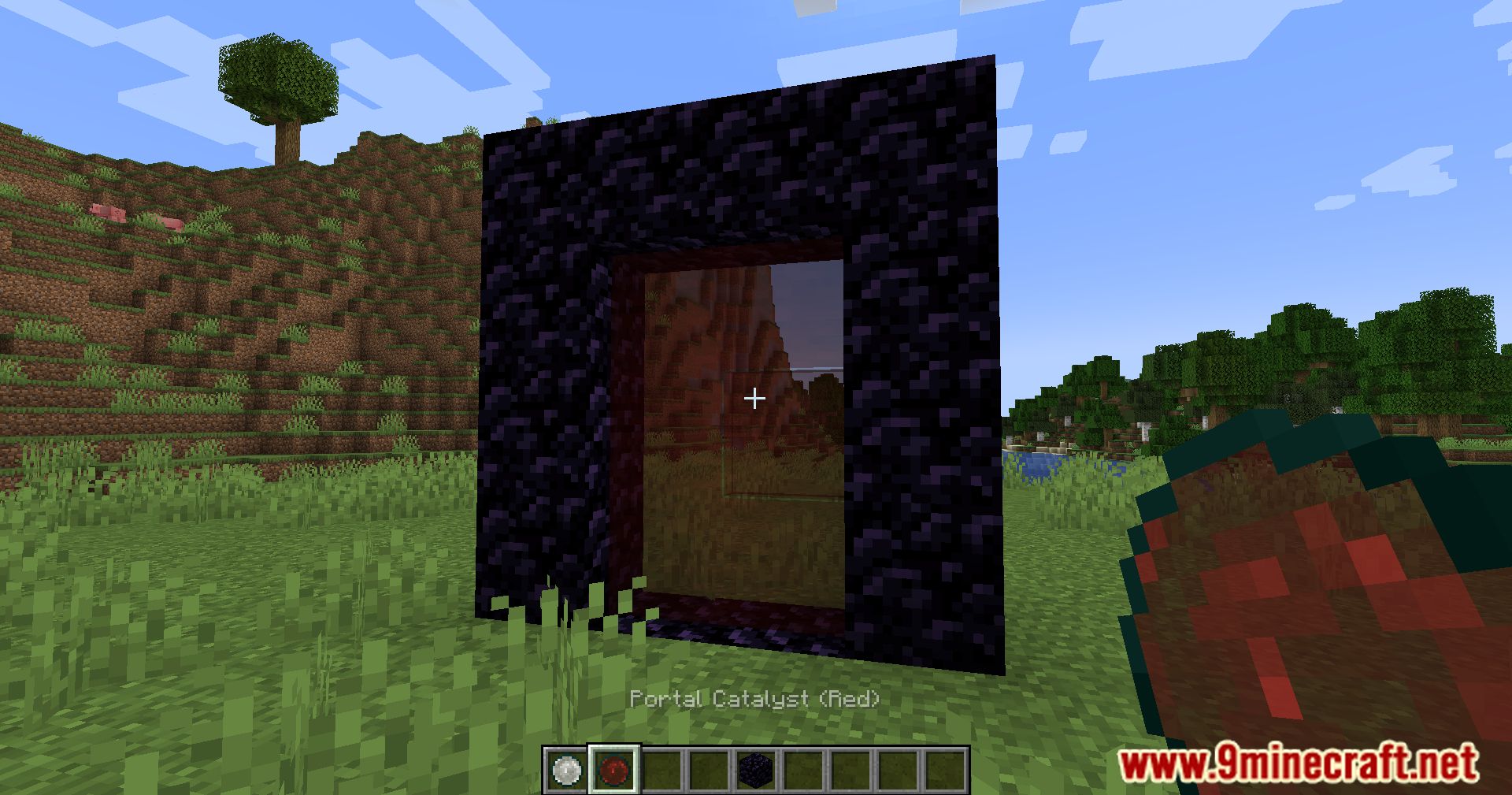
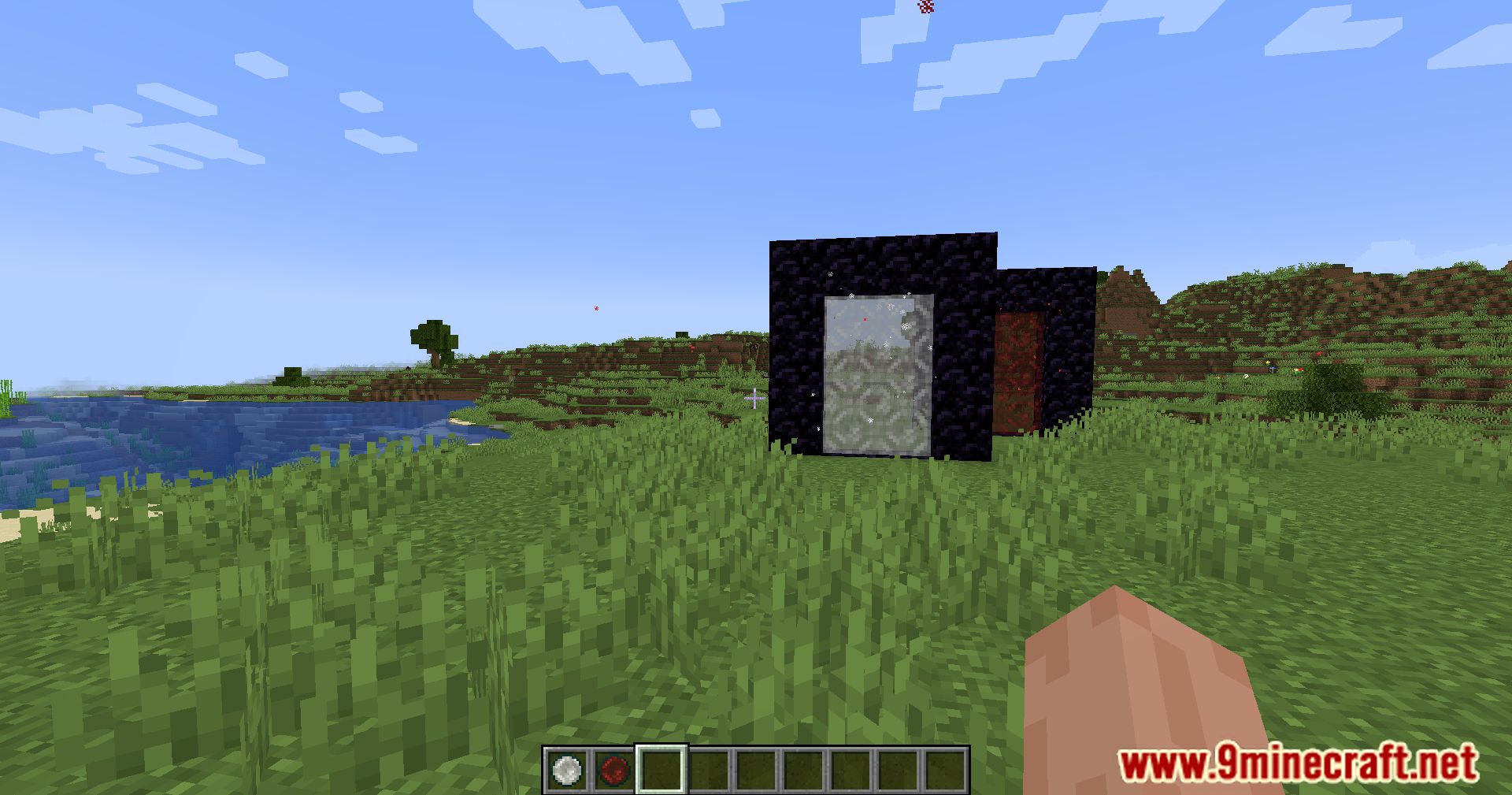
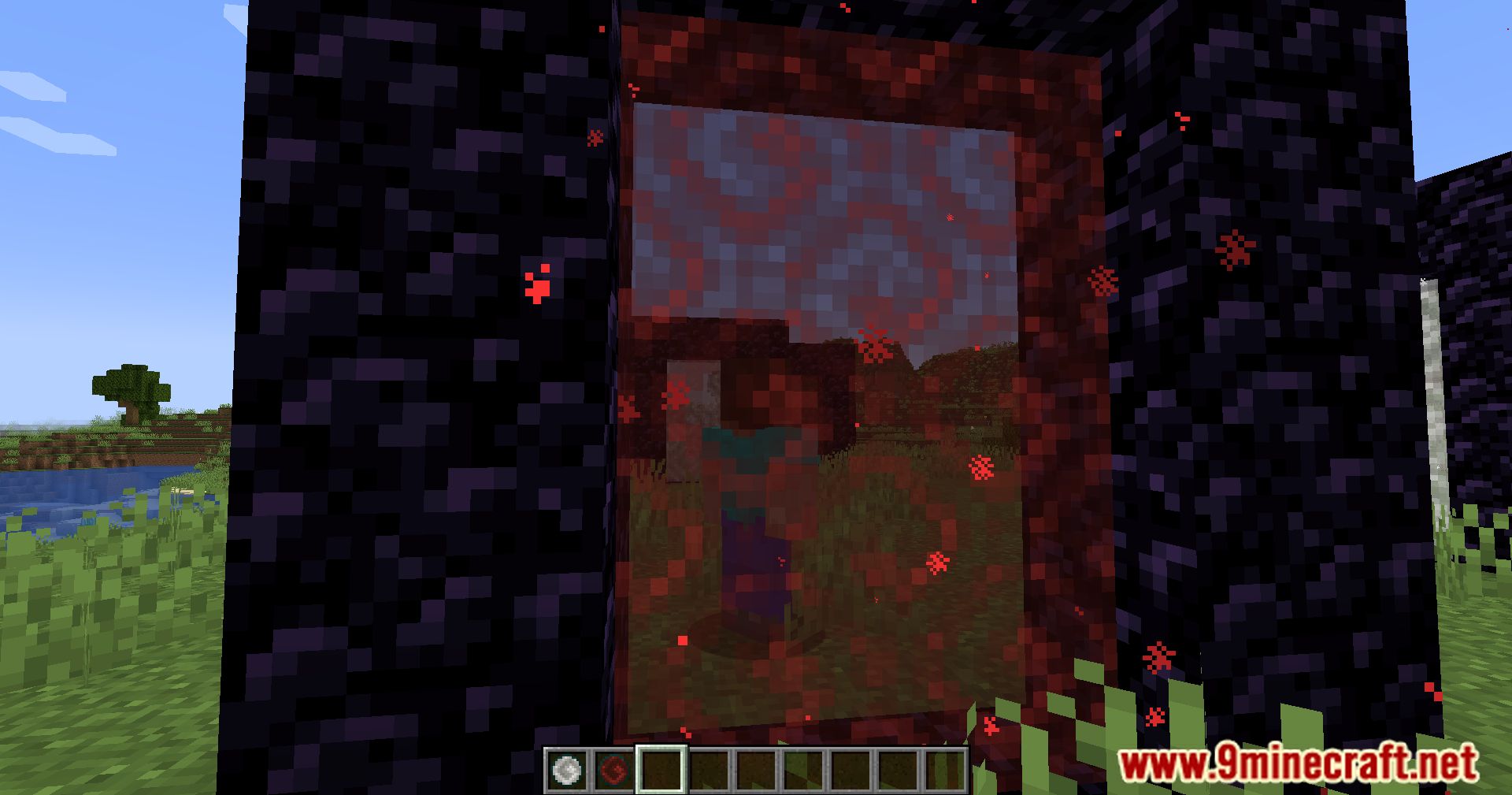
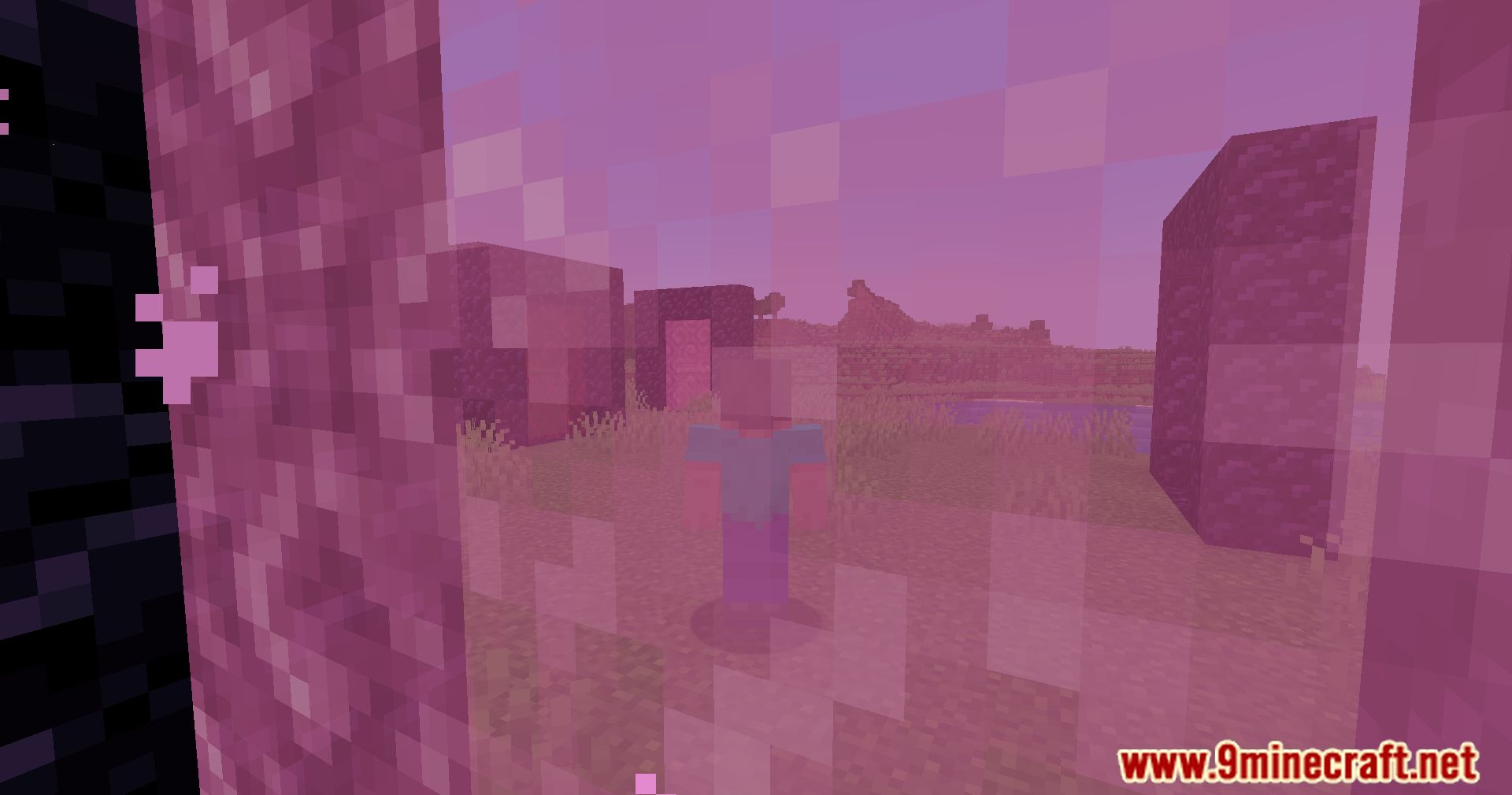
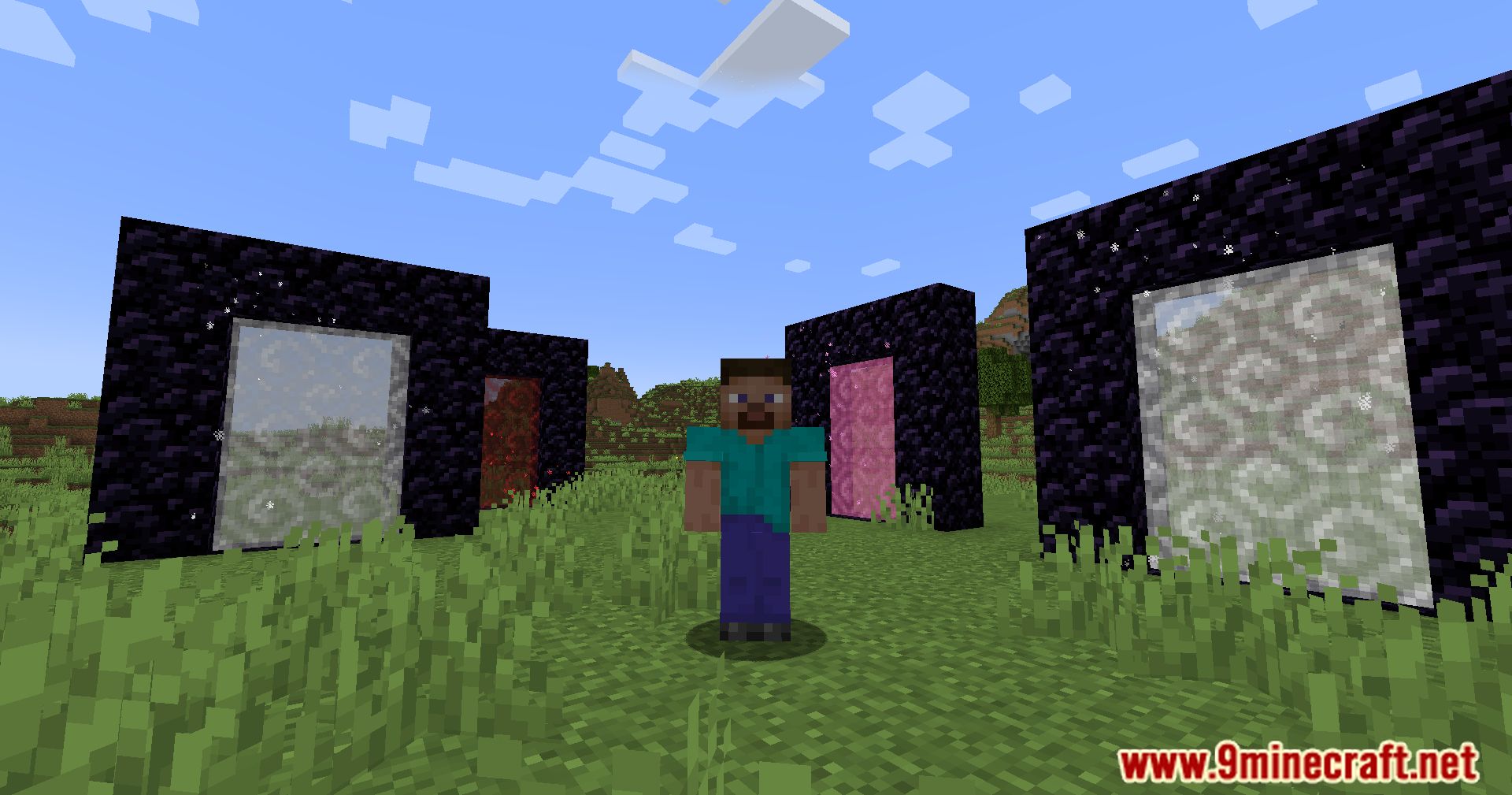
In the game, there are portals to the Nether and the End, but there’s no way to teleport freely using portals, for example, between your own bases. This mod fixes that – you’ll be able to create a portal from any block at a relatively low cost and activate it with a specific color (using dye colors). That portal will then link to another portal with the same shape and color. The portal shape can be arbitrary – the main requirement is that the frame is made from the same type of block and the activator color matches.
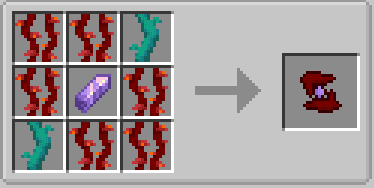
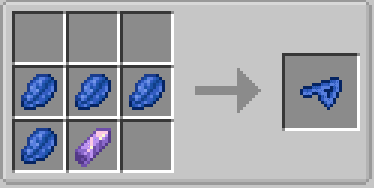
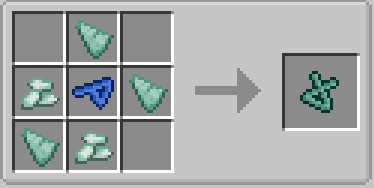
This way, you can build a huge number of block + color combinations. Portals can be of any shape and can even lie flat. In newer versions of the mod, the author added several new runes to the game – they enhance portals by speeding up travel, enabling interdimensional portals, and expanding the working radius of portals.
Features:
- Build portals using any block type
- Portals can have any shape and size
- Supports intra-dimensional and inter-dimensional travel
- Automatically links portals made from the same materials
- Animated portal textures and particle effects when linked
- Redstone control to enable or disable portals
- Rune system:
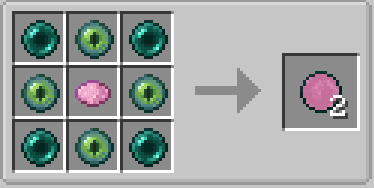
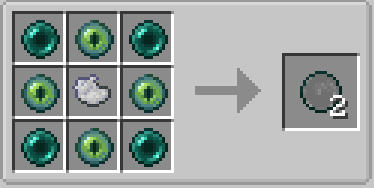
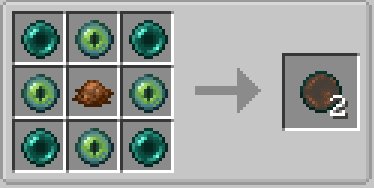
- Haste Rune: instant teleportation
- Gate Rune: allows cross-dimension linking
- Enhancer, Strong Enhancer, and Infinity Runes to extend portal range
How to Use:
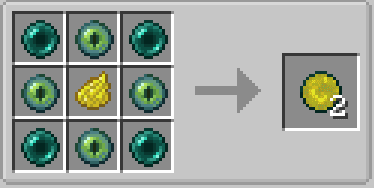
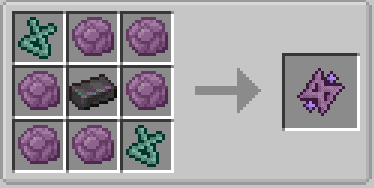
- Craft a
Portal Catalystusing:- 4 Ender Pearls
- 4 Eyes of Ender
- Any Dye
- Build a portal frame from any block
- Right-click inside the frame with the
Portal Catalystto activate it - Build a second portal using the same materials to link them
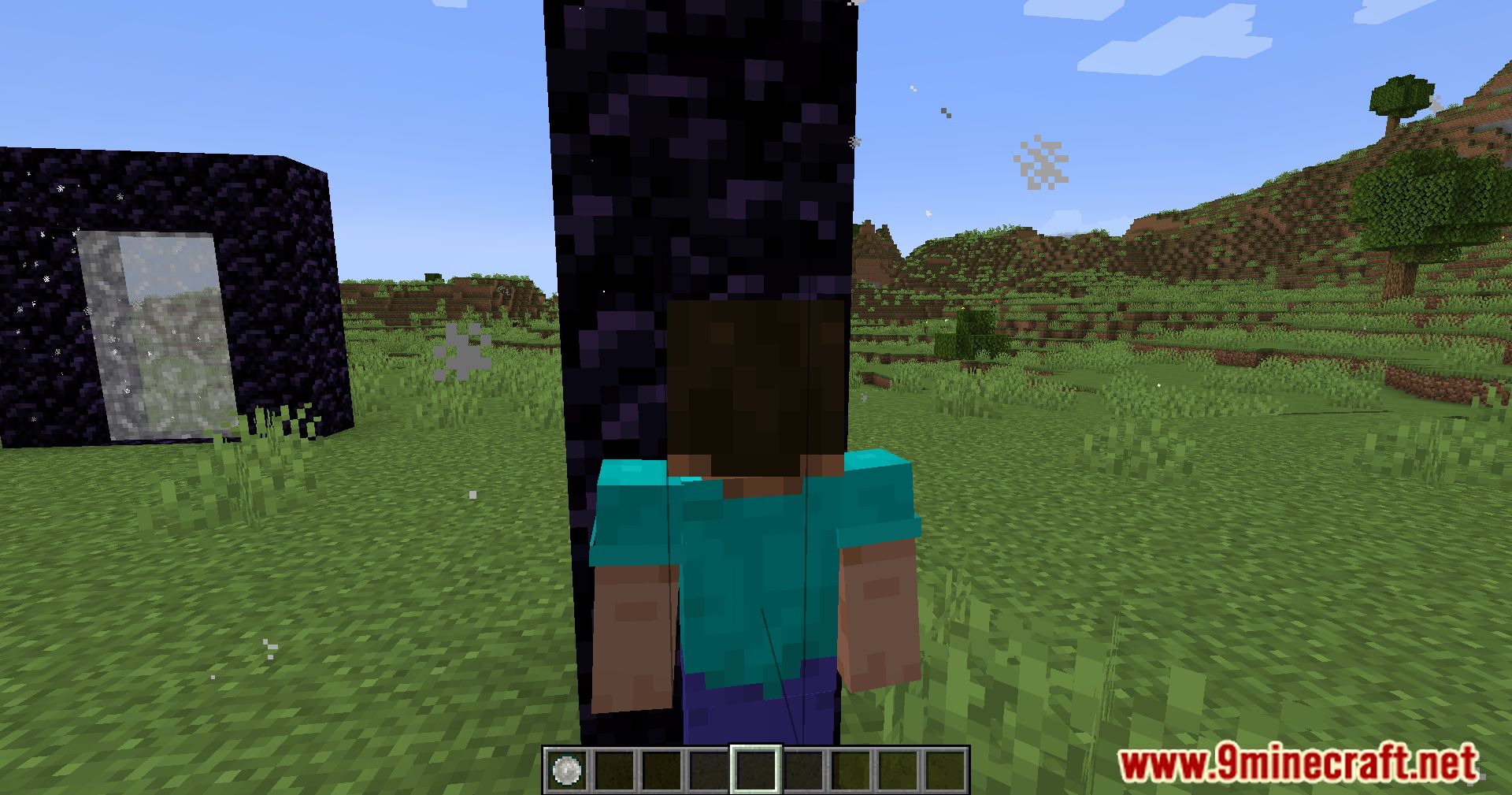
- Step into the portal to teleport
- Change the spawn position by Shift + Right-click a portal block with an empty hand
- Attach runes by placing them on any block of the portal frame
- Apply a redstone signal to disable or re-enable the portal
Configs:
- Option to make portals always have unlimited range
- With Mod Menu and Cloth Config:
- Open Mod Menu → Custom Portals → Settings
- Enable
Portals Always Have Unlimited Range
- Manual configuration:
- Edit
customportals.confin theconfigfolder - Set
portals_always_unlimited = true
- Edit
Screenshots:
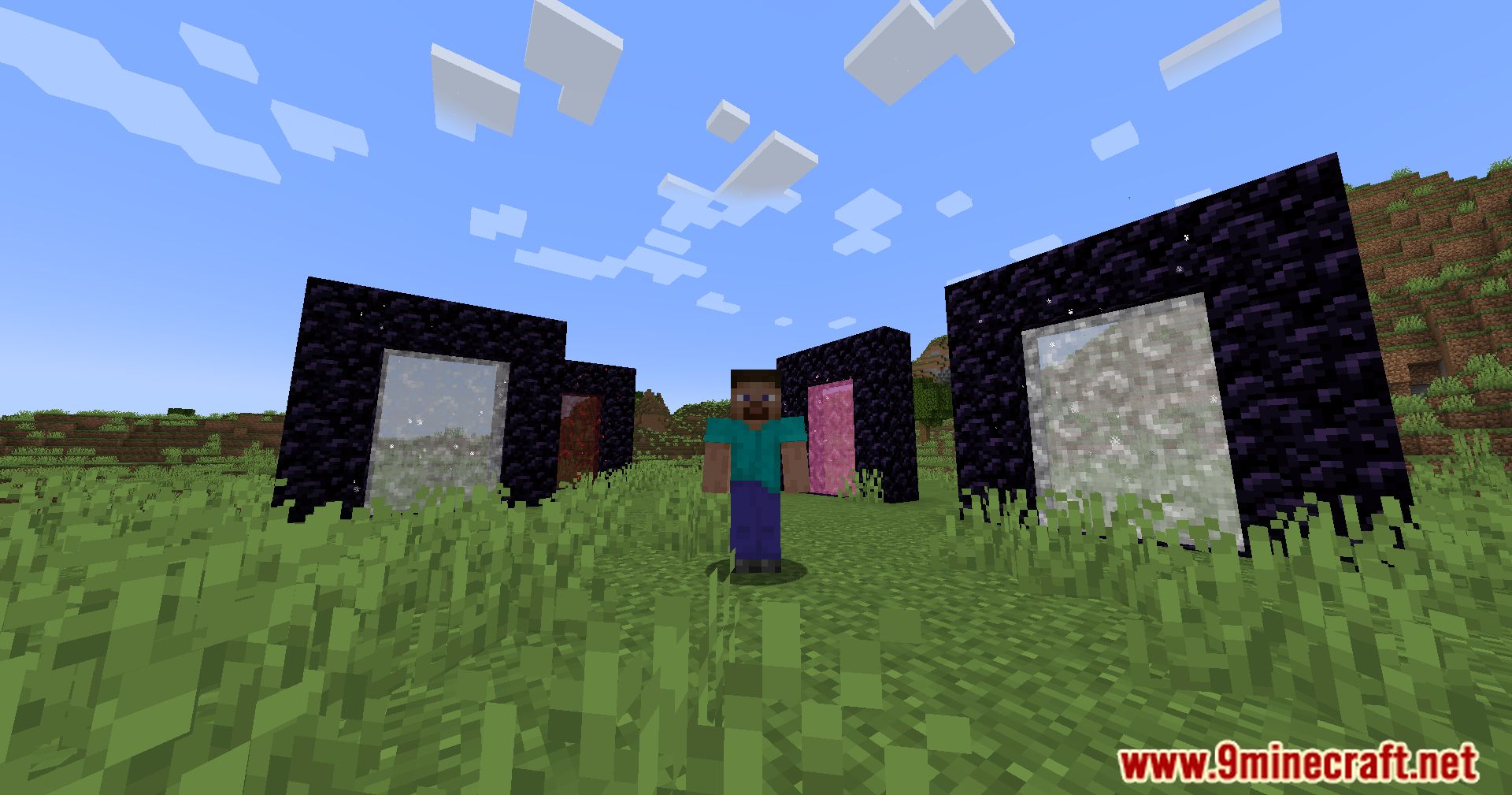
Crafting Recipes:
How to Install:
New to Minecraft? Follow our step-by-step guide to install Mods on your PC.View Guide
Requirements:
 Fabric Loader Required
 Fabric API Required
 Cloth Config API Required
 Cardinal Components API Mod
 CompleteConfig Mod Required
 Mod Menu Mod Optional
Custom Portals Mod Download Links
For Minecraft 26.1.2, 26.1.1, 26.1
For Minecraft 1.21.11
For Minecraft 1.21.10, 1.21.9
For Minecraft 1.21.8, 1.21.7, 1.21.6
For Minecraft 1.21.5
For Minecraft 1.21.4
For Minecraft 1.21.3, 1.21.2
For Minecraft 1.21.1, 1.21
For Minecraft 1.20.6
For Minecraft 1.20.4
For Minecraft 1.20.2
For Minecraft 1.20.1, 1.20
For Minecraft 1.19.4
For Minecraft 1.19.3
For Minecraft 1.19.2, 1.19.1, 1.19
For Minecraft 1.18.1
For Minecraft 1.17.1
For Minecraft 1.16.5, 1.16
You May Also Like

This post has no comments yet. Be the first — your comment will appear here.