
Daidaiv2 1 Schematic (1.21.x) – Large Vanilla Building Schematic For Your World
 4
 0


Daidaiv2 1 Schematic gives you a large pre-built structure to place in your world. It is a vanilla build, meaning you do not need any mods to use it. The build contains over eleven thousand blocks and stands quite tall. You can paste this file directly into your game and save a lot of building time.
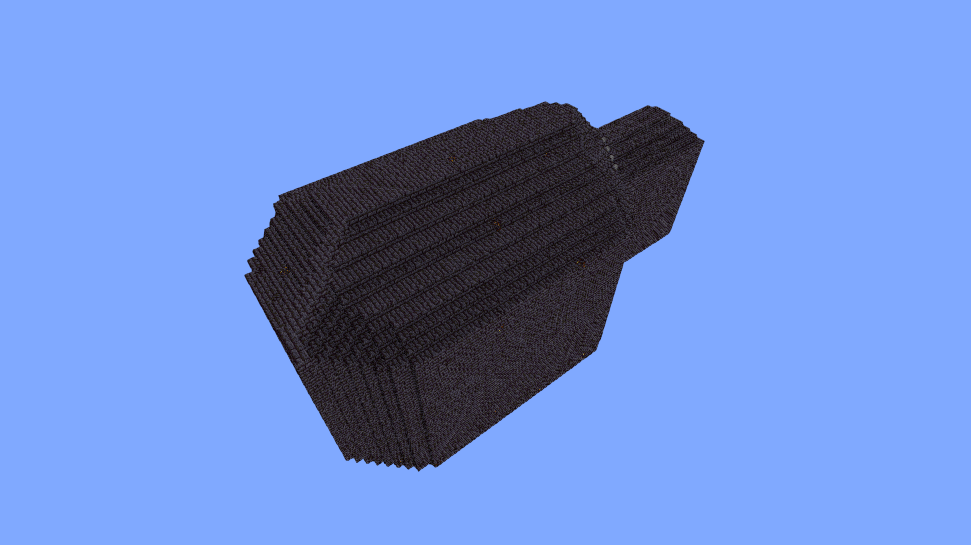
3D Preview & Editor:
Materials
15 types · 11,093 blocks
| Polished Blackstone Bricks | 8,314 | Black Stained Glass | 1,090 | Blackstone | 483 | |||
| Polished Basalt | 286 | Polished Blackstone Brick Slab | 261 | Polished Blackstone Brick Stairs | 230 | |||
| White Concrete | 89 | Cracked Polished Blackstone Bricks | 85 | Chest | 72 | |||
| Gilded Blackstone | 64 | Hopper | 48 | Pale Oak Trapdoor | 32 | |||
| Iron Chain | 29 | Pearlescent Froglight | 8 | Blackstone Stairs | 2 |
How to place this schematic
.litematic This is a Litematica schematic. You place it with the Litematica mod, which shows the build as a ghost overlay you fill in.
| 1 | Install Litematica (plus MaLiLib) for your Minecraft version. |
| 2 | Put the .litematic file in .minecraft/schematics. |
| 3 | In game press M → Load Schematics, pick the file, then Load. |
| 4 | Position the ghost preview, then build it by hand — or turn on Easy Place to place blocks straight from your hotbar. |
Features:
- Contains exactly 11,093 blocks to form the complete structure.
- Measures 32 by 35 by 69 blocks in size.
- Works perfectly in vanilla Minecraft without any extra mods.
- Comes as a LITEMATIC file that you can load into your world.
- Saves you hours of gathering materials and placing blocks by hand.
Schematic Specs:
 Minecraft1.21.x
 Dimensions32×35×69
 Total Blocks11,093
Daidaiv2 1 Schematic Download Links
For Minecraft 1.21.x
Click to rate this post!
[Total: 0 Average: 0]
You May Also Like
Picked for this page
 Pokémon Temple Arena Japanese Litematica Schematic (1.21.x) – Large Asian Fortress With Fighting Rin
 Budapest Parliament Building 1 1 Schematic (1.21.x) – Large Neo Gothic Parliament Build
 Donut Smp Stash and Regear Schematic (1.21.x) – Large Storage And Regear Room Build
 1.07M Kelp Farm Donut Smp Basicredstone V2 Schematic (1.21.x) – Massive Automated Kelp Farm Build
 18 Module Mcdonalds Farm Schematic (1.21.x) – Fully Automatic Sea Pickle Farm Build
 SuperduperParkour Schematic – Large Parkour Obstacle Course Challenge
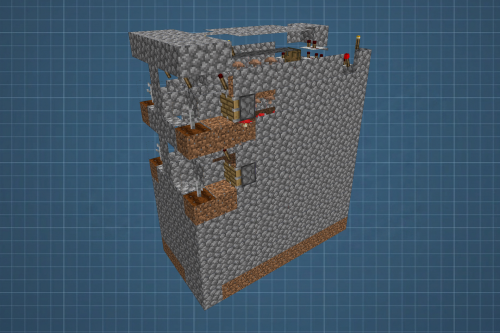 Netherless Mushroom Farm Schematic (1.21.x) – Compact Automatic Mushroom Farm Build
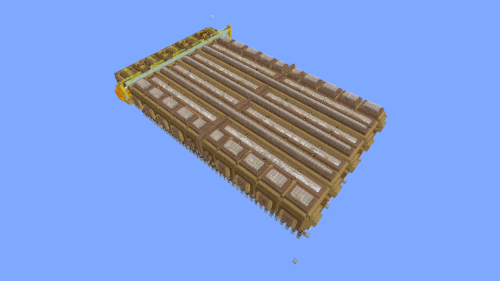 200 Hive Honey Block Farm Schematic (1.21.x) – Massive Vanilla Honey Production Build
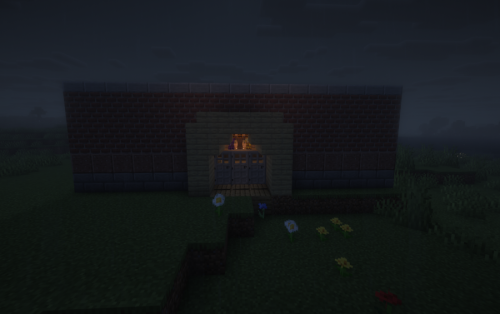 Mini Freddy Pizzeria Schematic (1.21.x) – A Small FNAF Restaurant Build For Your World
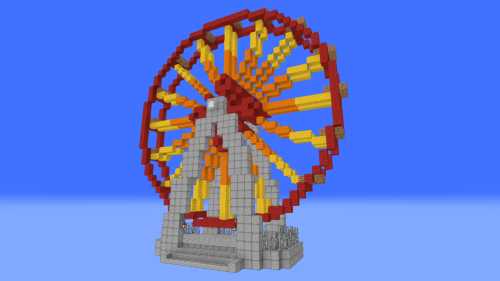 Colorful Ferris Wheel Schematic (1.20.x) – Tall Amusement Park Ride For Survival
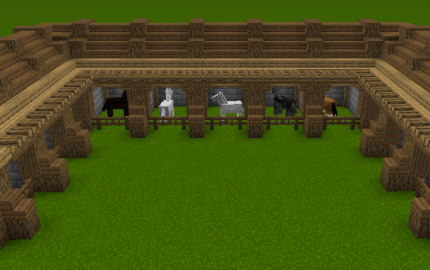 Cozy Stable Schematic (1.21.x) – Modern Rustic Wooden Horse Stable Build
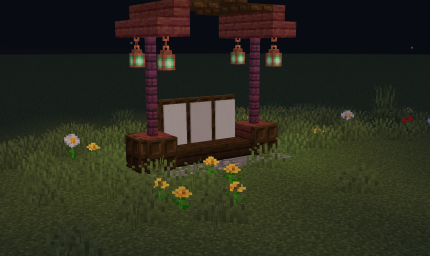 Bench Schematic (1.21.x) – A Small Garden Bench For Your World
Most viewed in Schematics over the last 7 days
 Fastest Bonemeal Farm Donut Smp Schematic (1.21.x) – Fast Redstone Bonemeal Farm Build
 KelpFarmV9.9 Schematic (1.21.x) – Compact And Simple Seaweed Farm Build
 64 Module Cobblestone Farm Schematic (1.21.x) – Massive Automated Stone Gathering Build
 Gold Farm Schematic (1.21.x) – Automatic Nether Roof Gold Farm
 Villager Trading Hall Schematic (1.21.x) – Modern Shop Build For 48 Villagers
 Minutes End Base Before Spoke Null End Video Schematic (1.21.x) – Giant Unstable SMP End Base Schema
 36 Module Cobble Farm 18m per Hour Donut SMP Schematic (1.21.x) – Massive Automated Stone Generator
 Bamboo Farm Schematic (1.21.x) – Small Automated Redstone Bamboo Farm
 Best Railgun Tp Trap on Donutsmp Schematic (1.21.x) – Unescapable Multiplayer Redstone Trap Build
 Bamboss V2 800k Bamboo per Hour Schematic (1.21.x) – High Speed Automated Bamboo Farm Schematic
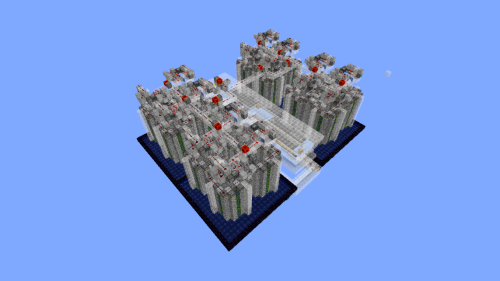 Cobble Farm 50m per Hour Donut SMP Schematic – High Yield Cobblestone Generator Build
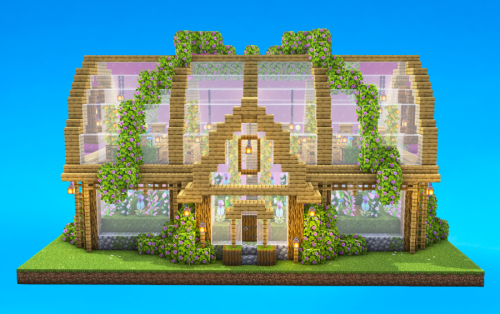 Greenhouse Schematic (1.21.x) – Beautiful Two Story Botanical Glass House
More from Schematics
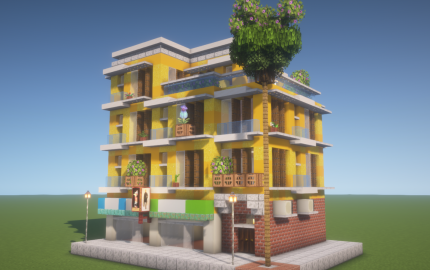 Modern Yellow Apartment Schematic (1.20.x) – Bright Modern Urban Housing Structure
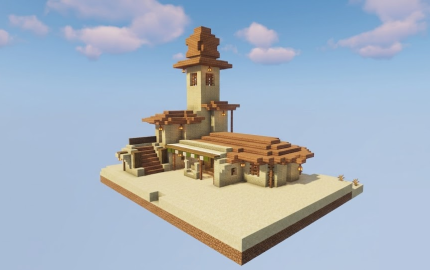 Desert Outpost Schematic (1.21.x) – Small Medieval Style Desert Watch Base
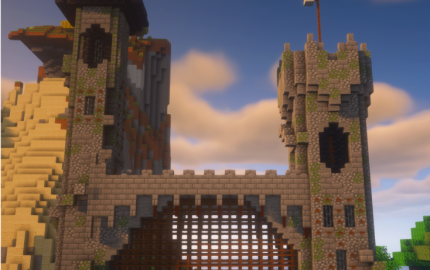 Castle Gate Schematic (1.20.x) – Medieval Gate For Your Castle Build
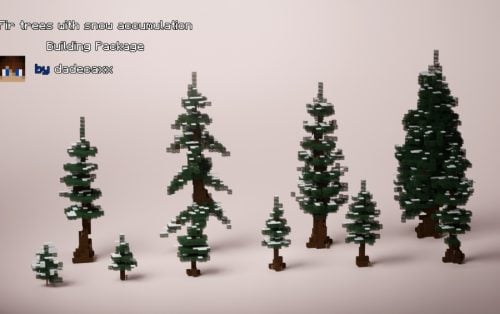 Fir Trees with Snow Accumulation Schematic (1.21.x) – Natural Snow Covered Pine Tree Schematics
 Verdant Treehouse Schematic (1.21.x) – A Beautiful Floating Treehouse for Medieval Worlds
 Minecraft Cherry Blossom Wedding Garden Schematic (1.21.x) – Beautiful Pink Garden and Wedding Altar
 Big Custom Tree Schematic (1.21.x) – Detailed Large Tree for Your World
 Medieval Decorations Schematic (1.21.x) – Detailed Medieval Builds For Your World
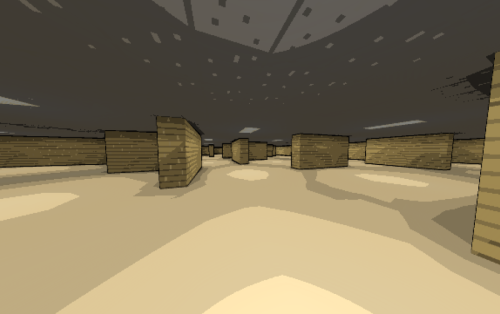 Backroom Schematic (1.21.x) – Large Ancient Maze for Minecraft Worlds
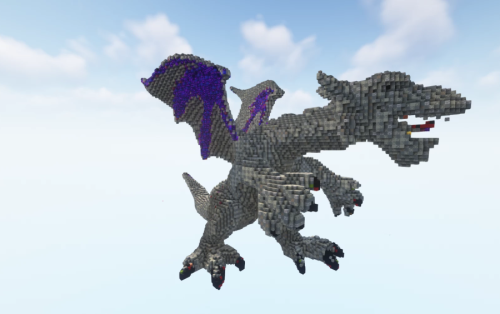 Dragon Spike 3d Schematic (1.21.x) – Build a Massive Fantasy Dragon Statue
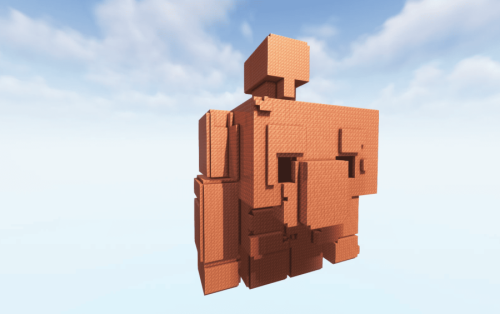 Copper Golem 3d Schematic (1.21.x) – Huge 3D Statue for Fantasy Worlds
 Pid Mud 3d Schematic (1.21.x) – Giant 3D Mud Pig Statue Build

This post has no comments yet. Be the first — your comment will appear here.