


Disable Custom Worlds Advice Mod (26.1.2, 1.20.1) – No More Annoying Message

 0
0 

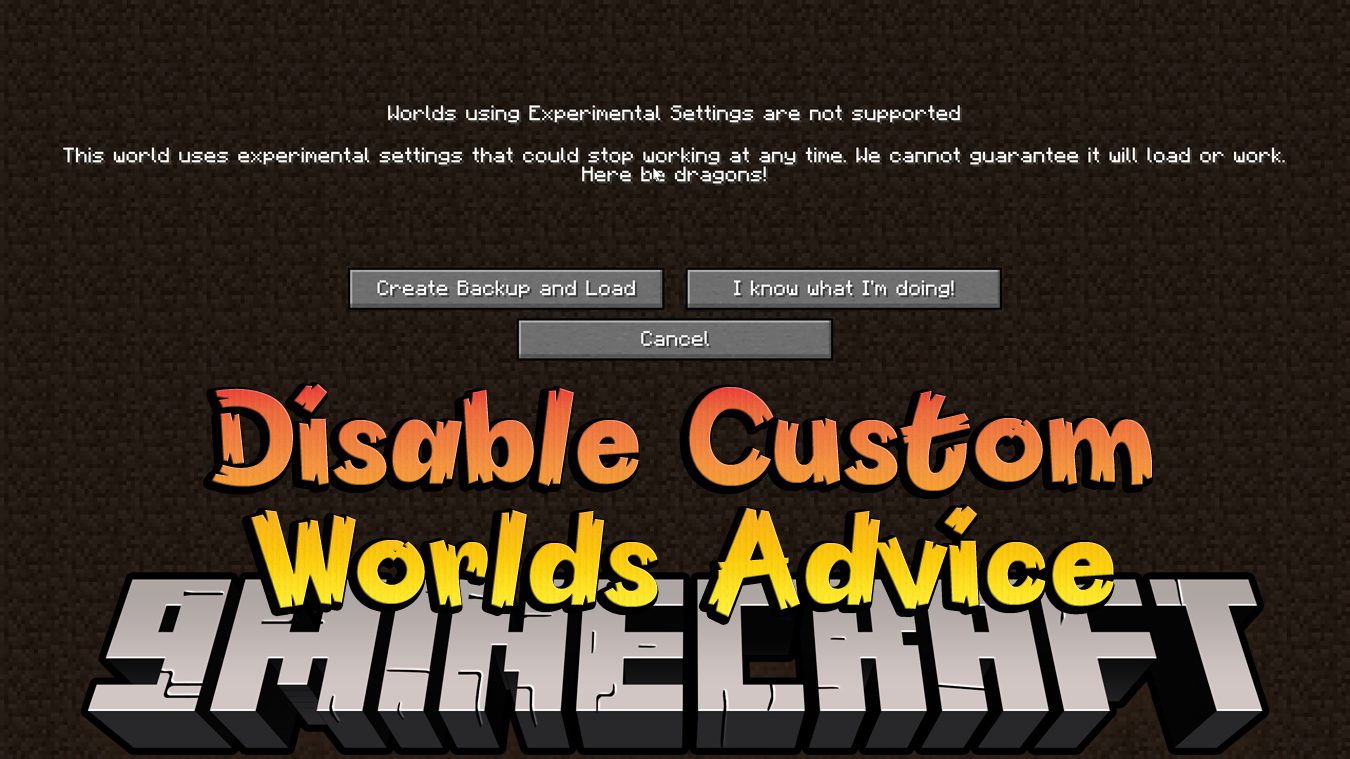
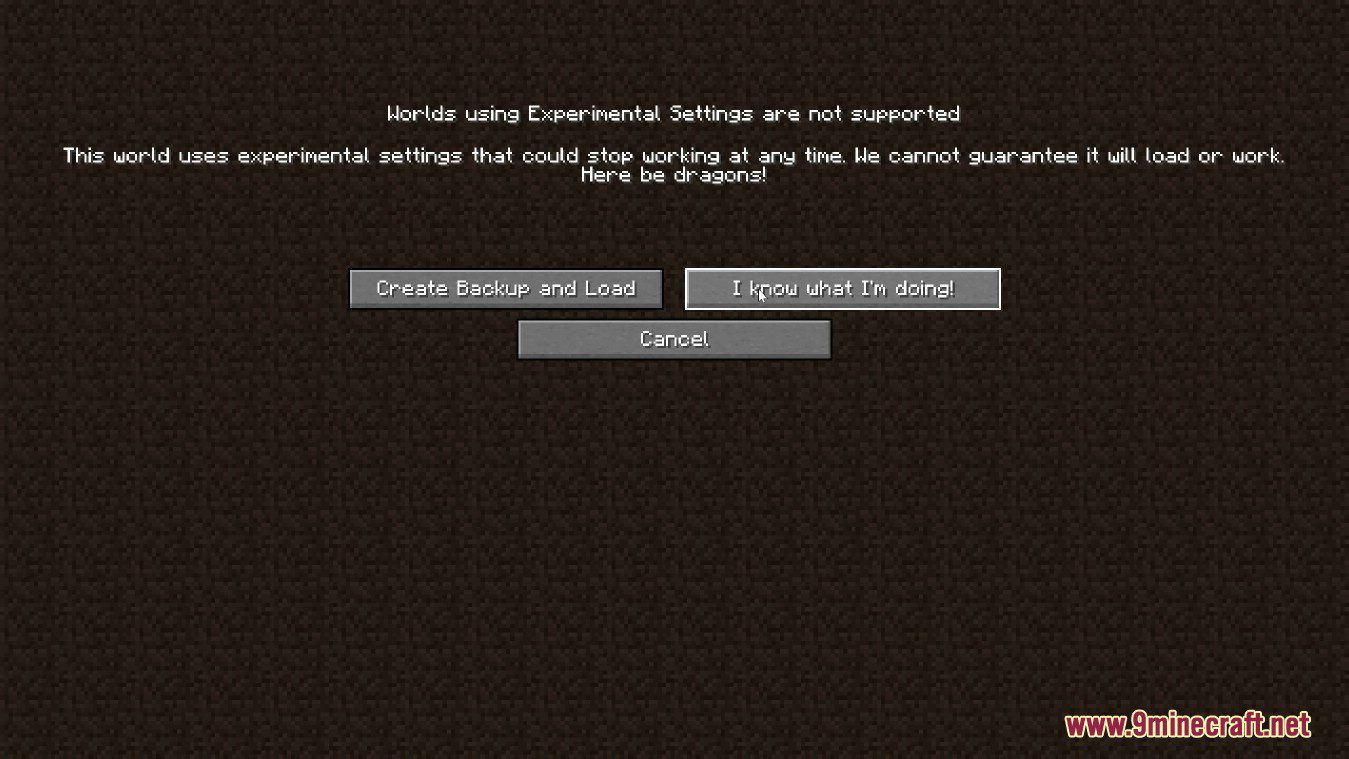
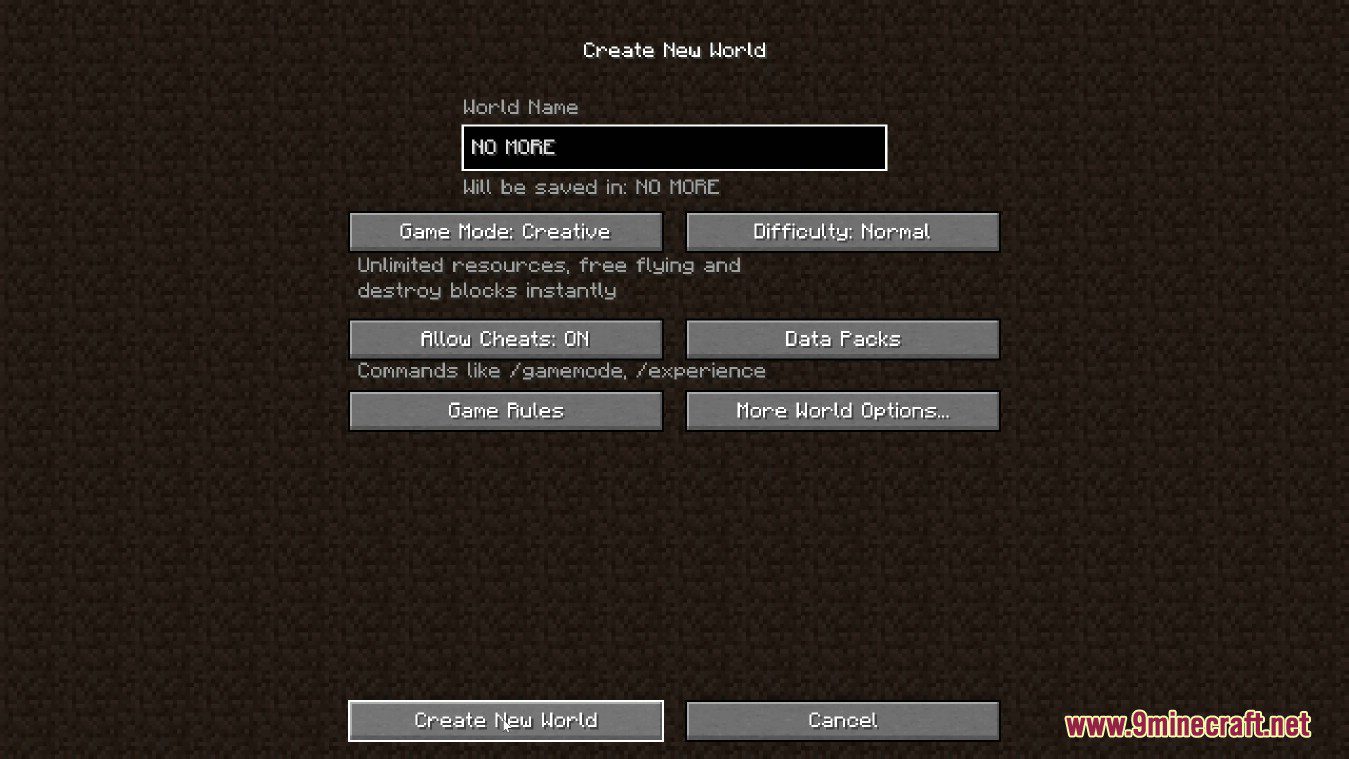
Disable Custom Worlds Advice Mod disables the annoying “Experimental Features” advice that appears every time you create or load a world with custom dimensions or world settings. You can use it if either this screen annoys you as much as it does to me or you are creating a mod with custom worldgen and you want to disable the advice screen (Jar-in-jar if that’s your case).
Screenshots:
How to Install:
New to Minecraft? Follow our step-by-step guide to install Mods on your PC.View Guide
Requirements:


Disable Custom Worlds Advice Mod Download Links
For Minecraft 26.1.2, 26.1.1, 26.1
For Minecraft
1.21.11,
1.21.5,
1.21.4
All Versions Covered
1.21.11
1.21.5
1.21.4
1.21.1
1.21
All Versions Covered
1.21.11
1.21.5
1.21.4
1.21.1
1.21
For Minecraft 1.21.10, 1.21.9
For Minecraft 1.21.8, 1.21.7, 1.21.6
For Minecraft 1.21.5, 1.21.4
For Minecraft 1.21.3, 1.21.2
For Minecraft 1.20.4, 1.20.3
For Minecraft
1.20.2,
1.20.1,
1.20
All Versions Covered
1.20.2
1.20.1
1.20
1.19.4
All Versions Covered
1.20.2
1.20.1
1.20
1.19.4
For Minecraft 1.19.4
For Minecraft
1.19.3,
1.19.2,
1.19.1
All Versions Covered
1.19.3
1.19.2
1.19.1
1.19
All Versions Covered
1.19.3
1.19.2
1.19.1
1.19
For Minecraft 1.19.2, 1.19.1, 1.19
For Minecraft 1.18.2
For Minecraft 1.18.1
For Minecraft 1.17.1, 1.17, 1.16.5
Click to rate this post!
[Total: 0 Average: 0]
You May Also Like












This post has no comments yet. Be the first — your comment will appear here.