
Dungeons UI (26+) – Transform Menus with Spin-Off Style
 24
 0

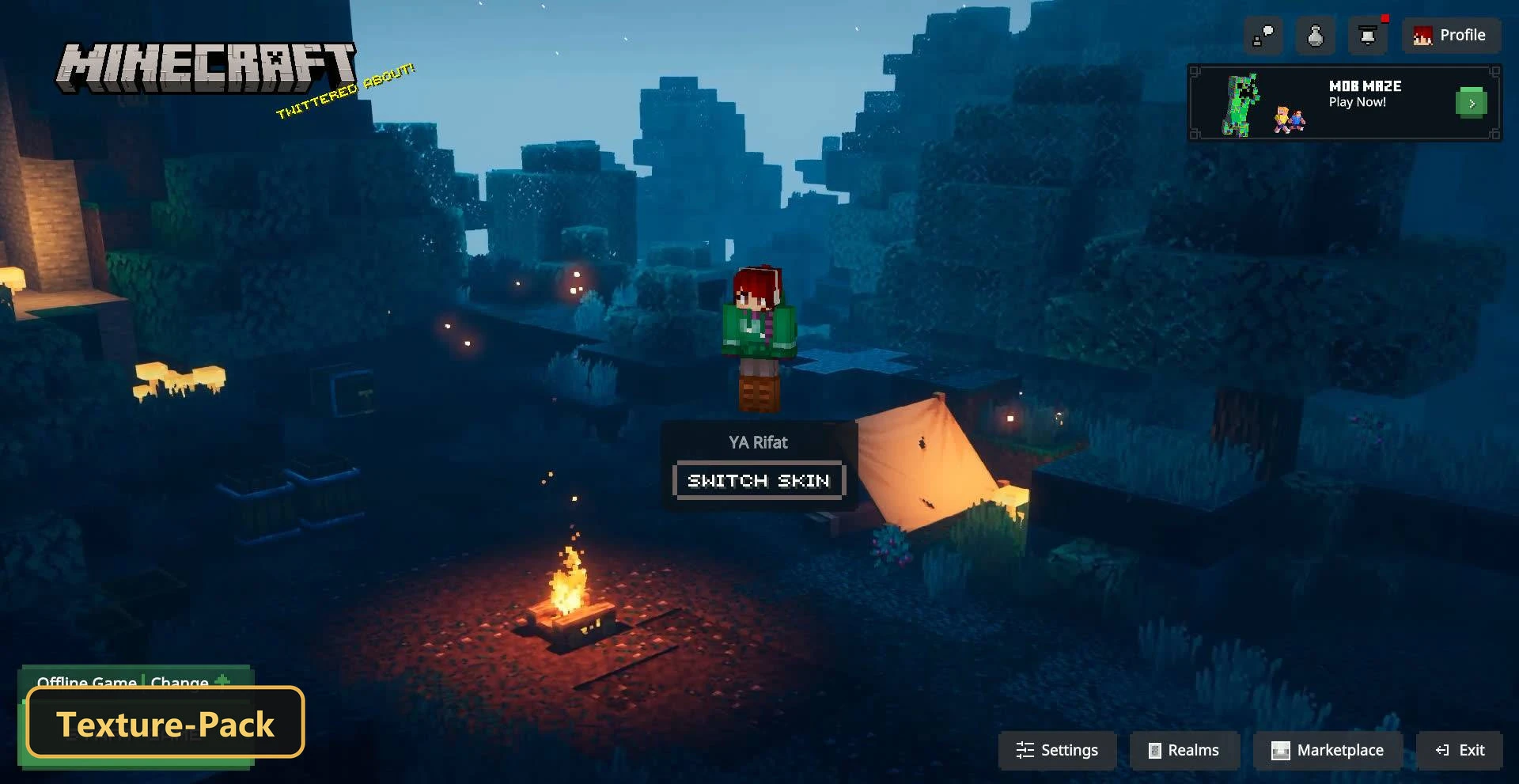
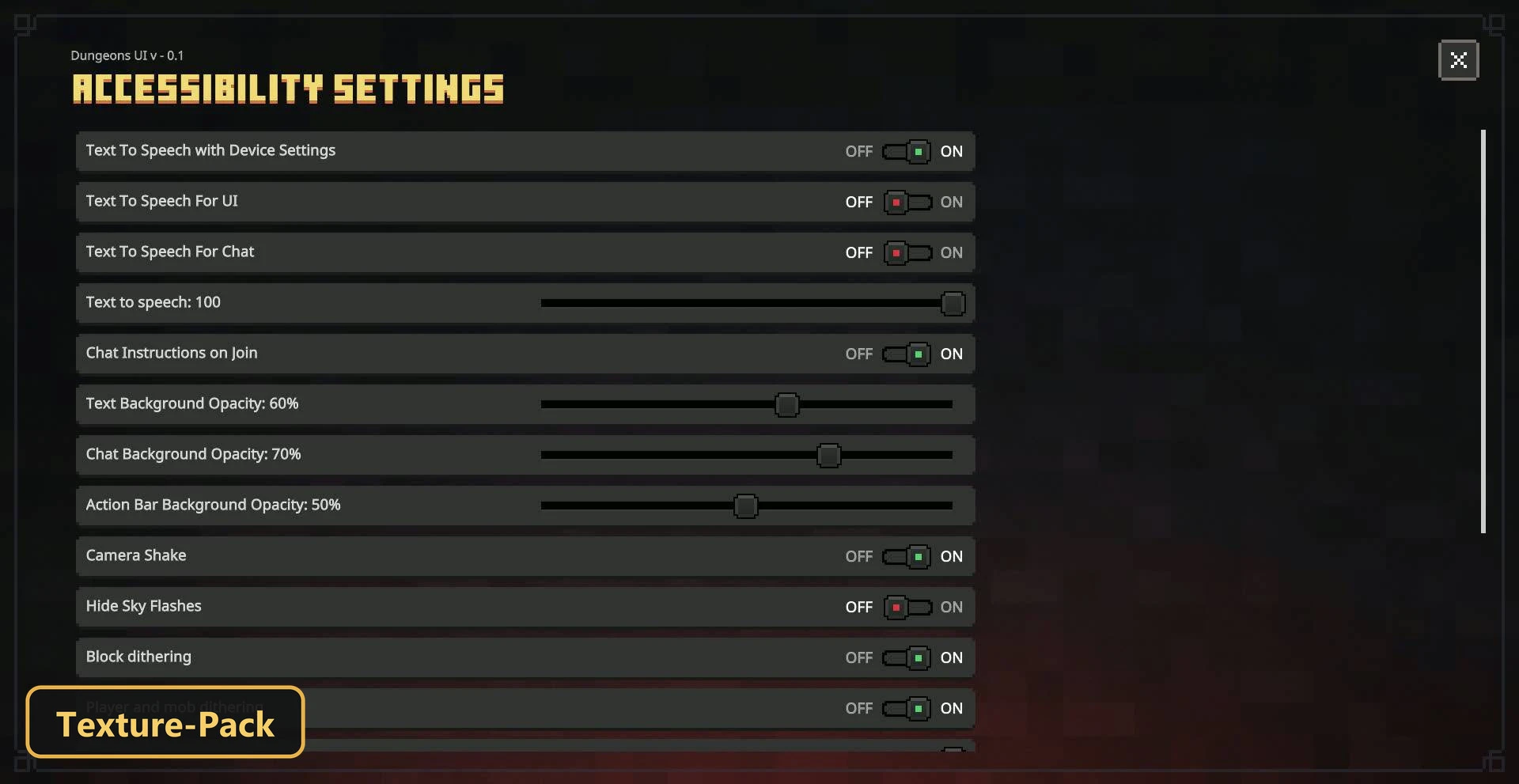
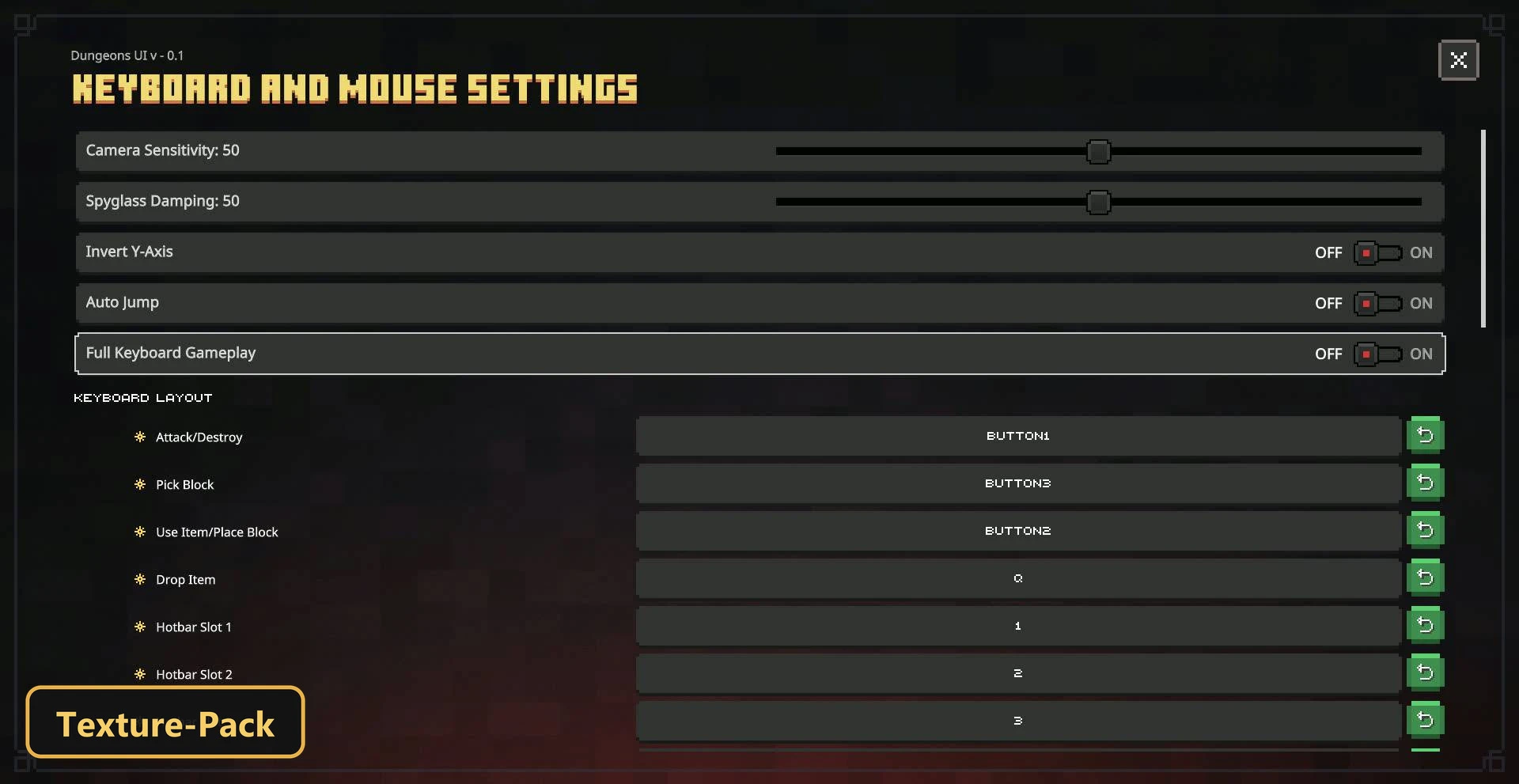
Dungeons UI restyles the user interface to look like Minecraft Dungeons. It gives nearly every screen a fresh look with a new style.
Requirements:
- MCPE/Bedrock 26.30 – 26.40
all 2 versions
26.40, 26.30
Features:
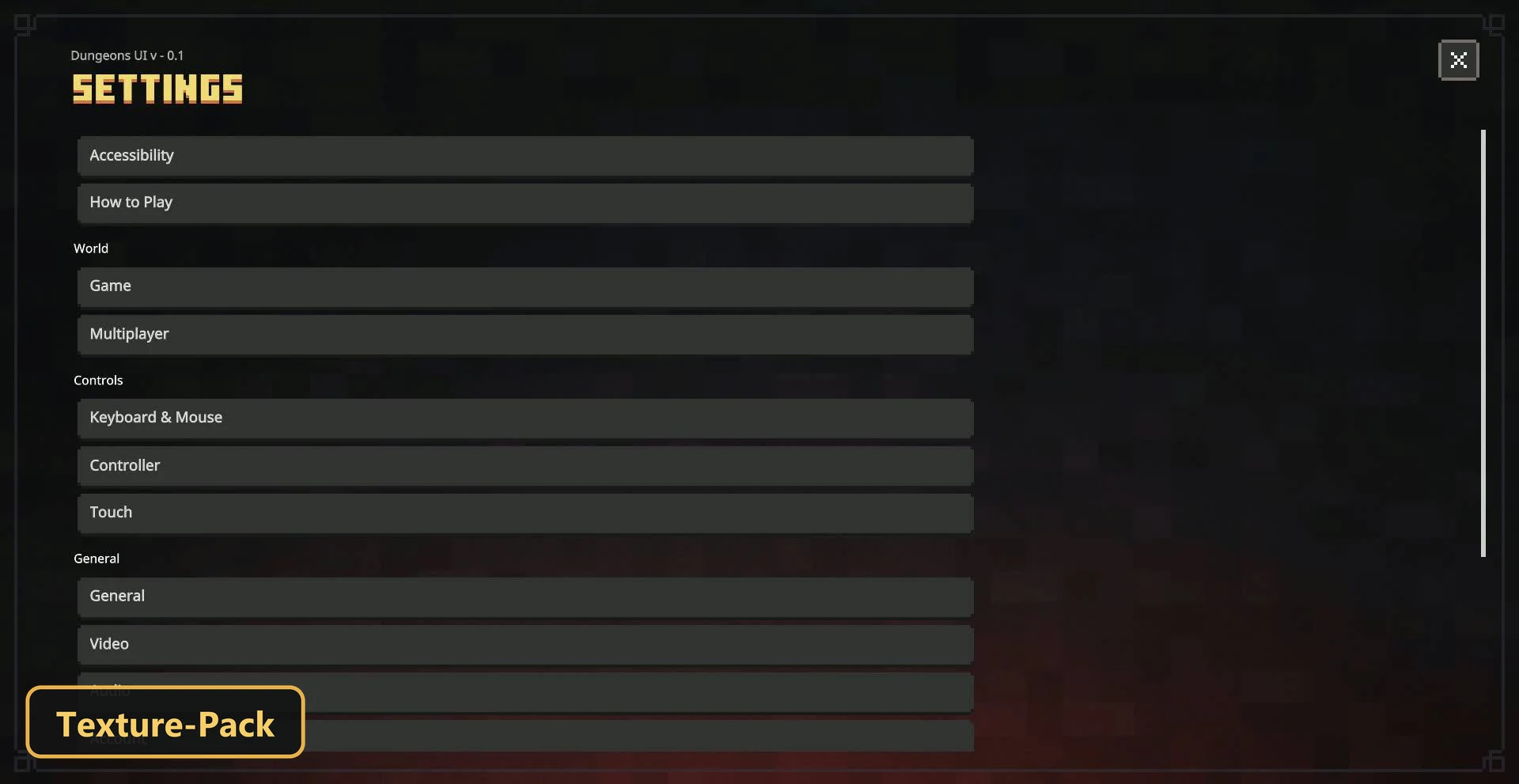
- Settings Screen gets a complete overhaul with a brand new layout.
- Start Screen transforms to match the Dungeons style.
- Inventory, Crafting, Furnace, Blast Furnace, and Smoker screens get new visuals.
- HUD, chat, and pause screens follow the same consistent theme.
- Resource pack settings, manifest validation, content logs, popups, and server forms receive visual updates.
- Invite screens, structure editors, and command block screens are also covered.
- Recommended GUI Scale is set to -1 or lower for the best look.
How to Install:
Screenshots:
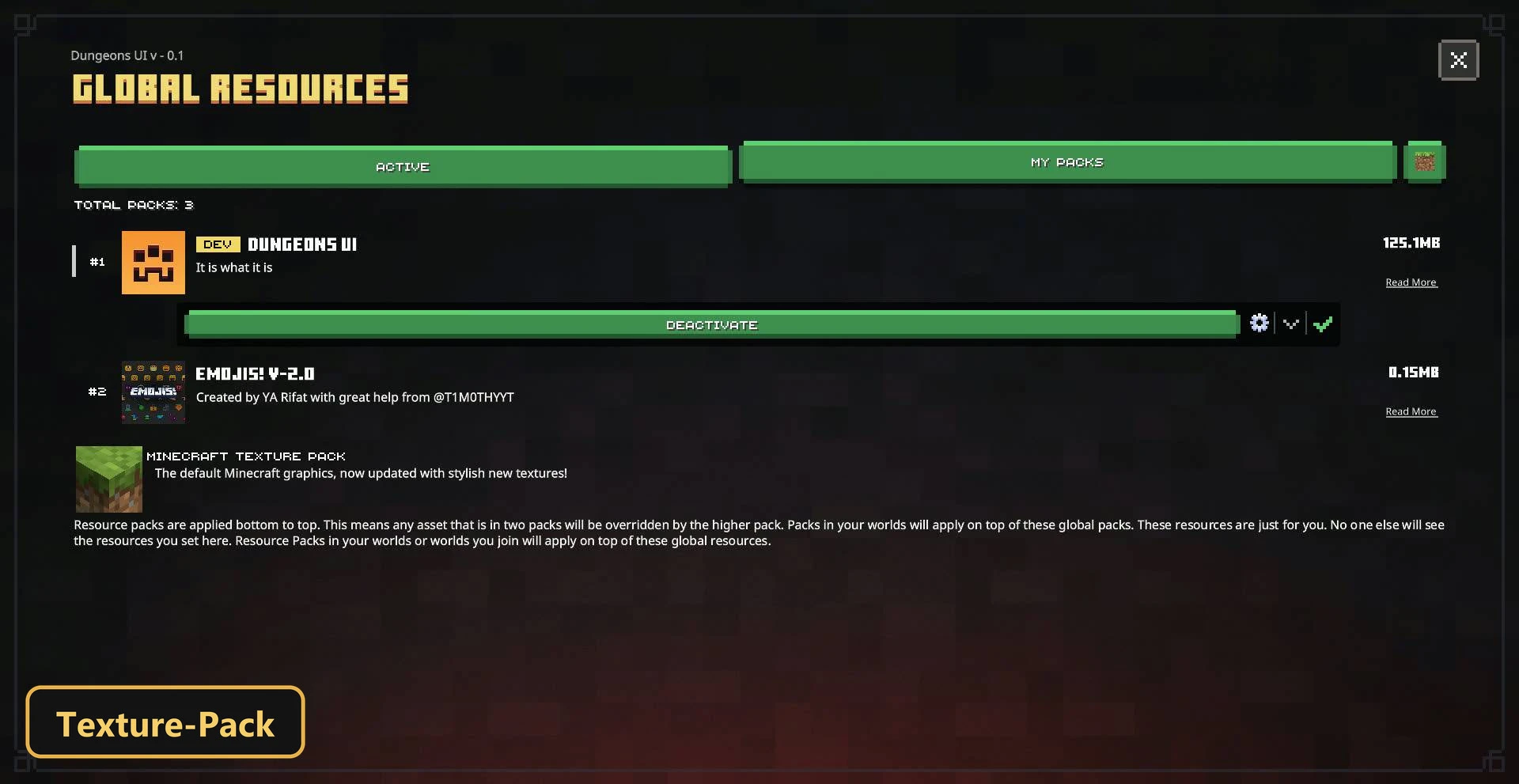
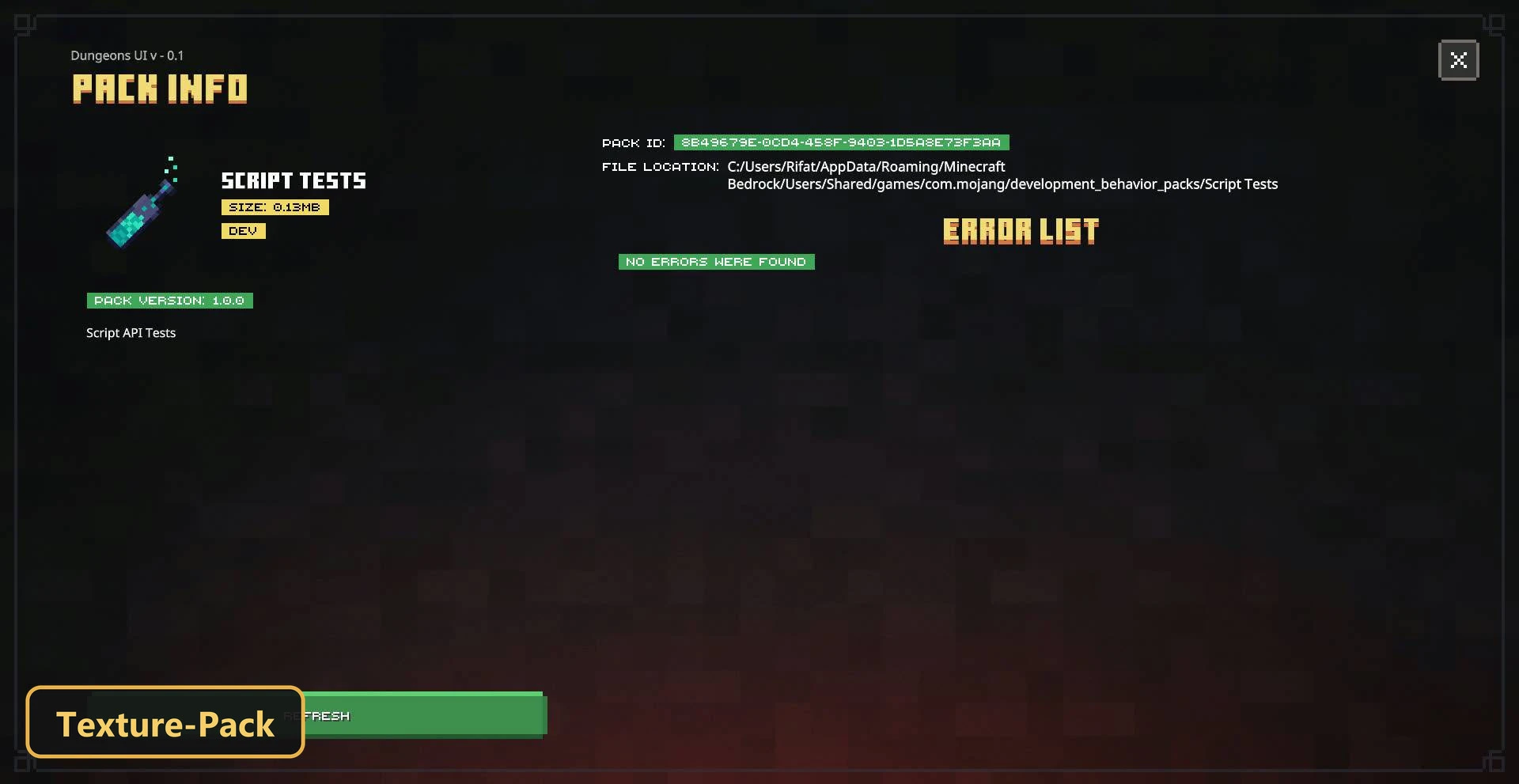
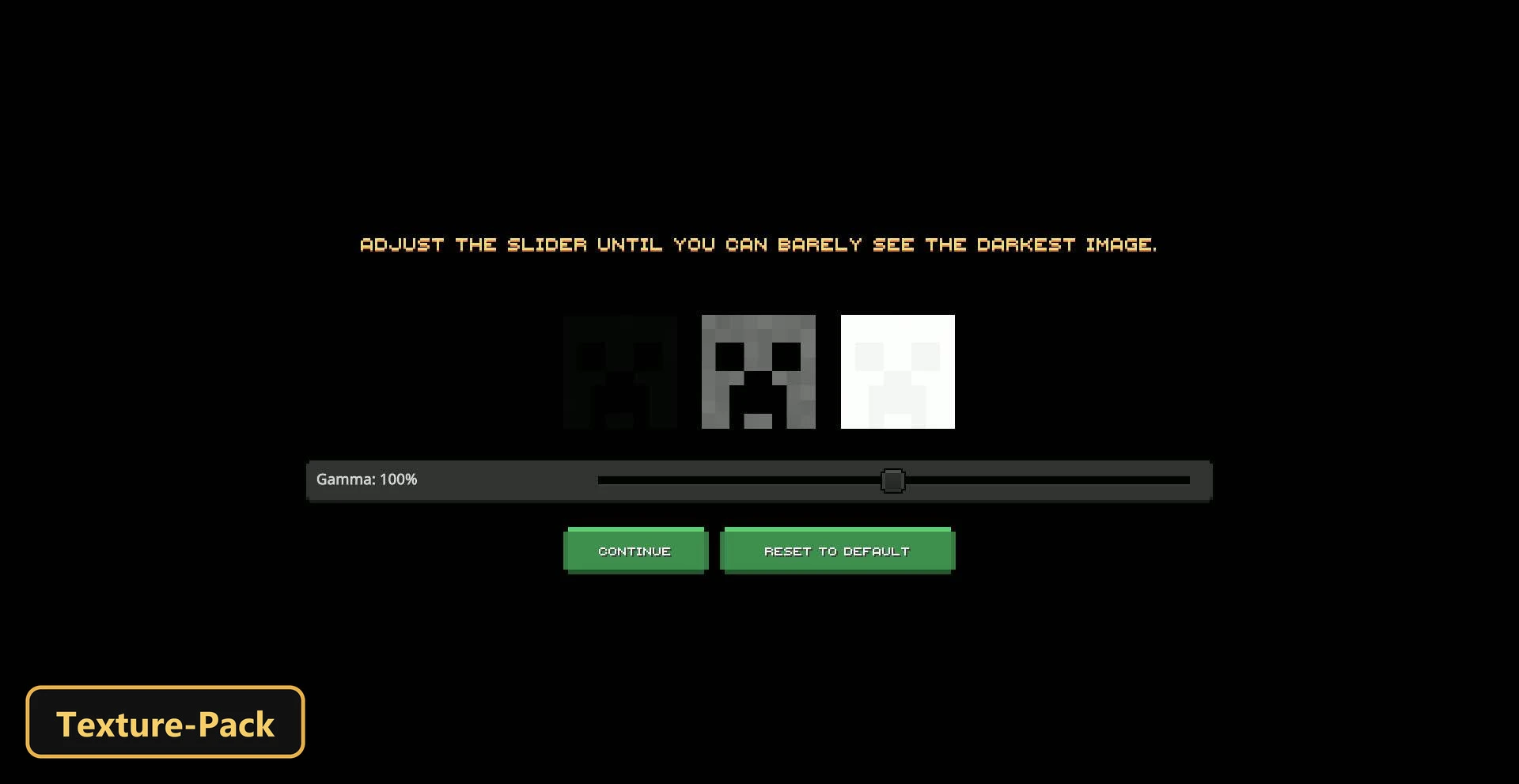
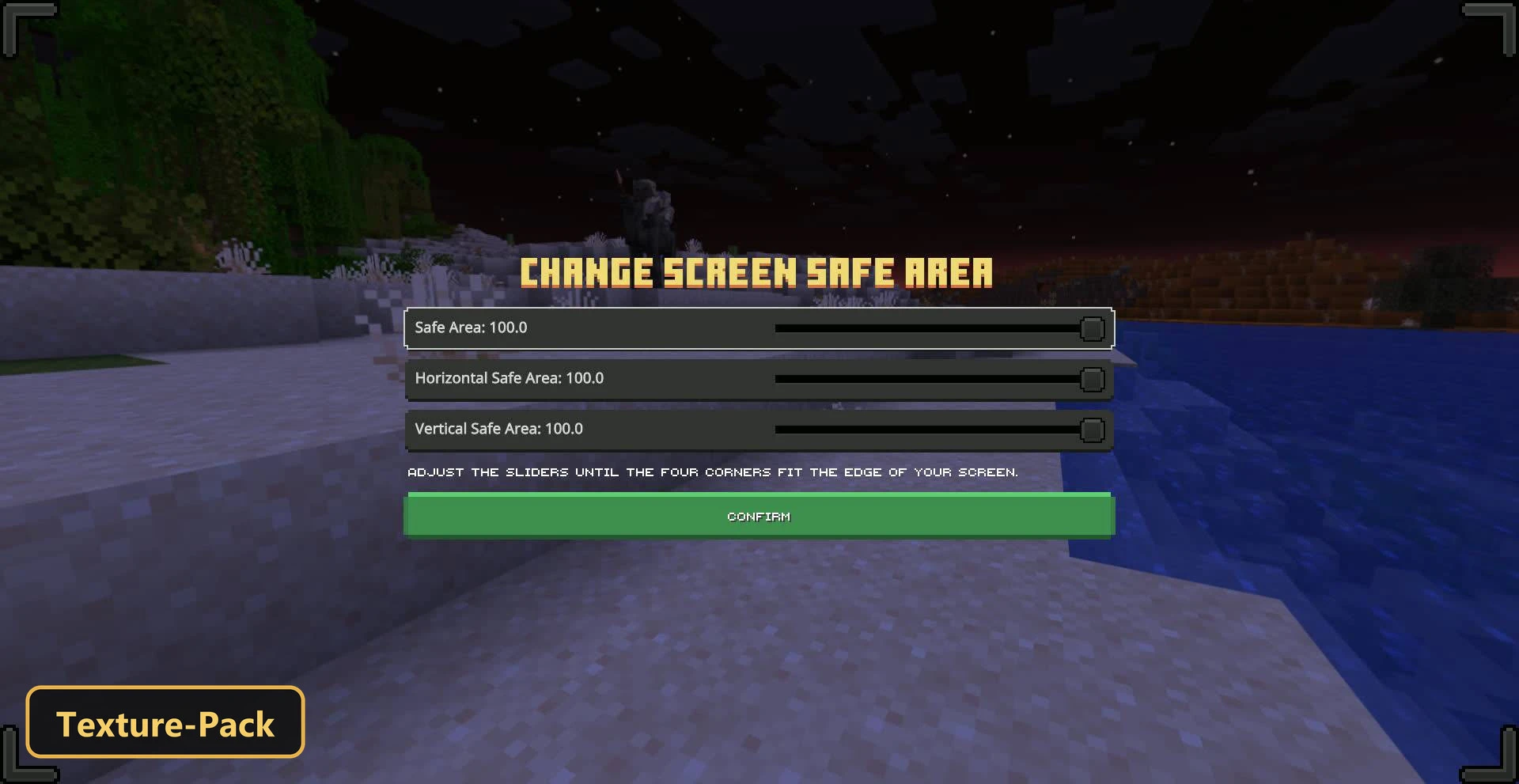
For MCPE/Bedrock 26+
Click to rate this post!
[Total: 0 Average: 0]
You May Also Like
Picked for this page
 X-Ray Resource Pack (1.26, 1.21) – New XRay in 2026
 Roll & Stamina Addon (1.21, 1.20) – MCPE/Bedrock Mod
 Endless Desert Modpack (1.21) – Achievement Friendly
 Lite FPS (26+, 1.21) – MCPE/Bedrock Texture Pack
 PvP Crosshair Crosshairs (26+, 1.21) – MCPE/Bedrock Texture Pack
 Chunk Viewer (26+, 1.21) – MCPE/Bedrock Texture Pack
 Small Items (26+) – MCPE/Bedrock Texture Pack
 Dark Mode Theme (26+, 1.21) – MCPE/Bedrock Texture Pack
 MONSTER SHADER (26+) – MCPE/Bedrock Shader
 Dark Mode UI (26+) – MCPE/Bedrock Texture Pack
 Vibrant Visuals Night Vision Pack (26+, 1.21) – MCPE/Bedrock Texture Pack
 X-Ray by Reisho (26+, 1.21) – MCPE/Bedrock Texture Pack
Most viewed in Texture Packs over the last 7 days
 Mizuno’s 16 Craft Texture Pack (26.30, 1.21) for MCPE/Bedrock Edition
 Distant Horizons Texture Pack (26.x, 1.21) – MCPE/Bedrock
 Patrix Texture Pack (1.26+) – No Lag, Ultra Realistic for MCPE
 Xnova Model Texture Pack (26.x, 1.21) – Smaller First-person Hands and Custom
 View Model A&S by Justpals Texture Pack (26.x, 1.21) – X
 Anime Girl UI Pack (26.x, 1.21) – MCPE/Bedrock
 ESP Texture Pack (26.x, 1.21) – MCPE/Bedrock
 X-Ray Texture Pack (26.x, 1.21) for MCPE/Bedrock with Glow
 Night Vision Texture Pack (26.x, 1.21) – MCPE/Bedrock Edition
 Hover Text Fix Pack (1.21, 1.20) – MCPE/Bedrock
 Soartex Fanver Texture Pack (26.x, 1.21) – MCPE/Bedrock
 Better X-Ray Texture Pack (26.x, 1.21) – MCPE/Bedrock
More from Texture Packs
 Chemistry RTX (26+, 1.21) – MCPE/Bedrock Shader
 Christmas Theme (26+, 1.21) – MCPE/Bedrock Texture Pack
 Bosya’s Enchant Icons (26+, 1.21) – MCPE/Bedrock Texture Pack
 Re:Zero Weapon (26+, 1.21) – MCPE/Bedrock Texture Pack
 Utility Dark Vanilla (26+, 1.21) – MCPE/Bedrock Texture Pack
 My Chibi Totem (26+, 1.21) – MCPE/Bedrock Texture Pack
 Better Skeletons (26+, 1.21) – MCPE/Bedrock Texture Pack
 Son Goku (26+, 1.21) – MCPE/Bedrock Texture Pack
 SHARP VIBRANT (26+) – MCPE/Bedrock Texture Pack
 Hide Armor (26+, 1.21) – MCPE/Bedrock Texture Pack
 Lumora (26+, 1.21) – MCPE/Bedrock Shader
 Cat Crosshair (26+, 1.21) – MCPE/Bedrock Texture Pack

This post has no comments yet. Be the first — your comment will appear here.