


Dynamic Surroundings HUDs Mod (1.12.2) – Check Key Info Without Menus
 3,685
3,685
 0
0
 March 19, 2024
 OreCruncher
🌐 Good news — we've translated this article into other languages!
Or pick the one you like:
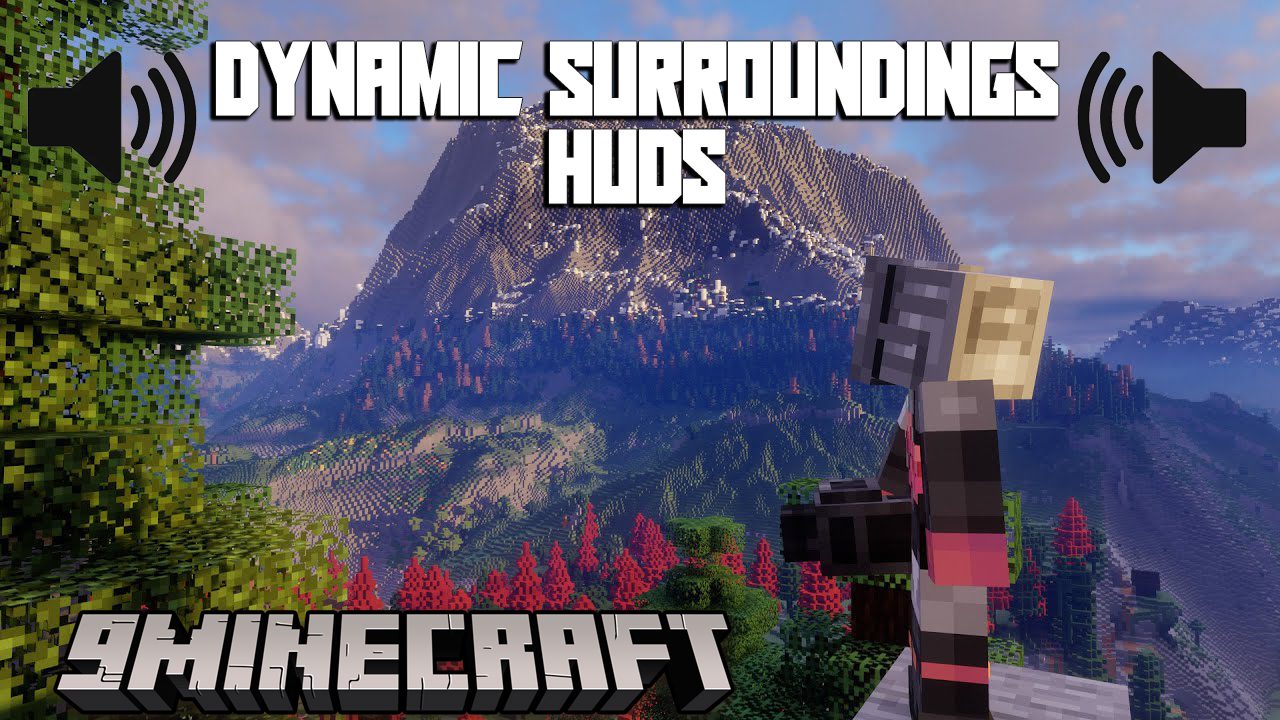
Dynamic Surroundings HUDs Mod brings back several helpful on-screen displays from the main Dynamic Surroundings mod. It adds useful interfaces like a compass, clock, potion status, and light level indicators to your game. These features help you get important information without opening any menus.
Features:
- Get your current coordinates and direction by holding a compass.
- See the in-game date and time when you hold a clock or look at one in an item frame.
- Check the current season when holding a Season Clock from the Serene Seasons mod.
- Replaces the default potion HUD with a more detailed and movable version.
- Shows the light level on nearby blocks to help you see where monsters can spawn.
Compass HUD
- Appears around your crosshair when you hold a compass in either hand.
- Choose from 7 different visual styles, including a simple bar or a full compass rose.
- You can change the style and other options in the configuration menu.
Potion HUD
- Displays larger icons for your active potion effects.
- Shows the potion name and the remaining time for each effect.
- Effect names are color-coded: white for good, red for bad, and gold for ambient effects like from a beacon.
- You can scale the size of the display and move it to the upper-left or upper-right corner of the screen.
Light Level HUD
- Draws numbers on blocks to show their light level.
- Numbers are color-coded for safety. Red means mobs can spawn, green is safe, and yellow means it will become unsafe at night.
- Blue numbers mark blocks where mobs can never spawn, such as slabs or glass.
- You can easily turn this overlay on or off with a key press.
How to Use:
The Light Level HUD has a few simple controls:
- Press F7 to turn the light level display on and off.
- Press CTRL + F7 to switch between checking block light only or block light plus skylight.
- Press SHIFT + F7 to toggle the display of light levels on safe blocks.
How to Install:
New to Minecraft? Follow our step-by-step guide to install Mods on your PC.View Guide
Dynamic Surroundings HUDs Mod Download Links
For Minecraft 1.12.2
Forge version: Download from Server 1 – Download from Server 2
Click to rate this post!
[Total: 2 Average: 3]
You May Also Like






This post has no comments yet. Be the first — your comment will appear here.