
Edgers Energie Facility Schematic (1.21.x) – Large Energy Transport Building for Create Mod
 7
 0


Edgers Energie Facility Schematic provides a large building for your industrial Minecraft world. It offers a way to transport energy across long distances using parts from the Create mod. This build uses over 7,000 blocks to make a complete facility for your power needs. You can place it in your world to help manage energy flow between different machines. The design fits well into factory zones and helps keep your energy systems organized.
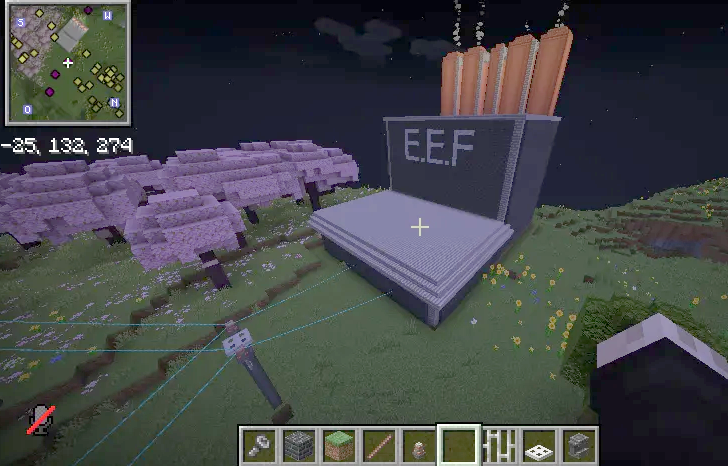
3D Preview & Editor:
Materials
48 types · 7,739 blocks
| Vanilla 18 | ||||||||
| Cherry Leaves | 1,945 | Grass Block | 1,037 | Pink Petals | 470 | |||
| Short Grass | 337 | Cherry Log | 138 | Oak Leaves | 137 | |||
| Sunflower | 53 | Tall Grass | 24 | Iron Bars | 14 | |||
| Dandelion | 13 | Oak Log | 10 | Dirt | 7 | |||
| Iron Trapdoor | 6 | Campfire | 4 | Oxeye Daisy | 2 | |||
| Cornflower | 2 | Poppy | 2 | Azure Bluet | 1 | |||
| Create 13 | ||||||||
| Fluid Tank | 792 | Encased Chain Drive | 52 | Steam Engine | 45 | |||
| Powered Shaft | 45 | Metal Girder | 34 | Cogwheel | 23 | |||
| Fluid Pipe | 22 | Blaze Burner | 18 | Shaft | 9 | |||
| Mechanical Pump | 7 | Stressometer | 2 | Display Link | 2 | |||
| Creative Motor | 1 | |||||||
| Createdeco 5 | ||||||||
| Dusk Bricks | 815 | Corner Dusk Bricks | 579 | Corner Pearl Brick Slab | 556 | |||
| Pearl Brick Wall | 100 | Corner Pearl Brick Stairs | 49 | |||||
| Create New Age 4 | ||||||||
| Netherite Magnet | 182 | Generator Coil | 26 | Electrical Connector | 12 | |||
| Carbon Brushes | 2 | |||||||
| Copycats 3 | ||||||||
| Copycat Stacked Half Layer | 92 | Copycat Vertical Half Layer | 12 | Copycat Byte Panel | 2 | |||
| Rechiseled 1 | ||||||||
| Copper Block Bars Stairs Connecting | 36 | |||||||
| Dndecor 1 | ||||||||
| Red Display Board | 10 | |||||||
| Bits N Bobs 1 | ||||||||
| Nixie Board | 6 | |||||||
| Create Connected 1 | ||||||||
| Brass Gearbox | 4 | |||||||
| Tfmg 1 | ||||||||
| Heavy Casing Door | 2 | |||||||
How to place this schematic
.nbt This is a Create mod schematic. The Schematicannon builds it for you, block by block, from the materials you load into it.
| 1 | Put the .nbt file in .minecraft/schematics. |
| 2 | Open a Schematic Table, drop in an Empty Schematic, pick the file and write it. |
| 3 | Hold the written schematic and position the outline in the world, then confirm. |
| 4 | Place a Schematicannon, load it with the building blocks and gunpowder for fuel, then hit play. |
About this build
| 1 | Load the schematic file into your Minecraft world using a Schematic and Quill from the Create mod. |
| 2 | Place the blueprint in a large, flat area that can fit the 79x36x47 block structure. |
| 3 | Use a Schematicannon to build the facility automatically if you have all the required materials. |
| 4 | Connect your power sources to the facility to start transporting energy across your world. |
Features:
- Energy Transport: This facility works as a hub for moving power to different parts of your base.
- Uses a mix of decorative and functional blocks from several Create mod addons for a unique look.
- Includes a large footprint of 79x36x47 blocks to house complex machinery.
- Uses over 7,700 blocks to create a highly detailed industrial structure.
- Works with Minecraft 1.21.x and Create Mod version 6.0.10.
- Combines power generation and compact design in one large building.
Schematic Specs:
 Minecraft1.21.x
 Create Mod6.0.10
 Dimensions79×36×47
 Total Blocks7,739
 Top Blocks Used
Cherry Leaves 1,945Grass Block 1,037Dusk Bricks 815Fluid Tank 792Corner Dusk Bricks 579
Screenshots:
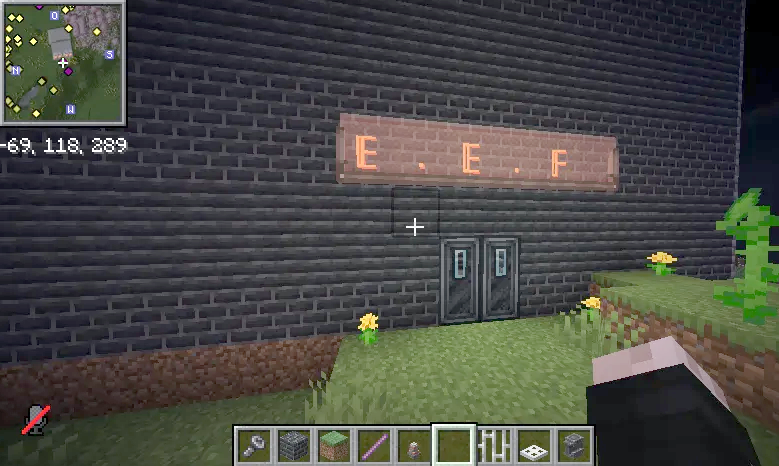
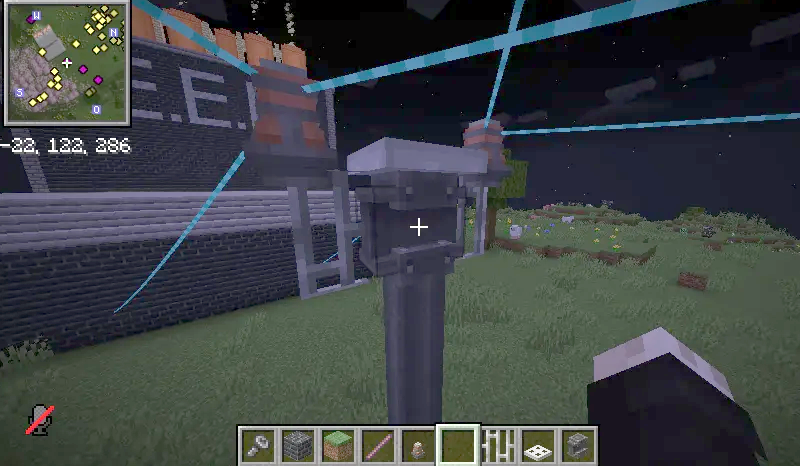
Requirements:
 Create Mod Required
createdeco Required
copycats Required
 Rechiseled Create Mod Required
Bits N Bobs Required
tfmg Required
dndecor Required
Edgers Energie Facility Schematic Download Links
For Minecraft 1.21.x
Click to rate this post!
[Total: 0 Average: 0]
You May Also Like
Picked for this page
 Shallow Sea Explorer Schematic (1.21.x) – Medium Submarine for Ocean Travel
 SS Venator Endgame Skybase Carrier Factory Schematic (1.21.x) – Massive Endgame Airship Base
 Deepslate Farm Create 6.0 Schematic (1.21.x) – Compact Automated Deepslate Farm Machine
 Cargo Pickup Truck Schematic (1.21.x) – Red Transport Vehicle Build for Create
 Dual Flight Mode Helicopter Survival Friendly Runs on Diesel Gasoline or Biodiesel and Comes with a
 Moonwalker Schematic (1.21.x) – Giant Two-Legged Walking Machine Build for Flat Ground
 Arrow Gattling Guns Schematic (1.21.x) – Rapid Fire Arrow Defense System
 Crimson Twilight the Ultimate Flying Survival Ship Schematic (1.21.x) – Huge Red Flying Survival
 Simple Handle Powered Plane Schematic (1.21.x) – Small and Simple Flying Machine for Create
 Large Airship Schematic (1.21.x) – Massive Steampunk Flying Machine for Survival
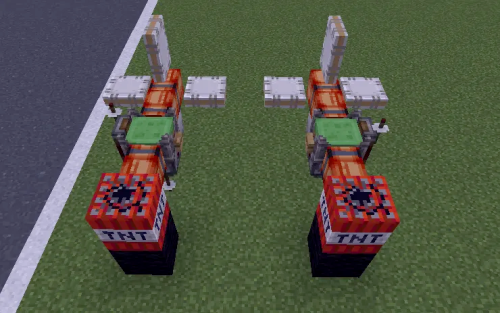 Les Bombes Droites Et Gauche DE Mon Bombardier Schematic (1.21.x) – Compact Bomb Designs
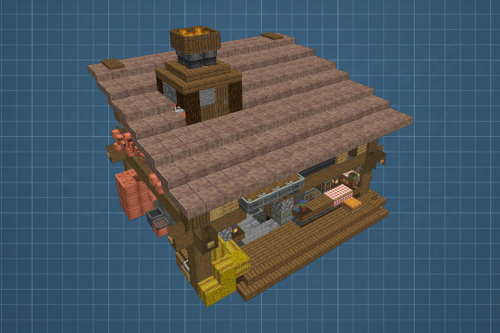 WORKSHOP with All You Need Schematic (1.21.x) – Ready to Use Create Mod Factory Building
Most viewed in Create Mod Schematics over the last 7 days
 Copper Flying Ship That Can Also Act as a Normal Boat Schematic (1.21.x) – Dual Purpose Copper
 Arasaka Tower Schematic (1.21.x) – Massive Black Industrial Skyscraper Build
 Rail Gun Schematic (1.21.x)
 Starter Iron Farm Schematic (1.21.x) – Simple Early Game Iron Production Build
 Agrimotor Schematic (1.21.x) – Build a Functional Create Mod Tractor
 Large Submarine Schematic (1.21.x) – Build a Large Submarine for Travel
 F16 Falcon Schematic (1.21.x)
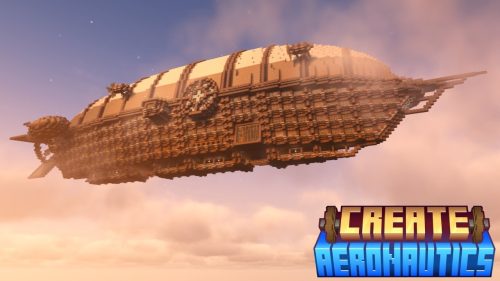 NSV Skyliner Mobile Base and Factory Schematic (1.21.x) – Massive Steampunk Flying Factory
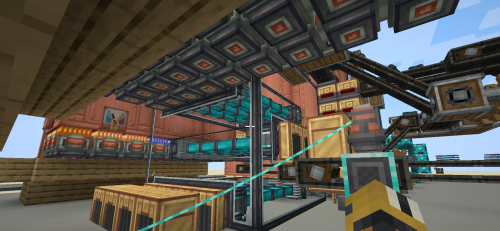 Ultimate Nuclear Reactor Schematic (1.21.x) – High Power Reactor Build for Create
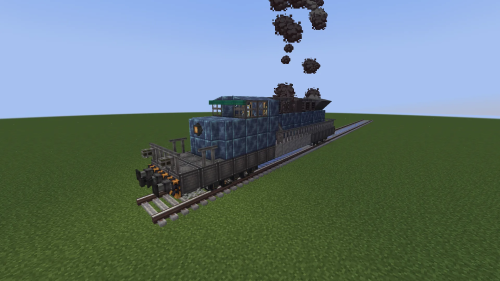 Sd40 2 Blue Nbt Schematic (1.20.x) – Classic Blue American Locomotive
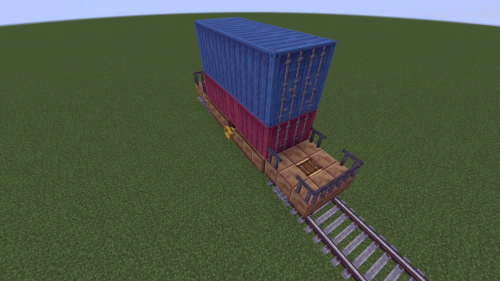 Thrall 40ft 53ft Well Car Nbt Schematic (1.20.x) – Legendary Double Stack Container Train Car
 Practical Compact Mining Machine Schematic (1.21.x) – Compact Drilling Vehicle for Create
More from Create Mod Schematics
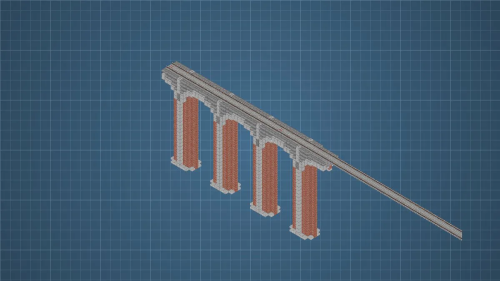 Pieza DE Puente Schematic (1.21.x) – Classic Brick Bridge for Train Tracks
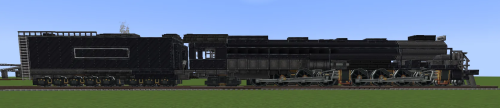 Big Boy Union Pacific 4104 Schematic (1.21.x) – Massive Steam Locomotive for Create Mod
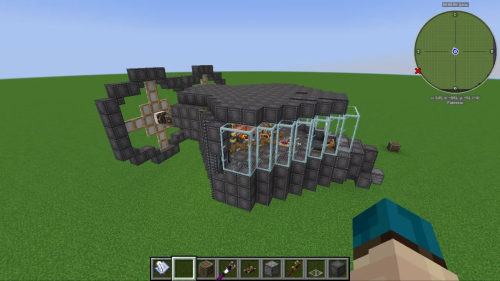 Komar V2 Schematic (1.21.x) – Detailed Helicopter Design for Create Mod
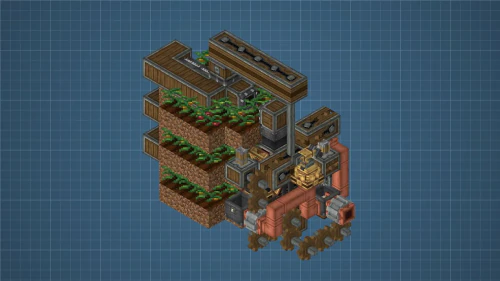 Mini Biodiesel Farm Schematic (1.21.x) – Compact Automated Biodiesel Fuel Setup
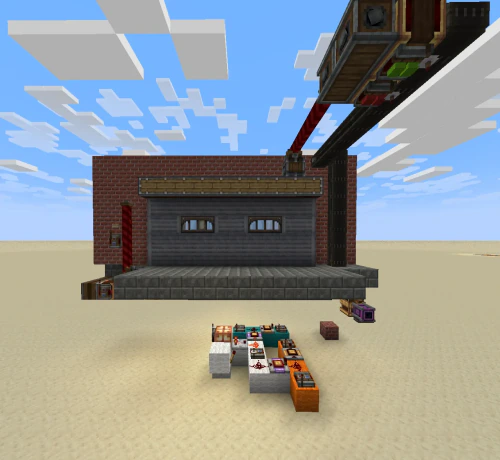 Functional Garage Door Schematic (1.21.x) – Realistic Folding Door for Create Mod
 Vt11.5 Schematic (1.21.x) – Classic Red Tee Train Design for Create
 B a L L S Ballistic Automated Long Range Launch System Schematic (1.21.x)
 Tren DE Vapor Lujoso Schematic (1.21.x) – 1930s Aerodynamic Luxury Steam Train
 1960 Ih Grain Harvester Schematic (1.21.x) – Classic Vintage Farming Machine Build
 Desc Chinook Water Helicopter Schematic (1.21.x) – Hybrid Helicopter Build for Create Mod
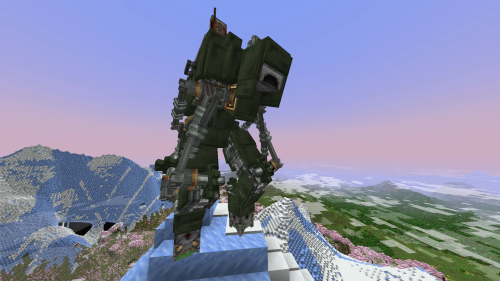 Creative More Compact Walker Schematic (1.21.x) – Tiny Walking Machine for Create Mod
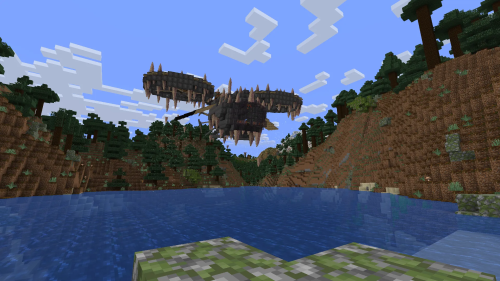 Sa 2 Samson Schematic (1.21.x) – Detailed Hybrid Flying Machine for Create Mod

This post has no comments yet. Be the first — your comment will appear here.