


Borderless Mining Updated Mod (26.1.2, 1.21.11) – Fixes Input Lag

 0
0  April 22, 2026
Borderless Mining Updated Mod brings a true borderless window mode to your game. It stops the stuttering and input delays caused by similar mods. You can change your default fullscreen options and use a new button to switch monitors. These menu changes also apply to your Sodium video settings. The mod keeps your game running fast without extra latency.
Features:
- True Borderless Window: The Borderless Mining Updated Mod changes the default fullscreen options so you get a real borderless mode without input lag.
- Stops Microstutters: Fixes the frame drops and delays that happen with other borderless mods.
- Monitor Switching: Adds a simple button in the video settings to move your game to another screen.
- Works with Sodium: All menu changes apply directly inside the Sodium video settings.
- Clean Menus: Removes extra window size options to keep everything simple to read.
How to Use:
- Open your game and go to the video settings menu.
- Find the Fullscreen option.
- Change the setting to “Borderless” to remove window borders.
- Click the new monitor button to put the game on another screen.
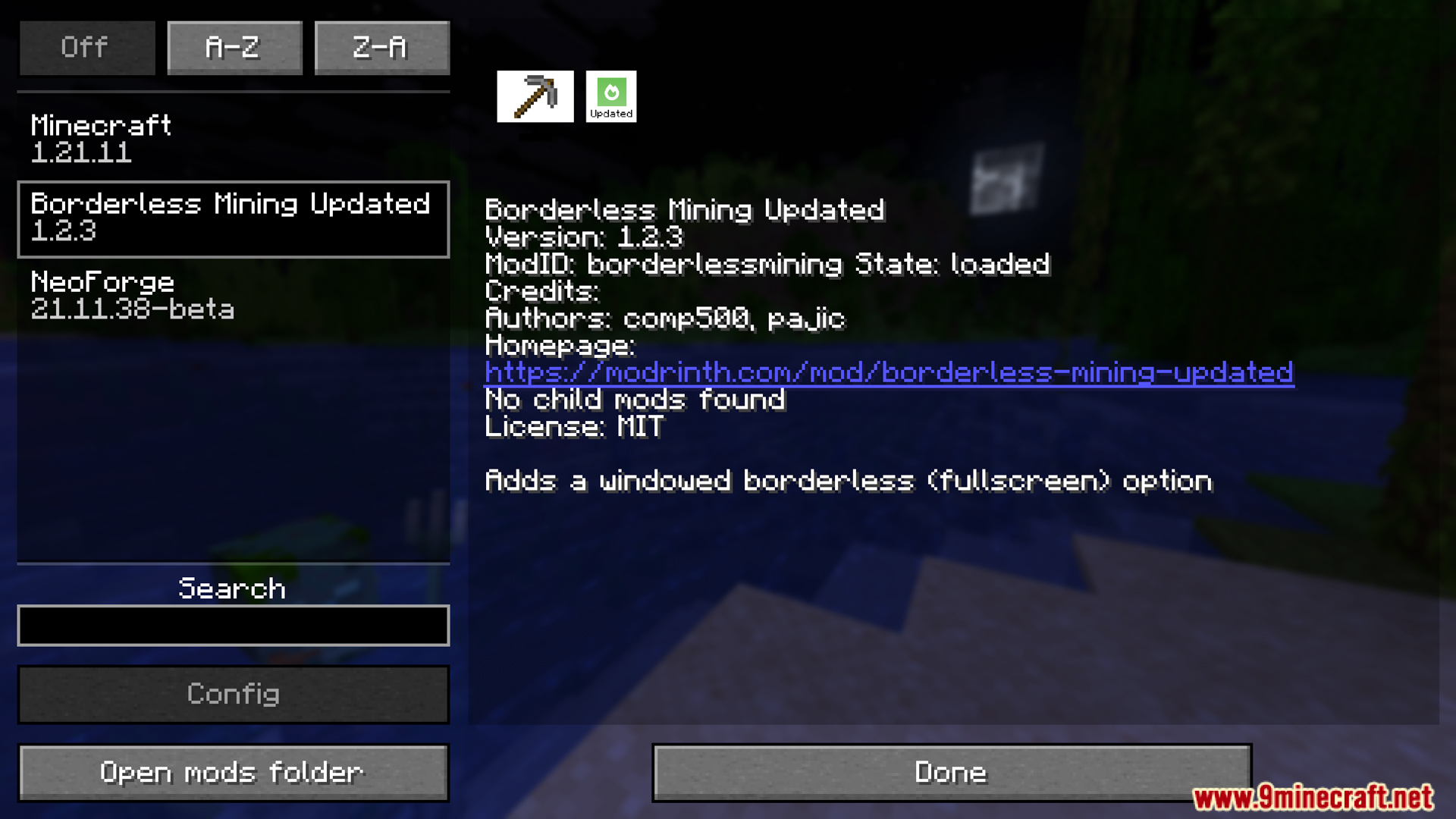
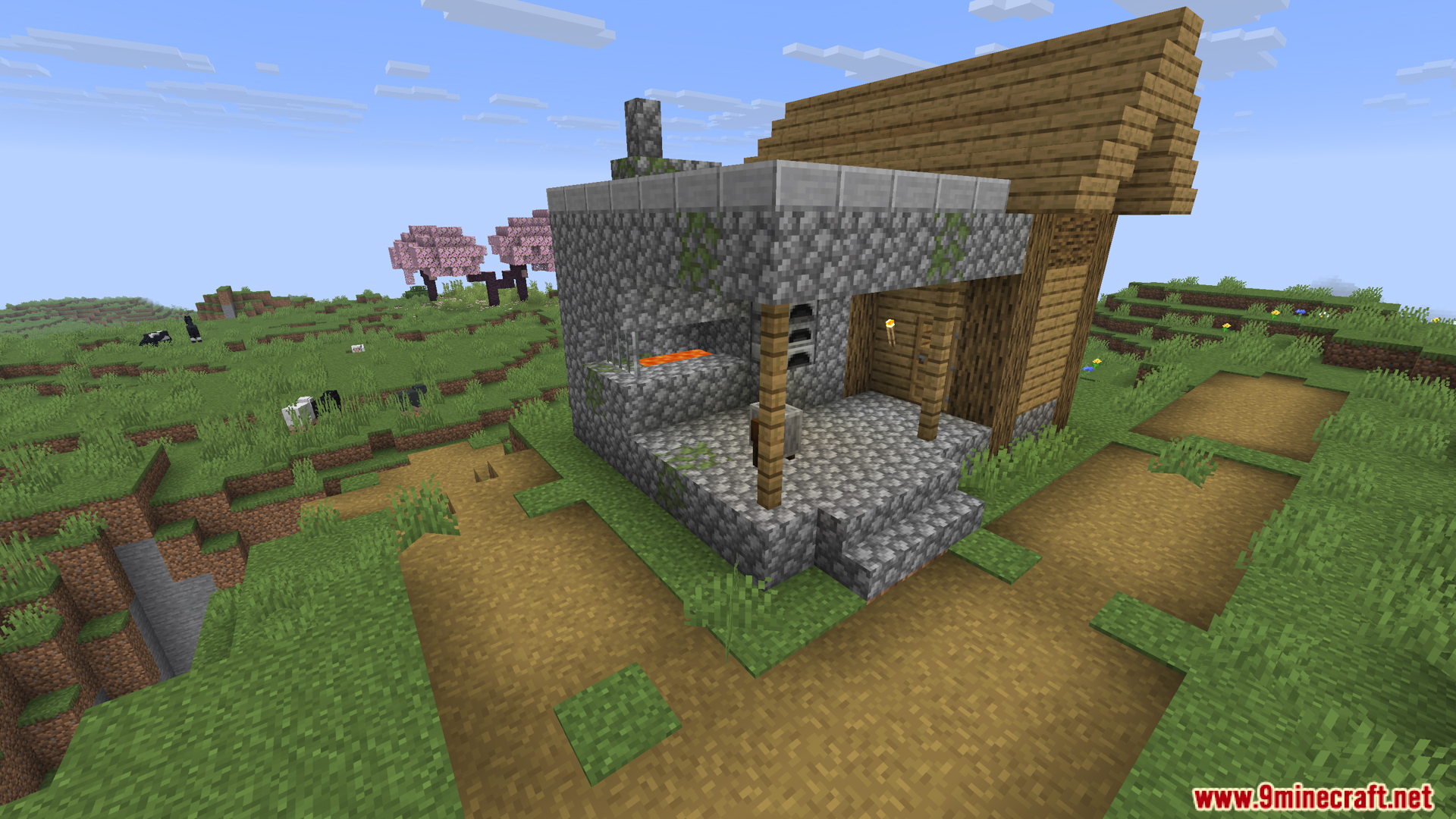
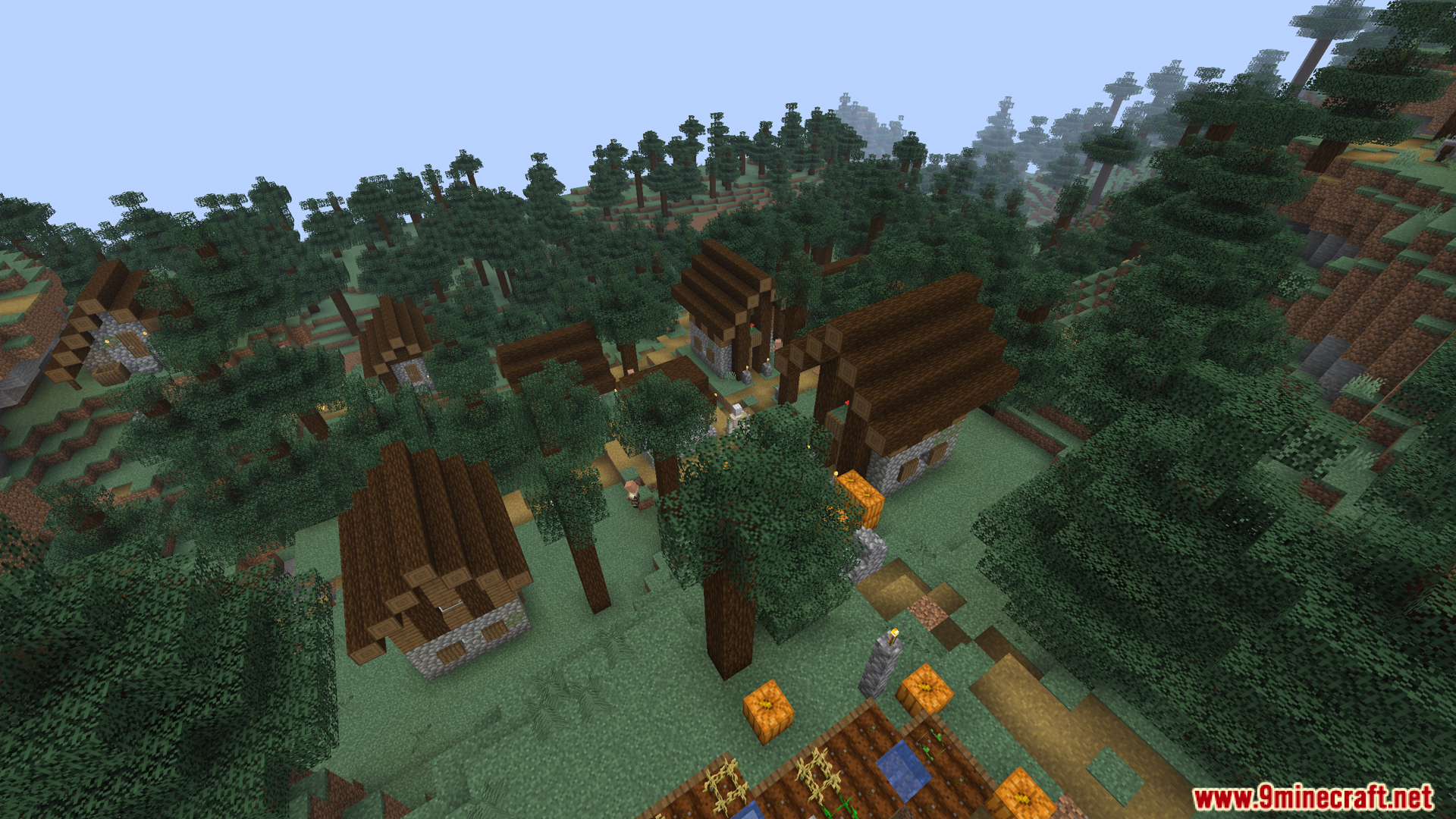
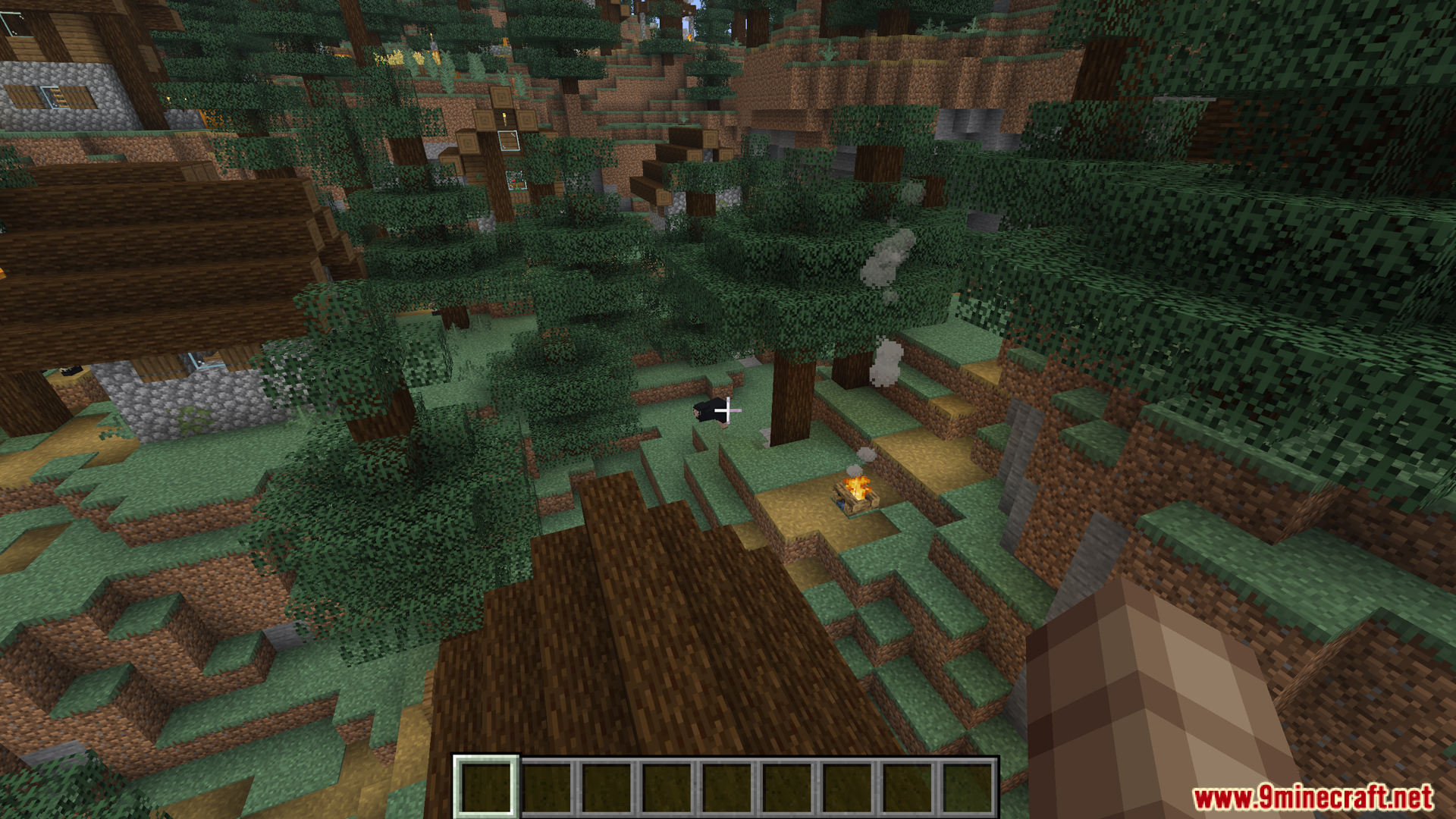
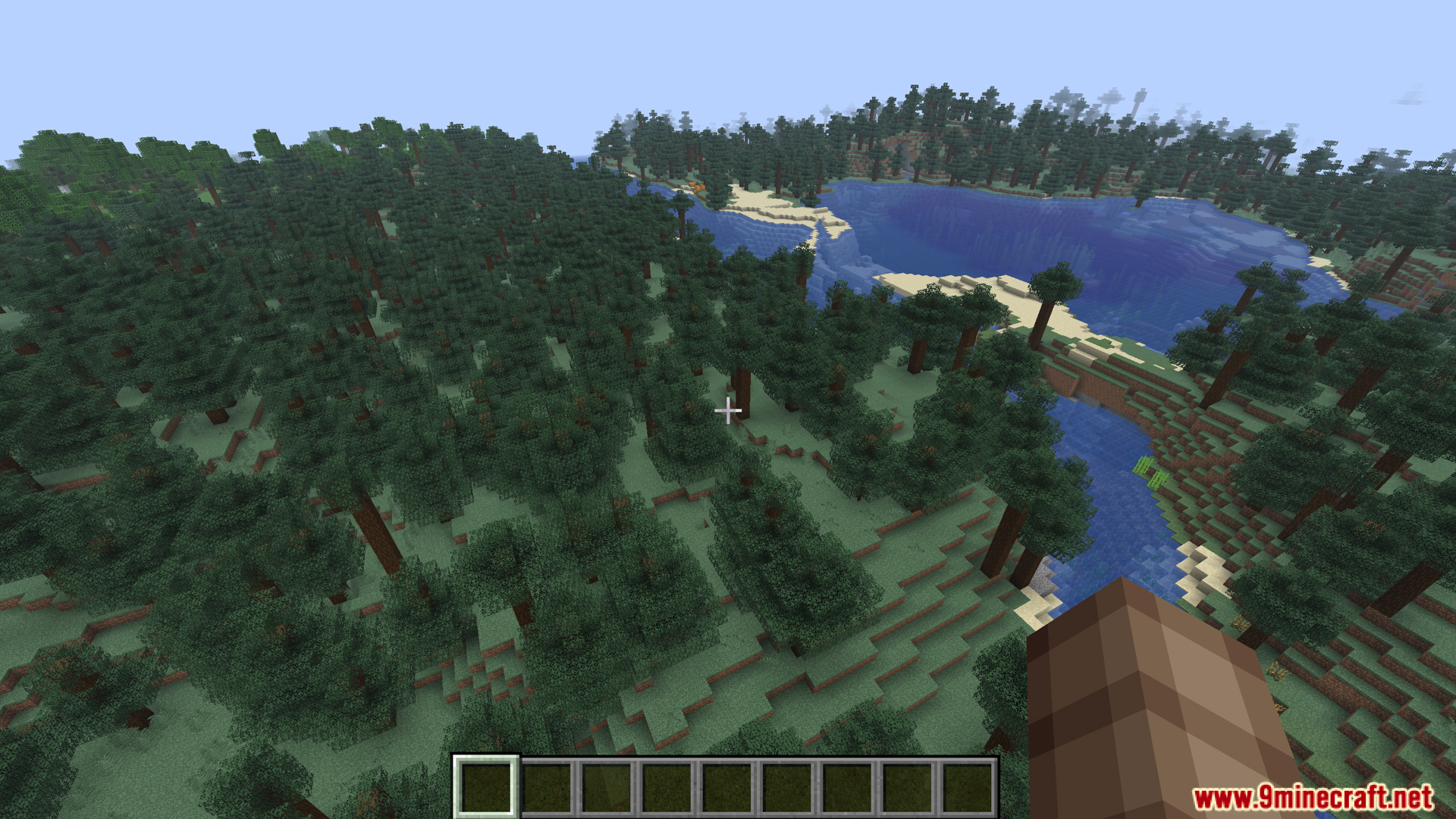
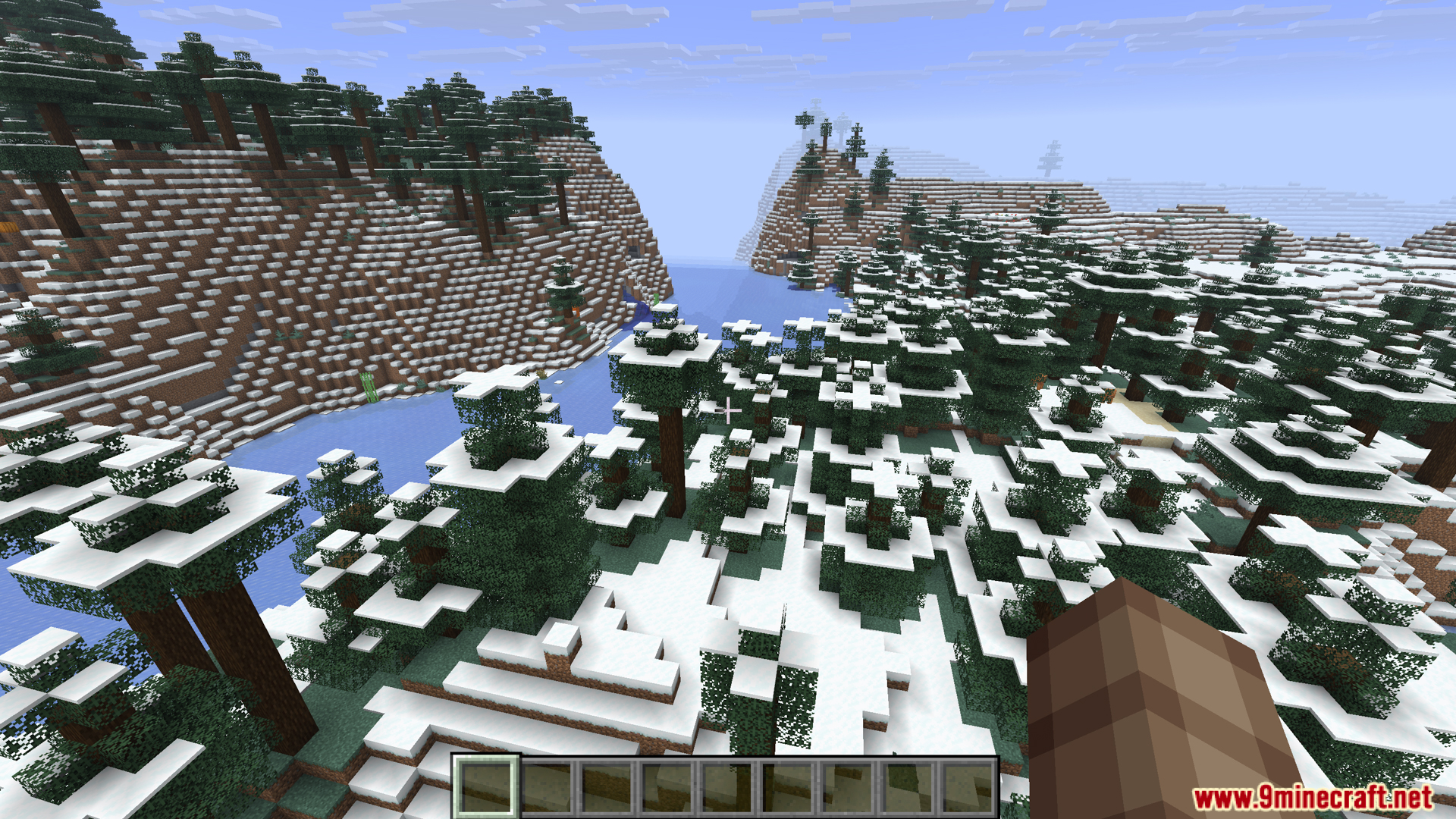
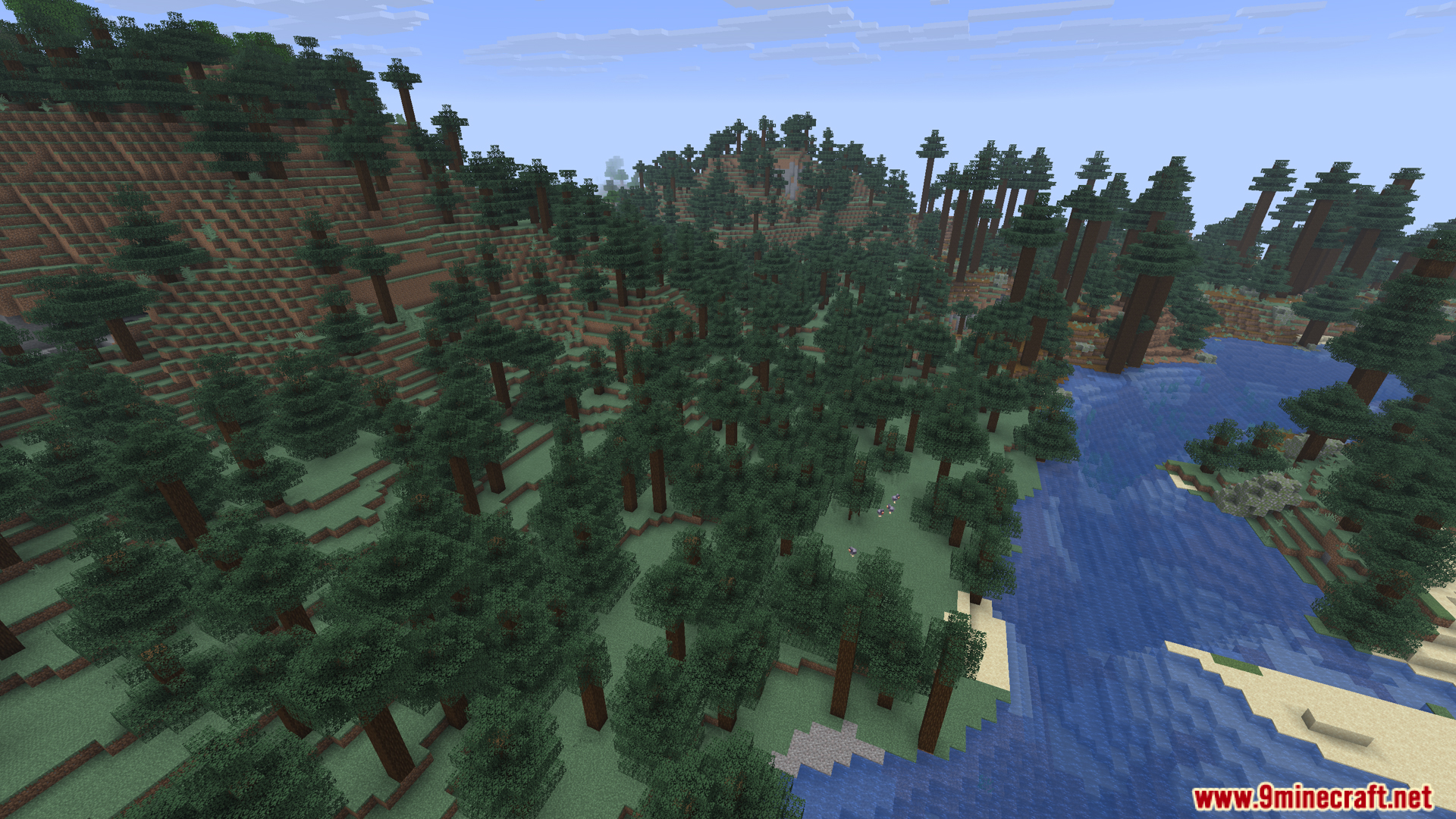
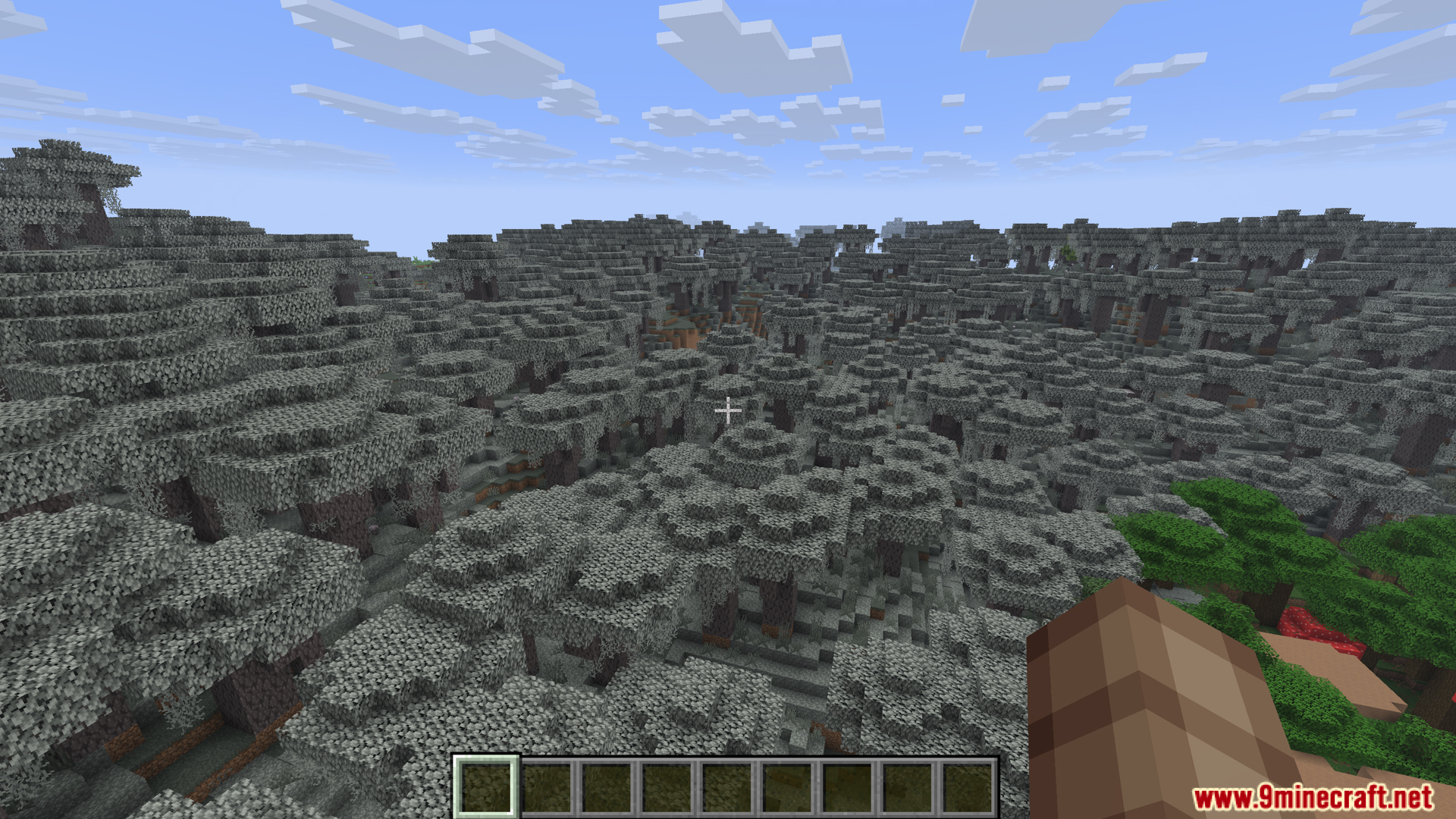
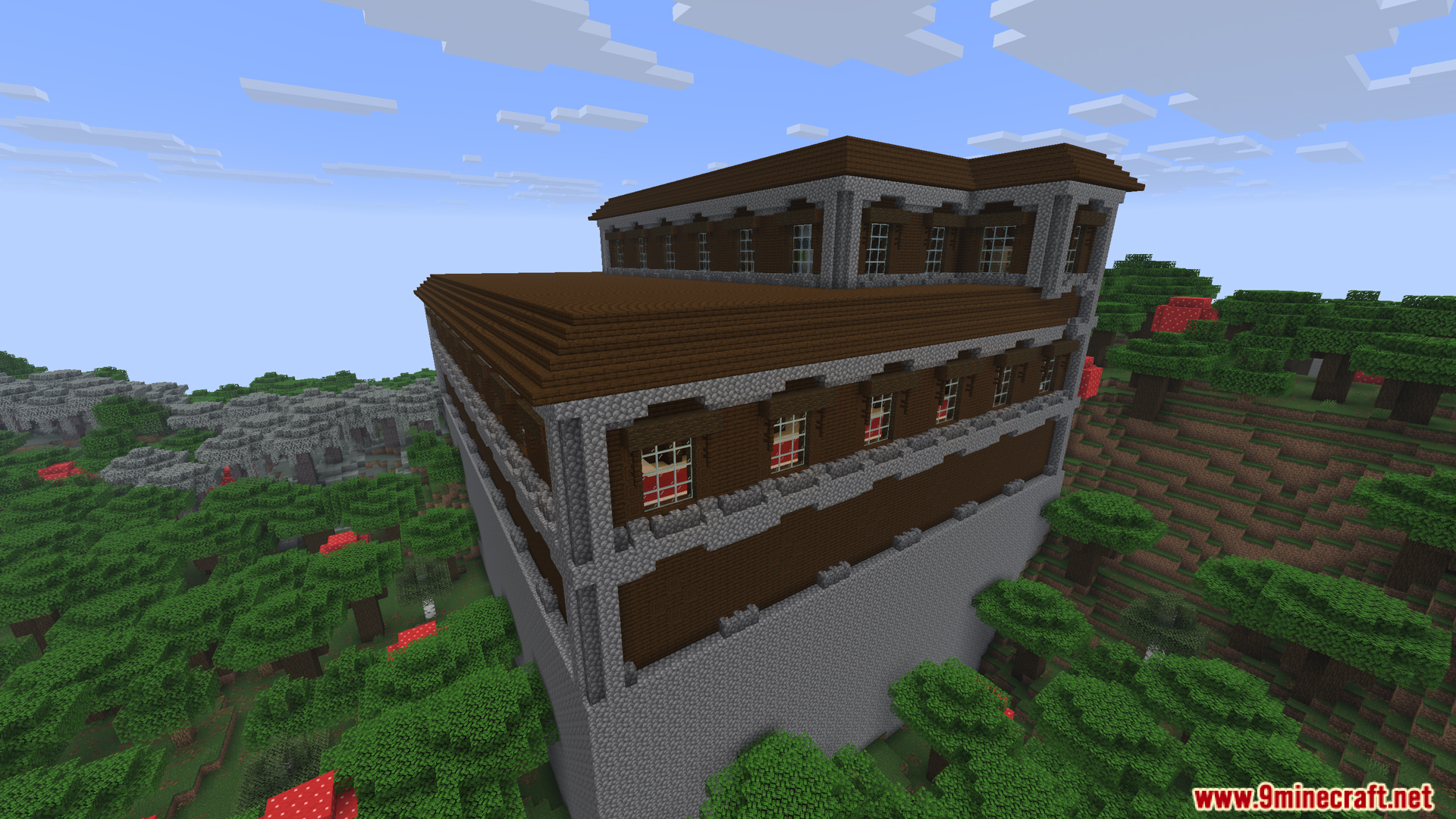
Screenshots:
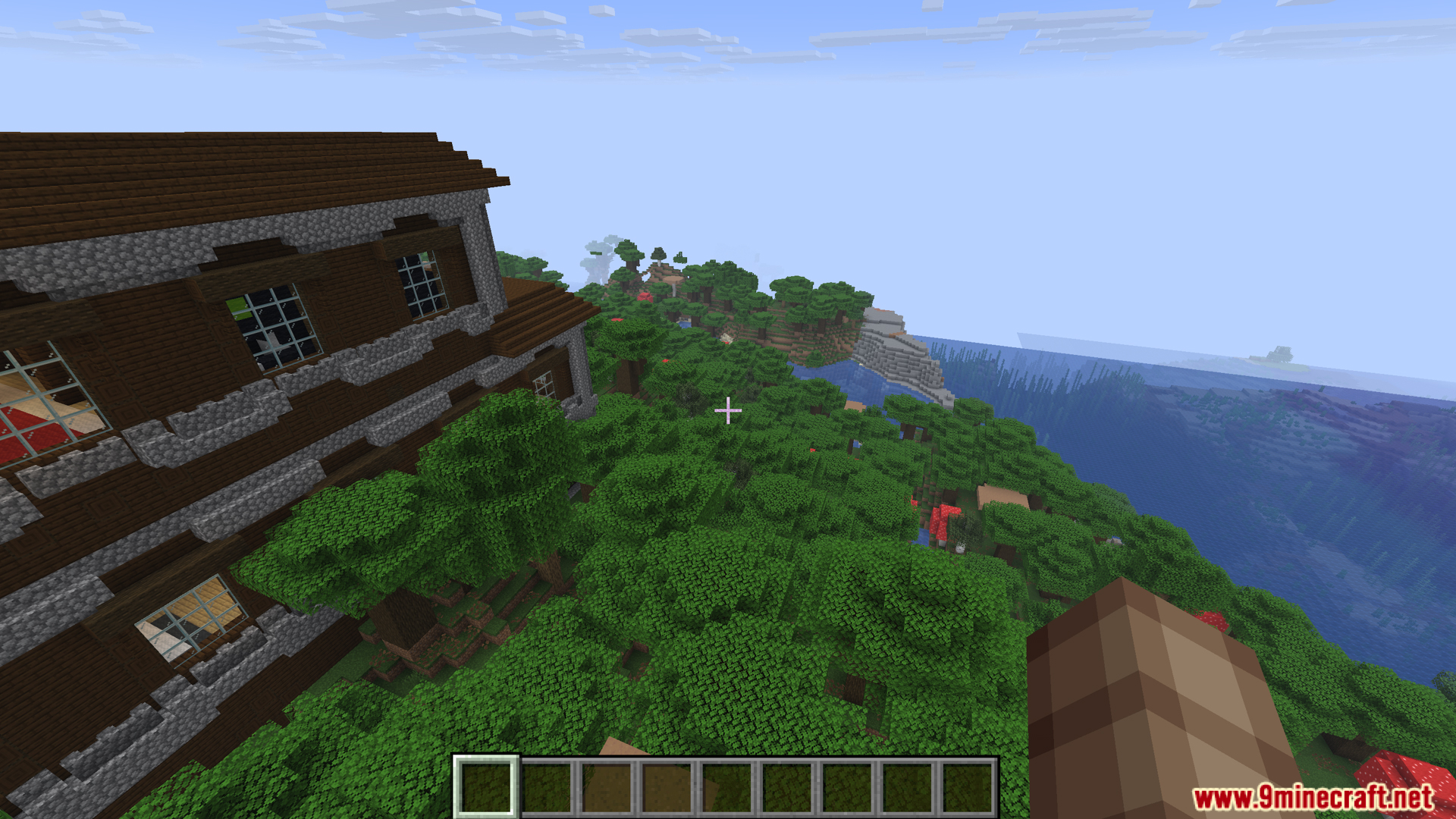
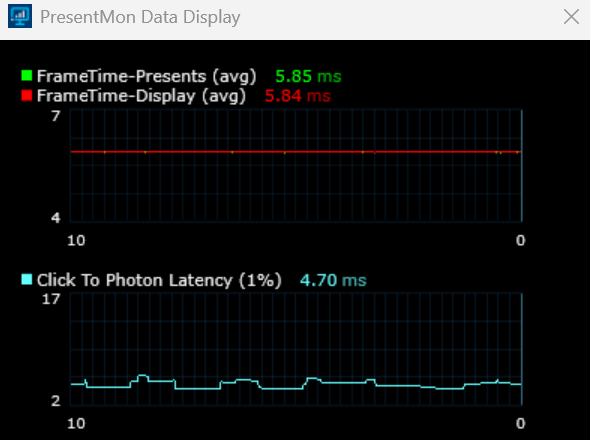
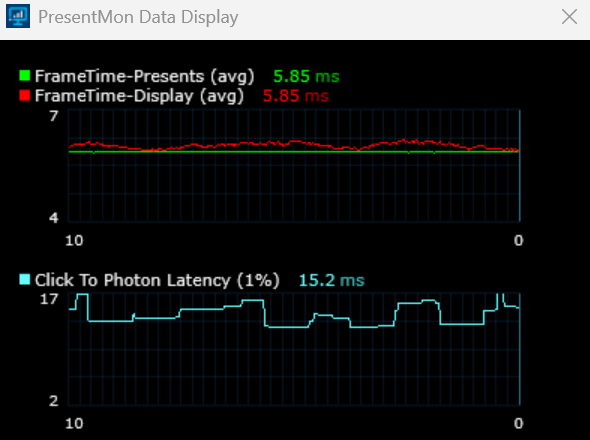
How to Install:
New to Minecraft? Follow our step-by-step guide to install Mods on your PC.View Guide



Borderless Mining Updated Mod Download Links
For Minecraft 26.1.2, 26.1.1, 26.1
For Minecraft 1.21.11
Click to rate this post!
[Total: 0 Average: 0]
You May Also Like





This post has no comments yet. Be the first — your comment will appear here.