


ModList Command Mod (26.1.2, 1.20.1) – Command To View Installed Mods

 0
0 

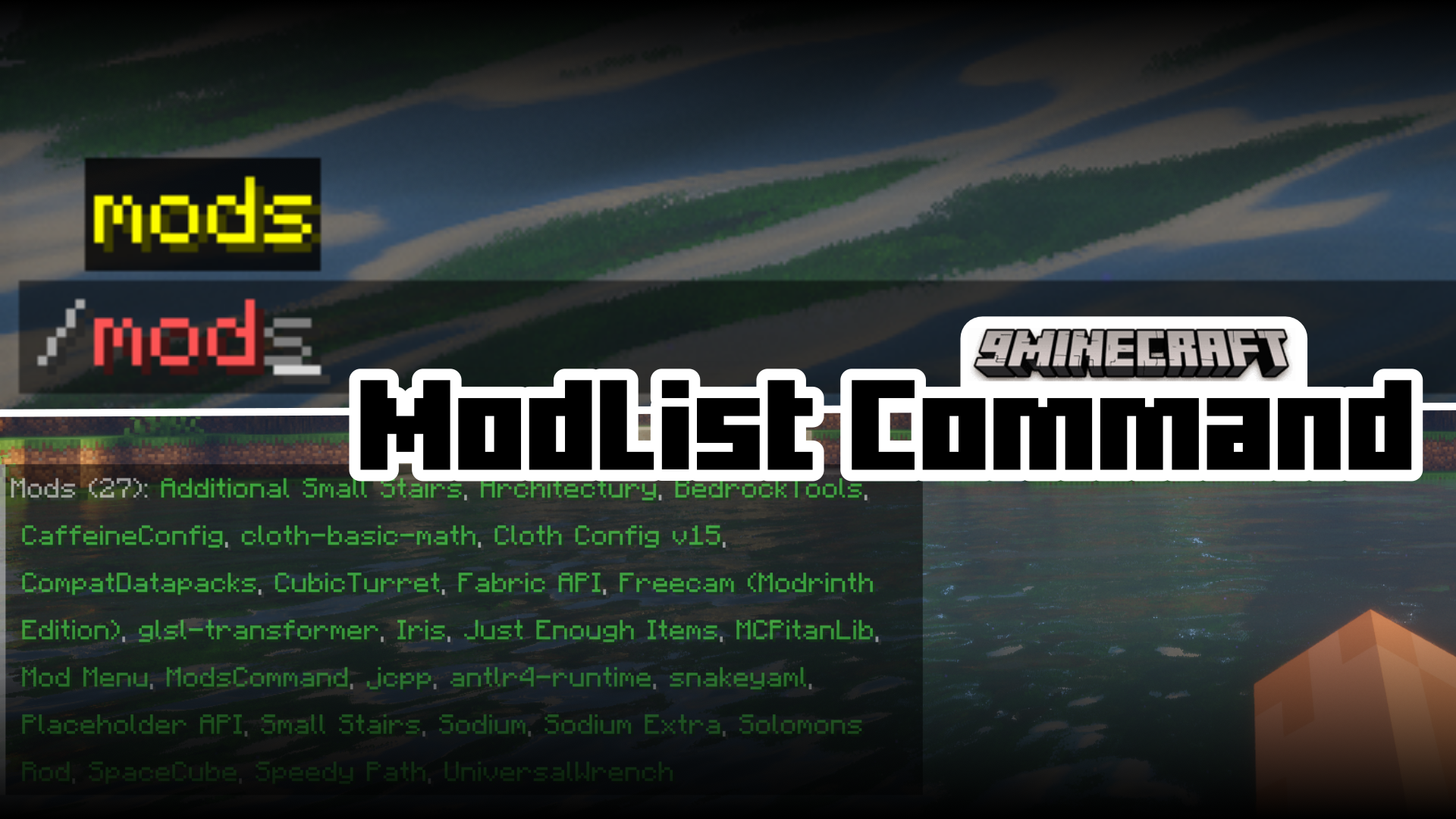
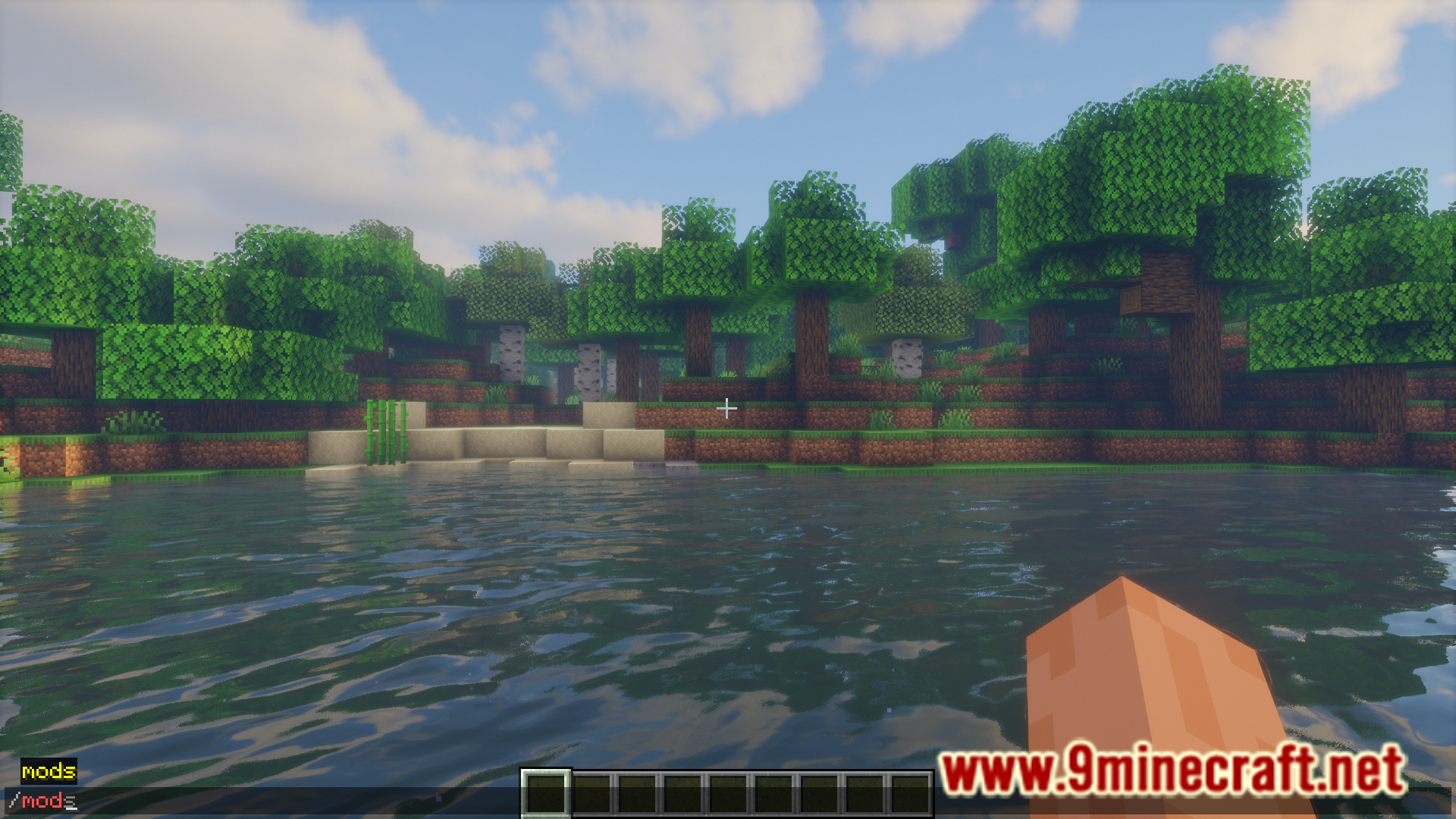
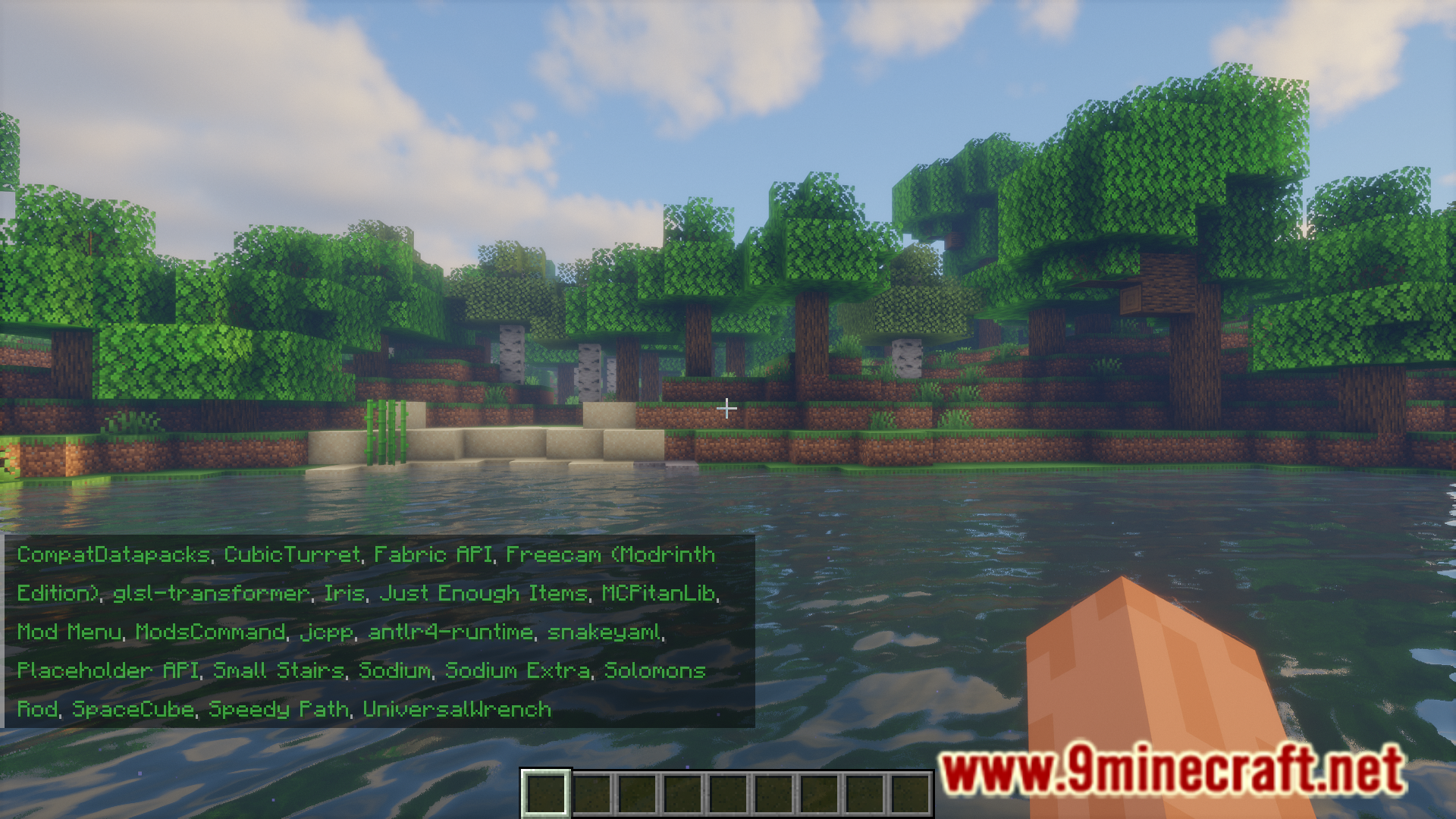
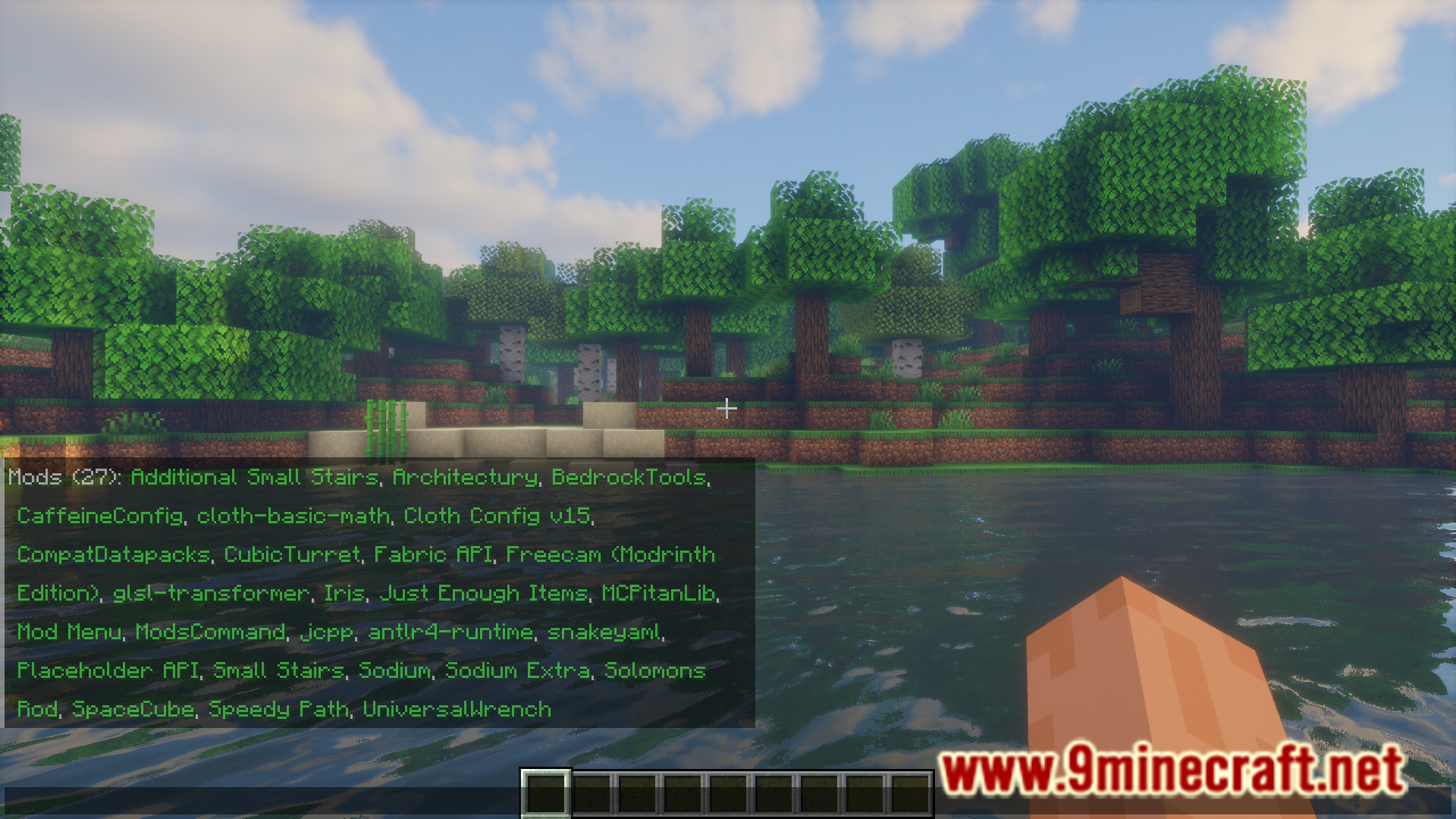
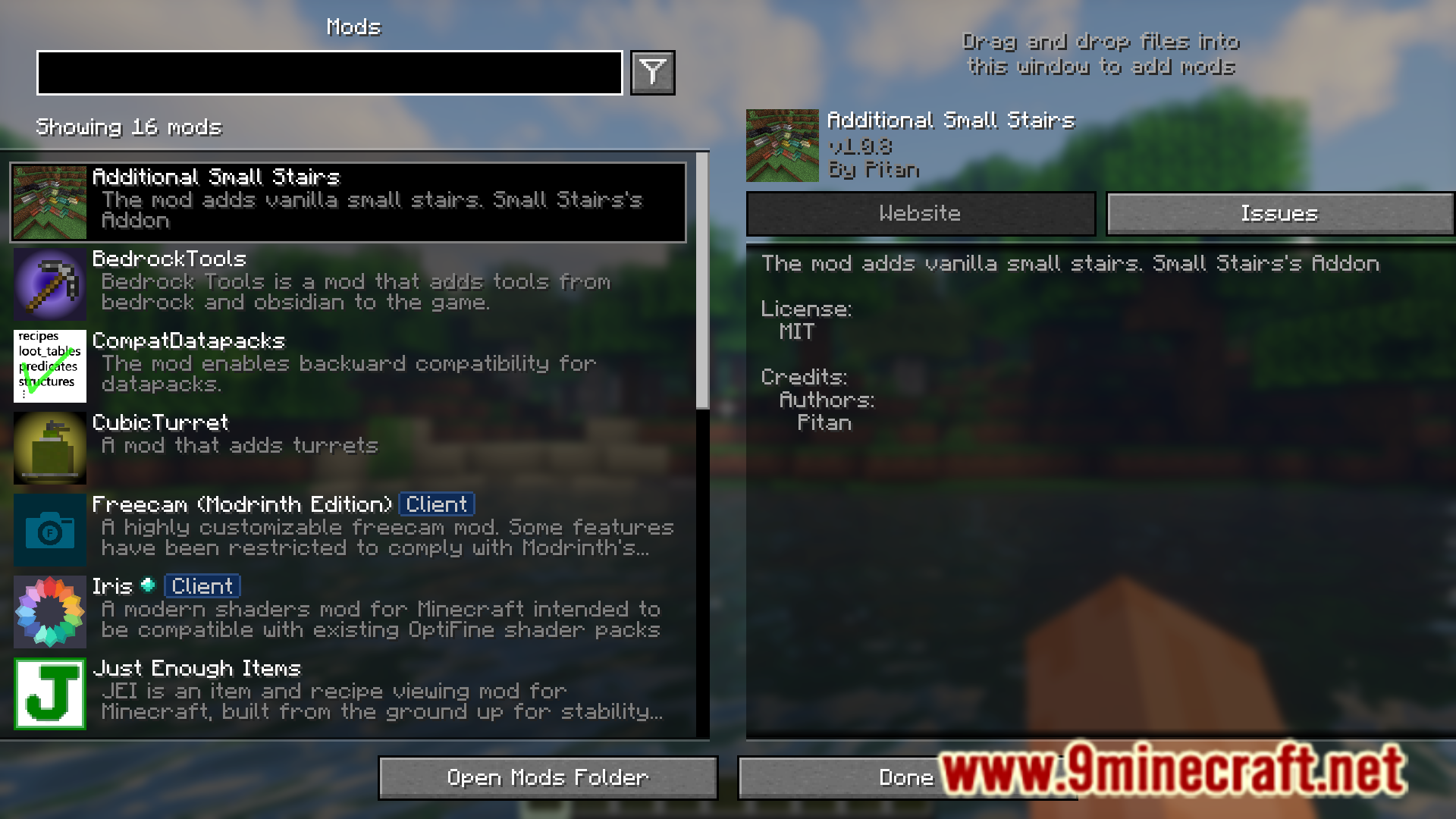
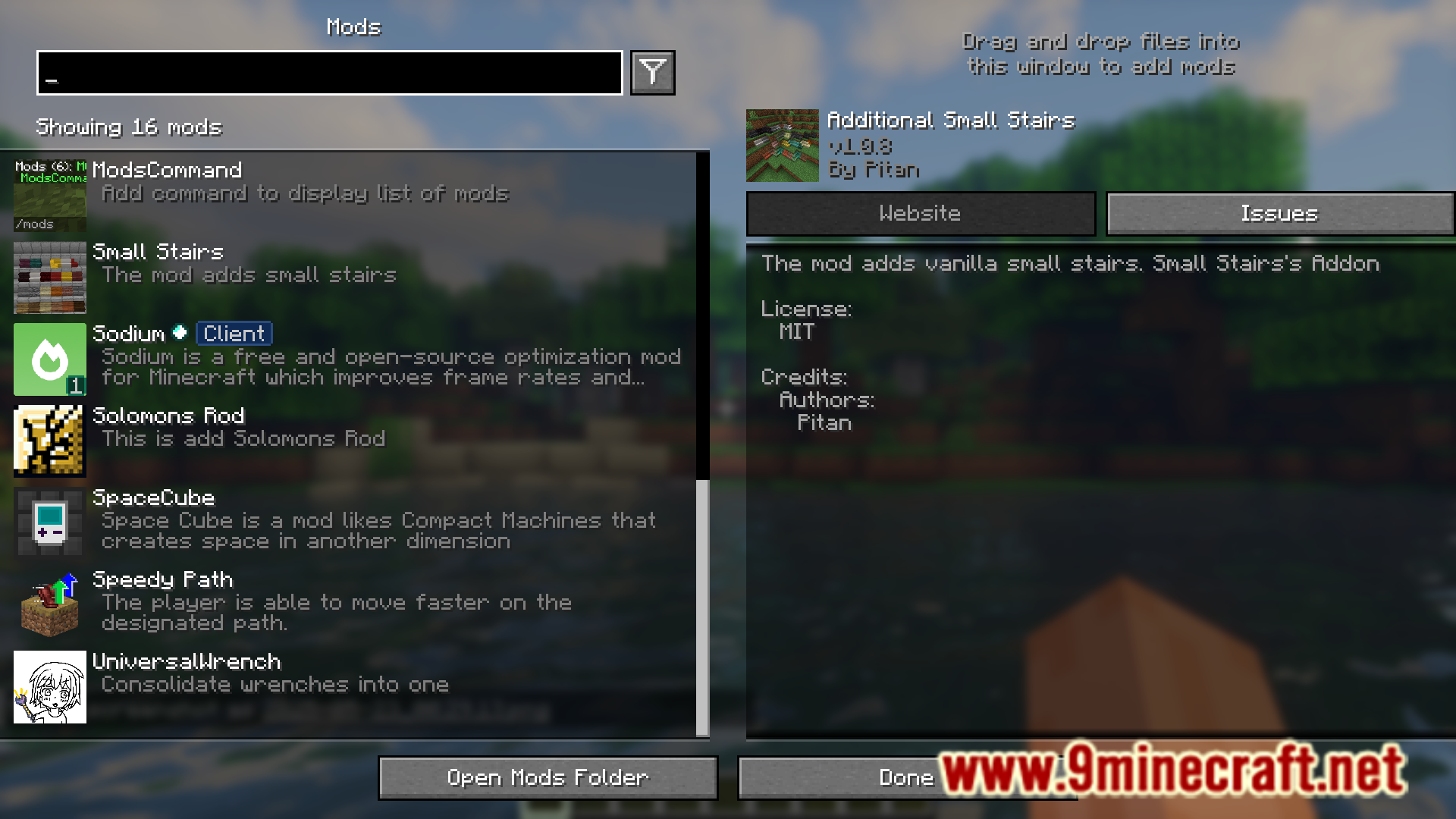
ModList Command Mod, as the name suggests, adds a new command into the game that allows you to view a list of mods that you have installed into the game. Simply execute the /mods commands and a list containing the names of all of the installed mods will be sent out in the chat.
Features:
- Allows you to view a list of installed mods.
- Use the /mods command and the list will be sent out in chat.
Screenshots:
How to Install:
New to Minecraft? Follow our step-by-step guide to install Mods on your PC.View Guide
Requirements:





ModList Command Mod Download Links
For Minecraft
26.1.2,
26.1.1,
26.1
All Versions Covered
26.1.2
26.1.1
26.1
1.21.11
1.21.10
1.21.9
1.21.8
1.21.7
1.21.6
1.21.5
1.21.4
1.21.3
1.21.2
1.21.1
1.21
1.20.4
1.20.1
1.20
1.19.2
1.19.1
1.19
1.18.2
1.18.1
1.18
1.16.5
All Versions Covered
26.1.2
26.1.1
26.1
1.21.11
1.21.10
1.21.9
1.21.8
1.21.7
1.21.6
1.21.5
1.21.4
1.21.3
1.21.2
1.21.1
1.21
1.20.4
1.20.1
1.20
1.19.2
1.19.1
1.19
1.18.2
1.18.1
1.18
1.16.5
For Minecraft
1.21.11,
1.21.10,
1.21.9
All Versions Covered
1.21.11
1.21.10
1.21.9
1.21.8
1.21.7
1.21.6
1.21.5
1.21.4
1.21.1
1.21
All Versions Covered
1.21.11
1.21.10
1.21.9
1.21.8
1.21.7
1.21.6
1.21.5
1.21.4
1.21.1
1.21
For Minecraft 1.21.5, 1.21.4
For Minecraft
1.20.4,
1.20.1,
1.20
All Versions Covered
1.20.4
1.20.1
1.20
1.19.2
1.19.1
1.19
1.18.2
1.18.2 –> 1.20.1
1.18.1
1.18
1.16.5
All Versions Covered
1.20.4
1.20.1
1.20
1.19.2
1.19.1
1.19
1.18.2
1.18.2 –> 1.20.1
1.18.1
1.18
1.16.5
Click to rate this post!
[Total: 0 Average: 0]
You May Also Like













This post has no comments yet. Be the first — your comment will appear here.