


EMI Create Schematics Mod (1.21.10, 1.20.1) – Tu lista de la compra para Create

 0
0 

🌐 Estás leyendo este artículo en Español. ¿Quieres cambiar?
📖 Leer en inglés (original)O elige el que prefieras:
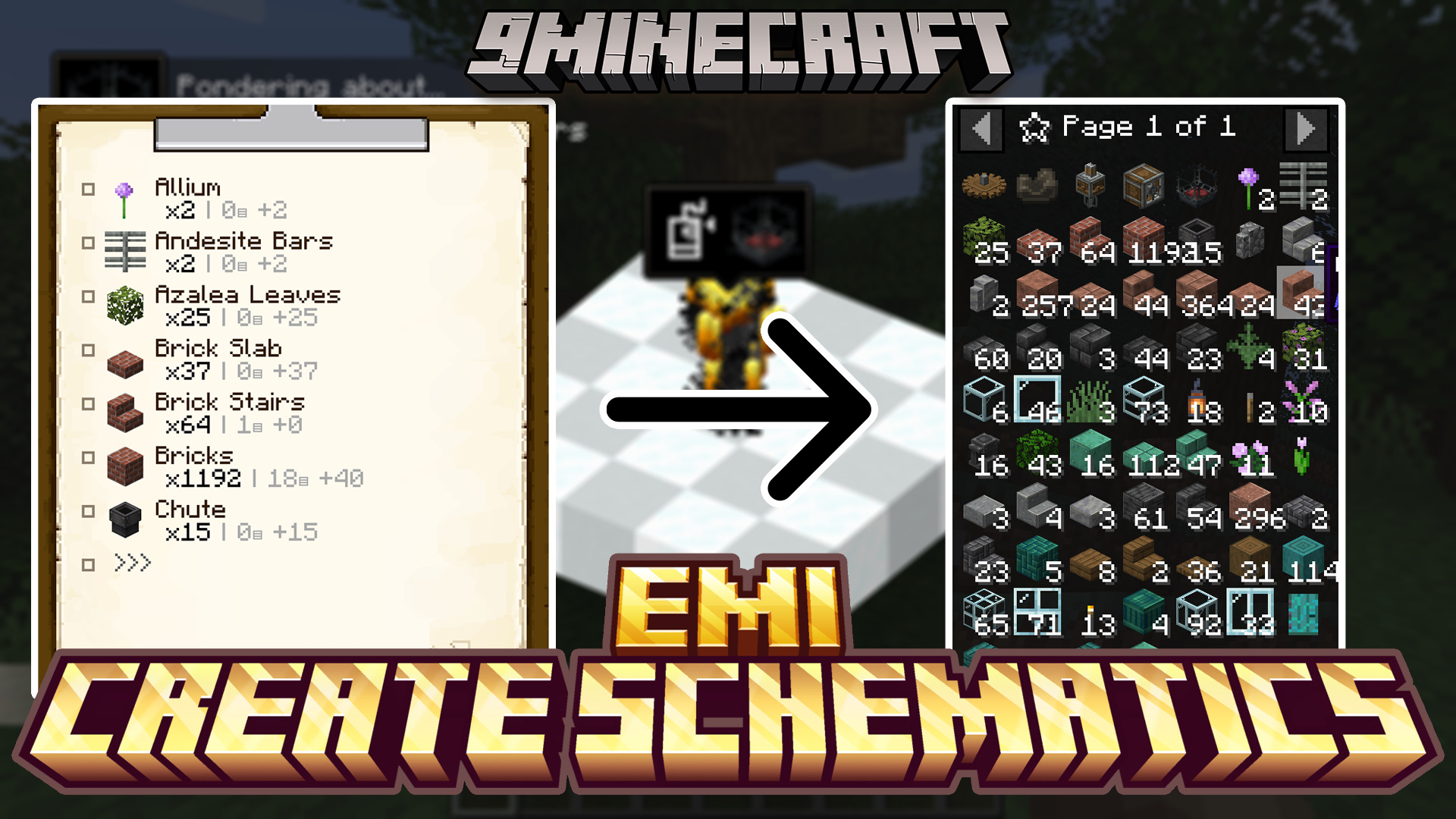
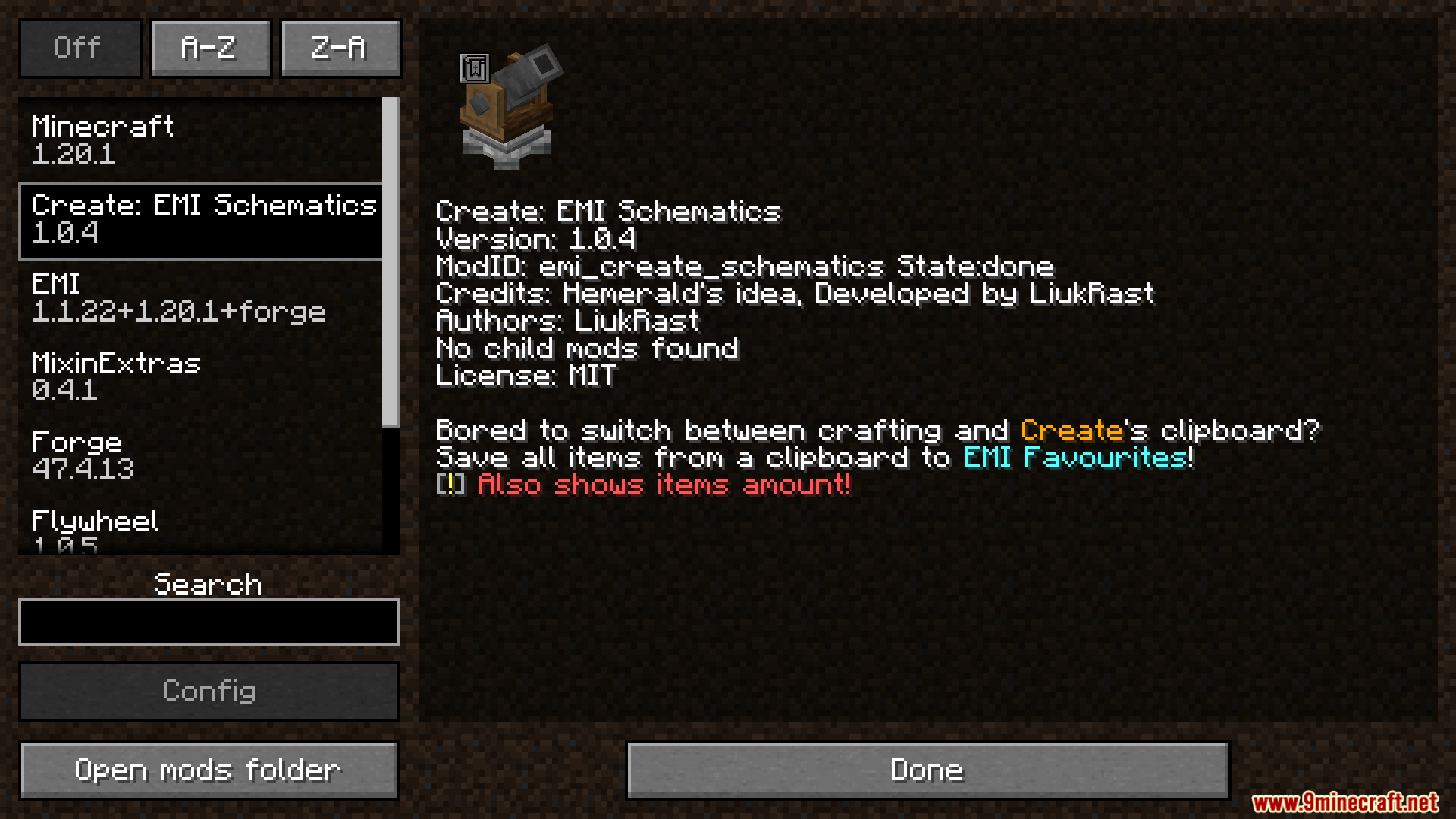
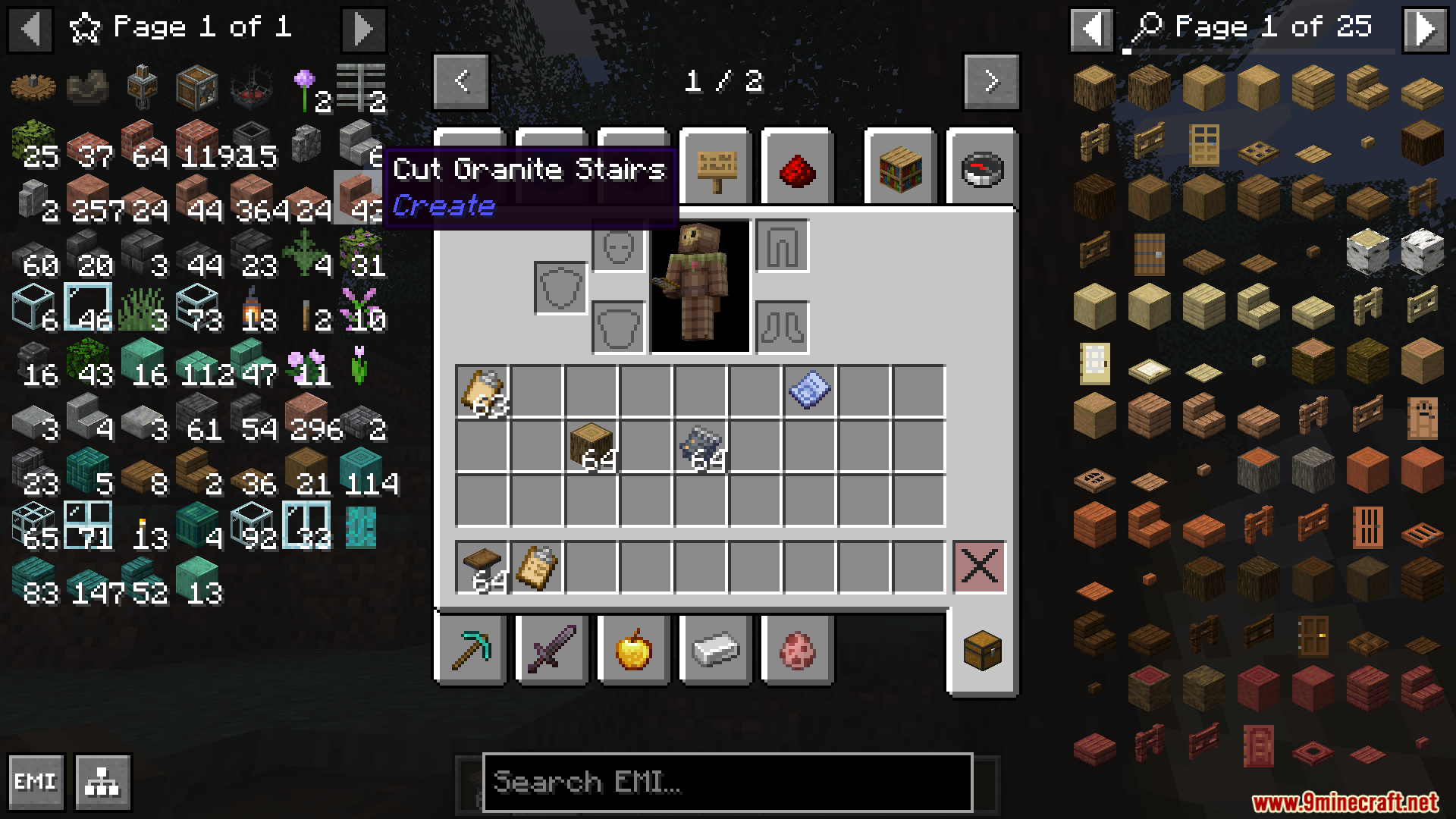
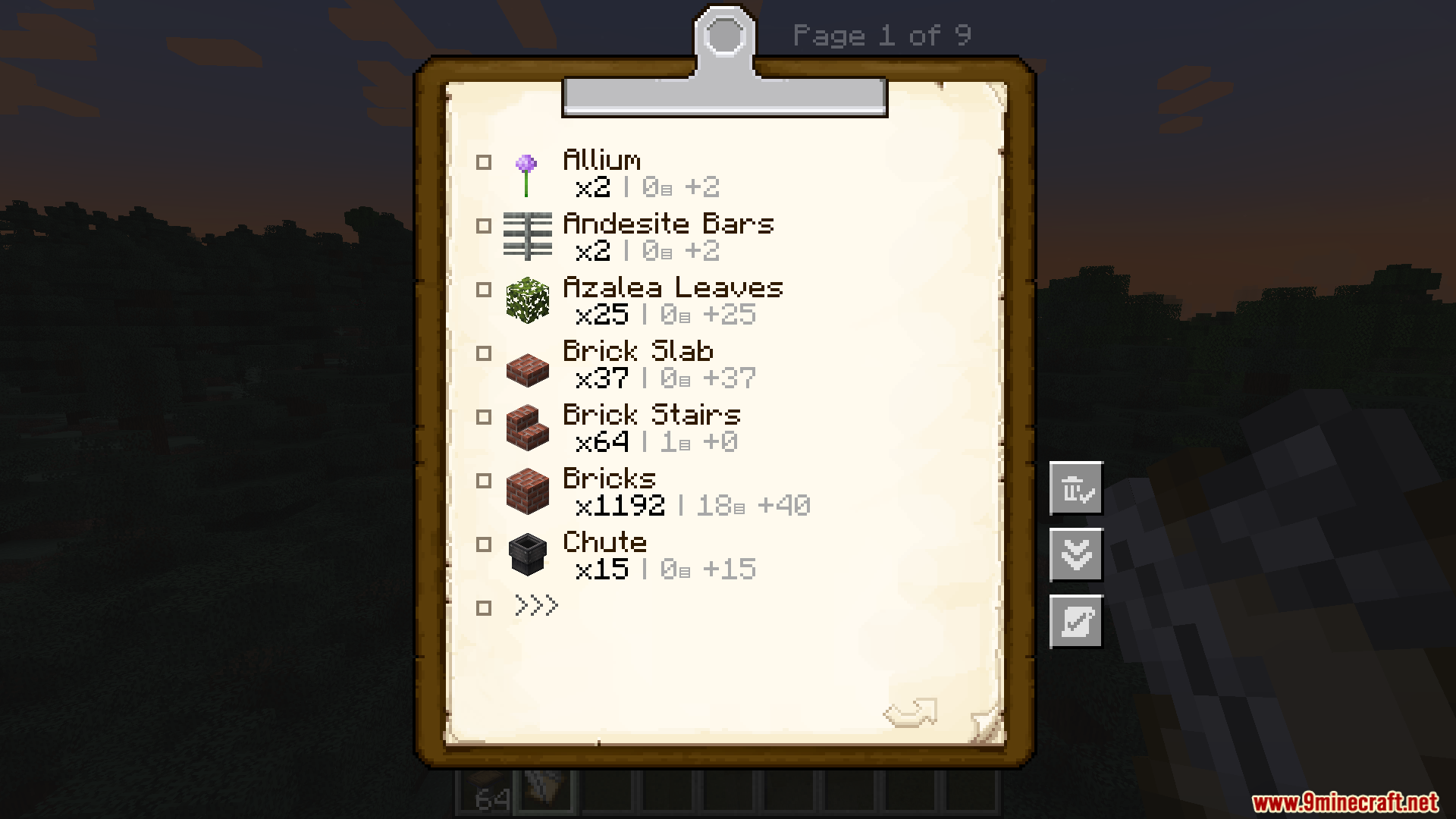
EMI Create Schematics Mod conecta el portapapeles del mod Create directamente con tu lista de favoritos de EMI. Este mod añade un nuevo botón al menú del portapapeles, que aparece cuando usas un schematicannon para obtener una lista de materiales. Con un solo clic, puedes guardar todos los objetos necesarios y sus cantidades en EMI, facilitando muchísimo la recolección de recursos para tus grandes proyectos de construcción.
Características:
- Añade un nuevo botón a la pantalla del portapapeles del mod Create.
- Permite guardar al instante la lista completa de materiales de un esquema en tus favoritos de EMI.
- Guarda tanto el tipo de objeto como la cantidad exacta que necesitas para la construcción.
- Facilita la visualización de los materiales que te faltan por reunir para proyectos grandes.
- El botón de guardado solo funciona con portapapeles que provengan de un Schematicannon.
Cómo usarlo:
- Primero, obtén un portapapeles con un esquema desde un Schematicannon. El mod solo funciona con estos.
- Abre el portapapeles para ver la lista de materiales.
- Verás un nuevo botón en el menú del portapapeles.
- Haz clic en el botón.
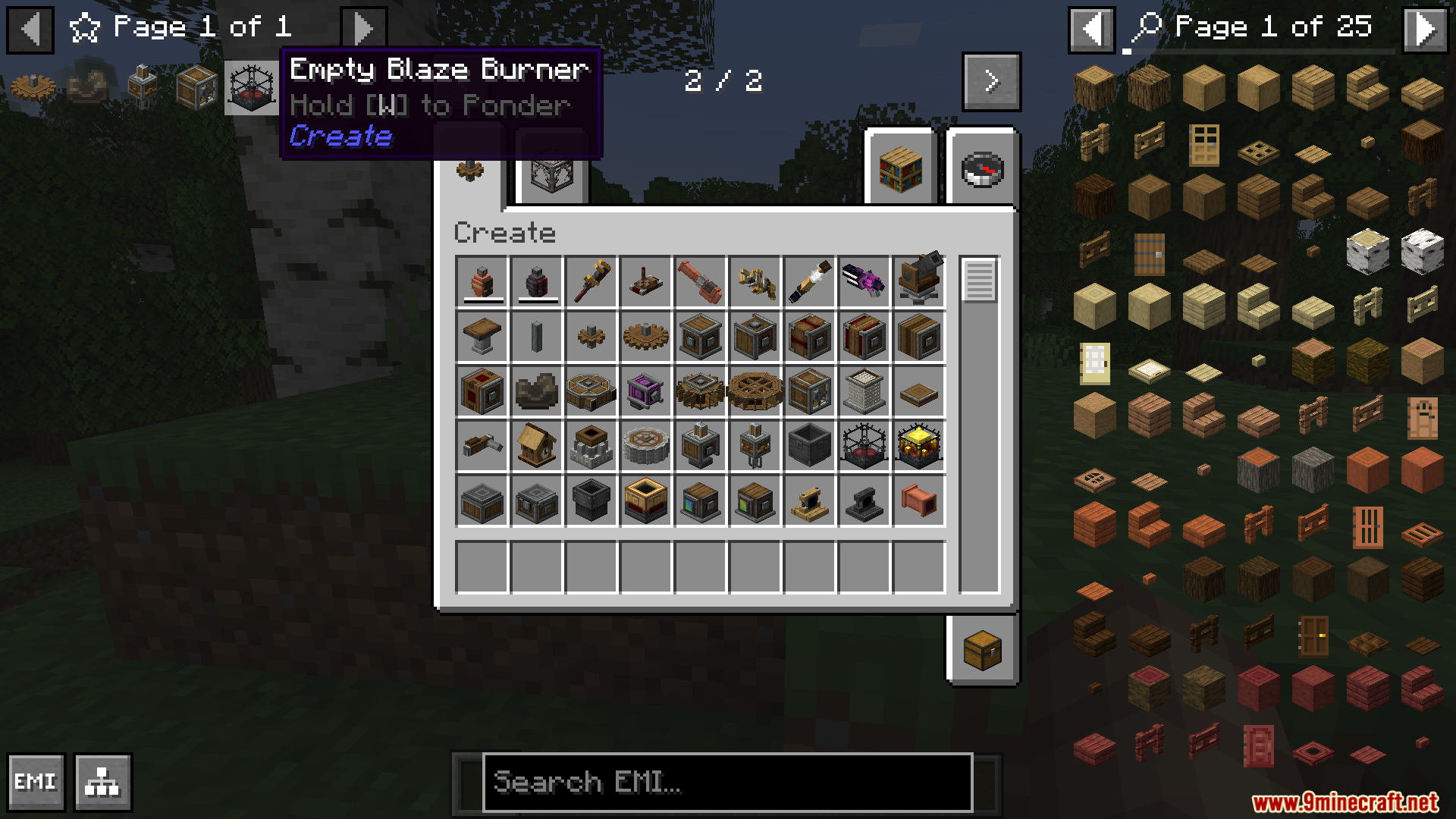
- La lista de objetos se añadirá a tu pestaña de Favoritos de EMI.
Screenshots:
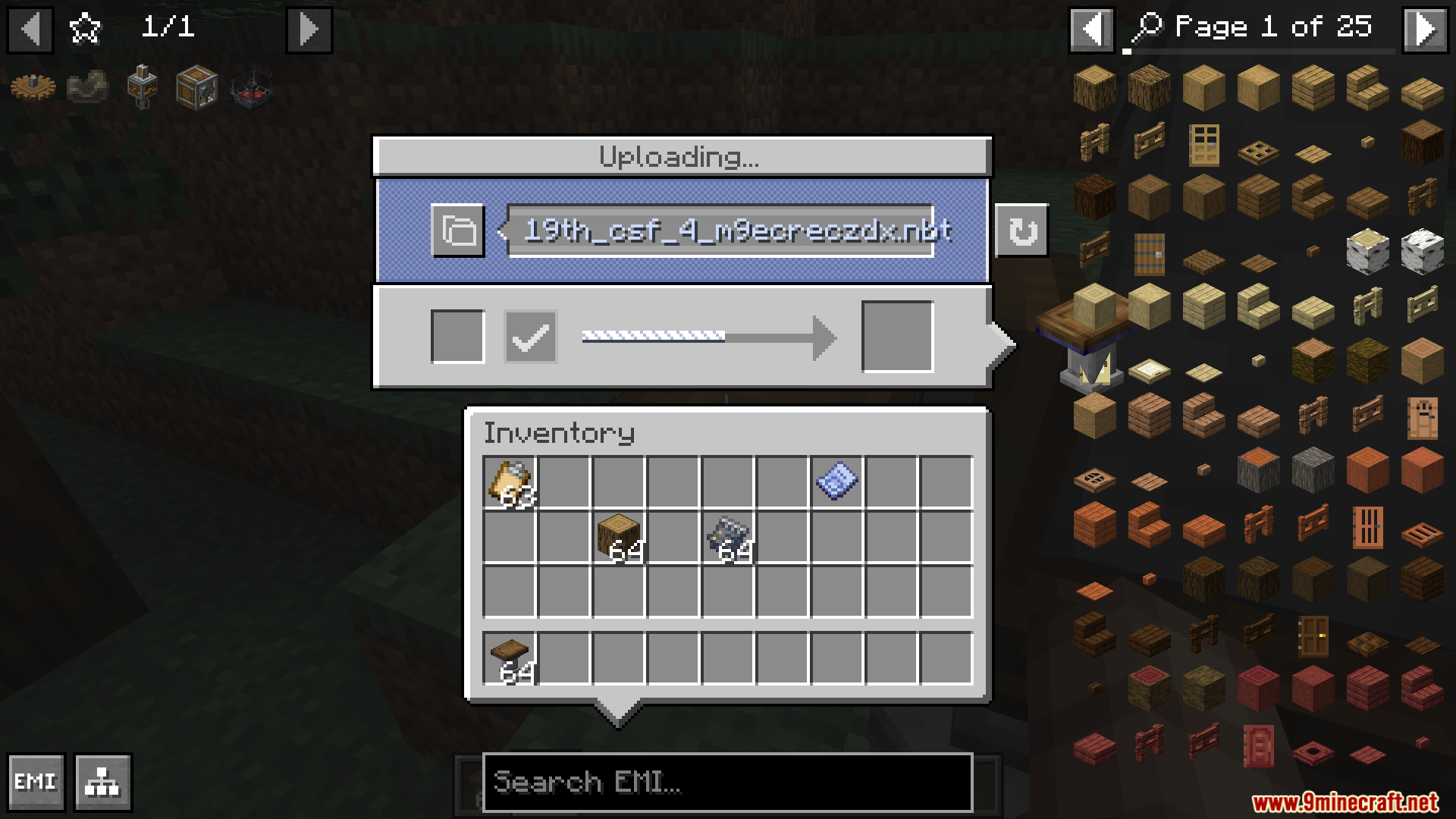
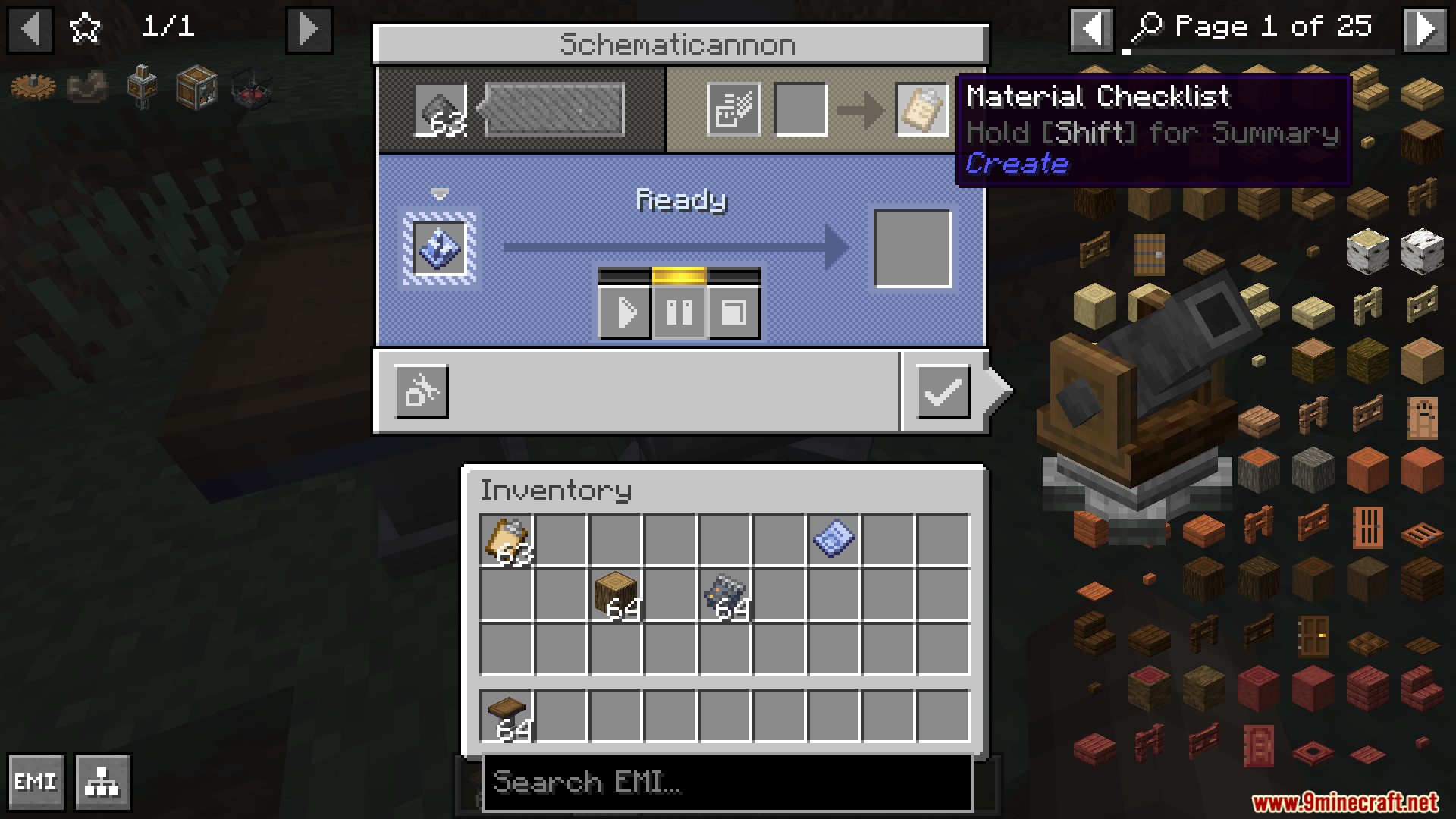
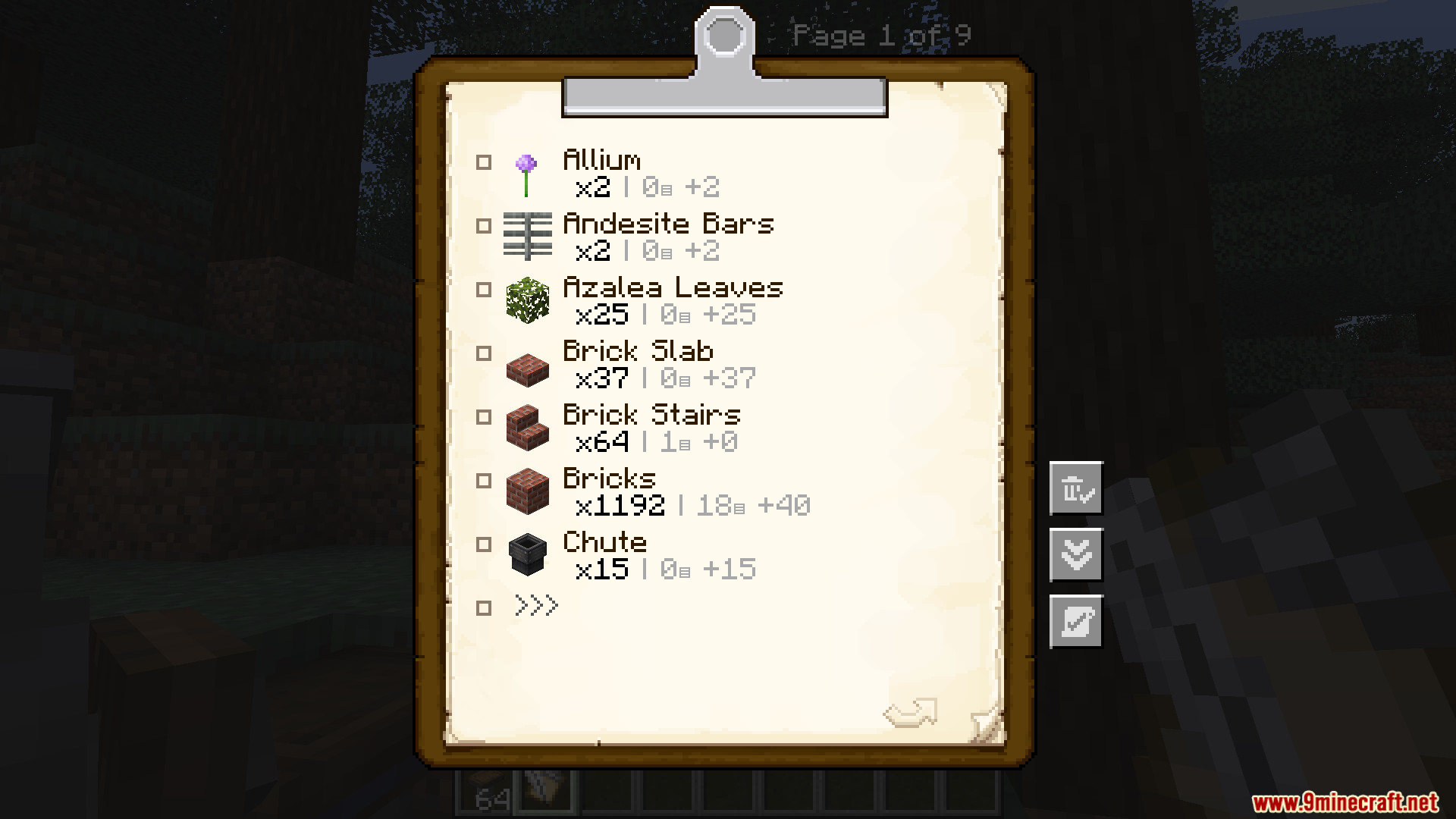
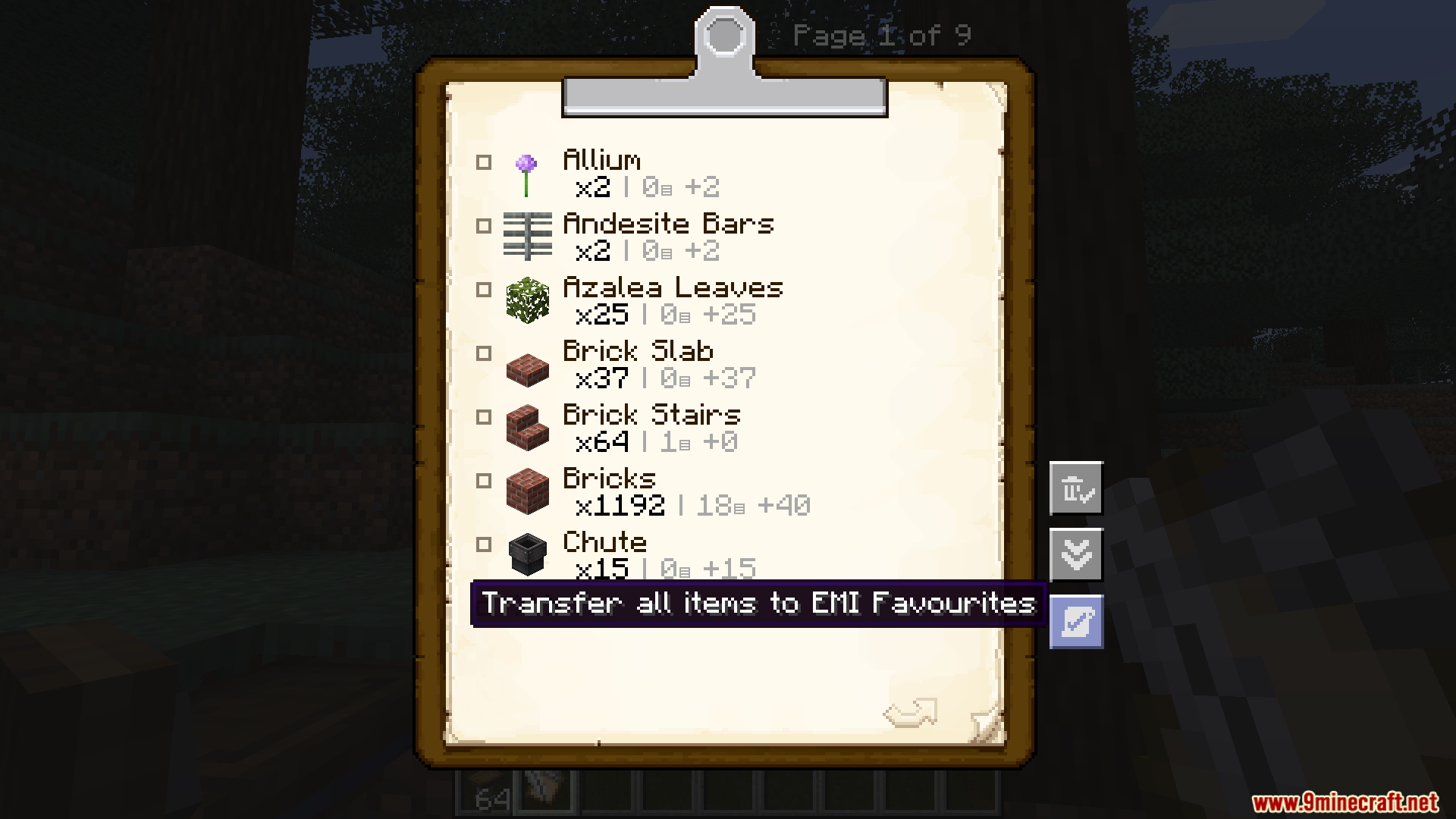
Cómo instalar:
¿Eres nuevo en Minecraft? Sigue nuestra guía paso a paso para instalar Mods en tu PC.Ver guía
Requisitos:
EMI Create Schematics Mod Download Links
Para Minecraft 1.21.10, 1.21.9, 1.21.8, 1.21.7, 1.21.6, 1.21.5, 1.21.4, 1.21.3, 1.21.1, 1.21
Versión NeoForge: Download from Server 1 – Download from Server 2
Para Minecraft 1.20.6, 1.20.4, 1.20.2, 1.20.1, 1.20
Versión Forge: Download from Server 1 – Download from Server 2
Para Minecraft 1.19.2
Versión Fabric: Download from Server 1 – Download from Server 2
¡Haz clic para valorar esta publicación!
[Total: 0 Average: 0]
También te puede gustar


Esta publicación aún no tiene comentarios. Sé el primero: tu comentario aparecerá aquí.