


Paxi Mod (1.21.11, 1.20.1) – Global Data Packs Made Easy
 1,978
1,978
 0
0
 April 13, 2026
 YUNGNICKYOUNG
Paxi Mod is particularly useful for modpack creators, as it allows the addition of global datapacks and resource packs. These packs will automatically be applied to all new worlds, making them easy to add to a modpack, while ensuring players don’t encounter issues with missing essential packs.
The mod can also be handy for regular players who are tired of transferring their datapacks between worlds. With Paxi, you can enforce certain functionalities using datapacks or add textures and sounds through resource packs.
- Datapacks: Add them to the folder
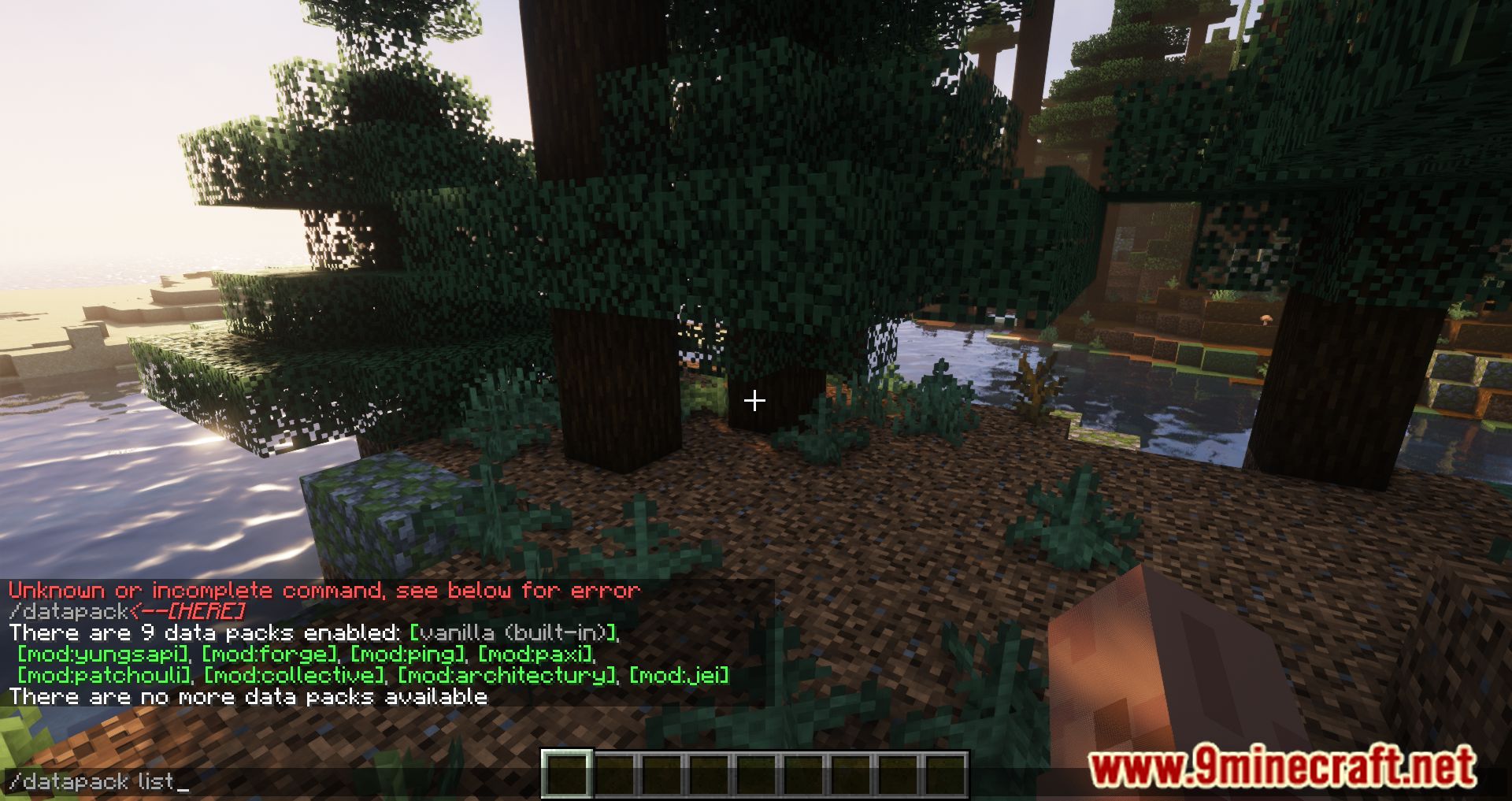
.minecraftconfigpaxidatapacks. You’ll also find the file datapack_load_order.json, which allows you to specify the loading order of datapacks. - Resource Packs: Add them to the folder
.minecraftconfigpaxiresourcepacks. All resource packs in this folder will be automatically activated when the game starts, without the ability to disable them.
Features:
- Global Datapacks:
- Automatically loads datapacks for all new worlds.
- Datapacks are placed in the .minecraftconfigpaxidatapacks folder.
- Supports a datapack_load_order.json file to specify the loading order of datapacks.
- Global Resource Packs:
- Automatically activates resource packs for all new worlds.
- Resource packs are stored in the .minecraftconfigpaxiresourcepacks folder.
- Includes a resourcepack_load_order.json file to define the loading order of resource packs.
- Convenience for Modpack Creators:
- Ensures essential datapacks and resource packs are always applied without requiring manual setup by players.
- Prevents issues with missing packs in modpacks.
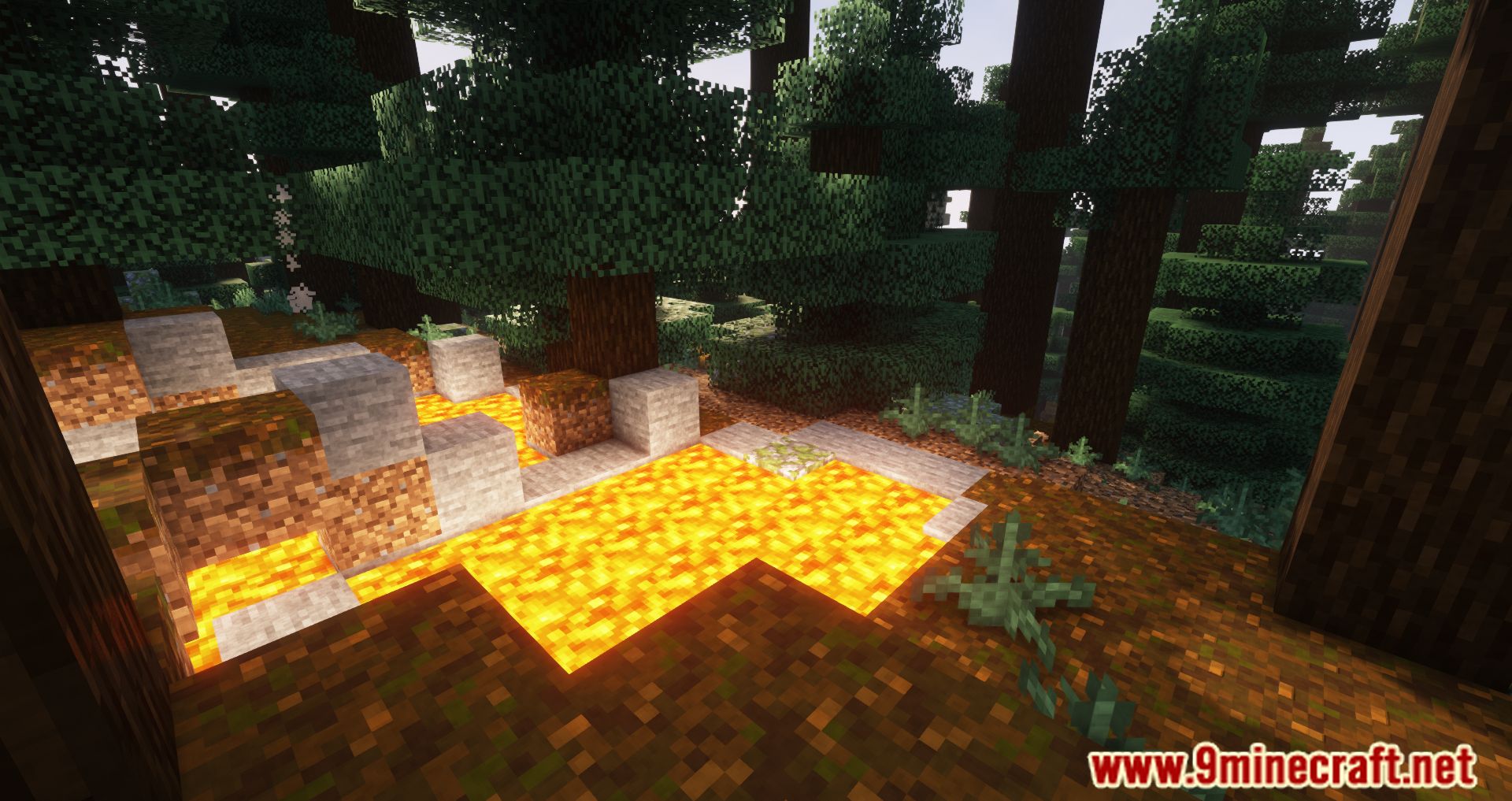
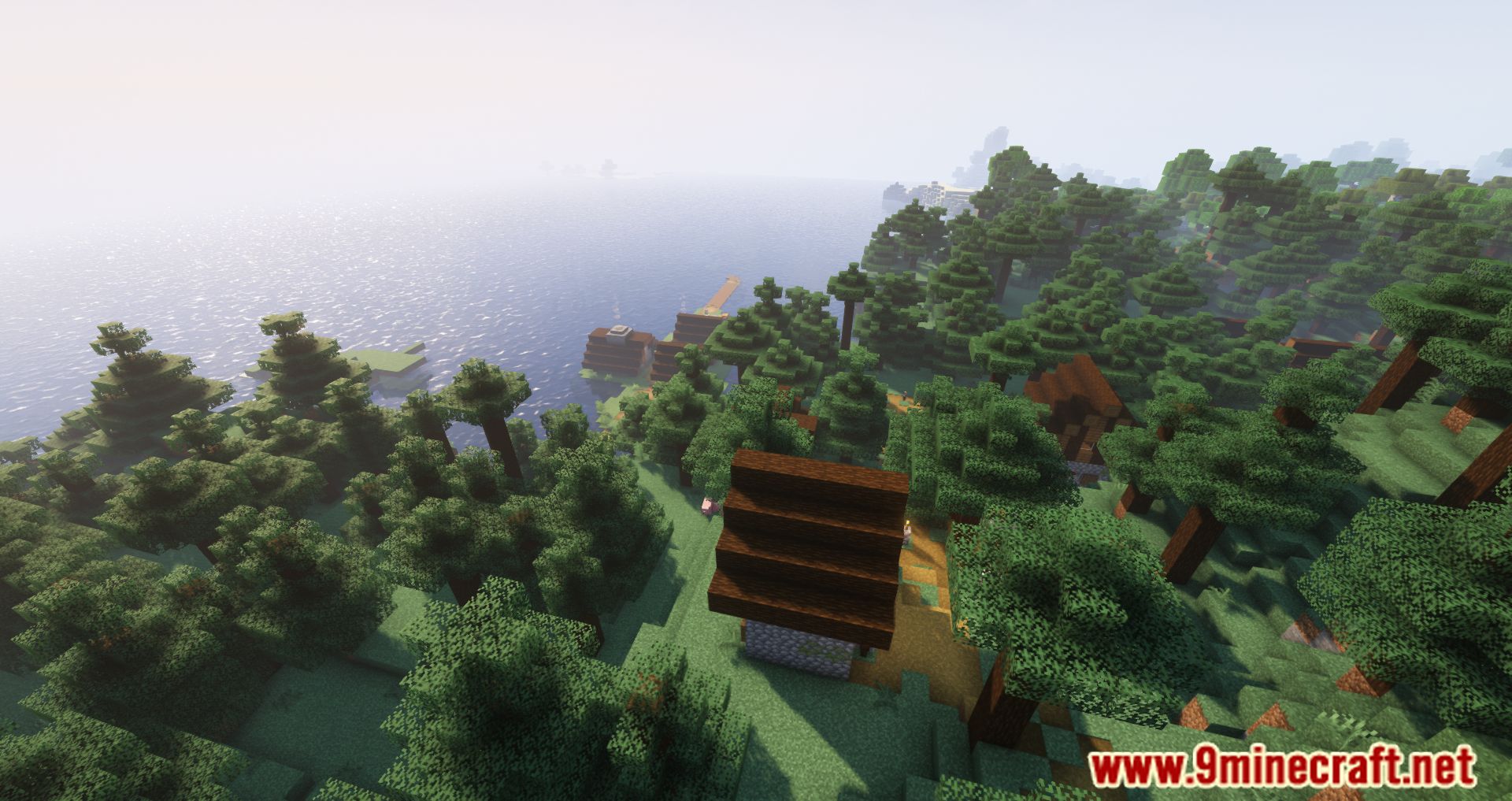
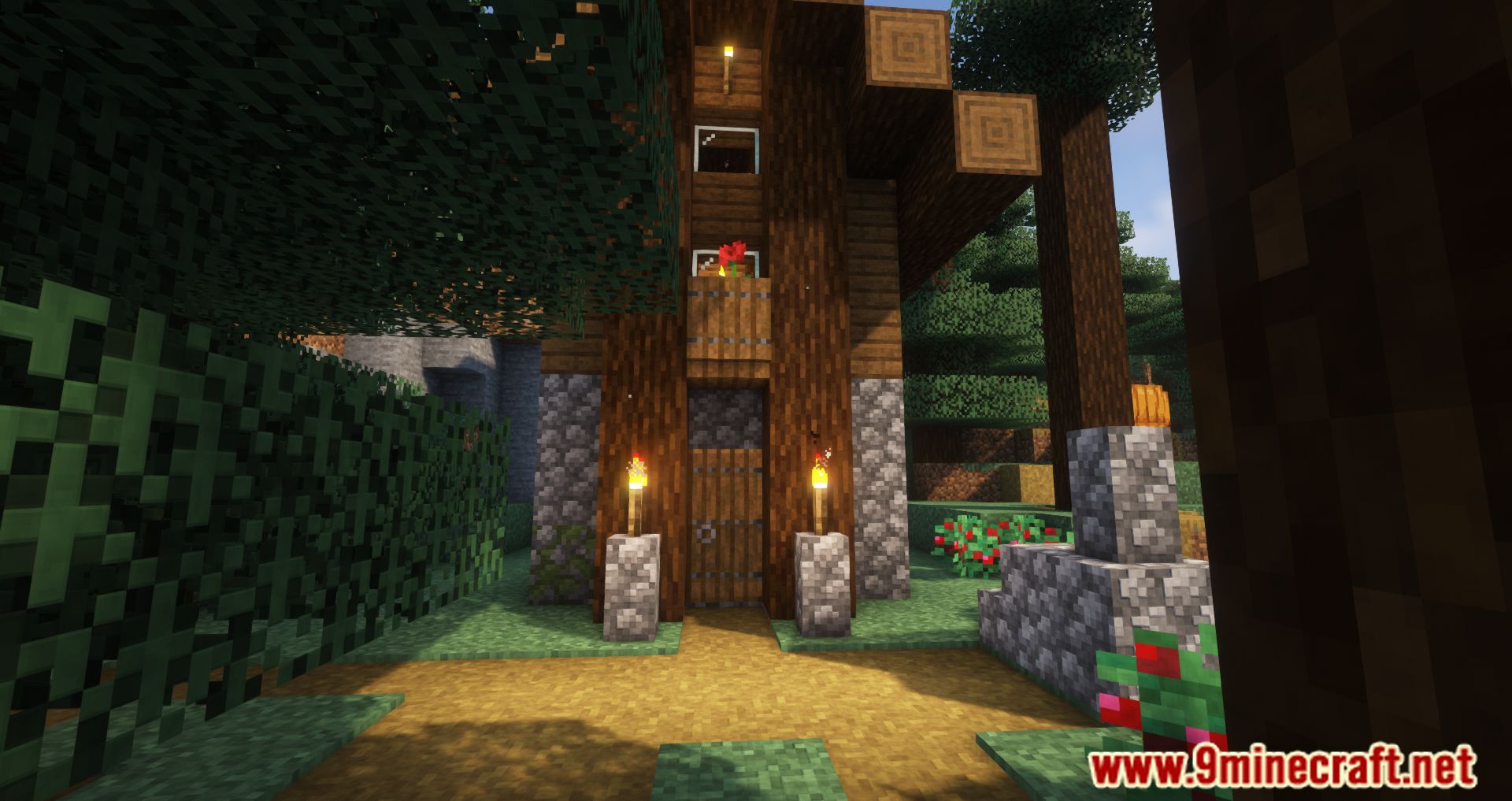
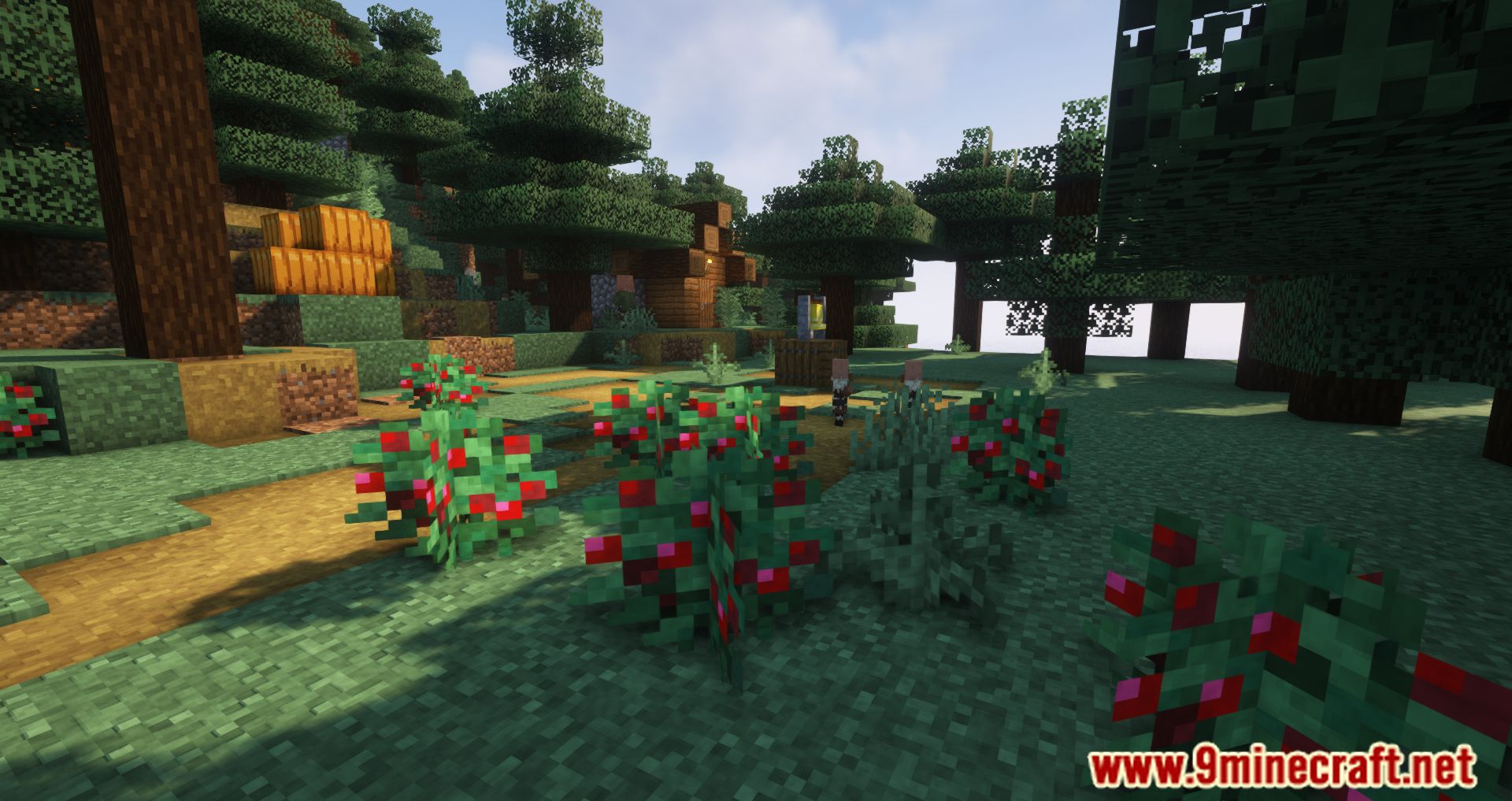
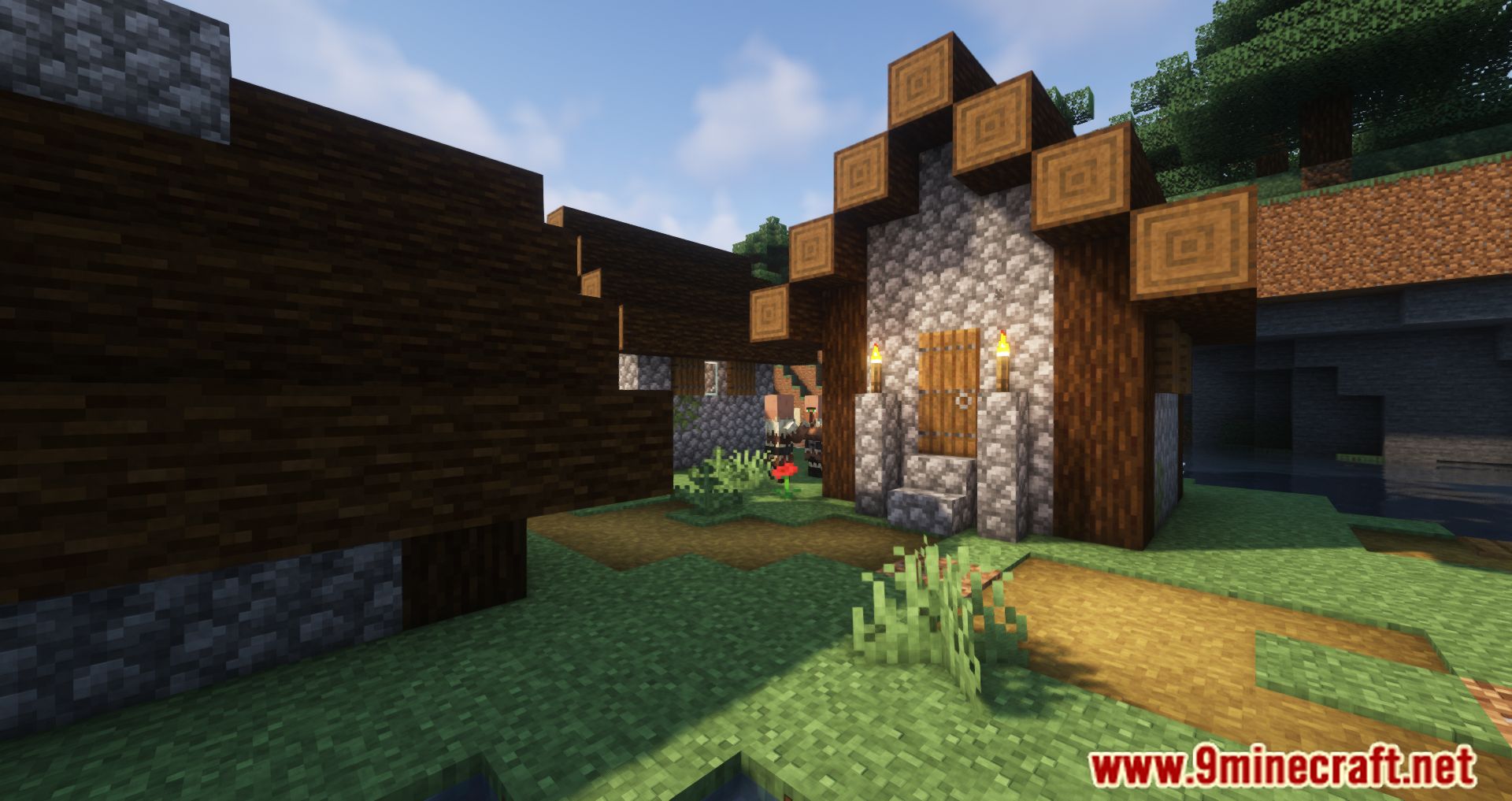
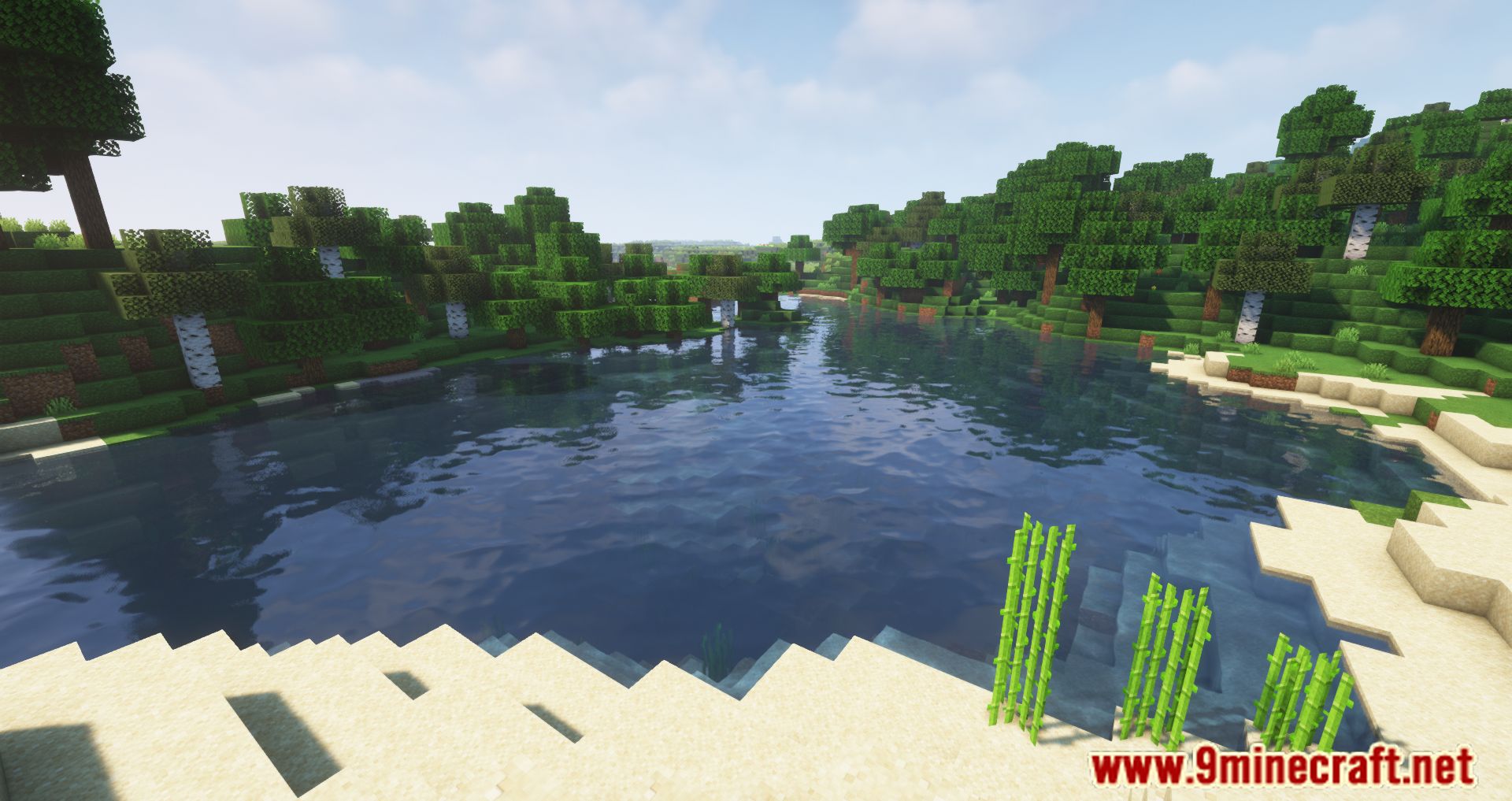
Screenshots:

How to Install:
New to Minecraft? Follow our step-by-step guide to install Mods on your PC.View Guide
Requirements:






Paxi Mod Download Links
For Minecraft
1.21.11,
1.21.10,
1.21.9
All Versions Covered
1.21.11
1.21.10
1.21.9
1.21.8
1.21.7
1.21.6
1.21.5
1.21.4
1.21.1
1.21
All Versions Covered
1.21.11
1.21.10
1.21.9
1.21.8
1.21.7
1.21.6
1.21.5
1.21.4
1.21.1
1.21
For Minecraft 1.20.4
For Minecraft 1.20.1, 1.20
For Minecraft 1.19.4
For Minecraft 1.19.3
For Minecraft 1.19.2
For Minecraft 1.17.1
Click to rate this post!
[Total: 0 Average: 0]
You May Also Like







This post has no comments yet. Be the first — your comment will appear here.