
Eurotram – Brings Working Strasbourg Trams with Two Liveries to MTR4 Railways

 0


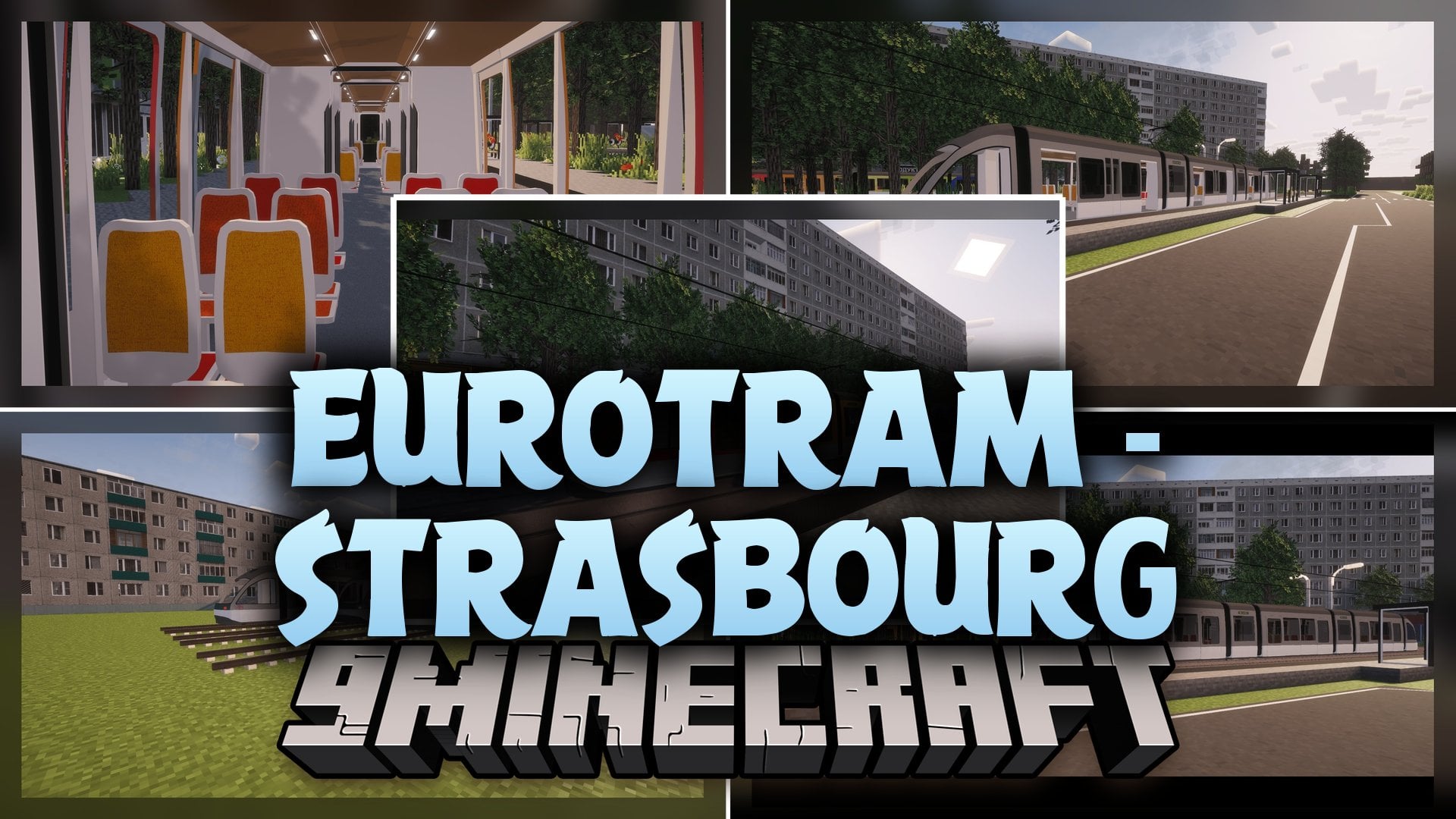
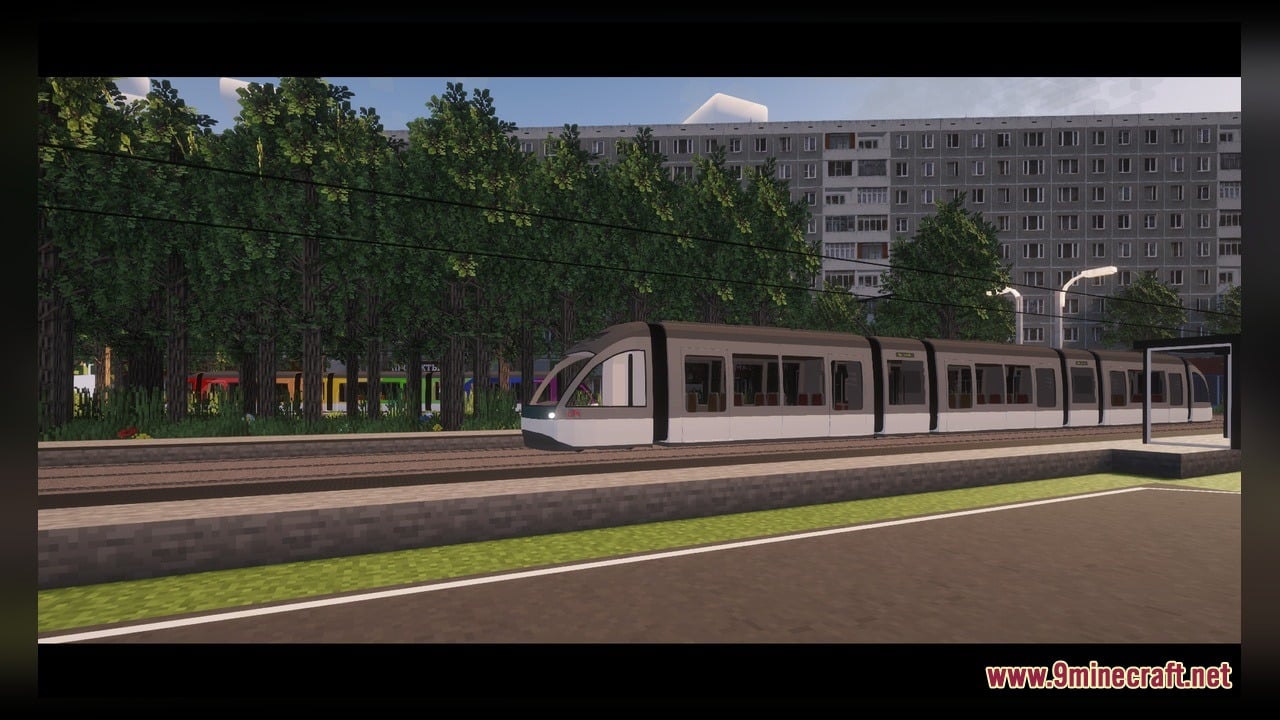
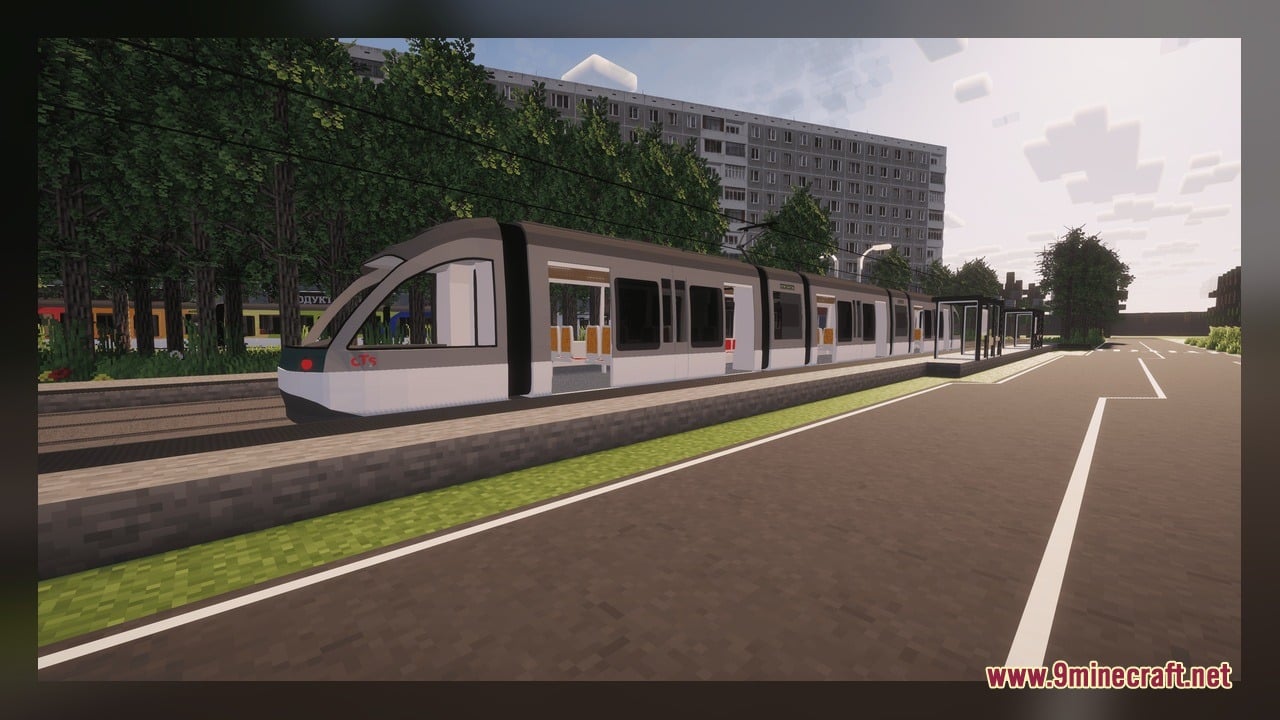
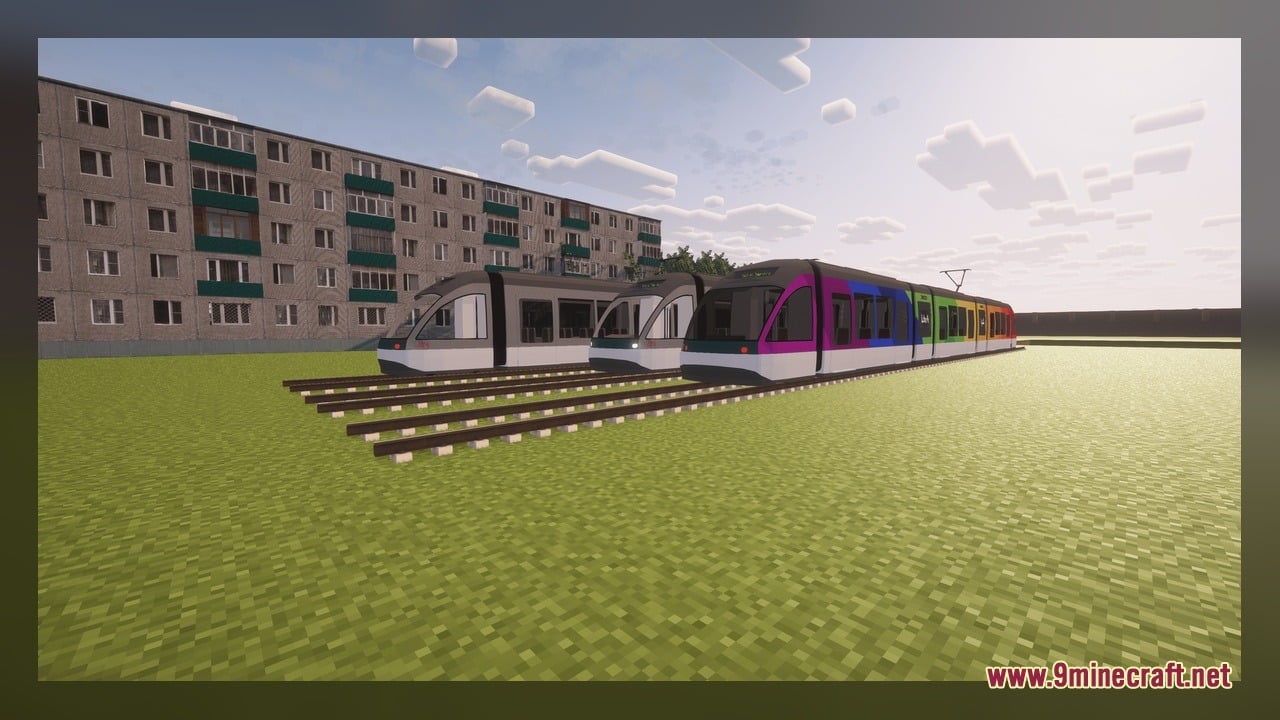
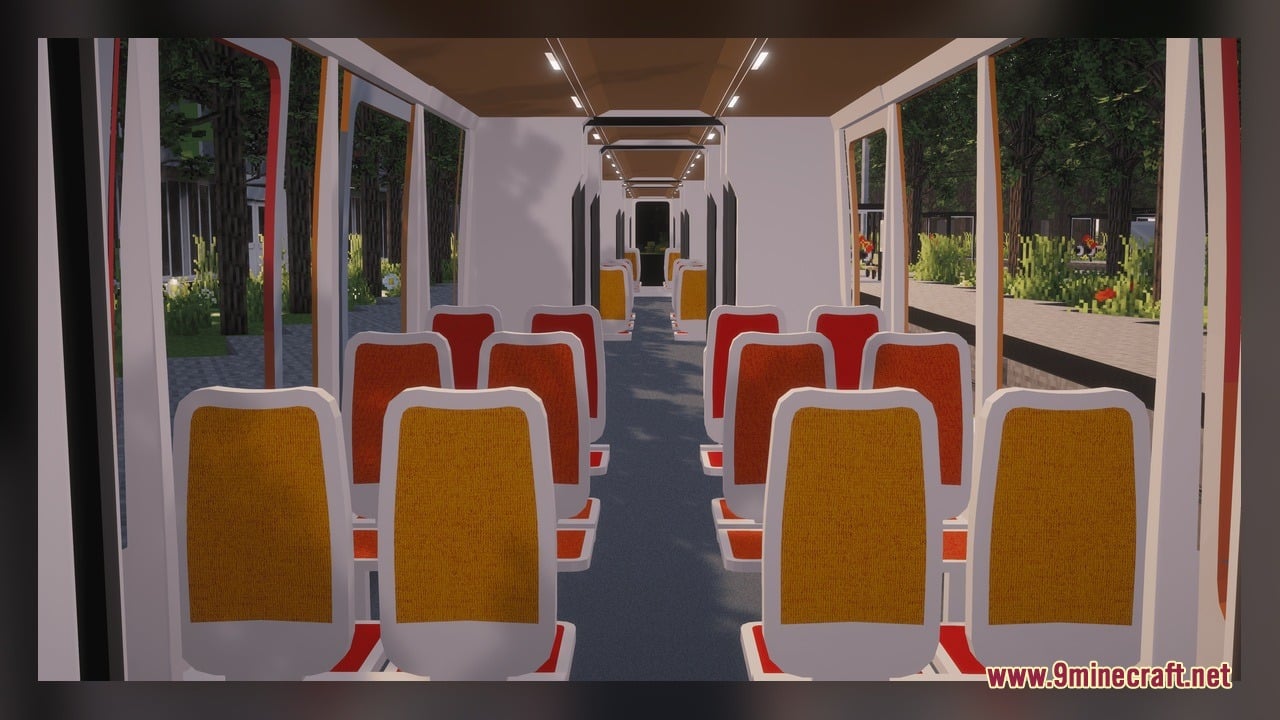
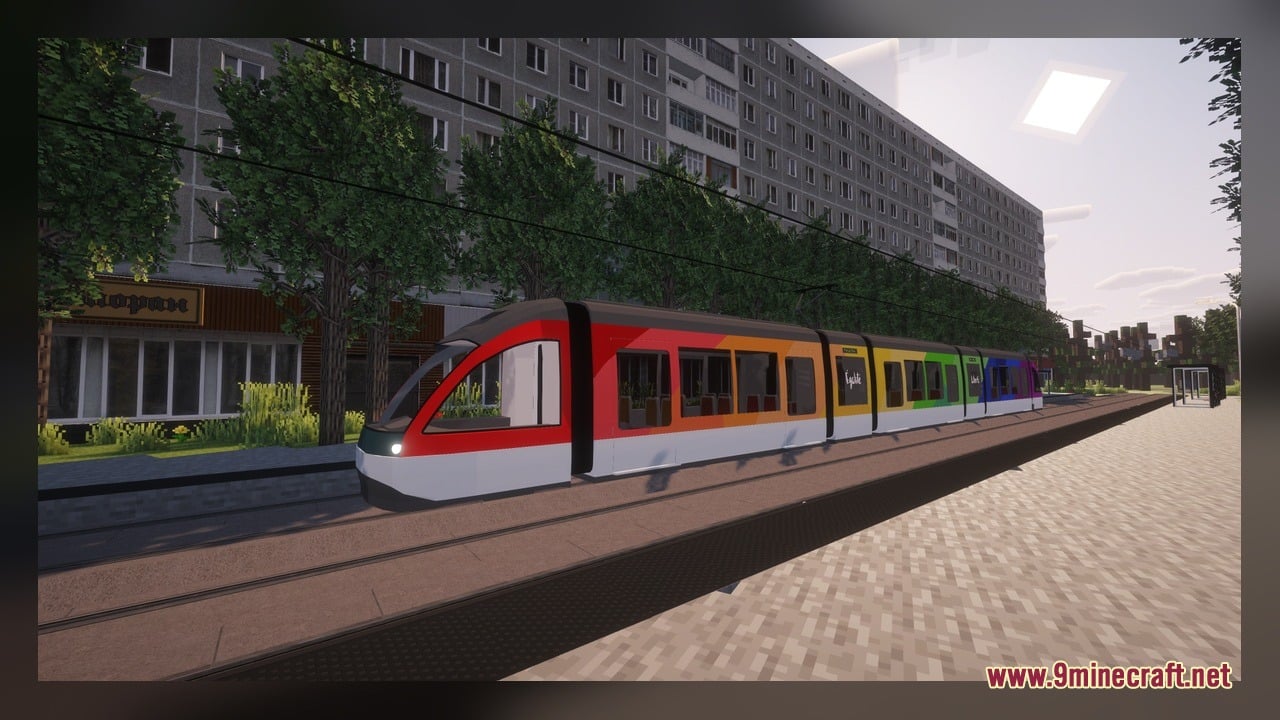
Eurotram adds the Strasbourg tram as a working train for MTR4 in Minecraft. This pack brings two different exterior paint designs to your rail lines, including the standard CTS livery and a custom pride livery. It ships with 3 Blockbench source models and 3 texture files so players can ride, view, or edit the train models directly.
Features:
- Working MTR4 Train: Adds Strasbourg’s tram as a functional train for MTR4 rail systems.
- Two Livery Options: Includes both the classic CTS livery and a custom pride livery.
- Ships with 3 Blockbench source models for players who want to inspect or edit the train shapes.
- Contains 3 texture files that apply the exterior paint jobs to the tram cars.
How to Use:
- Place the pack into your Minecraft resource packs folder and activate it in the game settings alongside MTR4.
- Build a railway track and place an MTR4 train siding on your line to spawn vehicles.
- Open the siding menu and select the Strasbourg tram with either the CTS livery or the custom pride livery.
- Wait for the train to spawn on the tracks to watch it move along your route and pull into stations.
- Open the 3 included source models in Blockbench if you want to view the 3D geometry or edit the 3 texture files outside the game.
Requirements:
- Blockbench, only if you want to edit the included source models
Screenshots:
Eurotram – Strasbourg Model Download Links
Click to rate this post!
[Total: 0 Average: 0]
You May Also Like
Picked for this page
 Sydney Metro & Sydney Trains Model – Brings Australian Rail Transit to MTR4
 New South Wales EMU Trains Model – Adds Australian Electric Trains to MTR4
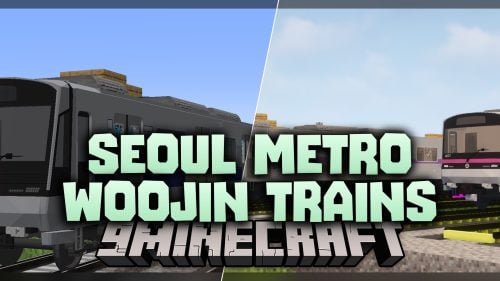 Seoul Metro Woojin Trains Model – Brings Modern Korean Subway Cars
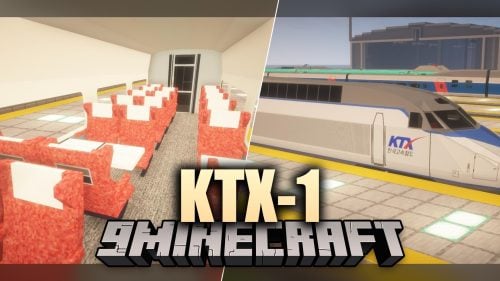 KTX-1 Model – Brings Custom Passenger Trains to Your MTR4 Railway Network
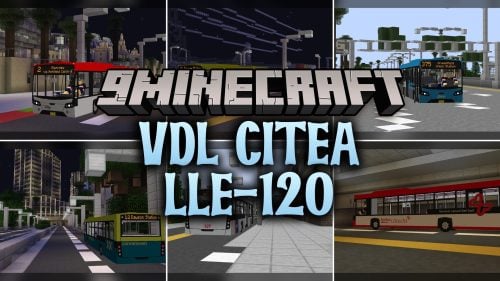 VDL Citea LLE-120 Model – Brings Custom Transit Buses to MTR Roads
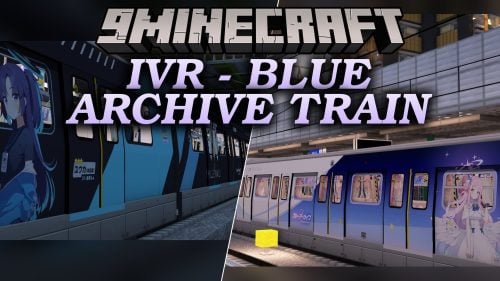 IVR – Brings Anime-Themed KCRC and MTRC Trains to Your Transit Railway
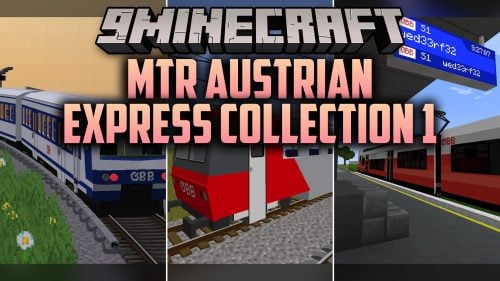 MTR Austrian Express Collection 1 Model – Brings Detailed Austrian Trains
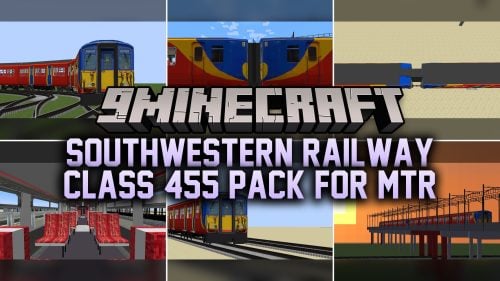 Southwestern Railway Class 455 Pack For MTR Model – Adds Custom Passenger Trains
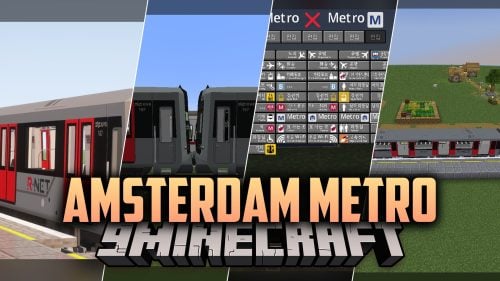 Amsterdam Metro Model – Adds the M7 Transit Train to MTR4 Railway Lines
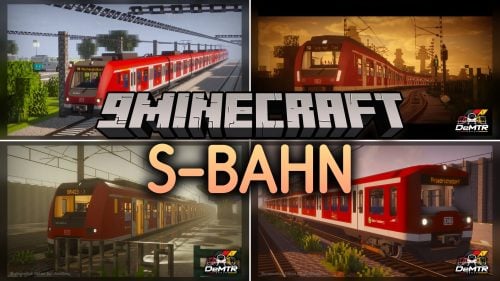 S-Bahn Model – Brings German Urban Commuter Trains to MTR4 Railways
 STAR21 Model – Brings the Class 952 Shinkansen Bullet Train to MTR4 Tracks
 South East Asian Trains Model – Brings Regional SRT Trains to MTR4 Rail Networks
Most viewed in Models over the last 7 days
 Jenny Mod Skin Pack Mega Collection – 310+ Characters
 The Most Complete Collection of Jenny Mod Resources – Models, Animations, Structures,…
 Albedo Rework Jenny Mod Model
 750 Models Addon for Yes Steve Model Mod
 Galath Rework Model – Custom Girl for PleasureCraft Mod
 Power Model – Custom Girl for PleasureCraft Mod
 Pomni Jenny Mod Model
 Femboy Ellie Rework Jenny Mod Model
 Ram Model – Custom Girl for PleasureCraft Mod
 100+ Custom Animations For Jenny Mod
 Ellie Rework Jenny Mod Model
 Steve (Jenny & Zoey) Pack Jenny Mod Model
More from Models
 Redstone Tweaks For Bare Bones Model – Brings Clear 3D Signal States
 Faithful 64x – Brings Animated 3D Variations to Blocks and Mobs
 Totally Decayed Wither Storm Model – Brings Grim 3D Models and Animated Decay
 Rainbow’s Foliage Vanilla Model – Brings Animated 3D Plants to Worlds
 SobhanA11 Modern Vanilla Cpvp Model – Transforms Blocks for Fast Crystal PvP
 Night UI – Transforms Game Menus and Glass Panes with Sleek Dark Visuals
 Bray’s Enchantment Outlines Model – Adds Glowing Animated Borders to Gear
 Fresh Food VR Model – Brings 3D Food and Bite-By-Bite Eating Animations to VR
 Pekit’s Bows To Guns – Transforms Ranged Gear Into WWII Firearms
 OLD MINECRAFT Model – Brings Classic Textures and Custom 3D Redstone Shapes
 Clean PvP Model – Brings Minimalist 3D Tools and Animated Combat Visuals
 Weskerson’s 3D Food Model – Adds Animated Bite Stages to Everyday Snacks

This post has no comments yet. Be the first — your comment will appear here.