


Excavated Variants Mod (1.21.1, 1.20.1) – Stone-specific Ore Variants
 108
108
 0
0

Excavated Variants Mod adds new versions of ores that can appear in different types of stone. This means you can find valuable resources like diamonds or iron inside blocks where they don’t normally spawn, such as granite or tuff. The mod automatically creates these new ore blocks for many combinations of vanilla ores and stones. It also works with materials from other popular mods, so you will see ores appear in custom stone types as well.

Features:
- Automatic Ore Variants: This mod automatically creates new versions of ores to match the stone they spawn in. You’ll see ores like diamond ore inside granite or redstone appearing in deepslate.
- Makes the world feel more natural by blending ores into different stone types, like gold in dripstone caves or lapis in tuff.
- Changes world generation to place these new ore variants, making your mining trips more interesting.
- You can customize everything through config files to add your own combinations or disable ones you don’t want.
Built-in Mod Support
The mod comes ready to work with many other popular mods. Default settings add ore variants for:
- Quark
- Create
- Oh The Biomes You’ll Go
- Tech Reborn
- Immersive Engineering
- Blockus
- Better End & Better Nether
- Promenade
- Twigs
- Unearthed
- Bewitchment
- Mekanism
- Mystical Agriculture
- …and you can add more through the config files!
Troubleshooting Common Issues
- Game is slow or takes long to load: In the config for Dynamic Asset Generator, turn on stronger asset and data caching.
- Game crashes or ores look like black and purple squares: Your config file might have an error. Try deleting it to let the mod create a new default one.
- A mod on the list isn’t working with it: Delete your configs to reset them to the default settings.
Configuration:
You can change the mod’s settings in its config file. The main file is config/excavated_variants.json. This file lets you turn the main options on or off.
- Attempt_worldgen_replacement: Set this to true to make new ore types appear in your world.
- Add_conversion_recipes: Set this to true to add recipes for turning the new ore variants back into regular ores.
For more specific changes, you can put new files in the globalresources folder. This is how you add your own rules without touching the mod’s original files.
Screenshots:
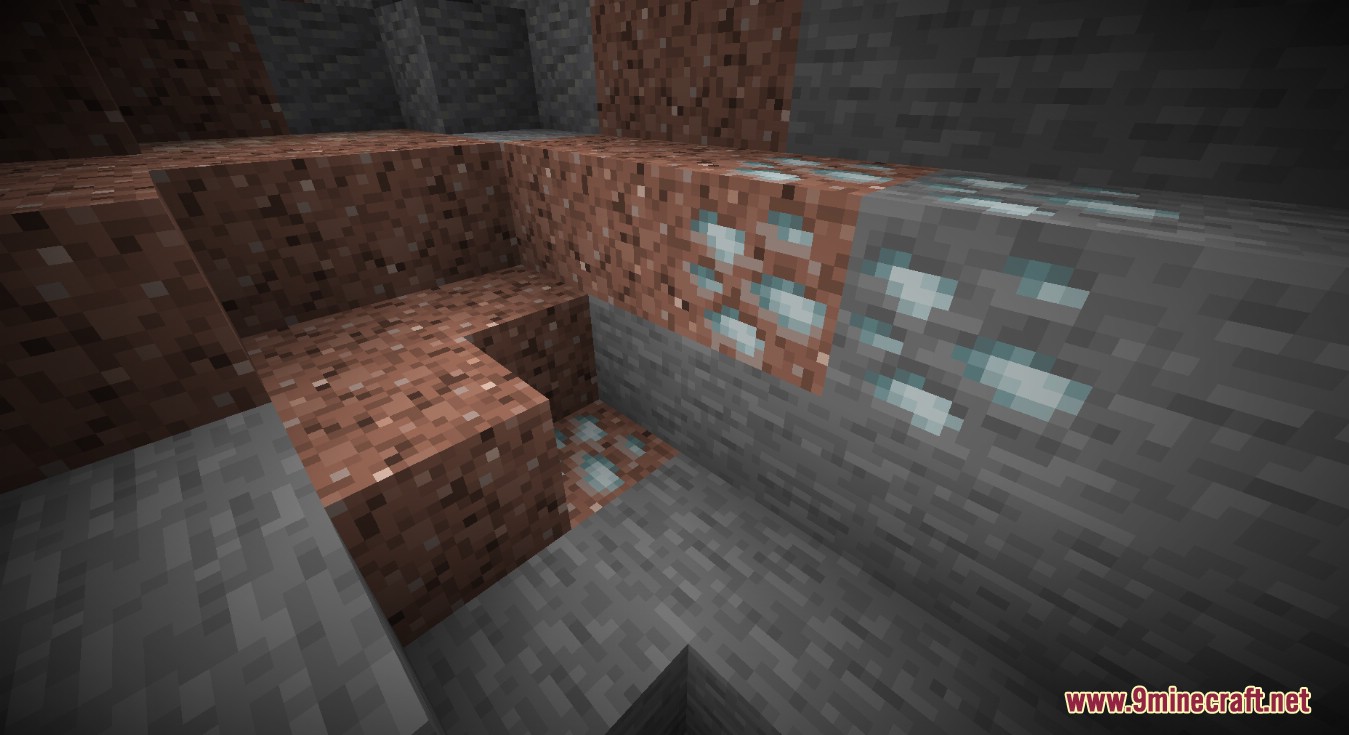
Modded Compatibility: Variant for a Tech Reborn ore.
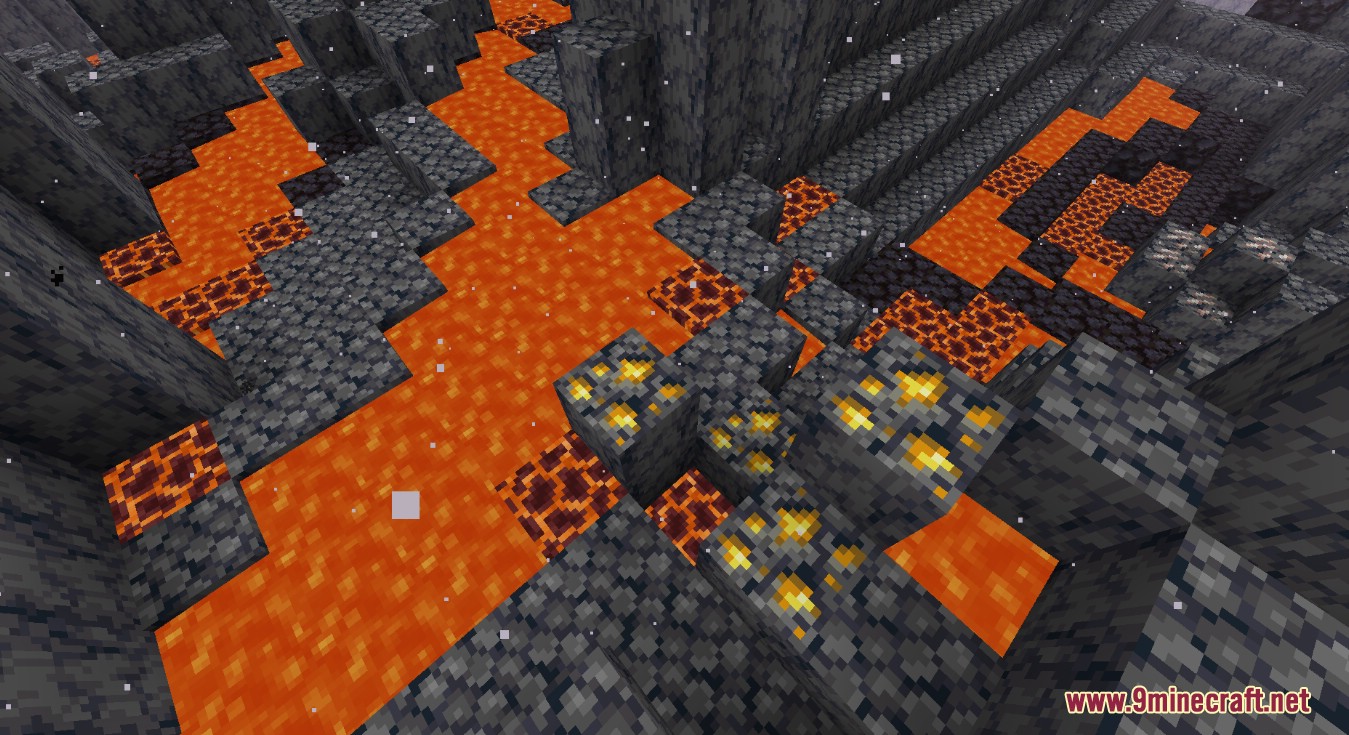
Gold Ore in Basalt: Gold ore variant generating in a Basalt Delta.
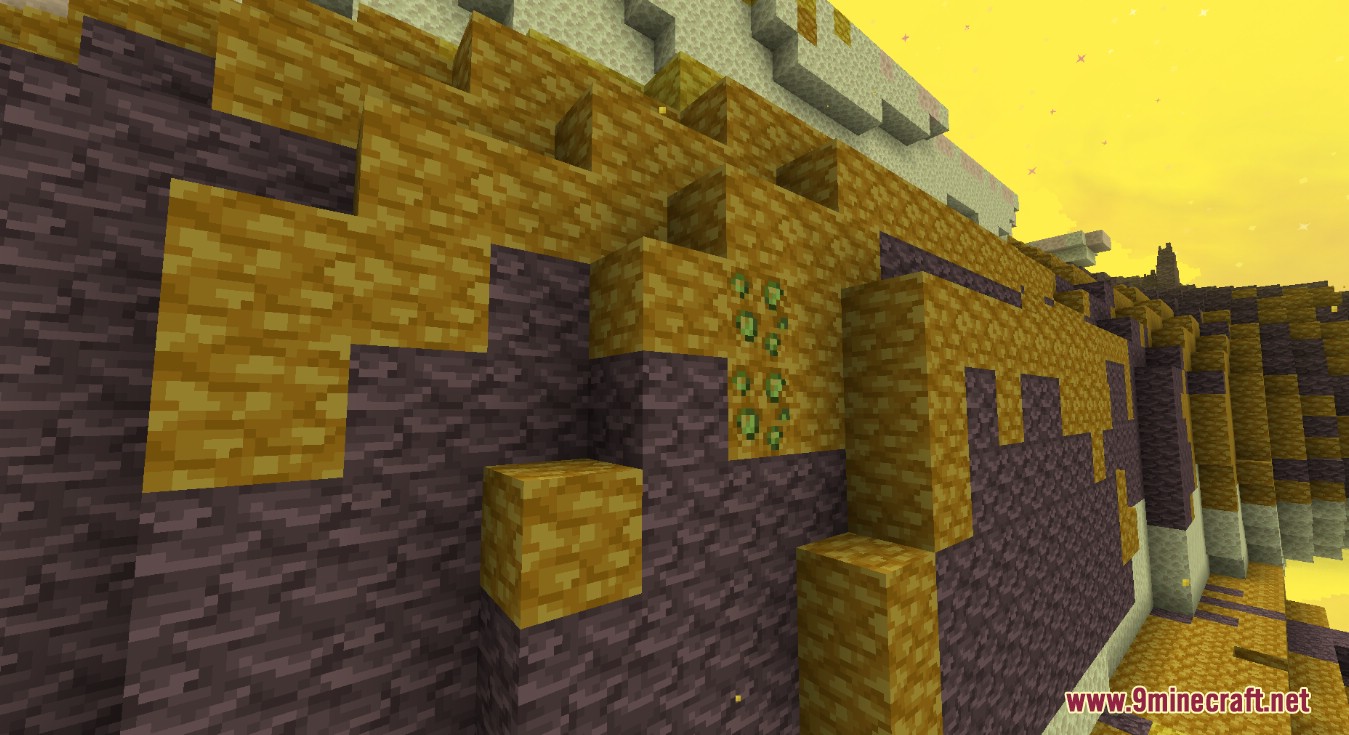
Tech Reborn and Better End Compatibility: Tech Reborn peridot in a Better End end biome.
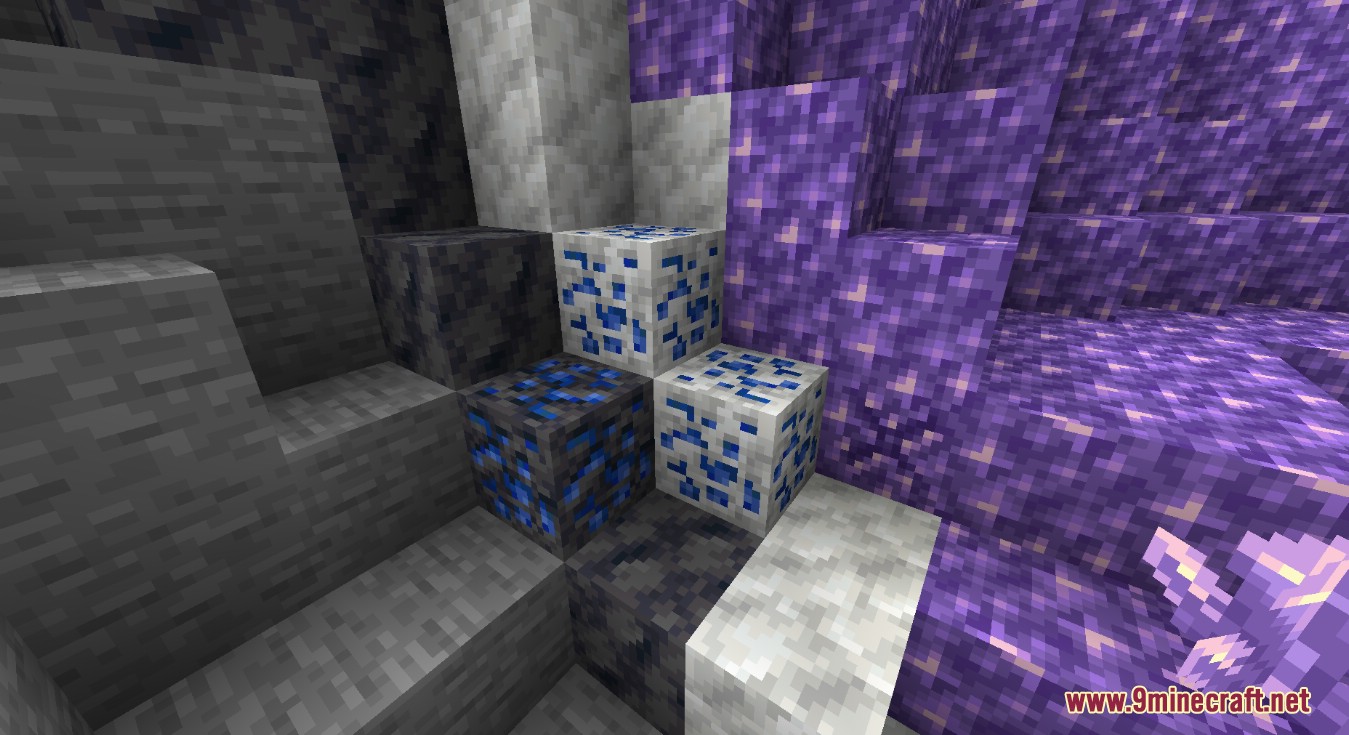
Lapis around a Geode: Lapis ore generating around an amethyst geode.
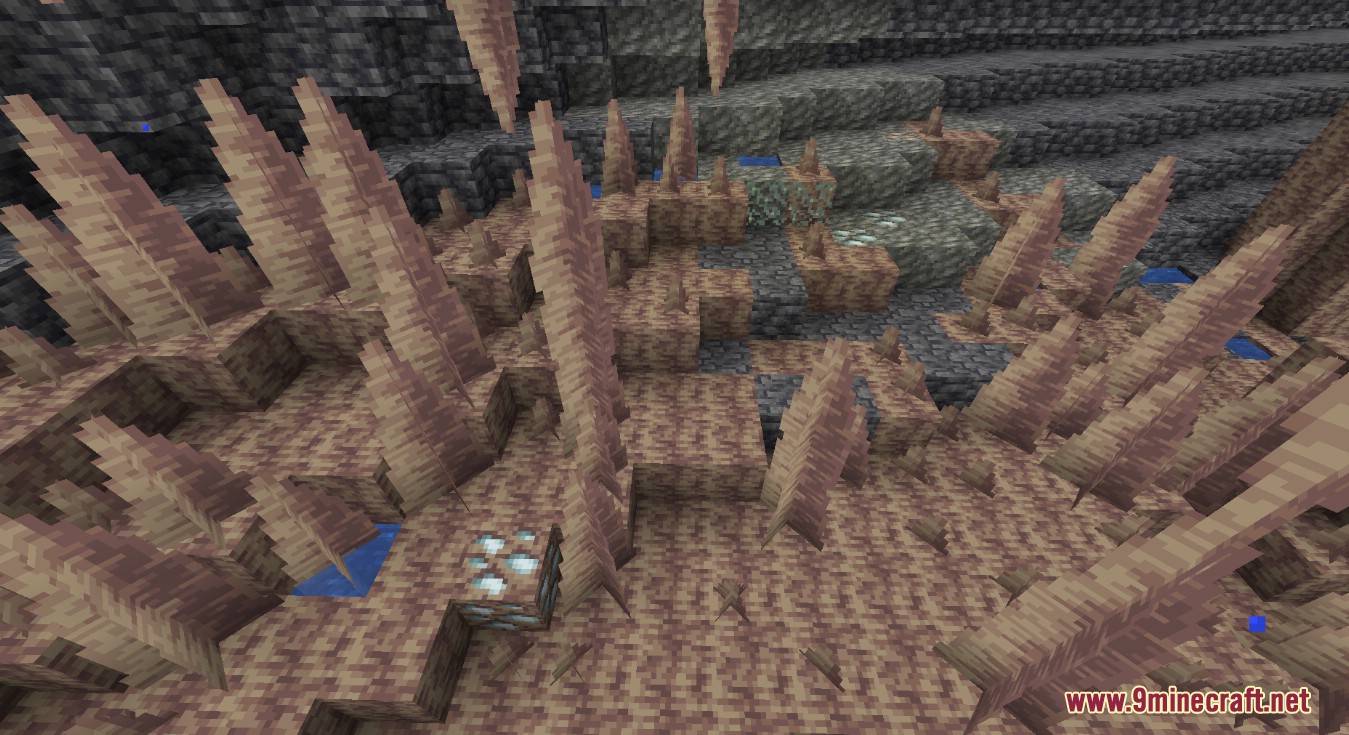
Dripstone and Tuff Variants: Dripstone and Tuff variants of an ore from Tech Reborn.
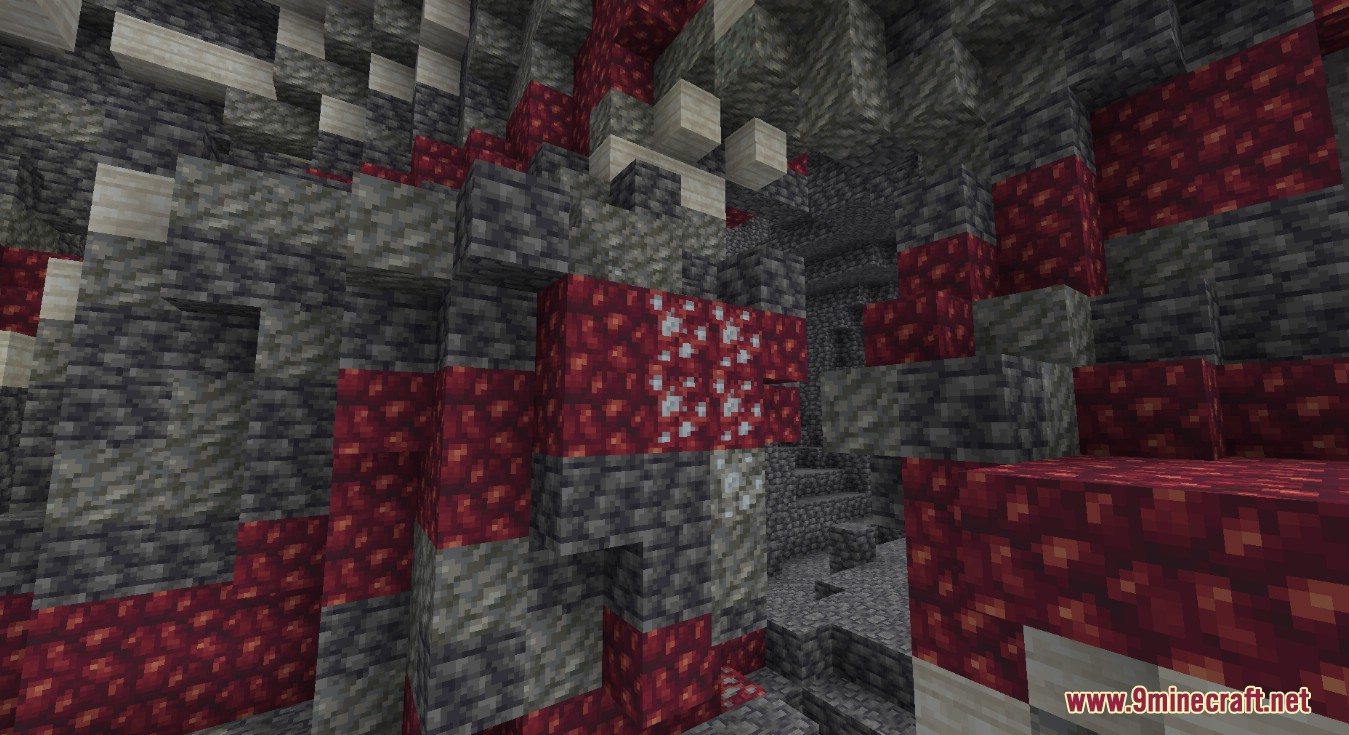
Immersive Engineering and Create Compatibility: Immersive Engineering silver ore in a Create stone vein.
Requirements:
Excavated Variants Mod Download Links
For Minecraft 1.18.2, 1.18.1
Forge version: Download from Server 1
For Minecraft 1.19.2, 1.19.1, 1.19
Forge version: Download from Server 1
For Minecraft 1.19.3
Forge version: Download from Server 1
For Minecraft 1.19.4
Forge version: Download from Server 1
For Minecraft 1.20.1, 1.20
Forge version: Download from Server 1 – Download from Server 2
Fabric version: Download from Server 1 – Download from Server 2
For Minecraft 1.20.2
NeoForge version: Download from Server 1
Fabric/Quilt version: Download from Server 1
For Minecraft 1.20.4
NeoForge version: Download from Server 1
Fabric/Quilt version: Download from Server 1
For Minecraft 1.20.6
NeoForge version: Download from Server 1
Fabric/Quilt version: Download from Server 1
For Minecraft 1.21.1, 1.21
NeoForge version: Download from Server 1 – Download from Server 2
Fabric/Quilt version: Download from Server 1 – Download from Server 2
You May Also Like



This post has no comments yet. Be the first — your comment will appear here.