


F22 Raptor Schematic (1.21.x) – Flyable Military Jet with Working Bombs
 0
0
 0
0


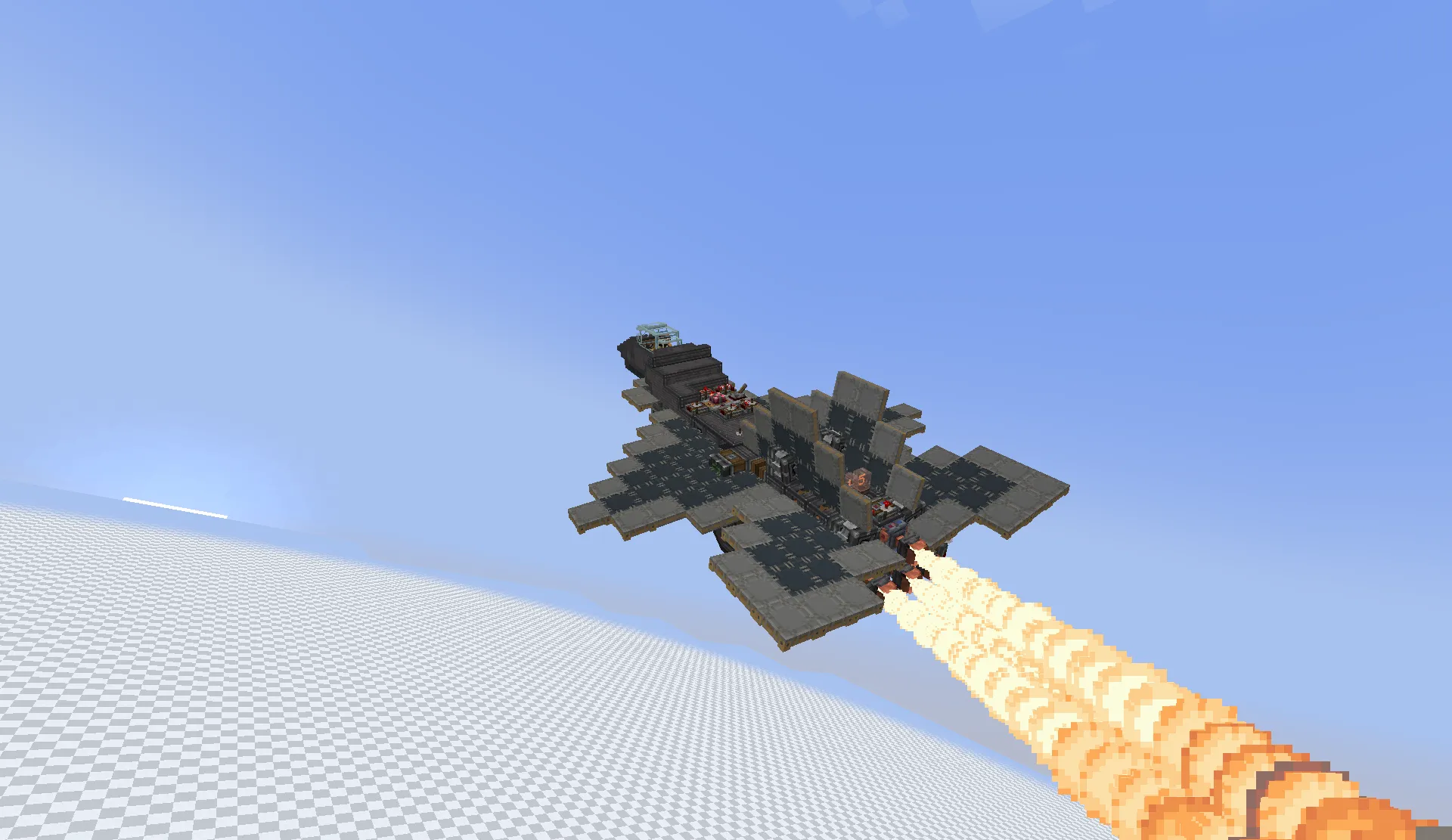
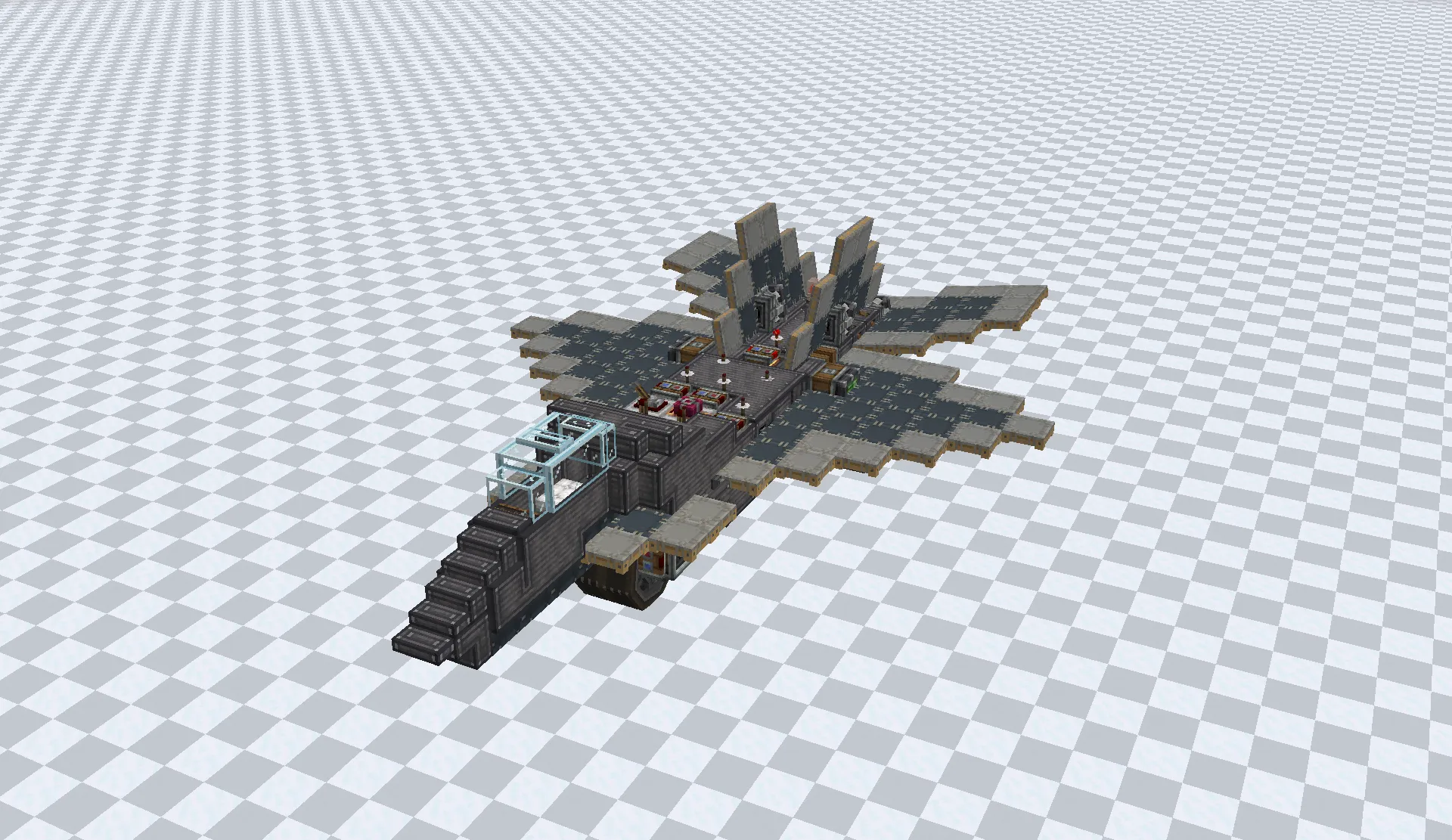
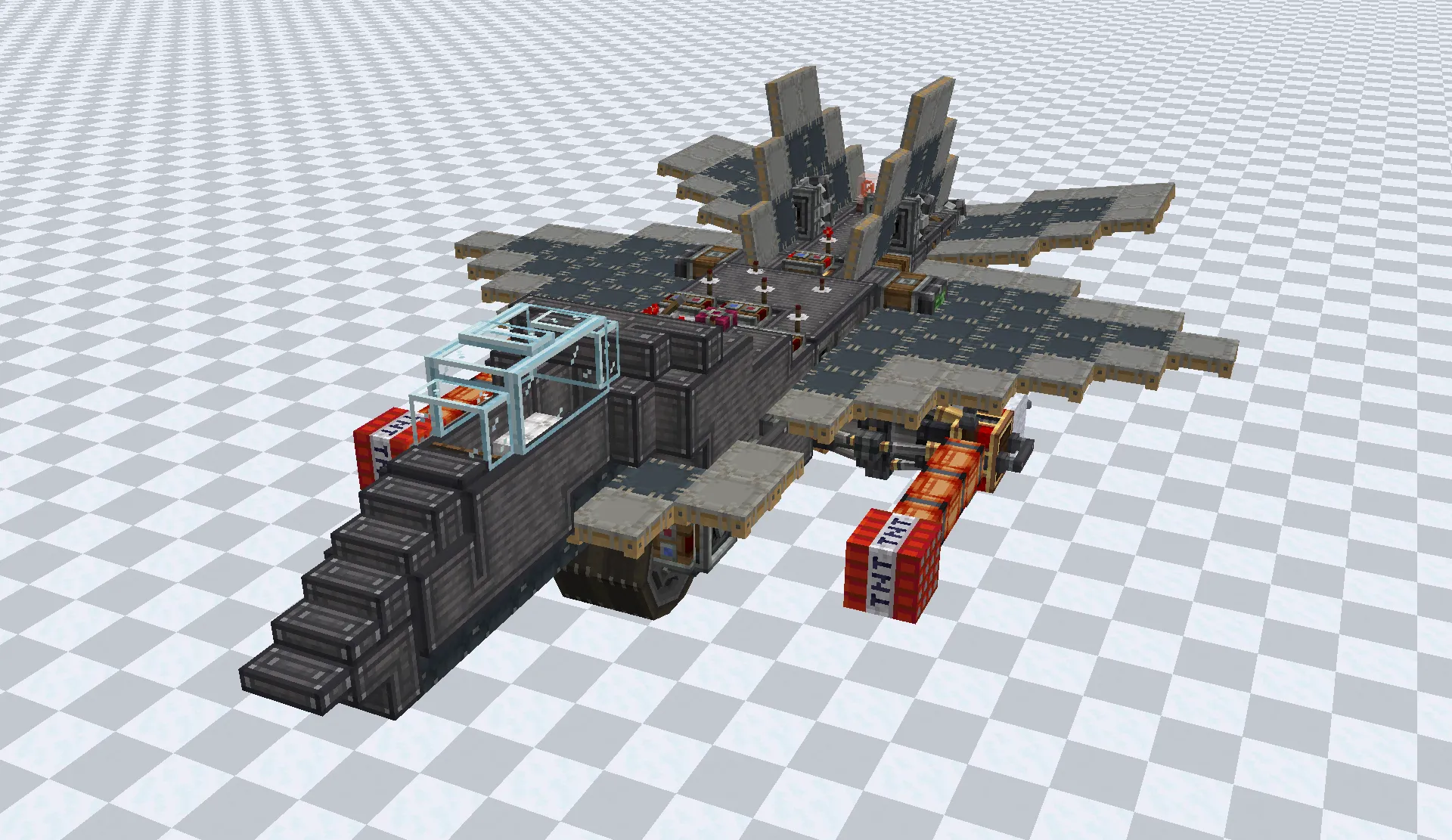
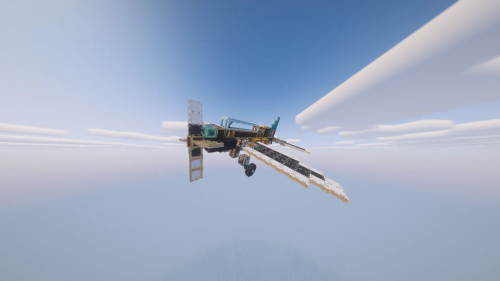
F22 Raptor Schematic gives you a fully working fighter jet to fly around your Minecraft world. It packs a detailed 23x7x14 block build that looks just like a real plane. You can hop in the pilot seat, fire up the engines, and take to the skies. The jet even drops TNT bombs on targets below.
3D Preview:
Features:
- Working Fighter Jet: This schematic gives you a flyable military plane built from 225 blocks.
- Lets you control the flight path using standard movement keys.
- Adds a bomb-dropping system to attack ground targets from the air.
- Shows off a dark gray design that looks just like a real military aircraft.
- Spits fire from the back engines when you turn on the thrusters.
Schematic Specs:


 Top Blocks Used
Industrial Plating Block 41Gray Sail 25Light Gray Sail 20Redstone Link 18Copycat Block 17
Configuration:
liquid thrusters power: set this value to 3333 so the jet flies correctly.
How to Use:
- Press Space or Shift to turn on the jet engines.
- Use W and S to pitch the plane up and down.
- Press A and D to turn the aircraft left and right.
- Hold Q and E to fly the jet sideways.
- Press R to drop TNT bombs on the ground.
Screenshots:
Requirements:
 Create Mod Required
dndecor Required
copycats Required
simulated Required
createpropulsion Required
createdieselgenerators Required
createcasing Required
connectedglass Required
aeronautics Required
offroad Required
kineticgrip Required
F22 Raptor Schematic Download Links
For Minecraft 1.21.x
Click to rate this post!
[Total: 0 Average: 0]
You May Also Like



This post has no comments yet. Be the first — your comment will appear here.