


Default World Type Mod (26.1.2, 1.20.1) – Change World Type for Creating a New World

 0
0  April 17, 2026
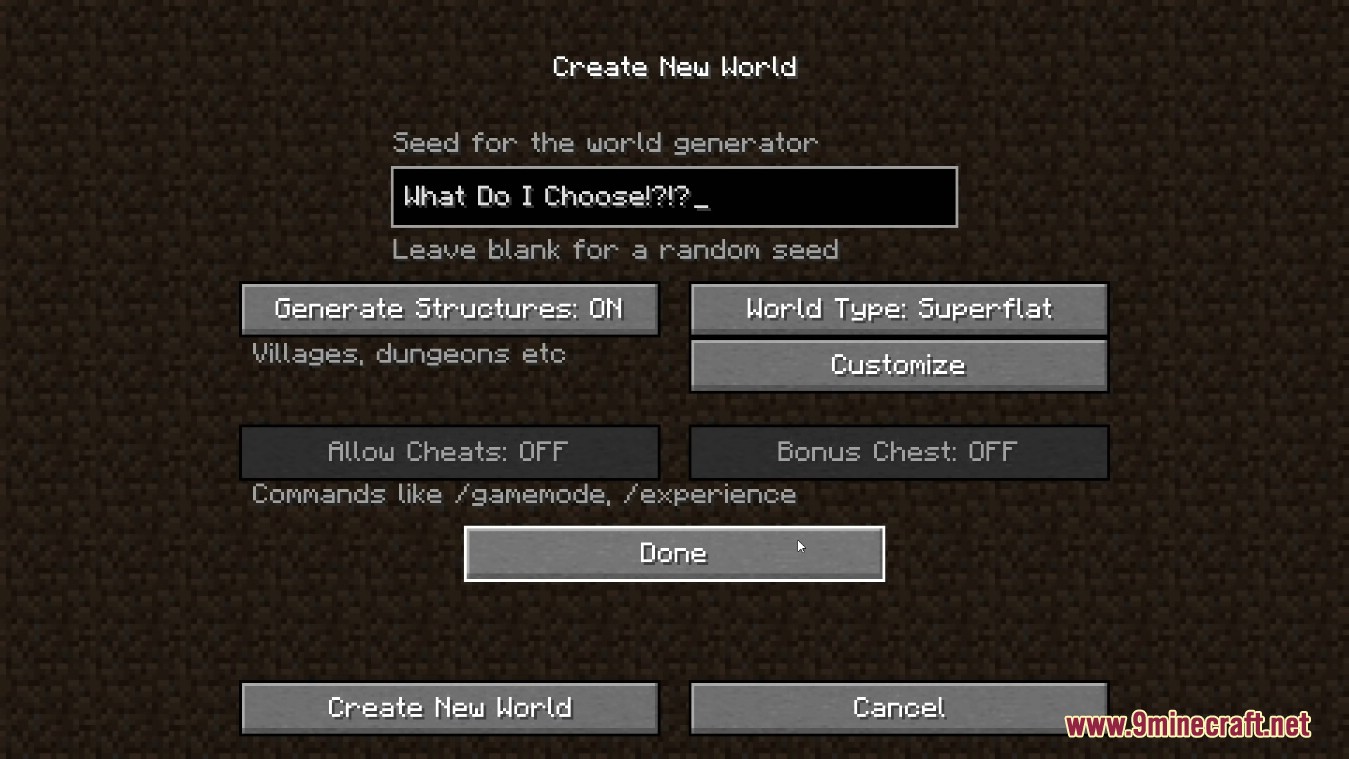
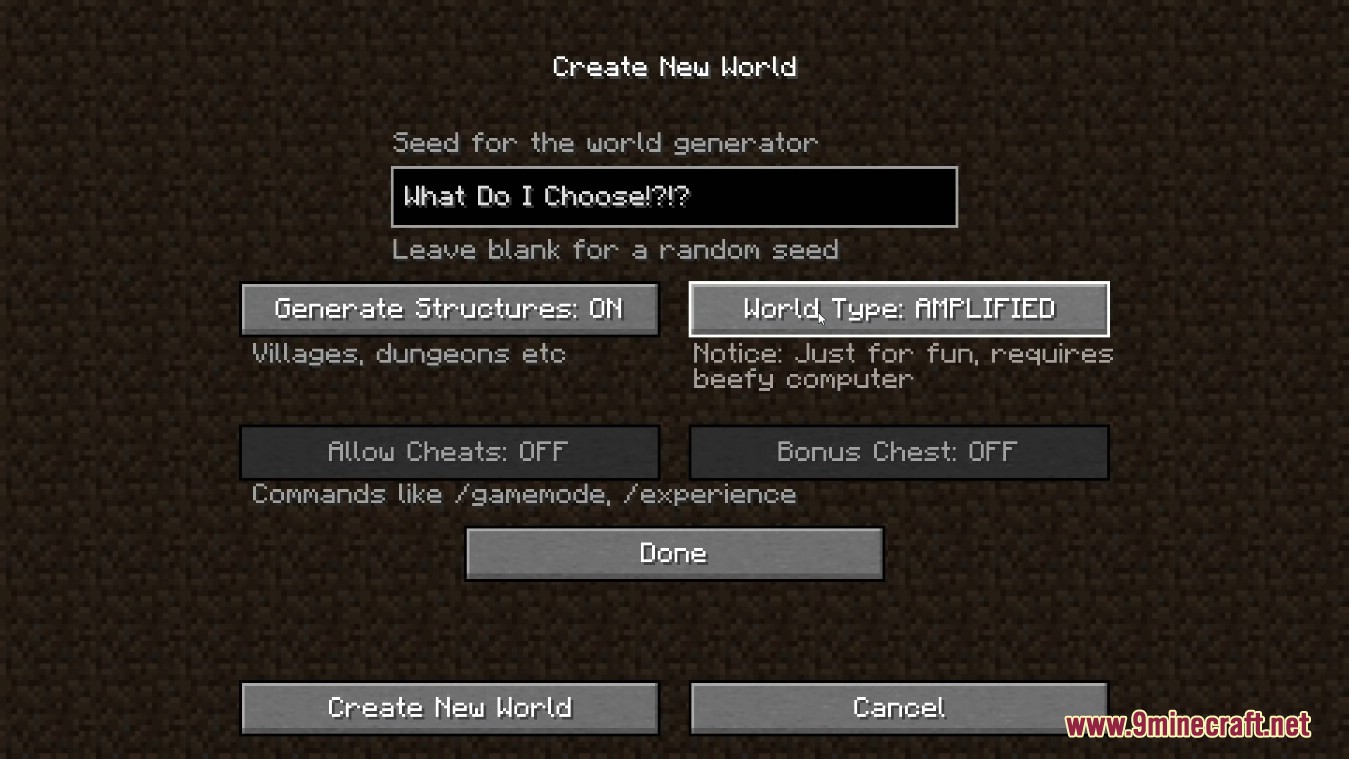
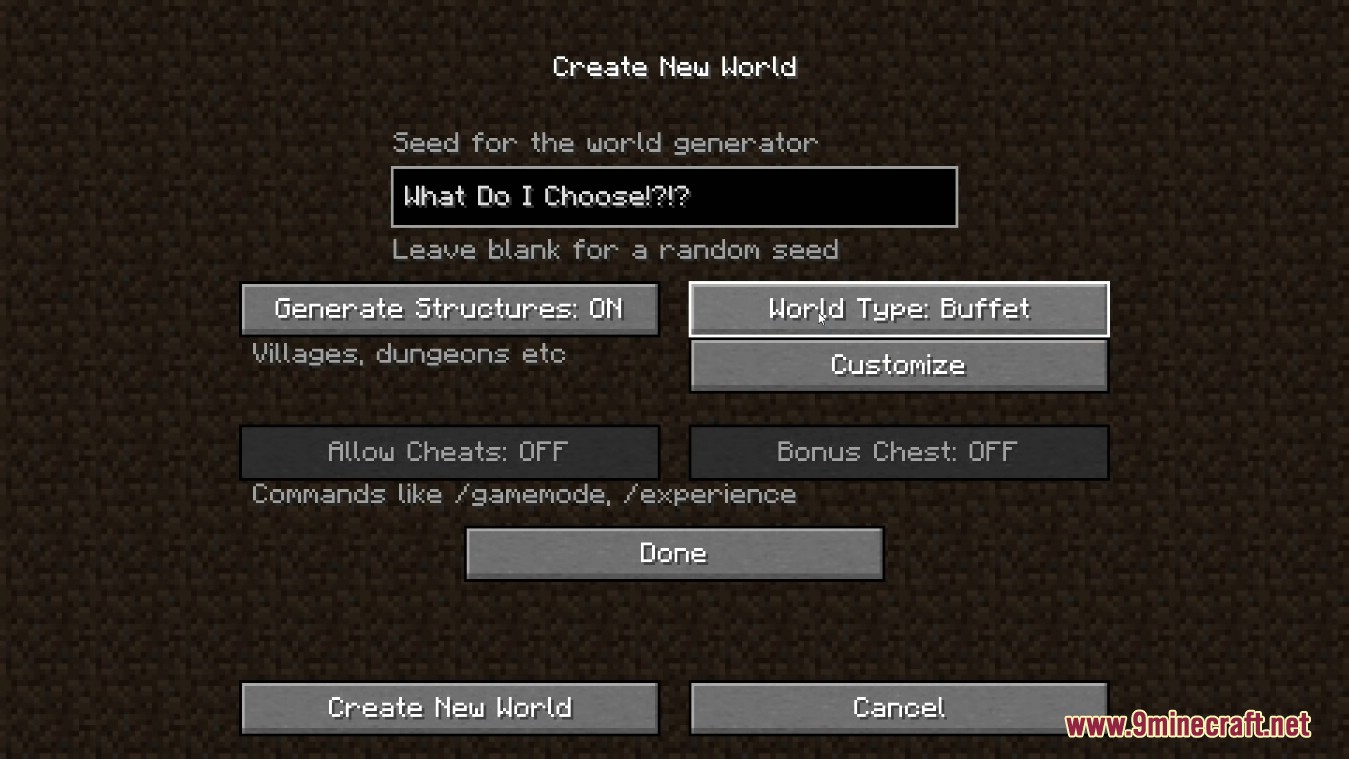
With Default World Type Mod you can set the world type which is selected by default when creating a New World. Example: you have Garden of Glass installed and set the value in the client config to “botania-skyblock”. When creating a new world, the user don’t need to change the world type for itself to that type. With this, accidentally generating the wrong world will not happen. Or it’s just less possible. The mod is client only.
Features:
- Allows you to set a specific world type (e.g., Skyblock, Amplified, etc.) as the default option when creating a new world.
- Ideal for modpack creators who want to ensure players generate worlds with the intended settings.
- The mod works on the client side, making it easy to configure without server-side requirements.
- Reduces the chances of accidentally generating the wrong world type.
Screenshots:
Wiki:
How to Install:
New to Minecraft? Follow our step-by-step guide to install Mods on your PC.View Guide
Requirements:


Default World Type Mod Download Links
For Minecraft 26.1.2, 26.1.1, 26.1
For Minecraft 1.21.11
For Minecraft
1.21.10,
1.21.9,
1.21.8
All Versions Covered
1.21.10
1.21.9
1.21.8
1.21.7
1.21.6
1.21.5
1.21.4
1.21.3
All Versions Covered
1.21.10
1.21.9
1.21.8
1.21.7
1.21.6
1.21.5
1.21.4
1.21.3
For Minecraft
1.21.8,
1.21.7,
1.21.6
All Versions Covered
1.21.8
1.21.7
1.21.6
1.21.5
1.21.4
1.21.3
All Versions Covered
1.21.8
1.21.7
1.21.6
1.21.5
1.21.4
1.21.3
For Minecraft 1.21.5
For Minecraft 1.21.4, 1.21.3
For Minecraft 1.21.2, 1.21.1, 1.21
For Minecraft 1.20.1, 1.20
For Minecraft 1.19.3
For Minecraft 1.19.2
For Minecraft 1.19.1
For Minecraft 1.19
For Minecraft 1.16.5
For Minecraft 1.15.2
Click to rate this post!
[Total: 0 Average: 0]
You May Also Like





This post has no comments yet. Be the first — your comment will appear here.