
Default World Type Mod (26.3, 1.20.1) – Never Spawn in the Wrong World Type

 0


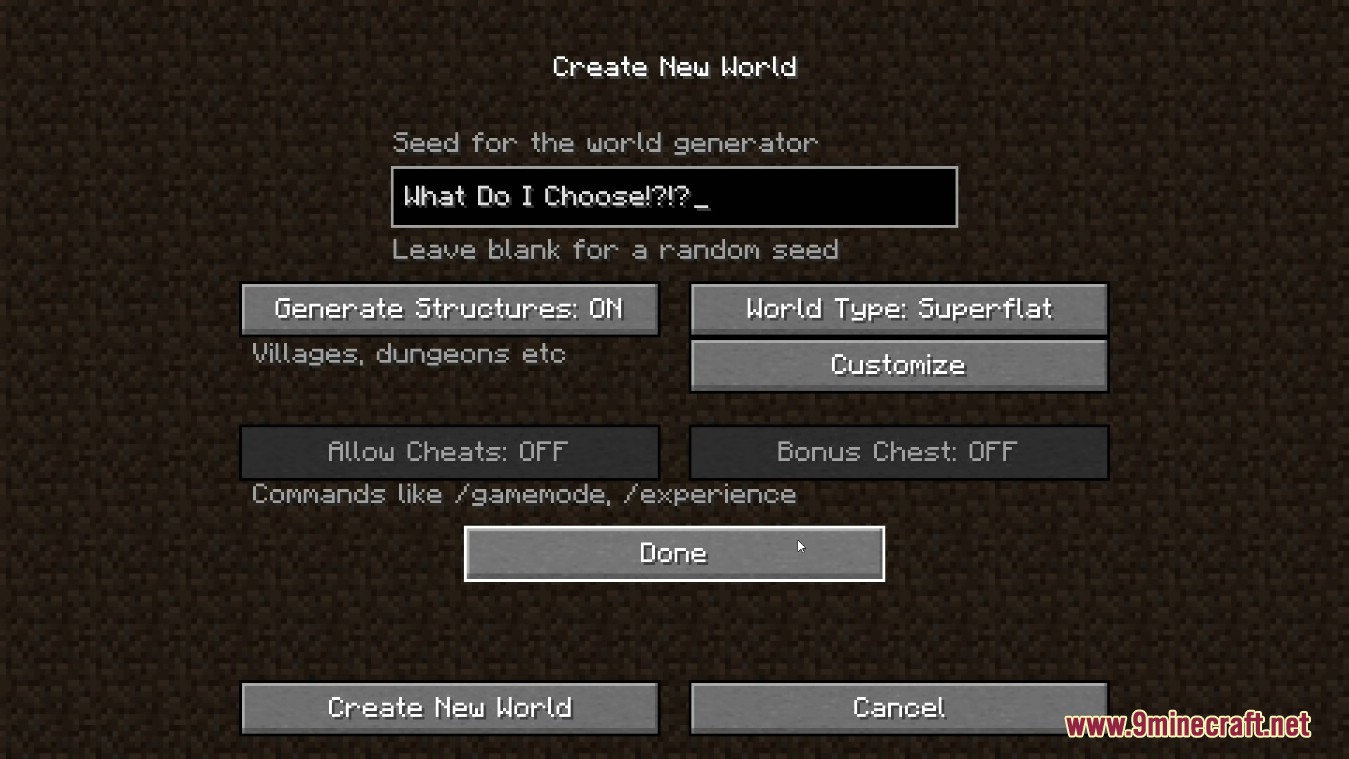
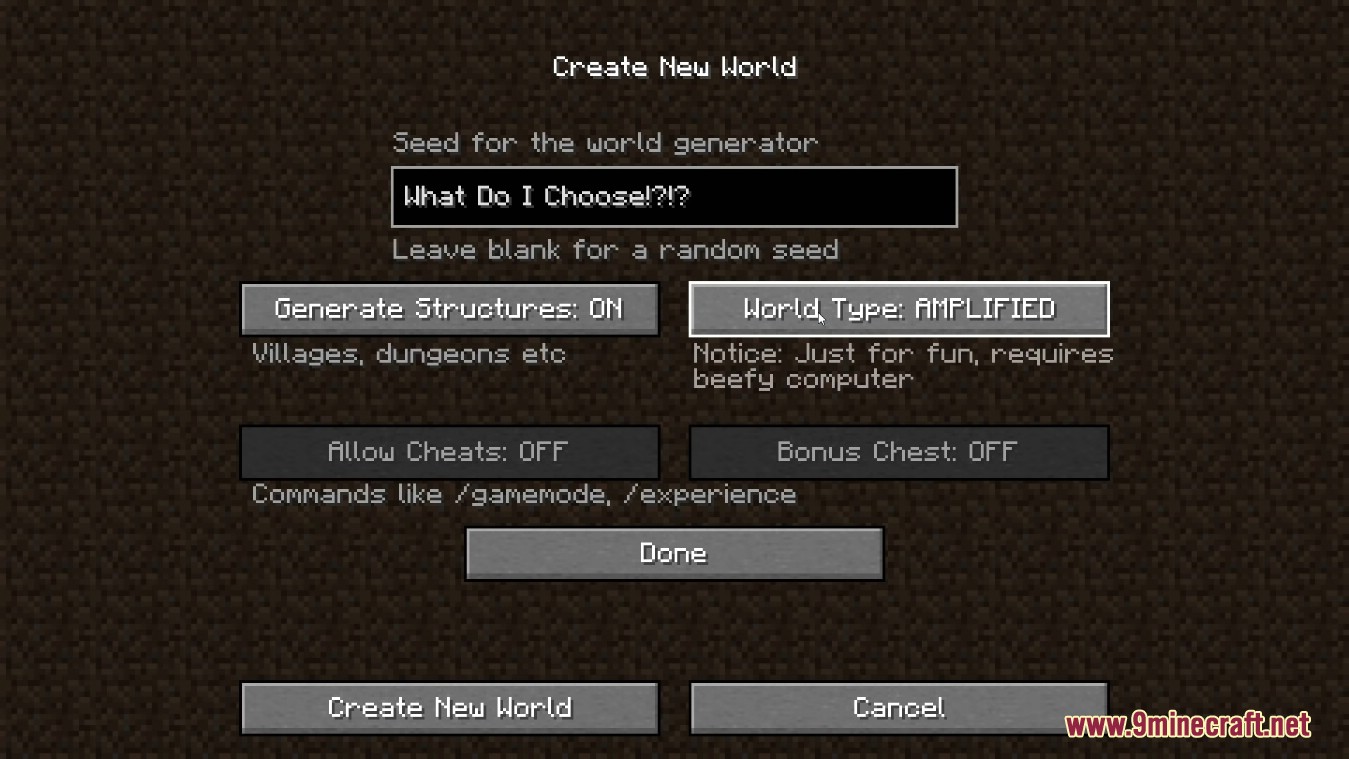
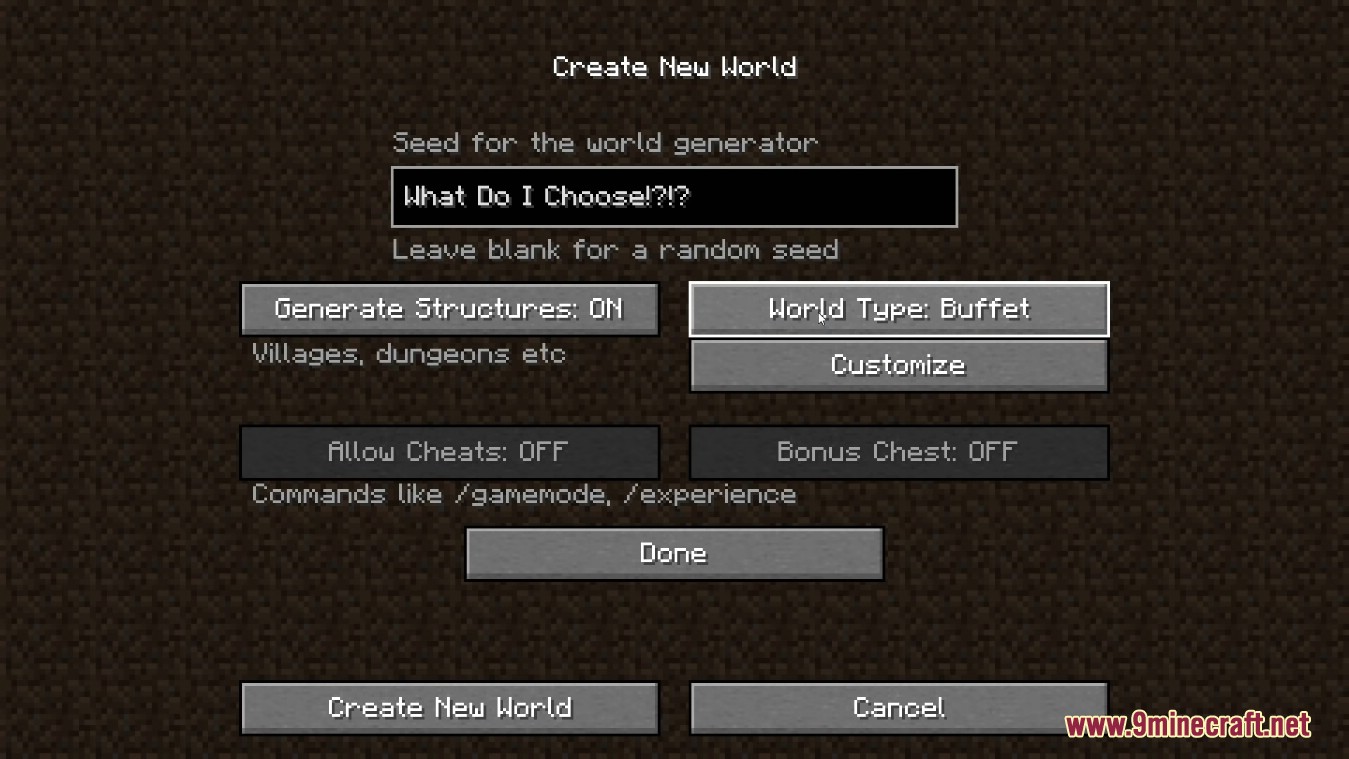
Default World Type Mod lets you choose which world type shows up by default on the Create New World screen. You can set it to pick options like Superflat, Amplified, Buffet, or skyblock presets from Garden of Glass and Skyblock Builder. Players do not have to switch the world type by hand, which makes starting in the wrong world much less likely. This mod works well for modpacks and runs on the client side only.
Features:
- Lets you set a specific world type, such as Superflat, Amplified, Buffet, or Skyblock, as the default pick on the Create New World screen.
- Helps modpacks start players off with the right world settings without extra steps.
- Lowers the chance of creating a new world with the wrong world type by mistake.
- Generates a file listing all allowed config values as soon as you open the Create New World screen.
- Runs only on the client side, so you do not need to install it on a server; servers can use
servers.propertiesor the Default Server Properties mod instead.
Configuration:
botania-skyblock: Sets the client config to use the Garden of Glass skyblock world type by default.skyblockbuilder:skyblock: Sets the client config to use the Skyblock Builder skyblock world type by default.
How to Use:
- Open the Create New World screen once in Minecraft; the mod automatically generates a file listing all allowed config values.
- Open the client config file and enter the world type value you want from that list, such as
skyblockbuilder:skyblockorbotania-skyblock. - Return to the Create New World screen to see your chosen world type already selected by default.
Screenshots:
How to Install:
New to Minecraft? Follow our step-by-step guide to install Mods on your PC.View Guide
Requirements:


Default World Type Mod Download Links
For Minecraft 26.3
For Minecraft 26.2
For Minecraft 26.1.2, 26.1.1, 26.1
For Minecraft 1.21.11
For Minecraft
1.21.10,
1.21.9,
1.21.8
All Versions Covered
1.21.10
1.21.9
1.21.8
1.21.7
1.21.6
1.21.5
1.21.4
1.21.3
All Versions Covered
1.21.10
1.21.9
1.21.8
1.21.7
1.21.6
1.21.5
1.21.4
1.21.3
For Minecraft
1.21.8,
1.21.7,
1.21.6
All Versions Covered
1.21.8
1.21.7
1.21.6
1.21.5
1.21.4
1.21.3
All Versions Covered
1.21.8
1.21.7
1.21.6
1.21.5
1.21.4
1.21.3
For Minecraft 1.21.5
For Minecraft 1.21.4, 1.21.3, 1.21.2
For Minecraft 1.21.1, 1.21
For Minecraft 1.20.1, 1.20
For Minecraft 1.19.3
For Minecraft 1.19.2
For Minecraft 1.19.1
For Minecraft 1.19
For Minecraft 1.16.5, 1.16.4, 1.16.3
For Minecraft 1.15.2
Click to rate this post!
[Total: 0 Average: 0]
You May Also Like
Picked for this page
 Replay Mod (26.3, 1.20.1) – Record, Relive, Share Your Experience
 CleanView Mod (1.21.11, 1.20.1) – No More Swirlies
 The Magic Mirror Mod (26.3, 1.20.1) – A Mirror that is Magic
 Elytra Chestplate Swapper Mod (26.3, 1.20.1) – Functionality to Keystroke
 Pufferfish’s Skills Mod (26.3, 1.20.1) – Level Up Your Abilities
 Remove Reloading Screen Mod (26.3, 1.20.1) – Background Resource Pack Loading
 ToolTip Fix Mod (26.1.2, 1.21.1) – Automatic Text Wrapping, Improves Readability
 DEUF Refabricated Mod (26.1, 1.20.1) – Duplicated Entity UUID Fixer
 Mini Effects Mod (26.1.2, 1.20.1) – Minimize The Effect HUD
 Fabric Seasons Croptopia Compat Mod (26.2, 1.20.1) – Farm Crops By the Season
 Better Conduit Placement Mod (26.3, 1.20.1) – Placing Conduit Prismarine Blocks Easier
 Particle Animation Lib Mod (26.1.2, 1.20.1) – Library Mod To Create Cool Particle Effects With Ease
Most viewed in Mods over the last 7 days
 Ala Industrial Mod (26.3) – Run Electric Power Grids and Automated Factories
 PleasureCraft Mod (26.3, 1.21.1) – Jenny Mod Remake for Fabric
 Jennycraft Mod (26.3, 1.20.1) – Virtual Girlfriend in Minecraft
 Fapcraft Mod (26.3, 1.12.2) – Comprehensive and Detailed Content
 Jenny Mod (Fapcraft) Official Complete Guide – How to use, Tutorial
 BangCraft Mod (1.20.1) – Jenny, Ellie and Elliot
 Fabric Loader (26.3, 1.20.1) – Fabric Installer for All Minecraft Versions
 The Shooting Star Demo Mod (26.3, 1.20.1) – Vaporize Terrain From Orbit
 Meteor Client Mod (26.3, 1.20.1) – Xray, HUD, Fly
 OptiFine HD (26.3, 1.20.1) – Run Faster, FPS Boost, Shaders Support
 Aristois Client Mod (1.21.4, 1.20.1) – World Class Minecraft Utility
 Prestige Client Mod (1.21.11, 1.21.4) – Powerful Ghost Features for Crystal & Sword PvP
More from Mods
 Rctapi Fix Mod (1.21.1) – Fight Cobblemon Trainers Without Any Server Crashes
 XinexLib Mod (1.21.1) – Keep Your Ultreon Studios Mods Running
 Libvulpes – Fixed Mod (1.12.2) – Launch Rockets with Fewer Bugs
 Freelook Perspective Mod (26.3, 1.21.1) – Watch Your Back While Sprinting
 FAUNA Engine Mod (1.21.1, 1.20.1) – Powering Legendary Dragons
 Avali Nexus Mod (26.3) – Settle Frozen Frontiers with High-Tech Bird Tribes
 Orient’s Hotpot Chronicles Mod (1.20.1) – Boil Fresh Hotpot Meals Over Open Flames
 Far Lands Traveler Mod (26.1.2) – Survive the Long Trek to the Edge of the World
 Beli’s SkyLyrics Mod (1.21.11) – Sing Along to Desktop Tracks Projected in the Night Sky
 Explainstone and Songmelyn Mod (1.21.1) – Broadcast Custom Music Across Your Base
 Rockstar Shaders Mod (26.3) – Cast Ray-Traced Light Across Vast Distant Horizons
 ERYDON Mod (1.20.1) – Design Grand Courtyards with Carved Marble Pillars

This post has no comments yet. Be the first — your comment will appear here.