


Loot Beams Up Mod (1.21.4, 1.20.1) – هایلایت کردن لوتهای کمیاب

 0
0 

🌐 شما این مقاله را به فارسی میخوانید. میخواهید تغییر دهید؟
📖 خواندن به انگلیسی (اصلی)یا زبان مورد نظر خود را انتخاب کنید:
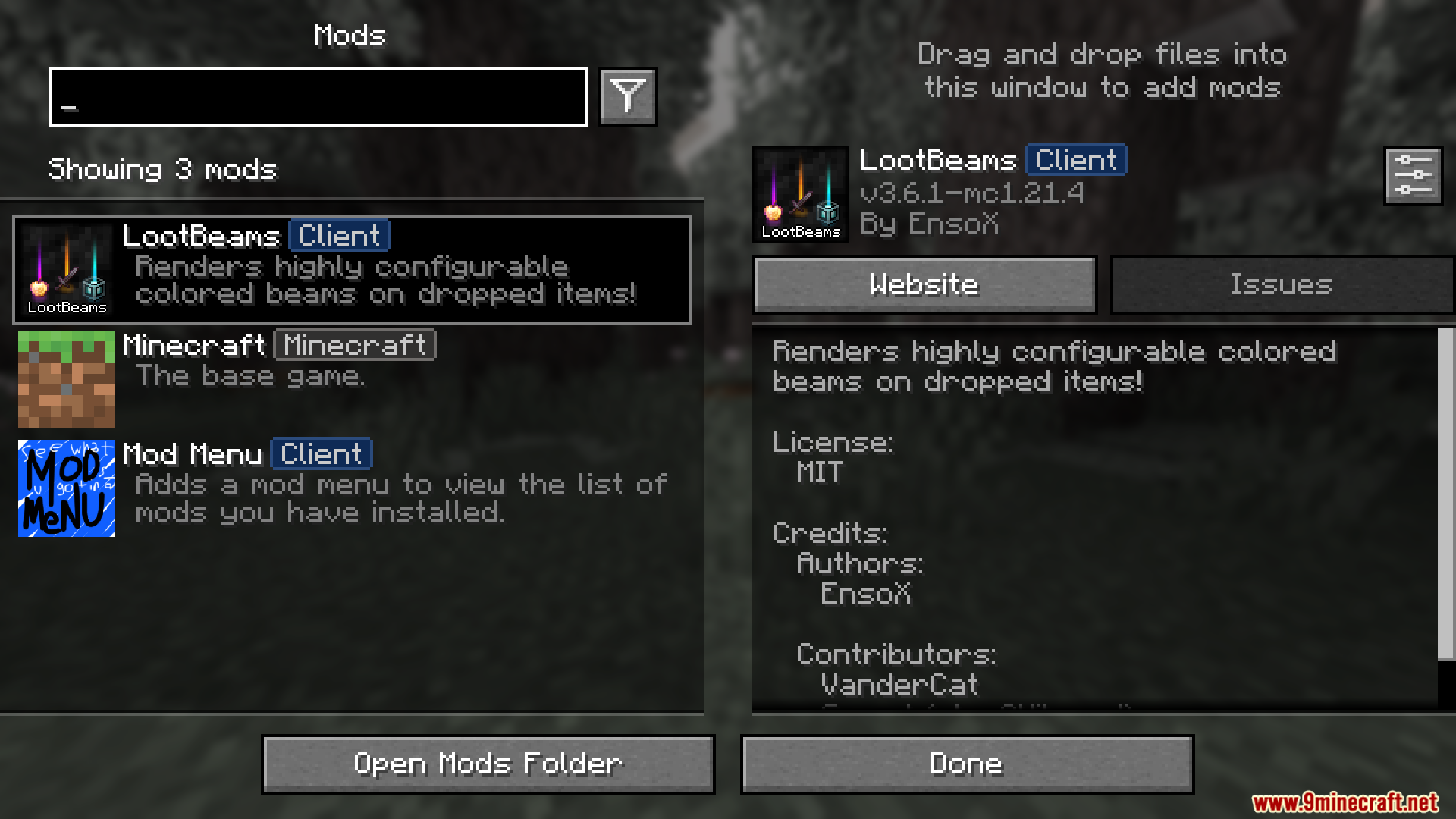
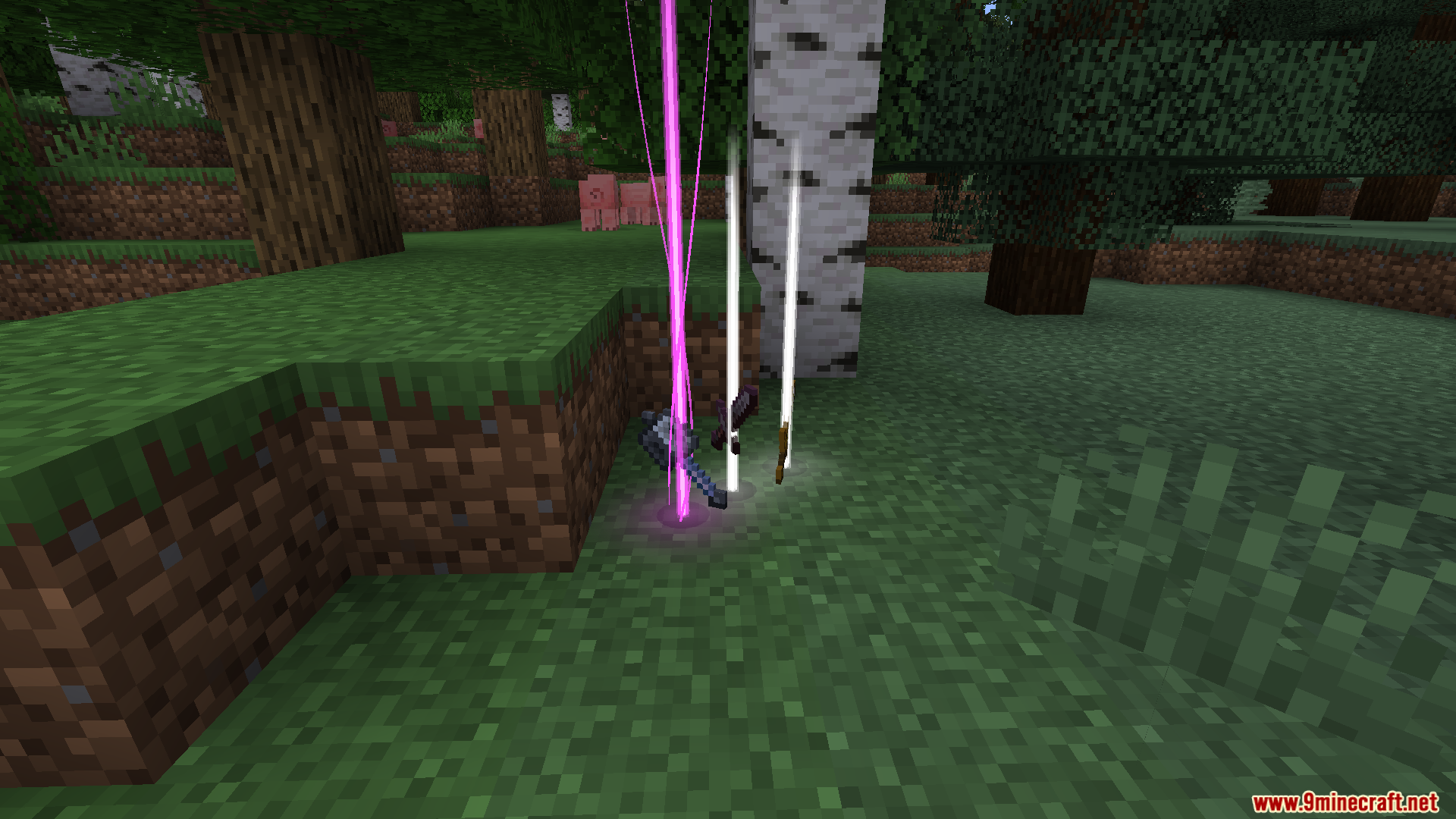
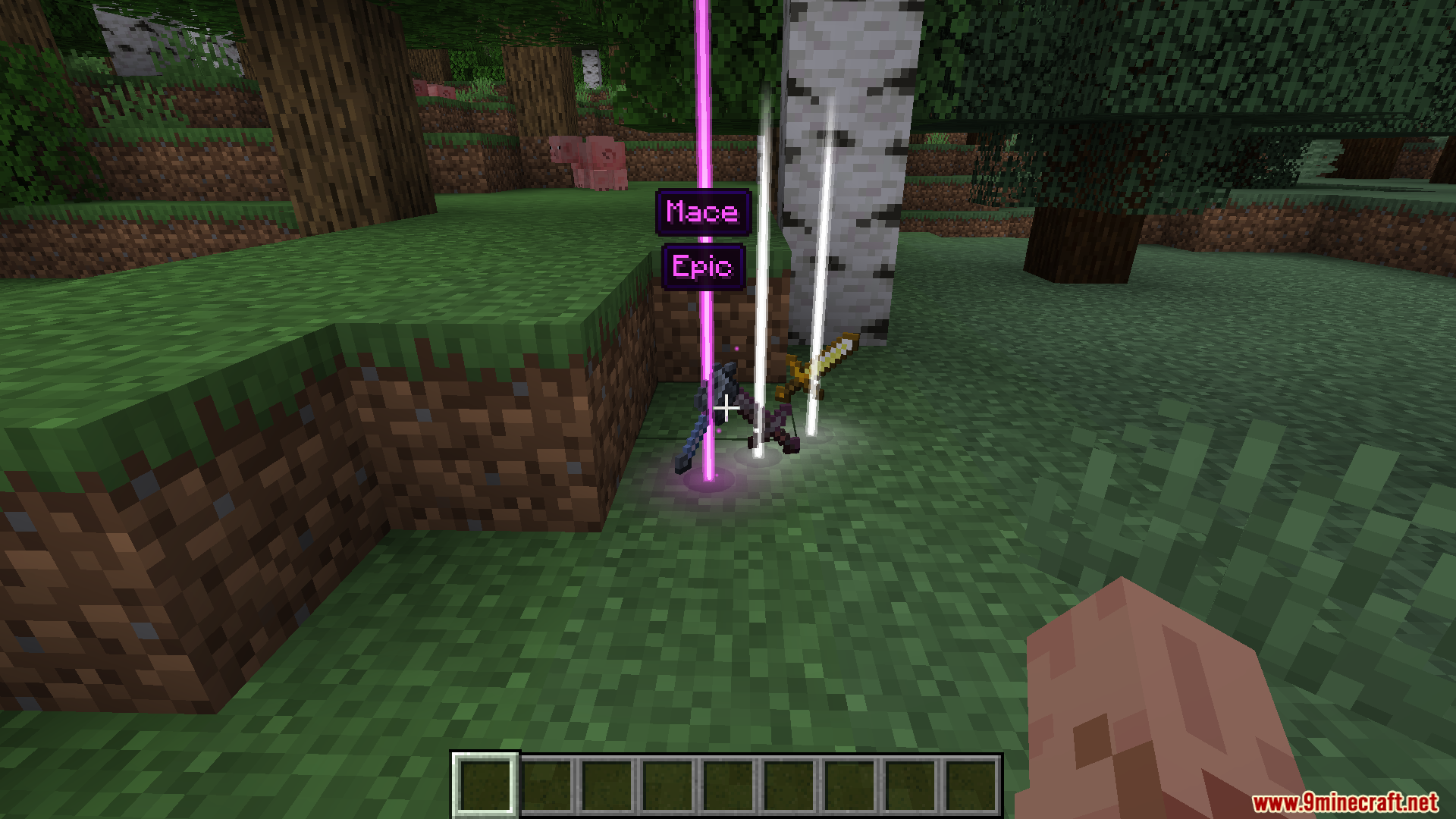
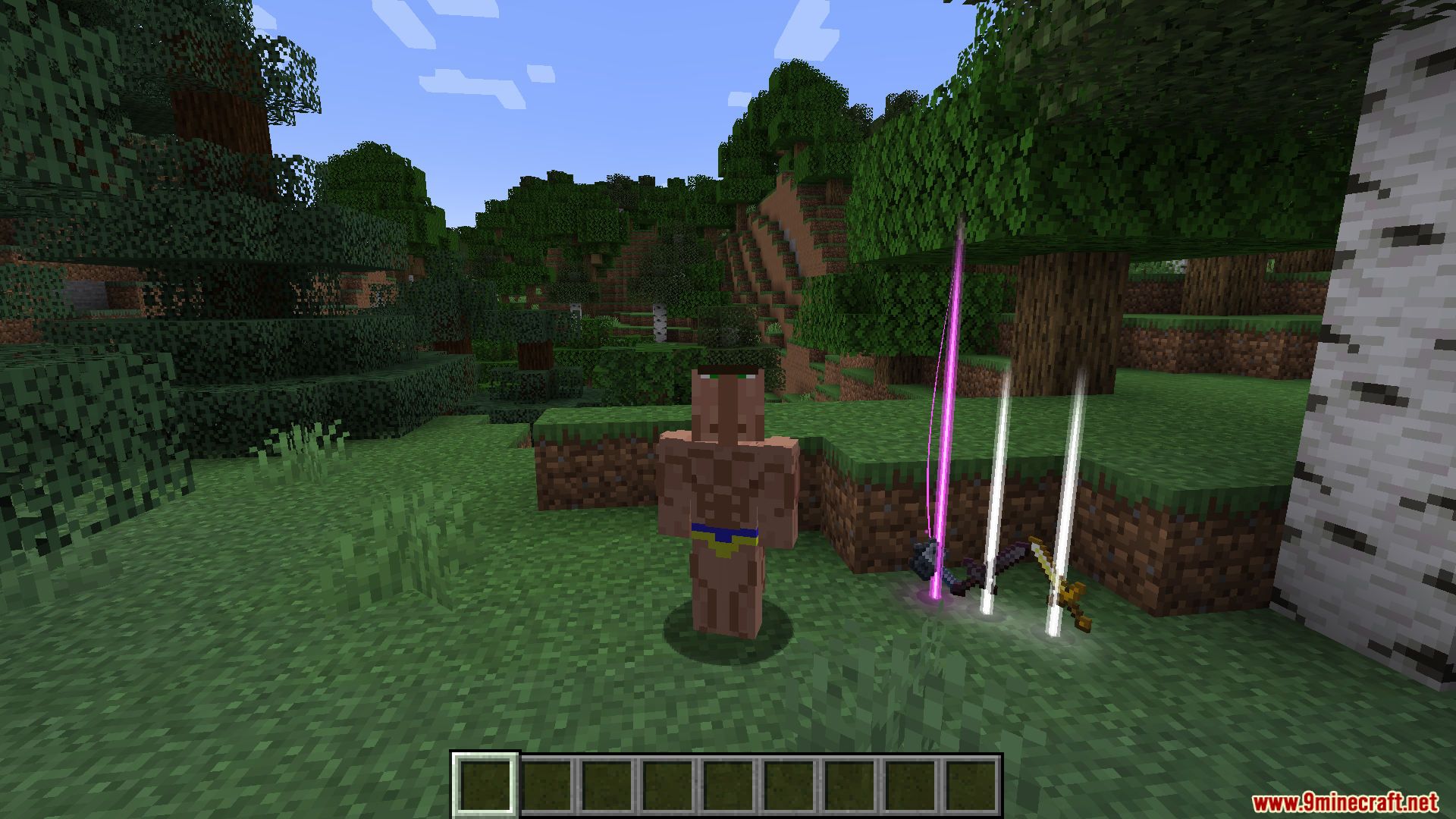
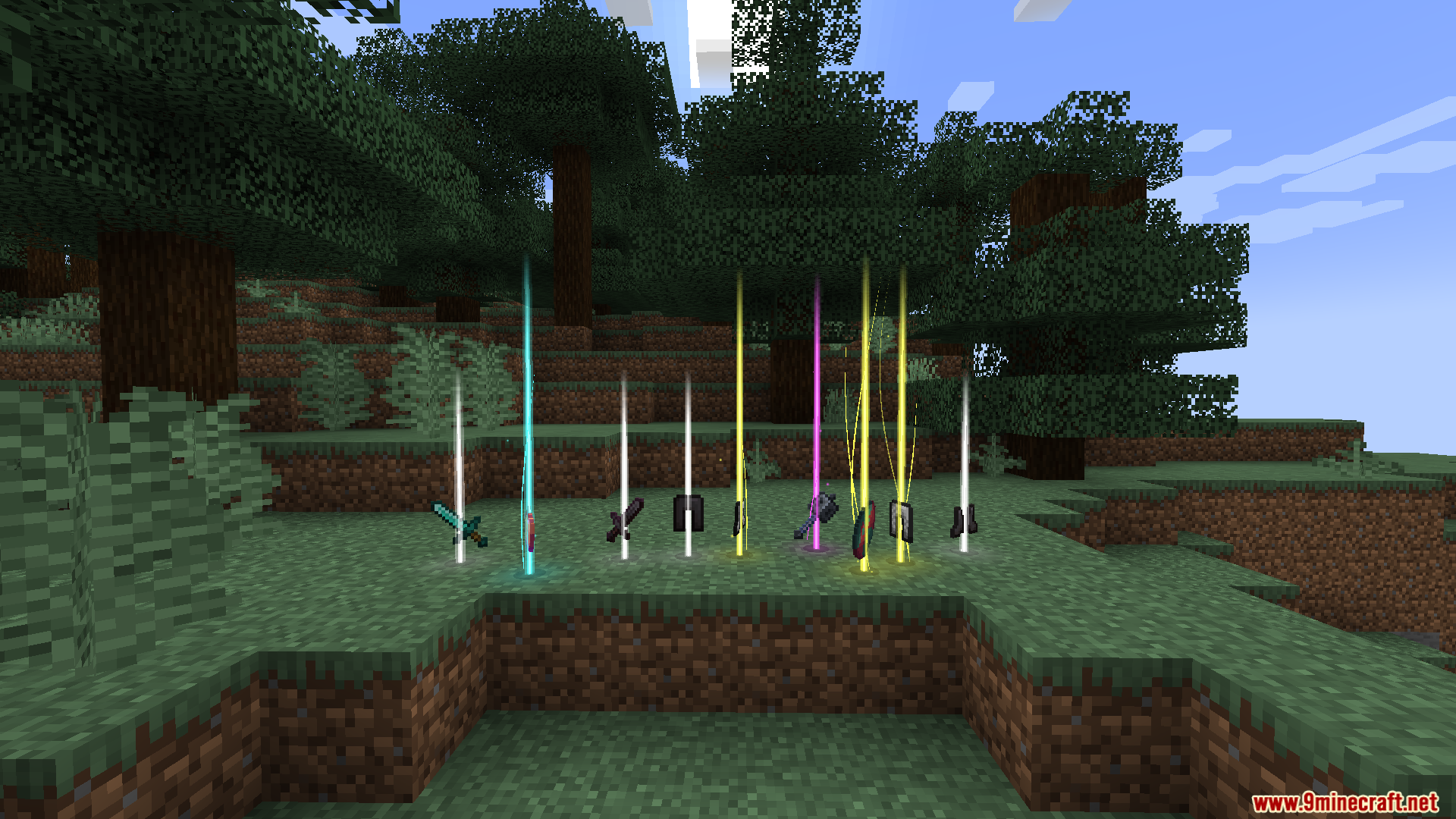
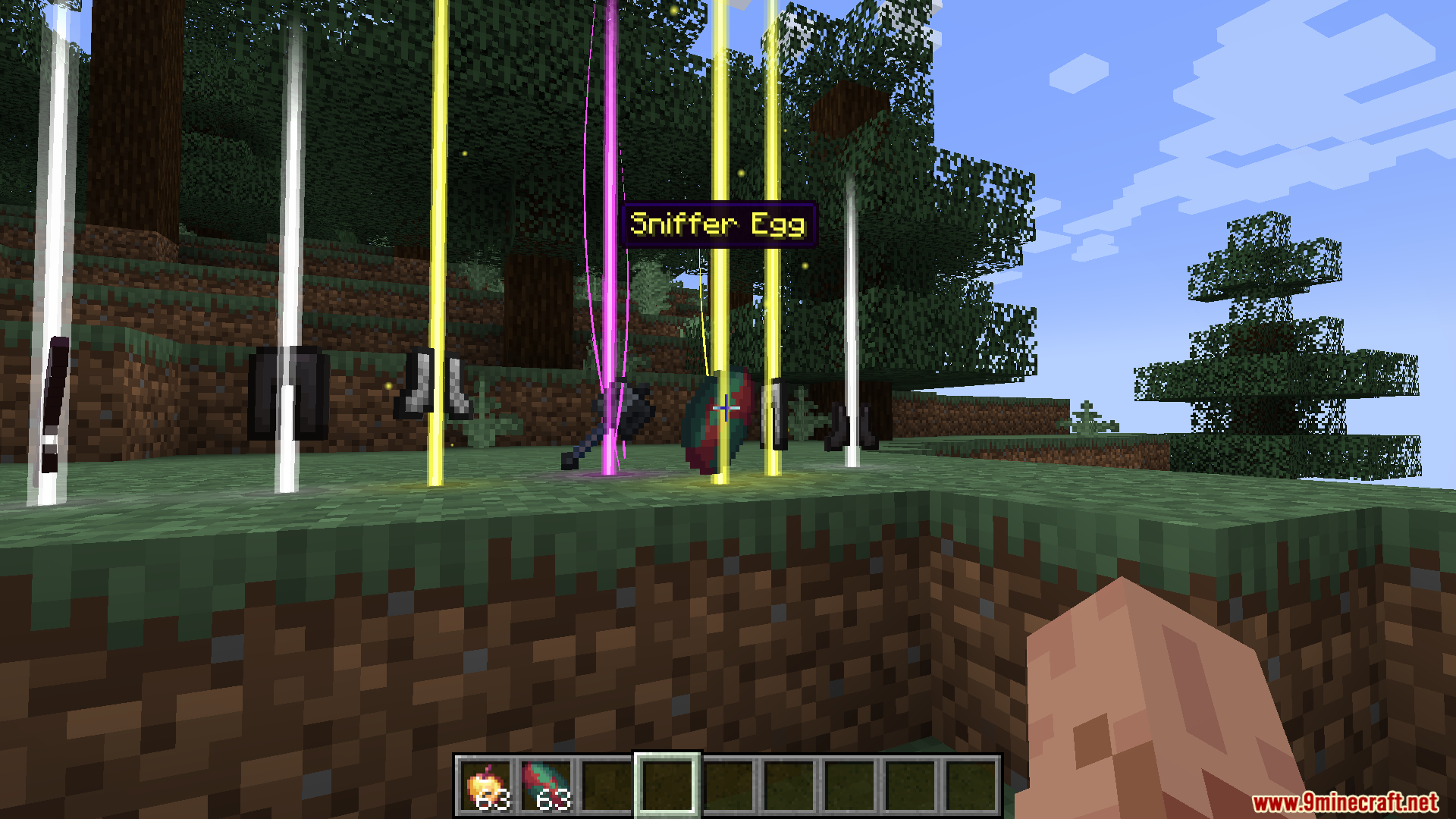
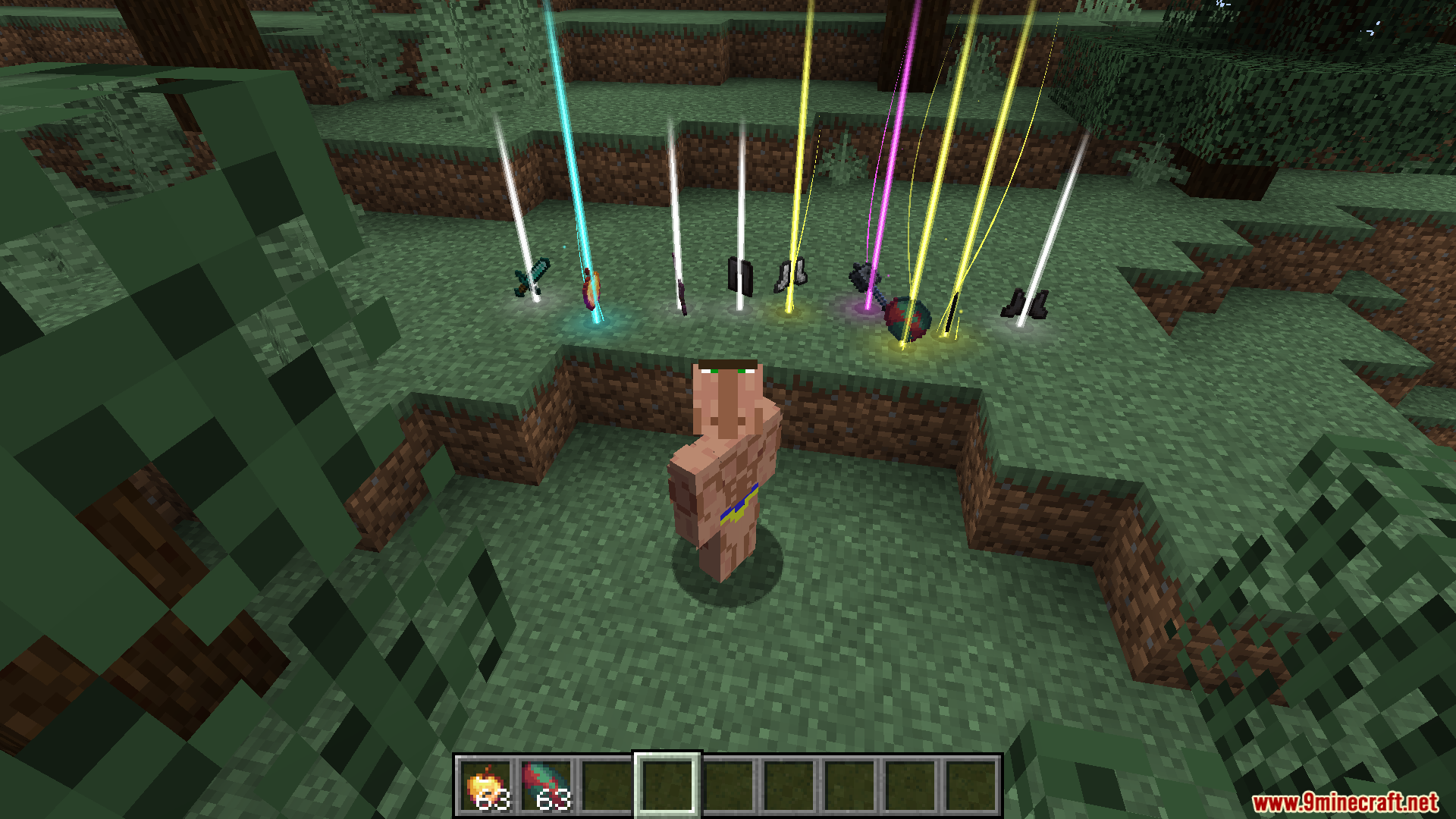
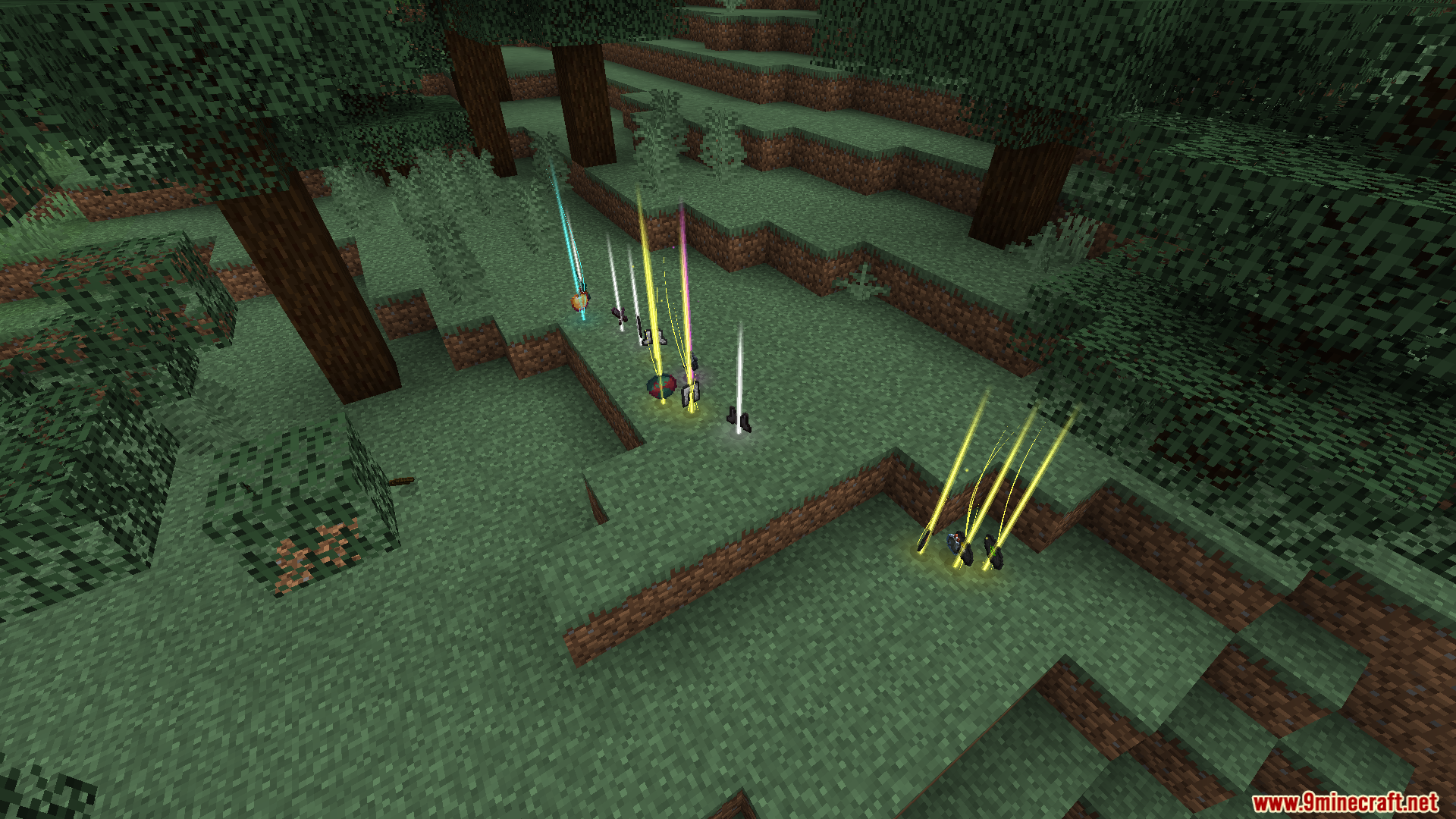
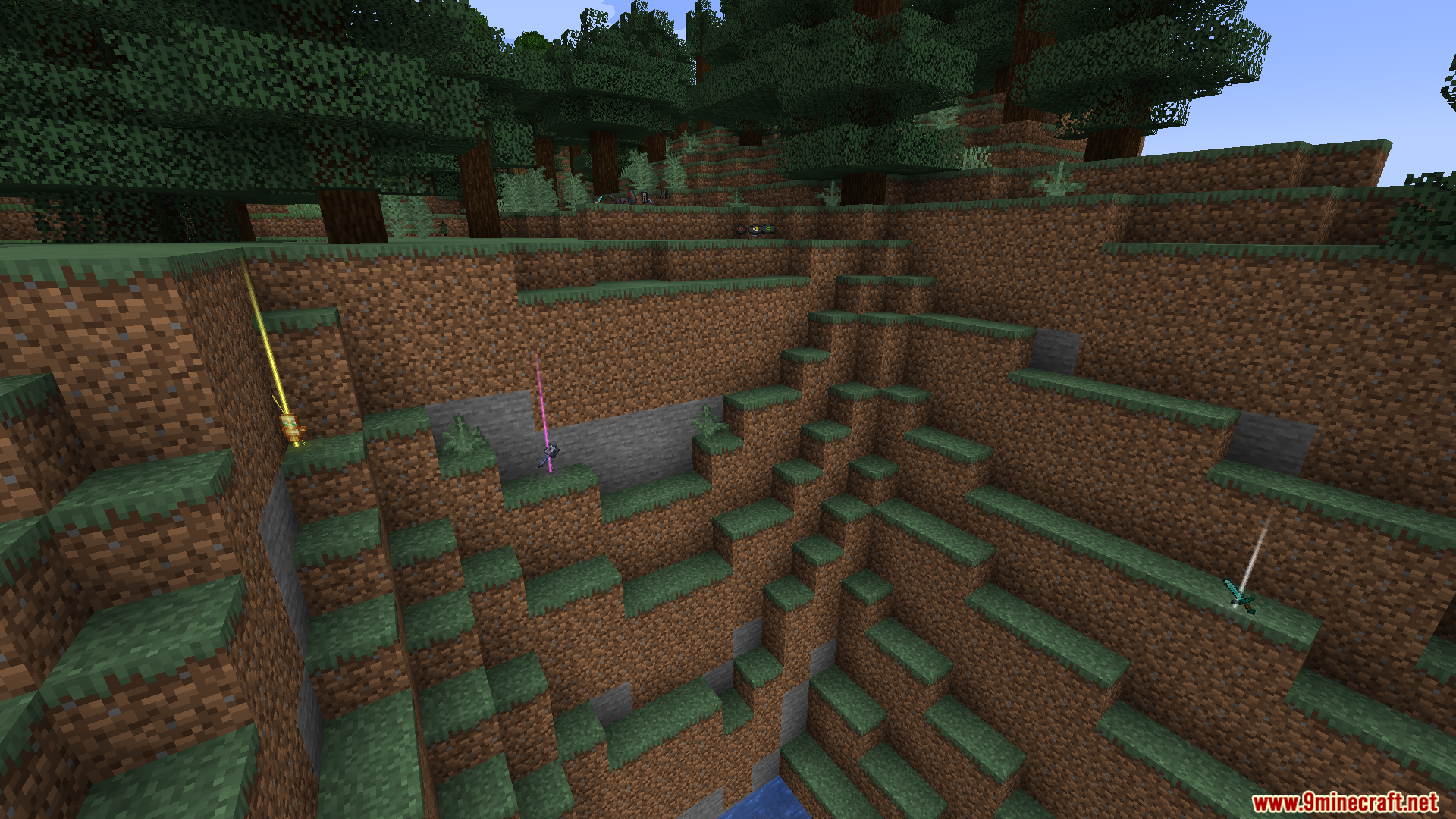
Loot Beams Up Mod پرتوهای نوری رنگارنگی را بالای آیتمهای روی زمین اضافه میکند تا پیدا کردن لوتها برایتان آسان شود. رنگ این پرتوها بسته به نام یا میزان کمیاب بودن (Rarity) آیتم تغییر میکند. همچنین این ماد وقتی به یک آیتم نگاه میکنید، نام آن را نمایش میدهد تا بدون نیاز به برداشتن، بفهمید چه چیزی روی زمین افتاده است.
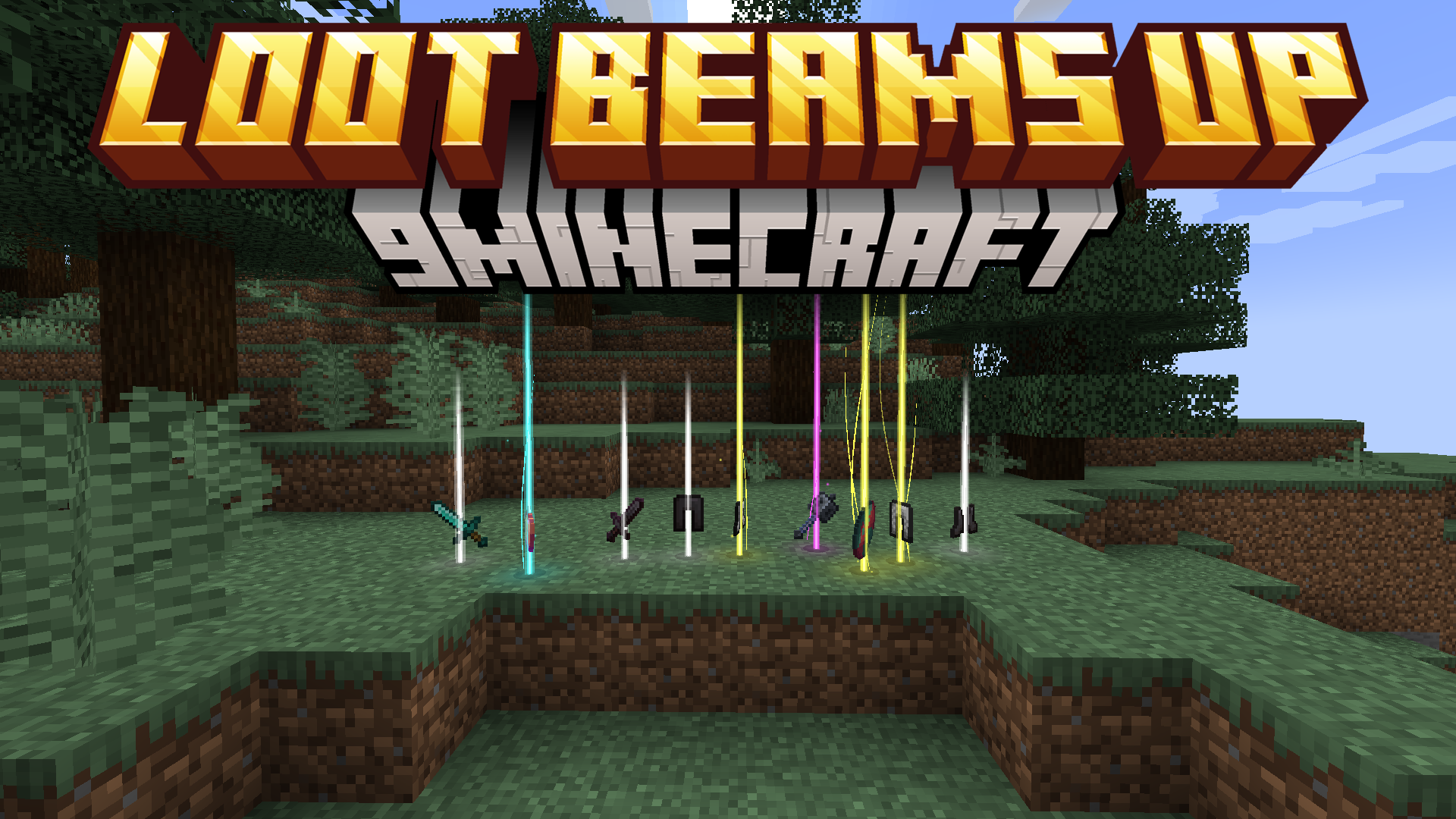
ویژگیها:
- اضافه کردن پرتوهای نوری درخشان و رنگی به تمام آیتمهای روی زمین برای دید بهتر.
- قابلیت شخصیسازی رنگ پرتوها بر اساس نام آیتم، Rarity یا تگهای خاص NBT.
- نمایش نام آیتم بالای آن هنگام نگاه کردن یا نشستن (Crouch) در نزدیکی آن.
- دارای سیستم مدیریت Preset برای ذخیره و بارگذاری تنظیمات دلخواه پرتوها.
- امکان اضافه کردن بافتهای پارتیکل سفارشی و افکت درخشش روی زمین از طریق ریسورس پک.
- دارای پرتوهای متحرک و استایل رندر ویژه “Droplight”.
- قابلیت محو شدن (Fade) پرتوها با نزدیک شدن به آنها.
- قابل استفاده در سرورهای وانیلا به عنوان یک ماد سمت کلاینت (Client-side).
دستورات (Commands):
- از دستور
/lootbeams item-custom-config availableبرای مشاهده لیست گزینههای پیکربندی قابل اعمال روی آیتمها استفاده کنید.
نحوه استفاده:
- آیتمهایی که روی زمین میافتند به صورت خودکار یک پرتو نوری نشان میدهند.
- برای دیدن نام آیتم، مستقیماً به آن نگاه کنید یا در نزدیکی آن Crouch کنید.
- به صورت پیشفرض با زدن کلید Numpad 5 منوی مدیریت Preset باز میشود که از آنجا میتوانید تنظیمات مختلف را ذخیره یا لود کنید.
اسکرینشاتها:


لینکهای دانلود Loot Beams Up Mod
برای Minecraft 1.21.4
نسخه Fabric/Quilt: دانلود از سرور 1 – دانلود از سرور 2
برای Minecraft 1.21.3, 1.21.2
نسخه Fabric/Quilt: دانلود از سرور 1 – دانلود از سرور 2
برای Minecraft 1.21.1, 1.21
نسخه Fabric/Quilt: دانلود از سرور 1 – دانلود از سرور 2
برای Minecraft 1.20.6, 1.20.5
نسخه Forge: دانلود از سرور 1 – دانلود از سرور 2
برای Minecraft 1.20.4 to 1.20
نسخه Fabric/Quilt: دانلود از سرور 1 – دانلود از سرور 2
برای امتیاز دادن به این پست کلیک کنید!
[Total: 0 Average: 0]
شاید اینها را هم بپسندید


این پست هنوز نظری ندارد. اولین نفر باشید — نظر شما اینجا نمایش داده میشود.